Printer conversion for sublimation transforms a standard inkjet printer into a dye-sublimation printing system by replacing regular ink with disperse dye formulations. These specialized inks sublimate at 350–420°F, bonding permanently with polyester substrates. Only printers using piezoelectric printheads qualify—thermal models destroy sublimation ink chemistry through heat exposure during droplet ejection. Piezoelectric inkjet systems eject ink through mechanical deformation rather than heat, which allows heat-sensitive sublimation dyes to pass through the printhead without chemical damage. [1]
Key Takeaways
- Piezoelectricity-based printheads eject ink through crystal vibration, making them safe for sublimation conversion without heat damage.
- Thermal inkjet systems heat ink to extreme temperatures, destroying sublimation dye chemistry and causing permanent printhead failure.
- Successful conversion requires matching printhead technology, proper ink system preparation, and complete flushing before introducing sublimation ink.
Which Epson Printers Are the Best Candidates for Sublimation Conversion?
Epson supertank printer models rank as top conversion candidates because their refillable ink bottles eliminate cartridge restrictions and allow direct sublimation filling. These printers use a piezoelectric actuator to eject droplets through crystal vibration rather than heat, protecting dye integrity—our guide to the best Epson supertank printers covers compatible models and configurations in detail.
Identifying Compatible Model Features
Piezoelectricity drives droplet ejection by applying electrical charges to ceramic elements that flex and push ink without generating heat. A fixed printhead design means the head stays permanently installed, requiring careful conversion since any contamination affects the printer long-term. Look for MicroPiezo specifications before purchasing.
Cost-Benefit Analysis of Different Models
Cost-per-page drops significantly when converting tank-based printers versus buying dedicated sublimation hardware. Entry-level EcoTank models cost $179–$299, while dedicated sublimation printers start around $400. A refill kit or external tank system reduces operating expenses by 60–90% compared to cartridge replacements.
Success Rates and Common Challenges
Cartridge contamination from mixing regular and sublimation inks causes most conversion failures, leading to clogged nozzles and inconsistent color output. Each nozzle measures microns in diameter, making them extremely sensitive to ink residue. Success rates exceed 90% when using brand-new printers filled exclusively with sublimation ink.
Can You Really Convert a Sublimation Printer Back to Regular Printing?
Reconverting a sublimation printer to standard inkjet printing is technically possible but rarely practical due to persistent cartridge contamination that survives multiple cleaning cycles. A disposable printhead offers slightly better reconversion odds since contaminated heads can be replaced, while fixed printhead models require extensive flushing—see our guide on reversing contamination for detailed procedures.
Flushing Systems and Cleaning Procedures
Refill kit systems and tubing-connected tanks retain dye residue in their lines even after multiple flush cycles. Complete system flushing requires 3–5 cleaning cycles using distilled water followed by specialized flushing fluid. Microscopic dye particles remain embedded in tube walls, complicating full ink removal before reintroducing standard ink.
Permanent Changes and Reversibility Issues
Thermal inkjet printers suffer irreversible damage from sublimation ink because the heater resistor burns dye chemistry during ejection. Piezoelectricity-based systems avoid heat damage but still accumulate residue affecting color accuracy after reconversion. Even successful reconversions show subtle color shifts for 50–100 pages as remaining dye particles clear the system.
When Reconversion Makes Sense
Reconversion makes financial sense only when replacing an ink cartridge costs less than buying a dedicated standard printer. Cost-per-page calculations should factor in cleaning supplies, wasted ink during flushing, and potential quality issues. Maintaining separate printers proves more economical than repeated reconversion attempts.
How Do You Convert an Epson EcoTank for Sublimation Use?
Converting a supertank printer like the Epson EcoTank involves filling built-in reservoirs with sublimation ink bottles instead of standard OEM ink. The tank design eliminates cartridge chip restrictions, making dye-sublimation printing accessible without firmware hacks—our step-by-step EcoTank conversion guide explains complete preparation including ink selection and first-print calibration.
Step-by-Step Tank Preparation Process
Set aside OEM ink bottles that ship with the printer—never open them. Fill each reservoir with corresponding sublimation ink bottles using EcoFill nozzles that prevent air bubbles. A refill kit with syringes offers alternative filling but increases contamination risk. Run 2–3 head cleaning cycles after filling to prime lines.
Choosing Compatible Sublimation Inks
Disperse dye formulations designed for piezoelectric heads ensure proper dye diffusion during heat transfer. Ink viscosity must match printhead specifications—typically 2–5 centipoise for desktop EcoTank models. Mixing ink brands introduces viscosity variations causing inconsistent droplet formation, so commit to one manufacturer’s complete CMYK set throughout the printer’s lifespan.
Initial Setup and Test Printing
Run a nozzle check pattern to verify all print head channels fire correctly without gaps. Missing lines indicate air requiring additional cleaning cycles. Print a color test chart on sublimation paper, then transfer to polyester at 385°F for 45–60 seconds to evaluate true color output before production.
What’s Involved in Converting an Epson Workforce Printer?
Workforce conversions require bypassing the cartridge chip that restricts third-party ink usage, making them more complex than tank models. Each ink cartridge contains an embedded chip communicating fill levels to firmware, while the piezoelectric actuator ensures sublimation compatibility—learn complete Workforce conversion procedures including chip reset methods in our dedicated guide.
Workforce Series Advantages and Limitations
The print head in Workforce models supports paper formats up to 13×19 inches, attracting wide-format sublimation users. However, fixed printhead designs mean conversion mistakes permanently affect the printer. Workforce printers cost more upfront and require ongoing cartridge chip management compared to EcoTank alternatives.
Cartridge vs Tank System Modifications
Standard ink cartridge systems require refillable cartridges with resetable chips or continuous ink supply system conversion. Supertank printer designs bypass these complications with open-reservoir architecture. CISS modifications route external ink bottles through tubing to the printhead, offering high capacity but introducing potential leak points and air bubble issues.
Print Head Compatibility Concerns
Workforce models use piezoelectricity for ink ejection, ensuring sublimation compatibility without heat damage. Thermal inkjet technology in competing brands heats ink to near-boiling temperatures, destroying disperse dye molecular structure. Always verify printhead specifications before purchasing—documentation should explicitly state MicroPiezo or piezoelectric technology.
Can Any Inkjet Printer Be Converted to Sublimation?
Not every inkjet printer supports sublimation—only models with piezoelectric actuator technology safely process disperse dye inks. Thermal inkjet systems use heater resistors that vaporize ink at temperatures destroying sublimation chemistry instantly. This hardware distinction makes printhead type the critical conversion factor—our inkjet guide explains why thermal printers cannot convert and how to identify compatible piezo models.
Understanding Piezoelectric vs Thermal Print Heads
Piezoelectricity generates mechanical pressure through crystal deformation, pushing ink droplets without heat. The heater resistor in thermal printheads superheats ink past 300°C in nanosecond bursts to create vapor bubbles forcing droplets out. This extreme heat causes sublimation ink to prematurely activate and solidify inside the printhead chamber. Piezoelectric inkjet systems use mechanical pressure rather than heat to eject ink droplets, which is why certain Brother printers can handle sublimation inks without chemical damage. [2]
Brand and Model Restrictions
Brother Industries manufactures several piezoelectric printhead models suitable for sublimation, though fewer options exist compared to Epson. HP Inc. primarily uses thermal inkjet across consumer and business lines, making most HP models unsuitable. Canon relies heavily on thermal bubble-jet systems, limiting sublimation options to industrial equipment.
Risk Assessment Before Converting
Cartridge contamination from previous ink creates permanent nozzle blockages no cleaning resolves. A disposable printhead offers protection since contaminated units replace easily, but most piezo printers feature fixed heads requiring complete printer replacement after severe clogs. Assess printhead type, prior ink history, and warranty implications before converting.
How Do Brother Printer Conversions Differ from Other Brands?
Brother printers use piezoelectric actuator technology in select models, making them technically compatible with sublimation conversion. However, Brother’s ink delivery systems feature tubing-connected tanks requiring complete flushing before switching ink types—see our Brother conversion guide for model-specific instructions on piezo printers and compatible ink systems.
Brother-Specific Conversion Requirements
Brother conversions require sublimation ink bottles formulated for Brother printhead specifications, as viscosity requirements differ from Epson. A refill kit designed for Brother cartridges ensures proper filling without air bubbles. Some models require cartridge chip resets similar to Epson Workforce, adding complexity beyond tank-fill conversions.
Ink System Modifications Needed
Standard ink cartridge replacement with refillable sublimation cartridges provides the simplest Brother conversion path. A continuous ink supply system offers higher capacity but requires routing external tubing to the printhead. CISS setups work best for high-volume production where ink savings justify additional setup and maintenance.
Troubleshooting Brother Conversion Issues
Nozzle clogs represent the most common Brother conversion problem, typically caused by air bubbles during filling or cartridge contamination from residual OEM ink. Run multiple cleaning cycles and nozzle checks after cartridge changes. Persistent clogs require manual printhead cleaning with distilled water and lint-free swabs.
Is Converting Older Models Like the Epson 1430 Still Worth It?
The Epson 1430 remains popular for conversion because its fixed printhead uses proven piezoelectric technology compatible with sublimation inks. A cartridge chip reset unlocks third-party ink usage, though print head condition varies on used units—our Epson 1430 guide covers fixed printhead maintenance, chip procedures, and performance expectations for legacy hardware.
Legacy Printer Conversion Benefits
Cost-per-page calculations favor older hardware when printers cost significantly less than current models—used 1430 units sell for $50–$150 versus $250+ for new EcoTanks. Ink bottles work identically in legacy piezo heads. The 1430’s 13×19 inch capability matches expensive wide-format alternatives affordably.
Finding Parts and Supplies for Older Models
Replacement ink cartridge availability decreases as models age, though third-party refillable cartridges remain available for the 1430. The cartridge chip presents the main challenge—OEM chips become scarce, making auto-reset aftermarket chips essential. Printhead replacements cost $150–$300, often approaching prices of newer warrantied printers.
Performance Compared to Newer Options
The piezoelectricity mechanism in the 1430 operates identically to current Epson models, producing comparable quality when the nozzle assembly remains healthy. Older printheads may show wear causing banding that cleaning cannot resolve. Print speeds and driver support lag behind current models, but maintained units match modern output quality.
What About Converting HP Printers for Sublimation?
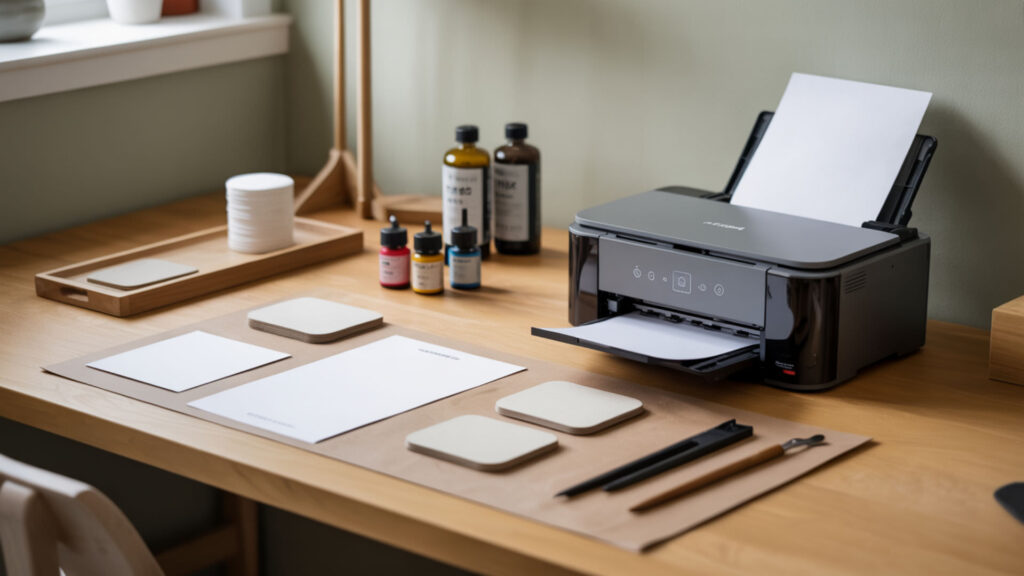
HP printers present the greatest conversion challenge because most use bubble-jet technology—HP’s implementation of thermal inkjet printing. The heater resistor superheats ink to temperatures destroying sublimation dye chemistry, making conversion essentially impossible for consumer models—understand why thermal inkjet prevents HP conversion and explore alternatives in our HP printer guide.
Why HP Conversions Are More Challenging
Thermal inkjet technology heats ink past 300°C in nanosecond bursts, causing sublimation dyes to prematurely activate inside the printhead rather than on transfer paper. This destroys dye molecular structure before reaching the substrate. Cartridge contamination compounds problems as partially activated residue clogs nozzle channels permanently.
Limited Success Models and Workarounds
HP Inc. manufactures industrial large-format printers using piezo technology, but these cost $5,000+ targeting commercial shops. Consumer HP models uniformly use thermal technology with no piezo alternatives. The cartridge chip restrictions add another barrier, preventing third-party ink even if compatible printheads existed.
Alternative Options for HP Users
HP users seeking sublimation should purchase a dedicated supertank printer from Epson rather than attempting conversion. Piezoelectricity-based EcoTank models cost $179–$299 and convert easily. Keeping HP for documents while adding Epson for sublimation proves more reliable and cost-effective than any HP conversion attempt.
How Do the EcoTank ET-2400, ET-8550, and ET-2800 Compare for Conversion?
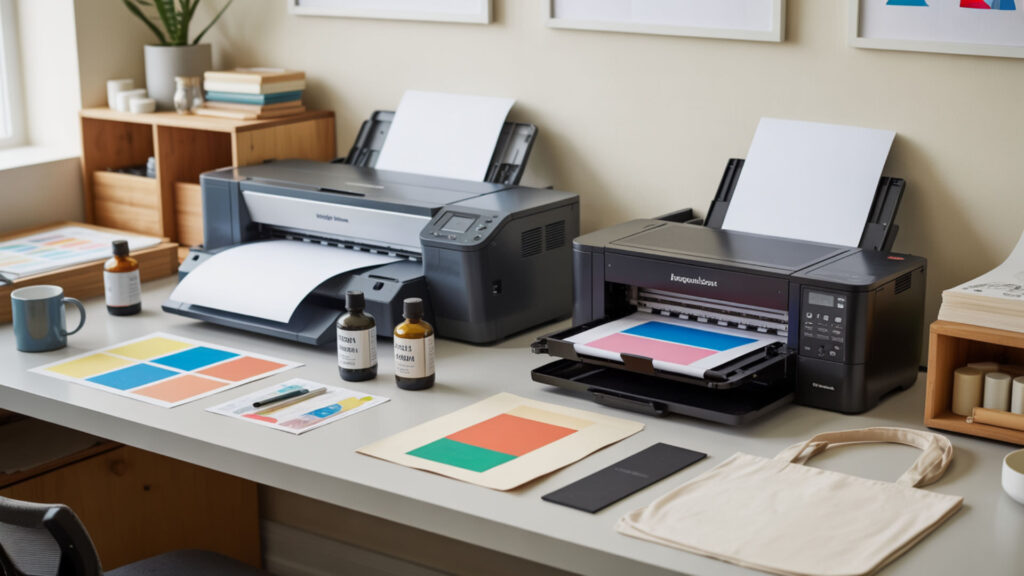
All three supertank printer models use piezoelectric actuator heads accepting ink bottles directly into reservoirs, making them equally straightforward to convert. The ET-2400 and ET-2800 offer 8.5×14 inch printing while ET-8550 supports 13×19 wide-format—compare entry-level options in our ET-2400 review, advanced performance in our ET-8550 review, and the popular ET-2800 in our detailed review.
Entry-Level vs Advanced Model Features
The cartridge-based business model doesn’t apply to EcoTank supertanks—all use refillable reservoirs. Retail premium price differences reflect hardware capabilities: print resolution, paper handling, and ink channels. The ET-8550’s six-color system costs more upfront but produces superior photographic sublimation output compared to four-color entry models.
Print Quality and Speed Differences
Print head design determines output quality, with ET-8550 achieving 5760×1440 dots per inch versus 4800×1200 DPI on entry models. Higher DPI produces smoother gradients and finer photographic detail. Speed differences favor ET-8550 for large prints, though all models complete standard 8.5×11 transfers under two minutes.
Long-Term Reliability After Conversion
All three models feature fixed printhead design requiring identical maintenance—regular use prevents ink drying while periodic nozzle cleaning maintains quality. Reliability depends on user maintenance rather than model selection. Each nozzle measures microns in diameter and clogs if the printer sits unused regardless of price tier.
Final Thoughts
Successful printer conversion for sublimation transfer printing depends on understanding dye diffusion chemistry and matching hardware to ink requirements. Piezoelectric printheads allow disperse dyes through nozzles without heat damage, while thermal systems destroy sublimation ink on contact. Choose compatible hardware, follow proper preparation, and maintain regular printing schedules for professional results.
Frequently Asked Questions
Will converting my printer void its warranty, and does that matter?
Converting an inkjet printer to sublimation voids the manufacturer warranty immediately upon introducing third-party ink. Epson’s limited warranty excludes damage from non-OEM consumables, meaning print head failures become your responsibility. For most hobbyists, the $179–$299 entry cost makes warranty loss acceptable compared to $400–$700 dedicated sublimation printers that include coverage.
How much money can I really save by converting instead of buying dedicated?
Converting an EcoTank saves $200–$400 upfront compared to dedicated sublimation printers like the Epson F170. The print head technology performs identically since both use piezoelectric ejection. Long-term ink costs remain comparable between converted and dedicated units—the trade-off involves warranty coverage rather than output quality or operating expenses.
What happens if I put sublimation ink in without properly converting first?
Adding sublimation ink to a printer containing standard ink causes disperse dye contamination that clogs nozzles within days. Mixed inks create chemical reactions producing sediment blocking microscopic printhead channels permanently. Proper conversion requires brand-new printers or complete system flushing—partial measures result in expensive damage and unusable output.
Can I switch between sublimation and regular ink without damaging the printer?
Switching ink types requires complete system flushing that never fully removes residue from the print head and tubing. Each switch risks contamination affecting color accuracy and nozzle function. Dedicated printers for each ink type prove more reliable than repeated flushing—most experienced users maintain separate machines.
How long does a converted printer typically last compared to a dedicated one?
Converted printers using piezoelectric heads last 3–5 years with regular use and proper maintenance—comparable to dedicated sublimation printer lifespans. The print head mechanism operates identically regardless of original intended use. Longevity depends on printing frequency, nozzle maintenance, and ink quality rather than factory sublimation designation.
References
- Preconceptional stress and racial disparities in preterm birth: An overview. (n.d.). PMC Home. https://pmc.ncbi.nlm.nih.gov/articles/PMC5573146/
- https://global.brother/en/digest/technology/maxidrive