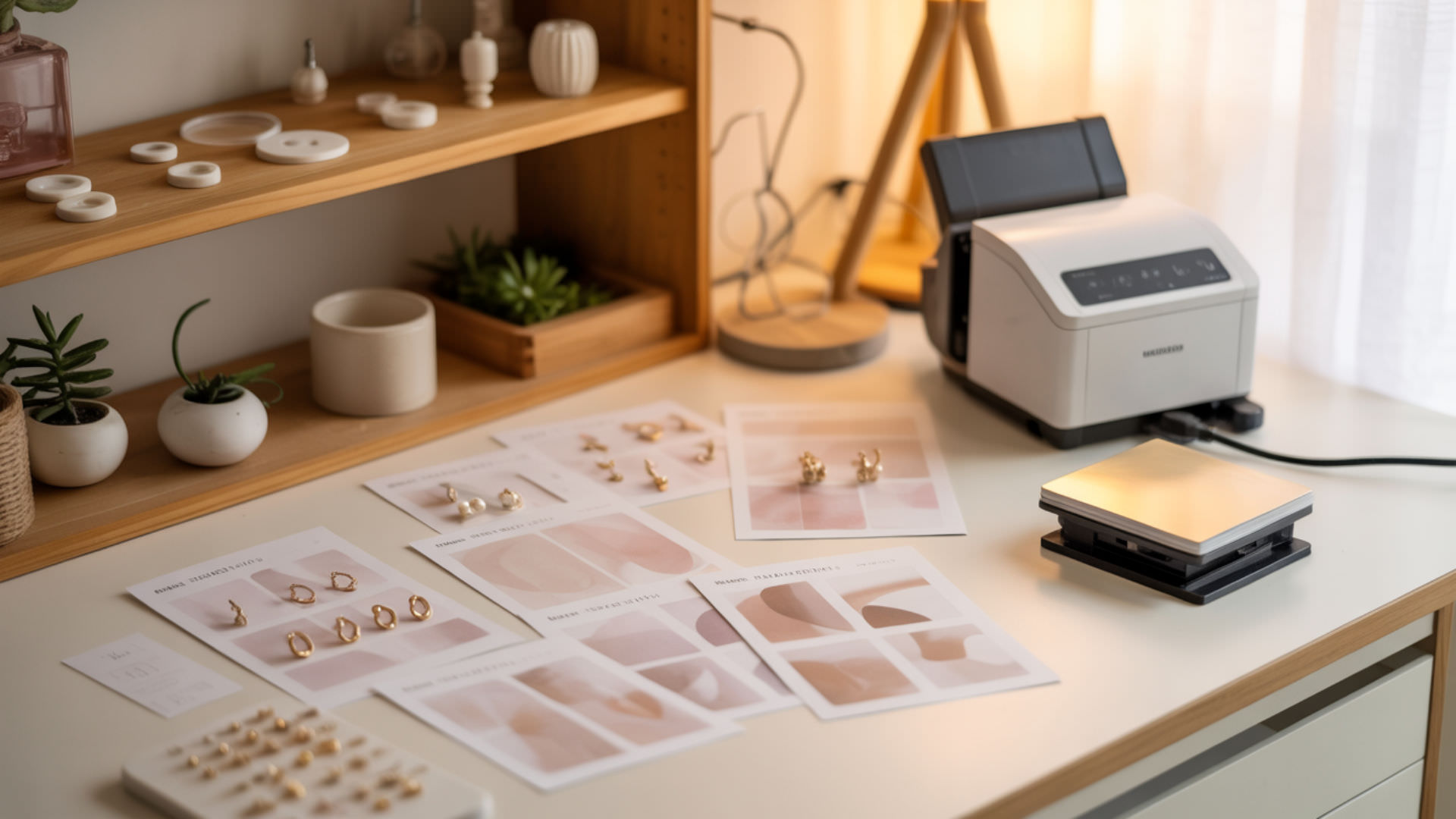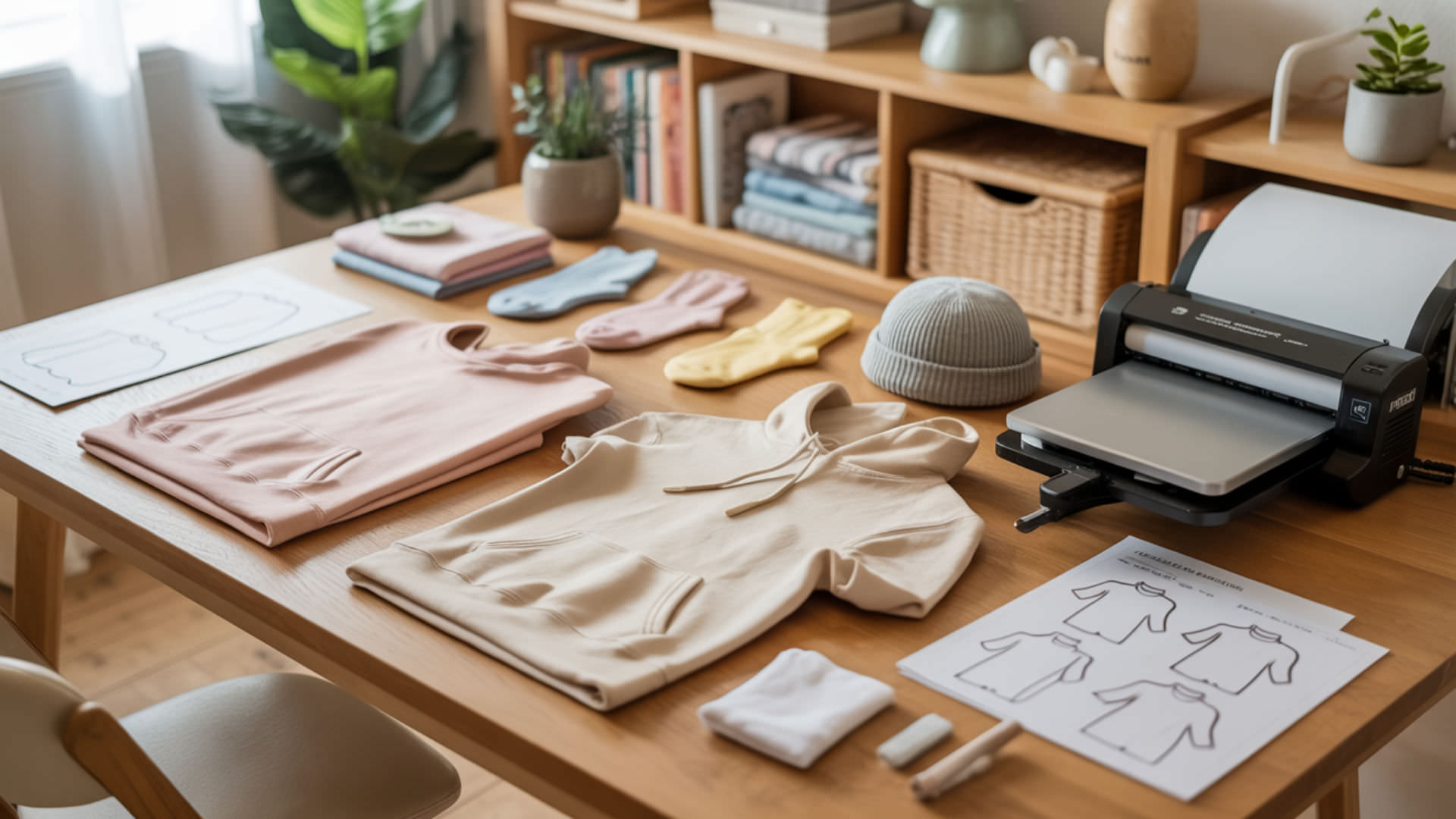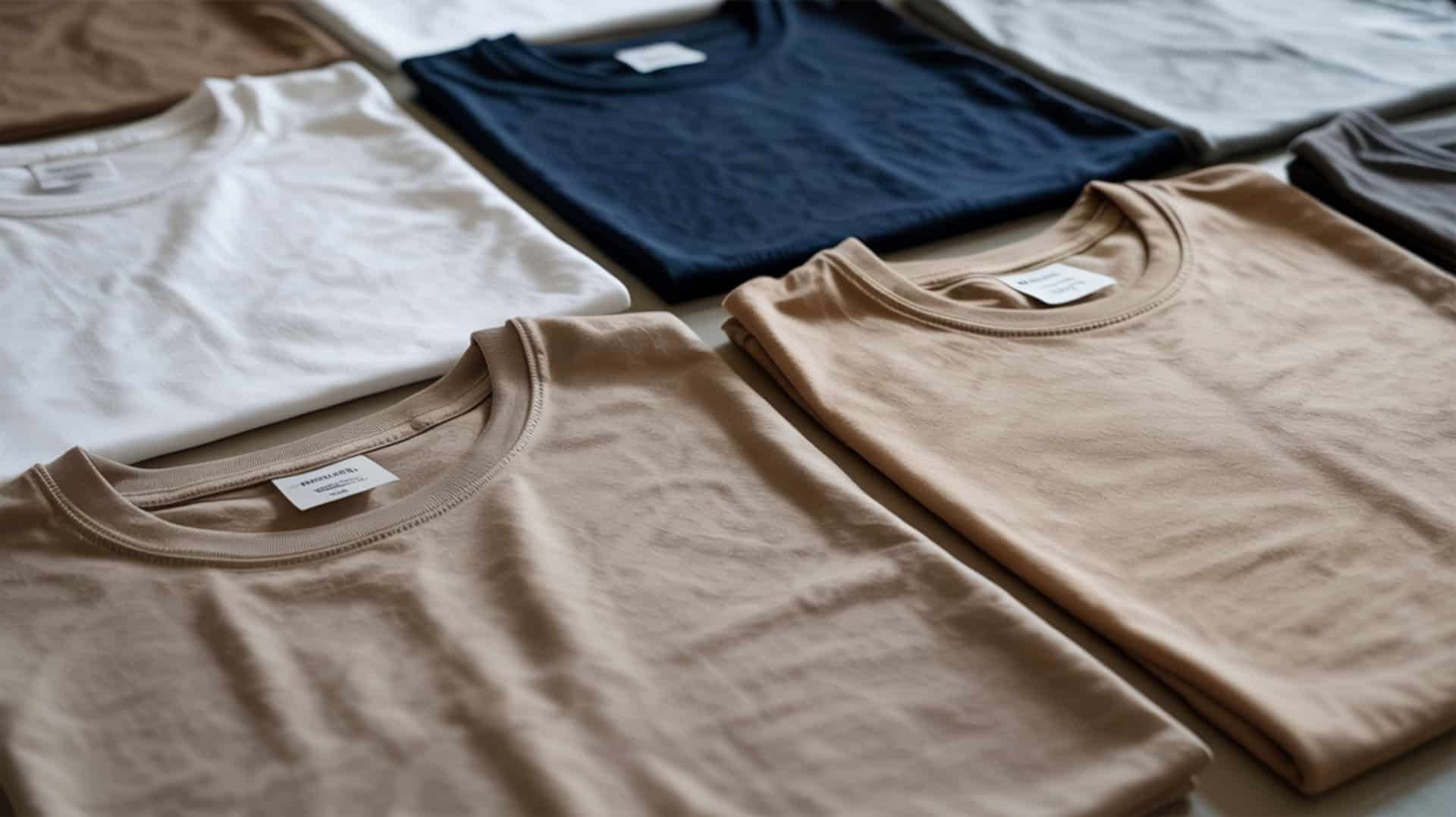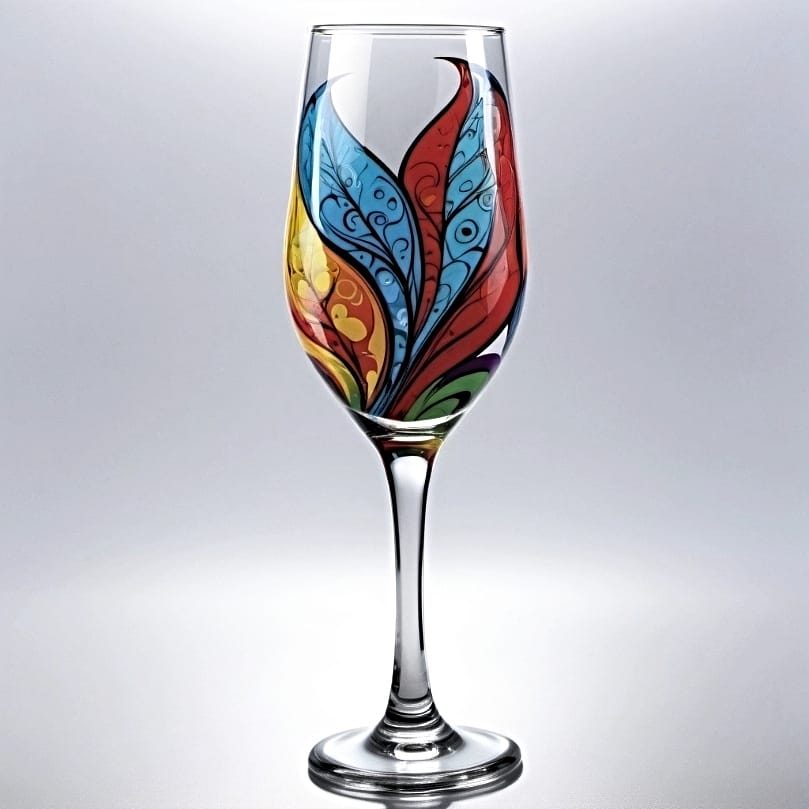
Sublimation printers produce dye-loaded transfer sheets that bond permanently to polyester fibers when heat activates the gas-phase diffusion process. Because disperse dye ink (sublimation ink) only bonds with polyester fibers under heat, you may want to read our hub guide on How To Use A Sublimation Printer For T-Shirts to understand the core workflow and dye–polyester compatibility. This roundup compares three printer categories—the premium Sawgrass SG500 with professional software, the dedicated Epson SureColor F170 with automatic mirroring, and the budget-friendly converted Epson ET-2850—each with different print speeds, color management options, and cost structures for t-shirt businesses. Sublimation dye bonds effectively with synthetic fibers like polyester because of their engineered polymer structure, a principle grounded in fiber science.[1]
Key Takeaways
- Polyester shirts are the required substrate for sublimation—only polyester fibers accept disperse dye ink, making fabric composition the primary factor in print success.
- Heat press activation at 385°F–410°F for 45–60 seconds enables gas-phase dye bonding into fabric, with higher pressure producing cleaner transfers on 100% polyester shirts.Sublimation printing depends on consistent heat transfer, as proper heating and cooling behavior determines how effectively dye diffuses into polyester fibers during pressing.[2]
- Dedicated sublimation printers like Sawgrass SG500 and Epson F170 offer built-in profiles and automatic mirroring, while converted EcoTank printers require manual settings but cost significantly less.
Is the Sawgrass SG500 a Good Sublimation Printer for T-Shirt Printing?
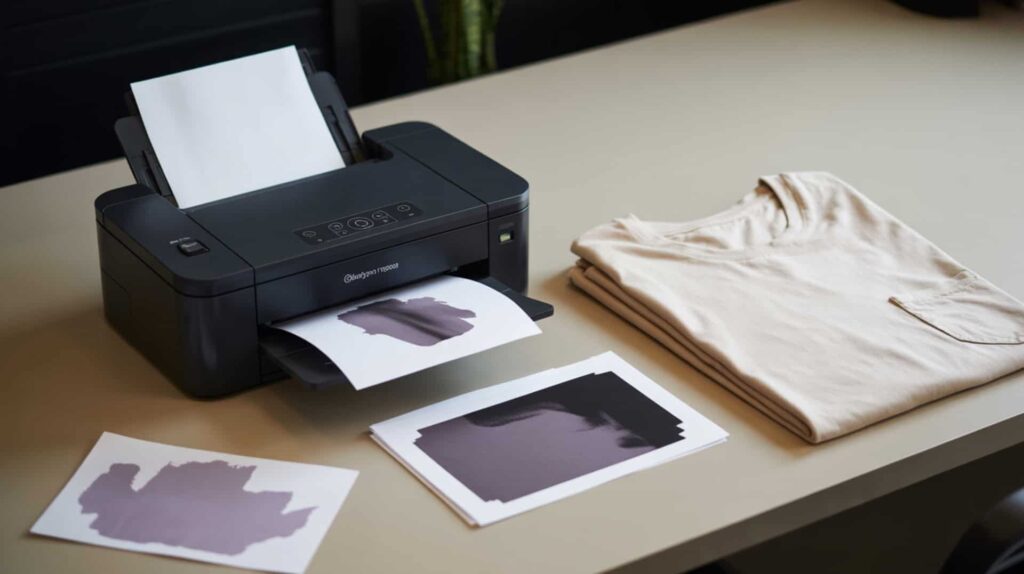
The Sawgrass SG500 is a dedicated sublimation printer that produces store-quality t-shirt transfers on 100% polyester using ICC color profiles and CMYK color separation through the CreativeStudio and Print Manager software workflow. According to reviewed test results, the SG500 delivers transfers described as “clear,” “extra dark,” and “transferred really well” with results that look “smooth” and feel like nothing on the shirt because the ink embeds into the fibers. The tester called this method “above screen printing” and the closest to DTG quality. I recommend the Sawgrass SG500 for sellers wanting premium results with professional software control.
What kind of t-shirt sublimation results can you expect from the Sawgrass SG500?
The Sawgrass SG500 delivers high print resolution that improves text and detail clarity, with a gamut range that produces richer shirt colors compared to entry-level printers. In reviewed test evaluations, prints coming out of the printer looked “more vibrant” than expected, and pressed shirts showed “store-quality” results where “you don’t feel anything” on the fabric because the ink is embedded. The tester pressed transfers at 60 seconds with high/firm pressure on 100% polyester Gildan shirts using TexPrint R paper. Colors were described as vibrant with clean, sharp transfers that the tester was “extremely happy” with overall.
What are the pros and cons of using the Sawgrass SG500 for t-shirt printing?
The Sawgrass SG500 offers professional color management through Software RIP integration with CreativeStudio, but ICC color profile setup requires proper configuration or prints “don’t pop.” Based on reported test results, pros include very high-quality sublimation on 100% polyester that “nothing beats for shirts,” ability to print from multiple programs including Photoshop with fast wireless sending, Tray 2 support for 8.5×14 legal-size workflow, and standalone business potential selling prints to customers who press at home. Cons include software workflow that “can be slow/frustrating” especially Print Manager on Mac, online-dependent software contributing to delays, and Photoshop printing requiring correct color profiles the tester initially lacked.
How does the Sawgrass SG500 compare to other sublimation printers for t-shirts?
The Sawgrass SG500 uses a print head designed for consistent ink delivery that affects uniformity across shirt prints, with faster ink drying rates than converted EcoTank printers according to workflow comparisons. The tester positioned the SG500 as “above screen printing” and the “closest you’ll get to DTG” for quality. Compared to the Epson F170, the SG500 offers more advanced software control and larger paper size options (8.5×14 via Tray 2). Compared to converted ET-2850, the SG500 costs more but eliminates conversion hassles and provides professional color management. The tester said sublimation with SG500 is his “favorite way” to make shirts. You can find Sawgrass SG500 here. [3]
How Well Does the Epson SureColor F170 Perform for Sublimation T-Shirt Printing?
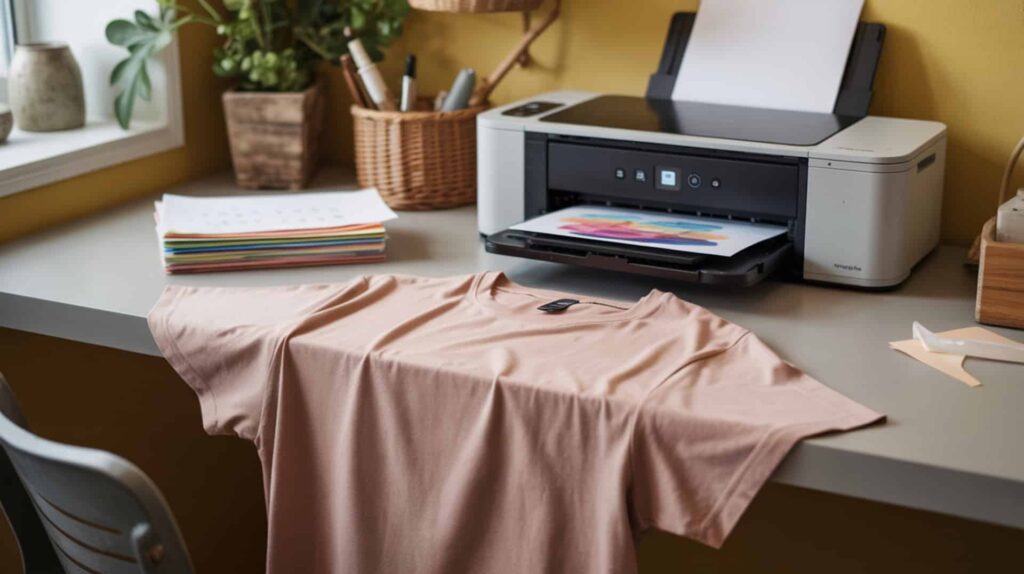
The Epson SureColor F170 is a dedicated inkjet sublimation printer that delivers precise droplet placement for fine shirt graphics, with automatic horizontal image mirroring built into the printer firmware. According to reviewed test results, the F170 produces “very vibrant” colors especially in yellows, with transfers described as “clean and sharp” on 100% polyester Gildan shirts pressed at 410°F for 45 seconds. The tester noted prints are “faster than EcoTank printers” with no extra scanning steps—“just image transfer.” I recommend the Epson F170 for crafters wanting a true sublimation printer with automatic mirroring at mid-range pricing.
⫸ Click Here For Best Selling Sublimation Printers And Products ⫷What t-shirt print quality can you achieve with the Epson SureColor F170?
The Epson SureColor F170 produces high print resolution output with minimal banding risk when printhead maintenance is performed, avoiding the horizontal line defects that can appear on shirts from improper ink flow. In reviewed testing, the F170 required two printhead cleanings initially to restore missing yellow, after which prints showed “very vibrant” colors with good ink penetration visible through the transfer paper. The tester described being able to “see through the paper” as indicating good ink laydown. Final shirts looked “pretty decent” on first press with the tester “happy with the result.” No black edge issues appeared that the tester had seen on previous printers.
What are the pros and cons of the Epson SureColor F170 for t-shirt sublimation?
The Epson SureColor F170 offers automatic image mirroring and built-in sublimation profiles that eliminate manual nozzle check and maintenance cycle complexity, but print size limitations restrict output to approximately 8.5 inches wide. Based on reported test results, pros include automatic horizontal flip requiring no manual mirroring, built-in sublimation profiles with no special print mode settings needed, faster printing than EcoTank models, strong vibrant colors especially yellows, cleaner output with no black edge issues, and dedicated sublimation design (not converted). Cons include letter/A4 size limitation, ink cost at $40 per cartridge times 4 CMYK cartridges, and the tester noting it’s “not an upgrade” for experienced sublimation users—more entry-level.
How does the Epson SureColor F170 compare to other t-shirt sublimation printers?
The Epson SureColor F170 offers a wider gamut range than converted EcoTank printers for color depth differences, with a dedicated print head optimized for sublimation ink delivery rather than general inkjet use. The tester explicitly stated the F170 is “better than EcoTank” for sublimation aside from print size limitations, with built-in profiles and auto-flip making it “easier and more consistent.” Compared to the Sawgrass SG500, the F170 costs less but offers less advanced software control and smaller maximum print size. The tester recommends “researching other options depending on what you need to print,” especially regarding size and ink cost factors. You can find Epson SureColor F170 here. [4]
Is the Brother SP-1 Worth It for Sublimation T-Shirt Projects?
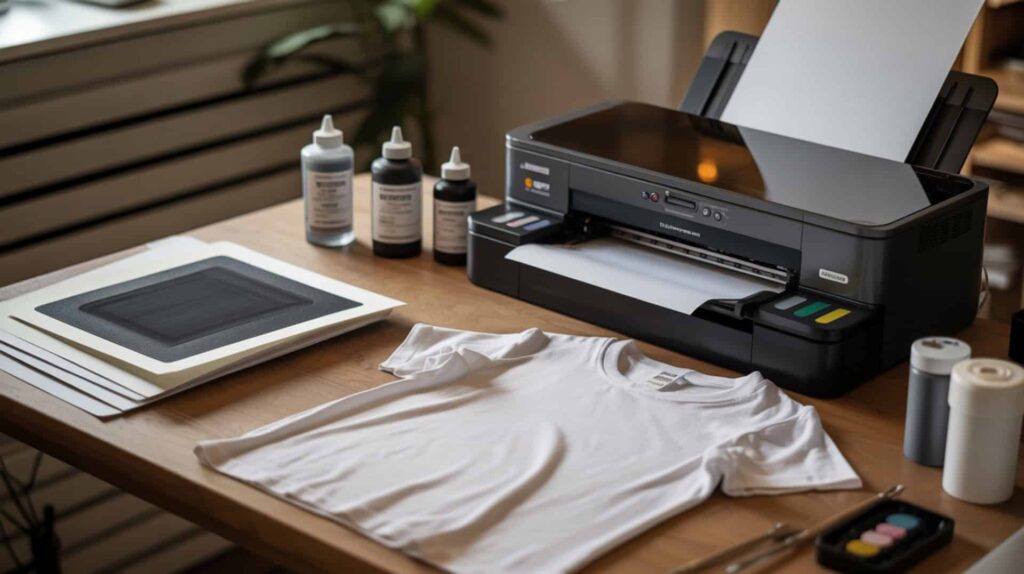
The Brother SP-1 is a dedicated sublimation printer that produces vibrant t-shirt transfers on 100% polyester using the Artspira mobile app or desktop printing, with automatic print head maintenance that prevents clogs common in converted printers. According to reviewed test results, the SP-1 delivers “crisp and clear” colors on sublimation paper that transfer “more vibrant” onto polyester shirts, with testers describing it as “the easiest and best quality so far” compared to other printers tested. The printer includes full-size 47ml CMYK ink cartridges and prints up to 8.5×14 inches (legal size). I recommend the Brother SP-1 for crafters wanting a mid-range dedicated sublimation printer with mobile app convenience and automatic maintenance at approximately $399.
What sublimation t-shirt results can you expect from the Brother SP-1?
The Brother SP-1 produces high-quality print resolution with colors described as “really great right out of the box” because the printer is specifically engineered for sublimation rather than requiring color profile adjustments like converted printers. In reviewed testing on 100% polyester shirts, prints transferred with “beautiful colors” and “very impressive results” that testers compared favorably to both Sawgrass and other dedicated sublimation printers. One tester noted colors appear slightly faded or muted on sublimation paper before pressing, which is normal—they transfer “more vibrant” once heat pressed. The compact footprint (17.1” × 13.5” × 6.2”) fits easily in smaller craft spaces while supporting both 8.5×11 and 8.5×14 inch paper sizes.
What are the pros and cons of using the Brother SP-1 for t-shirt printing?
The Brother SP-1 offers automatic print head maintenance that prevents clogs without requiring weekly test prints, but the Artspira app has limitations that some experienced sublimation users find frustrating. Based on reported test results, pros include automatic self-cleaning that prevents the clogging issues common with Epson printers, dialed-in color accuracy right out of the box requiring no profile adjustments, wireless printing via the Artspira mobile app, included full-size 47ml CMYK cartridges, easy setup process, and legal-size (8.5×14) paper support. Cons include slower print speed than both Sawgrass and converted Epson printers, ink cartridge cost at $39 per cartridge ($156 for full set), the Artspira app being “glitchy” and cramming sublimation into an embroidery-focused interface, and being relatively new to market with less established track record than competitors.
How does the Brother SP-1 compare to other sublimation printers for t-shirts?
The Brother SP-1 positions at the mid-level of consumer sublimation printers at $399, more expensive than converted EcoTank printers but less than both the Epson F170 ($449) and Sawgrass SG500 (starting above $500), with significantly lower ongoing ink costs than Sawgrass. Testers compared print quality results from the SP-1 as “pretty similar” to Sawgrass output, with both producing better results than Epson printers due to automatic maintenance and pre-calibrated color profiles. The SP-1’s ink cost is approximately 75–78% less expensive per milliliter compared to Sawgrass ink—a full replacement set costs $108 versus $308 for Sawgrass. Compared to the Epson F170, the SP-1 costs less upfront, offers legal-size paper support, and includes automatic maintenance, though the F170 may have lower ongoing ink costs. One tester stated “you cannot go wrong with either the Sawgrass or Brother sublimation printers” for quality results. You can find Brother SP-1 here. [5]
How Well Does the Epson ET-2850 Work for Sublimation T-Shirt Printing?
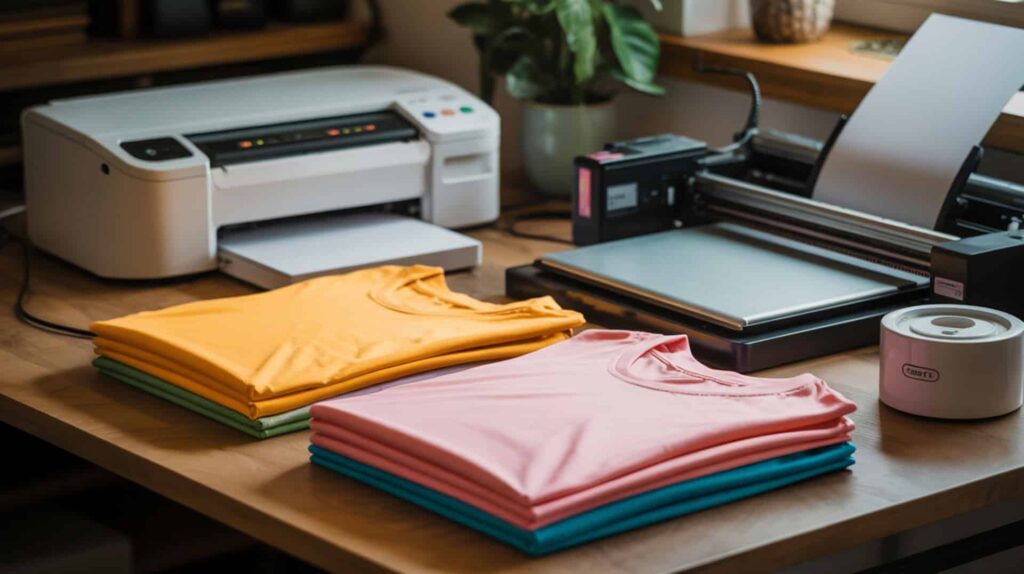
The Epson ET-2850 is a converted inkjet printer using third-party disperse dye ink (Hiipoo sublimation ink) that provides entry-level t-shirt printing capability at approximately $200 total cost including conversion supplies. According to reviewed test results, properly converted ET-2850 printers produce “crisp and vibrant” shirts with “no blur/ghosting” that “looks like something you’d buy in a store” when pressed at 400°F for 60 seconds on 100% polyester. The tester contrasted this low-cost path against “thousands” for dedicated sublimation printers. I recommend the ET-2850 for budget-conscious beginners willing to manage conversion requirements and weekly maintenance printing.
What t-shirt sublimation quality can you achieve with the Epson ET-2850?
The Epson ET-2850 produces acceptable print resolution for t-shirt graphics, though banding remains a common risk on entry-level converted printers if maintenance is neglected. In reviewed testing using Hiipoo sublimation ink and A-Sub paper, the converted ET-2850 delivered results described as “crisp and vibrant” with “no blur/ghosting.” The tester noted prints can look “dull before pressing” which is normal—colors activate with heat. Recommended print settings include Premium Presentation Paper Matte, High quality, and Mirror Image ON in printer preferences. Minor issues included black ink on print edges requiring trimming, but overall output matched “store-bought” appearance.
What are the pros and cons of the Epson ET-2850 for t-shirt sublimation?
The Epson ET-2850 offers low-cost sublimation entry but requires strict nozzle check and maintenance cycle adherence—the tester recommends printing something small every week to prevent clogs based on past experience wasting time and ink on cleanings. Based on reported results, pros include low-cost path to sublimation versus “thousands” for dedicated printers, compatibility with Hiipoo ink and A-Sub/HTVRONT paper, autofill bottles making tank filling easy, and professional-looking results when settings are correct. Cons include must-be brand-new requirement (never filled with regular ink), cannot convert thermal inkjet printers (Canon/HP/Lexmark/Dell), cannot switch back to regular ink after conversion, and weekly print requirement to avoid clogs.
How does the Epson ET-2850 compare to other entry-level sublimation printers?
The Epson ET-2850 delivers lower print resolution than dedicated sublimation printers, which reduces detail retention on complex shirt designs but maintains acceptable quality for standard graphics at significant cost savings. The tester contrasted conversion cost (“about $200”) against dedicated printers costing “thousands,” positioning the ET-2850 for budget-conscious beginners. Compared to the Epson F170, the converted ET-2850 lacks automatic mirroring and built-in profiles, requiring manual settings. Compared to Sawgrass SG500, the ET-2850 lacks professional software integration but costs a fraction of the price. The tester noted sublimation “doesn’t peel/crack” like vinyl, making it “wash safe.” You can find Epson ET-2850 here. [6]
Which Sublimation Printer Is Best for Your T-Shirt Printing Needs?
Choosing the right sublimation printer depends on budget, print size requirements, and desired workflow complexity—all affecting final durability and color fastness on polyester garments. For premium quality with professional software control and larger print sizes up to 8.5×14 inches, the Sawgrass SG500 delivers “store-quality” results the tester called his “favorite way” to make shirts. For mid-range pricing with automatic mirroring and dedicated sublimation profiles, the Epson SureColor F170 produces “vibrant” colors faster than EcoTank models. For budget-conscious beginners at approximately $200 total investment, the converted Epson ET-2850 creates “crisp and vibrant” shirts when properly maintained. Because polyester shirts are required for sublimation regardless of printer choice, you may want to read our guide on Best Shirts For Sublimation to ensure fabric compatibility.
Frequently Asked Questions
What kind of shirt works best for sublimation printing?
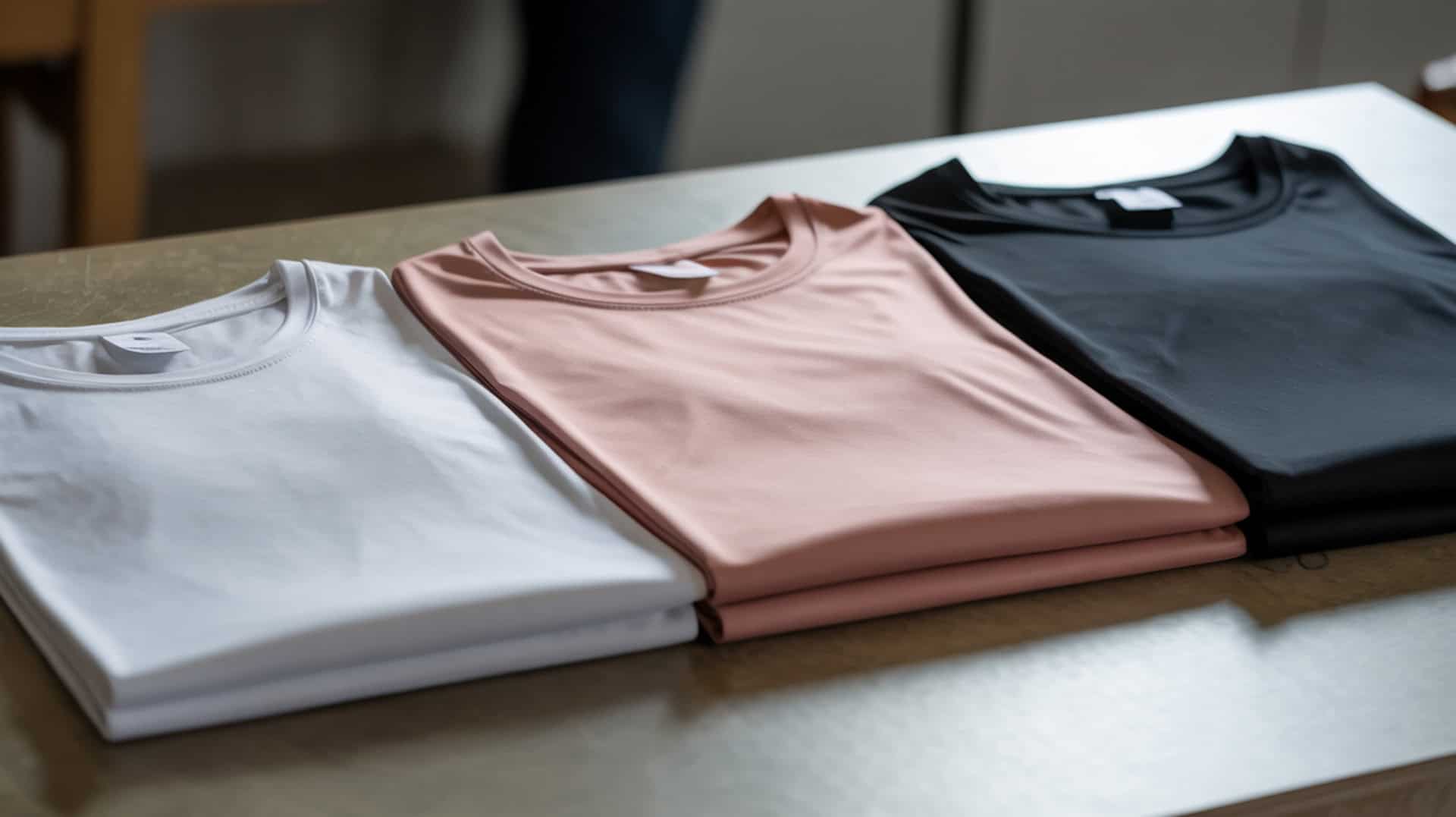
100% polyester shirts produce the best sublimation results because disperse dye ink bonds directly with polyester fibers during heat-activated gas-phase diffusion at 385°F–410°F. According to reviewed test data, all testers used 100% polyester Gildan or JiffyShirts blanks for optimal color vibrancy and permanence. Polyester blend fabrics (65/35 or 50/50 poly-cotton) produce faded or vintage-look results because the dye only bonds with the polyester portion. White or light-colored polyester shows the most vibrant colors since sublimation ink is transparent and the fabric color shows through. Press temperature between 385°F–410°F for 45–60 seconds activates proper dye diffusion.
What material does a shirt need to be for sublimation to work properly?
Shirts must contain polyester fibers for sublimation dye to bond—100% polyester produces the brightest, most durable results while polyester blends create faded effects proportional to polyester content. Cotton, rayon, and other natural fibers cannot accept sublimation ink because the dye requires polymer chains to bond with during the gas-phase transfer process. Because polyester blend fabric and dark shirts alter dye visibility and transfer behavior, you may want to read our guide on Sublimation On Dark Shirts for technique adjustments. Special sublimation coating sprays exist for cotton but produce inferior results compared to true polyester substrates.
How long do you heat press sublimation transfers on a t-shirt?
Heat press times for sublimation t-shirts typically range from 45–60 seconds at temperatures between 385°F–410°F depending on the specific heat press calibration and substrate thickness. According to reviewed test data, the Sawgrass SG500 tester pressed at 60 seconds with high/firm pressure, the Epson F170 tester used 410°F for 45 seconds with light pressure, and the ET-2850 tester pressed at 400°F for 60 seconds. Pre-pressing for 10–15 seconds removes moisture and wrinkles before applying the transfer. Higher pressure generally produces cleaner transfers—one tester recommended ignoring “medium pressure” and using high pressure for best results.
Can sublimation printers print on cotton t-shirts or only polyester?
Sublimation printers cannot print directly on cotton t-shirts because disperse dye ink requires polyester or polymer-coated substrates to bond during the heat transfer process. Cotton fibers lack the polymer chains needed for gas-phase dye diffusion, resulting in no visible transfer or severely faded output. Polyester-cotton blends (65/35, 50/50) produce partial results where only the polyester portion accepts dye, creating a vintage or heathered appearance. Special sublimation coating sprays marketed for cotton rarely match the vibrancy and durability of true polyester printing. I recommend using 100% polyester shirts for professional-quality sublimation results.
What paper do you use for sublimation printing on t-shirts?
Sublimation printing requires specialized sublimation transfer paper designed to hold disperse dye ink and release it cleanly during heat pressing—common brands include A-Sub, TexPrint R, and HTVRONT sublimation paper. According to reviewed test data, the Sawgrass SG500 tester used TexPrint R paper with excellent results, while the ET-2850 tester used A-Sub paper and noted “HTVRONT paper is good too.” Regular inkjet or copy paper cannot be used because it absorbs ink differently and does not release dye properly under heat. Load sublimation paper with the printable side (usually brighter/whiter) facing the print direction per your printer’s feed orientation. Mirror/flip images horizontally before printing since transfers apply face-down.
References:
- (n.d.). https://human.cornell.edu/degrees/fiber-science
- Principles of heating and cooling. (n.d.). Energy.gov. https://www.energy.gov/energysaver/principles-heating-and-cooling