
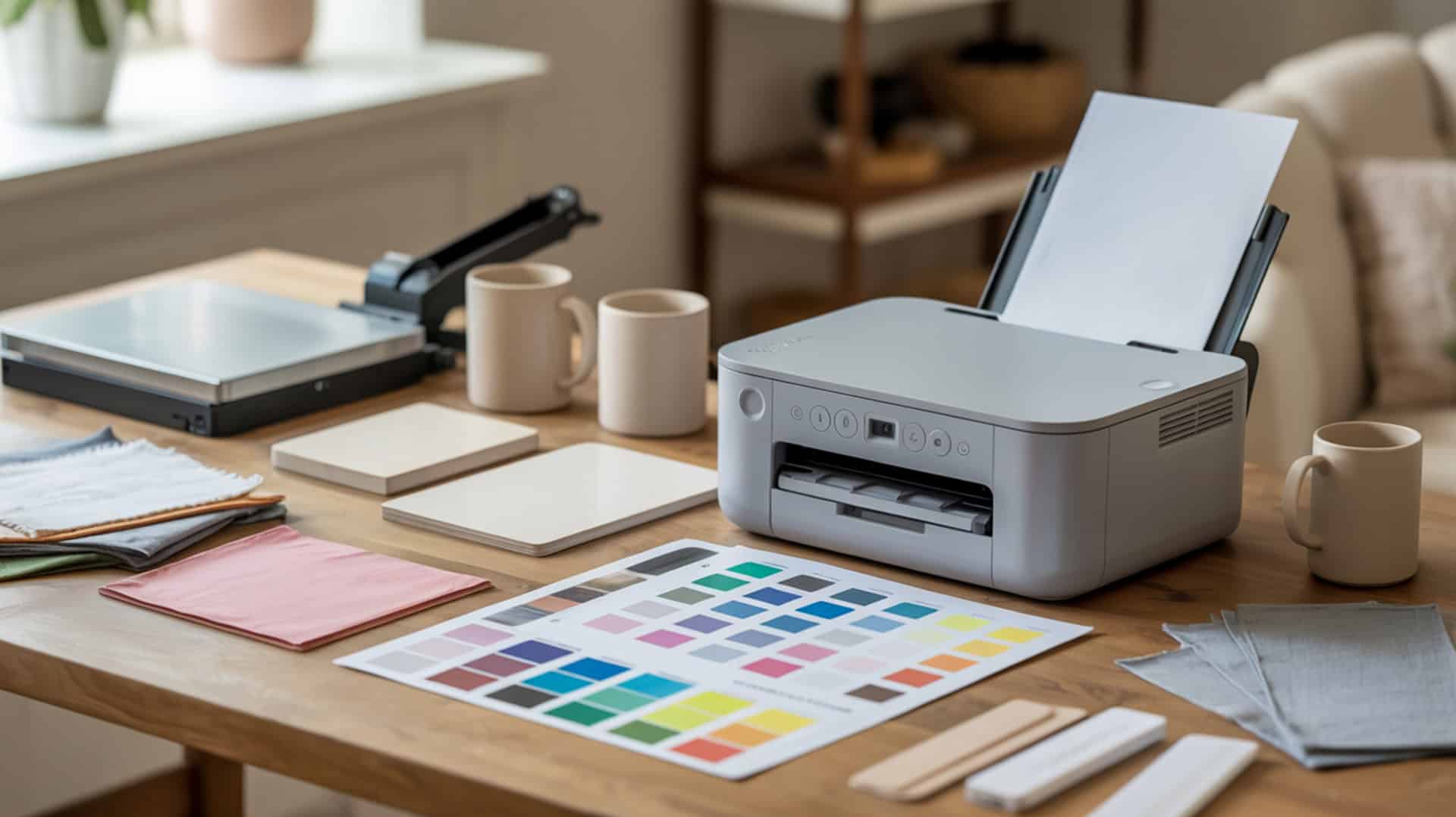
The Epson EcoTank ET-2800 is a supertank printer featuring piezoelectric actuator technology that enables budget-friendly sublimation conversion for beginners. Unlike thermal inkjet printers where heater resistors can burn or chemically alter sublimation ink during ejection, the ET-2800’s mechanical droplet ejection avoids heat damage to disperse dye inks. This positions the ET-2800 as one of the most accessible entry points for crafters exploring sublimation without dedicated printer investment.[1] Because piezoelectric actuator technology determines sublimation compatibility through printhead ejection physics, understanding the core compatibility rule helps you evaluate conversion options for home use.
Key Takeaways
- Drop-on-demand (DOD) ejection provides controlled droplet size that improves stability when running disperse dye sublimation inks through converted EcoTank systems.
- The supertank bottle-fed ink system reduces long-term cost-per-page (CPP) for beginners compared to cartridge-based alternatives.
- Conversion requires no syringes—simply fill tanks directly with sublimation ink, with initialization taking approximately 11 minutes before first use.
Is the Epson EcoTank ET-2800 a Good Sublimation Printer for Beginners?
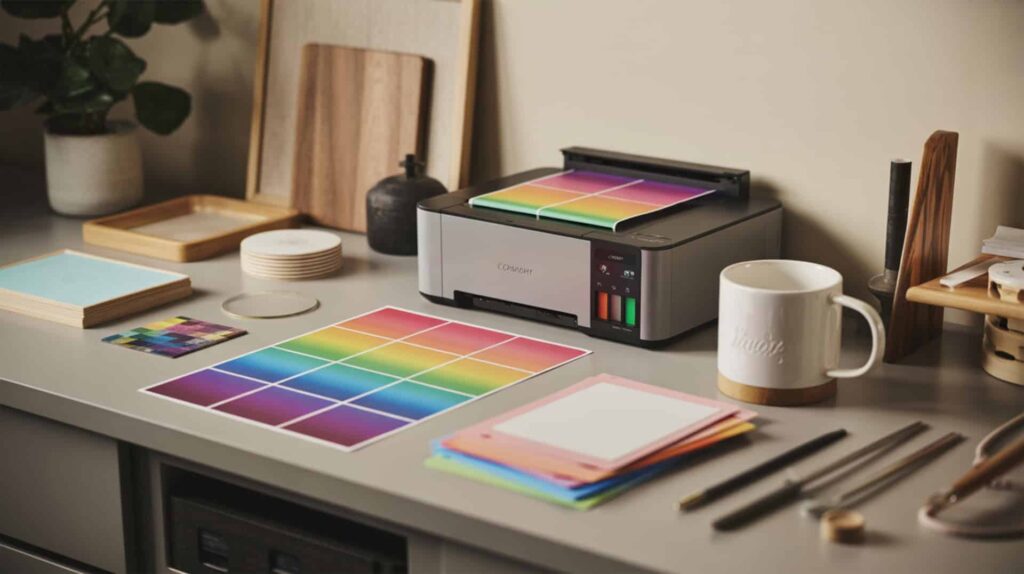
The Epson EcoTank ET-2800 is a supertank printer with refillable ink bottles and piezoelectric actuator technology positioned as a budget sublimation entry point for beginners. According to test evaluations, the bottle-fed tank system supports direct filling with sublimation ink without syringes—described as one of the easiest conversions available. The piezo ejection mechanism allows disperse dye printing without thermal stress, unlike Workforce-style printers requiring needle and syringe handling. Because supertank printers with bottle-fed systems simplify conversion for beginners, users evaluating budget EcoTank options should also review our guide on best Epson sublimation printers to convert for additional model comparisons.
What kind of sublimation print quality can you expect from the Epson ET-2800?
The ET-2800 delivers vivid, vibrant, and clear sublimation output once nozzle channels are properly cleared according to test documentation. Nozzle stability ensures uniform color laydown before transfer, with testing at 370-380°F for 45-70 seconds producing results described as “very vivid” on car coasters, “photo looks perfect” on photo coasters, and “nice and vibrant” on polyester shirts. Dye diffusion during heat pressing determines final saturation and vibrancy, with successful transfers achieved on mugs (frosted ombre glass), mouse pads, air fresheners, and 100% polyester apparel.
What are the main pros and cons of the Epson EcoTank ET-2800 for sublimation?
The ET-2800 offers very easy conversion requiring no syringes, leak-proof Hippo ink bottles creating a mess-free workflow, vivid color output on multiple substrates, and budget-friendly entry to sublimation according to test feedback. The fixed printhead creates maintenance reliance—clogs require cleaning cycles rather than head replacement, with multiple nozzle checks sometimes needed before color channels (especially cyan/blue) become perfect. One tester needed until the next day to fully resolve broken nozzle lines. Cartridge contamination poses color accuracy risk if tanks are not fully flushed before conversion, so only brand-new printers should be converted. [2]
How does the Epson ET-2800 compare to the ET-2850 and other budget options?
The ET-2800 shares identical drop-on-demand (DOD) piezoelectric technology with the ET-2850 and ET-2400, producing comparable sublimation results according to PDI analysis. Tank size affects cost-per-page (CPP) differences across entry-level EcoTank models. Test feedback contrasted EcoTank convenience against Workforce printers requiring needle and syringe for ink handling, strongly favoring the simpler EcoTank workflow. One reviewer who previously used Printers Jack ink and Sawgrass with Subiject ink expressed surprise at preferring Hippo ink and considering switching, demonstrating the ET-2800 performs comparably to established setups. You can find the Epson ET-2800 here. [3][4]
Final Verdict on Whether the Epson EcoTank ET-2800 Is Worth Buying for Sublimation
The Epson EcoTank ET-2800 represents a smart budget choice for beginners exploring sublimation transfer printing without significant upfront investment. Low print volume creates a good value tradeoff between cost-per-page (CPP) savings and inkjet printer maintenance effort required. If you need purpose-built print quality or wide-format capability, I recommend exploring other options. The ET-2800 works best for beginners new to sublimation crafting who are not prepared to invest in a dedicated sublimation printer and accept the conversion trade-offs including warranty voiding, potential nozzle issues requiring multiple cleaning cycles, and letter-size output limitations.
Frequently Asked Questions
- What is the largest paper size the Epson ET-2800 can print on?
- The Epson ET-2800 prints on A4 and letter size (8.5×11 inches) paper according to product specifications. The piezoelectricity-based printhead deposits disperse dye sublimation ink within this size range, which then transfers to polyester/polymer-coated substrates during heat pressing. For larger sublimation projects requiring wide-format output up to 13×19 inches, the Epson EcoTank ET-15000 or ET-8550 models provide expanded capability at higher price points.
- What ink does the Epson EcoTank ET-2800 use for printing?
- For sublimation conversion, the ET-2800 uses disperse dye sublimation ink instead of the included Epson ink. Test documentation confirmed successful results with Hippo sublimation ink (127 ml black, 70 ml each cyan/magenta/yellow). The piezoelectricity printhead mechanism enables safe dye handling without thermal degradation. The included Epson ink must never be installed if converting—only brand-new printers filled exclusively with sublimation ink produce proper results on polyester/polymer-coated substrates.
- How long does ink typically last in an Epson EcoTank ET-2800?
- Ink longevity in the ET-2800 depends on print volume, quality settings, and maintenance cleaning cycles. The EcoTank system holds 127 ml black and 70 ml each for cyan, magenta, and yellow disperse dye sublimation inks according to test documentation. The bottle-fed supertank design supports lower cost-per-page than cartridge systems. Piezoelectricity-based printheads require regular printing to prevent nozzle clogging—infrequent use may require additional cleaning cycles that consume ink to maintain proper function.
- Does the Epson ET-2800 come with sublimation ink included in the box?
- The Epson ET-2800 includes standard Epson ink, not sublimation ink. For sublimation conversion, you must purchase disperse dye sublimation ink separately and fill the tanks before first power-on—never install the included Epson ink. The piezoelectricity printhead supports both ink types mechanically, but mixing creates contamination issues. Test documentation used Hippo sublimation ink successfully on polyester/polymer-coated substrates including shirts, mugs, coasters, and mouse pads.
- What is the difference between the Epson ET-2800 and ET-3850 models?
- Both the ET-2800 and ET-3850 use piezoelectricity-based printheads compatible with disperse dye sublimation inks. The ET-3850 includes additional features like automatic document feeding and enhanced connectivity options beyond the ET-2800’s basic functionality. For sublimation purposes, both convert identically using the same tank-filling process. The ET-2800 offers the most budget-friendly entry while the ET-3850 provides expanded general office features at higher cost. Selection depends on whether additional non-sublimation capabilities justify the price difference.d t-shirts.
References:
- Nearly everyone uses piezoelectrics. Be nice to know how they work. (2025, February 3). NIST. https://www.nist.gov/news-events/news/2014/01/nearly-everyone-uses-piezoelectrics-be-nice-know-how-they-work
- (n.d.). U.S. Environmental Protection Agency | US EPA. https://www.epa.gov/sites/default/files/2015-01/documents/printing.pdf












