
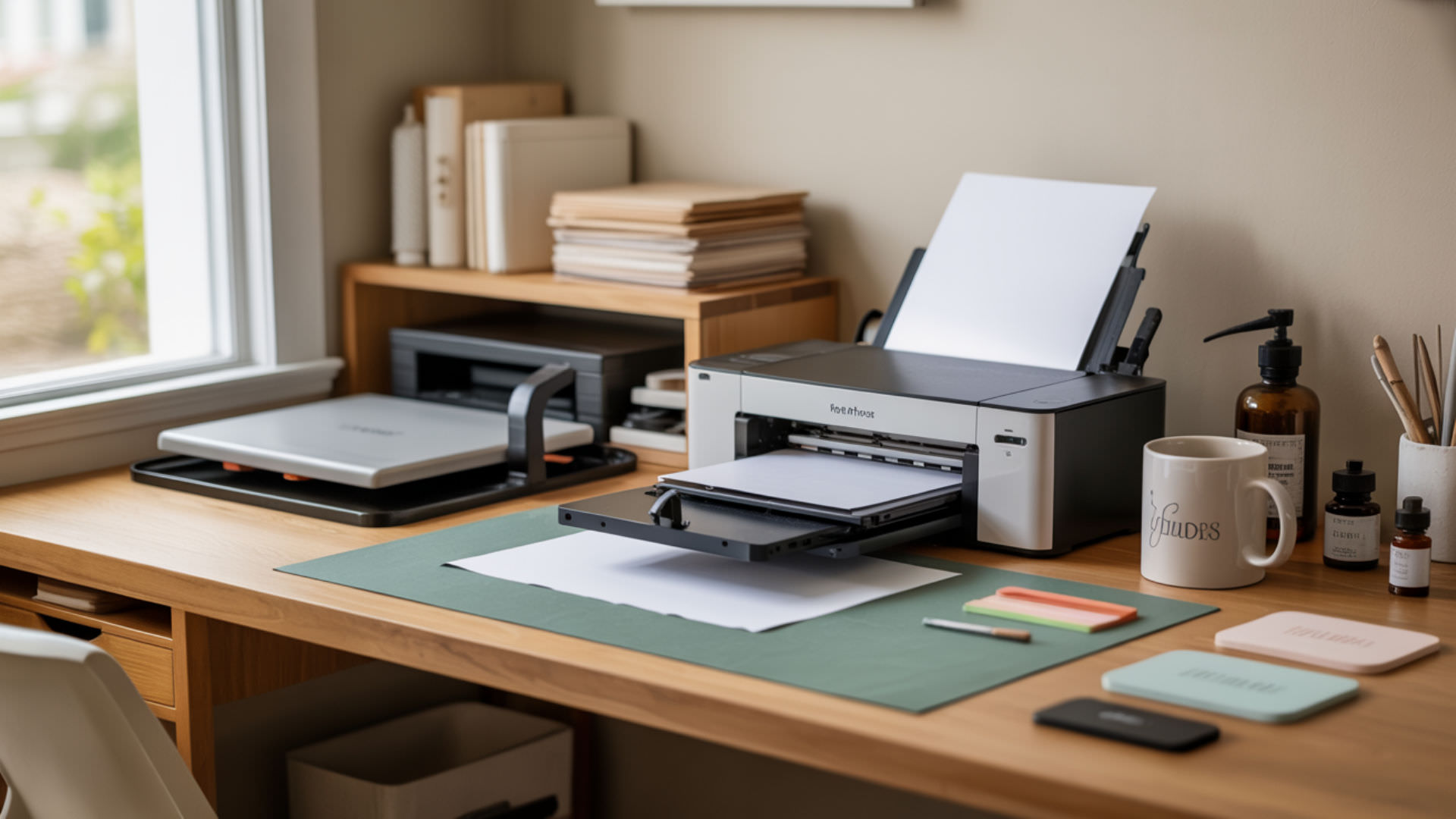
Choosing a dedicated sublimation printer for home use begins with understanding how inkjet printing technology adapts to dye-sublimation printing. This guide covers brand comparisons, conversion options, and key specifications to help you select the right machine for your craft or small business needs.
Key Takeaways
- Piezoelectric printheads enable sublimation compatibility; thermal printheads cannot process heat-sensitive dye formulations.
- Dedicated sublimation printers eliminate conversion risks and include manufacturer ink formulation warranties.
- Weekly printing prevents nozzle clogging, protecting your printhead investment and maintaining consistent output quality.
How Do Epson and Sawgrass Printers Compare for Home Sublimation?
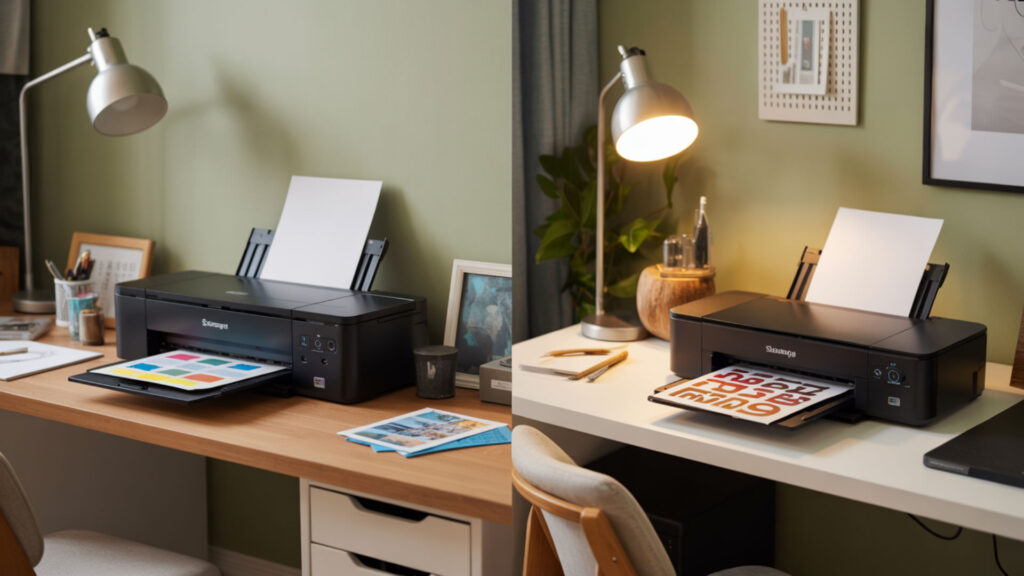
Epson and Sawgrass both build their sublimation systems around piezoelectric inkjet technology, which uses crystal-driven mechanical pressure rather than heat to eject ink droplets. Epson offers lower upfront costs ($399–$449 for the F170) with refillable 140ml ink tanks, while Sawgrass provides proprietary software integration and 31ml cartridge systems at higher price points starting around $550. Because both brands rely on piezoelectric inkjet mechanisms for dye transfer, you may want to explore our detailed comparison of Epson vs Sawgrass sublimation printers for a full breakdown. Sublimation printers depend on inkjet systems that mechanically eject ink droplets rather than heating them, which protects heat-sensitive dye formulations during printing. [2]
Cost Differences and Long-term Value
Cost per print (CPP) varies significantly between Epson and Sawgrass due to ink pricing and page yield differences. Epson sublimation ink costs approximately $25 per 140ml bottle, while Sawgrass SubliJet-UHD cartridges run $35–$60 for 31ml—making Epson ink roughly 3–4 times more economical per milliliter.
Ink Systems and Color Management
Ink formulation determines both nozzle performance and final color output through chromophore concentration and ink viscosity balance. Sawgrass inks feature higher chromophore density for enhanced vibrancy, while Epson formulations optimize viscosity for their Micro Piezo printhead architecture.
Support and Warranty Considerations
Epson provides a one-year warranty covering 15,000 A4 prints for the F170, while Sawgrass offers dedicated sublimation support through their Sawgrass Care program with worldwide dealer networks.
Can You Convert a Regular Printer for Sublimation at Home?
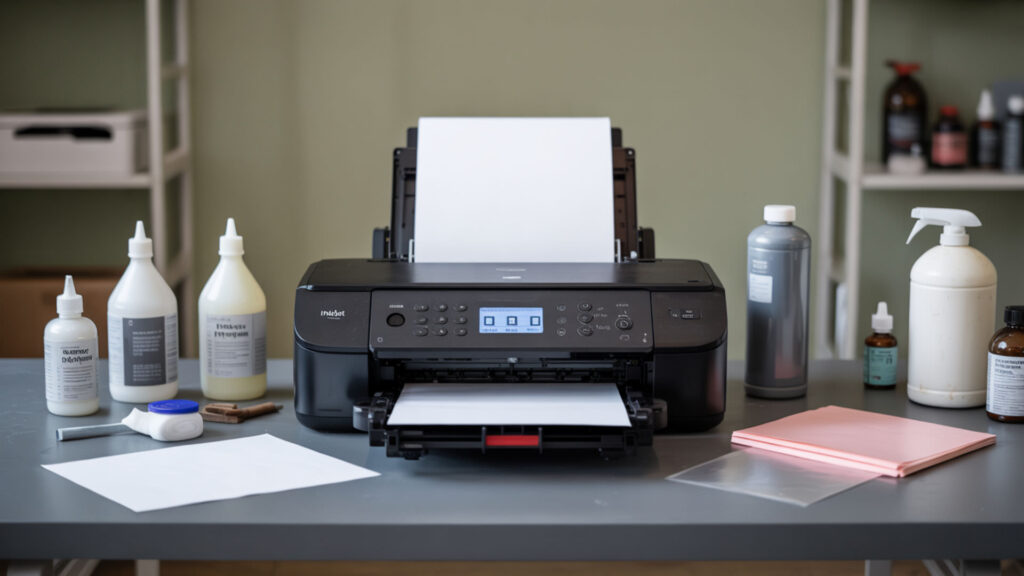
Converting a regular inkjet printer requires piezoelectric inkjet technology—thermal inkjet printheads found in HP and Canon models heat ink during ejection, which prematurely activates sublimation dyes and causes irreversible clogging. Only printers using pressure-based piezo mechanisms can safely handle sublimation ink formulations without damaging internal components. Since thermal inkjet technology is incompatible with sublimation chemistry, our guide on using regular printers for sublimation explains which models work.
Which Printer Models Can Be Converted
Epson EcoTank ink tank printers—including the ET-2720, ET-2800, ET-4760, and ET-15000—are the most popular conversion candidates due to their refillable reservoirs and piezoelectric printheads. These models accept sublimation ink directly into their tank systems, eliminating cartridge chip restrictions that complicate other conversions.
Conversion Process and Required Supplies
Sublimation transfer printing conversion requires a brand-new printer (never filled with regular ink), sublimation ink bottles, and sublimation-specific transfer sheets for output. The process involves filling empty tanks with sublimation ink, running initial charging cycles, and calibrating ICC color profiles for accurate reproduction.
Risks and Benefits of DIY Conversion
DIY conversion saves $150–$300 compared to dedicated printers but voids manufacturer warranties and risks printhead damage from improper ink viscosity matching. Mismatched ink formulations can clog microscopic nozzles permanently, while incorrect flushing leaves residue that contaminates sublimation output.
Is It Practical to Use a Sublimation Printer for Regular Documents?
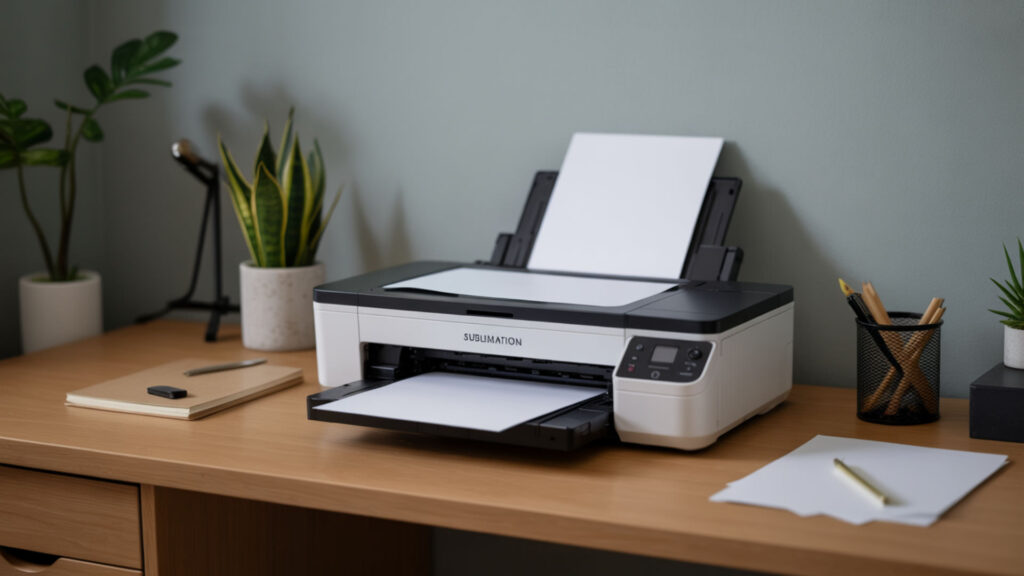
Sublimation printers produce impractical results for everyday document printing because their ink formulation lacks the pigment-based binders that create permanent text adhesion on plain paper. Sublimation dyes sit on paper surfaces rather than bonding, causing smearing, fading, and poor text legibility compared to standard dye or pigment inkjet output. Our guide on using sublimation printers for regular printing explains the dye vs pigment chemistry differences in detail.
Switching Between Ink Types and Complications
Most modern printers use ink cartridges with embedded microchips that track ink levels, authenticate cartridge types, and prevent unauthorized refilling or swapping between ink chemistries. Switching from sublimation to pigment ink requires complete system flushing, chip reset tools, and often replacement of contaminated components.
Cost Per Page for Different Print Jobs
Cost per print (CPP) for sublimation ink on plain documents runs 2–3 times higher than standard inkjet due to specialized dye pricing and the lack of economy-mode settings optimized for text. A black-and-white document page costs approximately $0.02–$0.04 with standard ink versus $0.06–$0.10 with sublimation formulations.
Maintaining Dual-Purpose Functionality
Inkjet printer maintenance demands increase dramatically when attempting dual-purpose operation—switching between ink types requires extensive purging cycles that waste 20–50ml of ink per changeover. Residual sublimation dye contaminates pigment output, while leftover pigment particles clog sublimation nozzles.
What Makes Sawgrass Printers Worth Considering for Home Users?
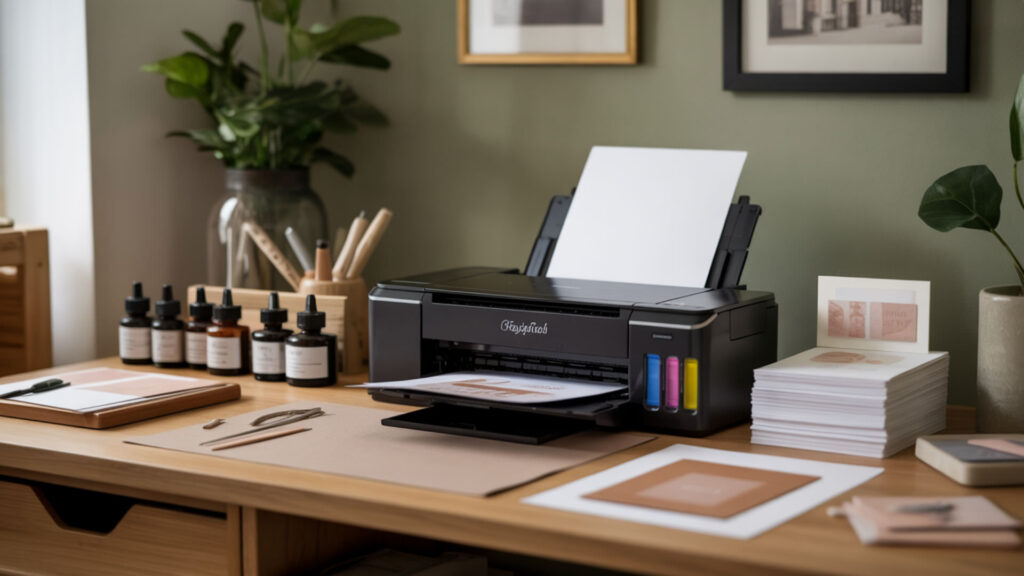
Sawgrass dye-sublimation printers offer purpose-built hardware with optimized ink formulation chemistry specifically engineered for sublimation transfer—eliminating conversion risks, compatibility guesswork, and warranty concerns that affect repurposed inkjet models. Their SubliJet-UHD and EasySubli ink systems deliver consistent color density across thousands of prints. Our comprehensive Sawgrass sublimation printer review evaluates whether the premium pricing justifies these advantages for home crafters. Dedicated sublimation printers like Sawgrass models are built specifically for dye-sublimation workflows, offering purpose-designed hardware and ink systems rather than converted inkjet setups.[1]
Built-in Features and Software Integration
Sawgrass printers include CreativeStudio design software and Print Manager color profiles that enable continuous-tone printing with smooth gradient transitions and accurate color matching. These integrated tools eliminate third-party ICC profile hunting and provide templated layouts for common sublimation blanks.
Print Quality and Consistency
Sawgrass inks contain high chromophore concentrations that produce vibrant, saturated colors with excellent wash and light fastness ratings—typically maintaining 90%+ color retention after 50 wash cycles on polyester substrates. Their proprietary dye chemistry resists UV degradation better than many third-party sublimation inks.
Total Cost of Ownership Analysis
Total Sawgrass ownership cost depends heavily on cost per print (CPP) calculations that factor ink cartridge pricing ($35–$60 per 31ml) against page yield expectations of 600–900 prints per cartridge set. Higher ink costs offset lower maintenance expenses and reduced downtime from clogging issues.
Which Brother Printer Models Work Best for Home Sublimation?
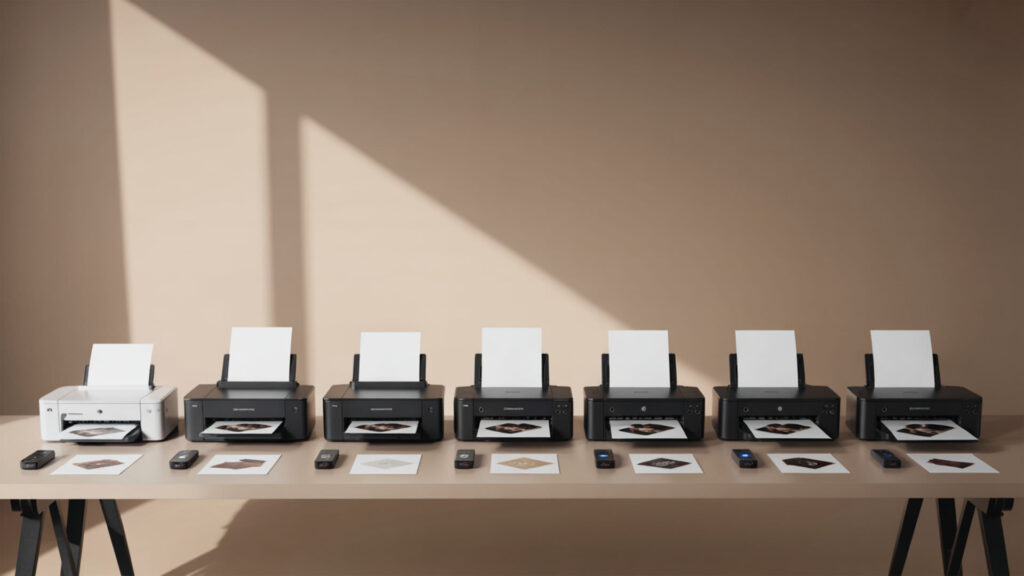
Brother Industries recently entered the dedicated sublimation market with the SP1 printer ($399), though their traditional inkjet printing lineup uses mixed printhead technologies—some piezoelectric, others thermal—making conversion unreliable without model-specific verification. Unlike Epson’s consistently piezo-based architecture, Brother printers require individual confirmation before sublimation use. Our guide to the Brother sublimation printers identifies which models support sublimation workflows.
Compatible Models and Specifications
The Brother SP1 is currently the only manufacturer-supported sublimation option, printing up to 8.5×14 inches with dedicated cartridges. Some users attempt conversions using ink tank printers with continuous ink supply system (CISS) modifications, though third-party sublimation ink suppliers rarely produce Brother-compatible ICC profiles.
Setup Process for Brother Printers
Brother sublimation setup requires careful inkjet printer maintenance protocols including initial ink charging, nozzle alignment, and color calibration specific to sublimation ink formulation viscosity. The SP1 simplifies this with snap-in cartridges and the Artspira mobile app for wireless printing.
Comparing Brother to Other Brands
Brother’s SP1 ($399) positions between Epson’s F170 ($449) and Sawgrass SG500 ($550+), offering mobile app convenience but lacking the established sublimation ecosystem of either competitor. Epson and Sawgrass provide more extensive community support, third-party supply options, and proven long-term reliability.
What Are the Top Sublimation Printer Options for Home Crafters?
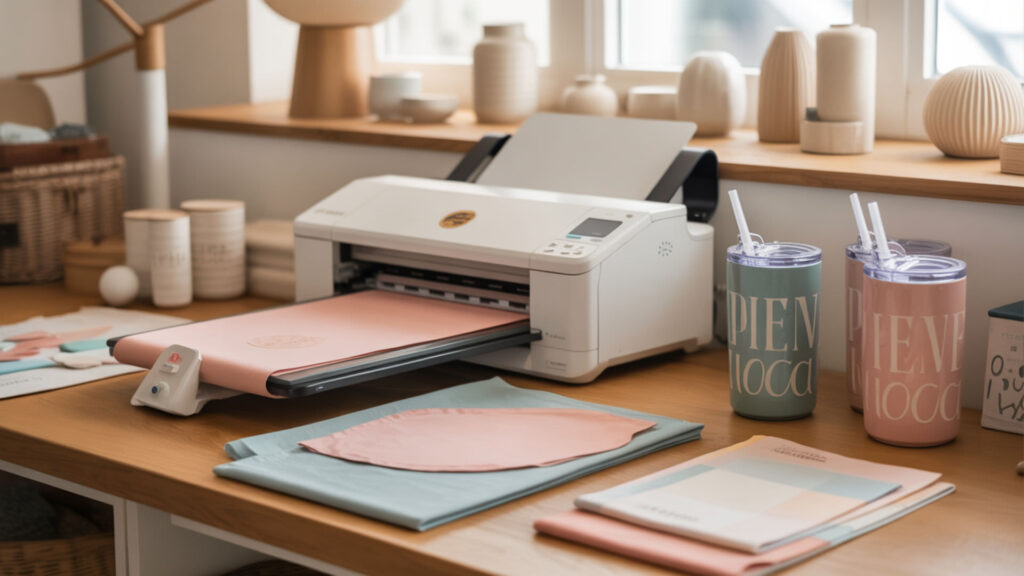
The best dye-sublimation printers for home crafters balance upfront cost, ink tank printer convenience, and page yield efficiency across typical project volumes of 50–200 prints monthly. Entry-level options like the Epson F170 and converted EcoTanks dominate due to affordable consumables and proven reliability. Our comprehensive best sublimation printers guide ranks current options by value and performance.
Entry-Level vs Professional Home Models
Entry-level sublimation printers ($200–$450) deliver 0.03–0.08 cost per print (CPP) with adequate fastness for personal projects, while professional home models ($500–$800) reduce CPP to 0.02–0.05 with superior color durability. Volume exceeding 200 monthly prints typically justifies the professional tier investment.
Space and Power Requirements
Desktop sublimation printers occupy 17–20 inches of width and require standard 120V outlets drawing 13–30 watts during operation. Wide-format models like the Epson F570 need dedicated workstation space (34+ inches) and produce more heat, requiring adequate ventilation for consistent output.
Matching Printer Size to Project Needs
Transfer sheet size determines maximum single-print dimensions—8.5×14 inch printers handle mugs, small apparel, and accessories, while 13×19 inch models accommodate adult t-shirts and larger decor items without tiling. Matching inkjet printing capacity to your primary project types prevents unnecessary equipment costs.
How Does the Epson SureColor F170 Perform in a Home Setting?
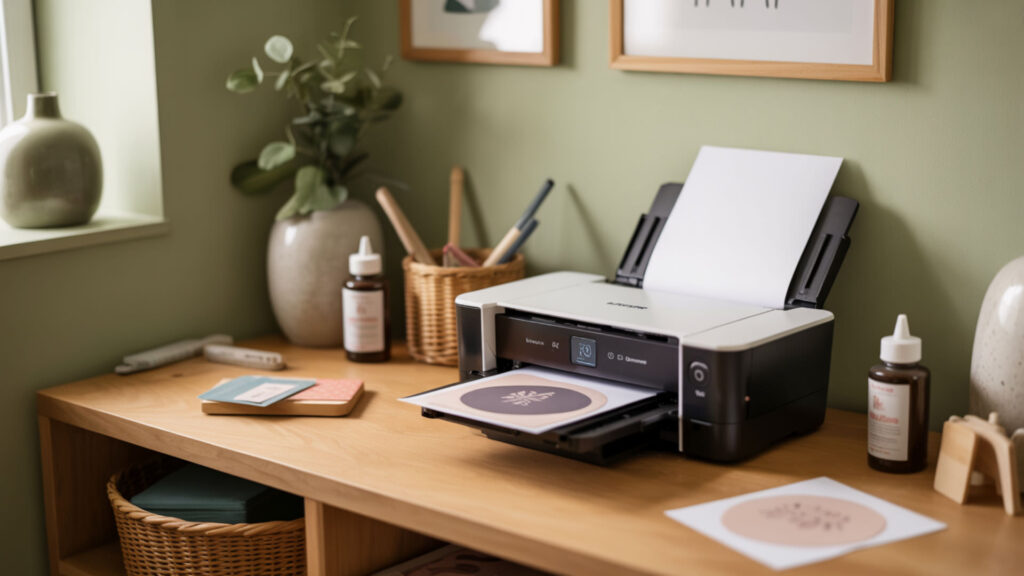
The Epson SureColor F170 uses Micro Piezo inkjet technology with a 784-nozzle PrecisionCore printhead engineered specifically for dye-sublimation printing at resolutions up to 1200×600 dpi. Its compact 17.1-inch footprint and 140ml starter ink set make it the most accessible dedicated sublimation printer for home crafters. Our complete Epson SureColor F170 review benchmarks real-world performance across common project types.
Setup and Installation Experience
F170 setup involves inserting four 140ml ink cartridge bottles into clearly labeled tanks and running an automated charging cycle that takes approximately 10–15 minutes. Unlike converted printers, the F170 includes manufacturer-calibrated color profiles and requires no third-party ICC configuration.
Daily Use and Maintenance Requirements
Consistent F170 performance requires inkjet printer maintenance including weekly printing to prevent nozzle clogging, periodic automated head cleaning cycles, and monitoring of the waste ink pad capacity (rated for approximately 15,000 prints). Keeping humidity between 40–60% prevents premature ink drying in the 784-nozzle array.
Real-World Print Quality Results
F170 output demonstrates strong chromophore saturation with vibrant CMYK reproduction and good wash fastness on polyester substrates—maintaining 85–90% color retention through 30+ wash cycles under standard conditions. Fine detail resolution suits photographic transfers and intricate pattern work.
Should You Choose the Epson F170 or Sawgrass SG500 for Home Use?
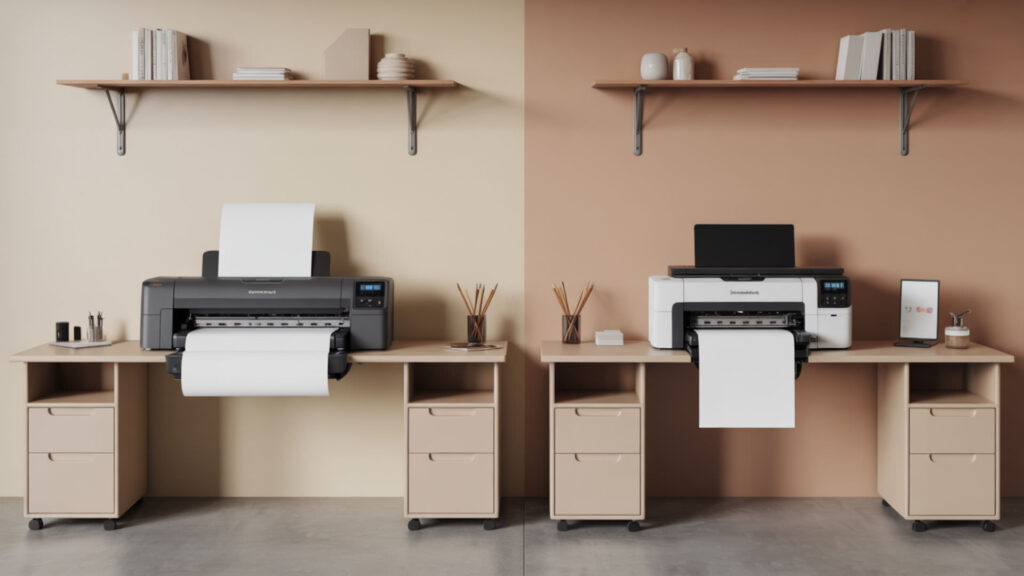
Both the Epson F170 and Sawgrass SG500 use piezoelectric inkjet printhead technology for sublimation, but differ significantly in ink economics, software integration, and target user profiles. The F170 costs approximately $150 less upfront with dramatically lower ink costs, while the SG500 offers superior color management tools. Our detailed Epson F170 vs Sawgrass SG500 comparison helps match each printer to specific workflow needs.
Direct Feature and Performance Comparison
The F170’s PrecisionCore printhead delivers 1200×600 dpi with 784 nozzles, while the SG500 achieves comparable resolution with Sawgrass’s proprietary head design optimized for their ink formulation. Both print maximum 8.5×14 inch sheets, though the SG500 accepts an optional bypass tray for 13×19 inch output.
Operating Costs and Consumables
Cost per print (CPP) heavily favors the F170—Epson’s 140ml bottles at $25 each yield approximately 4.5× more ink per dollar than Sawgrass’s 31ml cartridges at $35–$60. Over 1,000 prints, F170 consumables cost roughly $80–$120 versus $250–$400 for SG500 supplies. Page yield efficiency compounds these savings.
Which Projects Each Printer Handles Best
The F170 excels for hobbyists and small crafters prioritizing low operating costs on mugs, small apparel, and accessories. The SG500 suits users requiring precise color matching, larger transfer sheet options via bypass tray, and integrated dye-sublimation printing workflow software for client work.
Final Thoughts
Selecting a dedicated sublimation printer for home use ultimately depends on balancing inkjet printing technology reliability against budget constraints and project requirements. Dedicated dye-sublimation printing systems like the Epson F170 and Sawgrass SG500 eliminate conversion headaches, while EcoTank conversions offer budget-friendly entry points for experimenters willing to accept warranty trade-offs.
Frequently Asked Questions
1. How much space do I need for a dedicated sublimation printer setup at home?
Desktop sublimation printers require approximately 20×18 inches of desk space plus 6–8 inches of clearance behind for paper feeding and ventilation. Plan for an additional 24×18 inches adjacent workspace for transfer sheets, substrates, and a heat press if your workflow includes pressing. Temperature-controlled environments between 65–80°F optimize printhead performance and prevent ink viscosity issues.
2. Can I keep a sublimation printer in an unheated garage or basement?
Sublimation printers require stable temperatures between 59–86°F and humidity levels of 40–60% to prevent ink formulation thickening and printhead clogging from dried nozzles. Unheated spaces with temperature fluctuations or humidity below 35% accelerate ink degradation and dramatically increase maintenance frequency. Climate-controlled indoor locations protect your printhead investment.
3. How often do I need to use my sublimation printer to prevent clogging?
Print at least once weekly to maintain ink flow through all nozzles and prevent the dried ink blockages that require expensive inkjet printer maintenance cycles. Printing a color purge sheet (full CMYK coverage) uses minimal ink while keeping all 400–800 nozzles active. Extended idle periods beyond 2–3 weeks risk permanent printhead damage requiring professional repair or replacement.
4. What’s the real difference between a converted printer and a dedicated sublimation printer?
Dedicated sublimation printers include manufacturer-calibrated ink formulations, optimized printhead designs, and full warranty coverage—while converted Epson EcoTanks void warranties, require third-party ICC profiles, and risk compatibility issues with aftermarket sublimation inks. Dedicated models typically deliver more consistent color accuracy and longer printhead lifespan, though converted printers cost $100–$200 less initially.
5. Is it better to buy a used commercial sublimation printer or a new entry-level model?
New entry-level printers ($350–$500) include full warranties, fresh printheads with maximum nozzle lifespan, and current ink formulation compatibility—while used commercial units risk degraded printhead performance, unknown maintenance history, and obsolete consumable availability. Unless you can verify print counts below 10,000 pages and recent professional servicing, new entry-level models offer better long-term value for home users.
References
- 10 reasons why Sawgrass sublimation printers are best. (2025, January 31). Subli Genius Print. https://subligeniusprint.com/sawgrass-sublimation-printers/
- Just a moment... (n.d.). Just a moment… https://webstore.ansi.org/sdo/IEC?ad_acct=0089&gad_source=1&gad_campaignid=14086561104&gbraid=0AAAAADvqK-XvsqsVI8cXdpy8mc8XSHQEP&gclid=Cj0KCQiAgP_JBhD-ARIsANpEMxw4nirsnKCQBVKHLs7jCoYoLR4i59i8hM_Yd_g2qef971VMKdeI8sUaAsJZEALw_wcB












