
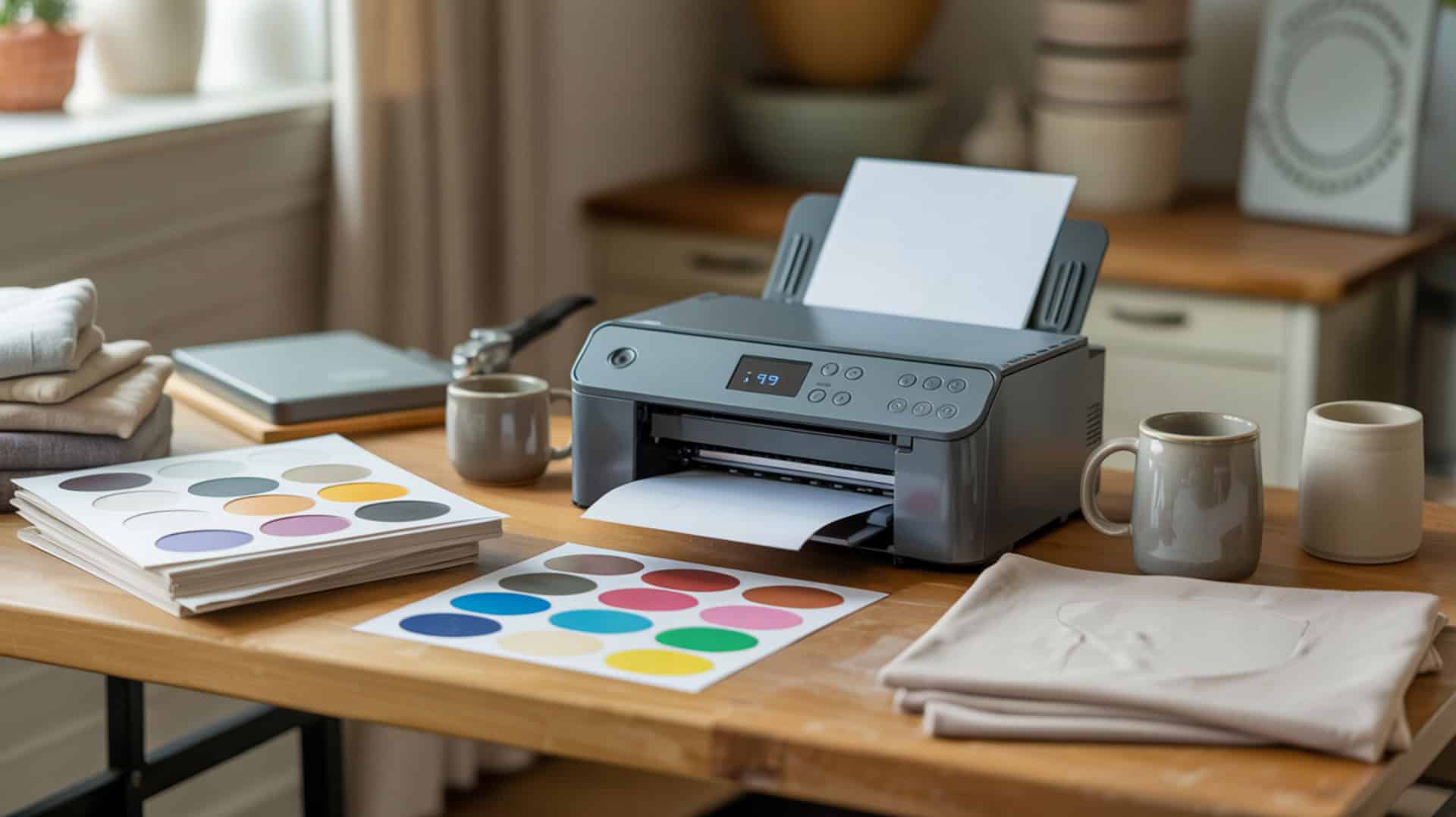
The Epson SureColor F170 is a purpose-built dye-sublimation printer that uses piezoelectric inkjet technology to eject disperse dye without thermal boiling, preserving the chemistry required for successful sublimation transfers. Because piezoelectric heads use mechanical actuation rather than heat to form droplets, they maintain ink integrity throughout the printing process. Disperse dye converts to gas under heat press temperatures and bonds inside polyester fibers or polymer coatings through polymer diffusion, creating permanent wash-resistant color. Since dye-sublimation printing technology and home-use printer architecture determine system suitability, you may also want to read our hub article on dedicated sublimation printer for home use.
Key Takeaways
- Cost per print (CPP) on the F170 runs lower than cartridge-based systems due to the tank-based ink delivery design that accepts refillable bottles rather than sealed cartridges.
- Fastness (wash durability) results from dye diffusion at the polymer level—the F170’s disperse dye creates permanent, wash-resistant color when properly pressed onto polyester substrates.
- Continuous-tone printing produces smooth photographic gradients through precise droplet placement, delivering color accuracy comparable to professionally-tuned converted systems without months of profile calibration.
Is the Epson SureColor F170 the Right Sublimation Printer for Your Needs?
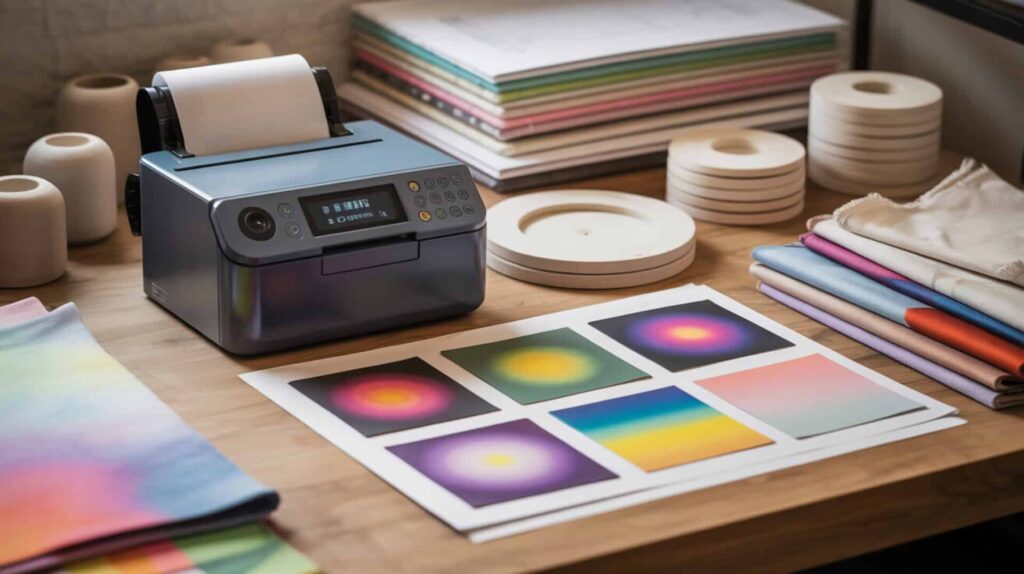
The Epson SureColor F170 is a dedicated sublimation printer using Micro Piezo inkjet technology with an ink tank printer design that provides stable disperse dye viscosity for reliable droplet ejection and reduced clog risk. According to demonstrated color comparison testing, the F170 produces colors with “exact similarity” to a professionally-tuned converted Epson 7710 without requiring months of profile calibration. The piezoelectric actuator provides stable droplet ejection through mechanical deformation that controls dye delivery without heat. The ink tank system maintains consistent flow that reduces clog risk compared to converted systems requiring manual syringe refills. Inkjet technology relies on precise control of ink droplet ejection from microscopic chambers in the printhead, allowing high-resolution images and text to be reproduced accurately on a variety of substrates.[1] Since both printers rely on piezo heads but differ in ink delivery and cost models, you may also want to read our comparison on Micro Piezo inkjet technology in our Epson vs Sawgrass sublimation printer guide.
What kind of print quality and performance can you expect from the Epson F170?
Based on demonstrated color comparison testing against a tuned converted Epson 7710 and converted EcoTank 15000, the F170 delivers impressive color accuracy out of the box. Chromophore absorption in the Epson disperse dye produces smooth gradients and high color saturation characteristic of continuous-tone printing. In press testing at 390°F for 55 seconds on a pillowcase, the reviewer was “really impressed” and observed a vibrancy difference compared to converted systems. On the critical pink/red accuracy concern, the F170 showed “exact similarity” to the tuned 7710 and was described as “maybe even more vibrant.” The reviewer notes being “blown away” at achieving this quality quickly without months of profile dialing. Ink-jet printing methods are valued for producing high-resolution patterns by precisely placing tiny droplets of ink through a controlled jetting process, which is crucial for sharp color gradients and fine detail in sublimation prints.[2]
What are the main pros and cons of the Epson SureColor F170?
The F170’s tank system delivers lower cost per print than cartridge systems, with keyed bottles that fill to a line and stop automatically—no squeezing or syringe refills required, taking approximately 1.5 minutes per color. Main advantages include reliable business-ready performance (the reviewer switched due to frequent paper jams and smears on converted setups), quick setup with approximately 15-minute ink charging, built-in sublimation conveniences like automatic mirror printing, and color performance matching tuned converted printers without months of calibration. Inkjet printer maintenance requires periodic nozzle cleaning to maintain performance. Main drawbacks include limited print size (8.5 × 11 and 8.5 × 14 only—no 13 × 19 capability like converted 7710), expensive ink (though expected to last longer than Sawgrass), and settings discipline required to avoid accidentally printing in standard quality.
How does the Epson F170 compare to Sawgrass and other sublimation printers?
In comparisons described in reviewed source material, the F170 was chosen over Sawgrass due to ink formulation cost concerns—reports indicated only 40–50 pages per Sawgrass ink set costing hundreds of dollars. Page yield and ink capacity drive operating cost differences, and the reviewer expects F170 ink to last longer per refill. Versus converted Epson printers: the converted 7710 (Cosmos ink + profiles) achieved “holy grail” colors but took months to dial in and developed mechanical issues; the converted EcoTank 15000 prints too much magenta with inaccurate pinks. The F170 is described as “plug in and go” compared to time-consuming profile calibration on converted systems. Since comparison centers on tuned closed-system inks vs refillable dye systems through ink formulation differences, you may also want to read our Sawgrass sublimation printer review. You can find the Epson SureColor F170 here. [3][4]
Final Verdict on Whether the Epson SureColor F170 Is Worth Buying
Cost per print (CPP), page yield, and production volume suitability determine whether the F170 fits your sublimation workflow. Output volume affects whether tank-based or cartridge-based systems are more economical—the F170’s refillable tank design favors users with consistent production needs who benefit from lower per-print ink costs. The Epson SureColor F170 proves to be a reliable sublimation printer delivering high-quality prints with a compact design, easy setup, and user-friendly operation suitable for both beginners and experienced sublimators. Despite print size limitations (letter and legal only) and occasional alignment calibration subjectivity, the F170 stands out for print quality and efficient ink usage. For users seeking a dedicated sublimation printer with lower ink costs than Sawgrass, reliable color accuracy without months of profile tuning, and full manufacturer warranty support, the SureColor F170 is a worthy investment for producing high-quality sublimation prints.
Frequently Asked Questions
What kind of ink does the Epson SureColor F170 use for sublimation?
The Epson SureColor F170 uses T49M disperse dye sublimation ink bottles engineered specifically for the F170 and F570 SureColor sublimation printers. The ink bottles are keyed to match specific color ports (black, cyan, magenta, yellow), so they only fit their correct tank. Disperse dye chemistry requires heat transfer via sublimation printing—the dye vaporizes under heat press temperatures and bonds inside polyester fibers or polymer coatings. Using the correct Epson sublimation ink ensures optimal color accuracy and print quality.
How big can the Epson F170 print for sublimation projects?
The Epson F170 standard print sizes are 8.5 × 11 inches (letter) and 8.5 × 14 inches (legal), with a maximum printable width of 8.5 inches and 3mm margins on left and right sides. The printer can technically handle sheets up to 8.5 × 47.2 inches, though longer prints are limited by software, operating system, and driver capabilities. For projects requiring larger formats like 13 × 19 inches, users need to consider the Epson F570 or converted wide-format printers like the Epson 7710.
Does the Epson F170 come with sublimation ink included in the box?
Yes, the Epson F170 includes a set of four genuine sublimation ink bottles (yellow, magenta, cyan, and black) in the box. Many bundle packages also include sublimation transfer paper and heat-resistant tape—the reviewer’s MakerFlow bundle included sublimation paper, an extra ink set, and heat transfer tape. The included ink provides everything needed to start printing immediately after the approximately 15-minute ink charging process completes during initial setup.
What size paper can you use with the Epson SureColor F170?
The Epson F170 supports paper sizes from 3.5 × 5 inches up to 8.5 × 14 inches for standard sheet media, including common sizes like 4 × 6, 5 × 7, 8 × 10, 8.5 × 11 (letter), 8.5 × 14 (legal), A4, and A6. The printer driver offers two paper modes: DS Transfer Multi-Use Rigid (lays less ink to prevent bleeding on hard substrates) and DS Transfer Multi-Use Textile (lays more ink for fabric). Always match paper size settings in both your software application and printer control panel for correct output.
What is the DPI resolution of the Epson F170 sublimation printer?
The Epson F170 has a maximum print resolution of 1200 × 600 DPI with a nozzle configuration of 784 total nozzles (400 nozzles for black, 128 nozzles each for cyan, magenta, and yellow). Piezoelectric actuator technology provides safe ejection of disperse dye without thermal stress, maintaining consistent droplet formation at this resolution. For highest quality sublimation output, use the High quality setting rather than Standard—the reviewer noted accidentally printing in standard quality initially produced duller results requiring reprinting.
References:
- (n.d.). Course Websites | The Grainger College of Engineering | Illinois. https://courses.physics.illinois.edu/phys212/sp2013/JamesScholars/03/inkjet.pdf
- Ink-jet printing method: Topics by Science.gov. (n.d.). Science.gov. https://www.science.gov/topicpages/i/ink-jet+printing+method












