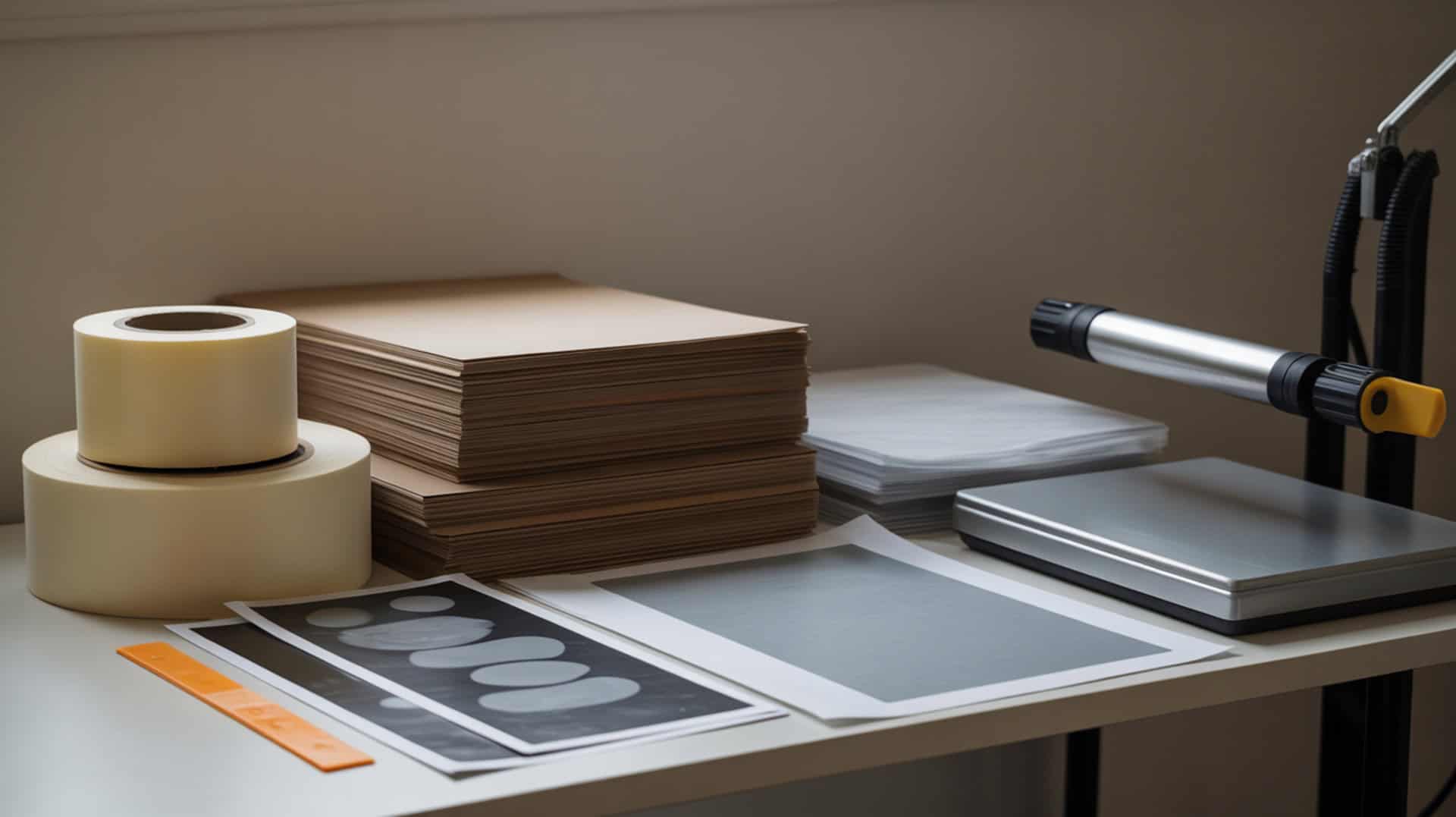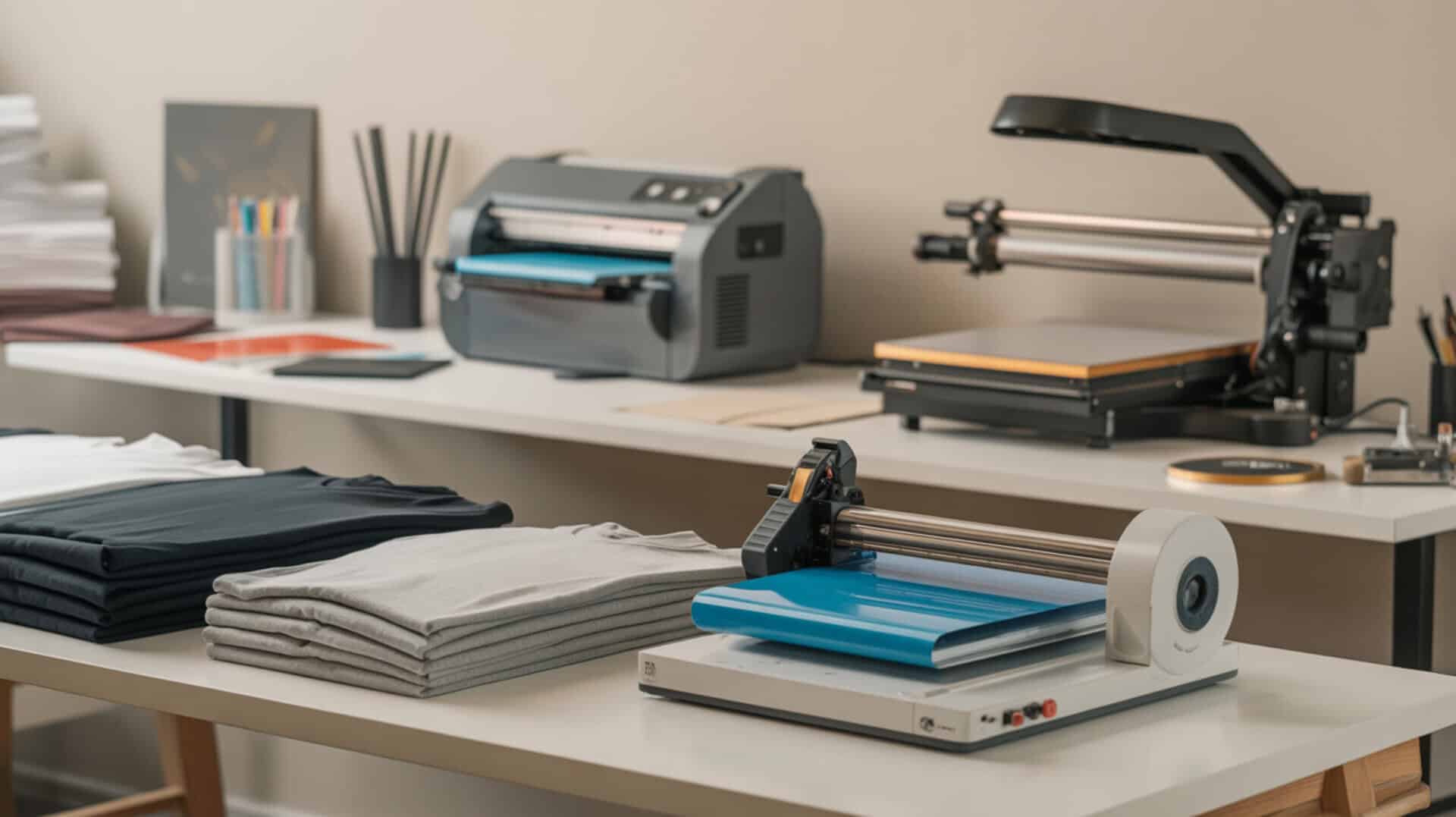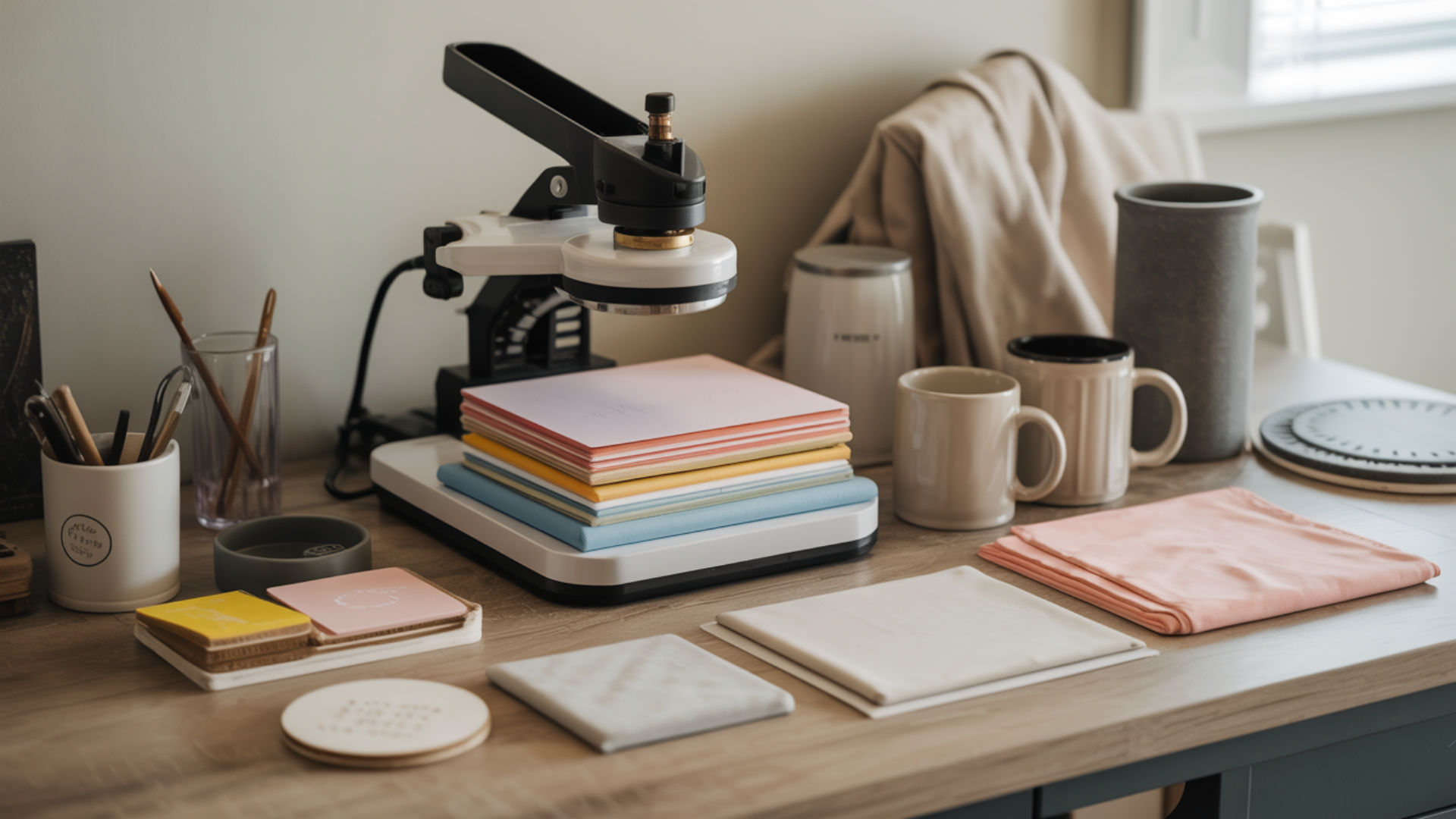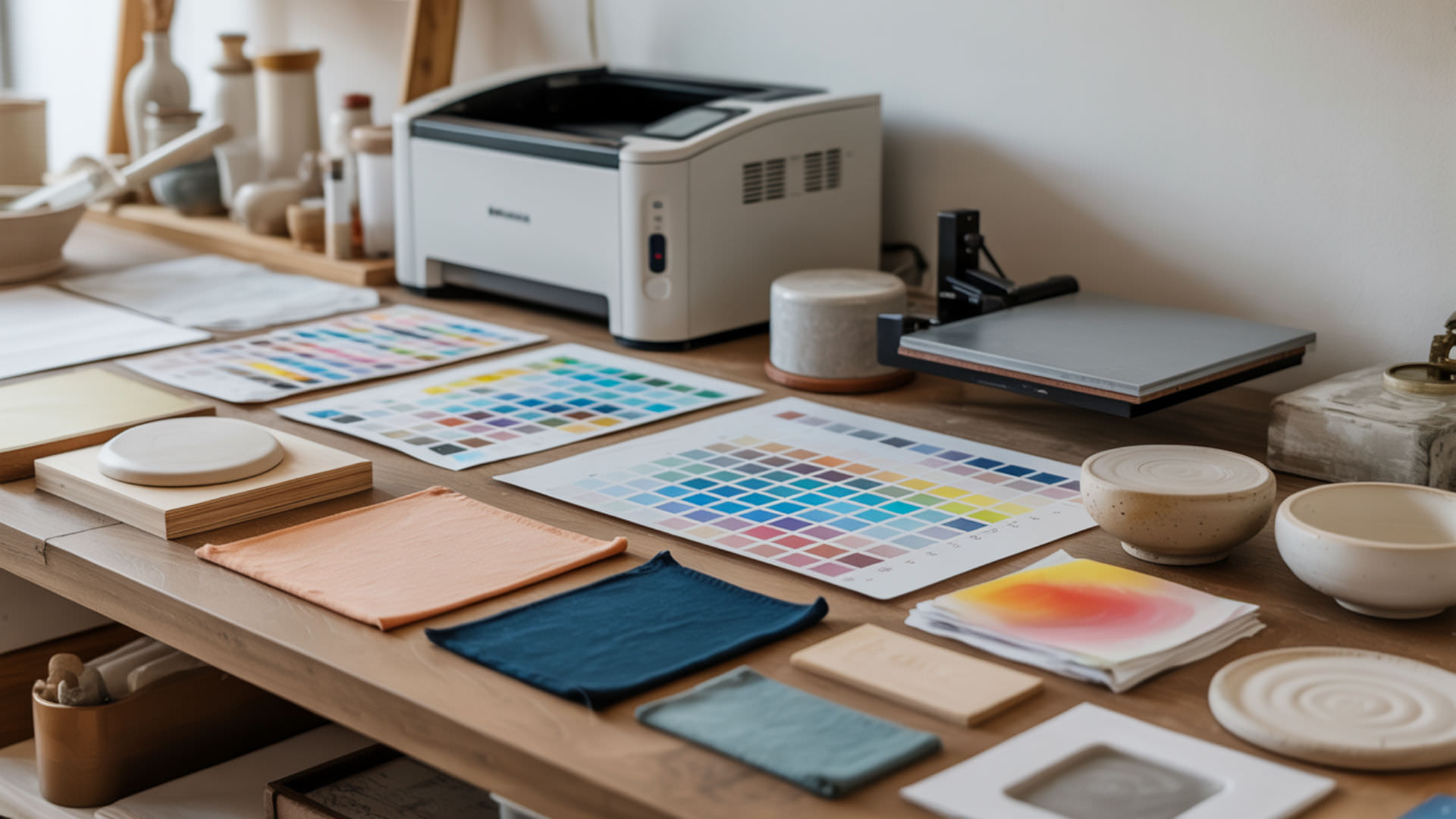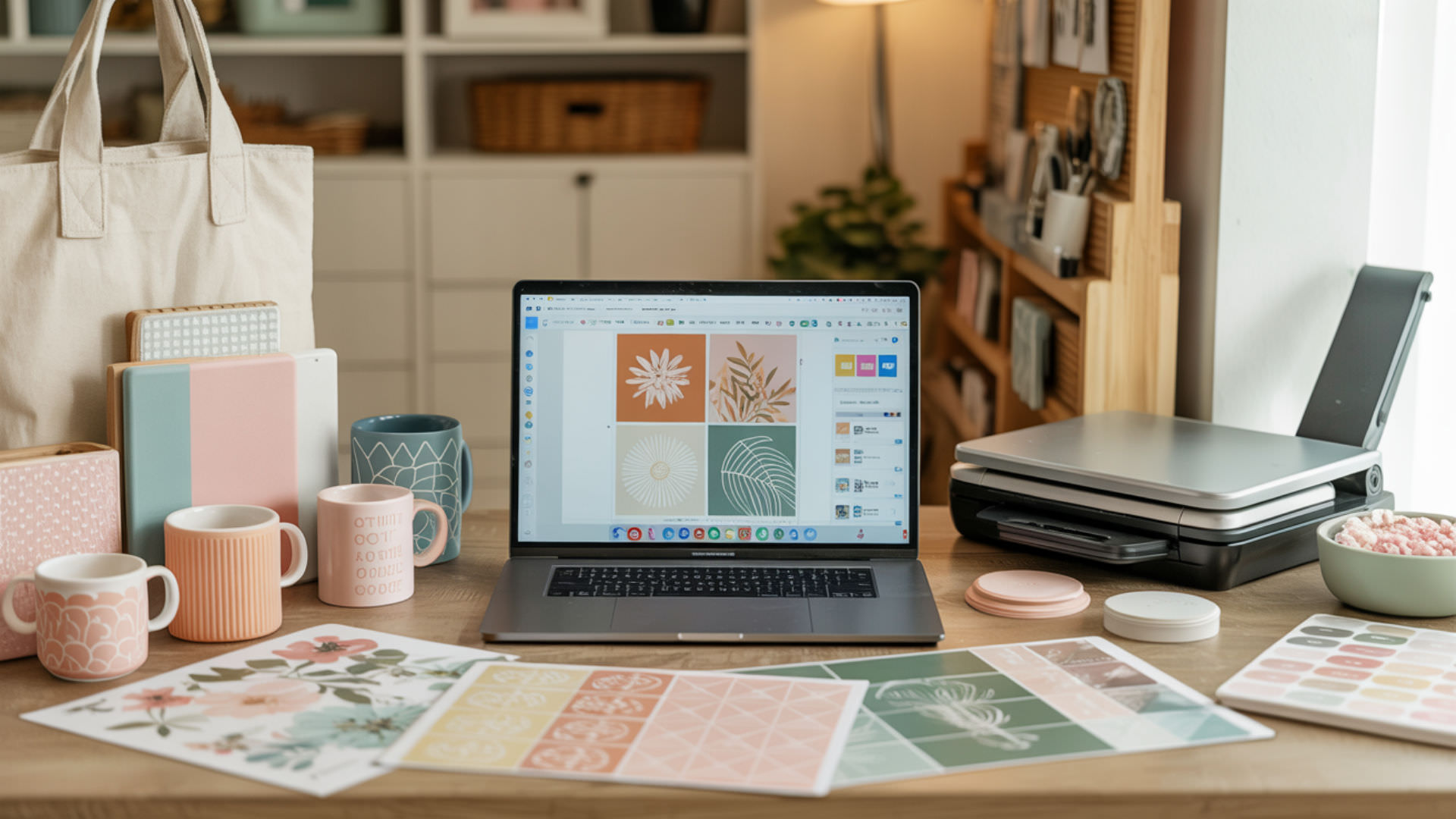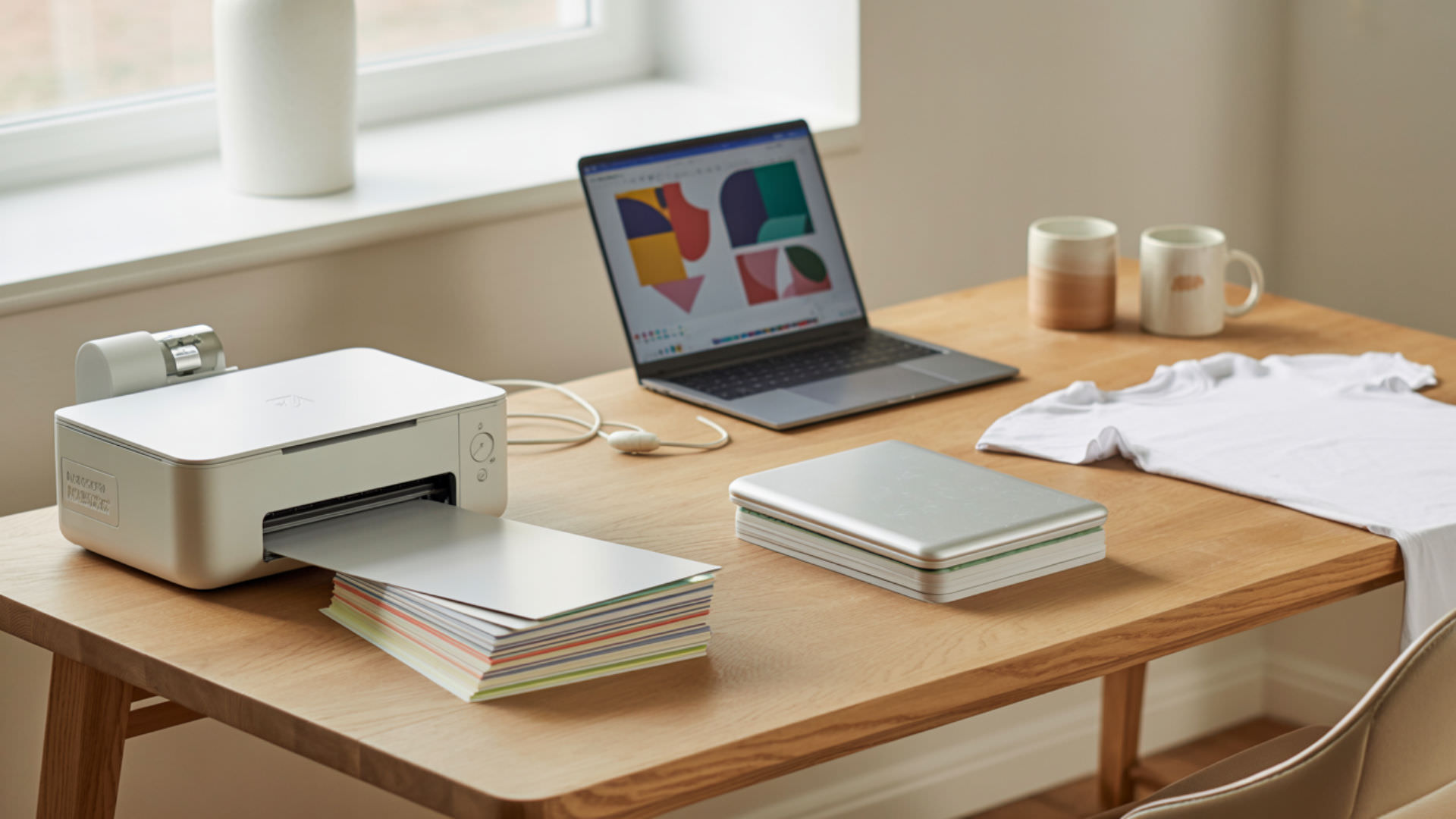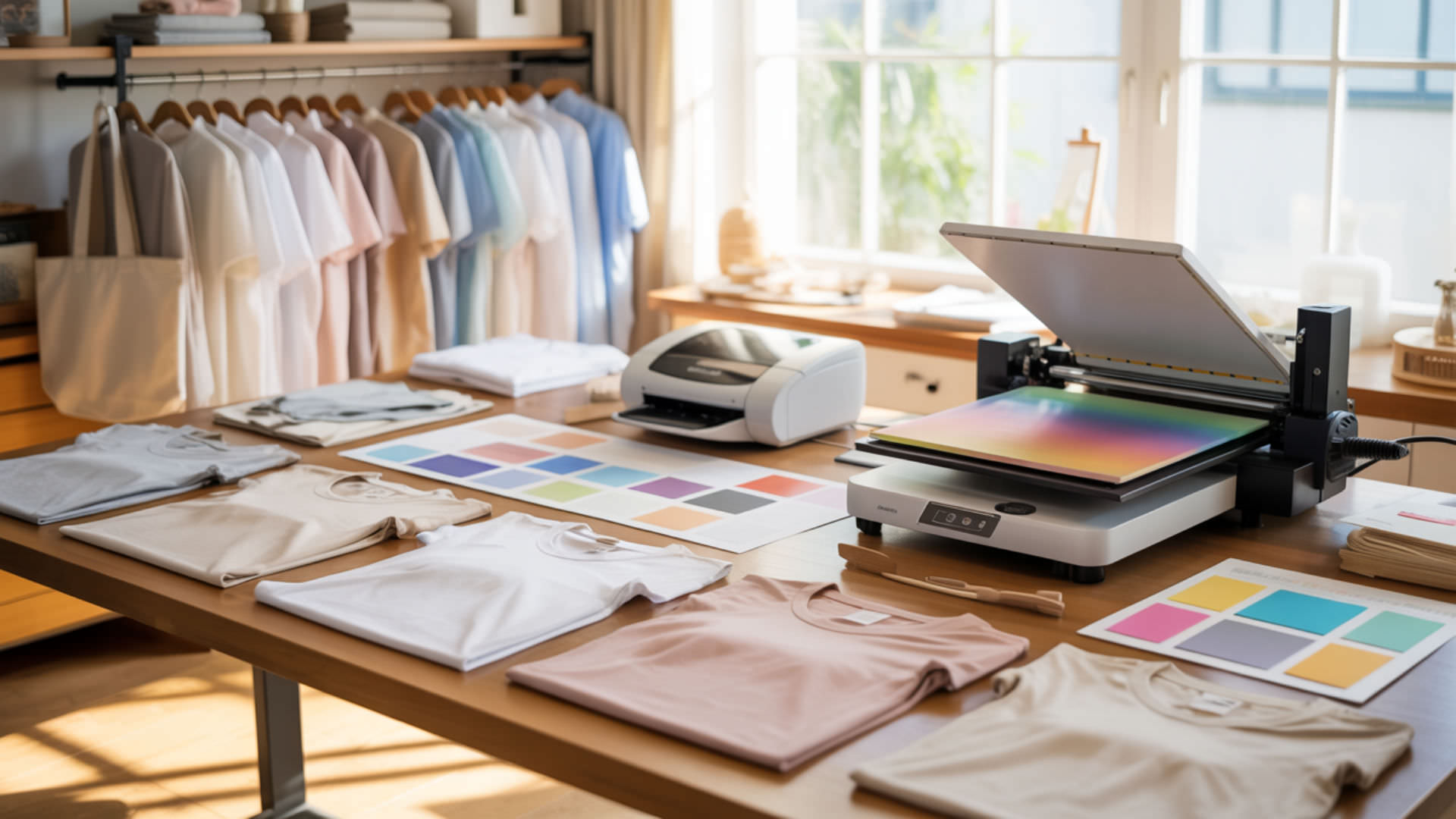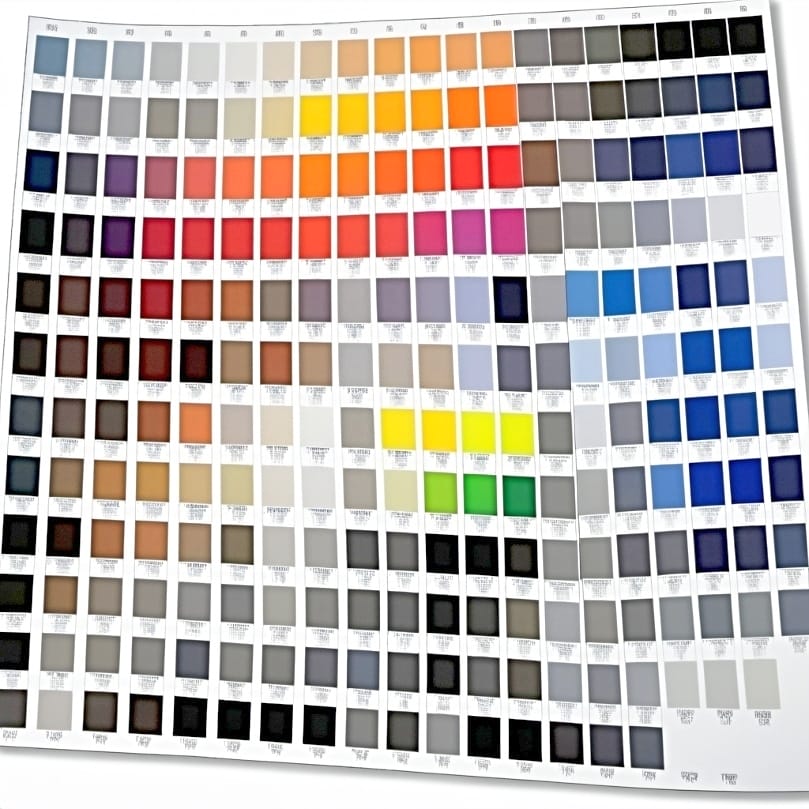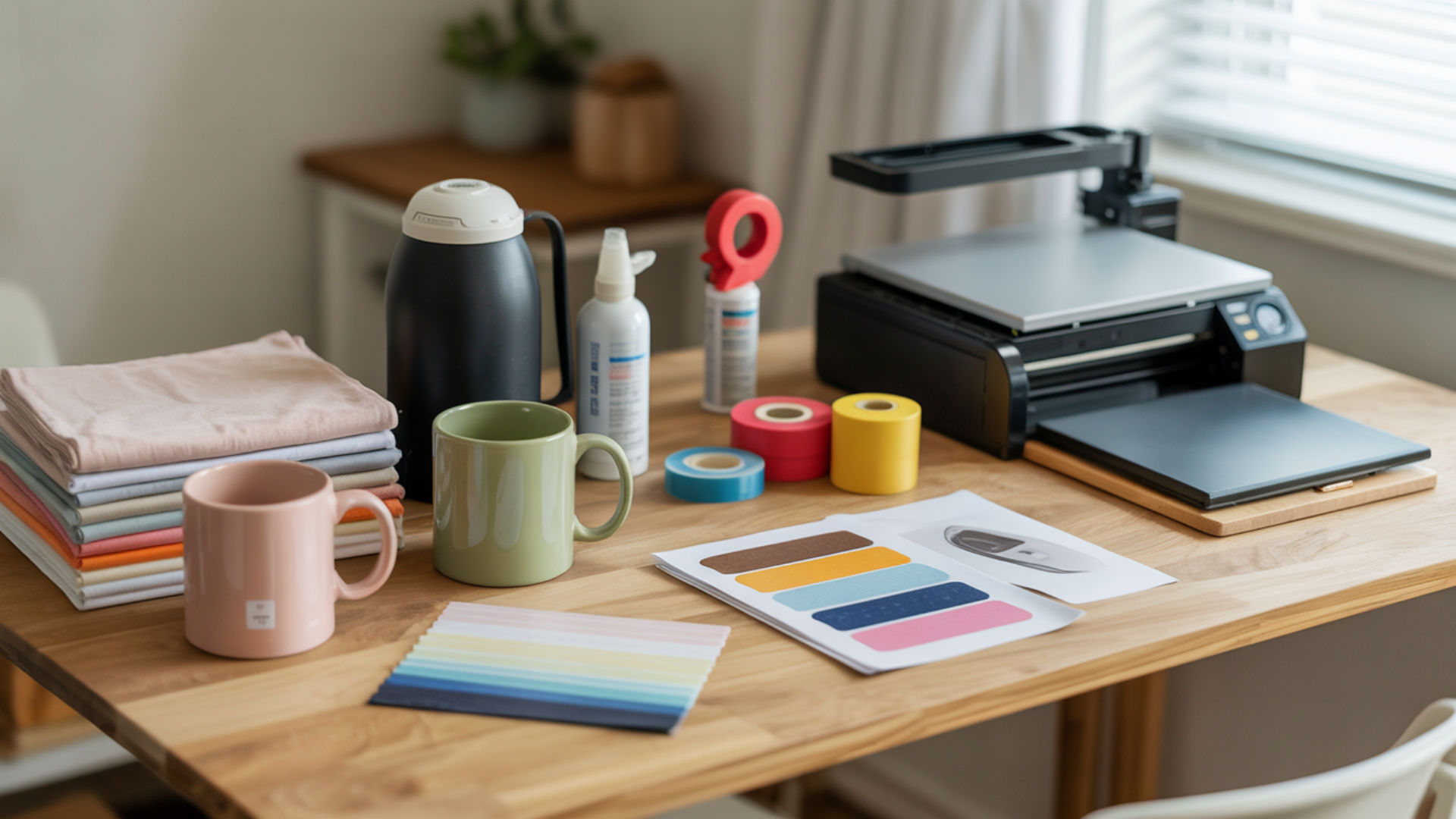
Sublimation is a phase transition where solid dye converts directly to gas without becoming liquid first, then bonds permanently with polymer substrates. Heat transfer provides energy for this conversion—typically 350–400°F (175–205°C)—causing disperse dyes to vaporize and penetrate polyester or polymer-coated materials. When cooled, dye molecules become trapped within polymer chains, creating vibrant, permanent prints that resist fading and washing. Sublimation is a phase change driven by heat energy, where a solid transitions directly into gas without passing through a liquid state.[1]
Key Takeaways
- Sublimation bypasses the liquid phase entirely, converting solid disperse dyes directly into gas under controlled heat and pressure.
- Diffusion moves gaseous dye molecules into polymer chains where they become permanently encapsulated upon cooling.
- The molecular-level bond makes sublimation prints resistant to peeling, cracking, and fading through normal use.
How Does Sublimation Hold Up to Dishwasher Use?

Dishwasher cycles combine heat, moisture, and detergent that stress sublimated coatings over time. Hydrolysis occurs when water molecules break chemical bonds in polymer coatings, gradually degrading print durability. Thermal degradation from repeated heating weakens the protective layer further. Understanding hydrolysis and its effects on sublimated drinkware is covered comprehensively in our guide on sublimation dishwasher safety.
Understanding Heat and Chemical Resistance
Sublimated coatings withstand normal use temperatures but face challenges under repeated dishwasher heat cycles. High temperatures accelerate polymer weakening over time. Detergents create chemical stress that compounds thermal damage, particularly harsh formulations with strong alkaline components that attack polymer bonds aggressively.
Care Instructions for Sublimated Items
Hand washing preserves sublimated items longest by avoiding intense dishwasher heat and harsh detergents. Hydrolysis accelerates in hot, wet environments with chemical exposure. Top-rack placement and gentle cycles reduce stress when machine washing becomes necessary for convenience.
Testing Durability and Longevity
Quality sublimation survives hundreds of wash cycles when properly executed. Heat transfer completeness during initial pressing determines long-term durability. Incomplete transfers leave dye vulnerable to thermal degradation and washing stress. Test items through multiple cycles before selling to ensure quality standards meet customer expectations.
⫸ Click Here For Best Selling Sublimation Printers And Products ⫷What Polyester Percentage Do You Need for Successful Sublimation?
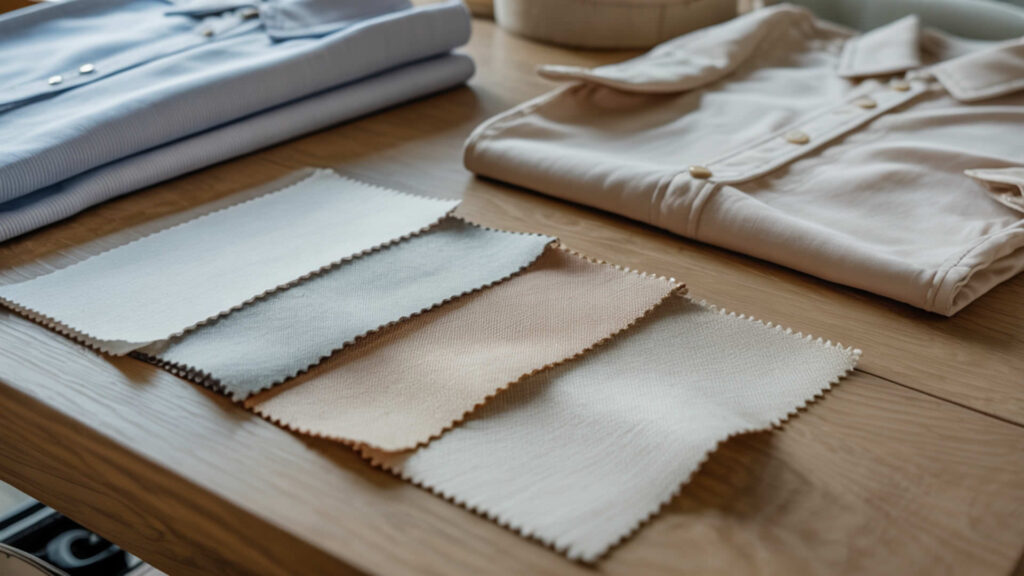
Successful sublimation requires polyester content because disperse dyes bond exclusively with polymer chains. Higher polyester percentage enables better dye diffusion into fibers, producing brighter, more saturated colors. The polymer quantity directly determines achievable color depth and vibrancy. Understanding how polyester content affects results is explained thoroughly in our polyester percentage guide.
How Fiber Content Affects Color Vibrancy
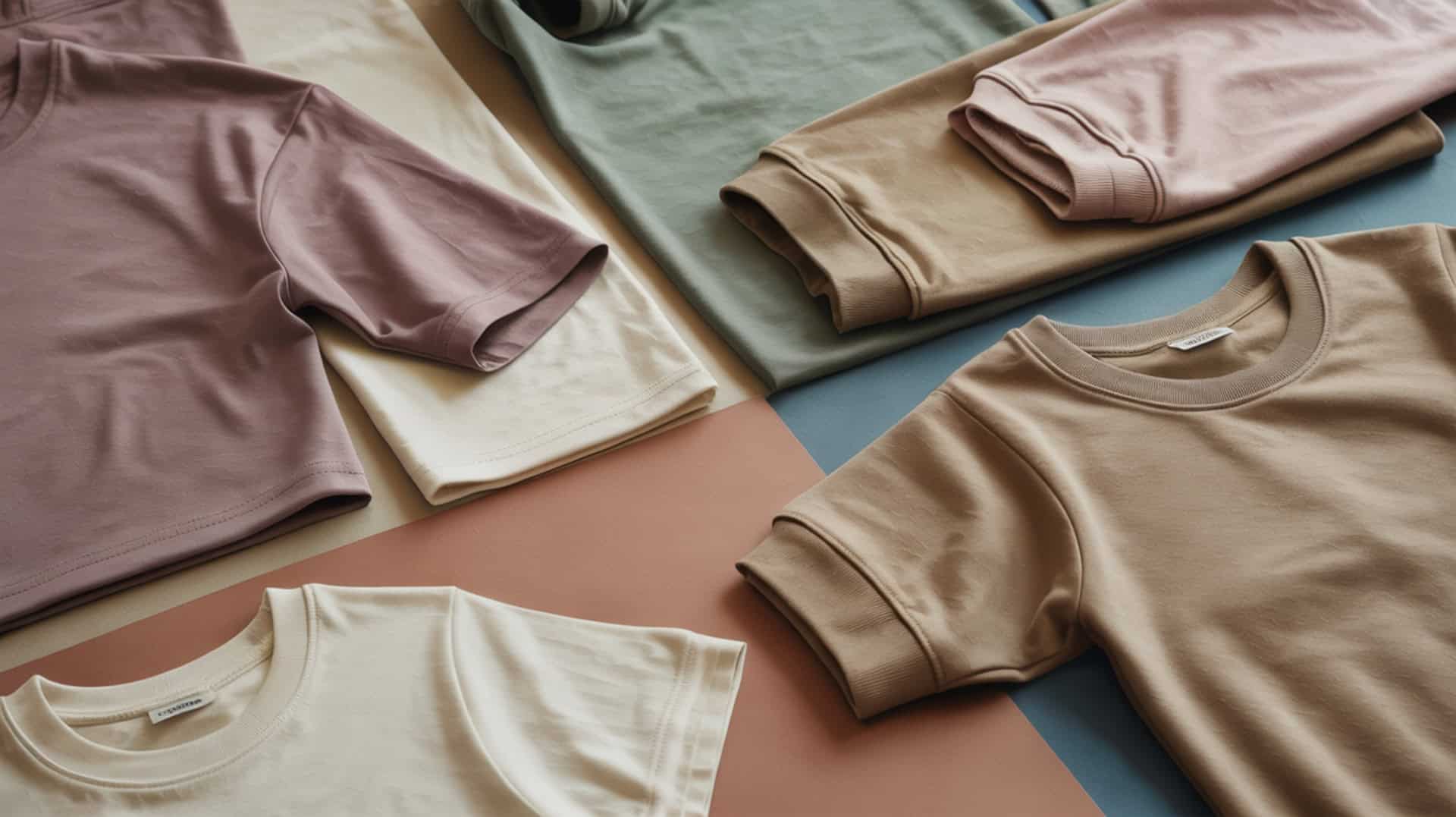
More polyester means higher diffusion rates and brighter final colors. Pure polyester (100%) accepts maximum dye penetration, while lower percentages produce proportionally fainter results. Natural fibers like cotton reject sublimation dye entirely, leaving blank spots in blended fabrics.
Working with Polyester Blends
Polyester blends produce predictably lighter results because less polymer exists to accept dye. A 50/50 poly-cotton blend yields approximately half the vibrancy of pure polyester. Some crafters intentionally use blends for vintage or muted aesthetic effects rather than maximum saturation.
Identifying Suitable Fabrics for Projects
Check fabric labels for polyester content before purchasing substrates. Suitable fabrics must withstand sublimation temperatures—typically 380–400°F—without damage. Fabrics with low melting points scorch or distort under necessary heat. White or light-colored polyester produces brightest results since sublimation inks are translucent.
How Does Adhesive Spray Help in the Sublimation Process?
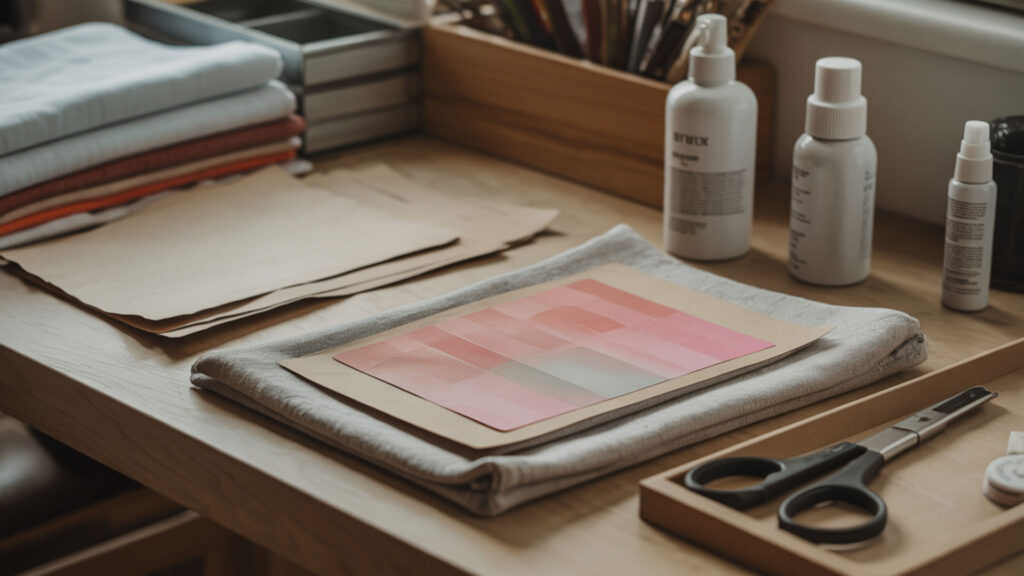
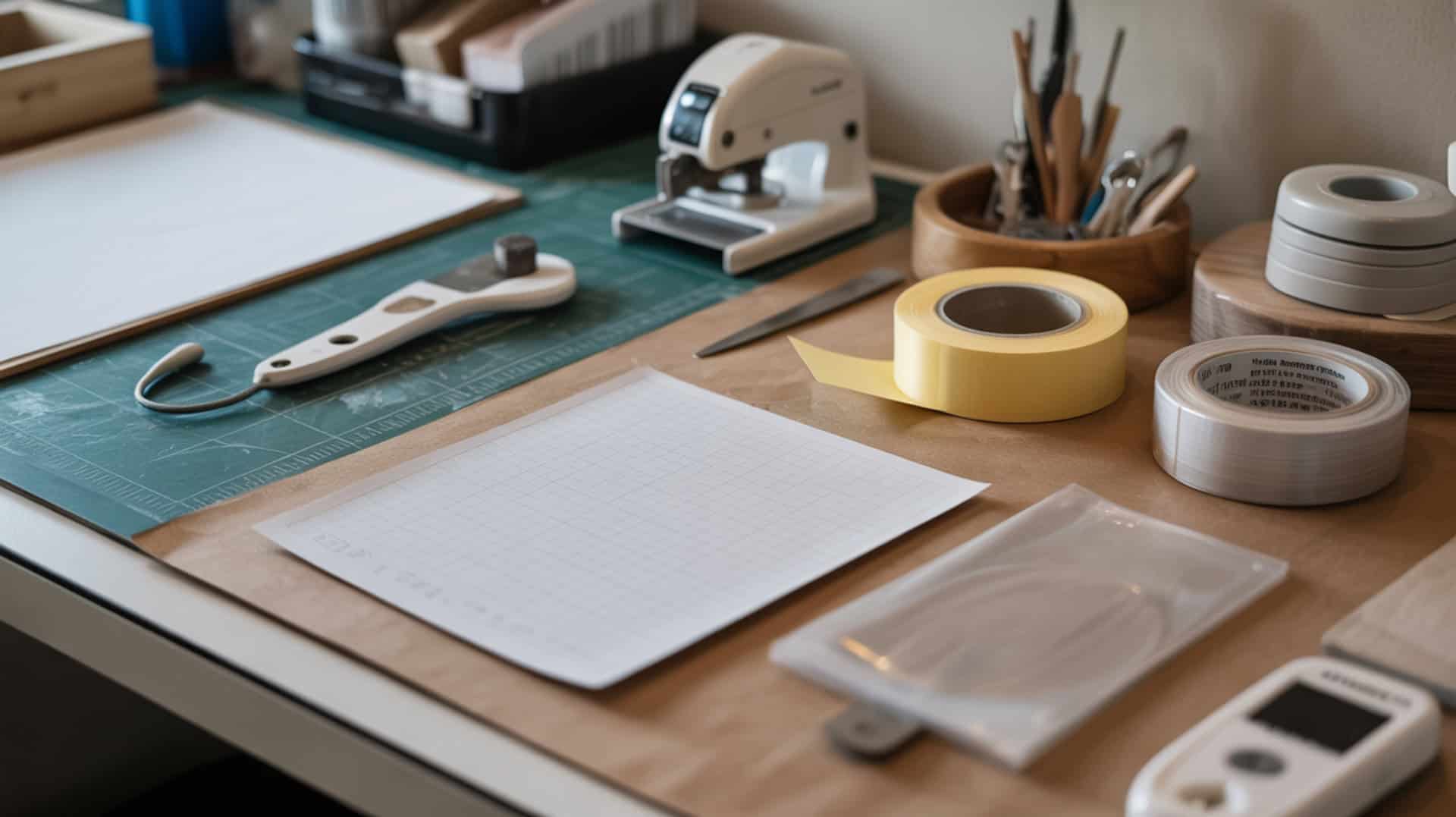
Adhesive spray creates temporary tack between transfer paper and substrate during heat pressing. This prevents shifting that causes ghosting—blurred double images from paper movement. Pressure-sensitive adhesive provides holding power without leaving residue after pressing. Learning proper adhesive application techniques prevents common transfer problems, which our adhesive spray guide covers in detail.
Preventing Ghosting and Image Shift
Ghosting occurs when transfer paper moves during heat transfer, creating shadow images alongside the intended design. Adhesive holds paper stable while dye vaporizes and expands as gas. Even slight movement during the critical transfer window produces visible ghosting artifacts.
Application Techniques and Coverage
Light, even pressure-sensitive adhesive application provides sufficient hold without excess buildup. Heavy application wastes product and may affect transfer quality. Spray from appropriate distance for even coverage across the entire design area, focusing on edges where lifting occurs most frequently.
Choosing the Right Spray for Different Projects
Adhesive choice depends on substrate polymer type and project requirements. Some sprays work better on fabrics while others suit rigid surfaces. Heat-resistant formulations withstand sublimation temperatures without breaking down or affecting dye transfer. Test adhesive compatibility before committing to production runs.
Why Is Heat Tape Essential for Sublimation Success?
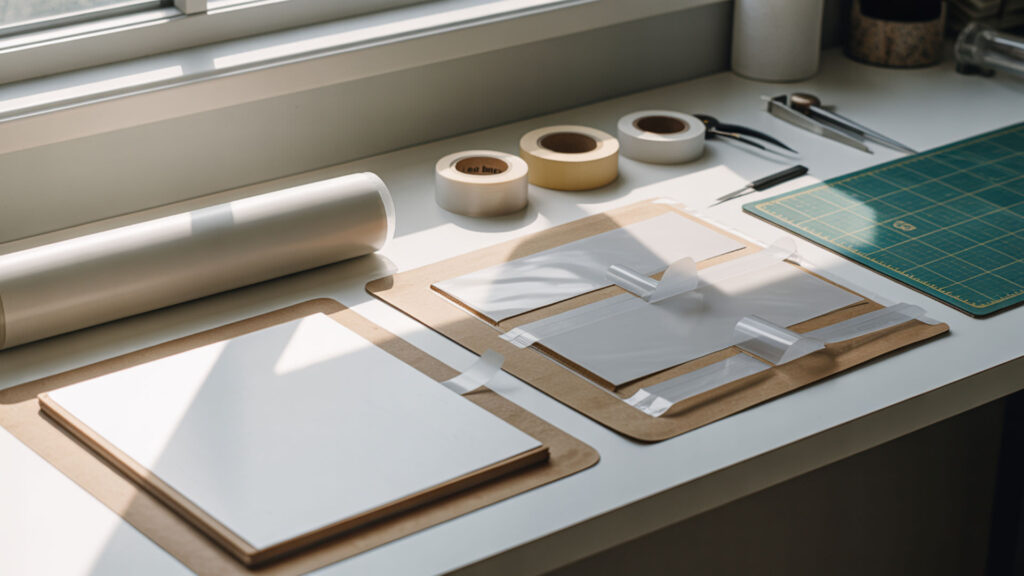
Heat tape secures transfer paper without adhesive residue or damage to substrates. Polyimide tape—commonly called Kapton—withstands sublimation temperatures exceeding 500°F without degrading. The pressure-sensitive adhesive releases cleanly after pressing, leaving no marks on finished products. Selecting quality polyimide tape for your projects is covered in our heat tape selection guide.
Securing Transfers Without Leaving Marks
Quality polyimide tape with proper pressure-sensitive adhesive releases cleanly regardless of heat exposure. Cheap tapes leave residue or bond permanently when heated. Position tape on paper edges rather than design areas to prevent any possibility of marks appearing on finished prints.
Temperature Resistance and Reusability
Polyimide’s exceptionally high melting point—over 500°F—makes it heat-safe for all sublimation applications. Quality tape survives multiple pressing cycles, providing cost-effective reusability. Lesser materials degrade, melt, or leave residue after single use, wasting money and potentially ruining substrates.
Alternative Methods for Holding Transfers
Adhesive spray substitutes for tape on large format projects where taping edges becomes impractical. Some crafters combine methods—spray for overall hold plus tape for critical edges. Choose methods based on project size, substrate type, and personal workflow preferences.
Can You Layer Sublimation Over Existing Sublimation?
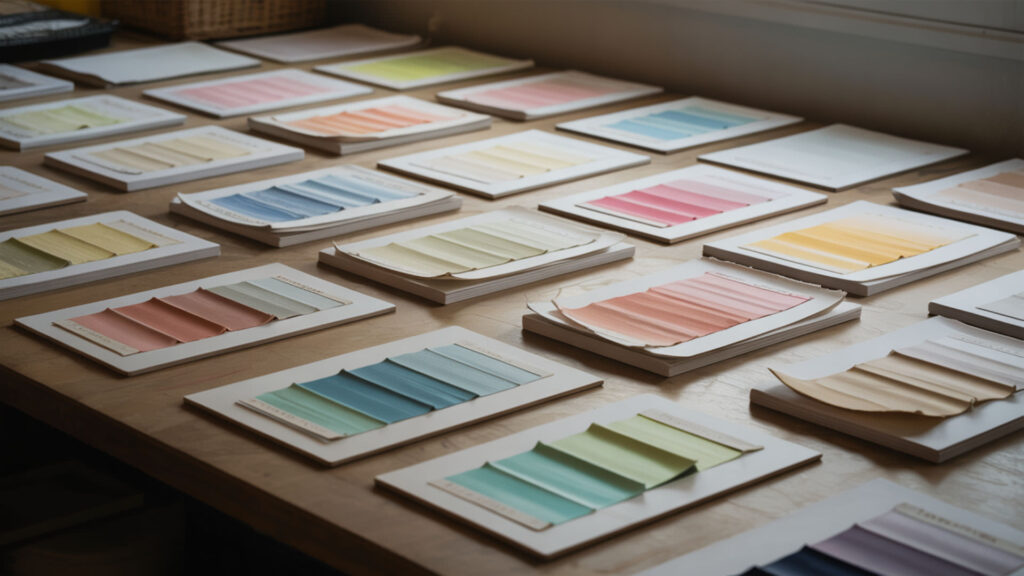
Layering sublimation involves pressing new designs over previously sublimated areas. The second press triggers additional diffusion—existing dye molecules may migrate while new dye penetrates. Excess heat creates thermal degradation risk, potentially damaging both layers. Understanding diffusion behavior during double pressing enables creative layering effects, which our sublimation layering guide explains.
Understanding Color Mixing and Overlay Effects
Dye layers mix through diffusion inside polymer chains during second pressing. Original colors blend with new additions rather than being covered opaquely. Results depend on both color choices and press timing—longer pressing increases mixing depth while shorter pressing maintains more separation between layers.
Technical Challenges with Double Pressing
Reheating previously sublimated substrates approaches material melting point and increases thermal degradation risk. Original dye may migrate unpredictably, blurring first-layer details. Temperature and time must balance achieving new transfer while minimizing existing layer damage. Practice on test pieces before attempting layered production work.
Creative Applications for Layered Designs
The sublimation phase transition enables unique overlay effects impossible with surface printing methods. Creative applications include adding text over photographic backgrounds, creating gradient blends between layers, or building complex multi-color designs through sequential pressing. Experimentation reveals possibilities within physical constraints.
Which Printer Features Matter Most for Sublimation Beginners?
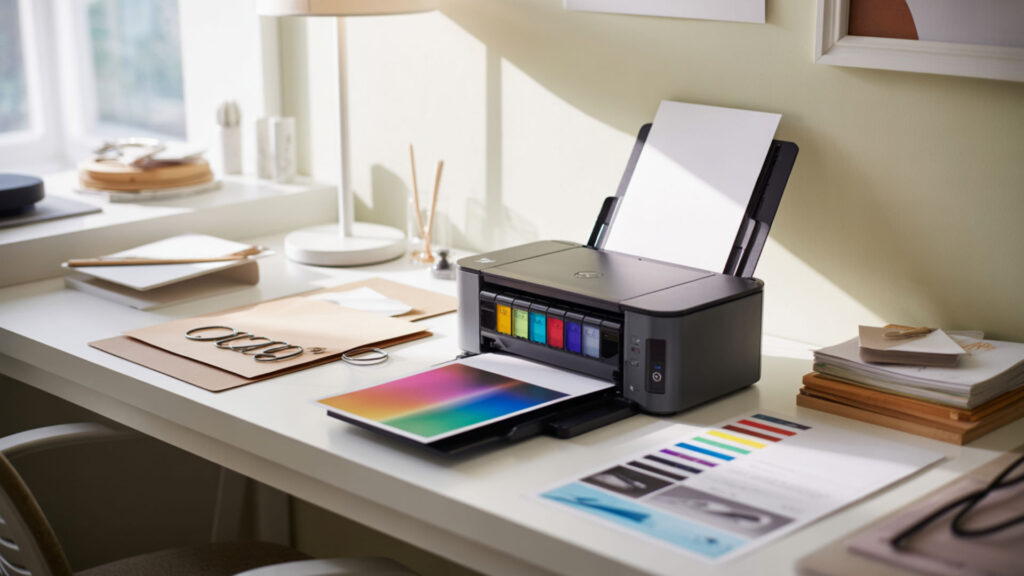
Printhead technology determines sublimation compatibility fundamentally. Piezoelectricity-based printheads use crystal vibration to eject ink without heat, making them safe for sublimation dyes. Thermal inkjet printheads heat ink intensely—damaging sublimation formulations and causing clogs. Epson printers use piezoelectric technology exclusively. Understanding piezoelectricity and printer selection helps beginners choose wisely, which our beginner printer guide covers.
Tank vs Cartridge Systems for Sublimation
Piezoelectric printers with refillable ink tank systems offer best long-term sublimation value. Tank systems accept bulk sublimation ink economically while piezoelectricity ensures printhead compatibility. Cartridge-based inkjet printing works but costs more per print. EcoTank models combine both advantages for cost-effective sublimation startup.
Print Size and Resolution Requirements
Inkjet printing resolution affects sublimation detail and color smoothness. Higher resolution produces sharper output with smoother gradients. Standard sublimation requires a minimum 300 DPI for quality results. Larger format printers enable bigger projects but cost more upfront and require more workspace.
Budget Considerations and Starter Models
Entry-level inkjet printers with piezoelectric printheads offer affordable sublimation startup paths. Converting existing compatible printers saves money versus dedicated sublimation systems. Budget allocation should include ink, paper, heat press, and substrates alongside printer cost for realistic planning.
What Size Printer Do You Actually Need for Sublimation?
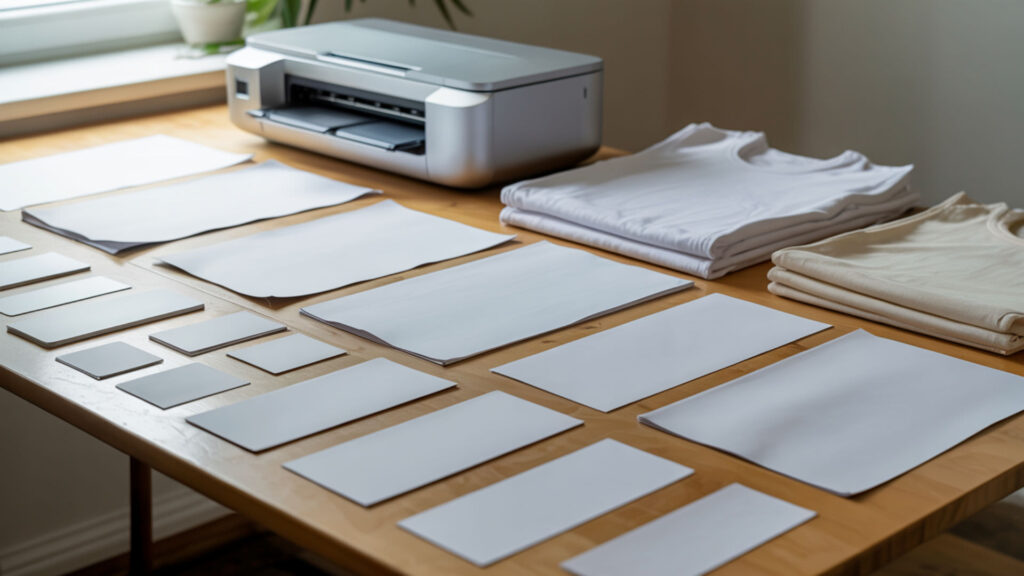
Printer size determines maximum project dimensions—print width must accommodate your largest intended substrates. Inkjet printing width ranges from letter-size to wide-format professional models. The heat transfer area on your press must match or exceed printer capability. Understanding inkjet printing dimensions and workspace requirements is covered in our printer dimensions guide.
Matching Printer Dimensions to Project Types
Small-format inkjet printing suits mugs, phone cases, and small apparel designs. Wide-format printers enable all-over shirt prints, large signs, and fabric yardage. Match printer capability to your primary product types rather than buying oversized equipment for occasional large projects.
Space Requirements and Setup Considerations
Larger printers require proportionally more workspace beyond their footprint for paper handling and maintenance access. Heat transfer presses add significant space requirements. Plan workspace layout before purchasing to ensure equipment fits comfortably with adequate workflow clearance around all machines.
Scalability and Business Growth Planning
Larger inkjet printing systems support higher production capacity as business grows. Starting small makes sense financially, but consider upgrade paths when choosing initial equipment. Some businesses add second printers rather than replacing starter models to increase throughput incrementally.
How Do You Set Up an Epson EcoTank for Sublimation?
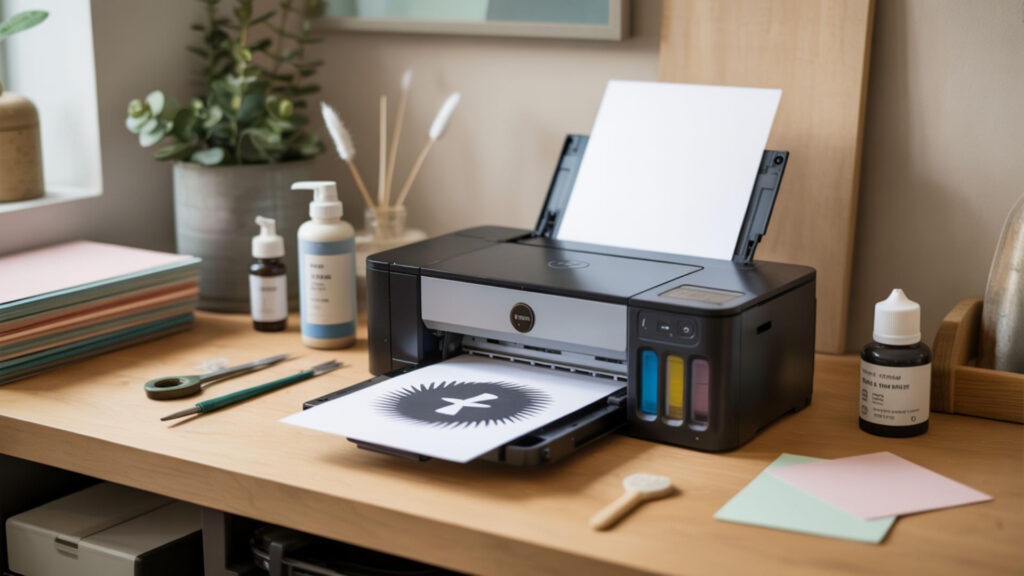
EcoTank printers use piezoelectricity-based printheads compatible with sublimation ink, making them popular conversion candidates. The piezoelectric mechanism ejects ink through crystal vibration rather than heating—preventing damage to heat-sensitive sublimation dyes. Polymer substrates require correct color profiling for accurate output. Step-by-step piezoelectricity-compatible printer setup is detailed in our EcoTank ET-2803 conversion guide.
Initial Conversion and Ink Installation
Converting EcoTank printers requires filling tanks with sublimation ink before first use—never after regular ink installation. Piezoelectricity prevents ink boiling that would damage sublimation dye chemistry. Fresh, unconverted printers offer cleanest conversion since no previous ink contaminates the system.
Driver Settings and Color Profiles
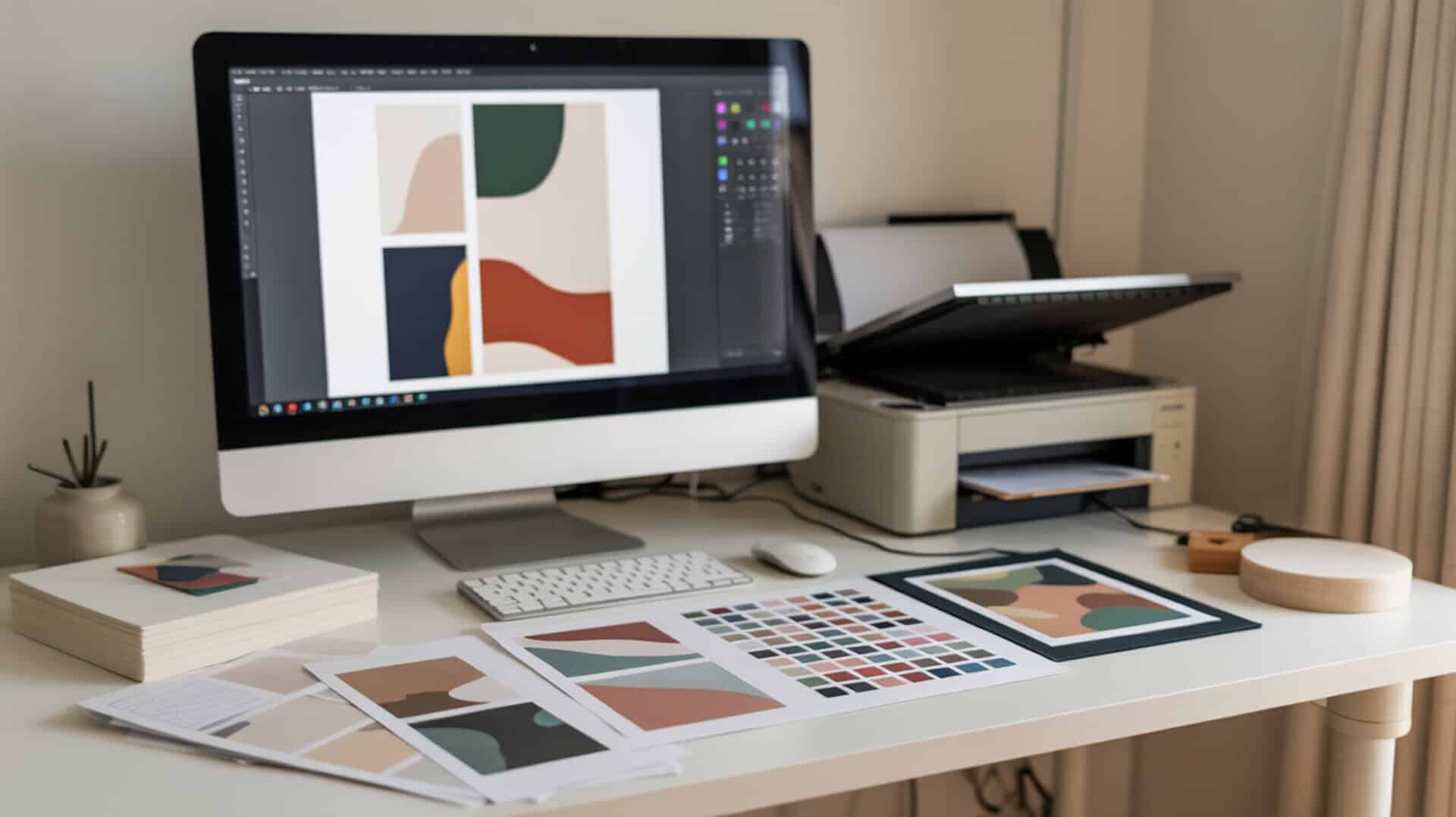
Color accuracy depends on profiling matched to your specific polymer substrates and ink combination. Heat transfer results vary significantly with incorrect profiles. Install ICC profiles from your ink manufacturer and configure printer driver settings for sublimation paper type and quality output.
Maintenance and Troubleshooting Tips
Regular inkjet printing cycles prevent sublimation ink from drying in printheads. Print at least weekly to maintain flow—extended idle periods cause clogs. Run cleaning cycles when print quality degrades. Store ink properly and use within recommended timeframes for best results.
Final Thoughts
Sublimation’s phase transition from solid to gas enables permanent polymer bonding that surface printing cannot match. Understanding the science behind dye diffusion, proper equipment selection, and substrate requirements builds foundation for successful sublimation projects. Master fundamentals before advancing to complex techniques for consistent, professional results.
Frequently Asked Questions
Does sublimation ink work the same way as regular printer ink?
Sublimation ink works fundamentally differently from regular ink. Standard inkjet ink dries on surfaces through evaporation. Sublimation ink contains disperse dyes that convert from solid to gas under heat, then diffuse into polymer substrates. The gas penetrates material rather than sitting on top, creating permanent molecular bonds.
How permanent is sublimation compared to other printing methods?
Sublimation creates among the most permanent prints available because dye bonds within polymer chains at molecular level. Unlike screen printing or vinyl that sits on surfaces, sublimated dye becomes part of the material itself. Properly executed sublimation resists hundreds of wash cycles, UV exposure, and physical abrasion without peeling or cracking.
Can I convert any inkjet printer to work with sublimation?
Only inkjet printers with piezoelectric printheads convert successfully to sublimation. Thermal inkjet printers—most HP and Canon models—heat ink intensely during printing, damaging sublimation dye chemistry and causing clogs. Epson printers use piezoelectric technology that ejects ink through vibration without heat, making them compatible conversion candidates.
Why does sublimation only work on light-colored materials?
Sublimation inks are translucent, not opaque—they cannot cover dark backgrounds. Dye diffuses into polymer and becomes visible against the substrate color beneath. White or light substrates allow full color vibrancy while dark materials absorb light, making sublimated designs invisible or extremely muted regardless of dye concentration.
What happens at the molecular level during the sublimation process?
Heat energy breaks intermolecular bonds holding solid disperse dye particles together, allowing molecules to escape directly into gas phase through sublimation. Gaseous dye molecules are small enough to penetrate temporarily opened pores in heated polymer chains. Upon cooling, polymer pores close and trap dye molecules permanently within the material structure through diffusion. Sublimation becomes permanent because polymer chains respond to heat in ways that allow dye molecules to diffuse in and become trapped as the material cools. [2]
References
- Demonstrate changes of state using volume differences. (2023, August 7). RSC Education. https://edu.rsc.org/states-of-matter/demonstrate-changes-of-state-using-volume-differences/4017698.article
- Polymers. (2014, March 10). RSC Education. https://edu.rsc.org/resources/polymers/846.article?utm_source=chatgpt.com