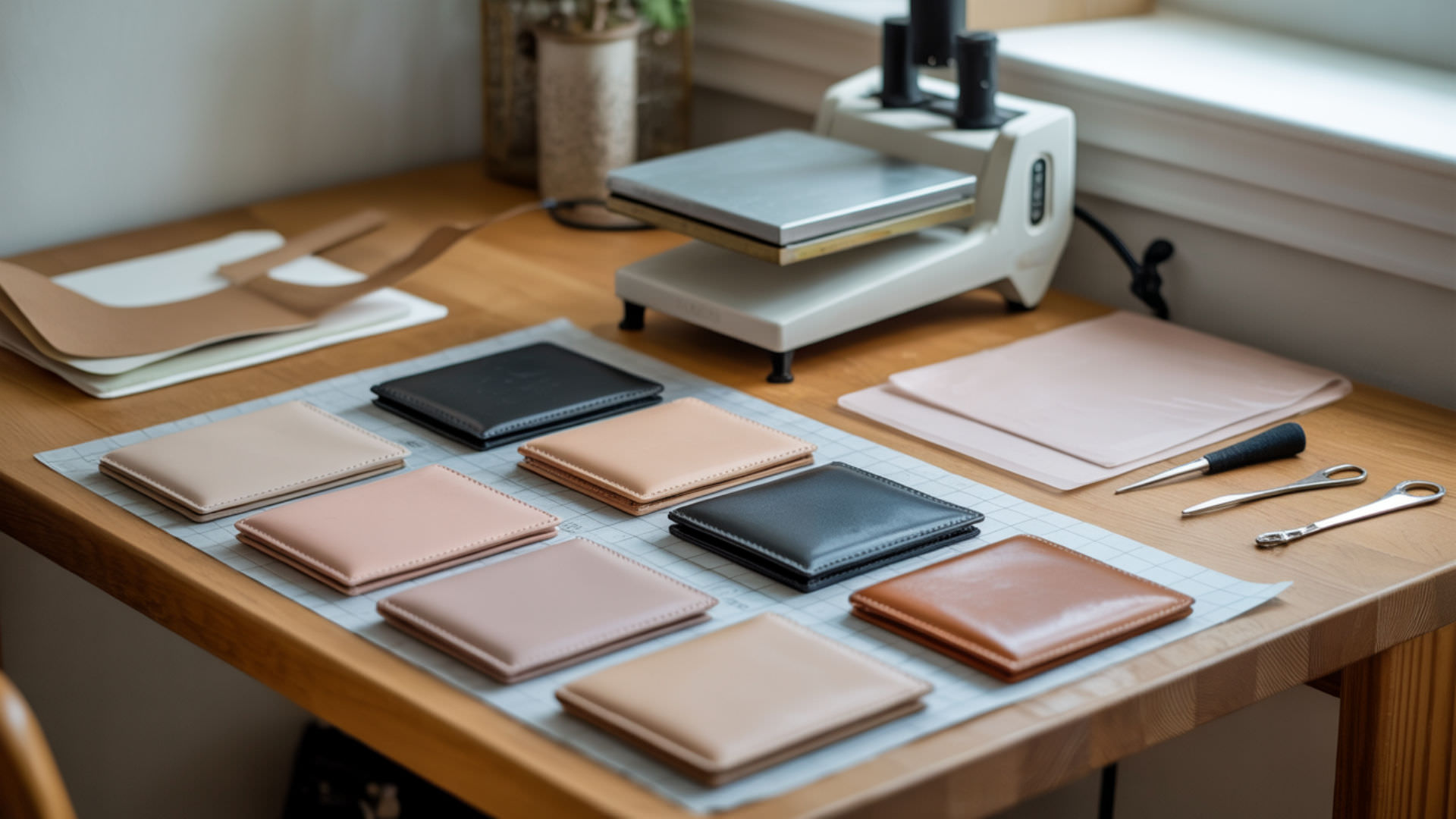
Sublimation wallets require precise temperature and timing control because polyurethane (PU) materials are heat-sensitive and can warp or discolor under excessive heat. Raw PU cannot bond with sublimation dye—the material requires a polymer coating that creates a thin film where dye gas can enter and deposit during the sublimation process. Understanding these settings helps you achieve vibrant, permanent designs without damaging the wallet structure. The requirement for polymer coating on synthetic materials applies across all sublimation gift categories—our sublimation gift ideas hub explains coating fundamentals.
Key Takeaways
- Temperature controls both dye activation and PU heat tolerance—stay within 375–400°F to avoid warping or surface damage.
- Dwell time of 50–60 seconds determines color saturation and clarity for PU inserts—shorter times produce faded results.
- Allow wallets to cool completely for 2–3 minutes before handling to prevent ghosting, smearing, or design damage.
What Heat Press Temperature and Time Are Used for Wallet Sublimation?
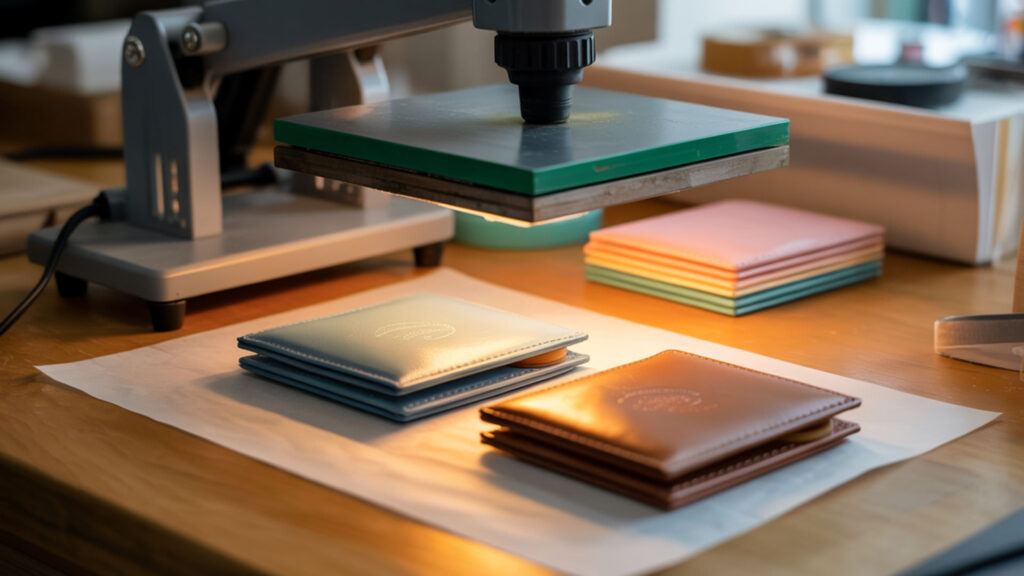
Wallet sublimation typically requires 375–400°F for 50–60 seconds with light to medium pressure. Temperature raises vapor pressure so sublimation dye transitions from solid to gas phase, enabling penetration into the polymer coating. High vapor pressure produces more complete dye activation during transfers, resulting in deeper color saturation and sharper detail reproduction. Understanding how temperature affects dye activation helps you dial in settings for any substrate—our sublimation wallet time and temp guide covers temperature fundamentals.Heat moves through solids by conduction, so thicker materials often need more time to reach a uniform working temperature.[1]
What Temperature Is Commonly Used When Sublimating a Wallet?
PU leather wallets perform best around 385°F (196°C) for 60 seconds, though settings range from 375–400°F depending on the specific blank. Thermoplastic polyurethane (TPU) components in wallet construction soften when overheated, requiring controlled temperature that activates dye without deforming the material. Start at the lower end of the range and increase by 5°F increments if colors appear dull or incomplete.
What Pressure Is Typically Applied During Wallet Sublimation Transfers?
Light to medium pressure works best for wallet sublimation—excessive force flattens the leather texture or warps edges of the wallet construction. Pressing pressure ensures proper contact between the transfer paper and thin-film coating, allowing even dye deposition across the entire design area. The thin film coating accepts dye only where full contact occurs, so consistent pressure without crushing produces the sharpest results.
Can PU Leather Wallets Be Sublimated Successfully?
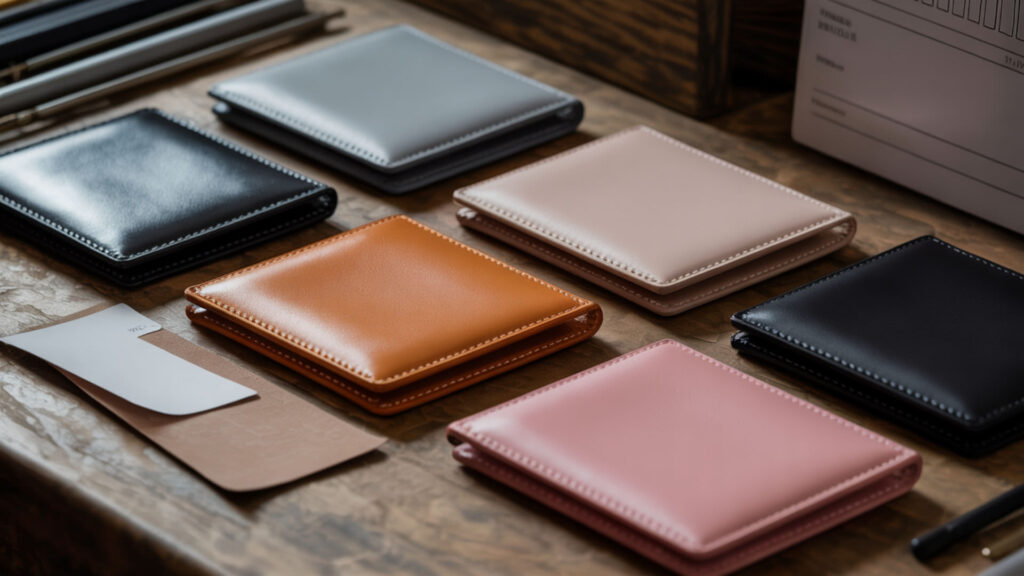
PU leather wallets sublimate successfully when they feature a polymer coating designed for heat transfer—uncoated PU will not bond with sublimation dye. The coating creates a film-forming surface that enables dye adhesion during the sublimation process. PU requires this polymer layer for dye diffusion because the base material lacks the molecular structure needed for permanent ink bonding. Quality PU leather gifts with sublimation-ready coatings deliver professional results—our best sublimation gifts guide covers recommended wallet blanks. Polyurethane materials rely on polymer structures that determine how they respond to heat, pressure, and surface treatments.[2]
Can PU Leather Wallets Accept Sublimation Heat Transfers?
Coated PU leather wallets accept sublimation heat transfers when the polymer coating is designed for dye penetration. During sublimation, dye gas penetrates the polymer coating on the PU surface where it can deposit and solidify. Deposition occurs as the wallet cools—the gas-phase dye settles into the thin film and becomes permanently embedded in the coating structure, creating designs that resist scratching and handling wear.
Can Overheating During Sublimation Cause Wallet Surface Issues?
Excessive heat causes thermoplastic polyurethane (TPU) components to soften, warp, or discolor during pressing. Thermal decomposition of the PU surface occurs when dwell time or temperature exceeds safe limits, resulting in glossy patches, dark spots, or permanent texture changes. If you notice surface damage, reduce temperature by 10–15°F and extend pressing time slightly to achieve dye activation without material degradation.
How Long Does Sublimation Pressing Usually Take on Wallets?
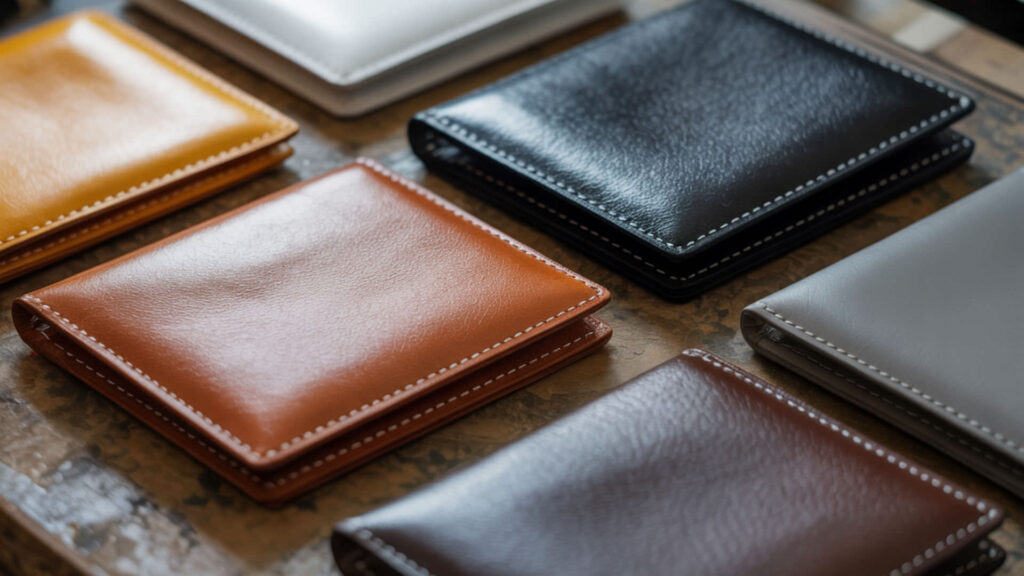
Wallet sublimation pressing typically takes 50–60 seconds at proper temperature, with a 5–10 second pre-press to remove moisture from the PU material. Time controls how much dye converts into gas phase for transfer into the coating layer. Too much heat combined with extended time creates PU warping and surface damage, while insufficient heat or short pressing produces dull colors that lack vibrancy. Both wallets and air fresheners involve heat-sensitive substrates requiring careful time and temperature balance—our sublimation air fresheners guide covers similar pressing considerations.
What Mistakes Happen When a Wallet Overheats During Sublimation?
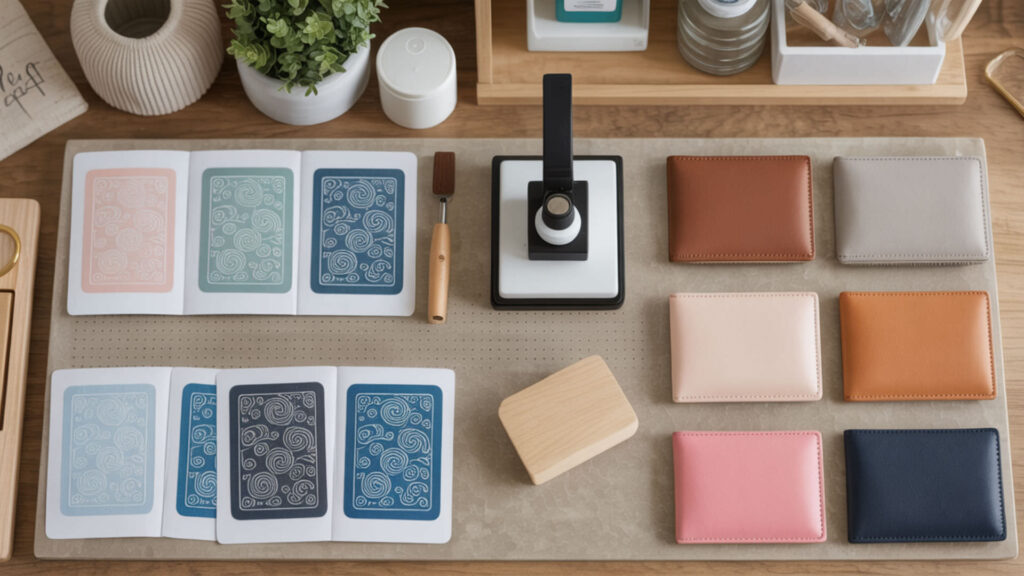
Overheating causes discoloration, burns, or adhesive residue on the edges of the sublimation panel where internal wallet construction is exposed to excessive heat. Thermal decomposition of PU creates surface glossing or dark patches that cannot be corrected after pressing. Excess heat also melts internal adhesives that hold wallet layers together, causing deformation, bubbling, or separation of the sublimation insert from the wallet body.
How Do You Sublimate a Wallet Step-by-Step?
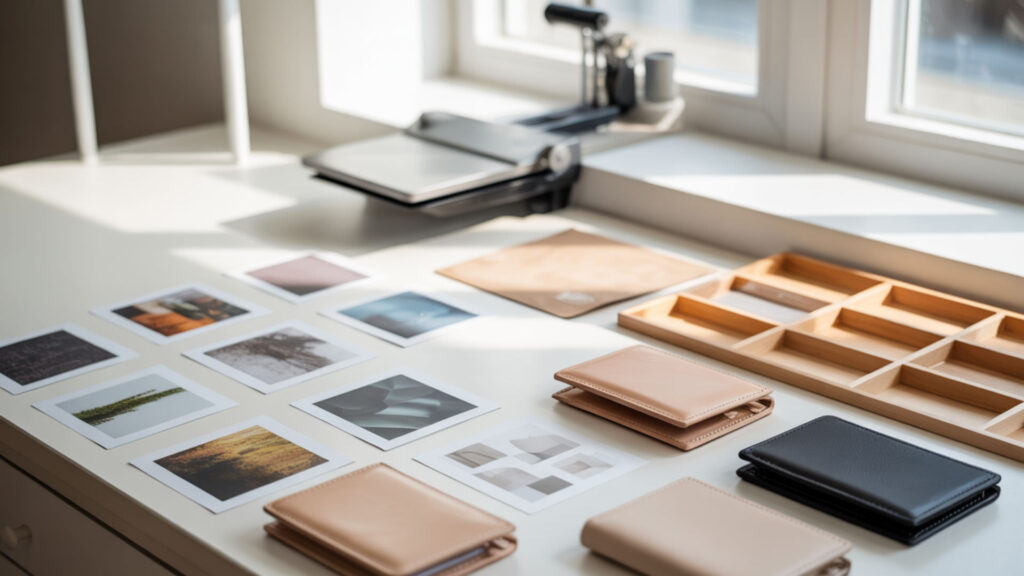
Successful wallet sublimation requires controlled heat that converts dye to gas state for deposition into the PU coating, where it embeds permanently as the wallet cools.
- Set your heat press to the manufacturer-recommended temperature, typically 375–400°F with light pressure. Allow the press to fully heat and stabilize before beginning.
- Pre-press the wallet’s white sublimation panel for 5–10 seconds to remove moisture. This prevents color bleed and ensures even dye transfer during the main press cycle.
- Allow the wallet to cool completely after pre-pressing before applying your sublimation print. Applying transfers to a warm surface can cause premature dye activation and ghosting.
- Print your mirrored design sized to fit the wallet’s sublimation panel, typically 2×3 inches or similar. Ensure the design fits within the coated area without extending onto uncoated surfaces.
- Tape the sublimation print securely to the wallet panel using heat-resistant tape on all edges. Secure taping prevents shifting during pressing that causes ghosting or blurred images.
- Flip the wallet so the sublimation print faces up, add protective paper, and press for 50–60 seconds. Protect the rest of the wallet from direct heat exposure during pressing.
- Allow the wallet to cool completely for 2–3 minutes before removing the transfer paper. Peeling while hot causes ghosting or smearing—cold peel produces cleanest results on PU materials.
What Photo Dimensions Are Considered Wallet-Size Prints?
Standard wallet-size photos measure 2×3 inches, though variations exist depending on wallet construction and insert design. PU wallet insert dimensions determine photo size selection and affect final clarity—designs sized correctly for the coated panel produce sharper results than oversized images that extend beyond the sublimation-ready area. Some larger wallet blanks accommodate 2.5×3.5 inch images.
Is a 2×3 Image Considered a Wallet-Size Print?
A 2×3 inch image represents the standard wallet-size print dimension used by most photo services and sublimation wallet blanks. PU inserts in sublimation wallets are typically sized for these smaller photo dimensions, making 2×3 the most common design template. This size fits easily into wallet ID slots and is slightly smaller than a credit card, ensuring the design displays fully when the wallet is opened.
What Size Photo Is Most Used for Fitting into a Wallet Display Slot?
The 2×3 inch size fits most standard wallet display slots, though some wallets accommodate larger 2.5×3.5 inch prints or smaller mini-wallet sizes of 1.75×2.5 inches. PU card slots in sublimation wallets follow standardized sizes that affect design preparation and final appearance. Check your specific wallet blank dimensions before creating artwork to ensure proper fit within the coated sublimation area.
Ready to Sublimate Your Wallet Design?
Quality PU wallet blanks with properly applied coating ensure dye bonds permanently without surface damage during pressing. Start with manufacturer-recommended settings and adjust based on results—if prints appear dull, increase temperature slightly or verify your sublimation ink and paper compatibility with PU leather surfaces. Wallets make excellent personalized gifts featuring names, photos, monograms, or custom artwork.
Frequently Asked Questions
Can sublimation durability change over time on wallet materials?
Sublimation durability on properly coated PU wallets remains stable over time because the dye embeds within the polymer coating rather than sitting on the surface. Daily handling, folding, and exposure to body oils do not significantly affect properly transferred designs. However, excessive UV exposure or harsh chemical cleaners can gradually degrade the coating layer, affecting long-term appearance.
Is immediate dullness on a wallet different from long-term fading?
Immediate dullness indicates insufficient temperature, short pressing time, or incompatible materials—the dye never properly activated during sublimation. Long-term fading occurs gradually from UV exposure or coating degradation on properly transferred designs. If colors appear dull immediately after pressing, increase temperature by 5–10°F or extend pressing time rather than assuming the design will fade further.
Can uneven heat create clarity issues on wallet transfers?
Uneven heat distribution causes visible variations in color density and sharpness across the transferred design. Areas receiving insufficient heat appear lighter or less defined than properly heated sections. Ensure your heat press applies consistent temperature across the entire sublimation panel, and use protective paper to distribute heat evenly without hot spots.
Does pressing too long affect detail softness or color darkness on wallets?
Extended pressing time beyond manufacturer recommendations can cause colors to darken excessively or bleed into adjacent areas, softening fine details. Overpressing also risks thermal decomposition of the PU surface, creating glossy patches or texture changes that affect both appearance and durability. Follow recommended times and adjust temperature rather than extending dwell time to achieve better saturation.
Is cooling time more about clarity than ink activation?
Cooling time primarily affects clarity and prevents ghosting rather than influencing dye activation—the sublimation process completes during the heated pressing phase. Removing transfer paper while the wallet is still hot allows gas-phase dye to shift before fully solidifying, creating shadow images or smeared edges. Allow 2–3 minutes of cooling to ensure the dye fully deposits and stabilizes within the coating layer.
References
- Heat transfer. (2021, May 13). NASA Glenn Research Center. https://www.grc.nasa.gov/www/k-12/airplane/heat.html?utm_
- (n.d.). U.S. Food and Drug Administration. https://www.fda.gov/media/152352/download