Vinyl sublimation enables vibrant, full-color designs on materials that traditional sublimation cannot reach—including cotton fabrics and dark-colored garments. Standard vinyl (PVC) presents a challenge because polyvinyl chloride is a thermoplastic that softens and warps under sublimation heat. The solution involves laminate film layers that provide the polymer surface needed for sublimation, as explained in our comprehensive guide on which surfaces can you sublimate on. Understanding polymer coating requirements helps you choose heat-safe vinyl products, detailed in our best sublimation coating for different surface types guide. Standard vinyl is typically made from polyvinyl chloride (PVC), a thermoplastic material that softens when exposed to high heat. [1]
Key Takeaways
- Heat stability determines safe sublimation temperature for vinyl products—standard PVC softens at temperatures below typical sublimation settings (350–400°F), requiring specialized sublimation-compatible vinyl.
- The melting point of standard PVC causes deformation before sublimation temperatures are reached unless the vinyl has polyester laminate or polymer coating protection.
- Sublimation vinyl (HTV) acts as a base layer that accepts sublimation dye, enabling full-color designs on cotton and dark fabrics that cannot be sublimated directly.
What Exactly Is Vinyl Sublimation and How Does It Work?
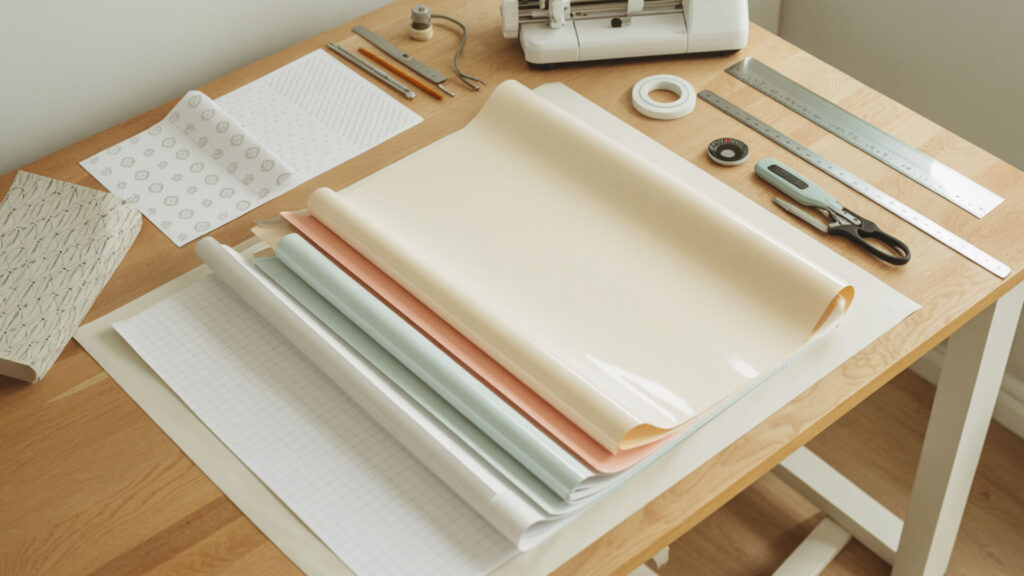
Sublimation vinyl is a specialized heat transfer vinyl (HTV) that acts as a base to apply full-color sublimation prints to materials like cotton or dark fabrics. The laminate film surface accepts sublimation dye while the vinyl polymer base requires this protective polymer coating layer due to heat sensitivity. Unlike traditional sublimation requiring high-polyester substrates, sublimation vinyl allows you to transfer designs onto non-polyester items by pressing the vinyl first, then pressing your printed sublimation paper onto the vinyl layer.
Can You Do Sublimation on Vinyl?
Yes, you can sublimate on vinyl, but only when using sublimation-compatible products like Siser EasySubli or clear sublimation HTV. Standard vinyl’s low melting point causes warping under sublimation heat, so polymer coating is essential to prevent PVC warping during heat pressing. The sublimation process transfers the design onto the vinyl before pressing it onto the shirt—peel off the carrier sheet because you sublimate directly onto the vinyl layer first.
What Is the Difference Between Printable Vinyl and Sublimation?
Sublimation permanently dyes light-colored polyester fabrics, creating vibrant, crack-proof images integrated into the material. Heat Transfer Vinyl (PVC-based) is an adhesive layer cut into designs that sits on top of fabric, allowing use on various materials but can peel or crack over time. Polyester laminate (PET) provides a heat-stable polymer suitable for sublimation, while standard vinyl (PVC) softens easily and requires laminate protection. Sublimation produces photorealistic designs; HTV works better for simple, block-color graphics. Sublimation vinyl works because the polyester laminate (PET) provides a dye-receptive polymer surface that can handle heat exposure far better than standard PVC vinyl, which tends to soften and deform. [2]
Can You Use Sublimation Ink for Printing on Vinyl?
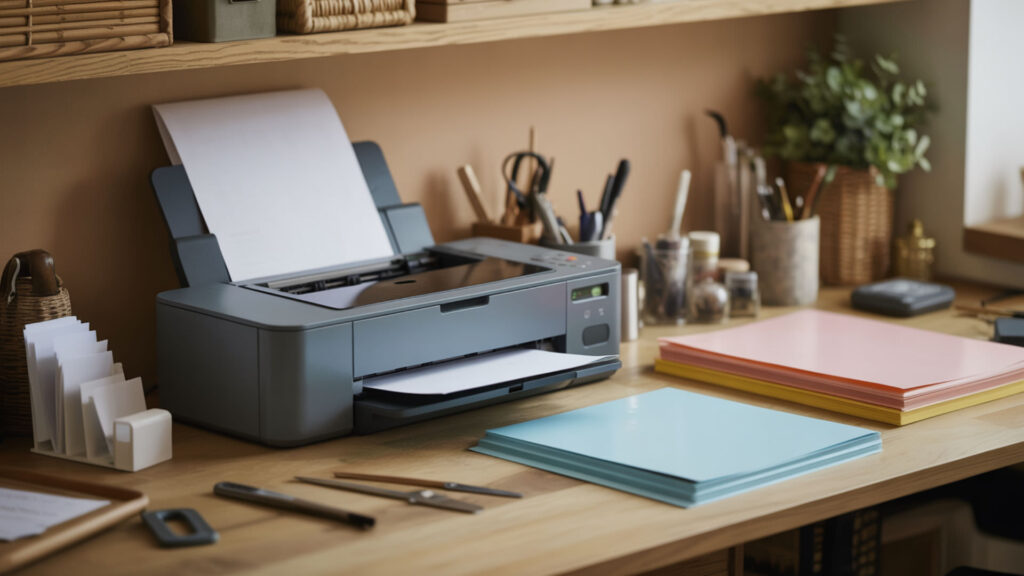
No, you cannot use sublimation ink on standard printable vinyl because it’s designed for inkjet or laser printers, not sublimation transfer. Standard printable vinyl won’t bond with sublimation ink, resulting in dull, poor-quality prints. You need specific printable sublimation vinyl or sublimation-compatible HTV designed for the high heat of sublimation. Acrylic coating or polymer coating provides the dye-receptive surface needed for proper ink adhesion and vibrant color transfer.
What Ink Do I Need to Print on Vinyl?
When printing on vinyl, you need an inkjet printer with solvent (or eco-solvent) inks for standard printable vinyl, or sublimation ink with sublimation-specific vinyl products. Solvent inks stick better than regular inkjet inks on non-porous materials like vinyl, producing longer-lasting results. Polymer coating on sublimation vinyl is needed for proper dye adhesion—sublimation ink turns to gas under heat and bonds only with polyester or polymer-coated surfaces.
Can You Print on Vinyl with a Printer?
Yes, you can print on vinyl (PVC) using an inkjet printer, but you must use special printable vinyl sheets specifically designed for inkjet printers. Using a laser printer on standard vinyl can damage the printer due to heat, and using an inkjet on regular non-printable vinyl results in smudging and poor quality. Select the highest quality printer settings for specialty paper or photo paper, and place the printable vinyl with the correct side facing up (usually the glossy or matte side).
How Do You Use Sublimation Sticker Vinyl?
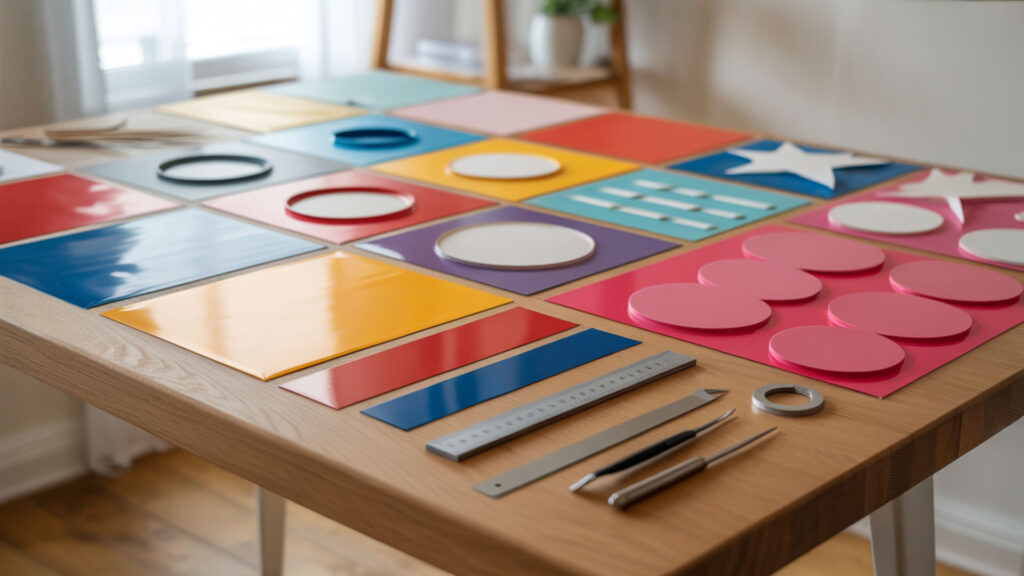
Sublimation sticker vinyl uses a laminate film layer that serves as the sublimation-ready surface for creating custom stickers and decals. Print your mirrored design on sublimation paper, position it on the vinyl, add heat-resistant tape to hold layers together, and press at 370°F for 40 seconds. Both vinyl and canvas rely on polymer coating as the sublimation-compatible layer, as detailed in our sublimation on canvas guide. Once pressed, the sublimation sheet peels off while still slightly warm.
Can I Sublimate on Permanent Vinyl?
Yes, you can sublimate on clear permanent adhesive vinyl like Oracal 651 to create custom stickers. PVC’s thermoplastic behavior means it softens under heat, so you must use lower temperatures and shorter press times than standard sublimation. The melting point concern requires careful temperature control—use heat-resistant tape to secure the sublimation transfer face down on the clear vinyl, warm your heat press to 350°F, and press for only 25 seconds with light to medium pressure.
How Do You Sublimate on Permanent Vinyl?
Use heat-resistant tape to secure the sublimation transfer face down on top of clear permanent vinyl. The laminate film must stay intact under heat pressing to avoid warping. Sandwich the vinyl and sublimation transfer between parchment paper and press for 25 seconds at 350°F with light to medium pressure. Let it cool completely, then peel off the sublimation paper. Apply transfer tape, remove the vinyl backing, and apply the finished sticker to your desired surface.
Can a Sublimation Heat Press Be Used for Regular Vinyl?
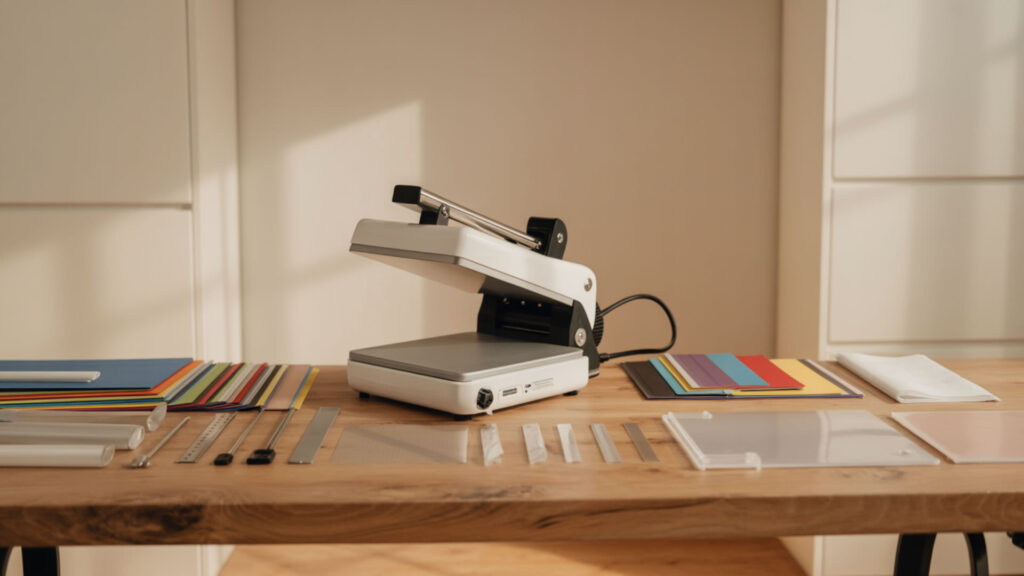
Yes, a sublimation heat press can be used for vinyl applications, but you must adjust settings based on the vinyl type’s heat stability. Standard PVC vinyl’s thermoplastic behavior causes warping under prolonged heat from sublimation presses at full temperature. For sublimation HTV, you first transfer the vinyl to fabric, then sublimate onto that vinyl layer—this approach lets you sublimate on cotton and other non-polyester fabrics. With certain specialty vinyl like Siser Glitter, you can sublimate designs directly onto the vinyl before pressing.
What Temperature to Sublimate on Vinyl?
Most vinyl sublimation projects use 350–400°F for 30–180 seconds, but always check substrate guidelines for your specific product. The melting point of standard PVC is lower than common sublimation temperatures, requiring careful heat stability management. For permanent vinyl stickers, use 350°F for 25 seconds. For sublimation HTV on fabric, use 370–385°F for 40–55 seconds. Always test on scrap material first to find optimal settings for your specific vinyl brand.
How Long Do You Sublimate on White Vinyl?
Heat pressing times for white sublimation vinyl typically range from 40–55 seconds at 370–400°F. Shorter times prevent warping and yellowing that can occur with extended heat exposure. Line up your design carefully, tape it down to prevent shifting, and use protective paper on both sides during pressing. The exact time depends on your specific vinyl product—Siser EasySubli and similar sublimation HTV products have manufacturer-recommended settings for optimal results.
Can You Sublimate on Different Types of Vinyl?
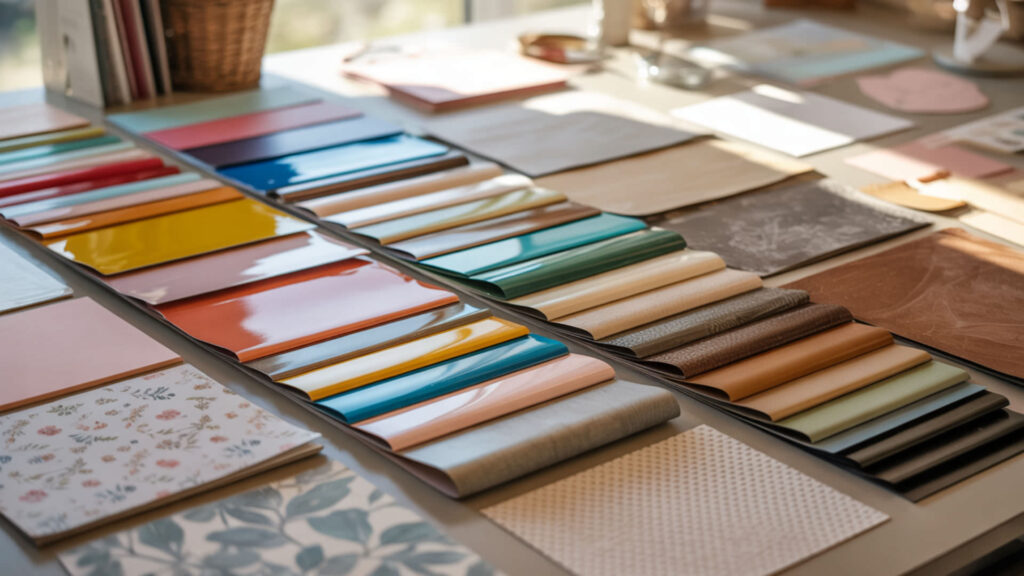
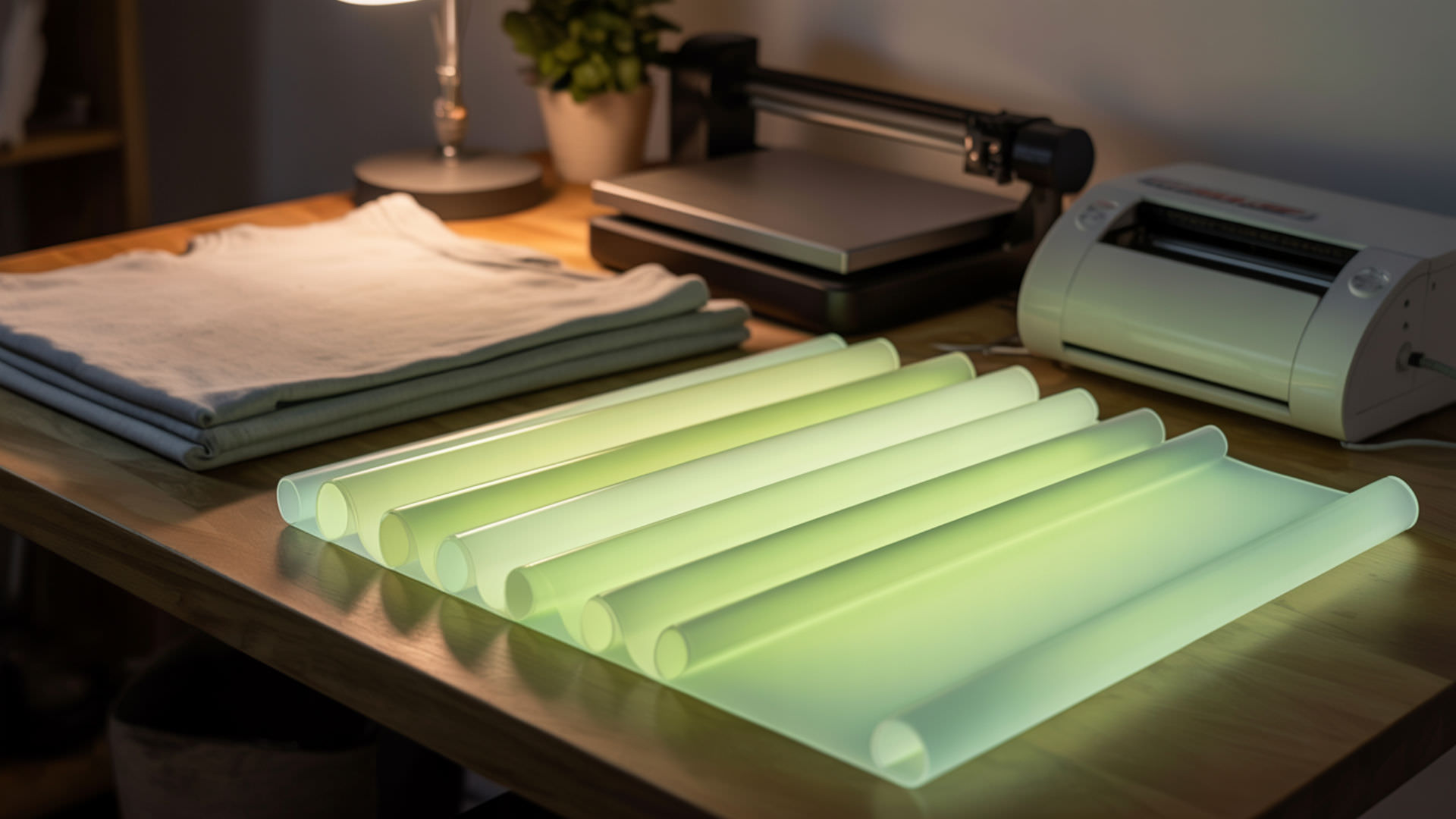
Different vinyl types have varying sublimation compatibility based on their composition. Flexible PVC needs laminate protection due to its softness under heat. Polyester laminate (PET) provides a heat-tolerant option suitable for sublimation, similar to how HTV layers offer polymer surfaces for sublimation as covered in our sublimation on glow-in-the-dark HTV guide. Compatible vinyl types include clear sublimation HTV, white sublimation HTV, white glitter HTV, holographic HTV, and glow-in-the-dark HTV.
Can I Sublimate on White HTV Vinyl?
No, you cannot sublimate directly on standard white HTV because it lacks the necessary polyester coating. However, you can sublimate on sublimation-specific white HTV like Siser EasySubli, which has polyurethane coating that makes it sublimation-friendly. White glitter HTV and white glow-in-the-dark HTV also accept sublimation ink. Regular white HTV produces dull, faded designs that quickly wash out because the ink cannot bond properly without polymer content.
Can I Sublimate on Vinyl Fabric?
Sublimating on vinyl fabric requires careful consideration of the material’s composition. Flexible PVC fabrics contain plasticizers that affect heat behavior and increase the risk of distortion during pressing. The heat can mess up textured surfaces like pebble-grain vinyl, so examine your fabric’s texture carefully before proceeding. For vinyl-coated fabrics, test on a small area first to ensure the material handles sublimation heat without damage to the surface texture.
What’s the Difference Between Heat Transfer Vinyl and Sublimation?
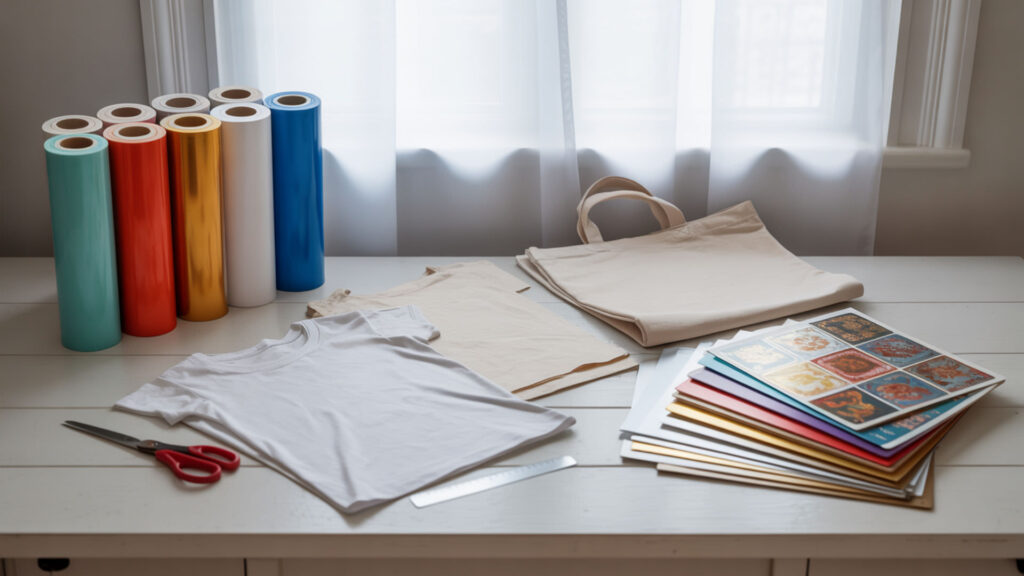
Heat transfer vinyl (HTV) is cut from sheets and applied to fabric using heat, sitting on top of the material with a textured feel. Sublimation uses polymer coating as a film where ink converts to gas and infuses into the fibers, becoming part of the fabric itself. HTV works on cotton and dark fabrics but can crack or peel over time. Sublimation produces smoother, more durable results on polyester laminate surfaces but cannot print white ink—the fabric color shows through as the design’s white areas.
How to Sublimate on Oracal 651 Clear Vinyl?
To sublimate on Oracal 651 clear vinyl (PVC-based permanent adhesive vinyl), use lower temperature settings than standard sublimation. The laminate film must be polyester-based for best sublimation success. Heat press at 350°F for 25 seconds with light to medium pressure, then let it cool completely before peeling. Note that sublimated Oracal 651 creates stickers suitable for indoor use—the results would not be recommended for outdoor applications or car decals due to limited durability.
How to Sublimate on Vinyl Cricut?
For Cricut sublimation vinyl projects, use sublimation-compatible HTV that has polymer coating necessary for stable sublimation. Cut your vinyl design using Cricut (without mirroring), press onto fabric, then print your sublimation design (mirrored) and heat press onto the vinyl. Preheat your Cricut heat press to 385°F, place the sublimation blank with design on the lower plate, close the press, and apply even pressure for about 45 seconds. Always follow your specific vinyl manufacturer’s recommended settings.
How Do You Sublimate on Vinyl Step-by-Step?
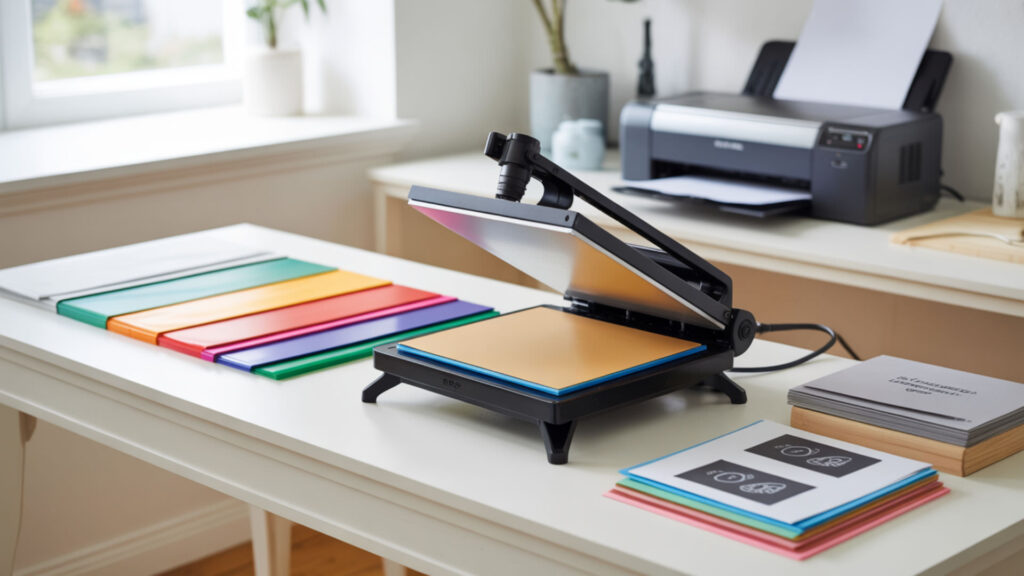
Successful vinyl sublimation requires the right materials, proper preparation, and precise heat pressing technique. The laminate film must remain smooth for even dye transfer throughout the process. Follow these steps for professional-quality sublimation on HTV for fabric applications.
- Print your design using a sublimation printer onto sublimation paper. Mirror the image before printing so text and graphics appear correctly after transfer. Use high-quality settings for vibrant colors and sharp details.
- Cut a piece of sublimation-compatible HTV slightly larger than your printed design. Use clear sublimation HTV, white sublimation HTV (like Siser EasySubli), white glitter HTV, or glow-in-the-dark HTV. Cut using your cutting machine without mirroring the vinyl shape.
- Position the sublimation paper face down onto the HTV and secure with heat-resistant tape. Place the HTV on the sublimation paper with adhesive side up. Tape all corners to prevent shifting during pressing. Cover with protective parchment paper.
- Heat press the sublimation design onto the vinyl at 350–400°F for 25–50 seconds. Temperature and time vary by vinyl brand—check manufacturer recommendations. Use medium pressure. Let the design cool completely before peeling the sublimation paper.
- Pre-press your garment for 5 seconds to remove moisture and wrinkles. Position the sublimated vinyl design onto your garment with the carrier sheet side up. Use a pressing pillow inside shirts to ensure even pressure over seams.
- Heat press the vinyl onto the fabric at 350–385°F for 15 seconds with firm pressure. Follow your HTV manufacturer’s application instructions. Once cool enough to touch, peel off the carrier sheet to reveal your finished design on the fabric.
Ready to Start Sublimating on Vinyl?
Vinyl sublimation expands your creative possibilities to cotton fabrics, dark garments, and custom stickers that traditional sublimation cannot reach. Polymer coating and polyester laminate layers are essential to prevent PVC melting during the sublimation process. The resulting designs are durable and withstand repeated washing without fading, cracking, or peeling. Start with sublimation-specific HTV products for the most reliable results, then experiment with clear vinyl stickers as your technique develops.
Frequently Asked Questions
Can you sublimate on top of vinyl?
Yes, you can sublimate on top of vinyl, but only on sublimation-ready HTV or clear permanent vinyl. Standard iron-on vinyl (PVC) will melt under sublimation heat, so always use vinyl labeled for sublimation. The polymer coating or laminate film layer accepts the sublimation dye while protecting the base material from heat damage.
Can I use a regular printer to print on vinyl?
Not any printer can print on vinyl—you must use the correct printable vinyl type and matching printer. Standard inkjet printers work with printable vinyl sheets designed for inkjet. Laser printers require compatible transparency film or heat-transfer vinyl. Professional eco-solvent printers are needed for durable, weather-resistant vinyl prints. Regular vinyl without special coating will not absorb ink properly.
Can you heat press permanent vinyl?
No, you should not heat press permanent vinyl onto fabric because it can melt and will not adhere permanently. Permanent vinyl is self-adhesive material for hard, non-porous surfaces like glass, wood, or plastic. Heat transfer vinyl (HTV) is specifically designed for fabric applications with heat-activated adhesive. However, you can heat press sublimation transfers onto clear permanent vinyl to create stickers.
Can I print on Cricut vinyl?
Yes, you can print on Cricut vinyl using Cricut Printable Vinyl specifically designed for home inkjet or laser printers. This material is printed first, then cut by the Cricut machine using the Print Then Cut feature. Do not put regular adhesive vinyl through a printer as the ink will not adhere properly. For sublimation, use Cricut Infusible Ink or sublimation-compatible HTV products.
How to keep vinyl from peeling off a shirt?
To prevent peeling, wash shirts inside out with cold water on gentle cycle, avoid fabric softener, and air dry or use low heat. During application, use proper pressure and temperature per manufacturer instructions, pre-press the shirt for 5 seconds to remove moisture, and use a pressing pillow for even pressure. Wait 24 hours before first wash, and never iron directly on vinyl—use protective parchment paper.
References
- Plastics: A simple introduction. (2022, May 16). Explain that Stuff. https://www.explainthatstuff.com/plastics.html
- Surface properties of the polyethylene Terephthalate (PET) substrate modified with the phospholipid-polypeptide-Antioxidant films: Design of functional Biocoatings. (n.d.). PMC Home. https://pmc.ncbi.nlm.nih.gov/articles/PMC9780983/?utm_