Leather sublimation creates vibrant, permanent designs on wallets, bags, patches, and accessories—but success depends on understanding the material’s unique properties. Natural leather contains collagen fibers that cannot bond sublimation dye because they lack polymer chains. The solution lies in polyurethane (PU) coating, which provides the polymer layer needed for dye bonding, as explained in our comprehensive guide on which surfaces can you sublimate on. Whether working with genuine leather or faux alternatives, acrylic coating and PU finishes serve as key compatibility solutions, detailed in our best sublimation coating for different surface types guide.
Key Takeaways
- The grain layer determines whether leather has a polymer finish suitable for sublimation—top-grain and corrected-grain leathers often have PU or acrylic finishes that accept dye transfer.
- Surface finish is the critical factor for sublimation success—PU or acrylic coating layers enable dye bonding while unfinished natural leather cannot accept sublimation ink.
- Faux leather with a smooth, glossy finish works best since its polyester-based structure absorbs sublimation dye evenly at 370–400°F for 12–60 seconds with medium pressure.
Will Sublimation Actually Work on Leather?
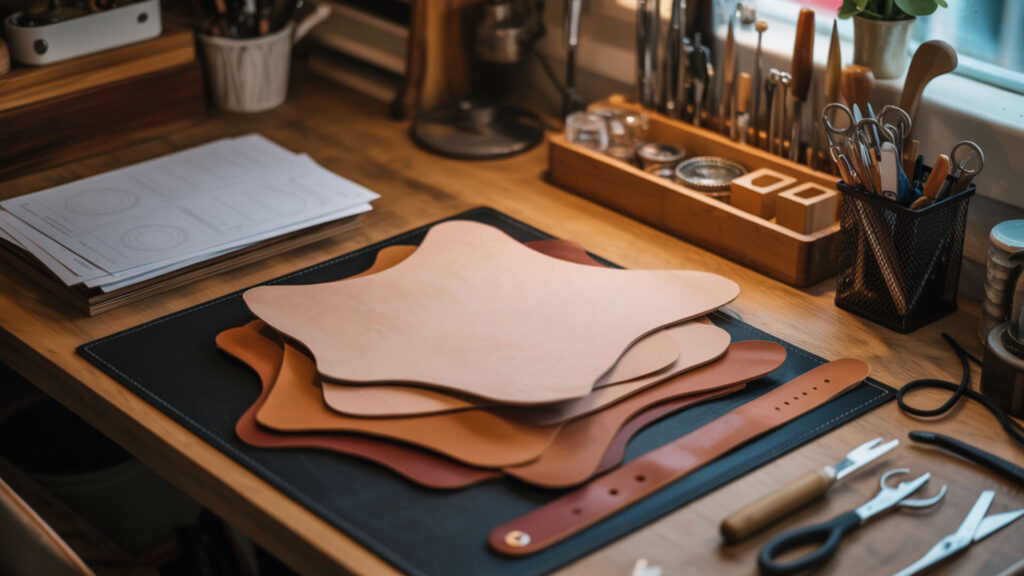
You can sublimate on faux leather or specially treated genuine leather that has a polyester coating, but not traditional untreated leather. The leather itself is a natural substrate incompatible with sublimation because collagen fibers lack polymer content for dye bonding. The surface finish determines whether sublimation dye can bond—only polymer-coated leather accepts the ink transfer process. Natural, untreated leather cannot be sublimated because it lacks a poly surface for the dye to bond to. Natural leather is derived from animal hide and does not contain the synthetic polymer structure required for sublimation dye bonding. [1]
Can You Sublimate on Genuine Leather?
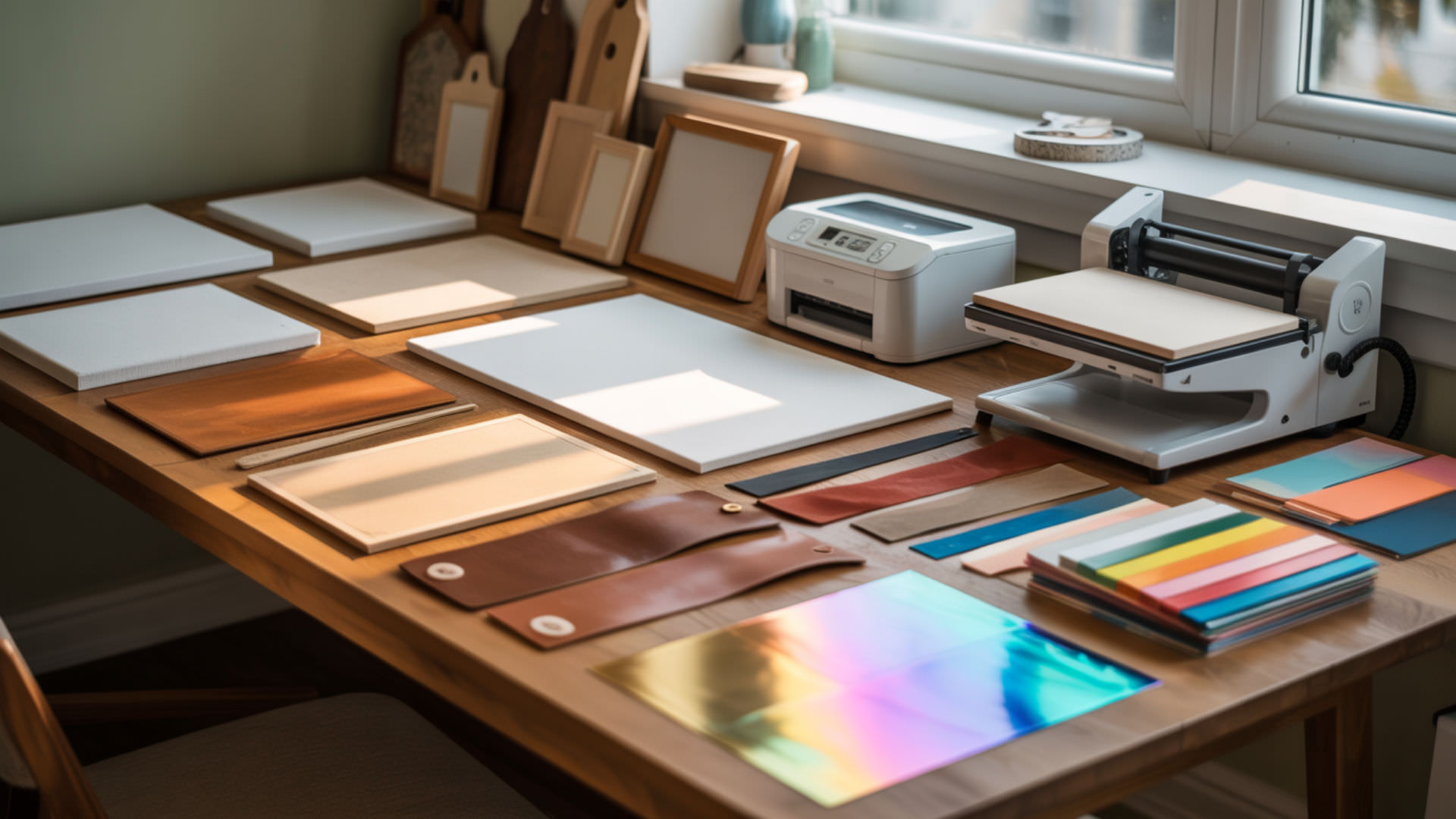
Sublimating on genuine leather is possible only if it has been specially treated or coated with a polymer compatible with sublimation. Full-grain leather is typically uncoated and needs an added polymer layer before sublimation can work. Top-grain leather often has a PU coating or finish suitable for sublimation, especially products marketed as ‘sublimation-ready leather.’ Many leather patches and hat accessories come pre-treated for sublimation with optimized polymer finishes.
Can You Sublimate onto Faux Leather?
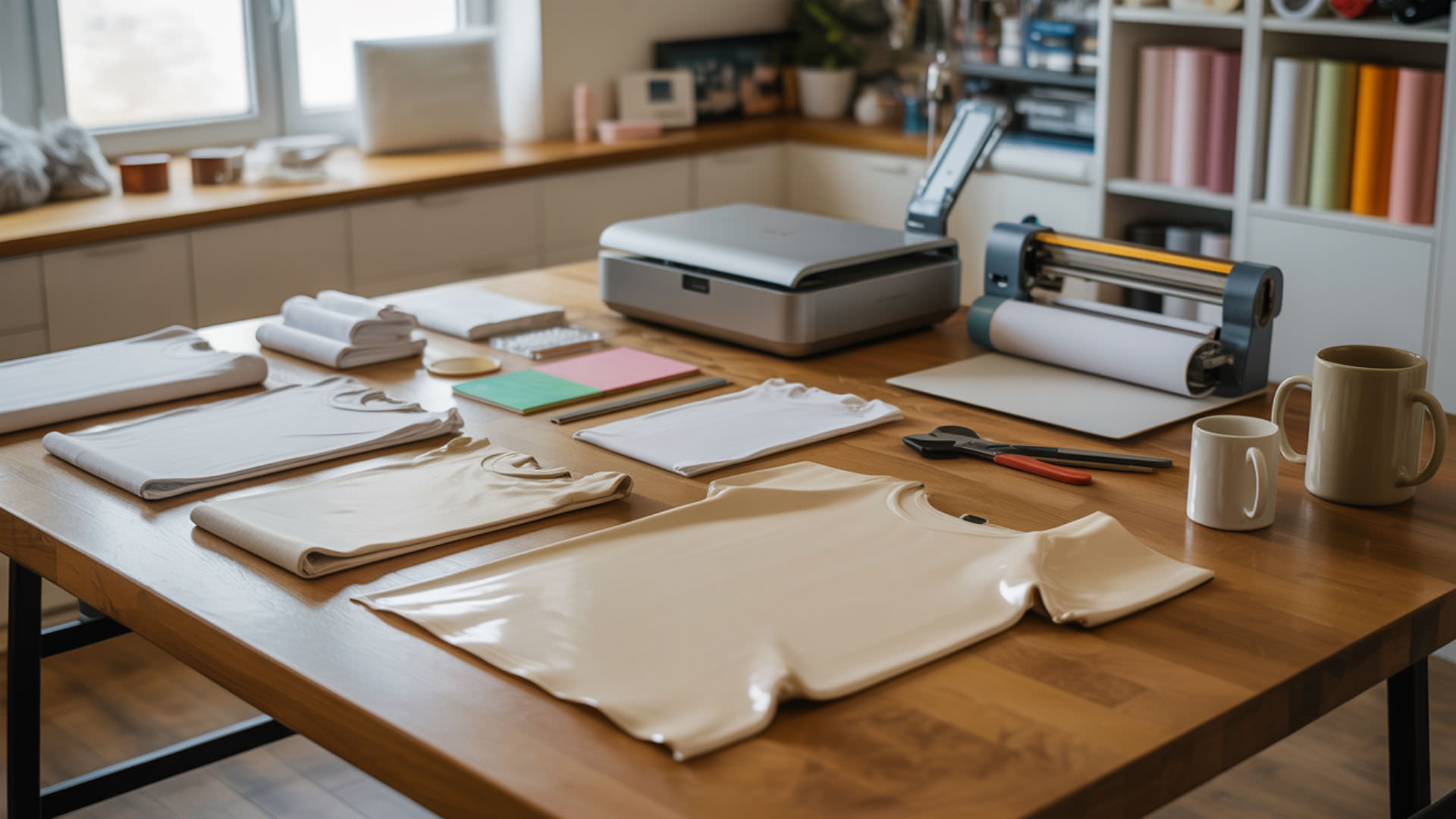
Yes, you can sublimate on faux leather, specifically on smooth, light-colored, and polymer-coated surfaces like PU leather. Faux leather’s polyurethane (PU) coating-based structure is already compatible with sublimation because the synthetic material provides polymer content for dye bonding. White glitter faux leather also works exceptionally well. The process involves using sublimation ink on transfer paper, heat-pressing it onto the smooth side of the faux leather at 400°F for 12–15 seconds, then removing the paper to reveal the design. Faux leather’s polyurethane (PU) coating-based structure is already compatible with sublimation because the synthetic material provides polymer content for dye bonding. [2]
What Type of Leather Works Best for Sublimation Printing?
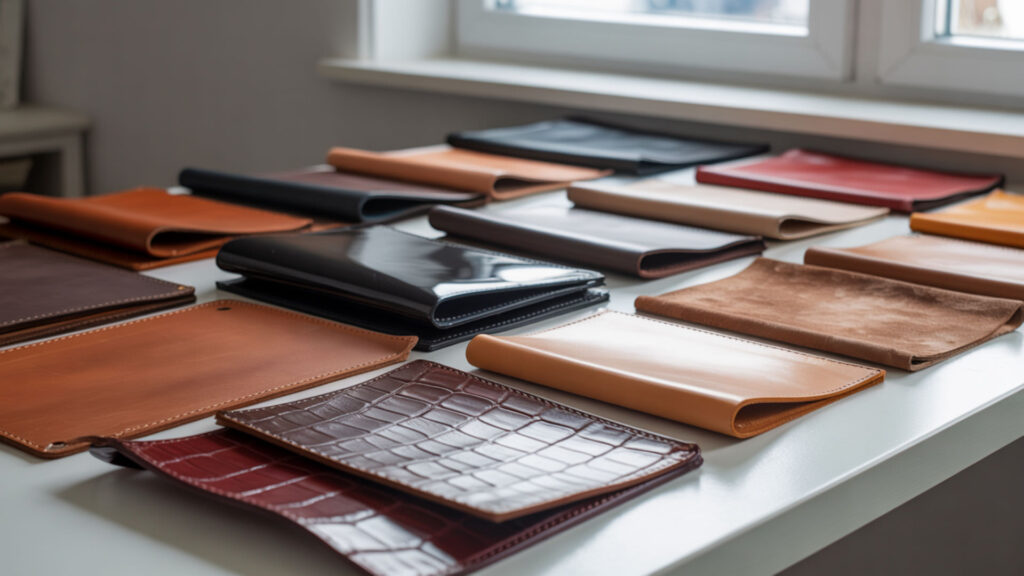
Faux leather with a smooth, glossy finish works best since it has a polyester base that absorbs sublimation dye evenly. Corrected-grain leather features a thick polymer finish that increases sublimation compatibility. Split leather and bonded leather often have PU coating layers that make surfaces receptive to dye transfer. Both vinyl and PU-coated leather rely on polyurethane-based receptive layers, as detailed in our sublimation on vinyl guide where PU coating principles apply across both materials.
What Temperature Do You Sublimate Faux Leather?
Faux leather sublimation typically requires 370–380°F for 45–50 seconds, though some faux leather products perform well at 400°F for 12–55 seconds depending on thickness. Heat sensitivity varies by material—faux leather softens at lower temperatures than real leather due to its PU coating composition. Black ink artwork or dark colors produce the best images on aged-textured faux leather patches. Always test your specific material since times and temperatures vary by manufacturer and coating type.
What Temperature Do You Sublimate Leather At?
You should sublimate leather at 370–400°F (188–204°C) for 12–60 seconds with medium pressure, depending on the blank type and thickness. Chrome tanning processes create leather with better heat tolerance than vegetable tanning methods. Veg-tanned leather has high heat sensitivity and is prone to scorching, so use lower temperatures (around 350°F) with shorter press times. Always test heat sensitivity on a scrap piece before committing to production runs.
How Long Do You Press Leather for Sublimation?
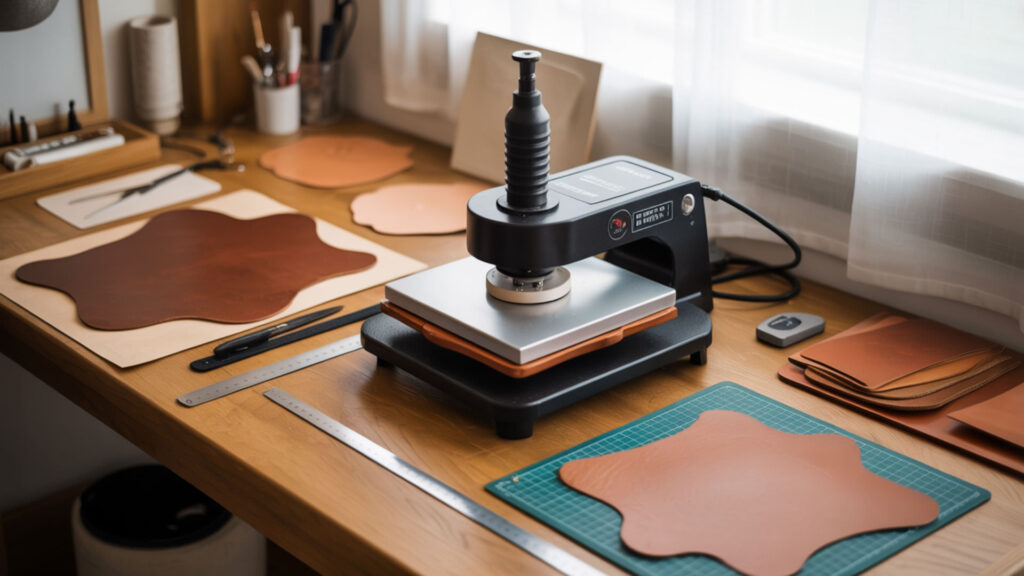
The typical heat pressing time for sublimation on leather ranges from 12 to 60 seconds depending on the material’s heat sensitivity and coating type. Start with shorter times to avoid burning and increase gradually if the print looks under-transferred. Faux leather generally tolerates longer press times than genuine leather. You can actually peel the sublimation print back warm on many faux leather products, but cold peel is recommended for best results.
What Pressure Should You Use When Sublimating on Leather?
Apply medium pressure to ensure even contact between the sublimation paper and leather surface finish. Too much pressure can damage the texture or flatten the grain, especially on genuine leather products. Too little pressure results in poor ink transfer and faded images. The PU coating on sublimation-ready leather requires light to medium pressure to avoid imprinting unwanted texture patterns from the heat press platens.
Do You Peel Sublimation Hot or Cold on Leather?
Leather sublimation is usually a cold peel process—allow the item to cool before removing the paper to prevent ghosting or ink shifting. Heat sensitivity determines timing to prevent surface distortion. Some faux leather products allow warm peeling, but cooling first produces more consistent results with sharper edges. If you experience image blurring or color shifting, try waiting longer before peeling to ensure the leather has cooled completely.
Why Is My Sublimation Faded or Uneven on Leather?
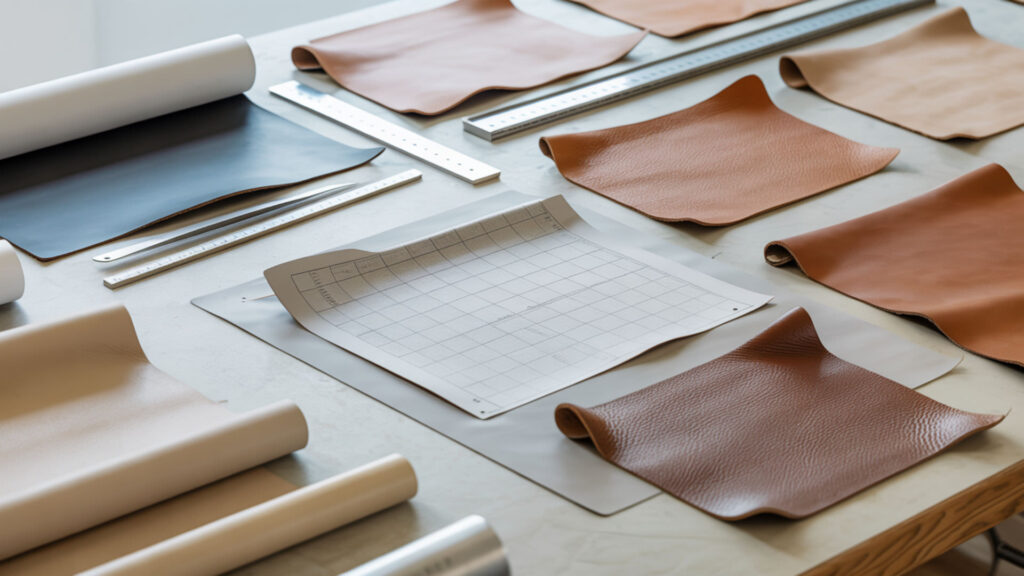
If your sublimation is faded, you may be using too low heat or pressing for too short a duration. Existing pigments in the leather’s surface finish can affect final color appearance—darker base colors produce different results than white or light leather. Uneven polymer coverage in the surface finish causes patchy results where some areas accept dye while others don’t.Also verify your leather is polyester-coated, as uncoated collagen fibers won’t hold sublimation dye at all.
How Do You Prevent Scorching When Sublimating Leather?
To prevent scorching, use parchment or butcher paper above and below the leather, lower the temperature slightly, and reduce pressing time if needed. Chrome tanning processes create leather with higher heat tolerance than vegetable-tanned varieties. Monitor heat sensitivity by starting at lower temperatures (350–370°F) and increasing gradually. Never exceed 400°F on genuine leather, and always use protective sheets to distribute heat evenly.
What Are the Best Practices for Sublimating Leather Products?
For best results, always test your heat settings on scrap material first. Use heat-resistant tape to prevent image shifting during pressing. PU coating and acrylic coating both provide protective sublimation-ready surfaces with good abrasion resistance for long-term product durability. Cool the leather completely before peeling to avoid blurring or burns. Pre-press the leather for 10–15 seconds to remove moisture before applying your sublimation transfer.
What Happens If You Apply Heat to Leather During Sublimation?
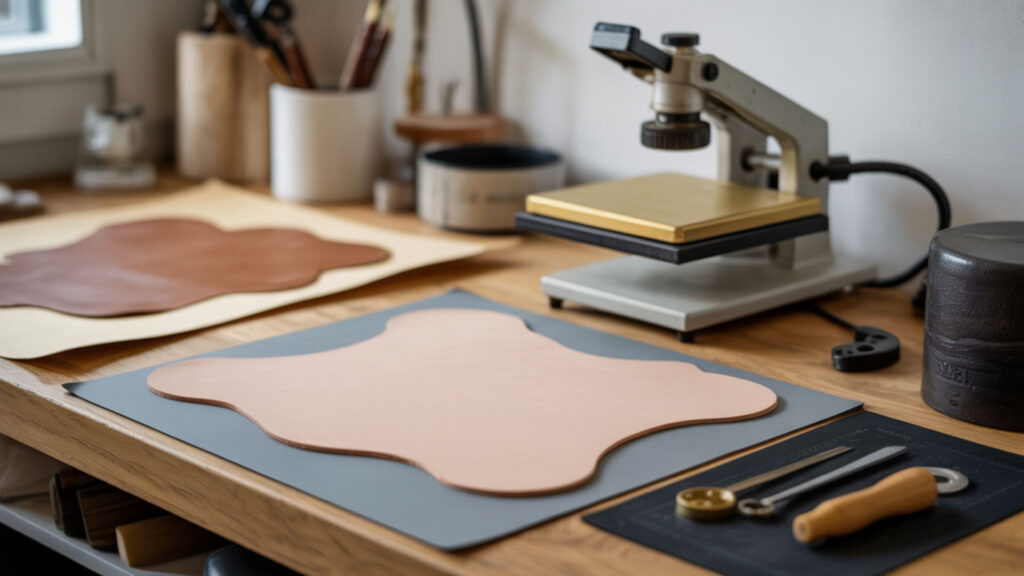
Heat strips leather of its natural oils, leading to dryness and loss of luster. Leather relies on these oils to maintain its supple feel and sheen. When exposed to excessive heat, the collagen fibers shrink or stiffen, causing cracking and brittleness. Prolonged heat exposure can cause permanent stiffness, shrinking, warping, and even burning in severe cases. Understanding heat sensitivity helps you balance dye transfer needs against material preservation.
What Temperature Damages Leather?
Exposing natural leather to temperatures of 130–170°C (266–338°F) for extended periods does not cause structural damage. Leather can resist short-time exposure to temperatures up to 200°C (392°F). Extended exposure above 200°C results in pyrolysis—the material decomposes and burns irreversibly. Vegetable tanning produces leather most prone to heat damage and requires extra caution. High heat sensitivity in veg-tanned leather means shorter press times and lower temperatures are essential.
Can You Use a Heat Press on Leather?
Yes, you can use a heat press on leather, but use protective sheets and moderate heat settings. PU coating helps leather withstand moderate heat better than uncoated material. Excessive heat or long pressing times can cause discoloration or cracking due to the material’s natural heat sensitivity. Always place butcher paper or Teflon sheets between the heat press platens and the leather to distribute heat evenly and prevent direct contact damage.
Can You Print Designs on Leather Besides Sublimation?
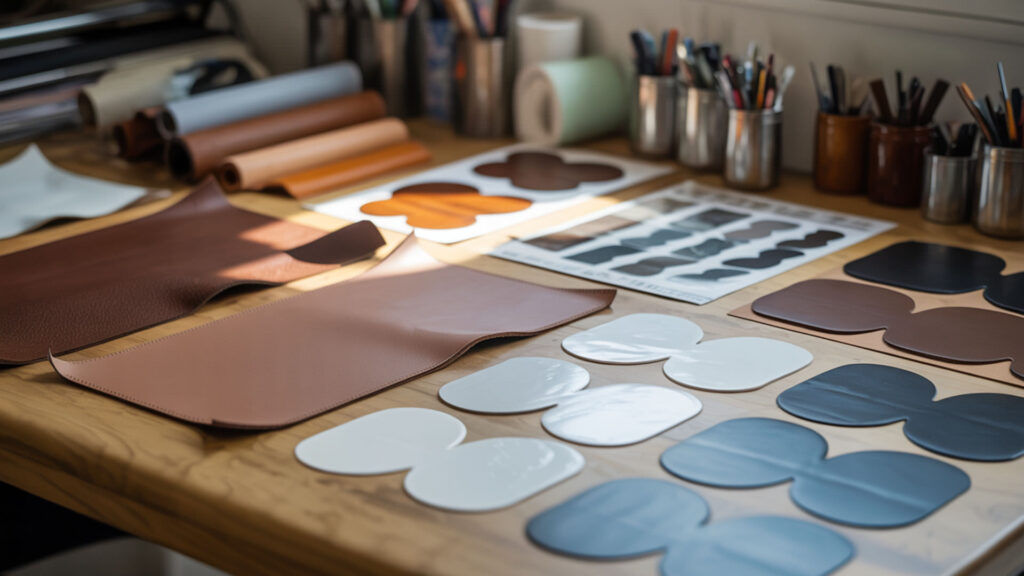
Yes, you can print on faux leather using methods like sublimation, heat transfer vinyl (HTV), DTF, or UV printing depending on the surface finish and desired result. The PU coating finish determines compatibility with various printing methods. Both leather and HTV rely on PU coating layers for heat-safe printing methods, as explained in our sublimation on glow-in-the-dark HTV guide. Each method has specific temperature and time requirements based on the leather type and coating.
Can You DTF onto Leather?
Yes, you can apply DTF (Direct to Film) transfers to leather, but it requires careful heat control and is not suitable for all types of leather. The PU coating provides a receptive base for DTF transfers. Use lower temperatures around 300°F (149°C) with high pressure for about 60 seconds to avoid burning the leather. Heavy grain, embossed, or oily leather may not be suitable because texture or oil interferes with adhesion. Always test on a small area first.
Can Cricut Print on Leather?
Cricut machines can cut leather for crafting projects, though they don’t print directly on leather. The grain layer determines cutting and printing consistency—smoother grain produces cleaner cuts. Select and size images in Cricut Design Space, load the mat, and choose the setting for your specific material (Genuine Leather, Metallic Leather, or Faux Leather). For Cricut Explore Air 2 and older models, turn the dial to ‘Custom’ first before selecting your leather type.
How Do You Sublimate on Leather Step-by-Step?
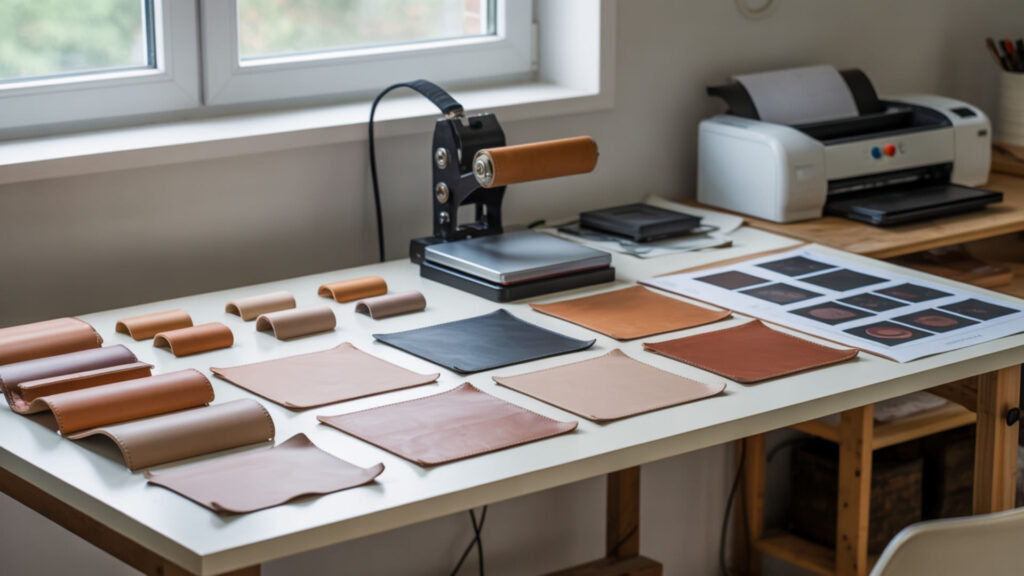
Successful leather sublimation requires proper material selection, preparation, and heat pressing technique. The PU coating must be fully dry and intact for proper dye acceptance. Follow these steps for professional-quality results on faux leather and sublimation-ready genuine leather products.
Select leather with proper surface finish for sublimation. Choose faux leather, sublimation-ready leather blanks, or PU-coated genuine leather. Smooth, light-colored surfaces produce the most vibrant results. Verify the material has a polymer coating before proceeding.
Prepare the leather by pre-pressing to remove moisture. Preheat your heat press to 400°F. Place butcher paper on the press and lay the leather smooth side up for 10–15 seconds. This removes moisture that could cause uneven transfer or ghosting.
Print your design on sublimation paper using a sublimation printer. Mirror the image before printing. Trim the paper to match the leather piece size. Use high-resolution settings for crisp details on the smooth leather surface.
Position the sublimation paper face-down on the leather and secure with heat-resistant tape. Place the leather smooth side up on butcher paper. Tape all corners of the sublimation print to prevent shifting during pressing. Cover with another sheet of butcher paper for protection.
Heat press at 370–400°F for 12–60 seconds with medium pressure. Faux leather typically requires 400°F for 12–15 seconds with firm pressure. Thicker materials may need 45–55 seconds. Apply even pressure to ensure complete contact without damaging the leather texture.
Allow the leather to cool completely before peeling the sublimation paper. Cold peel prevents ghosting and ink shifting. Once cooled, carefully remove the transfer paper to reveal your design. Gently rub off any paper residue with a damp cloth if needed.
Ready to Start Sublimating on Leather?
Leather sublimation opens creative possibilities for personalized accessories, custom patches, and unique gifts. Both PU coating and acrylic coating serve as dye-receptive polymer layers that make sublimation possible on this versatile material. Start with faux leather for the easiest learning curve—its consistent coating produces reliable results at standard sublimation temperatures. As your technique develops, explore sublimation-ready genuine leather products for premium applications like wallets, bags, and branded merchandise.
Frequently Asked Questions
Which state of matter is absent in sublimation?
Liquid is the absent state of matter in sublimation. During the sublimation process, solid sublimation dye converts directly to gas when heated, bypassing the liquid phase entirely. This is how sublimation ink transfers from paper to polymer-coated surfaces—the solid ink particles become gas molecules that penetrate and bond with polymer chains in the coating layer.
Can you print on fake leather?
Yes, you can print on faux leather using methods like sublimation, heat transfer vinyl (HTV), DTF, or UV printing. Sublimation works well on polyester-based faux leather for vibrant, permanent designs. HTV offers a way to apply designs on top of the surface, typically at around 295°F for 15 seconds. The PU coating determines which methods work best for your specific material.
How to transfer a design onto leather?
For sublimation transfer, print your mirrored design on sublimation paper and heat press onto PU-coated leather at 370–400°F for 12–60 seconds. For traditional leather carving, dampen the leather, place your traced pattern on top, and use a ballpoint stylus to transfer lines. You can also use Mod Podge to transfer inkjet-printed images onto unfinished leather for decorative projects.
Can you transfer images onto leather?
Yes, you can transfer images onto leather using sublimation (for coated leather), DTF transfers, or Mod Podge methods. Ensure the leather doesn’t have an existing finish that blocks transfer—if it does, use fine sandpaper to roughen the surface. Sublimation produces the most vibrant, permanent results on polymer-coated leather, while Mod Podge works for decorative applications on natural leather.
Will ink stay on leather?
Sublimation ink stays permanently on polymer-coated leather because it bonds with the PU or acrylic coating layer at a molecular level. Unlike surface inks that can crack or peel, sublimated designs become part of the coating itself. Regular ink on uncoated leather tends to hold onto stains because collagen fibers absorb dye—this is why proper coating is essential for clean, professional sublimation results.
References
- Leather | History & facts | Britannica. (2025, December 28). Encyclopedia Britannica. https://www.britannica.com/topic/leather
- Polyurethane | Foam, synthesis, plastics | Britannica. (2025, November 27). Encyclopedia Britannica. https://www.britannica.com/science/polyurethane