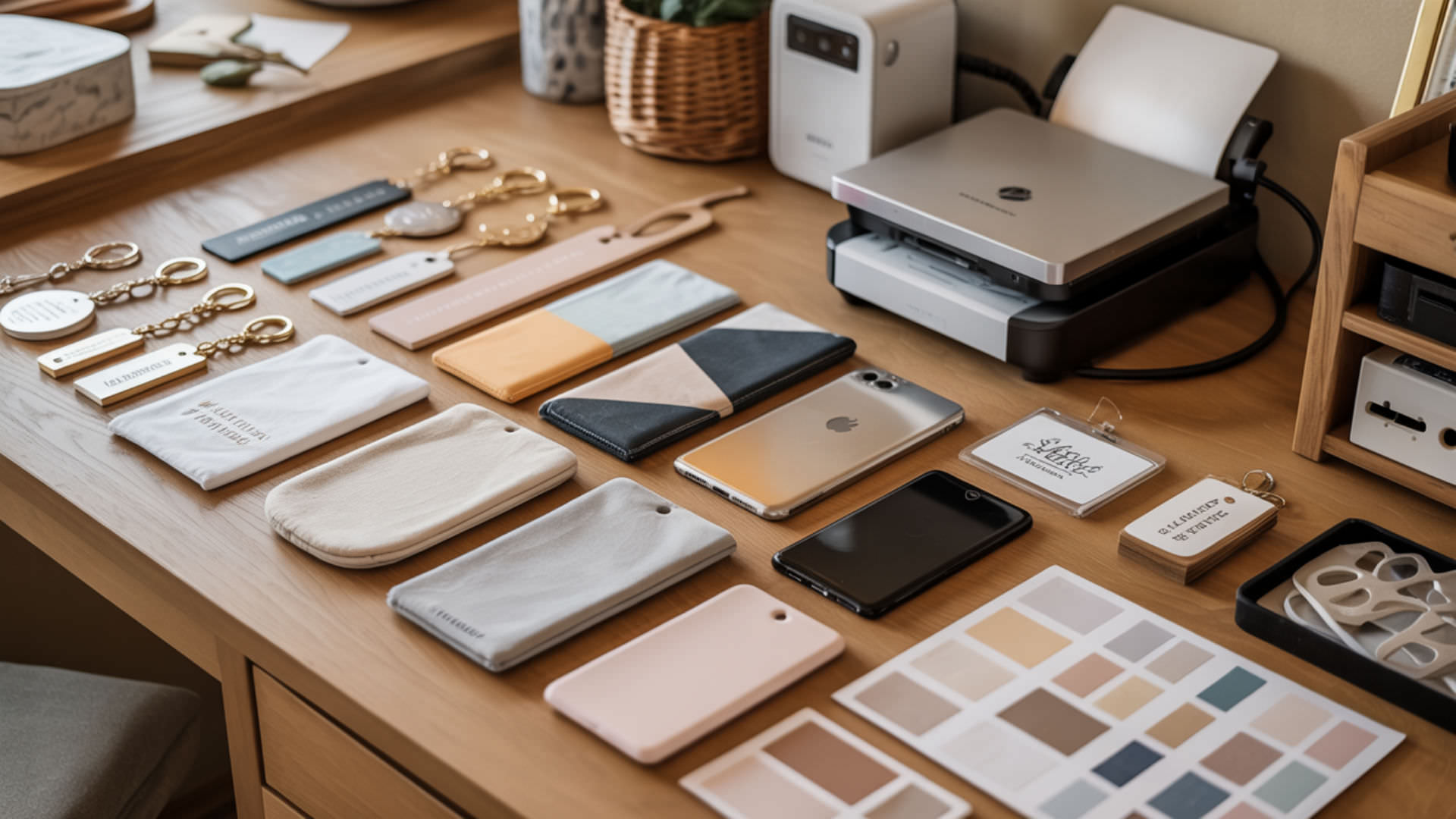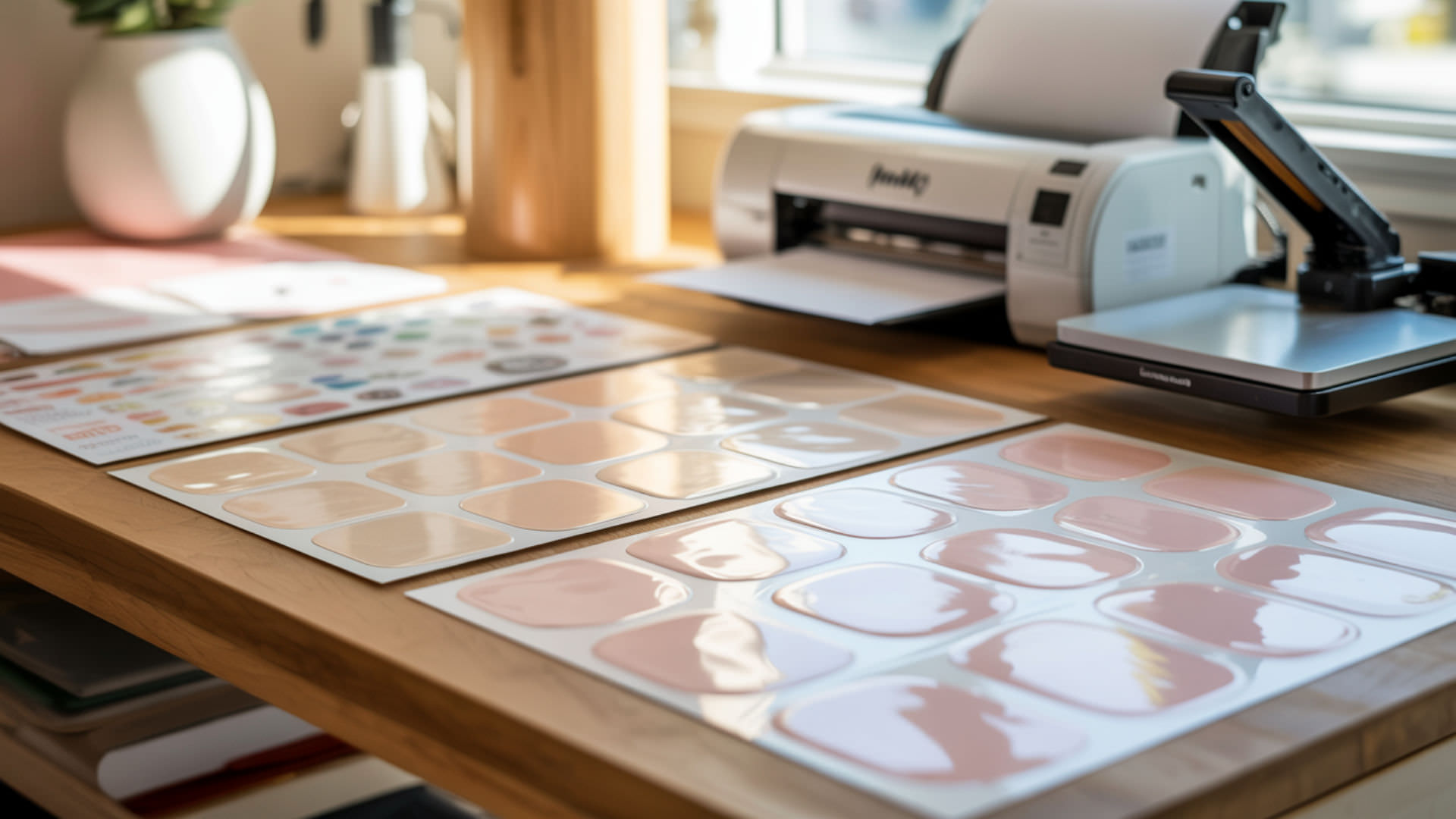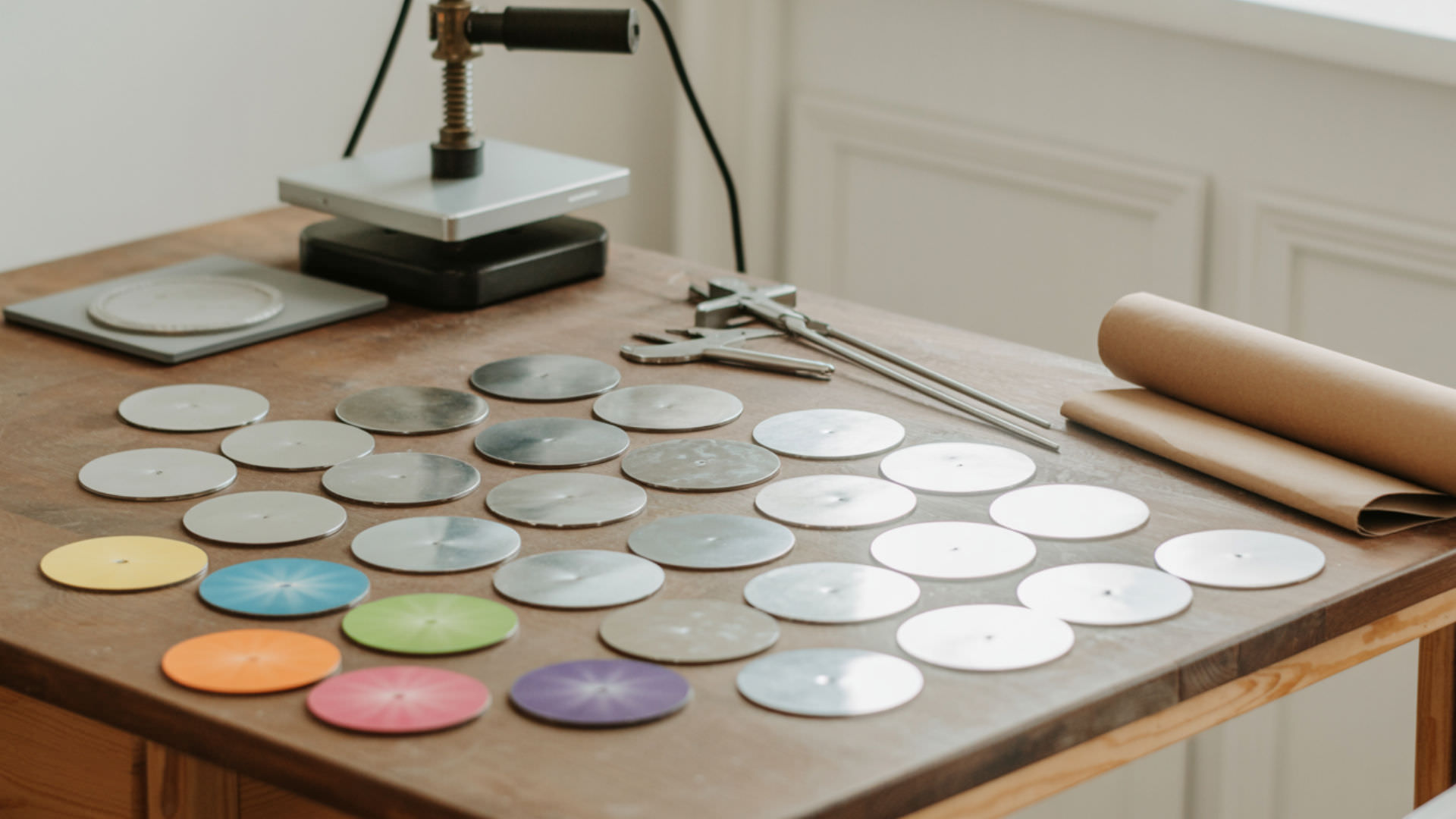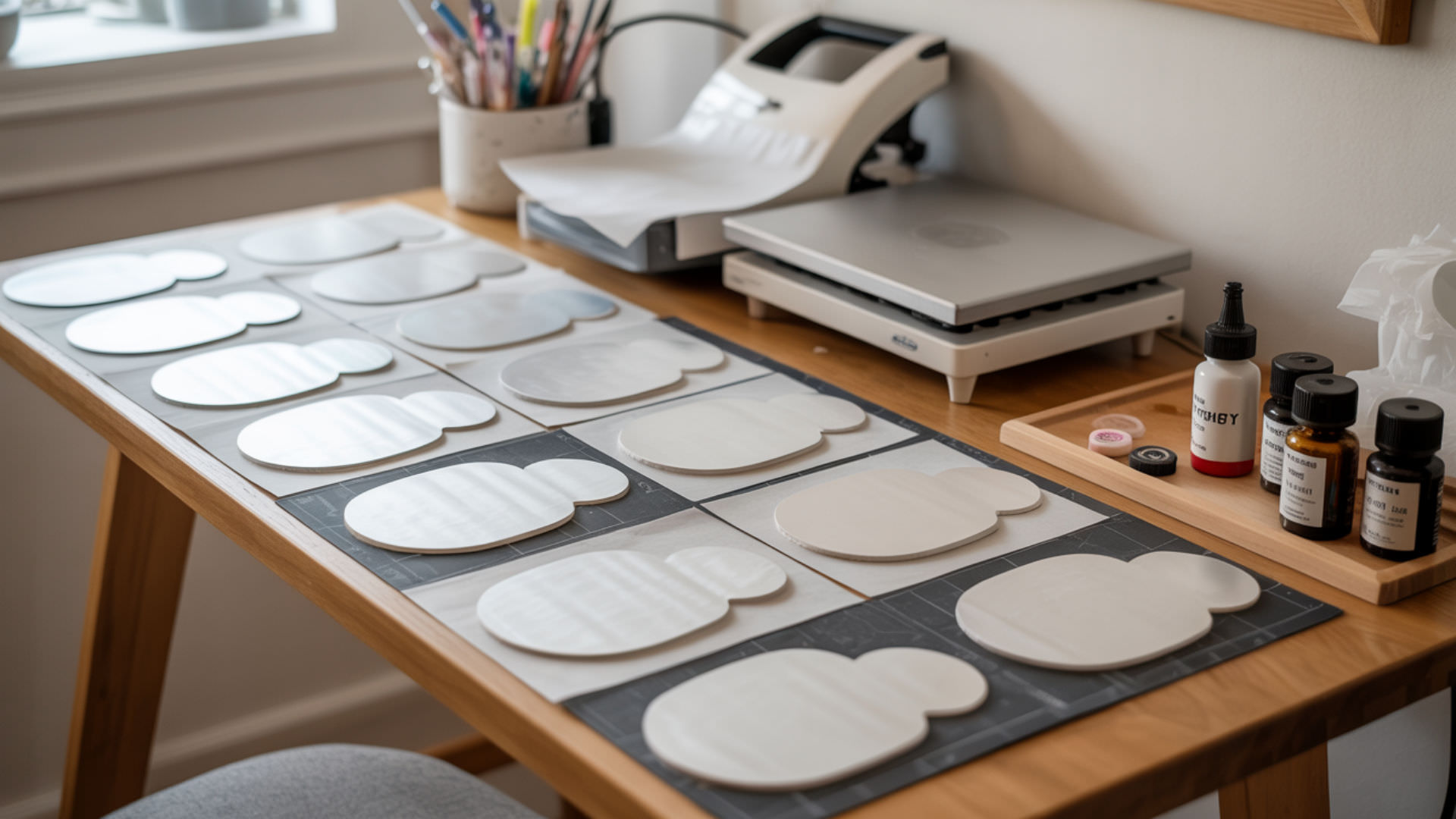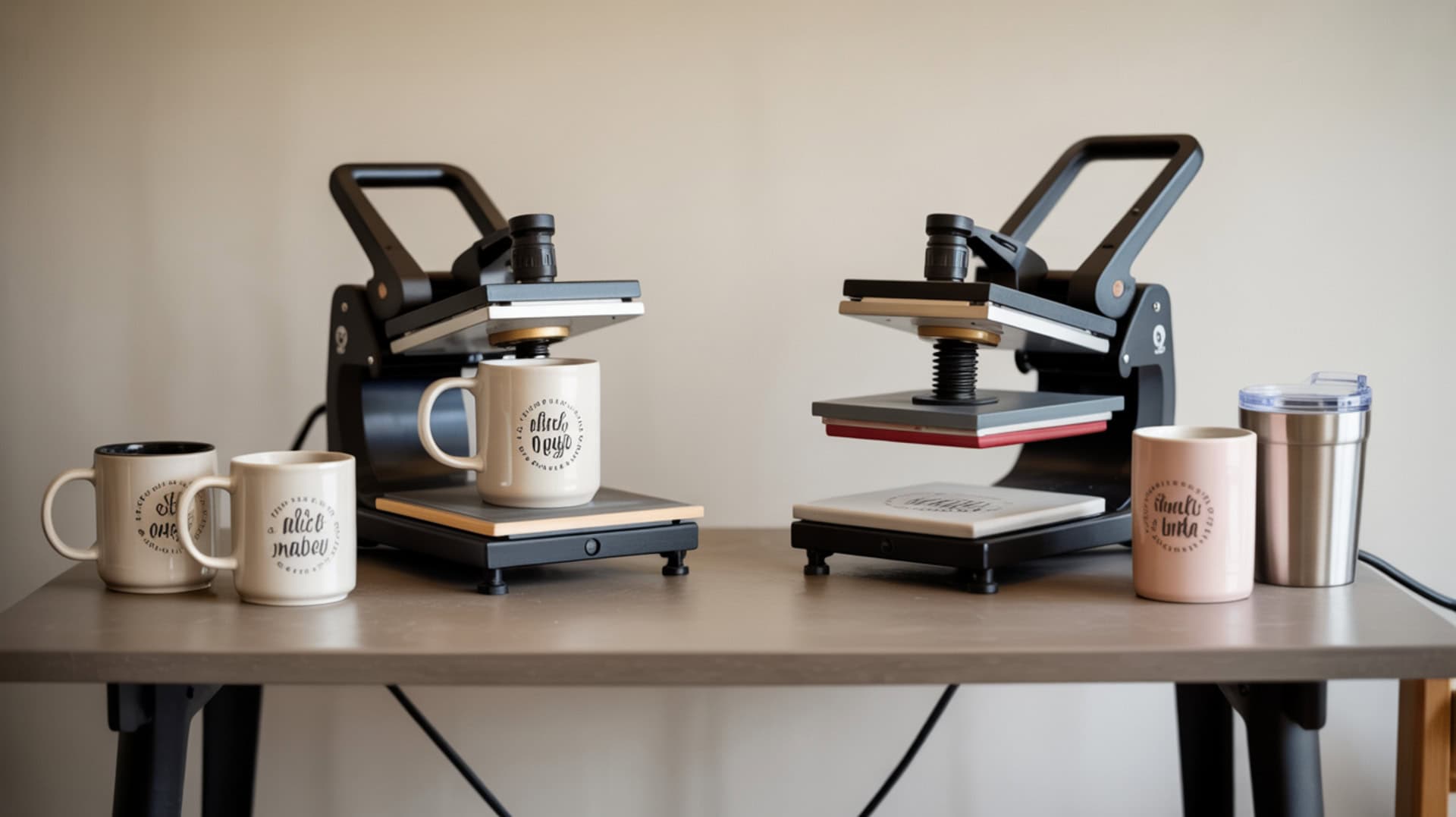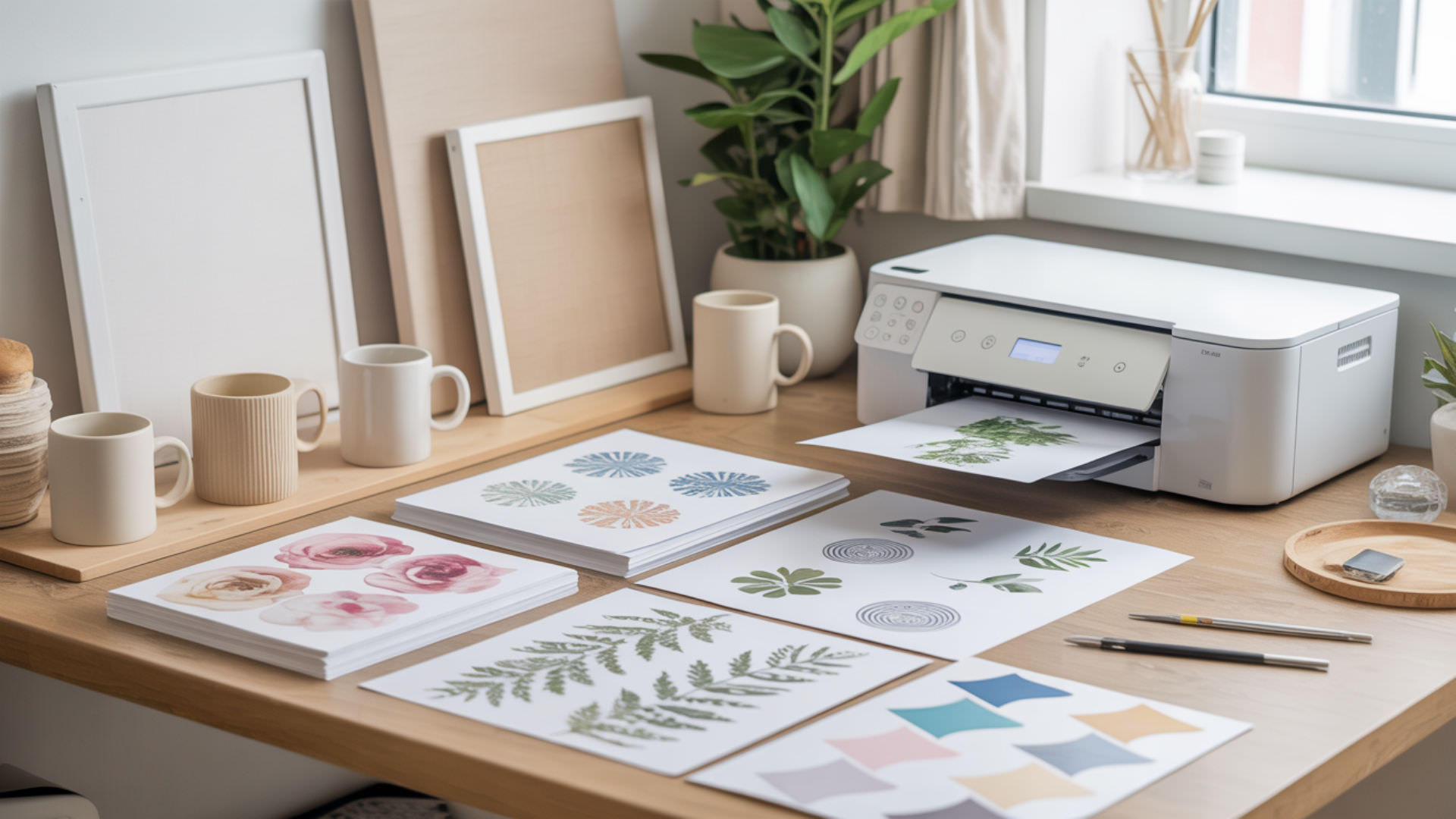
Sublimation bookmarks come in several material types—MDF, aluminum, acrylic, and coated paper—each requiring a polymer coating that enables dye gas to bond during heat pressing. The porosity of materials like MDF affects how evenly the coating absorbs and distributes sublimation dye across the surface. Understanding these substrate differences helps you select the right bookmark blanks and dial in settings for vibrant, professional results. The polymer coating requirement applies across all sublimation gift substrates—our sublimation gift ideas hub explains coating fundamentals for various materials.
Key Takeaways
- Bookmark thickness controls heating time and warping risk—thinner blanks heat faster but require careful pressure management.
- Smooth surface finish ensures even dye diffusion and produces sharper prints with crisp edges and consistent color density.
- Metal bookmarks press at 380–400°F for 45–80 seconds, while acrylic requires lower temperatures around 356–385°F.
What Temperature and Time for Sublimation Bookmarks?
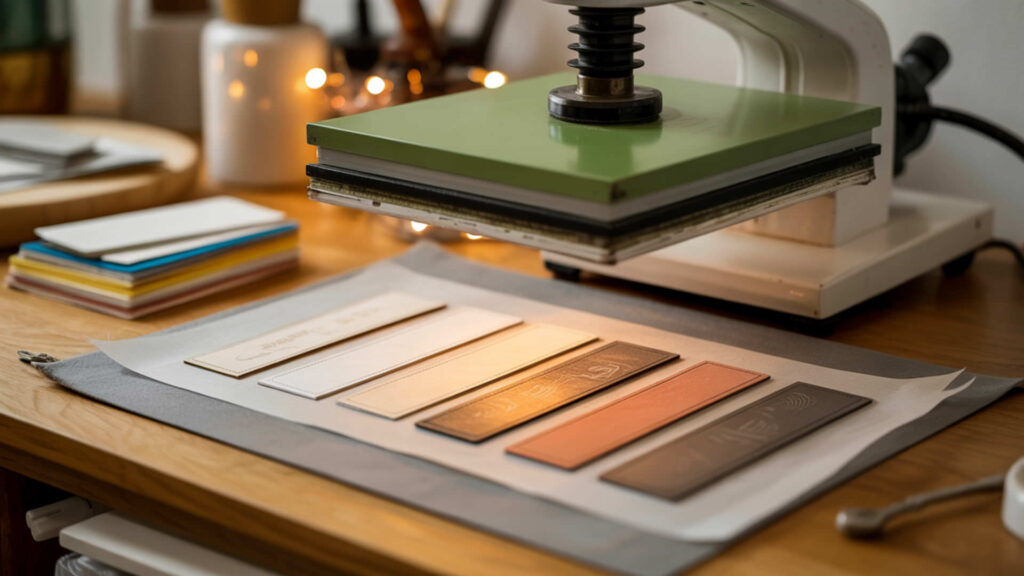
Metal and MDF bookmarks typically require 380–400°F for 45–80 seconds with medium pressure, though specific settings depend on material thickness and manufacturer recommendations. Sublimation occurs when vapor pressure reaches sufficient levels to convert solid dye into gas that penetrates the polymer coating. Thicker bookmark blanks require longer pressing times because heat must penetrate through the material to activate dye across the entire coated surface.Sublimation is a phase change in which a solid transitions directly into a gas when sufficient heat and vapor pressure are applied.[1]
Can You Sublimate at 350 Degrees?
Sublimation at 350°F works for some materials but produces less vibrant results than the optimal 380–400°F range—most sublimation dyes activate fully at higher temperatures. Lower temperatures may be appropriate for heat-sensitive materials like certain acrylics where thermal expansion causes warping at standard sublimation temperatures. If pressing at 350°F, extend pressing time to compensate for slower dye activation and test on scrap material first.
What Temperature and Time for Sublimation on Wood?
Wood and MDF bookmarks require 380–400°F for 40–75 seconds with medium pressure after proper surface preparation. Porosity in wood-based materials affects how the polymer coating absorbs and distributes dye—porous surfaces may produce uneven saturation without adequate coating thickness. Pre-heat MDF bookmarks briefly to remove moisture before applying the sublimation transfer for more consistent results. Understanding porosity and coating interactions helps across multiple substrate types—our sublimation on gift bags article explains how porosity affects saturation and clarity.
How Do You Make Sublimation Bookmarks?
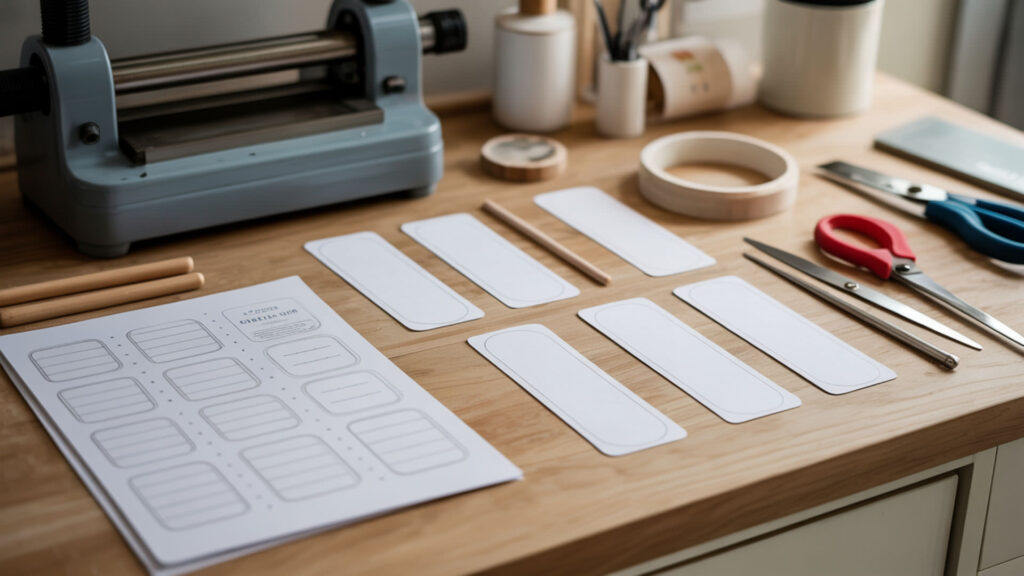
Sublimation bookmarks require polymer-coated blanks that accept dye gas during heat pressing—the coating creates a smooth surface where dye can bond and produce sharp details. Design your bookmark image in Canva or similar software, print mirrored onto sublimation paper, then heat press onto the coated blank at manufacturer-recommended settings. Quality polymer coating enables the dye gas to penetrate evenly, resulting in professional-looking bookmarks with vibrant colors.
How to Make a Printable Bookmark?
Create bookmark designs in Canva using custom dimensions matching your blank size—common sizes include 2×6 inches and 2×7 inches for standard bookmarks. For sublimation, print the mirrored design onto sublimation paper at high resolution (300 DPI minimum) for sharp detail reproduction. A smooth surface on MDF or metal blanks prevents blotching and ensures clean lines in text and intricate design elements.
How to Make Sublimation Ink More Vibrant?
Adjust printer settings to lay down more ink by selecting Premium Presentation Paper Matte and high-quality print options—this increases ink density on the sublimation paper. Aluminum bookmarks produce especially vibrant results because their thermal conductivity transfers heat efficiently and uniformly to maximize dye activation. Ensure correct heat press temperature and adequate pressing time, as insufficient heat produces dull colors. Proper thermal conductivity in substrates improves color performance—our best sublimation gifts guide covers tools and blanks that enhance heat uniformity. Materials with higher thermal conductivity transfer heat more evenly, which improves dye activation and color saturation during thermal processes.[2]
Can You Sublimate on Acrylic Bookmarks?
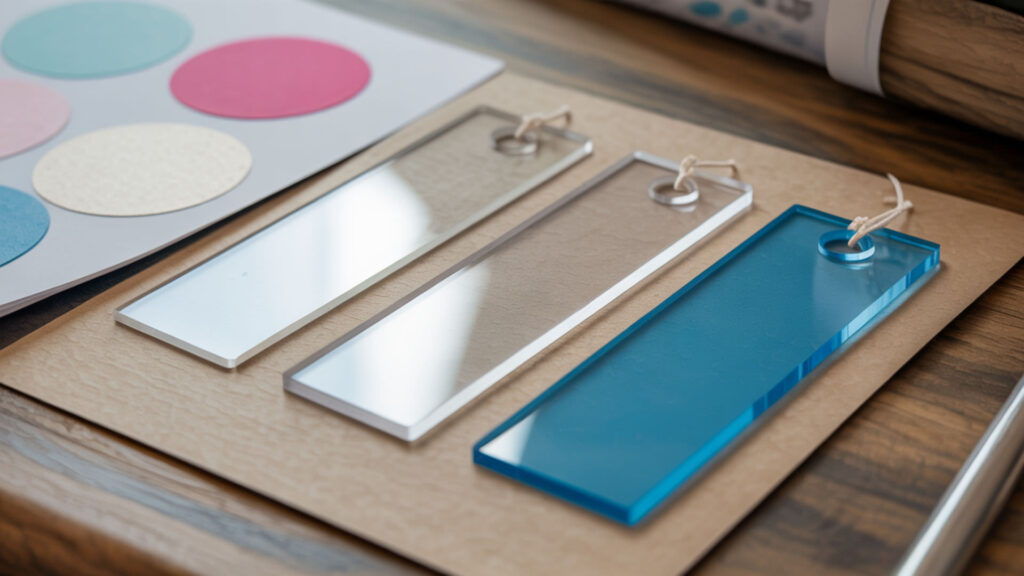
Acrylic bookmarks sublimate successfully when they have a polymer coating designed for heat transfer—the thin film coating layer must be uniform for clear, consistent prints. Place something heavy on acrylic bookmarks immediately after pressing to prevent warping as they cool. Acrylic produces unique results with a glossy, dimensional appearance that makes sublimated bookmarks stand out as gifts or promotional items.
What Temperature to Sublimate on Acrylic?
Acrylic sublimation works best at 380–400°F for 45–60 seconds, though some crafters prefer lower temperatures around 356°F for 120 seconds to minimize warping risk. Thermal expansion in acrylic occurs at high temperatures, potentially causing the material to warp or crack if pressed beyond safe limits. Start at 385°F for 45 seconds and adjust based on results—always test on scrap acrylic before pressing your final design.
Can You Use HTV on Acrylic Bookmarks?
HTV (heat transfer vinyl) works on acrylic bookmarks but requires careful heat management since acrylic tolerates limited temperatures before warping. Heat from the press may distort the polymer coating or acrylic substrate if temperatures exceed safe limits, making sublimation generally preferable for full-color designs. For simple single-color designs, adhesive vinyl applied at room temperature avoids heat-related warping entirely.
How Do You Create Sublimation Bookmarks Step-by-Step?
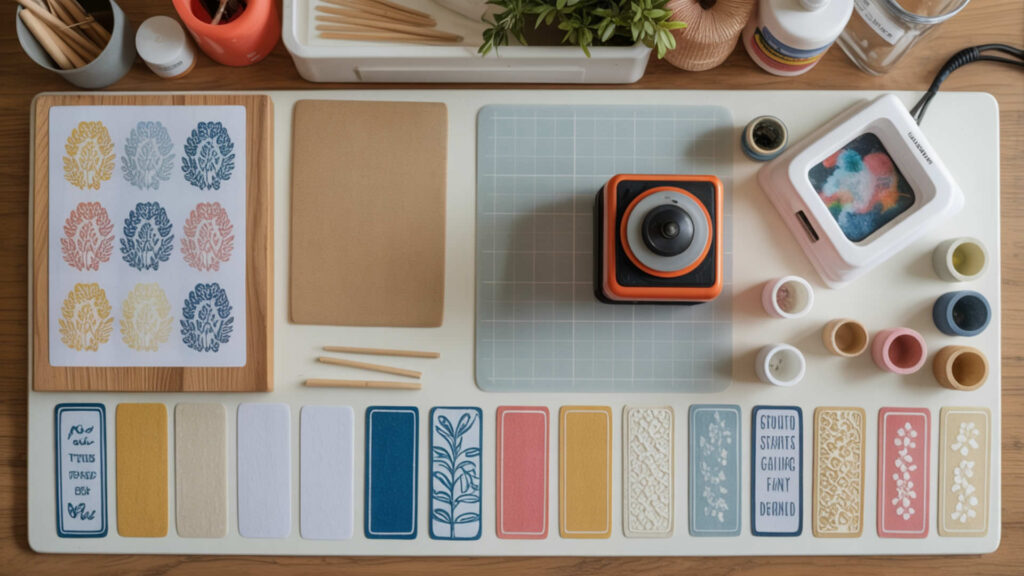
Sublimation bookmarks require polymer-coated blanks—uncoated materials can be prepared with spray coating to create a dye-receiving surface.
- Design your bookmark in Canva or graphic software sized to match your blank dimensions. Export as PNG at 300 DPI or higher for sharp text and detailed images.
- Print the mirrored design onto sublimation paper using a sublimation printer with high-quality settings. Allow the print to dry completely before handling to prevent smudging.
- Clean the bookmark blank with a lint roller to remove dust and debris. Any particles on the surface will create imperfections in the final transfer.
- Position the sublimation print face-down on the coated side of the bookmark blank. Secure with heat-resistant tape on all edges to prevent shifting during pressing.
- Place protective butcher paper above and below the bookmark on the heat press. This protects both your press and prevents dye from transferring to unintended surfaces.
- Press at 380–400°F for 45–80 seconds with medium pressure for metal or MDF bookmarks. For acrylic, use 356–385°F for 45–120 seconds depending on thickness and manufacturer specifications.
- Remove from press and peel the sublimation paper while warm for most materials. For acrylic, immediately place under a flat weight to prevent warping as it cools.
How Do You Seal Homemade Bookmarks?
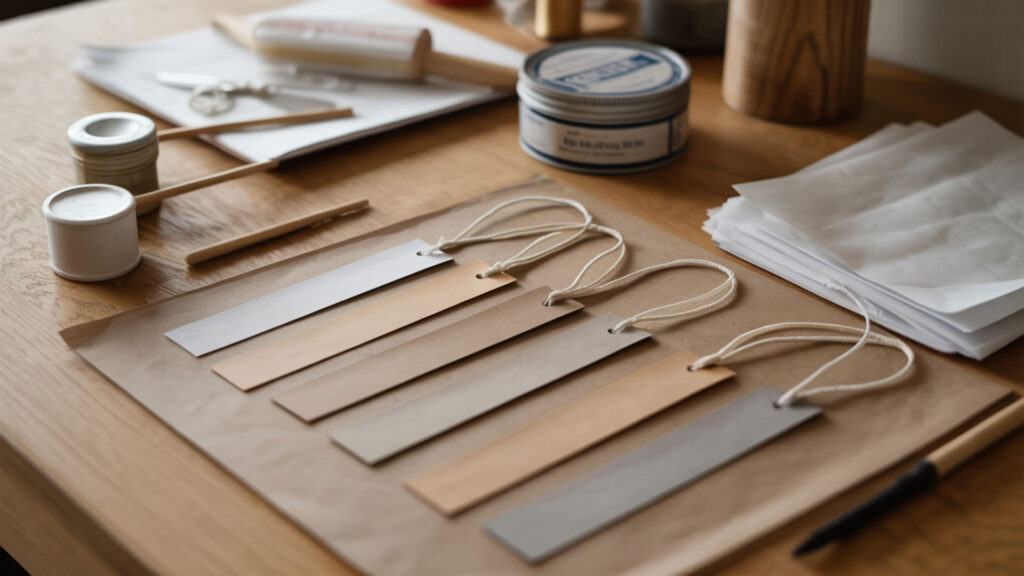
Sealing sublimation bookmarks with a thin film protective layer helps protect the polymer coating from abrasion during handling and use. Options include Mod Podge with acrylic sealant spray, clear polyurethane coating, or lamination for paper-based bookmarks. Note that some sealants may make bookmarks slightly more flexible—test your preferred sealer on a sample before applying to finished products.
How to Get Crisp Sublimation Prints?
Crisp sublimation prints require a smooth surface that reduces micro-diffusion of dye at design edges. Ensure even heat and pressure across the entire bookmark by testing for hot or cold spots on your press. Secure the transfer paper firmly with heat-resistant tape to prevent any movement during pressing—even slight shifting causes ghosting that blurs edges and reduces print clarity.
How to Use Sublimation Markers for Beginners?
Sublimation markers contain dye that transfers when heat-pressed onto polymer-coated surfaces, allowing hand-drawn designs on bookmarks. Draw your design on sublimation paper, then press at 385°F for 45 seconds with protective parchment paper covering the design. The porosity of certain coated surfaces affects how marker dye penetrates—smoother polymer coatings produce sharper marker transfers than highly porous materials.
Ready to Create Your Sublimation Bookmarks?
MDF and aluminum bookmarks offer different workflow advantages—MDF is lightweight and inexpensive while aluminum produces brighter colors through superior heat transfer and coating quality. Both materials sublimate beautifully when you match temperature, time, and pressure to the specific blank specifications. Start with manufacturer-recommended settings, test on sample blanks, and adjust based on your results for consistently professional bookmarks.
Frequently Asked Questions
What materials can you not sublimate on?
Sublimation cannot work on 100% cotton, natural fibers, uncoated wood, bare metal, or standard glass and ceramics without polymer coatings. The dye bonds only with polyester or polymer-coated surfaces—materials lacking these properties will produce faded images that wash away or peel off after minimal handling. Always verify your bookmark blanks have sublimation-ready coatings before pressing.
How much polyester is needed for sublimation?
For fabric-based bookmarks or book sleeves, 100% polyester produces the most vibrant and permanent results. Blends with at least 65% polyester content work for sublimation but produce less saturated colors since dye only bonds with polyester fibers. For hard substrates like metal or MDF bookmarks, the polymer coating replaces the polyester content requirement.
What happens if I sublimate on 100% cotton?
Sublimating directly on 100% cotton produces extremely faded results that wash out completely after one or two launderings—the dye cannot bond with cotton’s cellulose fibers. To sublimate on cotton bookmarks or fabric items, apply sublimation coating spray or use sublimation-compatible HTV as a barrier layer that accepts the dye transfer.
Can you use Canva to create sublimation designs?
Canva works well for creating sublimation bookmark designs—set custom dimensions matching your blank size, design your artwork, then export as high-resolution PNG or PDF for printing. Remember to mirror the design before printing onto sublimation paper, and ensure your export resolution is at least 300 DPI for crisp text and detailed graphics.
What will sublimation stick to?
Sublimation bonds permanently with polyester fabrics and polymer-coated hard substrates including aluminum, ceramic tiles, MDF, coated glass, and specialty acrylic. For bookmarks specifically, look for blanks labeled as sublimation-ready with white or light-colored polymer coatings that accept dye transfer during heat pressing.
References
- Sublimation and the water cycle. (2019, June 8). USGS. https://www.usgs.gov/water-science-school/science/sublimation-and-water-cycle
- Heat transfer. (2021, May 13). NASA Glenn Research Center. https://www.grc.nasa.gov/www/k-12/airplane/heat.html?utm_