
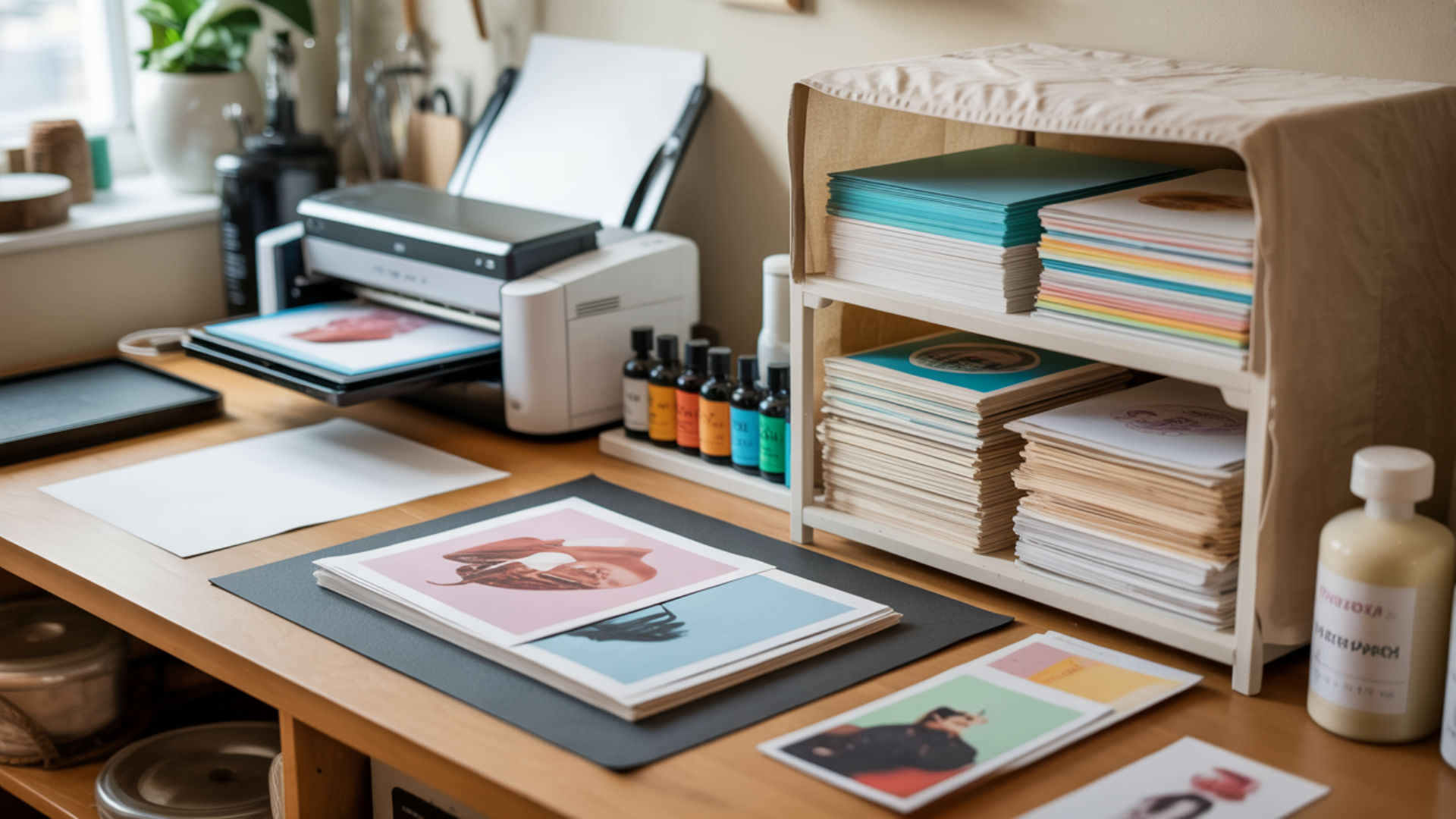
Proper storage protects sublimation prints, paper, and ink from degradation that causes failed transfers and wasted materials. Sublimation paper contains cellulose fibres highly sensitive to moisture content—humidity causes curling, bleeding, and weakened transfers during heat pressing. Prints left unprotected absorb ambient moisture that degrades dye stability and transfer capability over time. Porosity, cellulose structure, and moisture behavior essential to understanding print storage appear in our complete sublimation paper guide. Paper materials deteriorate more quickly in humid environments because moisture absorption causes warping, curling, and long-term structural damage. [1]
Key Takeaways
- Humidity above 50% causes limp, smudged, or dull transfers by allowing paper to absorb moisture that interferes with dye release.
- Dust protection prevents contamination that blocks heat contact and creates spotty, incomplete transfers during pressing.
- Climate-controlled storage between 50–77°F with 40–50% relative humidity preserves prints, paper, and ink for years.
How do you store sublimation prints?
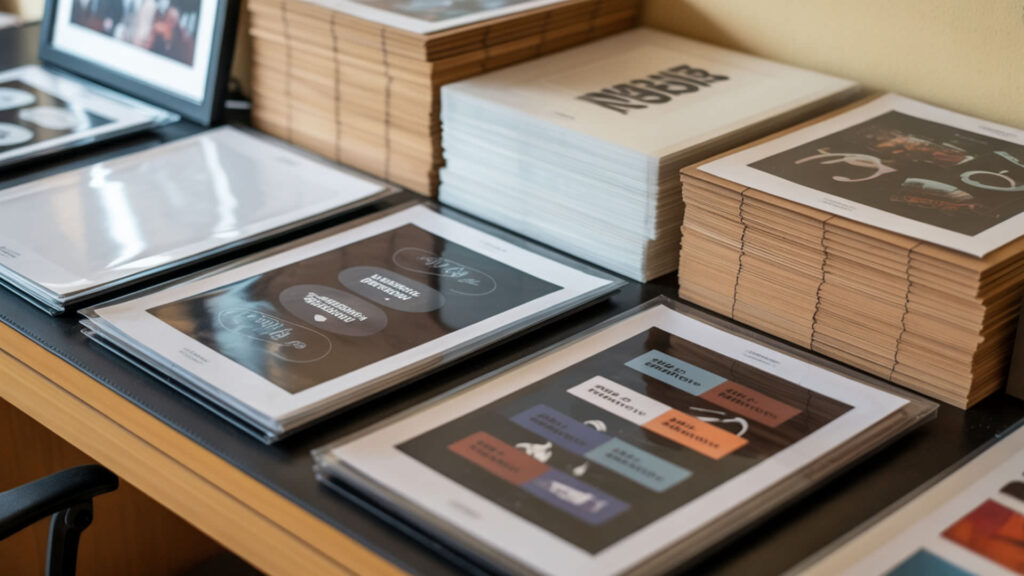
Store printed transfers flat in protective sleeves or acid-free folders, separated by clean sheets to prevent dye offset between stacked prints. Add anti-humidity packets (silica gel) to storage containers to absorb moisture that degrades coating integrity and dye stability. Flat storage prevents curling, creasing, and dye misalignment that ruins transfers during pressing. Avoid direct sunlight exposure, which causes premature fading of unpressed dyes. Ensuring quality paper also informs proper storage for maintaining coating integrity—see our sublimation paper buying guide.
How long can sublimation transfers be stored before printing defects appear?
Properly stored sublimation transfers remain viable for months to years without significant quality loss. The limiting factor involves hygroscopic behavior—paper naturally absorbs moisture over time, gradually degrading dye stability and transfer capability. Climate-controlled environments (50–77°F, 40–50% humidity) extend storage life indefinitely. Signs of degradation include visible curling, color shifts in printed areas, and reduced vibrancy after pressing. Sealed storage with desiccant packets maximizes longevity.
What conditions affect stored sublimation color quality?
Temperature stability prevents dye degradation—extreme heat accelerates chemical breakdown while temperature cycling causes condensation that damages both paper and printed dyes. Light exposure triggers premature fading of unpressed disperse dyes, particularly from UV sources and direct sunlight. Humidity remains the primary threat: moisture absorption causes paper warping, dye bleeding, and reduced transfer efficiency. Store in dark, climate-controlled spaces away from windows, HVAC vents, and exterior walls. Exposure to light—especially UV—accelerates fading and chemical breakdown in printed materials even before they are used or transferred. [2]
How do you store a printer system used for sublimation?
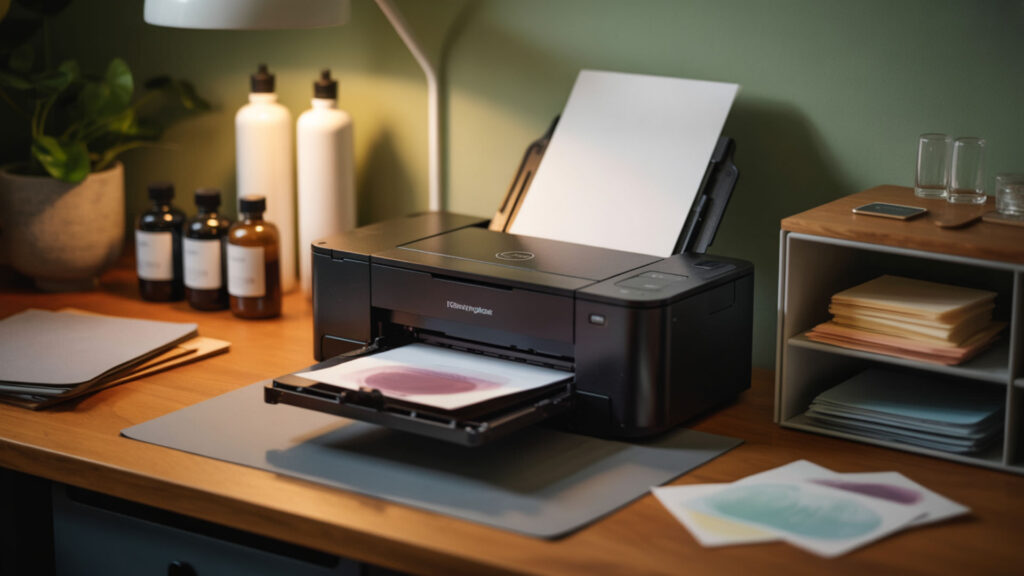
Keep sublimation printers in climate-controlled environments with temperature stability between 50–77°F and humidity below 60% to prevent ink thickening and nozzle blockages. Dust protection matters significantly—cover printers when not in use to prevent debris from entering feed mechanisms and contaminating print heads. Position printers on level surfaces away from heat sources, direct sunlight, and areas with temperature fluctuations. Both printer and paper storage rely on humidity control to prevent defects—see our paper loading guide.
How can you keep printer ink from drying between uses?
Print at least once weekly to keep ink flowing through nozzles and prevent drying that causes permanent clogs. Leave cartridges installed rather than removing them—exposure to air accelerates drying more than remaining in the sealed print head environment. Avoid applying handling pressure to cartridges; squeezing can shift ink and introduce air gaps that disrupt flow. Run maintenance cycles (nozzle checks, head cleaning) monthly even during periods of lighter use.
Can printer storage position impact the ink delivery system?
Always store printers upright in their normal operating position—tilting or laying printers on their sides allows ink to leak into internal components, causing damage and contaminating print heads. Temperature stability prevents ink thickening that reduces flow and causes incomplete prints. Before using a stored printer, allow it to reach room temperature and run a nozzle check to verify press-readiness. Never store printers in garages, attics, or basements where temperature and humidity fluctuate.
What is the best way to store printer paper for transfers?
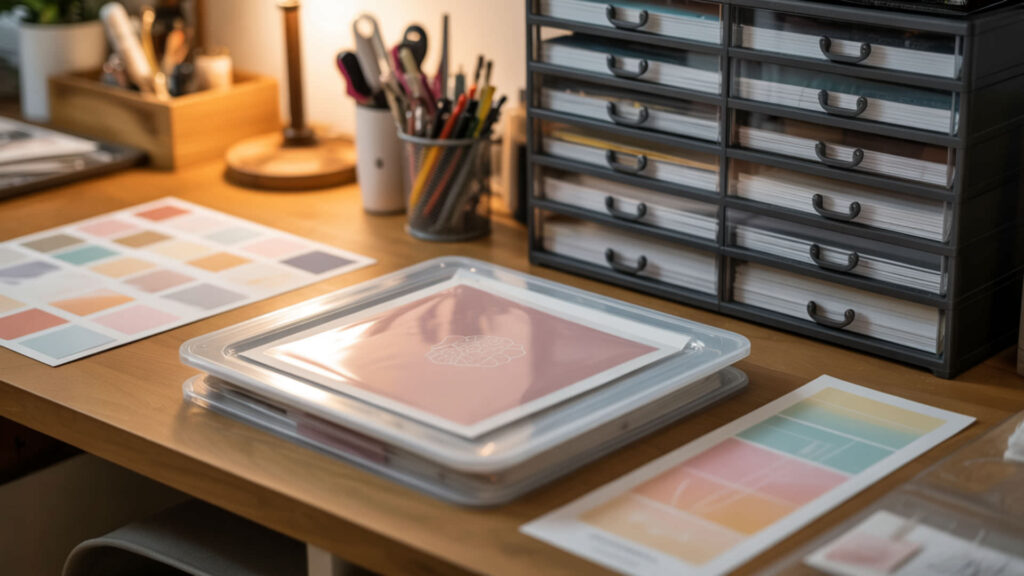
Seal unopened sublimation paper in airtight containers or ziplock bags with desiccant packets to prevent moisture content changes that warp sheets and dull transfers. Keep paper in original packaging until ready to use—manufacturer wrapping provides optimal protection. Store flat on elevated surfaces away from concrete floors, exterior walls, and areas with frequent air exchange. Avoid garages, basements, and attics where humidity and temperature fluctuate. Protecting the coated side from moisture and dust before use also appears in our print separation sheets and print-side guide.
How do you identify the correct printable side of transfer paper?
The coated (printable) side exhibits hydrophobicity—it resists moisture and feels smoother than the rougher, more absorbent back. The uncoated side shows hydrophilicity, readily absorbing water and feeling more fibrous. Visual identification: the coated side appears brighter white and reflects light more uniformly. Some papers include manufacturer markings on the non-printable back or cut corners indicating correct orientation. Wet-finger tests work: moisture sticks to the coated side.
Does printer paper degrade if stored too long or in humidity?
Sublimation paper degrades significantly when stored in humid conditions due to hygroscopic behavior—cellulose fibers absorb moisture from air, causing swelling that increases porosity and reduces coating effectiveness. Symptoms include visible curling, wavy edges, limp feel, and reduced print quality. Aged paper in poor conditions produces faded transfers with bleeding edges. Properly sealed paper in climate-controlled storage maintains viability for years; exposed paper in humid environments degrades within months.
How do you store sublimation prints step-by-step?
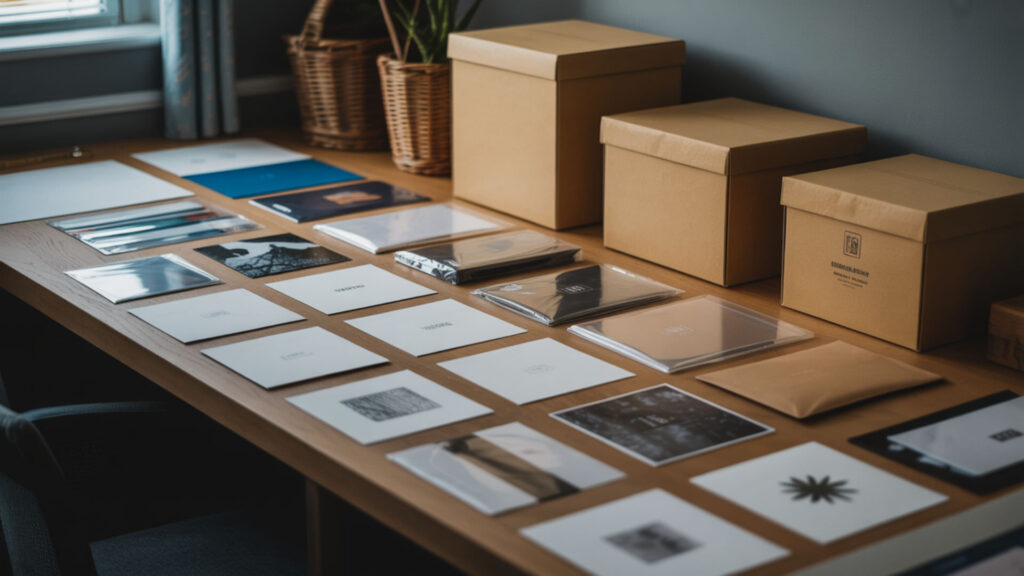
Place each printed transfer in an individual protective sleeve or between print separation sheets to prevent dye offset or sticking between stored prints. Stack protected prints flat in rigid containers—avoid rolling, which creates creases that cause uneven transfers. Add anti-humidity packets to sealed containers, replacing them monthly in humid climates. Label containers with print dates for inventory rotation. Store in dark, climate-controlled spaces away from heat sources, maintaining 40–50% humidity and temperatures between 50–77°F.
How do you store printer ink and cartridges safely?
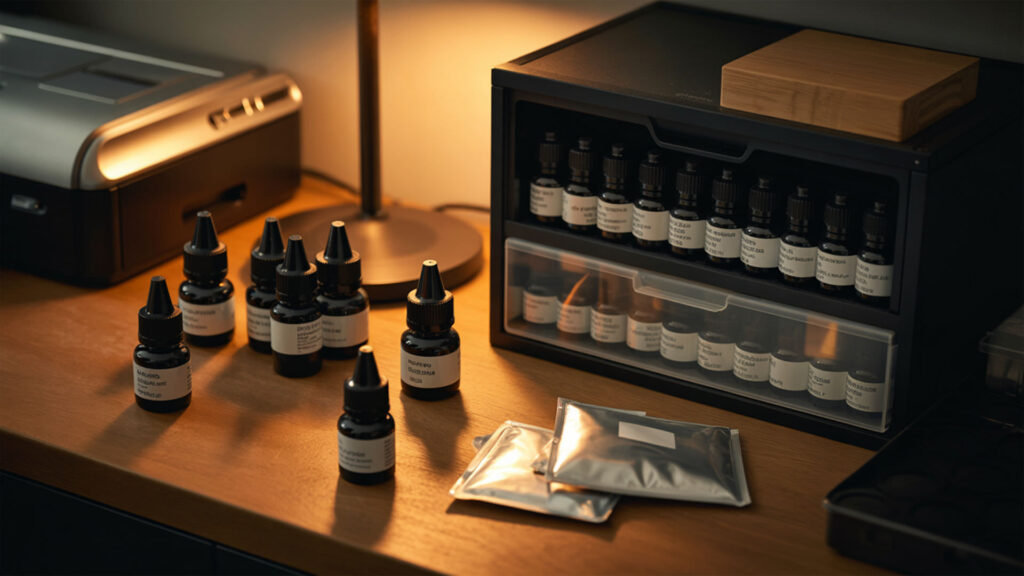
Store unopened cartridges in original packaging in cool, dark locations with temperature stability between 50–85°F—extreme cold thickens ink while heat accelerates degradation. Keep cartridges upright with labels facing up to prevent settling and air bubble formation. Use airtight containers for opened or removed cartridges, adding dust protection to prevent contamination of nozzle areas. Avoid refrigerators despite common advice—low humidity dries cartridges faster than room-temperature storage with proper sealing.
Should ink be stored in cold environments to extend shelf life?
Extreme cold creates more problems than it solves—ink thickens significantly below 50°F, potentially causing permanent flow issues when returned to service. Temperature stability matters more than absolute temperature; consistent room-temperature storage (60–75°F) outperforms refrigeration that subjects cartridges to thermal cycling. If cartridges were refrigerated, allow three hours at room temperature before installing to prevent condensation inside the printer. Optimal storage: cool, dark, dry locations with stable temperatures.
Does printer ink expire if left unused?
Unopened sublimation ink cartridges remain viable approximately two years when stored properly; installed cartridges should be used within one year. Disperse dyes gradually separate or thicken over time, impacting color retention and print vibrancy even before visible expiration. Expired ink may still print but produces inconsistent colors, reduced saturation, and increased clogging risk. Check manufacture dates when purchasing; avoid bulk buying beyond anticipated usage within expiration windows.
Ready to store prints, ink, and paper like a pro?
Consistent climate control and protection from humidity, light, and dust preserve your sublimation supplies indefinitely. Sealed containers with desiccant packets, flat storage for prints and paper, and regular printer use prevent the degradation that wastes expensive materials. Curl resistance in properly stored paper ensures clean, accurate transfers when eventually pressed. Invest in proper storage habits to eliminate failed transfers caused by degraded materials.
Frequently Asked Questions.
Can sublimation transfers lose strength if stored too long?
Transfer strength degrades primarily from moisture absorption rather than time alone. Properly sealed prints in climate-controlled storage maintain full transfer capability for years. Humidity exposure weakens the coating’s dye-holding capacity, reducing the amount of ink that releases during pressing and producing faded results. Signs of weakened transfers: reduced vibrancy after pressing, incomplete coverage, and visible paper texture showing through. Sealed storage with desiccant prevents degradation.
What are signs sublimation paper or ink were stored incorrectly?
Paper symptoms include visible curling, wavy edges, limp texture, and musty odor indicating moisture damage. Ink symptoms include thickened consistency (visible in tank systems), color separation, and frequent nozzle clogging requiring repeated cleaning cycles. Printed transfers from degraded materials show faded colors, bleeding edges, inconsistent coverage, and reduced wash resistance. Prevention costs less than replacing ruined supplies—invest in proper sealed, climate-controlled storage.
How long can sublimation ink sit unused before drying risks increase?
Ink in installed cartridges begins drying within two weeks of inactivity as residual ink in nozzles evaporates. Weekly printing prevents accumulation of dried ink that eventually clogs heads permanently. Sealed, unopened cartridges last approximately two years in proper storage. Tank-system printers tolerate longer inactivity than cartridge systems but still benefit from weekly test prints. Extended printer storage requires maintenance printing before shutdown and cleaning cycles upon return.
Does humidity affect sublimation paper during long-term storage?
Humidity represents the primary threat to stored sublimation paper. Cellulose fibers absorb airborne moisture, causing dimensional changes that warp sheets and alter coating behavior. High humidity (above 60%) produces limp paper with reduced dye-holding capacity that yields faded, bleeding transfers. Maintain 40–50% relative humidity using dehumidifiers, sealed containers, and desiccant packets. Climate-controlled indoor storage outperforms garages, basements, and attics with fluctuating conditions.
Can a printer flushed after drying issues still be used for sublimation?
Printers recovered from drying-related clogs can return to sublimation service if cleaning successfully restores all nozzle function. Run multiple nozzle checks after cleaning to verify complete color channels; missing lines indicate remaining blockages requiring additional cleaning or professional service. Severe clogs may damage print heads permanently, requiring replacement. Prevention through weekly printing costs far less than head replacement or printer retirement.
References
- How to preserve family archives. (2024, August 1). National Archives. https://www.archives.gov/preservation/family-archives
- (n.d.). Museum Conservation Institute | Museum Conservation Institute. https://mci.si.edu/












