
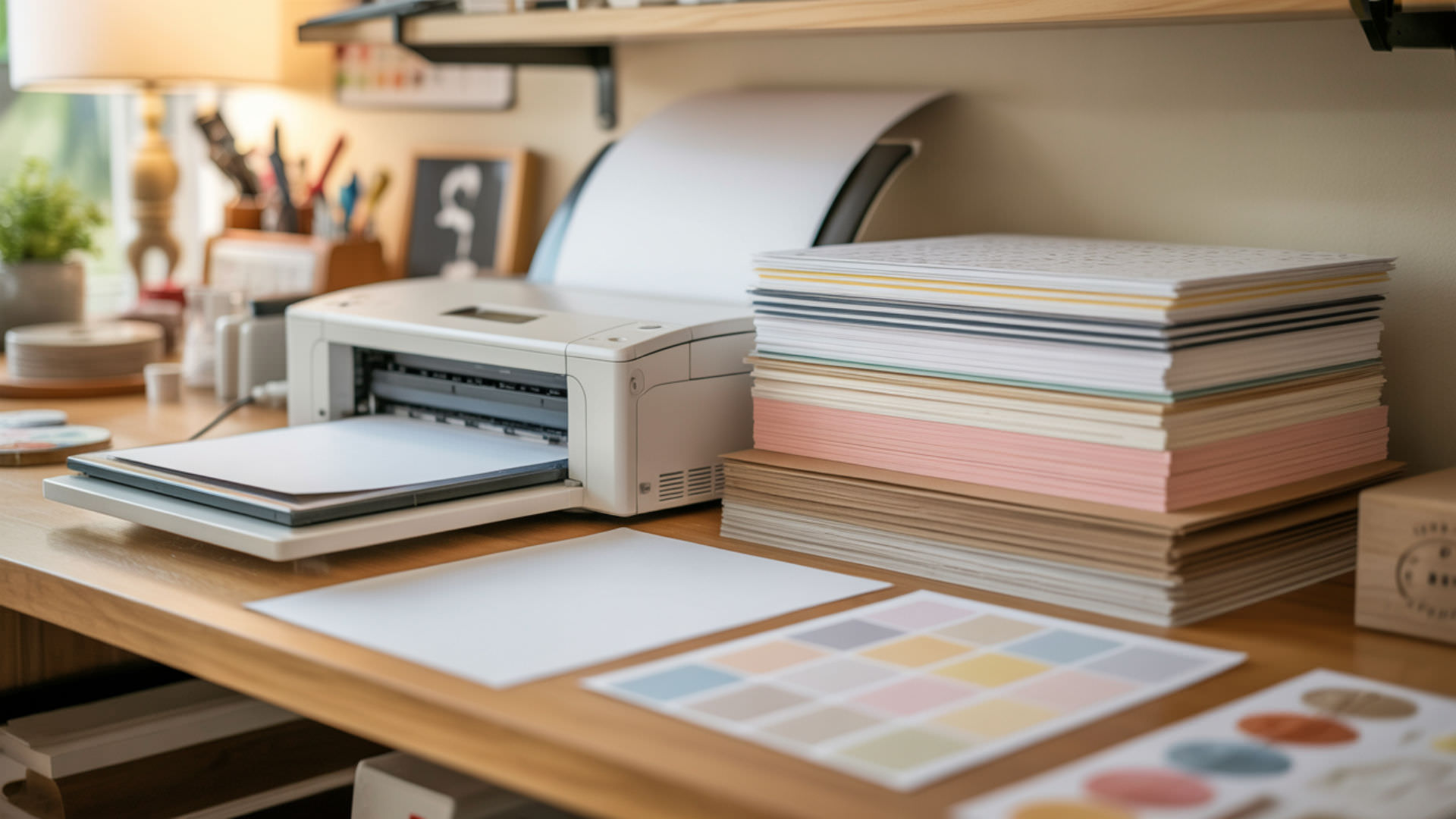
Regular printer paper lacks the specialized paper coating required for sublimation transfers, making it unsuitable for production work. Uncoated cellulose absorbs disperse dyes into the fiber structure rather than holding them on the surface for gas-phase release during heat pressing. Understanding why regular paper fails helps crafters avoid wasted materials and identify appropriate alternatives. The science behind paper coating explains how sublimation paper holds and releases dye for vibrant, permanent transfers.
Key Takeaways
- Regular printer paper absorbs sublimation ink into its porous cellulose fibers, producing faded, blurry transfers with poor color vibrancy and significant bleeding.
- Copy paper can work for test prints in a sublimation printer, but requires multiple sheets stacked together and produces noticeably inferior results compared to sublimation paper.
- Uncoated butcher paper serves as protective blowout paper during pressing, but parchment paper and Teflon sheets trap moisture and should not be used for sublimation protection.
Can you use regular printer paper for sublimation?
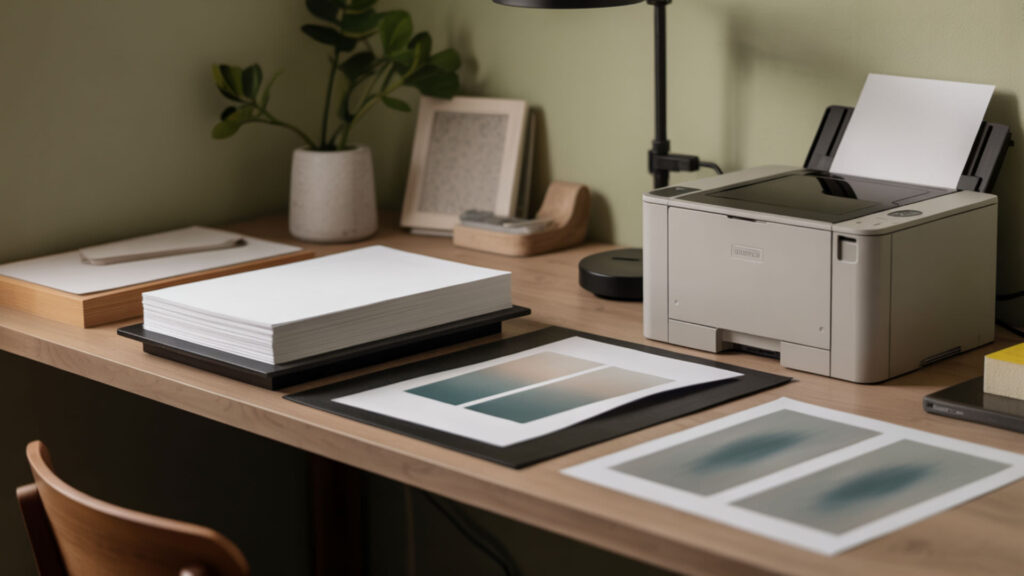
Regular printer paper produces poor sublimation results because its high porosity pulls dye inward through absorption rather than holding it on the surface. The hydrophilic cellulose fibers attract moisture and sublimation ink, causing ink sinking that prevents proper gas-phase transfer during heat pressing. Transfers from regular paper appear dull, faded, and blotchy with significant bleeding around edges and loss of fine detail.Cellulose fibers form porous, hydrophilic structures that readily absorb liquids into the material rather than holding them on the surface.[1]
Can you use normal paper in a sublimation printer for testing?
Copy paper functions for basic printer testing to verify nozzle operation and color output before using expensive sublimation paper. The thin, porous material absorbs more ink than sublimation paper, causing significant bleed-through onto butcher paper during pressing. Test results show noticeably less saturation and definition between colors compared to proper sublimation paper. Comparing absorption differences between copy paper and sublimation paper reveals why coating matters for transfer quality.
Can you use inkjet paper for sublimation?
Standard inkjet paper lacks the barrier coating that sublimation paper uses to hold disperse dyes on the surface. Even coated inkjet photo papers use different coating formulations designed for regular dye-based inks rather than sublimation inks. The vapor pressure requirements for sublimation dye release differ significantly from standard inkjet printing chemistry. Using inkjet paper produces washed-out colors and incomplete transfers.
What is sublimation paper made of?
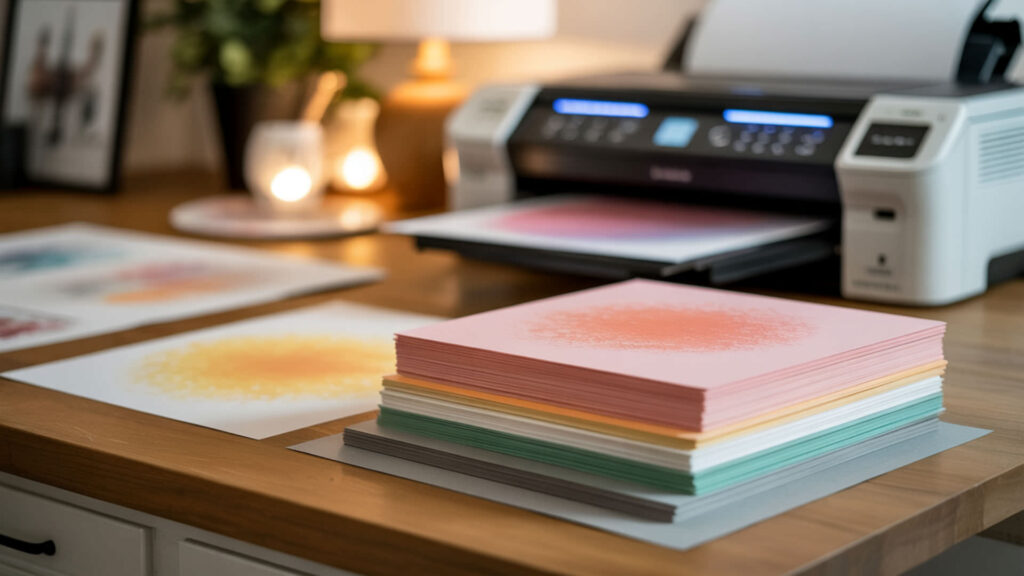
Sublimation paper consists of a cellulose base with specialized paper coating engineered for controlled dye release during heat pressing. The coating creates a hydrophobic barrier that prevents ink absorption while maintaining smoothness for sharp detail reproduction. Low porosity and minimal void fraction keep disperse dyes on the surface until heat activates gas-phase transfer. Premium sublimation papers feature optimized brightness and coating density that enhance color accuracy and transfer consistency. Polymer coatings create hydrophobic surfaces that prevent absorption and allow controlled release of dye molecules when heated.[2]
What kind of paper can be used for sublimation?
Only papers specifically manufactured for sublimation with appropriate barrier coating produce reliable transfer results. These papers feature low permeability that keeps ink on the surface and controlled smoothness that ensures sharp line reproduction. Common weights range from 105gsm for fast-drying applications to 125gsm or higher for premium color density. Tacky sublimation papers include adhesive properties that prevent shifting on curved substrates.
What papers behave similarly to sublimation paper?
No commonly available paper replicates sublimation paper’s specialized coating behavior. Heat transfer papers use adhesive polymer layers that melt and bond rather than releasing gasified dye. Photo papers have coatings optimized for different ink chemistry and absorption characteristics. Thermal papers react to heat differently than sublimation paper’s dye release mechanism. The unique combination of hydrophobicity and controlled porosity makes sublimation paper irreplaceable for proper transfers.
What can you use instead of butcher paper for sublimation?
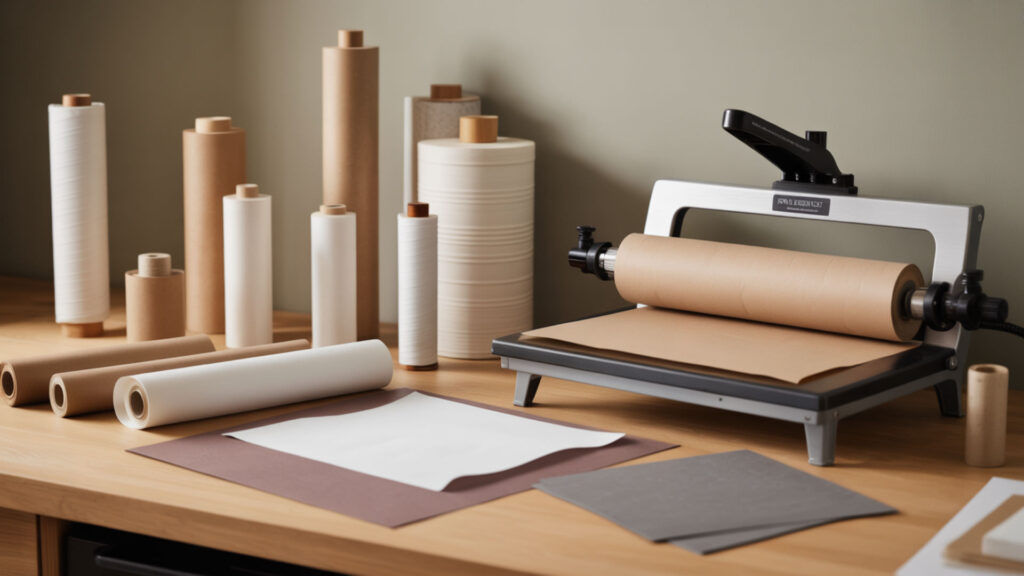
Uncoated white butcher paper serves as protective blowout paper that absorbs excess ink and moisture during sublimation pressing. Alternatives include blank newsprint from local newspaper suppliers, which provides similar absorption properties at lower cost. Copy paper works in emergencies but requires stacking multiple sheets due to its thinness and porosity. Always verify the paper is unwaxed and uncoated to ensure proper moisture release.
What can I use instead of parchment paper for a heat press?
Parchment paper should not be used for sublimation because its silicone coating traps moisture content instead of releasing it, causing blotchy transfers and ghosting. Uncoated butcher paper absorbs moisture properly and protects heat press platens from ink blowout. Specialty sublimation protective paper like Artesprix brand provides optimal moisture absorption and heat resistance. Avoid Teflon sheets for the same moisture-trapping reason—they work for HTV but not sublimation.
Can you sublimate on cardstock?
Smooth white cardstock produces the worst sublimation results among paper alternatives tested—colors appear significantly more faded and mottled than even regular copy paper. The thicker material absorbs ink differently and warps under high temperatures required for sublimation (380–400°F). Cardstock lacks any coating to hold dye on the surface, making it completely unsuitable as a transfer medium for sublimation printing.
How do you use regular paper for sublimation step-by-step?
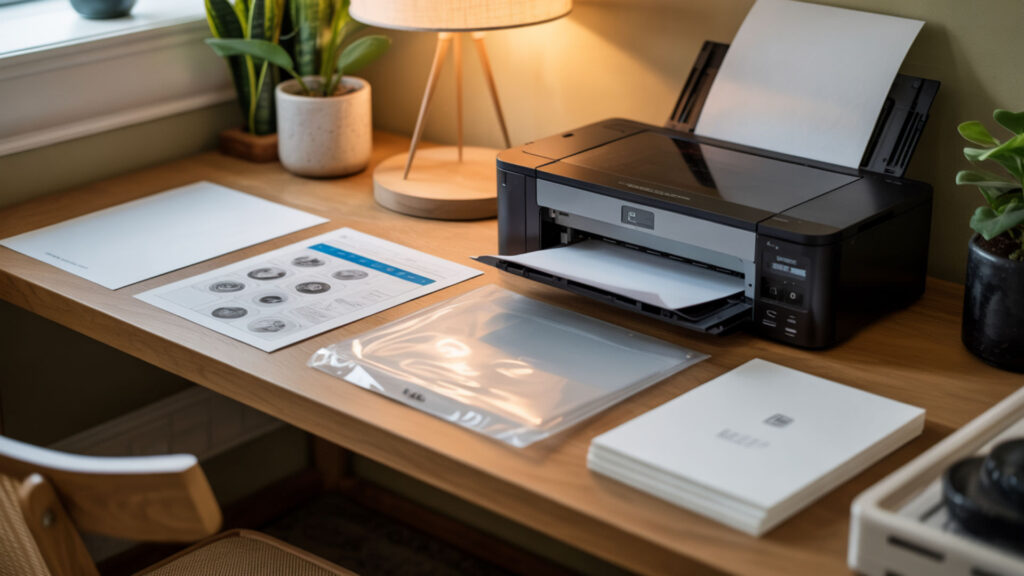
- Print your mirrored test design on regular copy paper using a sublimation printer with sublimation ink—regular ink will not transfer regardless of paper type.
- Allow the print to dry completely since copy paper absorbs more moisture and takes longer to dry than sublimation paper.
- Stack multiple sheets of butcher paper beneath and above to catch significant ink bleed-through that copy paper cannot contain.
- Secure the design to your polyester substrate with heat-resistant tape, knowing alignment may shift due to paper curling under heat.
- Press at standard sublimation temperature (385–400°F) for the appropriate time while expecting faded, less saturated results.
- Evaluate the test transfer to verify printer function, understanding this represents minimum quality rather than production-ready output.
Can you convert a regular printer into a sublimation printer?
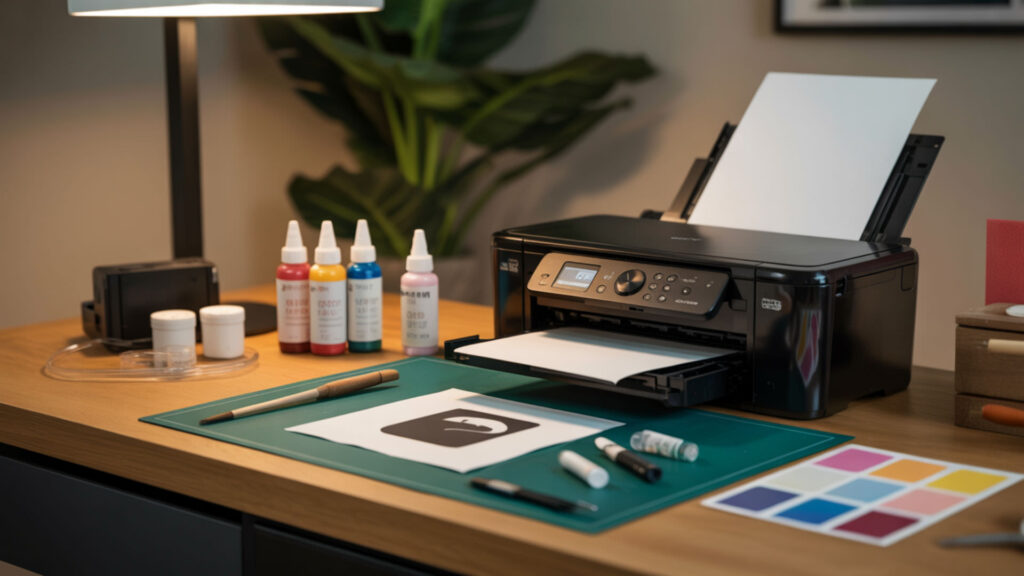
Certain Epson inkjet printers with piezoelectric print heads can be converted for sublimation by replacing standard ink with sublimation ink cartridges. The conversion requires completely flushing existing ink from the system to prevent mixing and potential print head damage. Thermal print head printers (most HP and Canon models) cannot be converted because heat activation would damage sublimation ink chemistry. Converted printers should never return to regular ink use.
Is an inkjet printer good for sublimation?
Only specific inkjet printers with piezoelectric technology work for sublimation—Epson EcoTank models represent the most popular conversion choice. Sublimation ink has different viscosity and drying properties than standard inkjet ink, requiring compatible print head design. Using sublimation ink in incompatible printers causes permanent clogging and void warranties. Purpose-built sublimation printers like Sawgrass provide optimized color management and ink formulations.
What are the downsides of sublimation?
Sublimation requires polyester or polymer-coated substrates—pure cotton and other natural fibers cannot accept sublimation dye bonds. Equipment costs include sublimation printer, heat press, and ongoing consumables like specialty paper and ink. Moisture content in paper and substrates causes quality defects including curling, blotching, and ghosting. Learning proper temperature, pressure, and time settings requires testing and practice.
Can you sublimate on regular cardstock?
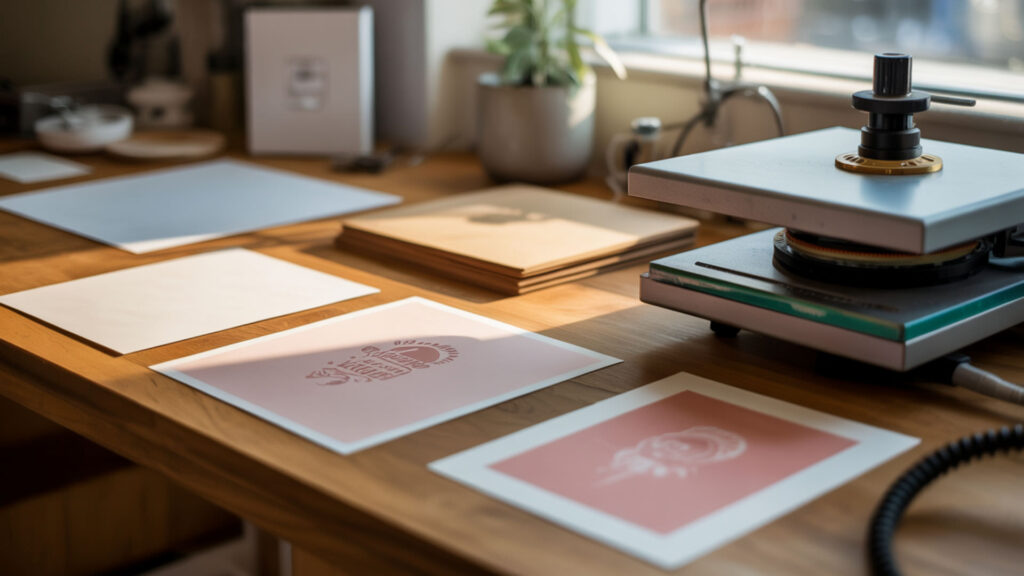
Regular cardstock fails as both a transfer paper and a receiving substrate for sublimation. As transfer paper, cardstock absorbs dye completely and cannot release it during pressing. As a substrate, cardstock lacks polymer coating needed to bond with gasified disperse dyes—the transfer simply washes or wipes away. The thickness that makes cardstock feel substantial actually worsens absorption problems compared to thinner papers.
What inexpensive items can you sublimate on?
Budget-friendly sublimation substrates include polyester fabric scraps for testing, polymer-coated keychains, white ceramic tiles, sublimation-ready mouse pads, and coated aluminum ornaments. Dollar store items rarely work because they lack proper polymer coating required for dye bonding. Wholesale sublimation blanks offer better per-unit pricing than retail craft stores. Always verify items are specifically labeled as sublimation-compatible before purchasing.
Ready to try alternative papers for sublimation?
Understanding paper requirements helps you make informed decisions about when alternatives might work and when proper sublimation paper is essential. Regular paper serves only for basic printer testing, not production work where color vibrancy and transfer quality matter. Investing in proper sublimation paper eliminates frustration from failed transfers and wasted substrates. Test results on polyester fabric provide reliable baseline comparisons before committing expensive blanks.
Frequently Asked Questions
Does sublimation require special paper?
Sublimation requires paper with specialized coating that holds disperse dyes on the surface and releases them during heat pressing. Regular printer paper absorbs ink into porous cellulose fibers, preventing gas-phase transfer to substrates. The barrier coating on sublimation paper creates controlled dye release that produces vibrant, permanent transfers. Without proper coating, transfers appear faded, blotchy, and wash away.
What happens if you use the wrong paper for sublimation?
Using wrong paper produces faded colors, blurry details, and incomplete transfers due to ink sinking into paper fibers instead of releasing during pressing. Bleeding occurs as dye spreads through porous material, ruining fine lines and sharp edges. Blotching appears from uneven moisture distribution during heat activation. The transfer may partially stick to paper rather than substrate, creating patchy, unusable results.
Can you reuse butcher paper during sublimation?
Butcher paper with no visible ink blowout can be reused for subsequent pressing sessions by cutting away any stained areas. The paper’s primary function is absorbing excess moisture and catching stray dye that escapes during transfer. Once ink saturates a section, that area cannot absorb additional dye and may transfer unwanted color to future projects. Replace butcher paper when visible ink accumulation appears.
Why does my sublimation paper curl or wrinkle?
Curling results from moisture content in paper responding to humidity changes or heat exposure during printing and pressing. Store sublimation paper in sealed packaging or airtight containers with silica gel packets to control humidity. Allow paper to acclimate to room temperature before printing to minimize curling issues. High-quality sublimation papers include curl-resistant formulations that maintain flatness under standard conditions.
Can you sublimate without using any protective paper?
Pressing without protective paper risks ink blowout staining your heat press platen permanently and transferring unwanted dye to subsequent projects. The protective layer absorbs excess moisture released during sublimation, improving transfer quality and preventing steam marks. Even minimal ink overspray accumulates over time, creating contamination that affects every future press. Always use protective paper above and below substrates.
References
- Free textbooks online with no catch. (n.d.). OpenStax. https://openstax.org/details/books/chemistry-2e
- Chemistry 2e (OpenStax). (2024, December 24). Chemistry LibreTexts. https://chem.libretexts.org/Bookshelves/General_Chemistry/Chemistry_2e_(OpenStax)?gad_source=1&gad_campaignid=23242901420&gbraid=0AAAABB8lt0RfD_fSeaoDztJTE2ybpg2zp&gclid=CjwKCAiAu67KBhAkEiwAY0jAlcdV6SEtLTvD6BzFeDBFoDFn0Y58-Rtu3Ddyrux59Ub4lMaOs7x5iBoC3joQAvD_BwE












