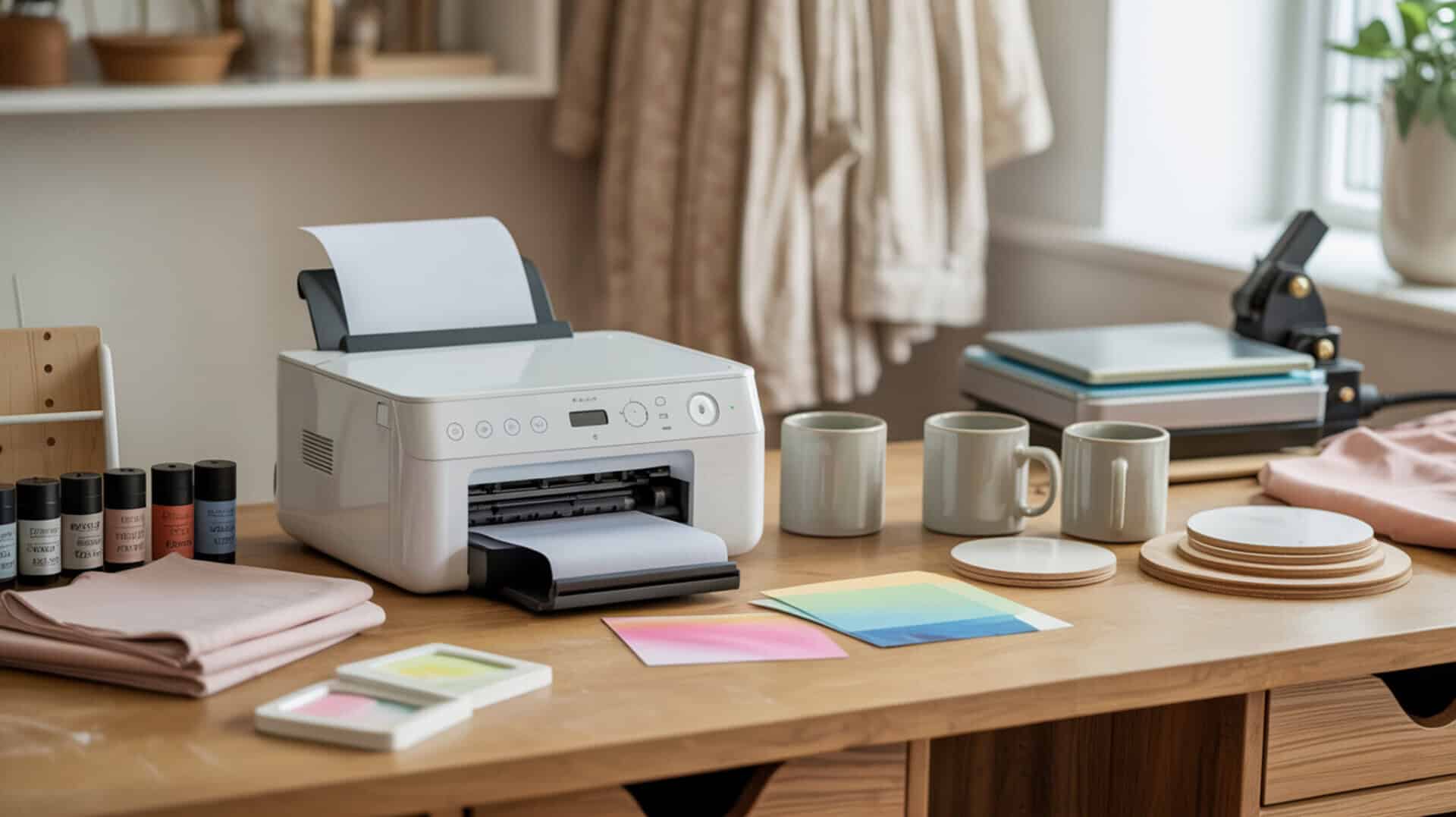
The Epson SureColor F570 is a professional-grade 24-inch wide-format dye-sublimation printer designed for commercial sublimation production using PrecisionCore technology. Because the F570 is purpose-built for sublimation, it uses piezoelectric inkjet technology to eject disperse dye without heat, preserving ink chemistry during printing. Disperse dye vaporizes under heat press temperatures and bonds inside polyester fibers or polymer coatings through polymer diffusion, creating permanent wash-resistant color on compatible substrates. Since wide-format sublimation printing capability and commercial production requirements determine printer suitability, you may also want to read our hub article on large format sublimation printers.
Key Takeaways
• The F570 prints up to 24 inches wide on roll paper with an automatic cutter, enabling large projects like banners, full-size apparel panels, and garden flags without taping multiple sheets together.
• Initial ink charging takes approximately 50–75 minutes and uses most of the first ink set—Epson includes two ink sets because of this initial consumption.
• Price point around $2,200 positions this as a professional investment suited for commercial use rather than hobbyist applications.
Is the Epson SureColor F570 a Good Sublimation Printer for Your Business?
The Epson SureColor F570 delivers professional-quality sublimation prints using 24-inch wide-format capability ideal for personalizing awards, mugs, mousepads, apparel, and larger items like banners and garden flags. According to demonstrated printing and pressing tests, the F570 produces vibrant output described as “amazing” even before pressing, with pressed results that “took my breath away” on tumblers. The printer supports roll paper with automatic cutter plus sheet feeding via auto sheet feeder for rigid substrates—sheets up to 11 × 17 can be fed without unloading the roll, while 13 × 19 requires unloading. Setup involves Wi-Fi configuration via touchscreen prompts, with initialization/ink charging taking approximately 50 minutes (printer warns approximately 75 minutes). Since professional sublimation printer options and pricing vary significantly for commercial needs, you may also want to read our guide on best large format sublimation printers. Large-format sublimation printers like the F570 operate within the broader printing and publishing industry, which the U.S. EPA outlines in its overview of industrial printing operations and workflows.[1]
What kind of sublimation print quality and performance can you expect from the Epson F570?
Based on demonstrated printing and pressing tests, the F570 produces vibrant color output with no reported banding, lines, or roller marks. Tumbler results from 11 × 17 prints were described as “beautiful and vibrant” with transfers that “took my breath away.” Garden flag pressing at approximately 60 seconds at 400°F showed colors that “pop off the screen” and are “even brighter in person.” Sock printing using metal sock jigs with one side pressed at a time produced results described as “amazing.” Hat/poly-thread testing at 49 seconds with top heat 385°F and bottom 320°F (dual-heated press) showed successful results. Epson Edge Print Pro software enables project nesting to batch prints and reduce paper waste by rearranging layouts to maximize space. One reviewer noted prints are very vibrant even before pressing. At a professional level, consistent color output depends on calibrated measurement standards, which NIST documents through its display colorimeter calibration research.[2]
What are the pros and cons of the Epson SureColor F570 for sublimation printing?
The F570’s wide-format capability enables larger work like banners, full-size apparel panels, and garden flags without taping sheets together—a major advantage over 8.5-inch or 13-inch printers. Main advantages include vibrant color output from Epson ink, ink longevity described as “very affordable” compared to other inks, Edge Print Pro software for nesting and batching prints, easy touchscreen navigation, Wi-Fi compatibility with easy setup prompts, roll paper with automatic cutter, and sheet feeder flexibility. Main drawbacks include high price point (approximately $2,200), sizable physical footprint requiring dedicated space and possibly a stand (arrives on pallet, needs help to unbox), more professional/advanced than some users need, careful ink filling required (guidance suggests not overfilling above approximately 75% to avoid damage), and one reviewer reported hand injury from exposed nails on pallet construction. Sublimation ink is described as “relatively cheap” compared to DTG ink.
How does the Epson SureColor F570 compare to other professional sublimation printers?
In comparisons described in reviewed source material, the F570 positions as the professional wide-format option (24-inch) versus narrower alternatives. Brother SP sublimation printer: eliminated due to 8.5-inch maximum width limitation, though described as dedicated sublimation and beginner-friendly. Sawgrass SG1000: eliminated due to repeated mentions that ink is costly/expensive based on research and user groups. Epson SureColor F170: described as dedicated sublimation, compact, beginner-friendly, good for small projects at approximately $399, with 8.5-inch maximum width (users sometimes tape pages together for bigger projects). Epson EcoTank ET-15000 (converted): described as an inkjet “workhorse” that can be converted, multifunction capable, approximately $500, with 13 × 19 capability—one reviewer chose the ET-15000 as the best balance for their needs (wide enough, cheaper, smaller footprint). The F570 is positioned for users who need 24-inch scale and can invest at the professional level. You can find the Epson SureColor F570 here.[3][4][5]
Is the Epson SureColor F570 the Right Sublimation Printer for Your Workflow?
The Epson SureColor F570 is a standout option for those seeking professional-grade sublimation printing with wide-format capability not offered by smaller dedicated printers. Consider your specific needs and requirements before making this large investment—the printer is most suited for commercial use, for those seeking 24-inch wide-format capabilities and can afford the approximately $2,200 price point for their commercial production needs. The Pro package includes 3 paper rolls, ink, and Epson Edge Print Pro software; the Light package does not include software. A printer stand is sold separately. For users who don’t need 24-inch width, the converted Epson ET-15000 offers 13 × 19 capability at approximately $500, and the dedicated Epson F170 suits smaller projects at approximately $399. The F570 delivers on its professional promise with vibrant results, reliable roll printing with automatic cutting, and software workflow optimization—but only makes sense for users with genuine commercial-scale wide-format requirements.
Frequently Asked Questions
What does the Epson SureColor F570 do and what is it designed for?
The Epson SureColor F570 delivers fast, reliable dye-sublimation printing right out of the box with 24-inch wide-format capability using PrecisionCore technology. The printer is ideal for personalizing awards, mugs, mousepads, apparel, banners, garden flags, and more. It supports roll paper with automatic cutter plus sheet feeding up to 13 × 19 inches, with Edge Print Pro software for nesting projects and reducing paper waste in commercial production workflows.
What are the drawbacks of using a dye sublimation printer like the F570?
Dye sublimation printing can only print designs on polyester fabric, polyester blends (at least two-thirds polyester), or poly-coated materials that can absorb sublimation ink. The method is not suited for dark fabrics because sublimation dyes are semi-transparent and require light-colored substrates for vibrant results. F570-specific drawbacks include high price point (approximately $2,200), large physical footprint requiring dedicated space, and initial ink charging consuming most of the first ink set.
What size paper roll does the Epson F570 use for sublimation printing?
The Epson F570 uses DS Transfer Multi Use Paper rolls up to 24 inches wide by 100 feet in length. Rolls are available in multiple widths including 24-inch and 17-inch options (24″ × 100 ft and 17″ × 100 ft rolls were mentioned in reviewed material). The automatic cutter cuts the roll after printing for seamless workflow. Sheet feeding supports sizes up to 13 × 19 inches through the rear tray.
How much does the Epson SureColor F570 weigh and is it portable?
The Epson F570 weighs 64 lb (29 kg) without stand and 84 lb (38 kg) with stand. Dimensions are 38″ × 32″ × 10″ without stand and 38″ × 32″ × 37″ with stand. The printer is described as “sizable,” arrives on a pallet, needs help to unbox, and requires dedicated space—it is not designed for portability. One reviewer purchased a separate printer stand to move it around their workspace.
Why would anyone use sublimation printing over other printing methods?
Sublimation printing is fast and cost-effective, allowing production of large quantities of items in a short period. The technique creates permanent, wash-resistant color by bonding dye at the polymer level inside polyester fibers—colors don’t crack, peel, or fade like surface-applied prints. Sublimation ink is described as “relatively cheap” compared to DTG ink, and wide-format printers like the F570 enable full-panel apparel printing without seams or taping multiple sheets together.
References
- Monitoring information by industry – Printing and publishing | US EPA. (2025, March 7). US EPA. https://www.epa.gov/air-emissions-monitoring-knowledge-base/monitoring-information-industry-printing-and-publishing#:~:text=Related%20Industry%20Regulations-,The%20Printing%20Industry,%2C%20and%20post%2Dpress%20operations
- NIST display colorimeter calibration facility. (2017, February 17). NIST. https://www.nist.gov/publications/nist-display-colorimeter-calibration-facility