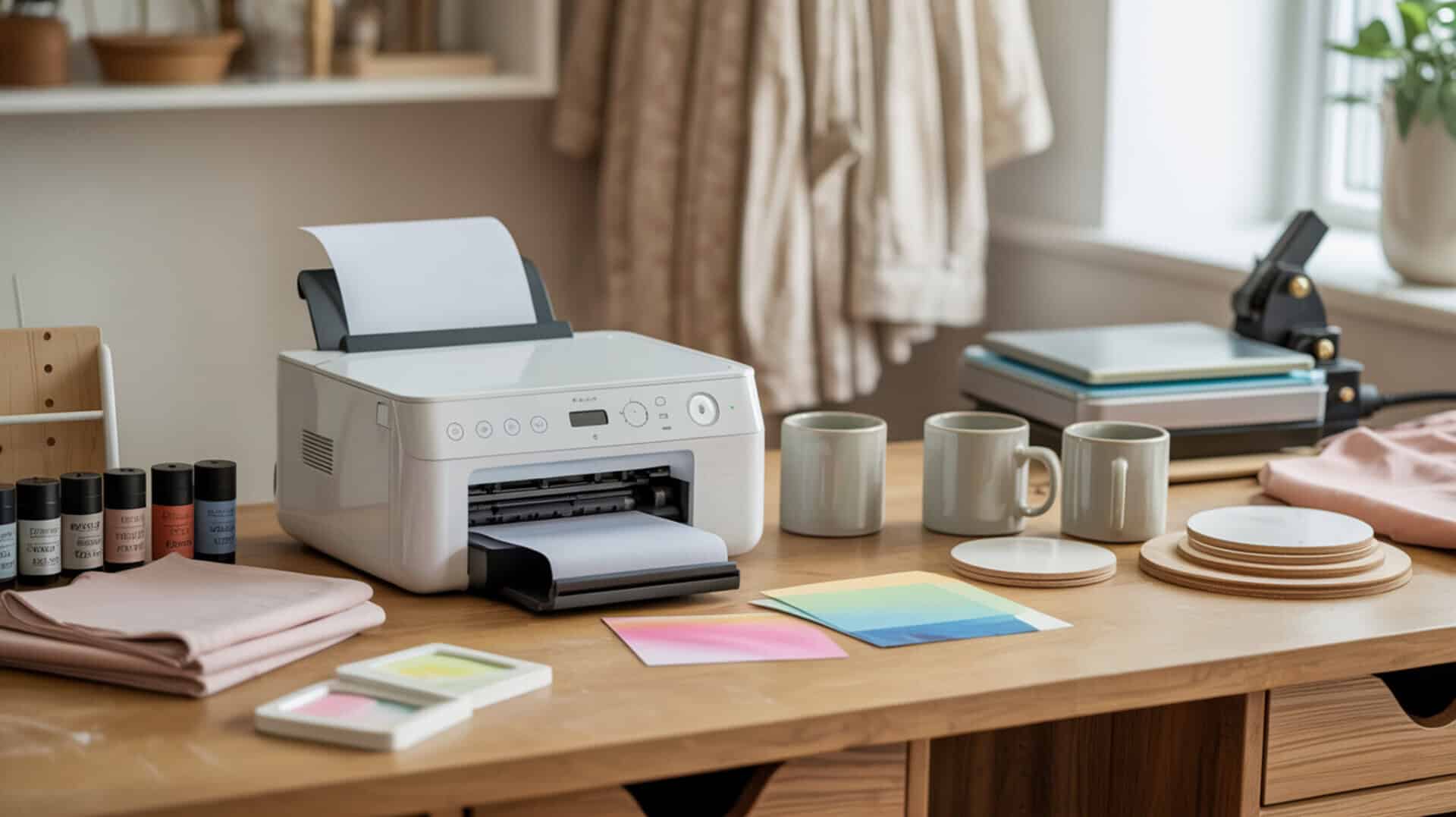
Comparing the Epson SureColor F170 and Sawgrass SG500 requires understanding how both purpose-built dye-sublimation printers use piezoelectric inkjet technology to eject disperse dye without heat, preventing thermal degradation that would damage sublimation ink chemistry. Both printers rely on mechanical actuation rather than thermal boiling to form droplets, preserving ink integrity throughout printing. Disperse dye converts to gas under heat press temperatures and bonds inside polyester fibers or polymer coatings through polymer diffusion, creating permanent wash-resistant color. Dye-sublimation printing uses heat to transfer dye from a printed sheet onto a substrate, with the process evolving from early thermal heads to modern inkjet-based transfer methods that depend on both ink formulation and printer hardware for final color quality.[1] Since dye-sublimation printing technology and home-use printer architecture determine system suitability, you may also want to read our hub article on dedicated sublimation printer for home use.
Key Takeaways
- Cost per print (CPP) differs significantly: the F170’s tank system uses $100 ink bottles (four 140ml bottles) while Sawgrass cartridges cost several hundred dollars for a set of four, making the F170 more economical for high-volume users.
- Fastness (wash durability) results from dye diffusion at the polymer level—both printers produce permanent, wash-resistant color when properly pressed onto polyester substrates.
- Continuous-tone printing produces smooth photographic gradients through precise droplet placement, with both printers delivering sharp results—though Sawgrass offers true colors out of the box while F170 requires learning the correct profile.
Is the Epson SureColor F170 the Right Sublimation Printer for Your Projects?
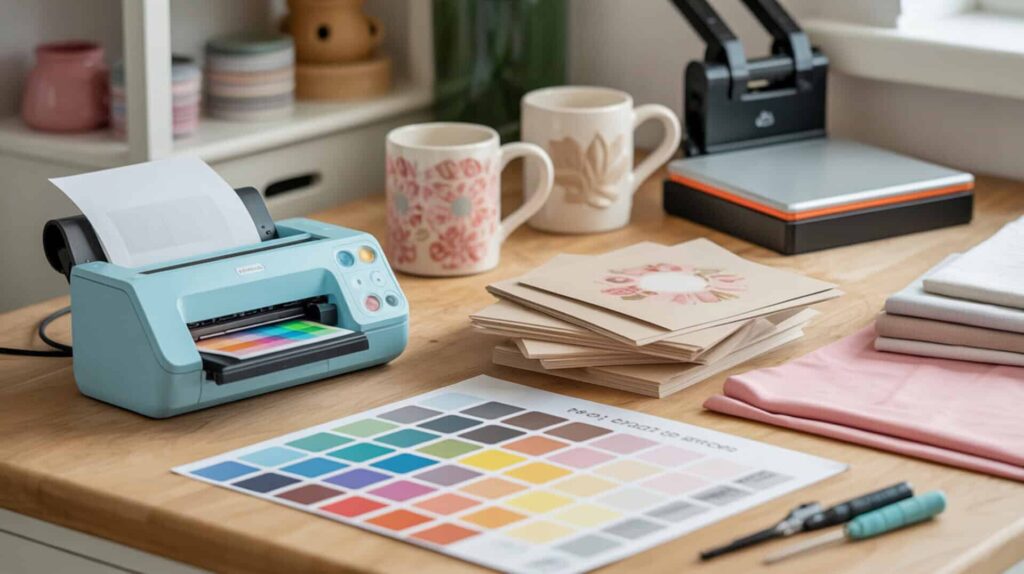
The Epson SureColor F170 is a purpose-built sublimation printer using Micro Piezo inkjet technology with an ink tank printer design that provides stable ink viscosity for reliable droplet ejection and reduced clog risk. According to demonstrated speed testing, the F170 printed a full-color test design in approximately 60 seconds—second fastest in the comparison lineup. The piezoelectric actuator provides stable droplet ejection without thermal boiling, and the tank system maintains consistent viscosity that improves nozzle reliability. Price starts at approximately $399 with ink bottles included. Since both analyze Epson’s piezo head design and tank-based sublimation workflow, you may also want to read our full Micro Piezo inkjet technology analysis in our Epson SureColor F170 review.
What kind of print quality and performance can you expect from the Epson F170?
Based on demonstrated printing and pressing tests, the F170 delivers crisp print quality with photo results described as “really beautiful” and “super crisp.” Chromophore absorption in the Epson disperse dye produces smooth gradients and high color saturation characteristic of continuous-tone printing. Press testing at 380°F for 60 seconds on hard coasters showed colors “popping” and looking “really nice.” Transfers were described as even with “no swatchiness” and colors worked “straight out of the box” once the correct profile was selected. The maximum print resolution is 1200 × 600 DPI, which one reviewer called the “worst resolution” among tested printers but noted it still looked sharp in practice after transfer.
What are the main pros and cons of the Epson SureColor F170?
The F170’s tank system delivers lower cost per print than cartridge systems—ink costs approximately $100 for four 140ml bottles compared to several hundred dollars for Sawgrass cartridges. Main advantages include true sublimation printer requiring no conversion, easy setup with color profiles included in driver installation, keyed ink bottles that prevent wrong-color filling and stop automatically when full, crisp photo-quality results, Epson technical support, and one-year limited warranty. Inkjet printer maintenance requires periodic nozzle cleaning and printing at least once or twice weekly to prevent clogs. Main drawbacks include lack of automated background maintenance (unlike Sawgrass), print size limited to 8.5 inches wide maximum, and availability issues at time of testing. One reviewer wished for automated maintenance and noted the F170 may not suit users wanting “low maintenance.”
How does the Epson F170 compare to the Sawgrass SG500 and other printers?
In direct comparison testing described in reviewed source material, the F170 printed in 60 seconds versus Sawgrass at 45 seconds. Ink formulation and page yield drive operating cost differences: F170 ink costs approximately $100 for four bottles while Sawgrass cartridges cost several hundred dollars for a set. Ink capacity affects refill frequency—F170’s 140ml bottles last longer per refill than Sawgrass 31ml cartridges. Setup comparison: Sawgrass rated easiest (10/10) while F170 rated 8/10; F170 required learning the correct profile for true colors while Sawgrass delivered accurate colors immediately. The F170 offers lower upfront cost (approximately $399 versus mid-$500s for Sawgrass) but lacks automated self-maintenance. [2] You can find the Epson SureColor F170 here. [3][4][5]
Does the Sawgrass SG500 Deliver Reliable Results for Sublimation Printing?
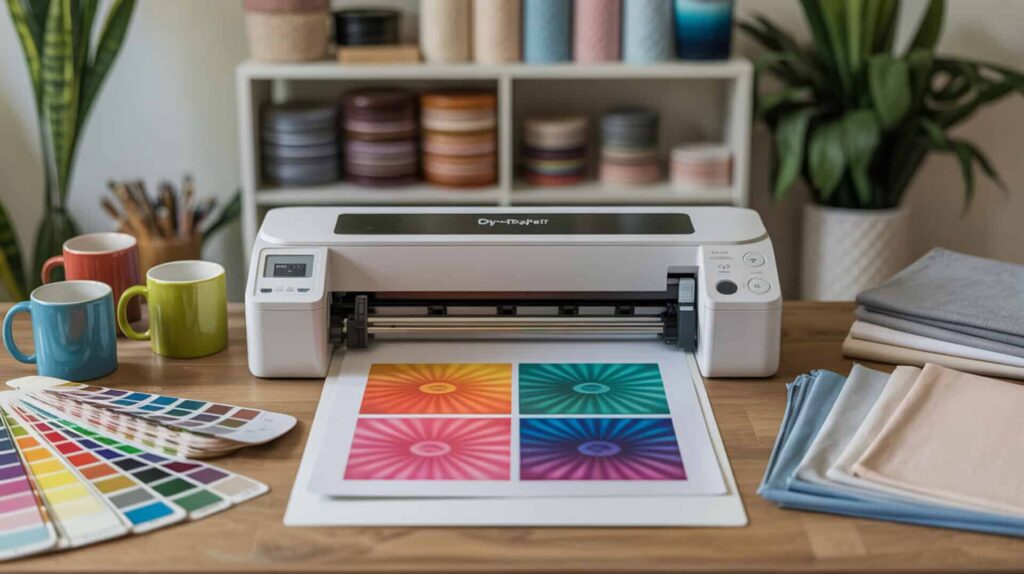
The Sawgrass SG500 is a purpose-built dye-sublimation printer with a sealed ink cartridge system that provides controlled ink formulation viscosity for stable droplet formation without user calibration. According to demonstrated speed testing, the SG500 printed a full-color test design in 45 seconds—fastest in the comparison lineup. The closed cartridge system maintains consistent ink chemistry tuned specifically for sublimation output. Price starts in the mid-$500s, with bundles available around $574 including ink. Since both focus on closed-system ink delivery and dedicated sublimation tuning, you may also want to read our full ink cartridge analysis in our Sawgrass sublimation printer review.
What sublimation print quality can you realistically get from the Sawgrass SG500?
Based on demonstrated printing and pressing tests, the SG500 delivers bright, vibrant colors with “exceptional” quality and results that matched the uploaded image without any color management needed. Chromophore dye structure produces color stability and resistance to fading (fastness) through complete polymer-level bonding. Press testing at 400°F for 80 seconds on sublimation-coated aluminum showed results described as “so cute,” “really great,” with perfect, bright, vivid color. The tumbler project reviewer praised “bright vibrant colors” and “exceptional” quality. In comparative testing, Sawgrass showed “very true colors right out of the box without fussing”—unlike the F170 which initially produced darker prints until the correct profile was selected.
What are the biggest pros and cons of the Sawgrass SG500?
The SG500’s page yield is estimated at approximately 125 sheets (8 × 10 prints) per standard cartridge set, with cost per print running higher than tank-based systems due to cartridge pricing. Main advantages include plug-and-play setup rated easiest among competitors (10/10), built-in color management eliminating ICC profile configuration, automatic cleaning cycles every 10 hours preventing clogs, waste tank capturing cleaning ink, two-year warranty (versus one year for F170), 30 minutes of one-on-one setup support, fastest print speed (45 seconds), and Creative Studio/Print Manager software ecosystem. Main drawbacks include high ink cost (several hundred dollars for cartridge set), higher upfront cost (mid-$500s), and ink consumption during automatic cleaning cycles.
How does the Sawgrass SG500 compare to the Epson F170 and other options?
In direct comparison testing described in reviewed source material, the SG500’s piezoelectric printhead delivers faster output (45 seconds versus 60 seconds for F170) with true colors requiring no profile adjustment. Ink viscosity tuning in the closed cartridge system provides better clog resistance than tank systems—automatic cleaning cycles keep nozzles clear without user intervention. The SG500 offers easier setup with Zoom support appointments and Creative Studio software, while F170 requires driver-based profile selection. Maintenance comparison: Sawgrass performs automatic cleaning every 10 hours (keeping it plugged in is “very important”), while F170 requires manual weekly printing to prevent clogs. Price tradeoff: SG500 costs more upfront with higher ink costs but offers superior convenience and two-year warranty. You can find the Sawgrass SG500 here. [6][7][8]
Which Sublimation Printer Should You Pick Between the F170 and SG500?
Cost per print (CPP), page yield, and production volume suitability determine which printer fits your workflow. Print volume drives the tank versus cartridge system selection: users with consistent high-volume needs benefit from F170’s lower per-print ink costs, while occasional users benefit from SG500’s automated maintenance that prevents clogs during idle periods. The Epson SureColor F170 is the recommended choice for users seeking a dedicated sublimation printer with lower ink costs, good results, and value pricing—making it an excellent option for starters and beyond. For users seeking a purpose-built, high-speed sublimation printer producing beautiful results with plug-and-play convenience, automated maintenance, and superior support, the Sawgrass SG500 is the recommended choice if you can afford the higher ink costs. Both printers deliver excellent sublimation quality; the decision depends on whether you prioritize lower operating costs (F170) or convenience and maintenance-free operation (SG500).
Frequently Asked Questions
How many prints can you typically get from Sawgrass SG500 ink cartridges?
A rough estimate for the Sawgrass SG500 standard cartridge set is approximately 125 sheets at 8 × 10 inch print size. Actual page yield varies based on print coverage, image density, and color distribution. The SubliJet UHD cartridges contain 31ml of ink per color. Automatic cleaning cycles consume some ink during maintenance, which affects total yield. Disperse dye ink consumption depends on how frequently the printer runs cleaning cycles to maintain piezoelectric actuator nozzle performance.
How long does Sawgrass sublimation ink last before it expires?
Sawgrass ink has a shelf life of approximately two years from the date it is loaded into the cartridge. Once installed in the printer, ink should be used within six months to prevent clogs and color issues as ink viscosity changes over time. SubliJet UHD Extended ink has a shorter one-year shelf life. Expired ink can lead to clogged nozzles and poor color quality. The printer’s automatic cleaning cycle every 10 hours helps maintain ink flow, but regular printing is still recommended.
Can sublimation ink go bad if left unused for too long?
Yes, sublimation ink can go bad—unopened ink lasts 1–2 years, but once installed in a printer or exposed to air, it degrades over time. Signs of expired ink include dull or faded colors, clogged printheads from thickened ink viscosity, color shifts, and separation or cloudiness. Store unopened bottles in a cool, dry place away from sunlight, keep containers sealed, and print regularly (at least a few times weekly) to keep ink flowing through the piezoelectric actuator nozzles and prevent clogs.
Can you use Sawgrass sublimation paper in an Epson printer instead?
Yes, Sawgrass sublimation paper works with all sublimation printers including Epson models. The paper is designed to work with Sawgrass inks to ensure clean transfers with vibrant colors, but it accepts disperse dye sublimation ink from any compatible piezoelectric printer. Paper quality affects transfer sharpness and color vibrancy—both Sawgrass TruPix paper and Epson sublimation paper have been successfully tested across printer brands in reviewed source material.
Should you leave your Sawgrass printer on all the time to prevent clogs?
Yes, it is very important to leave your Sawgrass printer plugged in and switched on at all times. The printer performs automatic maintenance including a brief cleaning cycle every 10 hours that cleans the printhead nozzles to help reduce the chance of printhead failure or clogged nozzles. This automated self-maintenance is a key advantage over the F170, which lacks background cleaning and requires manual weekly printing. The cleaning cycles use some ink and deposit waste in the waste tank, but this tradeoff prevents costly clog-related issues.
References:
- Dye-sublimation printing. (2026, January 28). Wikipedia, the free encyclopedia. Retrieved February 2, 2026, from https://en.wikipedia.org/wiki/Dye-sublimation_printing
- Inkjet printing. (2025, December 5). Wikipedia, the free encyclopedia. Retrieved February 2, 2026, from https://en.wikipedia.org/wiki/Inkjet_printing