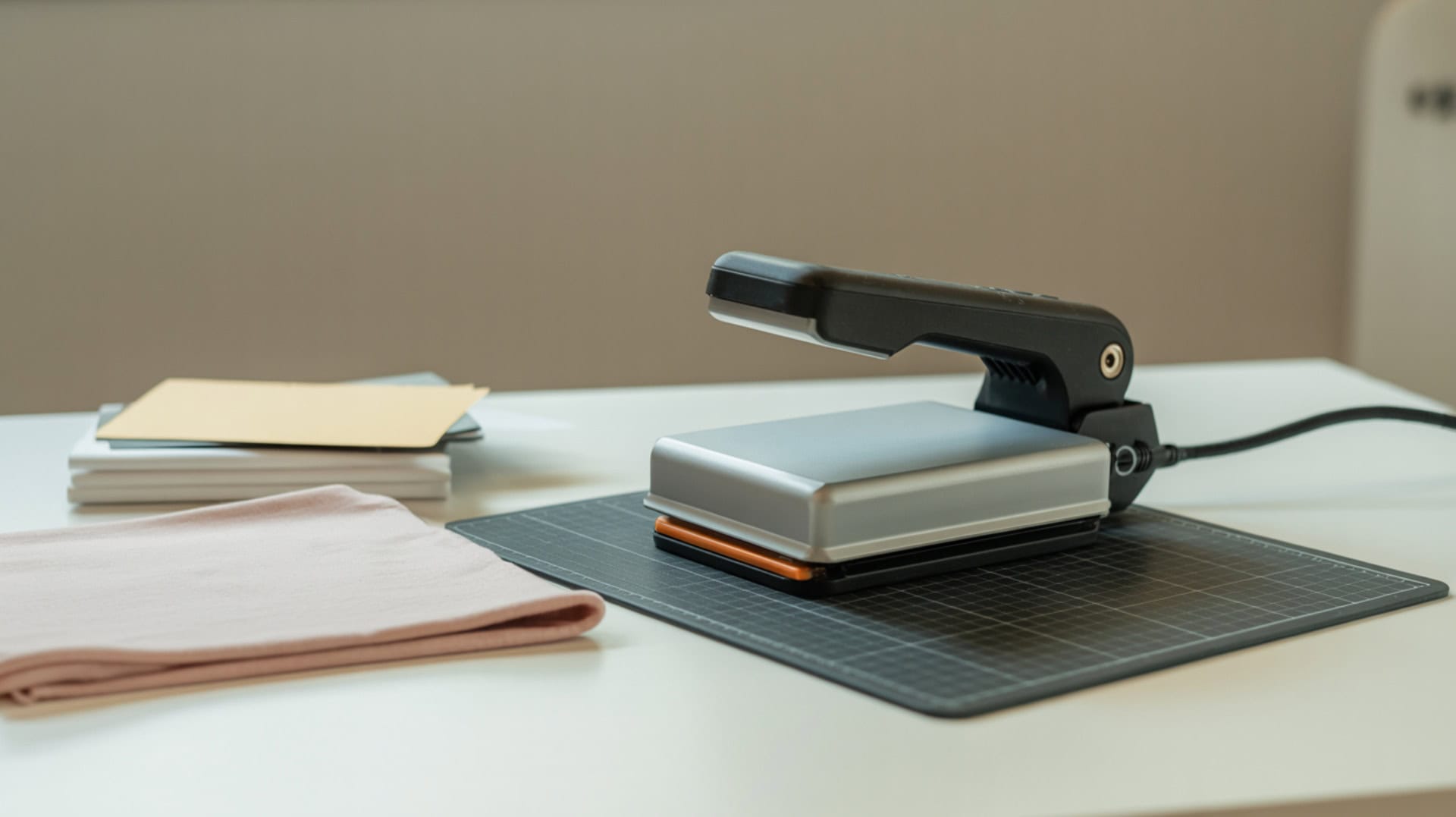
The Cricut EasyPress 3 delivers controlled thermal energy for consistent material activation during heat transfers, with Bluetooth connectivity sending temperature and time settings directly from the Cricut Heat app to reduce guesswork. Pressure from handheld application ensures contact uniformity when the user applies even force across the pressing surface. Because heat press design and mechanics affect all heat-transfer outcomes, you may want to read our hub guide on What Is a Sublimation Heat Press to understand how different press types work. This review examines real-world testing across three project types—HTV on cotton, Infusible Ink on ceramic coasters, and sublimation on polyester—with documented settings and results from hands-on use.Successful heat transfers depend on effective heat transfer, since thermal energy must be delivered consistently to activate inks and dyes within the material.[1]
Key Takeaways
- Temperature plus dwell time balance determines transfer consistency—the tester used 315°F/30 seconds for HTV on cotton, 400°F/240 seconds for Infusible Ink coasters, and 400°F/50 seconds for sublimation on polyester.
- The Cricut Heat app is described as “really, really great” and a “game changer” for beginners, walking through steps and helping avoid forgetting details like specialty HTV temps or Infusible Ink orientation.
- EasyPress 3 versus EasyPress 2 hardware is “exactly the same except Bluetooth”—upgrade only makes sense if you want the color or the Cricut Heat app experience.
Is the Cricut EasyPress 3 a Good Heat Press for Your Projects?
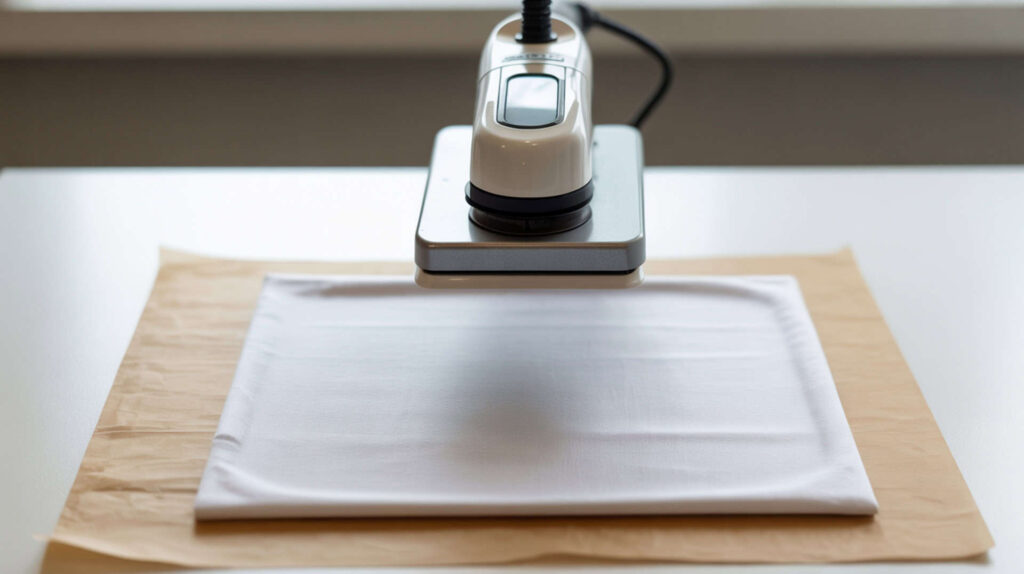
The Cricut EasyPress 3 is a manual heat press where results vary based on user-dependent pressure application, with the Bluetooth-connected Cricut Heat app providing guided workflows that automatically send temperature and time settings to the press. According to reviewed test results across three projects (HTV on cotton tea towel, Infusible Ink ceramic coasters, sublimation on polyester onesie), the tester described the app as “really, really great” and a “game changer” especially for beginners. The press “automatically changes through stages” (preheat, press, back-side press) based on app instructions. The tester “loves” her EasyPress 3 and prefers it for frequent crafting workflow. Because handheld presses rely on user-applied force rather than a mechanical clamping system, pressure consistency can vary, affecting transfer uniformity. [2]
What kind of heat transfer results can you expect from the Cricut EasyPress 3?
The Cricut EasyPress 3 can produce inconsistent transfer quality across larger designs if heat distribution varies, though the tester achieved successful results across multiple project types using app-guided settings with proper technique. In reviewed testing, HTV on cotton tea towel at 315°F for 30 seconds with flip-and-press (15 seconds on back) produced successful transfers across a large all-over design requiring multiple passes. Infusible Ink ceramic coasters at 400°F for 240 seconds with no pressure produced “gorgeous” results—the tester noted the watercolor variation was intentional and she loved the look. Sublimation on polyester onesie at 400°F for 50 seconds using custom settings showed the design revealed cleanly after peeling.
What are the pros and cons of the Cricut EasyPress 3 for heat pressing?
The Cricut EasyPress 3 offers limited temperature control through app presets creating narrow tolerance for error, but the guided workflow helps beginners avoid common mistakes. Based on reported test results, pros include app that “walks you through steps” avoiding forgotten details (specialty HTV temps, Infusible Ink coaster orientation being upside down), automatic settings sent via Bluetooth eliminating website searches, press that “automatically changes through stages” based on app instructions, background app connection continuing even when switching apps, and the tester saying she “loves” her EasyPress 3. Cons include EasyPress 3 versus 2 hardware being “exactly the same except Bluetooth,” app containing primarily “Cricut materials” requiring custom time/temp for sublimation, and no 6×7 size available in EasyPress 3 line.
How does the Cricut EasyPress 3 compare to traditional heat press machines?
The Cricut EasyPress 3 lacks a fixed platen, resulting in reduced pressure consistency compared to traditional presses with mechanical clamping systems that deliver uniform downward force. The tester noted EasyPress 3 versus EasyPress 2 is “exactly the same except Bluetooth which links to Cricut Heat app for sending time/temp and guided steps.” Upgrade recommendation: only upgrade from EasyPress 2 if you really want the “EasyPress 3 color” or you love the “Cricut Heat app enough to can’t live without it.” The tester personally plans to switch most presses to EasyPress 3 because of the app plus aesthetics in videos, but notes that’s her workflow choice. Available sizes include 9×9 and 12×10. You can find Cricut EasyPress 3 here. [3][4]
Is the Cricut EasyPress 3 the Right Heat Press for Your Crafting Needs?
Determining whether the Cricut EasyPress 3 fits your needs depends on project scale and whether handheld manual heat press operation suits your workflow versus full-size traditional presses with fixed platens. For beginners wanting guided workflows across HTV, Infusible Ink, and sublimation projects, the Cricut Heat app provides step-by-step instructions the tester called a “game changer” that helps avoid forgetting critical details. For sublimation specifically, you’ll use custom time/temp settings since the app is built around Cricut materials—the tester successfully pressed sublimation at 400°F/50 seconds on polyester. For crafters already owning EasyPress 2, upgrade only if you value the app experience or want the new color since hardware is “exactly the same except Bluetooth.” Because handheld manual heat press operation differs significantly from traditional machines, you may want to read our roundup on Best Heat Press Machines For Sublimation to compare handheld versus full-size options.
⫸ Click Here For Best Selling Sublimation Printers And Products ⫷Frequently Asked Questions
Which is better for heat transfers, the Cricut EasyPress 2 or 3?
The Cricut EasyPress 3 and EasyPress 2 have “exactly the same” hardware except EasyPress 3 adds Bluetooth connectivity linking to the Cricut Heat app for sending time/temp settings and guided project steps. According to the tester’s recommendation, only upgrade from EasyPress 2 if you really want the “EasyPress 3 color” or you love the “Cricut Heat app enough to can’t live without it.” The tester personally plans to switch most presses to EasyPress 3 for the app plus aesthetics in videos, but acknowledges that’s her specific workflow choice. The 6×7 size is not available in EasyPress 3, so she keeps an EasyPress 2 in that size for small projects.
What can you make with the Cricut EasyPress 3?
The Cricut EasyPress 3 handles HTV/iron-on projects, Infusible Ink transfers, and sublimation printing with appropriate settings for each material type. According to reviewed testing, the tester successfully created HTV on cotton tea towel at 315°F/30 seconds plus 15-second back press, Infusible Ink ceramic coasters at 400°F/240 seconds with no pressure producing “gorgeous” results, and sublimation on polyester onesie at 400°F/50 seconds using custom settings. The Cricut Heat app provides material-specific guidance for Cricut products, while custom time/temp mode allows non-Cricut materials like third-party sublimation paper. The tester emphasized following app instructions matters especially for Infusible Ink where results suffer if steps aren’t followed.
Which size Cricut EasyPress is best for most projects?
The 12×10 EasyPress 3 size handles most standard apparel projects with adequate coverage for adult shirt designs, while the 9×9 size works for smaller items and more precise placement. According to the tester, available EasyPress 3 sizes are 9×9 and 12×10 only—“they’re not going to make” a 6×7 size for EasyPress 3. The tester keeps a 6×7 EasyPress 2 specifically for small projects where the larger sizes would be impractical. For the HTV tea towel project requiring multiple passes across a large all-over design, she needed to repeat the workflow many times, demonstrating how smaller press sizes affect large-project efficiency.
Is the Cricut EasyPress 3 better than using a regular iron?
The Cricut EasyPress 3 provides significantly better results than household irons because regular irons have unstable temperature and pressure causing inconsistent heat transfer outcomes. The EasyPress 3 maintains set temperature with digital precision while the Cricut Heat app guides exact timing—the tester used specific settings like 315°F/30 seconds for HTV and 400°F/240 seconds for Infusible Ink that household irons cannot reliably maintain. Because household iron (household) limitations affect sublimation quality significantly, you may want to read our guide on Sublimation Printing Using Flat Iron to understand the differences. The app’s step-by-step guidance also prevents common mistakes that cause poor adhesion or scorching.
What materials can the Cricut EasyPress 3 work on?
The Cricut EasyPress 3 works on cotton, polyester, poly-blends, ceramic (with Infusible Ink), and other heat-transfer compatible materials when using appropriate temperature and time settings for each substrate. According to reviewed testing, the tester successfully pressed HTV on cotton tea towel at 315°F/30 seconds, Infusible Ink on ceramic coasters at 400°F/240 seconds (noting coasters go “ink-side down” which differs from many other Infusible Ink blanks), and sublimation on polyester onesie at 400°F/50 seconds. The Cricut Heat app provides settings for Cricut materials by selecting material type plus blank type, while custom mode allows entering specific time/temp for non-Cricut materials. Prep requirements vary—sublimation needed “more tape than usual” with EasyPress.
References:
- Principles of heating and cooling. (n.d.). Energy.gov. https://www.energy.gov/energysaver/principles-heating-and-cooling
- Center of pressure. (2024, July 17). Glenn Research Center | NASA. https://www1.grc.nasa.gov/beginners-guide-to-aeronautics/center-of-pressure/
⫸ Click Here For Best Selling Sublimation Printers And Products ⫷