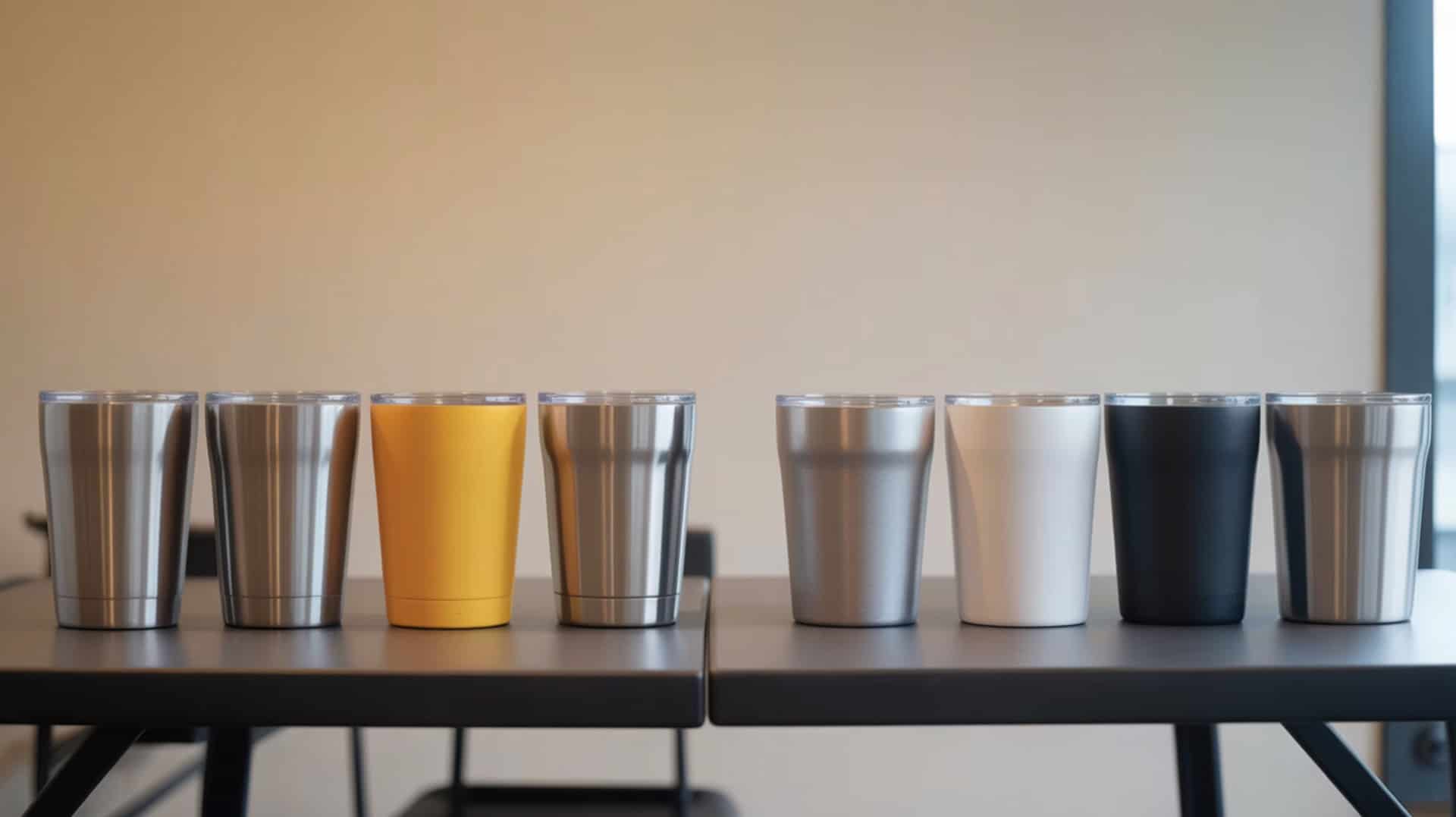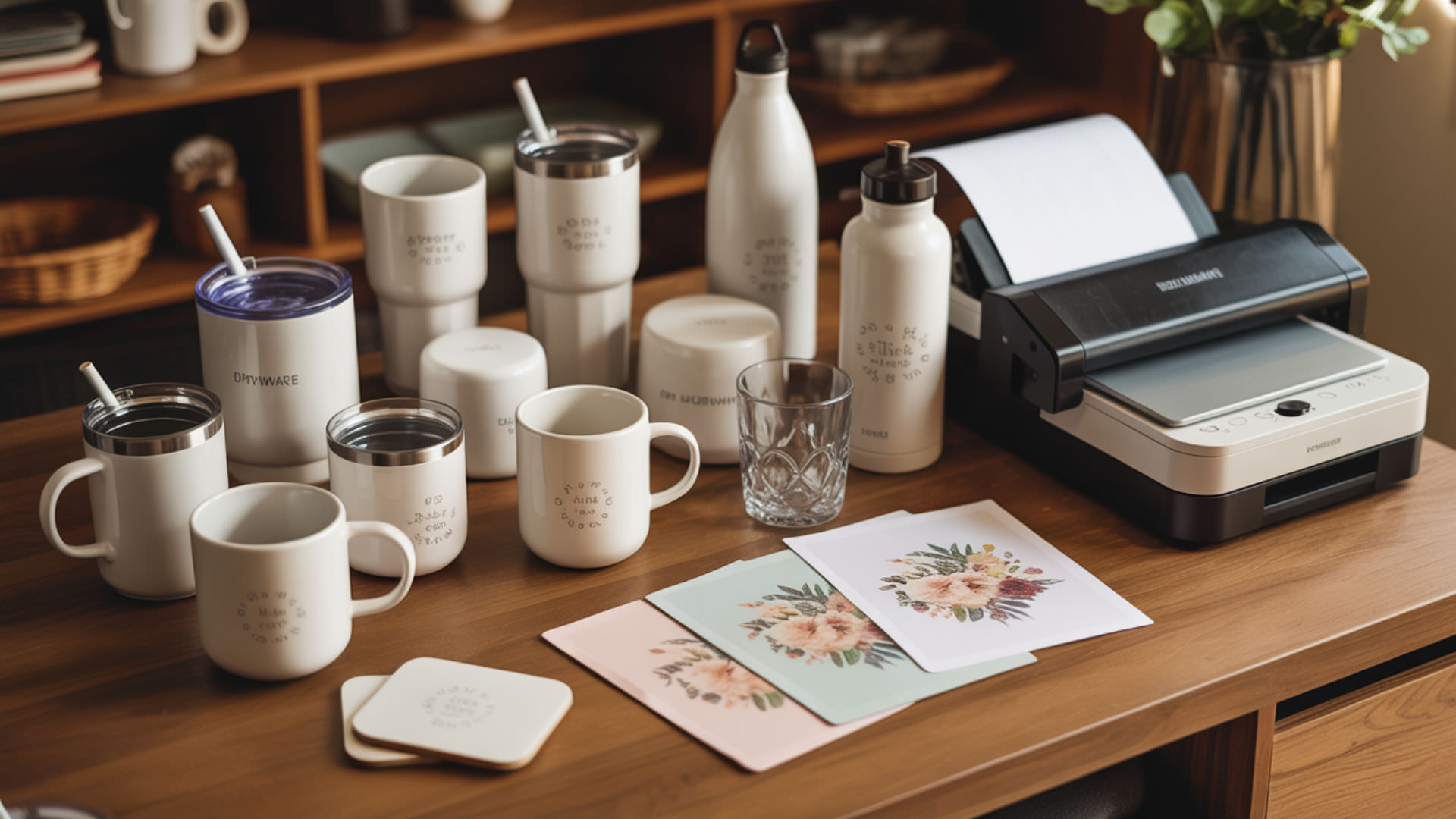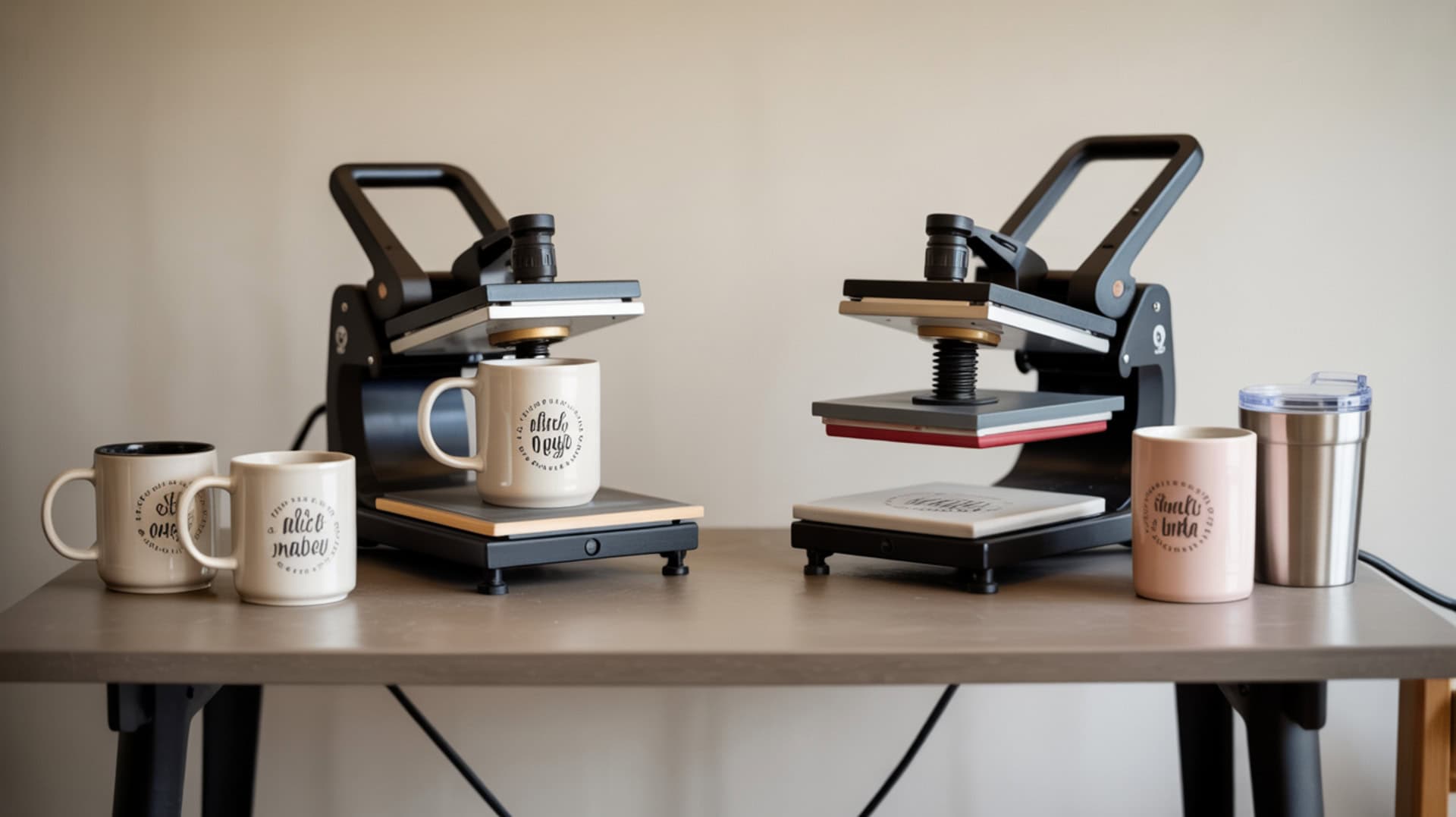
Sublimation heat presses for mugs and tumblers use controlled heat, pressure, and time to activate gas-phase dye that bonds only to polymer coatings—not raw ceramic or bare metal surfaces. Because polymer coatings are the single prerequisite for drinkware sublimation, you may want to read our hub guide on Sublimation on Drinkware to understand which blanks work and why. This roundup covers three press types—the Cricut Mug Press for beginners, the HTVRONT Auto Tumbler Press for mid-range versatility, and the PYD Life 2-in-1 for maximum flexibility—each with different temperature ranges, size limits, and workflow characteristics.Consistent sublimation results depend on accurate temperature measurement, since even small deviations can affect dye transfer and polymer bonding.[1]
Key Takeaways
- Temperature controls dye activation in the 350°F–400°F range, with the Cricut using automatic settings while HTVRONT and PYD Life offer manual adjustment up to 390°F and 482°F respectively.
- Pressure determines contact quality on curved drinkware surfaces—fixed-pressure presses like Cricut simplify workflow while adjustable-pressure presses like PYD Life accommodate more blank sizes.
- Press times range from 5–6 minutes (Cricut automatic) to 120–480 seconds (HTVRONT/PYD Life manual), with most tumblers requiring rotate-and-press-twice for full circumference coverage.
Is the Cricut Mug Heat Press Worth It for Sublimation Beginners?
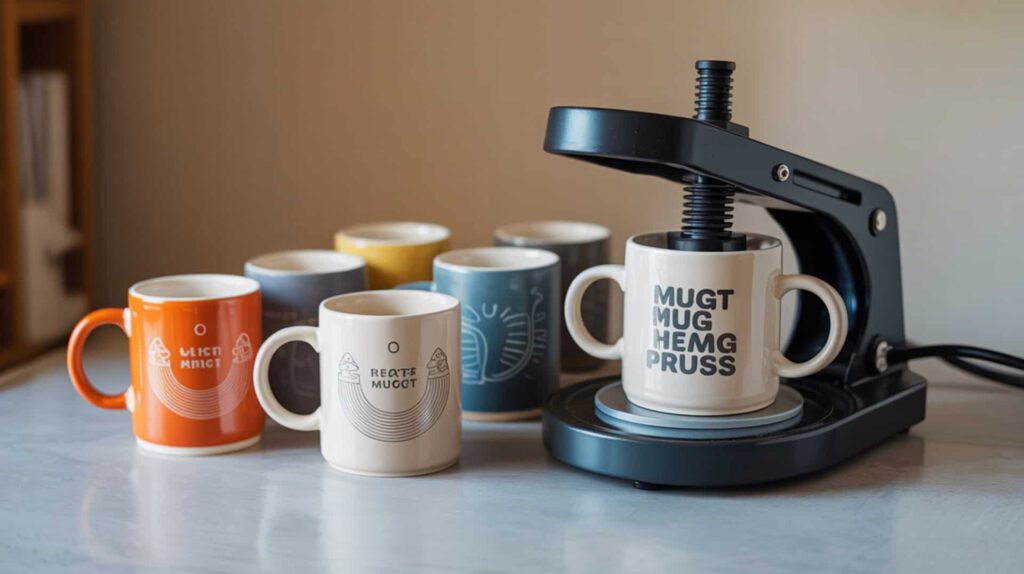
The Cricut Mug Press is an automatic heat press designed for polymer-coated ceramic mugs that delivers consistent, professional-looking results without manual temperature or pressure settings. Raw ceramic cannot accept sublimation dye, so this press requires factory-coated blanks—specifically poly-coated, straight-sided mugs between 11–15 oz capacity and no taller than 4.75 inches. Because ceramic mug sublimation depends on polymer coating behavior, you may want to read our guide on Sublimation on Mugs for blank selection tips. According to reviewed test results, every mug “turned out gorgeous” with smooth, shiny, store-bought appearance. I recommend the Cricut for beginners who want one-button simplicity.Extended exposure to high operating temperatures requires proper handling and awareness, especially when using heat presses for repeated mug and tumbler production.[2]
What kind of sublimation results can you expect from the Cricut Mug Heat Press?
The Cricut Mug Press delivers even thermal transfer through fixed-profile heating that adjusts automatically based on mug temperature and ambient room conditions, producing consistent results without manual calibration. In reviewed test evaluations, finished mugs looked “smooth, shiny, professional” and “like what you’d buy at Target” with ink that “infuses into the mug’s surface” seamlessly. Press cycles run approximately 5–6 minutes per mug with a 4-minute warm-up time. The tester reported “consistent, vivid color” across multiple mugs. Results are dishwasher and microwave safe according to test observations, unlike vinyl-applied designs that break down under heat.
What are the main pros and cons of the Cricut Mug Heat Press?
The Cricut Mug Press offers one-button operation with automatic heat and pressure control, but fixed pressure limits compatibility with non-standard mug sizes outside the 11–15 oz range. Based on reported test results, pros include very easy/user-friendly operation, consistent results on every mug tested, professional finish with seamless ink infusion, auto-off safety feature, and fast gift-making workflow (two personalized mugs boxed in under an hour). Cons include mandatory activation through Cricut Design Space on a desktop/laptop, mug height limits (no taller than 4.75 inches), incompatibility with curved or tapered shapes, and HTV/heat transfer vinyl is not compatible due to adhesive residue risks. The short USB setup cord may require an extension.
How does the Cricut Mug Heat Press compare to other mug and tumbler presses?
The Cricut Mug Press supports fewer substrate shapes than dedicated tumbler presses, limiting product flexibility for sellers wanting to expand beyond standard mugs. Compared to the HTVRONT Auto Tumbler Press, Cricut offers simpler operation but no manual temperature control (HTVRONT goes up to 390°F with adjustable time). Compared to the PYD Life 2-in-1, Cricut handles only mugs while PYD Life accepts mugs, tumblers, and glass blanks with interchangeable coils. The tester positioned Cricut as the “simpler option” versus traditional sublimation approaches with “steeper learning curves for heat/pressure settings.” Trade-off: ease of use versus versatility. You can find this product here.[3]
Does the HTVRONT Auto Tumbler Heat Press Deliver Consistent Sublimation Results?
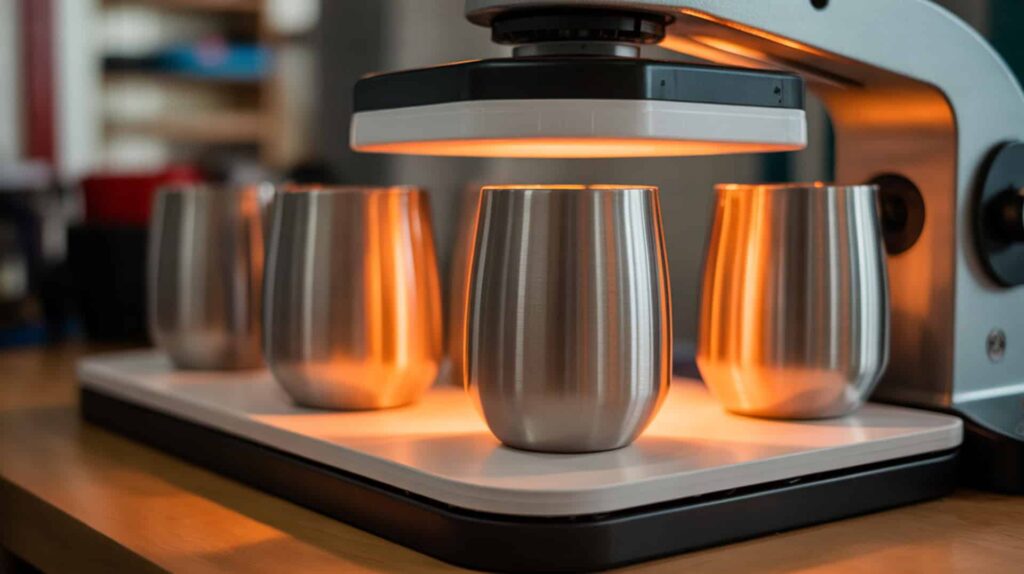
The HTVRONT Auto Tumbler Heat Press handles stainless steel tumblers and polymer-coated drinkware from 10–30 oz with diameters between 2.95–3.35 inches, using manual temperature and time controls up to 390°F. Stainless steel requires polymer coating for sublimation because bare metal cannot bond dye, and thermoplastic coatings soften under heat to allow dye diffusion into the surface. Because stainless steel tumblers and water bottles share coating behavior, you may want to read our guide on Sublimation on Water Bottles for temperature guidelines. In reviewed tests, a 20 oz skinny tumbler “turned out amazing” with proper settings. I recommend this press for sellers wanting tumbler capability at a mid-range price point.
What sublimation print quality can you achieve with the HTVRONT Auto Tumbler Press?
The HTVRONT Auto Tumbler Press produces even circumferential heating due to stainless steel’s thermal conductivity, improving color uniformity across the tumbler surface when blanks fit properly within the 2.95–3.35 inch diameter range. According to reviewed test data, metal tumblers pressed at 380°F for 120 seconds per side delivered “amazing” results after rotation. Mugs required 390°F (the maximum temperature) for 480 seconds total. Glass blanks worked at 380°F for 240 seconds per side. The tester noted centering items properly prevents uneven pressure that causes faded areas—one camping-style mug placed to one side showed poor results with the top area barely sublimated.
What are the biggest pros and cons of the HTVRONT Auto Tumbler Heat Press?
The HTVRONT offers zero setup out of the box with automatic pressure via auto-close mechanism, but reduced manual control means limited adjustment options when blanks fit imperfectly. Based on reported test results, pros include convenient flat design preferred over Cricut form factor, broader size range than some presses (10–30 oz), auto shutoff safety, cool-to-touch plastic exterior, and manual time/temperature controls the tester preferred over Cricut’s automatic approach. Cons include restrictive 2.95–3.35 inch diameter requirement, uneven heating when items are placed off-center, loud auto-close popping noise, 390°F maximum temperature limit, and inability to press directly beside mug handles. Most tumblers still require rotate-and-press-twice for full coverage.
How does the HTVRONT compare to the Cricut and PYD Life tumbler presses?
The HTVRONT offers adjustable temperature up to 390°F for wider compatibility with different tumbler coatings compared to Cricut’s fixed automatic settings, but less versatility than PYD Life’s interchangeable coil system. The tester liked HTVRONT’s flat layout and time/temperature control more than Cricut’s automatic approach. Compared to PYD Life, the tester stated she’d “rather spend more for a PYD Life because it’s more versatile” with interchangeable coils that expand to more sizes including tapered tumblers. The tester concluded “a traditional tumbler press is generally more versatile than this auto press.” HTVRONT suits budget-conscious sellers accepting diameter restrictions. You can find this product here.[4]
Is the PYD Life 2 in 1 Tumbler Heat Press a Versatile Option for Your Projects?
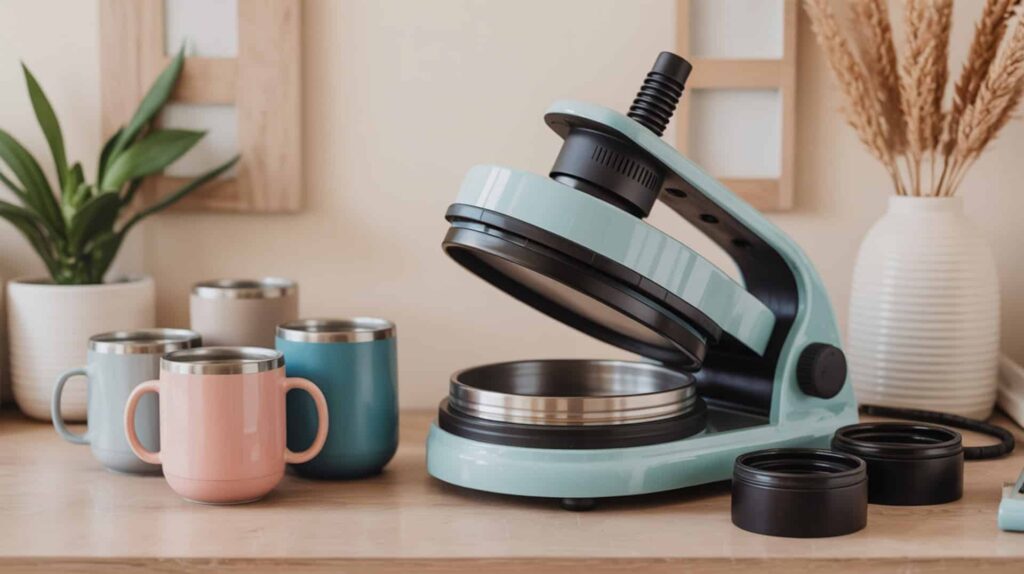
The PYD Life 2-in-1 Tumbler Heat Press uses interchangeable aluminum heating coils to accommodate small glass tumblers through 20 oz skinny tumblers and mugs, with manual temperature control up to 482°F and time settings up to 999 seconds. The aluminum heating platen provides even heat distribution across curved surfaces during the press cycle. Because heat press design affects tumbler results, you may want to read our guide on How to Make Sublimation Tumblers for workflow tips. According to test evaluations, the press “did an amazing job on every project” including glass tumblers described as “gorgeous/super cute.” I recommend PYD Life for sellers prioritizing versatility and production volume.
What kind of sublimation results does the PYD Life 2 in 1 Heat Press deliver?
The PYD Life 2-in-1 produces sharp transfer rates that determine clarity and edge sharpness on tumblers when proper temperature and rotation techniques are applied. In reviewed test evaluations, small glass tumblers pressed at 356°F–360°F for 120 seconds per side looked “gorgeous/super cute” with bright color reveals. Larger glass tumblers and 20 oz skinny tumblers worked great with the larger coil. Mug results showed the tester “loves” one outcome, though designs placed too close to handles showed fading. The production counter feature helps track quantity made for sellers managing inventory. Color-bottom tumblers (manufacturer color at base) showed a “cool effect” with sublimated designs layered on top.
What are the pros and cons of the PYD Life 2 in 1 Tumbler Heat Press?
The PYD Life 2-in-1 offers interchangeable coils for different diameters and longer press time options up to 999 seconds, but higher consistency requires slower throughput and manual coil swapping adds workflow steps. Based on test results, pros include interchangeable coils solving the “smaller popular glass tumblers” problem, convenience versus oven/shrink wrap method, “amazing job on every project,” front-mounted control panel (more compact than side panels), two-knob pressure adjustment easier than older four-knob designs, cool-to-touch exterior, and production counter for tracking output. Cons include gaps requiring rotate-and-press-twice, handle-area fading on mugs requiring spacing experimentation, and manual coil swap process (screws, unplugging, cooling time).
How does the PYD Life 2 in 1 compare to the Cricut and HTVRONT presses?
The PYD Life 2-in-1 provides multi-substrate support for mugs, glass tumblers, and skinny tumblers through interchangeable coils, offering increased versatility compared to Cricut’s mug-only design and HTVRONT’s fixed diameter range. Maximum temperature reaches 482°F versus HTVRONT’s 390°F limit and Cricut’s automatic-only control. The tester noted her older PYD Life press has “raving reviews” with “4.5/5 on Amazon.” Compared to oven method with convection oven and shrink wrap, tumbler press is “more convenient, especially for selling or making many items.” Trade-off: premium price point but greater flexibility and production capability. You can find this product here.[5]
Which Mug and Tumbler Heat Press Is the Best Fit for Your Sublimation Needs?
Choosing the right mug and tumbler heat press depends on substrate shape, temperature control needs, and pressure control requirements that directly affect failure rates and consistency. For beginners wanting simple mug-only production, the Cricut Mug Press delivers automatic settings with 5–6 minute cycles and consistent results on 11–15 oz poly-coated blanks. For sellers needing tumbler capability at mid-range pricing, the HTVRONT Auto Tumbler Press handles 10–30 oz drinkware with manual temperature up to 390°F, accepting the 2.95–3.35 inch diameter restriction. For maximum versatility and production volume, the PYD Life 2-in-1 offers interchangeable coils, 482°F maximum temperature, and 999-second time limits for glass tumblers through 20 oz skinny tumblers and mugs. I recommend starting with your primary blank type—mugs only choose Cricut, standard tumblers choose HTVRONT, mixed inventory choose PYD Life.
Frequently Asked Questions
How do you choose the right tumbler heat press for your projects?
Choosing the right tumbler heat press depends on blank diameter range, temperature requirements, and production volume needs for your business. For mugs only within 11–15 oz and 4.75-inch height limits, the Cricut Mug Press offers automatic simplicity. For tumblers between 2.95–3.35 inch diameter and 10–30 oz capacity, the HTVRONT Auto Tumbler Press provides manual control at mid-range pricing. For mixed inventory including small glass tumblers, 20 oz skinny tumblers, and mugs, the PYD Life 2-in-1 with interchangeable coils offers maximum flexibility. Polyester and PET polymer coatings on blanks determine sublimation compatibility regardless of press choice.
What is the difference between a regular heat press and sublimation printing?
A regular flat heat press applies heat and pressure to transfer designs onto flat substrates, while mug and tumbler sublimation presses use curved heating elements designed to wrap around cylindrical drinkware surfaces for even dye activation. Sublimation specifically requires polymer-coated substrates (polyester, PET coatings) because the dye bonds at the molecular level during gas-phase transition at 350°F–400°F. Regular heat presses work for HTV vinyl on fabrics, while sublimation presses are purpose-built for drinkware with curved heating platens. Neoprene koozies use polymer-based material compatible with flat or specialty sublimation presses.
How long do you sublimate a tumbler in a heat press for best results?
Tumbler sublimation press times range from 120–480 seconds depending on material type, coating thickness, and press temperature, with most requiring rotate-and-press-twice for full circumference coverage. According to reviewed test data, metal tumblers pressed at 380°F needed 120 seconds per side (240 seconds total after rotation). Glass blanks required 240 seconds per side at 380°F. Mugs in the HTVRONT needed 480 seconds at 390°F. The Cricut Mug Press runs automatic cycles of 5–6 minutes. Always check manufacturer blank listings for recommended settings, as coating variations affect optimal time and temperature combinations.
Do you need shrink wrap when sublimating tumblers in a heat press?
Dedicated tumbler heat presses eliminate the need for shrink wrap by applying direct pressure through curved heating elements that contact the blank surface, unlike convection oven methods that require shrink wrap to hold prints in place. According to test evaluations, both HTVRONT and PYD Life presses use direct-contact heating with protective paper wrapped over the print to prevent ink bleed onto heating elements. The tester noted tumbler presses are “more convenient” than oven methods which are “more time-consuming and need more practice.” Shrink wrap remains necessary only for oven-based sublimation where no direct pressure is applied during heating.
What temperature should you heat press a mug at for sublimation?
Mug sublimation temperatures typically range from 375°F–400°F depending on the press type and blank coating, with the Cricut using automatic temperature detection while manual presses require setting specific values. According to reviewed test data, the HTVRONT pressed mugs at 390°F (its maximum) for 480 seconds. The Cricut Mug Press auto-adjusts based on mug and room temperature without manual input. The PYD Life offers up to 482°F maximum for flexibility across different coatings. Temperature activates dye diffusion into polymer coatings—too low prevents full transfer, too high risks coating damage or warping. Always verify settings against blank manufacturer recommendations.
References
- Thermocouples calibrations services. (2025, December 16). NIST. https://www.nist.gov/pml/sensor-science/temperature-humidity/thermocouples-calibrations-services
- Www.naspweb.co. (n.d.). OSHA Heat Stress Standards. https://www.naspweb.com/blog/osha-heat-stress-standards/.