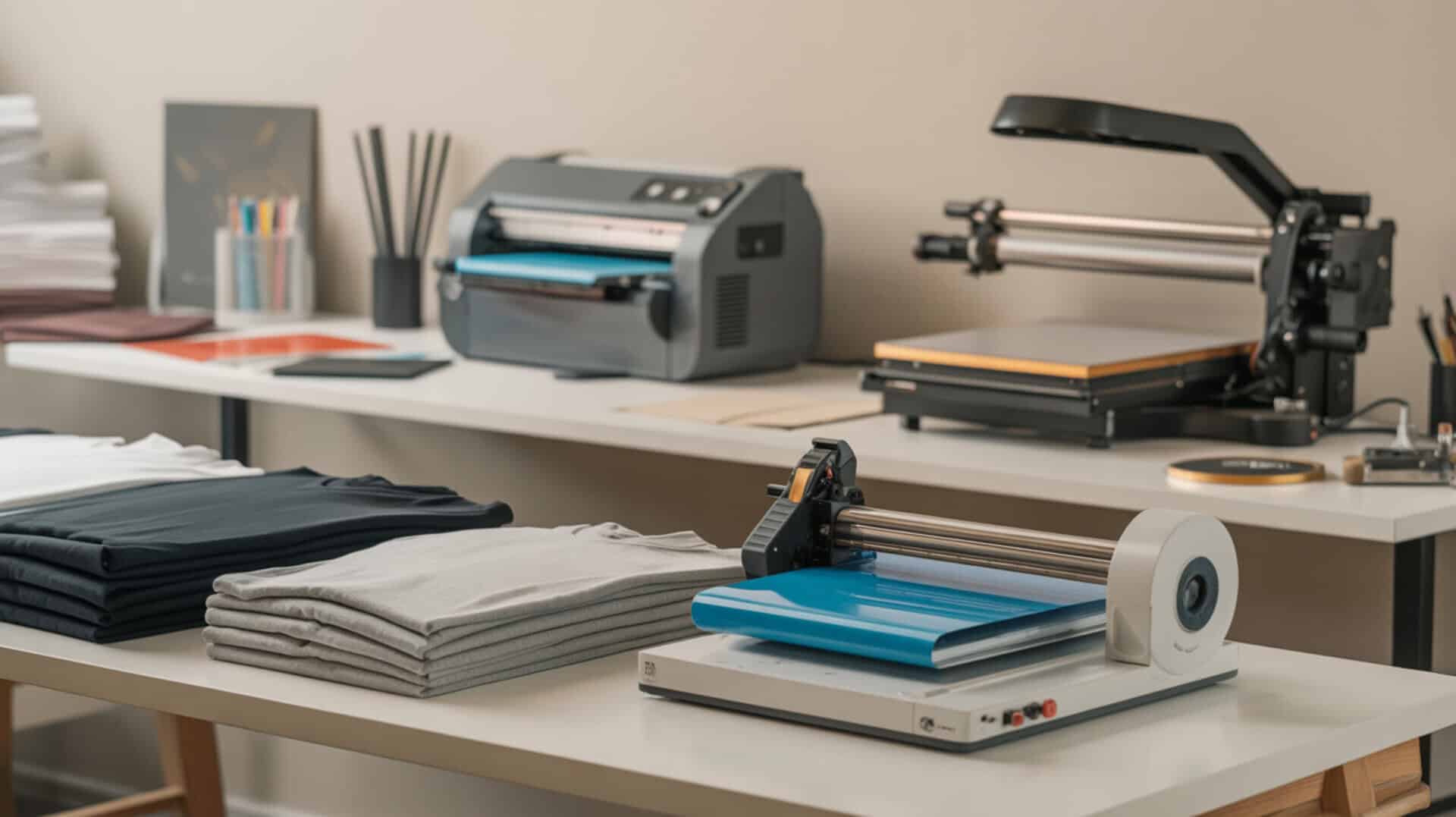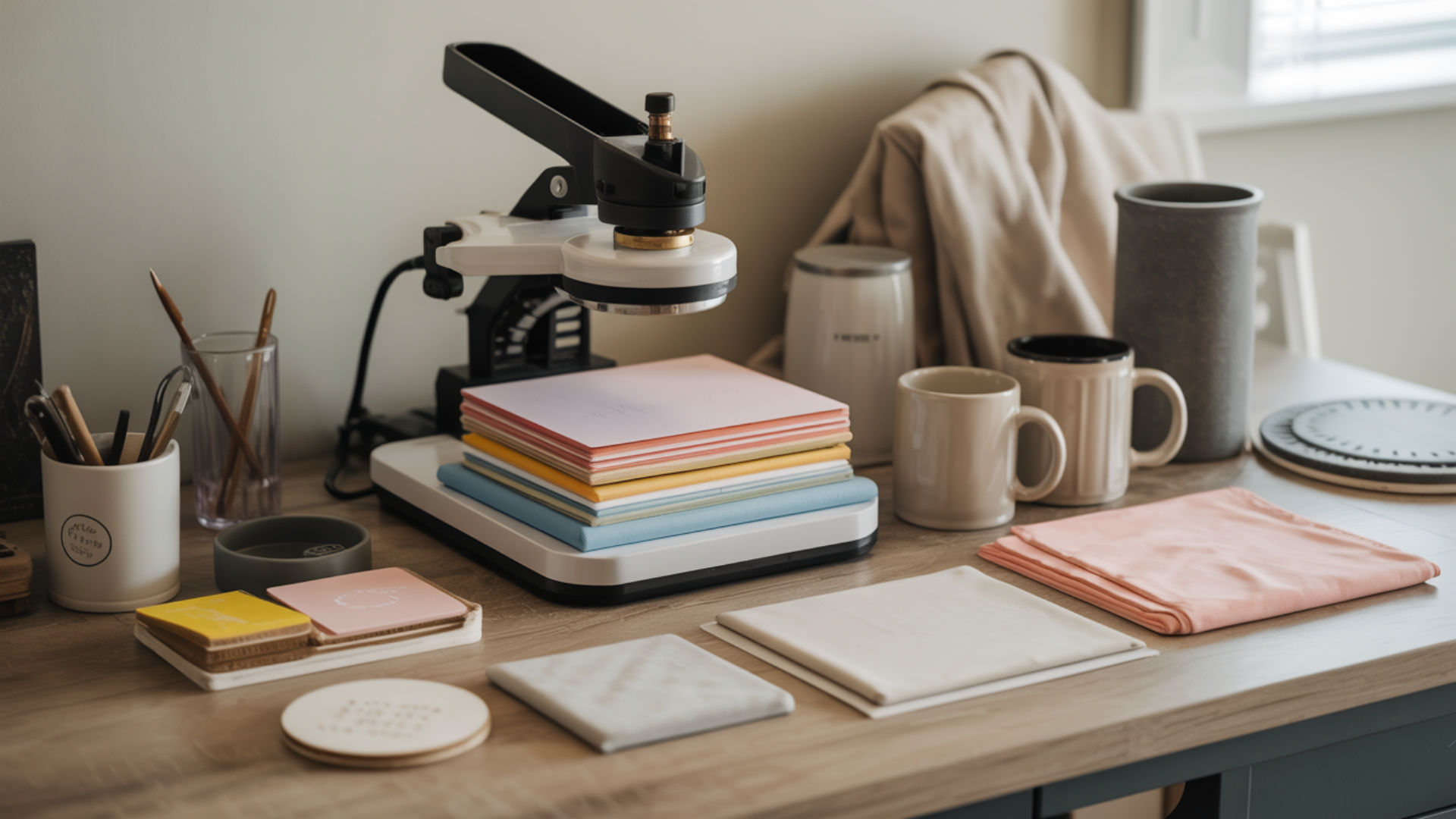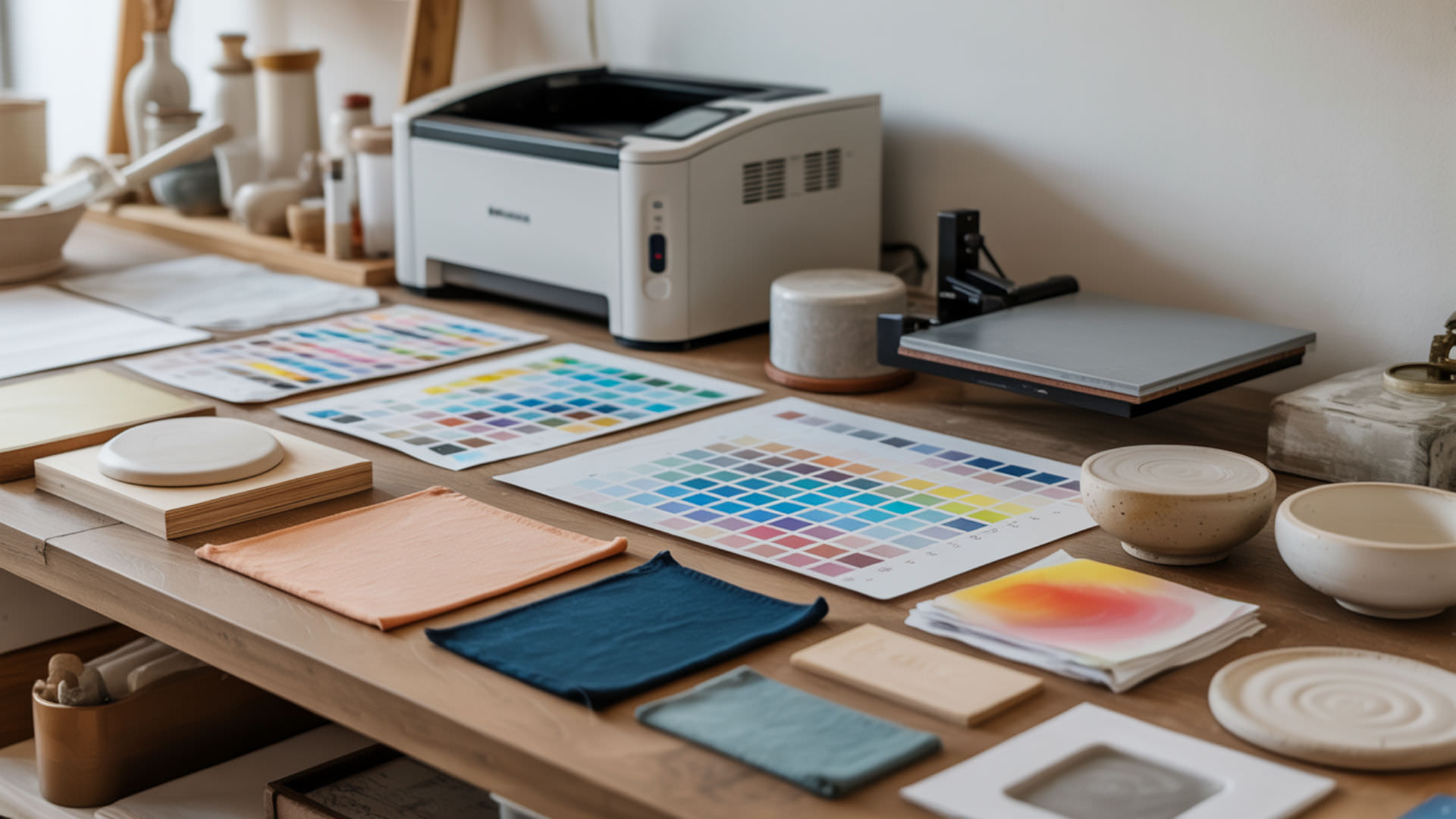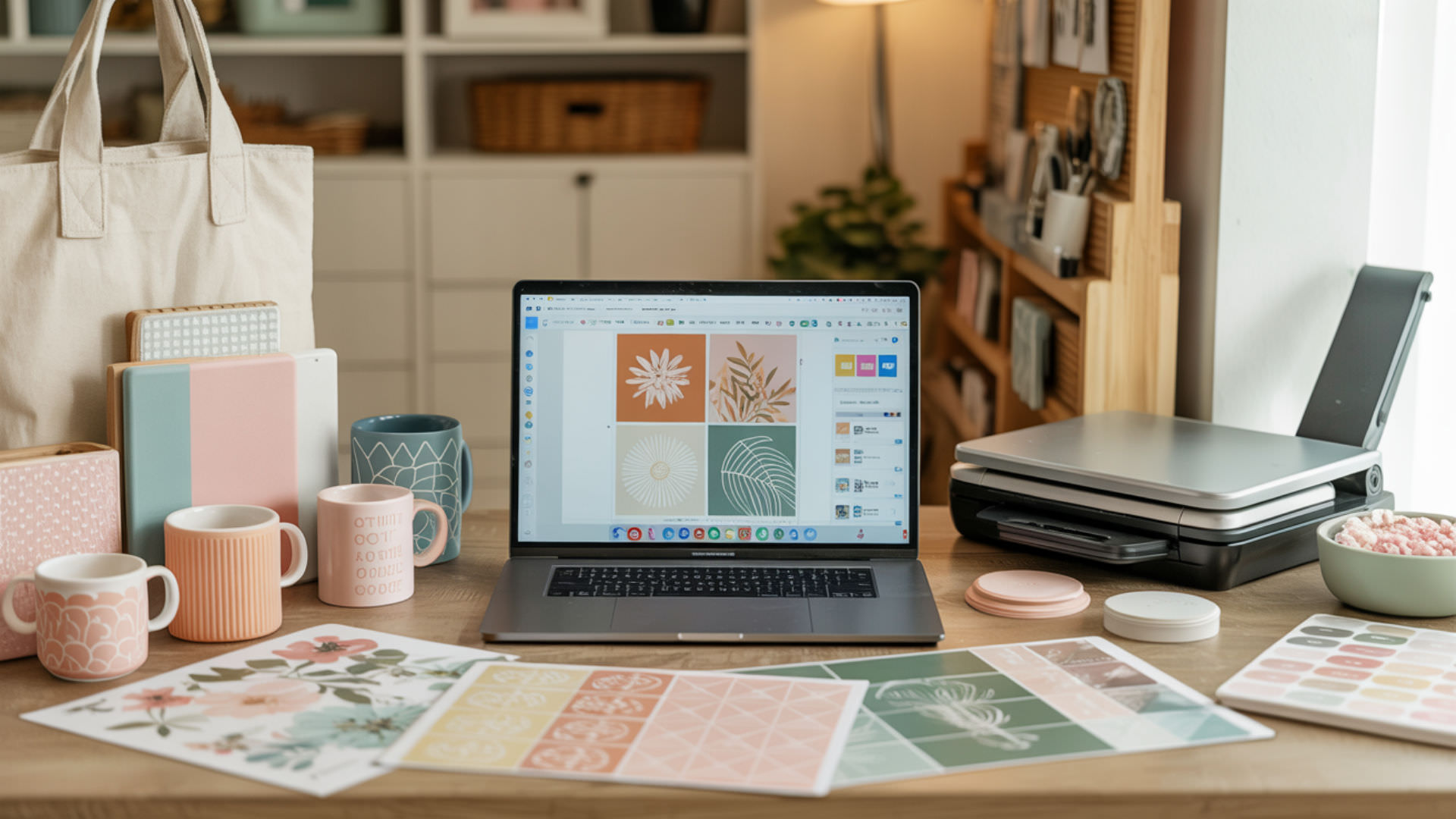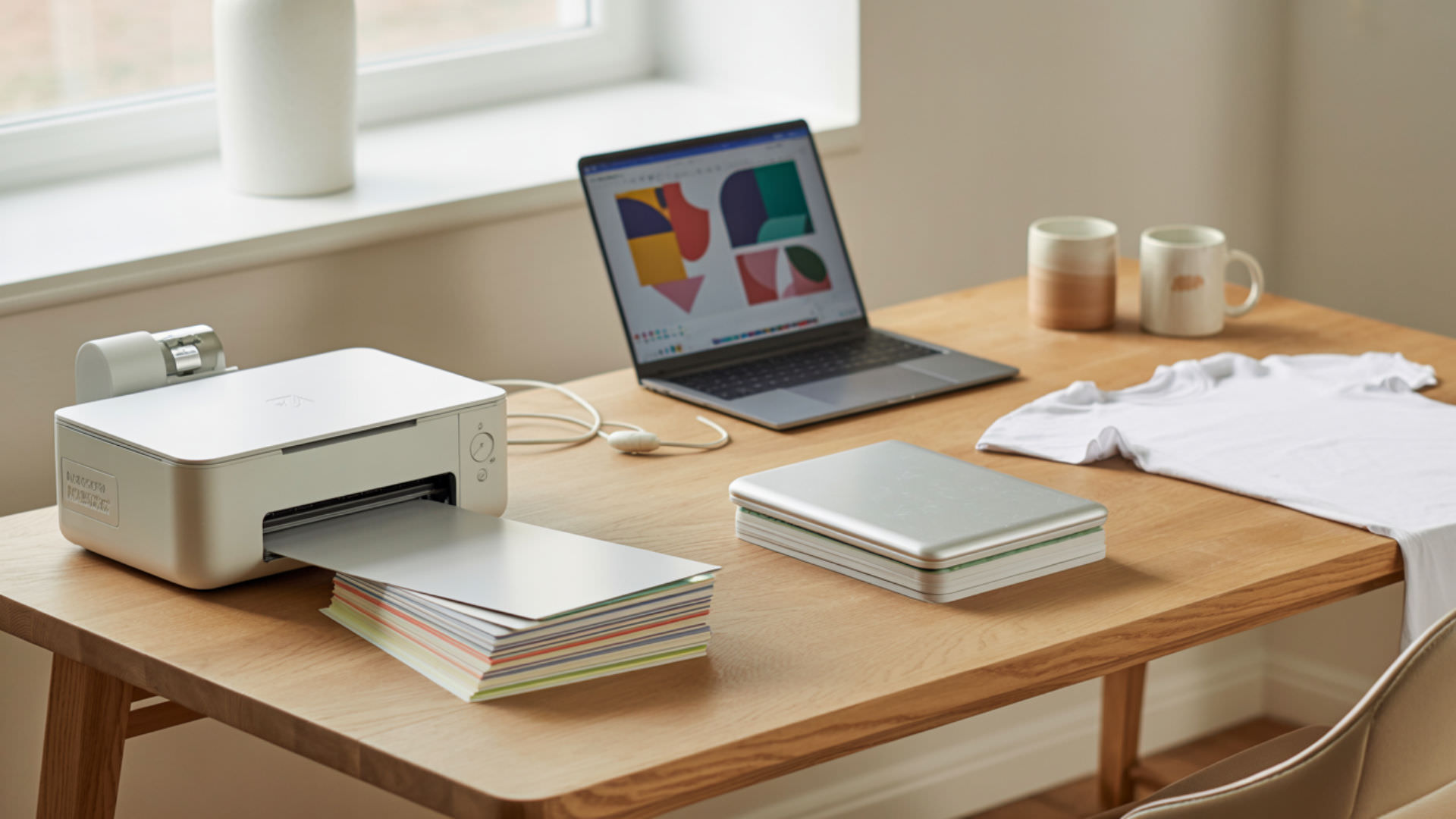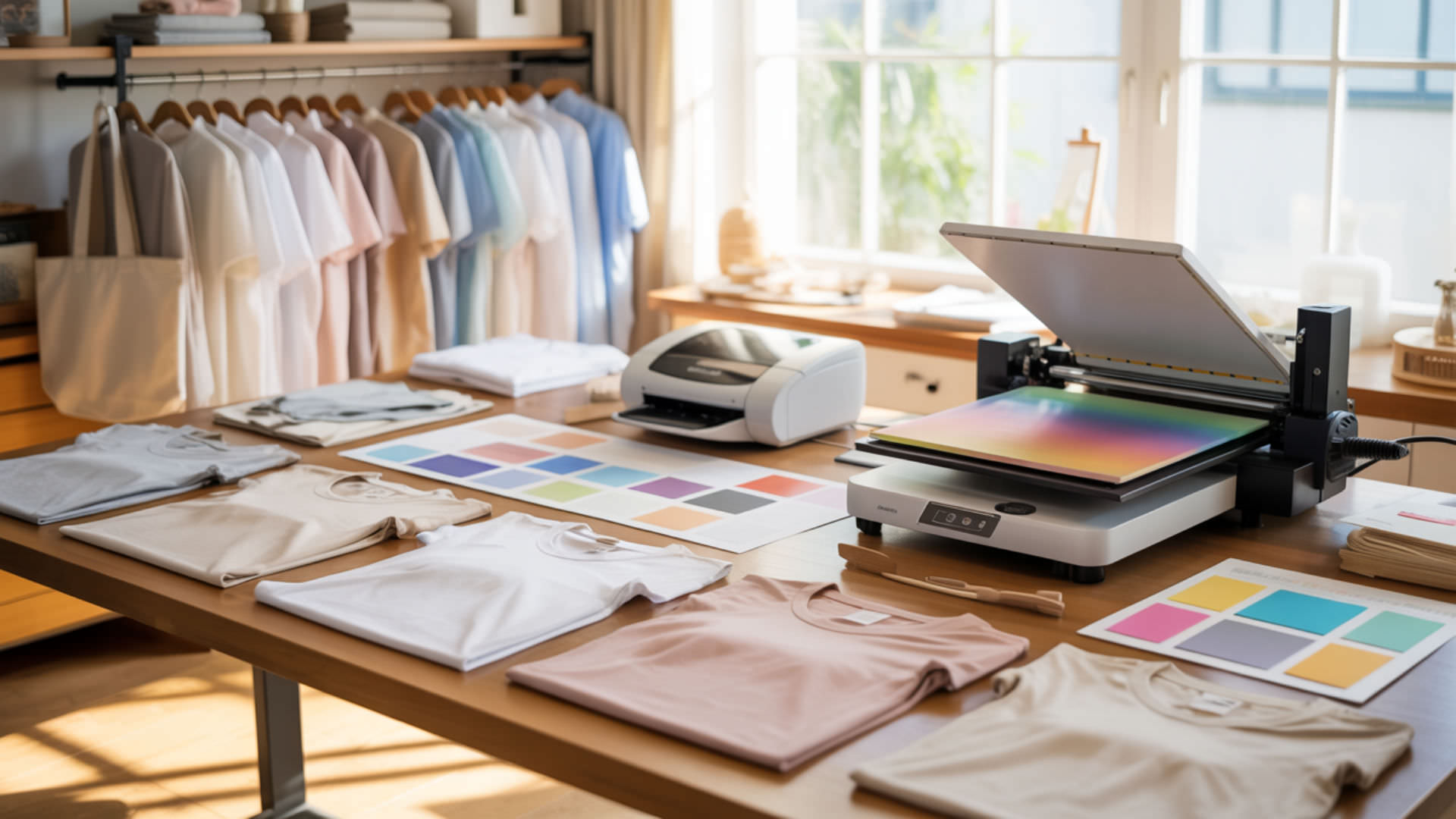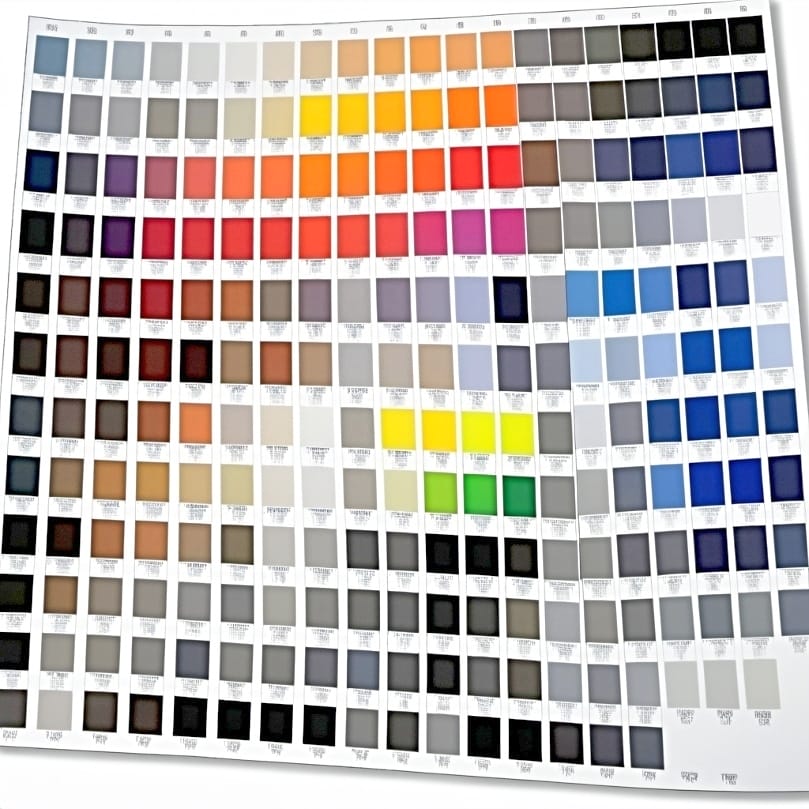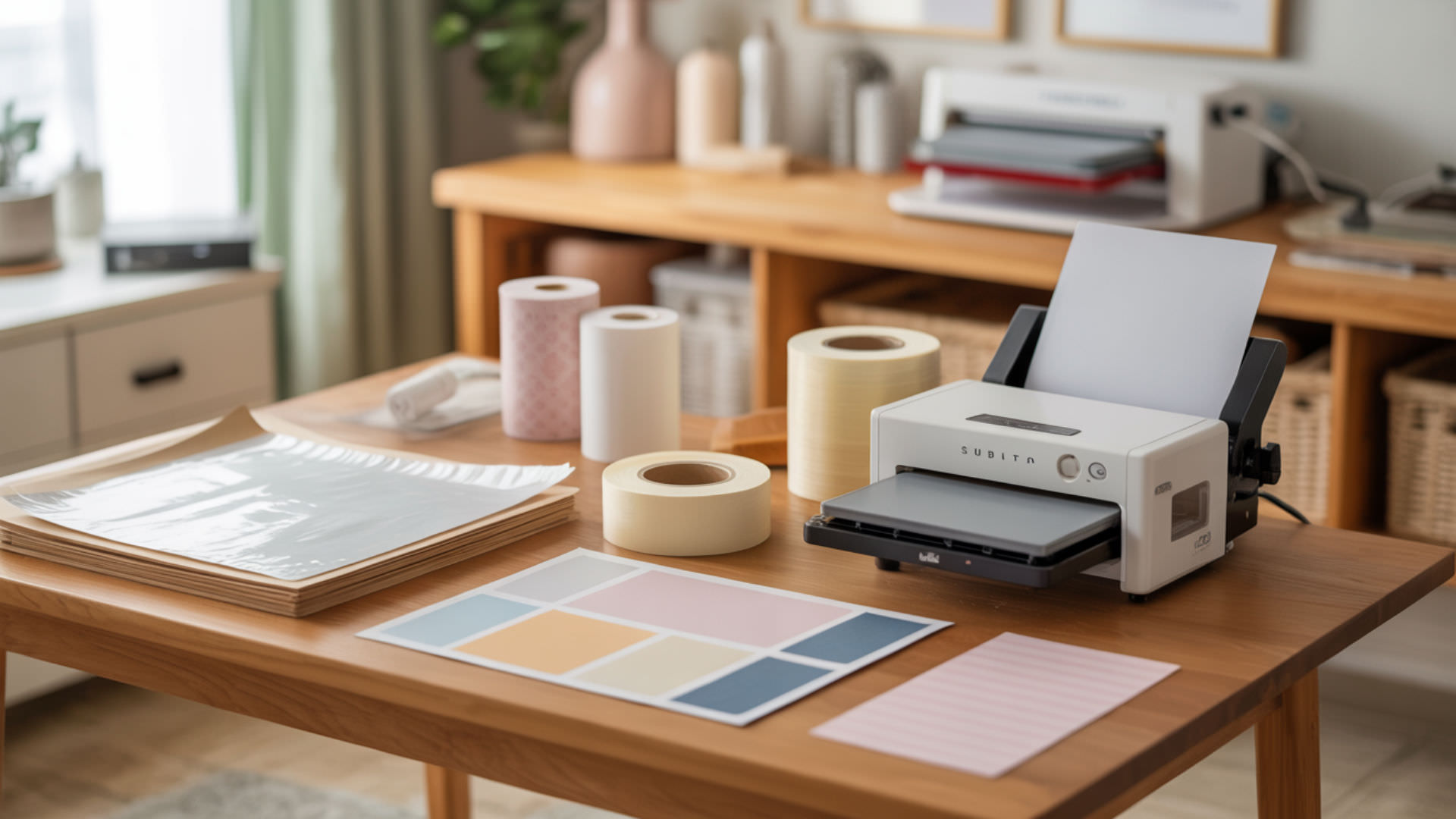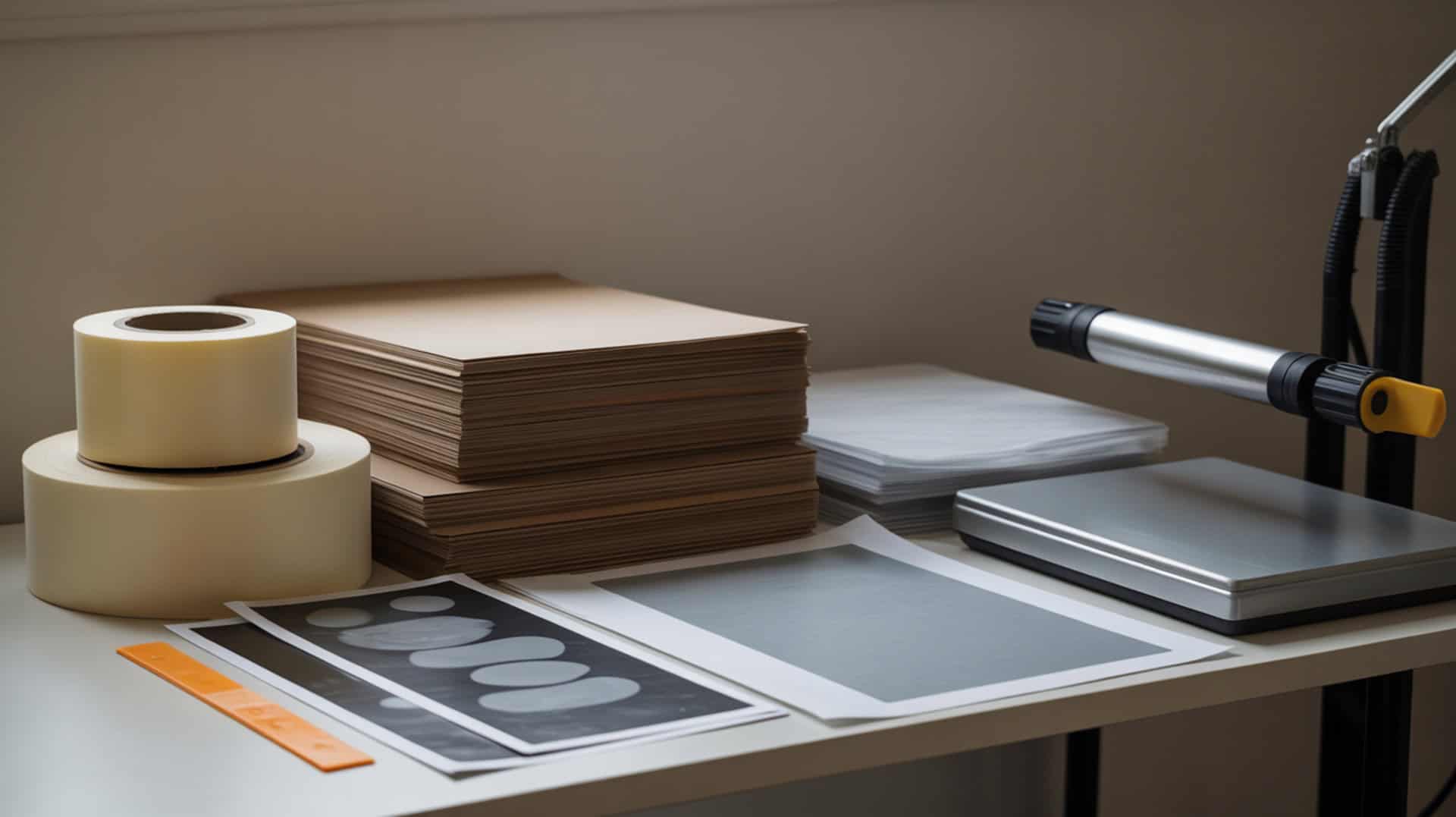
Sublimation kit supplies prevent common defects by ensuring correct heat energy drives the phase transition from solid dye to gas, while proper polymer bonding creates permanent color that resists fading and washing. Heat-resistant tape holds transfers in place during pressing to prevent ghosting, protective paper catches excess ink blowout, and both work together to maintain clean results across shirts, mugs, tumblers, and other substrates. Because polymer bonding determines whether dye permanently bonds or causes defects like fading and ghosting, you may want to read our hub guide on How to Fix Sublimation Mistakes to understand why weak bonding causes most sublimation problems. This roundup covers three essential kit supplies—Cricut Heat Resistant Tape for securing transfers, Artesprix Protective Paper for blowout control, and butcher paper as a budget alternative.Sublimation depends on a phase change where heat energy drives dye from a solid into a gas state, enabling diffusion into polymer surfaces for a permanent transfer. [1]
Key Takeaways
- Temperature control prevents dye diffusion problems—incorrect heat leads to fading or scorching, while proper settings (around 385°F for most substrates) ensure complete color transfer. Consistent sublimation results depend on accurate and repeatable temperature control, which is why measurement standards play a critical role in heat-based material processes.[2]
- Pressure affects contact uniformity—uneven pressure creates lines and ghosting, which heat-resistant tape helps prevent by securing transfers during pressing.
- Protective paper must allow moisture release—the tester explicitly warns against parchment paper (coated, traps moisture) and Teflon sheets (great for HTV but not sublimation).
Is Cricut Heat Resistant Tape Essential for Quality Sublimation Results?
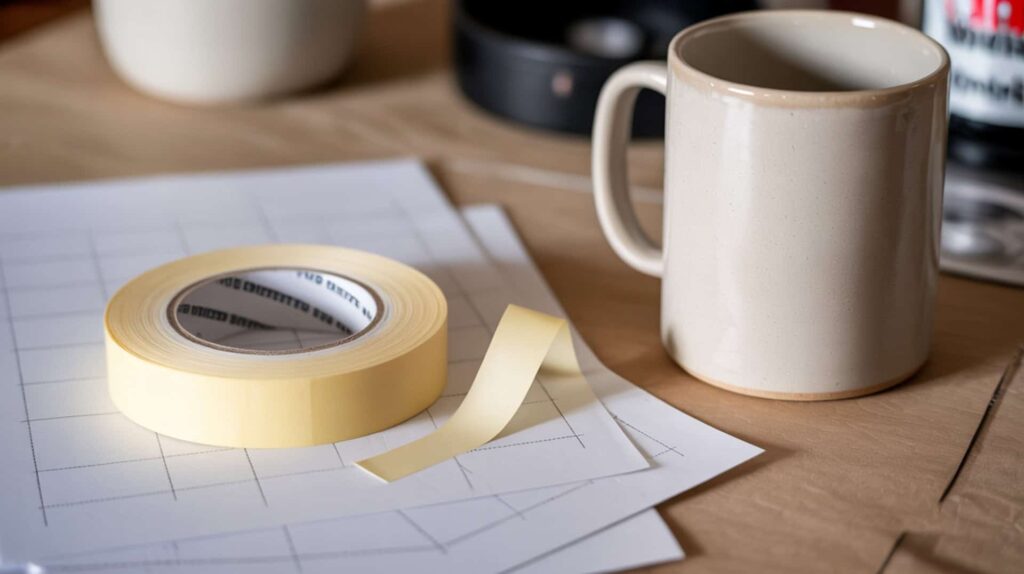
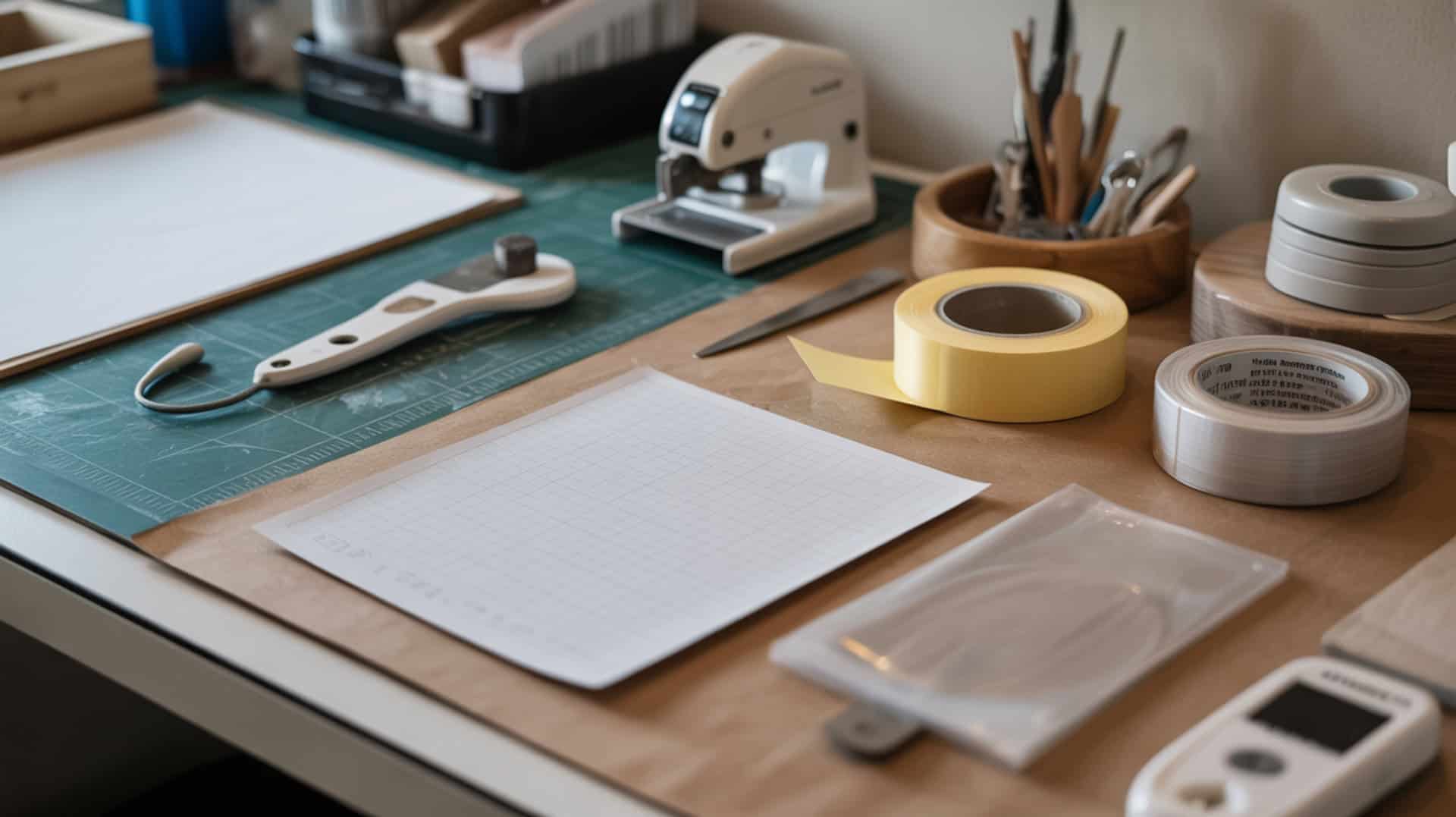
Cricut Heat Resistant Tape provides strong adhesion that prevents transfer paper from shifting during pressing, which is essential for avoiding ghosting and maintaining clean edges on sublimation projects. According to reviewed test results across four surfaces (93% polyester shirt, mouse pad, ceramic mug, and metal tumbler), Cricut tape “stuck really well” and left “no residue” on any substrate. The tester noted Cricut performs “equivalently” to other quality brands for stickiness and clean removal, and it’s one of her “go-to” choices that she “most often uses” in projects and videos. I recommend Cricut tape for crafters wanting reliable hold with standard office tape dispenser compatibility.
What kind of sublimation results can you expect when using Cricut Heat Resistant Tape?
Cricut Heat Resistant Tape delivers reduced ghosting through dimensional stability that keeps transfers secure during the entire press cycle, preventing the movement that causes double-image defects. In reviewed testing, the tape performed consistently across multiple substrate types: on 93% polyester shirts it “stuck well” with “no residue,” on mouse pads it left “no residue after peeling,” on ceramic mugs it showed “no residue,” and on metal tumblers it worked “great” with “no residue.” The tester concluded Cricut delivered “no discoloration” across all fabric and hard surface tests, making it reliable for both apparel and drinkware applications.
What are the pros and cons of using Cricut Heat Resistant Tape for sublimation?
Cricut Heat Resistant Tape offers strong hold without surface energy issues that cause residue marks, but proper adhesion requires avoiding cheap alternatives that leave permanent yellow stains the tester considers “ruined” mugs. Based on reported test results, pros include “strong hold” with tape that “stuck really well” across all projects, “clean removal” with “no residue / no discoloration” on fabric or hard surfaces, small diameter roll that fits a “standard office tape dispenser” (the tester recommends a weighted one), and being the tester’s “go-to choice” alongside Artesprix. Cons include inability to remove “yellow tape stains” from cheap tape—Cricut prevents the issue but can’t fix existing damage. Not designed for large-roll tape systems.
How does Cricut Heat Resistant Tape compare to other sublimation tapes?
Cricut Heat Resistant Tape provides consistent pressure distribution for edge clarity comparable to other quality brands, with the tester stating all premium options are “basically equivalent” in performance. For small-dispenser options, the tester grouped Artesprix, Siser, and Cricut together as “all three are amazing” and recommends “buy whichever is on sale.” For large-dispenser options, PYD Life, Innosub, and Condi are “also basically equivalent” but require a “bigger tape dispenser investment.” Cricut stands out because the tester “personally uses it most” and it fits the “compact dispenser setup.” The tape works for sublimation, infusible ink, and HTV crafts. You can find this product here. [3]
How Well Does Artesprix Protective Paper Work for Sublimation Projects?
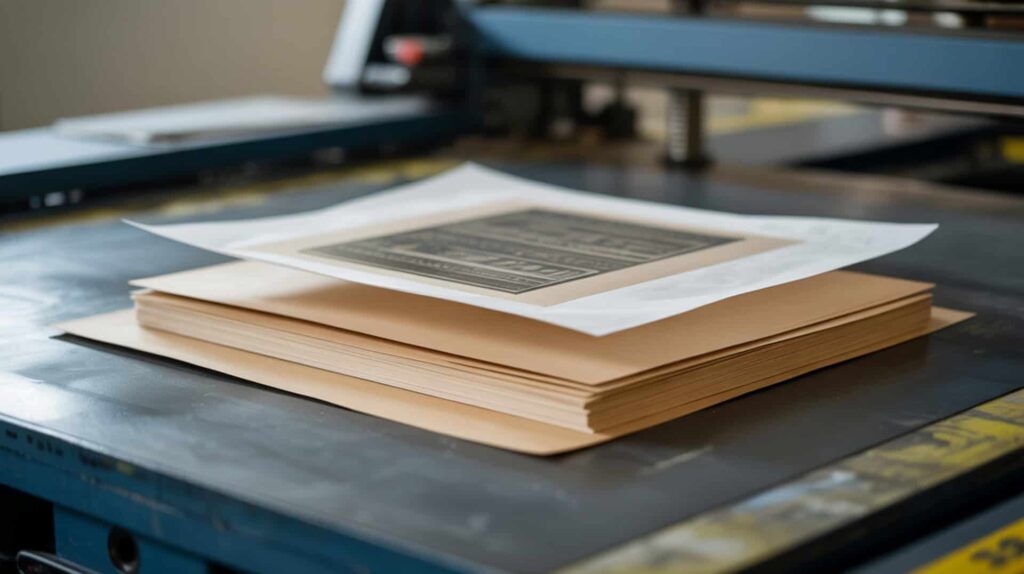
Artesprix Protective Paper is specifically designed for sublimation with proper porosity that regulates dye release and absorption while catching excess ink blowout before it transfers onto heat press platens or other surfaces. The paper is placed on top of sublimation prints and underneath fabric projects (between shirt layers), with the tester explaining it “works as intended for absorbing blowout ink” while allowing “moisture to release”—critical during sublimation. The tester ranks Artesprix as her “top choice” over butcher paper and copy paper alternatives. I recommend Artesprix for crafters wanting purpose-built protection with reusability when no ink transfers.
⫸ Click Here For Best Selling Sublimation Printers And Products ⫷What sublimation quality can you achieve with Artesprix Protective Paper?
Artesprix Protective Paper produces clean dye release through uniform paper coating that reduces blotching and prevents stray ink from contaminating heat press platens or causing future ghosting issues. According to reviewed test observations, the paper is “uncoated and white, allowing moisture to release instead of being trapped”—moisture trapping causes blurry patches that disrupt dye transfer. The paper can be “reused if no ink transfers,” and when ink does transfer, crafters can “cut away inked sections” or “discard/recycle” the sheet. The tester also notes it can be repurposed as “protective paper under kids’ crafts” as long as it won’t be reheated.
What are the pros and cons of using Artesprix Protective Paper for sublimation?
Artesprix Protective Paper prevents moisture absorption problems that cause blurry patches, but higher cost compared to butcher paper makes it the premium option rather than the budget choice. Based on reported observations, pros include being “made specifically for sublimation” which is why the tester prefers it, “uncoated and white” allowing moisture release, “reusable when no ink blowout occurs,” protects heat press platens from stray sublimation ink, and available in “large sheets/roll format” for covering large designs and full heat press areas. Cons include “higher cost” than alternatives like butcher paper or copy paper (implied by the tester’s “favorite → backup” ranking), and must be discarded or cut once ink transfers onto it.
How does Artesprix Protective Paper compare to other protective paper options?
Artesprix Protective Paper offers superior paper weight for curl resistance compared to lighter alternatives, with heavier papers shifting less under heat during pressing. The tester’s ranking positions Artesprix as “top choice” with “best overall performance and convenience” due to being “intended specifically for sublimation.” Uncoated butcher paper ranks as “second choice”—it “works well if uncoated” and is “much cheaper per sheet” but must be verified as uncoated. Copy paper serves as “emergency backup” only since smaller size means “multiple sheets may be needed” and “can become expensive if used often.” The tester explicitly warns: do NOT use parchment paper (coated, traps moisture) or Teflon sheets (great for HTV, not sublimation). You can find this product here. [4]
Is Butcher Paper a Good Budget Option for Sublimation Protection?
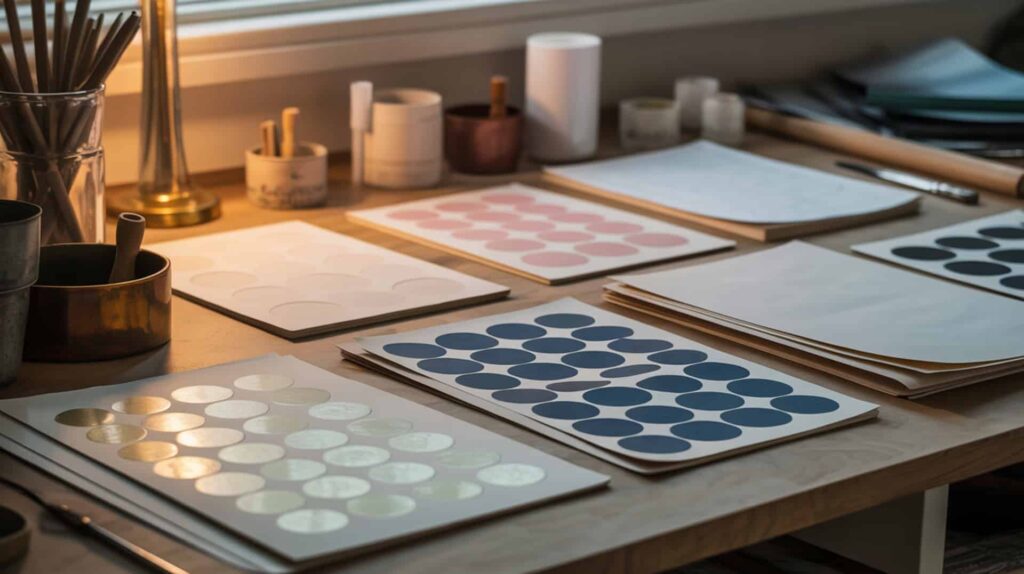
Butcher paper provides effective blowout protection at significantly lower cost than dedicated sublimation papers, with cellulose fibers that absorb and release moisture properly when the paper is uncoated—coated versions trap moisture and cause humidity-related blotchy transfers. According to reviewed test observations, the tester uses uncoated butcher paper as her “second choice” after Artesprix, describing it as “nearly as effective” but chosen mainly for “cost savings.” The paper successfully “catches excess sublimation ink” while allowing moisture release instead of trapping it. I recommend butcher paper for budget-conscious crafters willing to verify uncoated status before purchasing.
What kind of results can you expect when using butcher paper for sublimation?
Butcher paper delivers acceptable protection but presents evaporation risk where rapid moisture escape during pressing can cause uneven color if the paper traps humidity rather than releasing it steadily. In reviewed testing, uncoated butcher paper “successfully catches excess sublimation ink” preventing transfer to heat press platens or other project surfaces. The tester emphasized butcher paper works because it “absorbs moisture” and “releases moisture instead of trapping it.” She regularly uses it to “fully cover the heat press platen” especially for large designs. Results depend entirely on using uncoated paper—coated butcher paper is “not suitable” for sublimation protection.
What are the pros and cons of using butcher paper for sublimation projects?
Butcher paper offers cost savings but lower paper smoothness can create uneven contact that increases patchiness and texture marks compared to purpose-built sublimation protective papers. Based on reported observations, pros include “effective blowout protection when uncoated,” “inexpensive per sheet especially when bought in large rolls,” “large roll size” makes it easy to cover entire shirts and full heat press platens, “readily available from Amazon, Sam’s Club, and similar stores,” and “easier and faster than piecing together multiple sheets of smaller paper.” Cons include “must be uncoated” (coated butcher paper is not suitable), “not specifically made for sublimation” unlike branded protective papers, and cannot be reused for heated projects if ink transfers onto it.
How does butcher paper compare to dedicated sublimation protective paper?
Butcher paper shows lower dimensional stability than dedicated sublimation papers, potentially causing alignment issues during pressing if sheets shift under heat or curl at edges. The tester positions Artesprix as “top choice designed specifically for sublimation” while butcher paper serves as “second choice” that’s “nearly as effective but chosen mainly for cost savings.” Copy paper ranks as “emergency/backup option only” with smaller size requiring multiple sheets. The tester explicitly warns against using parchment paper (coated, traps moisture) and Teflon sheets (great for HTV, “not recommended for sublimation”). Key requirement: butcher paper must be white and uncoated to allow proper moisture release. You can find this product here. [5]
Which Sublimation Kit Supplies Will Give You the Best Results?
Choosing the right sublimation kit supplies depends on heat press control requirements and budget considerations—stable heat and pressure combined with proper protective materials prevent most common defects. For securing transfers without residue, Cricut Heat Resistant Tape is the tester’s “go-to choice” that “stuck really well” across shirts, mouse pads, mugs, and tumblers with “no discoloration.” For premium blowout protection, Artesprix Protective Paper ranks as “top choice” being “made specifically for sublimation” with moisture release capability and reusability. For budget-conscious crafters, uncoated butcher paper delivers “nearly as effective” results at “much cheaper per sheet” pricing. Because dye diffusion problems cause fading from poor bonding, you may want to read our guide on How To Keep Sublimation From Fading for technique adjustments.
Frequently Asked Questions
How do you get crisp and clear sublimation prints every time?
Crisp sublimation prints require proper dwell time for complete polymer bonding—insufficient time causes weak transfers that appear faded or blurry. Secure your transfer paper with heat-resistant tape (Cricut, Artesprix, or Siser all work “amazingly” according to test results) to prevent movement that causes ghosting and double images. Use protective paper on top and underneath fabric projects to catch excess ink blowout. Because dimensional stability prevents transfer shifting that causes ghosting defects, you may want to read our guide on How To Remove Sublimation Ghosting for troubleshooting tips. Avoid parchment paper and Teflon sheets for sublimation protection—both trap moisture and cause quality problems.
How do you make sublimation prints last longer on your projects?
Long-lasting sublimation prints require complete polymer bonding achieved through correct temperature, pressure, and time settings that ensure dye fully diffuses into substrate fibers rather than sitting on the surface. According to sublimation principles, proper heat (typically 385°F+) drives the phase transition from solid dye to gas, while adequate pressure ensures uniform contact across the entire design. The tester emphasized that protective paper must allow “moisture to release” during pressing—trapped moisture disrupts dye transfer and weakens bonding. Use quality substrates with high polyester content (100% polyester is ideal) since dye only bonds to polymer fibers permanently.
How do you keep your sublimation from fading after washing?
Preventing sublimation fade after washing depends on achieving complete dye diffusion during the initial press—properly bonded dye enters polymer chains and resists washing, while weak transfers fade quickly. Ensure correct temperature and adequate dwell time (typically 45–60 seconds depending on substrate) for full dye penetration. According to test observations, protective paper that allows moisture release helps achieve clean transfers without trapped humidity weakening the bond. Wash finished items in cool water and tumble dry on low heat to protect the polymer matrix. High polyester content (95–100%) resists fading better than blends since all fibers accept and hold dye permanently.
What are the main downsides of sublimation printing to consider?
Sublimation printing limitations include polymer substrate requirements, equipment investment, and sensitivity to incorrect settings that cause defects like ghosting, fading, and blotchy transfers. Sublimation only works on polyester or polymer-coated substrates—cotton, uncoated ceramics, and bare metals cannot bond with disperse dyes regardless of technique. Equipment costs include sublimation printers, heat presses, and ongoing supplies (ink, paper, tape, protective sheets). According to test observations, using wrong materials causes problems: cheap yellow tape leaves permanent “ruined” marks the tester “has not found anything that removes,” parchment paper traps moisture causing blurry patches, and Teflon sheets (good for HTV) don’t work for sublimation.
How many times can you use one sublimation print transfer?
Sublimation transfers can only be used once because the dye fully releases from the transfer paper during pressing and bonds permanently into the substrate—there is no ink remaining on the paper for a second application. The phase transition from solid to gas means all usable dye sublimates during the first press cycle when proper temperature and time settings are used. Protective paper can be “reused if no ink transfers” according to test observations, but once sublimation ink appears on protective paper it must be “discarded or cut away” and cannot be reheated over sublimation projects. Each design requires a fresh print for each item you want to create.
References
- 12.3: Phase changes. (2025, August 1). Chemistry LibreTexts. https://chem.libretexts.org/Courses/College_of_the_Canyons/Chem_201%3A_General_Chemistry_I_OER/12%3A_Liquids_and_Solids/13.03%3A_Phase_Changes
- Weights & measures. (2025, May 2). NIST. https://www.nist.gov/weights-measures