Re-sublimating over existing prints is possible but requires understanding how the sublimation phase transition behaves when dye is reheated. When heat is applied again, embedded dye can turn back to gas and diffusion may move it further within polymer layers. Understanding how diffusion moves dye within polymers connects to sublimation chemistry explained in our guide on how sublimation works.
Key Takeaways
- Reheating polymer surfaces risks thermal degradation—each additional press cycle stresses coatings and can cause yellowing or fading.
- Layering success depends on how intact the polymer remains after initial sublimation and subsequent heat exposure.
- Darker designs cover previous prints more effectively; lighter colors cannot hide existing dye already embedded in substrates.
Can You Actually Sublimate Over Existing Sublimation?
Yes, you can sublimate over previously sublimated items through re-sublimation or re-pressing. When temperature exceeds glass transition temperature, polymer chains become mobile enough for limited new diffusion. The technique works best when covering with darker designs since existing dye remains embedded and cannot be completely hidden by lighter colors.
Can You Sublimate Twice on the Same Item?
You can sublimate twice on the same item as long as the first transfer doesn’t overheat or distort. Second heating re-triggers the sublimation phase transition, converting dye back to gas phase. Bonding success depends on remaining polymer mobility after initial pressing. Align designs carefully to avoid ghosting.
What Happens If You Sublimate Over an Existing Print?
Sublimating over existing prints causes new and old dye to blend through diffusion. Extra heat moves original dye further within the polymer while adding new color. Thermal degradation risk increases with each cycle. The new image may darken previous areas, and heat can reactivate old dye causing blurriness. When sublimated items are reheated, existing dye can continue to diffuse within the polymer layer, causing color blending or loss of sharp edges.[1]
Can You Heat Press Sublimation More Than Once?
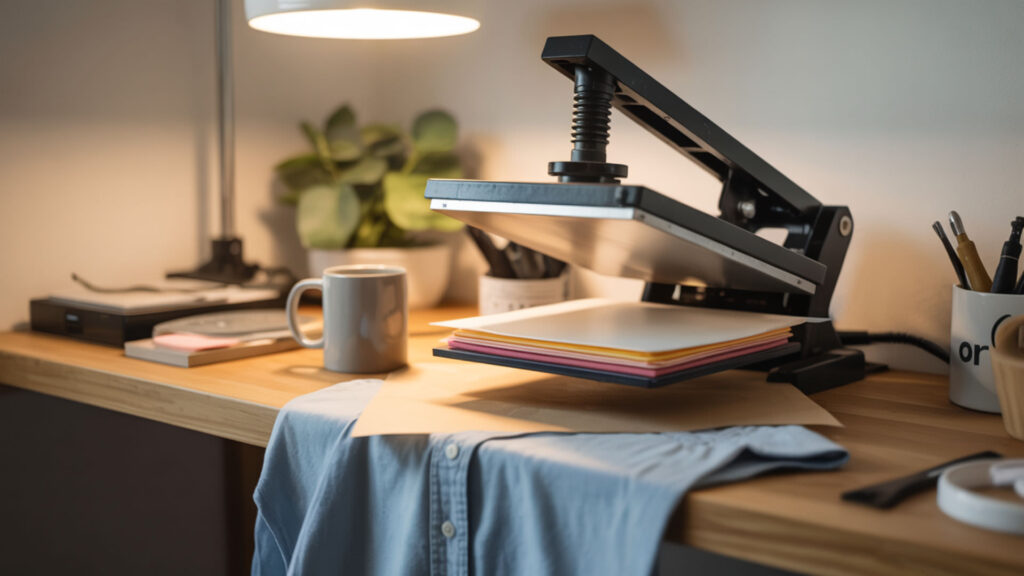
Heat pressing sublimation more than once is possible but stresses materials with each cycle. Additional heat transfer remobilizes polymer and embedded dye, allowing modification but risking damage. Repeated heat exposure accelerates polymer breakdown and fading through thermal degradation, which our guide on dishwasher safety also explains in washing contexts. Managing temperature during repeated heat presses is critical, since excessive or uncontrolled heat disrupts how materials respond to thermal stress. [2]
What Happens If You Overheat Sublimation?
Overheating causes thermal degradation with visible damage. When temperatures approach or exceed coating melting point, yellowing, scorching, and detail loss occur. Excessive heat causes dye to expand and spread too quickly, resulting in loss of sharpness. Colors become uneven, leading to overall poor-quality prints.
⫸ Click Here For Best Selling Sublimation Printers And Products ⫷What Happens If You Press Sublimation for Too Long?
Excess pressing time causes over-diffusion where dye spreads beyond intended boundaries. This creates a blurry, washed-out appearance with lost detail. Extended heat exposure can also cause substrates to melt, warp, shrink, or burn. Color shifts and ghosting become more likely with prolonged pressing.
Can You Layer Different Materials on Top of Sublimation?
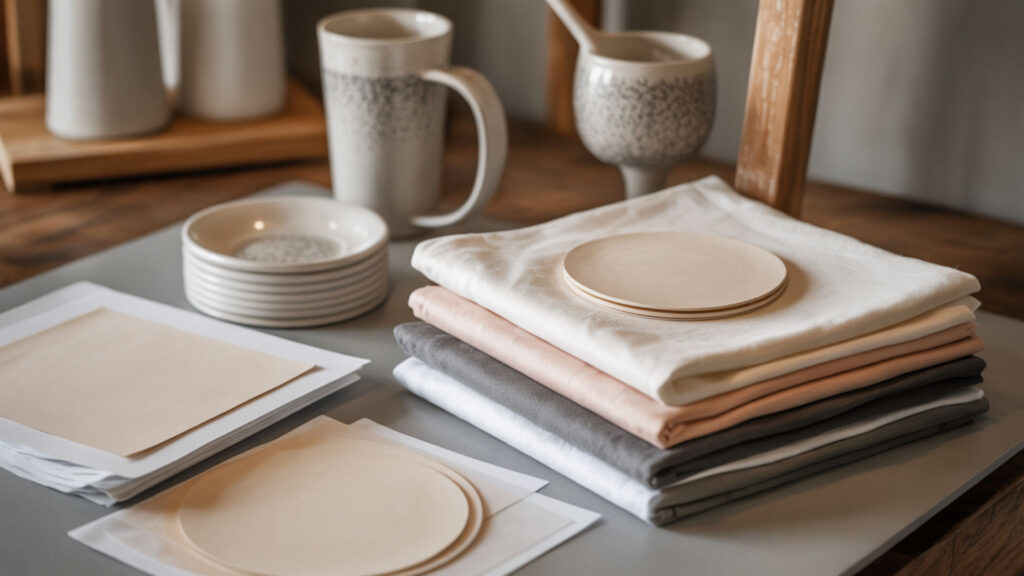
Different materials can be layered on sublimation prints including heat transfer vinyl and additional transfers. Layer adhesion and stability depend on how the polymer layer handles additional heat transfer cycles. During application, sublimation dyes may reactivate and bleed, requiring special transfers designed for sublimated apparel.
Can Heat Transfer Paper Be Layered?
Heat transfer papers can be layered by pressing each layer separately with protection between passes. Underlying polymer and coating conditions determine whether extra layers bond properly or peel. Use protective barriers like parchment paper between heat source and exposed previous layers to prevent damage during subsequent presses.
Can Printable Heat Transfer Paper Be Layered?
Printable heat transfer paper must be the top layer with other materials underneath. Each layer requires controlled heat transfer to avoid re-activating or distorting the sublimation layer below. Press non-printable materials first, then apply printable paper last due to different temperature requirements.
How Do You Sublimate Over Sublimation Step-by-Step?
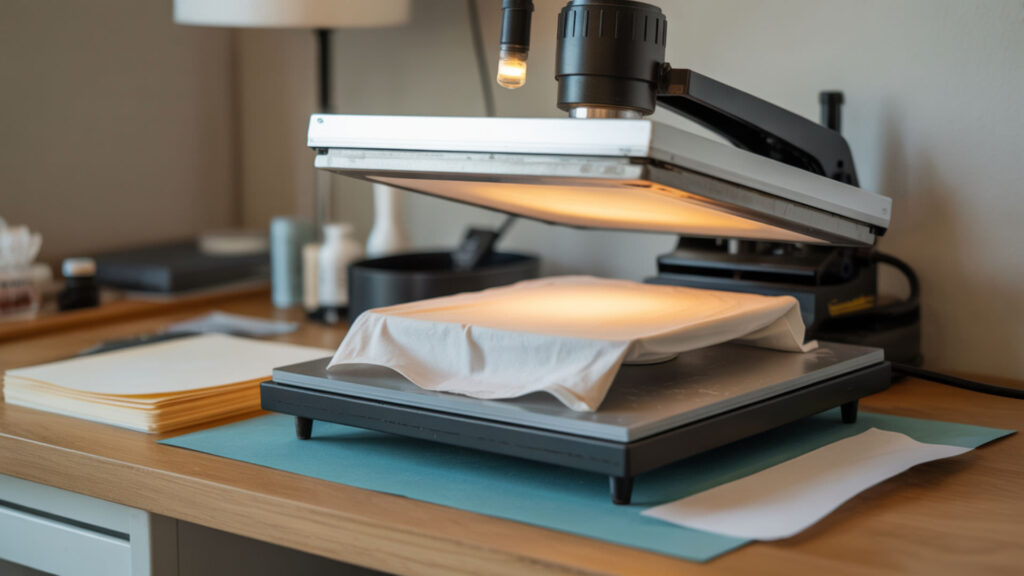
- Assess the original sublimation condition for damage or excessive fading. Pressing above glass transition temperature works only if the polymer remains intact.
- Design the overlay using darker colors that will cover existing print effectively. Lighter colors cannot hide embedded dye beneath them.
- Print new design on sublimation paper with mirrored orientation as usual. Standard sublimation printing procedures apply for overlay designs.
- Position new transfer precisely over the area requiring coverage or enhancement. Careful alignment prevents creating new ghosting artifacts.
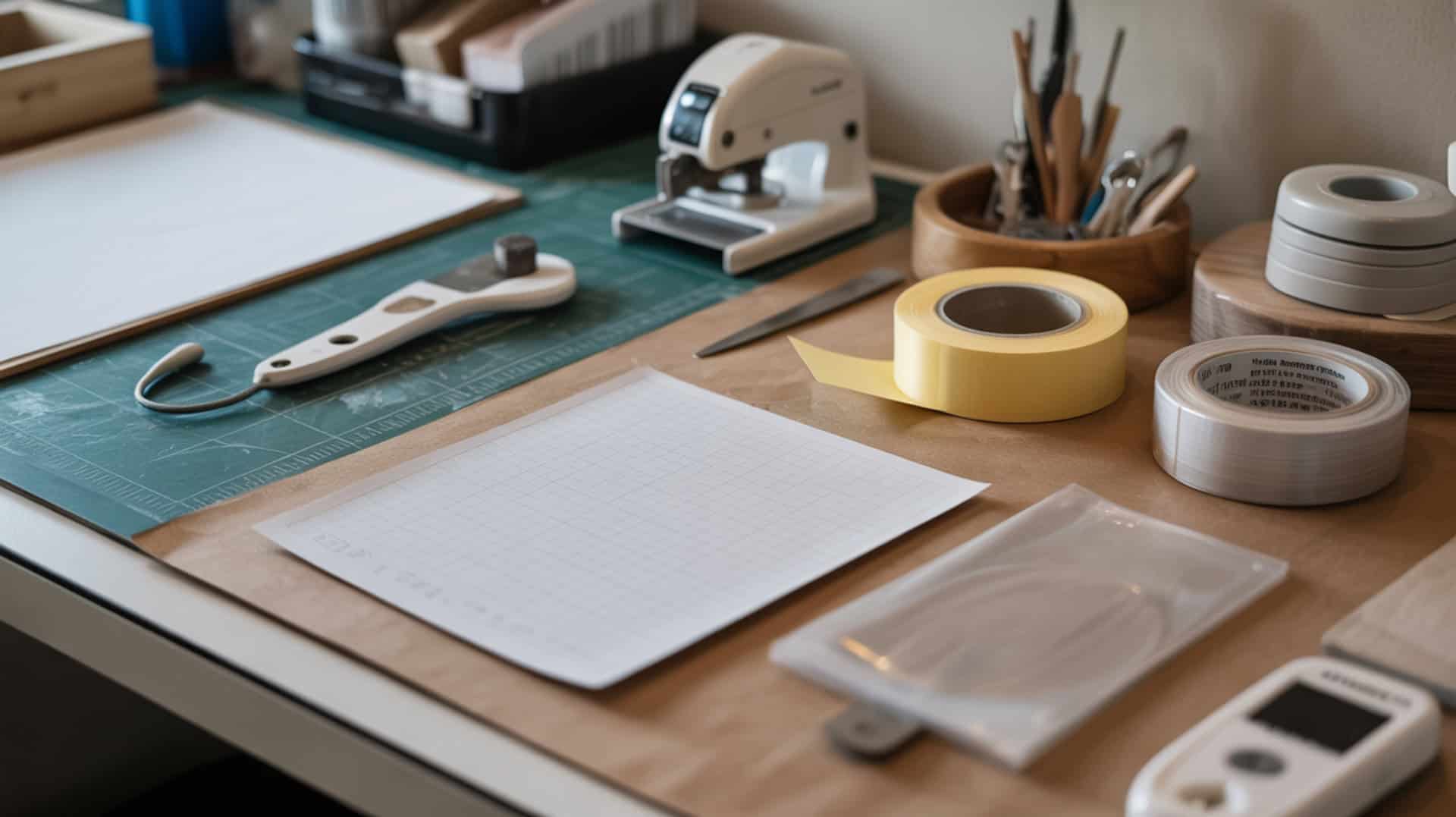
- Secure transfer with heat-resistant tape to prevent any movement during pressing. Stable positioning under heat transfer is covered in our heat tape selection guide.
- Reduce pressing time slightly to avoid thermal degradation from cumulative heat exposure. Shorter presses protect previously stressed polymer coatings.
- Press at standard temperature (385–400°F) with medium pressure for controlled transfer. Temperature must exceed Tg for polymer mobility allowing new diffusion.
- Remove paper immediately and inspect results for coverage and color quality. Some original design may show through depending on overlay darkness.
Can You Fix Sublimation Mistakes by Pressing Again?
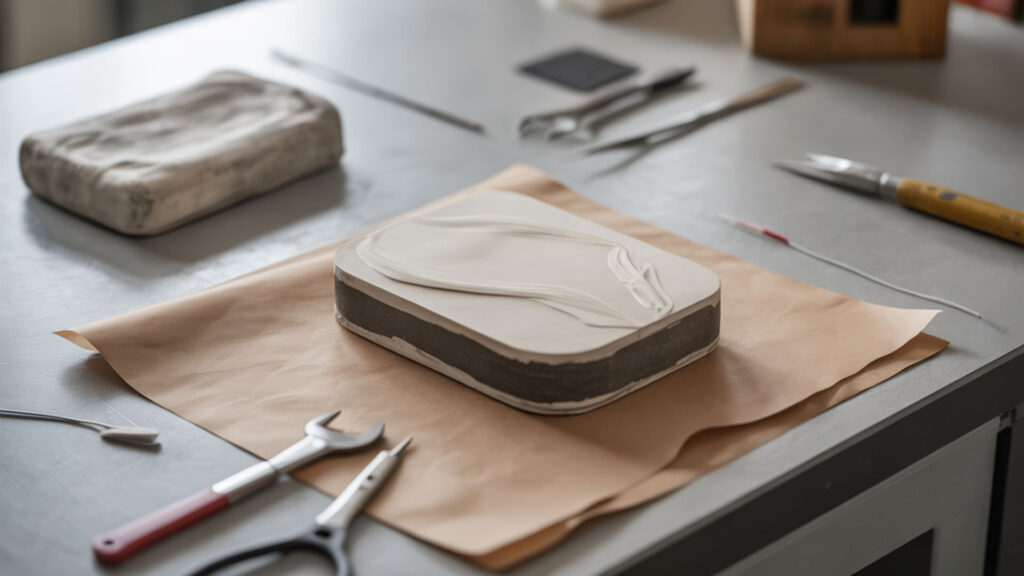
Pressing again may fix light or faded areas but increases thermal degradation risk with each attempt. Repressing can deepen diffusion in some areas while damaging others. If the original is too damaged with ghosting or discoloration, starting fresh with a new blank typically produces better results than repeated corrections.
Can You Sublimate Over a Ghosted Image?
You can sublimate over ghosted images if you realign the design perfectly and use darker colors for coverage. Additional diffusion can partially cover ghosting if the polymer isn’t already damaged. However, minor shadows from the original misalignment may remain visible through lighter areas of new designs.
Can You Sublimate Over a Design to Darken It?
Sublimating again can darken images slightly through a second diffusion cycle increasing color density. However, this works only up to the polymer’s absorption capacity. Too much heat can overcook the coating, reducing quality and producing dull or burnt tones instead of richer colors.
What Is Double-Sided or Multi-Layer Sublimation?
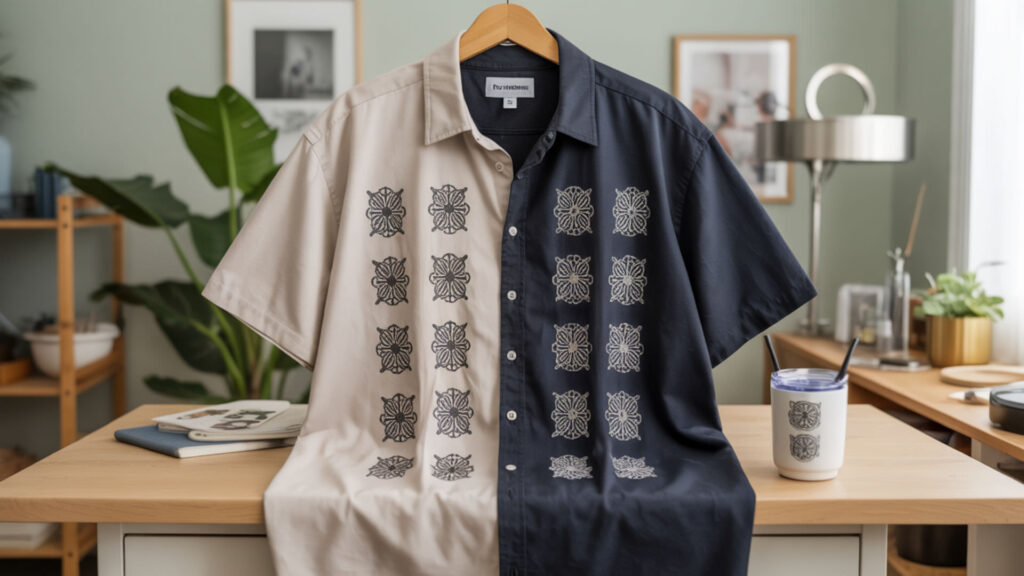
Double-sided sublimation prints both faces of fabric, subjecting the material to high temperatures twice. Multi-layer work requires managing glass transition temperature and heat on each pass to avoid distortion. High polyester content supports repeated heating and strong diffusion on both sides, explained in our polyester percentage guide.
Can You Layer Sublimation on a Tumbler?
Tumblers can be sublimated twice, though re-sublimated designs may be more prone to scuffing or scratching. Metal tumblers conduct heat transfer quickly—hitting the coating’s melting point can ruin both layers. Reduce temperature or time on second press to avoid thermal damage to existing design.
Can You Sublimate on the Front and Back of a Shirt?
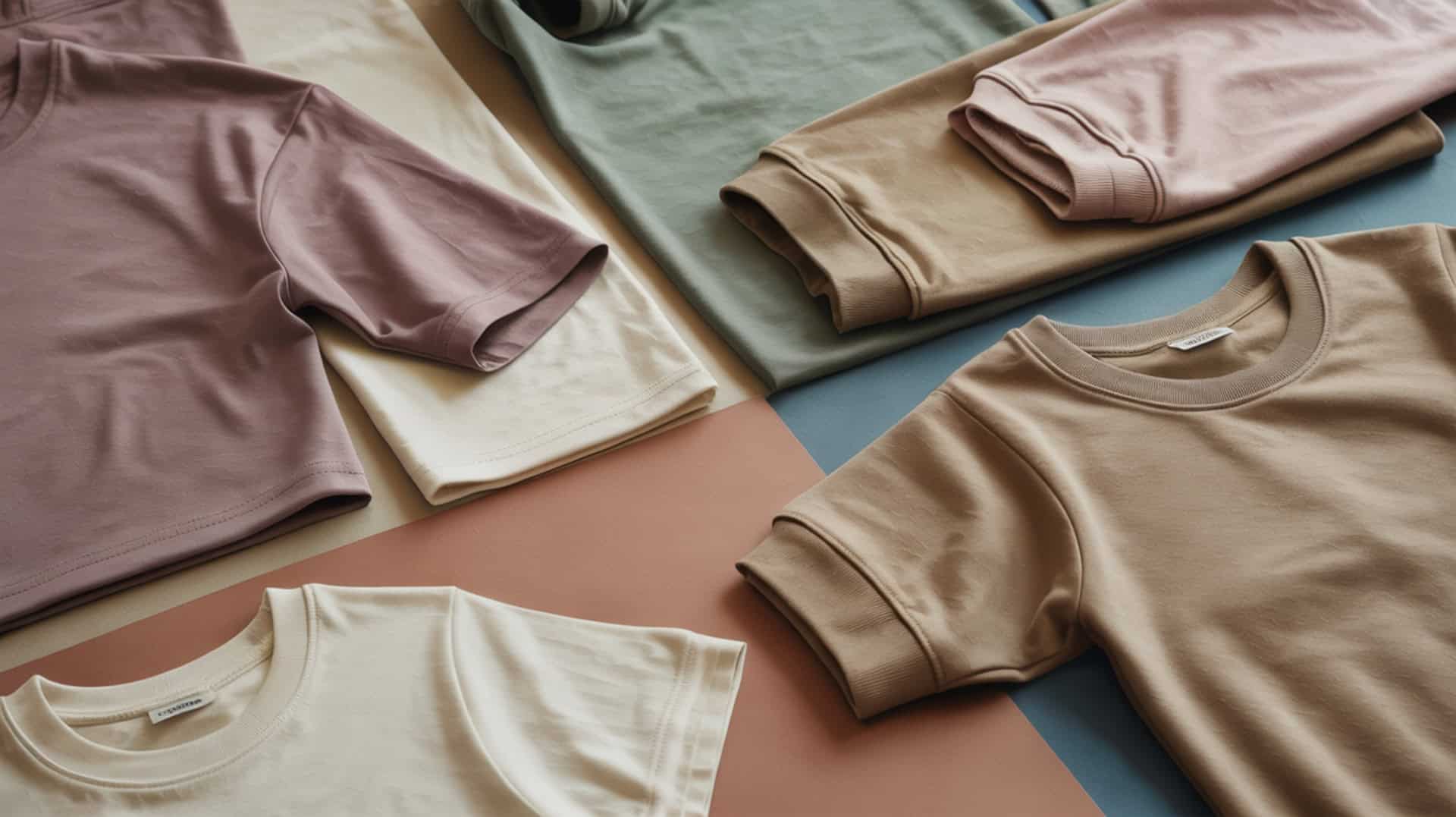
Sublimating both shirt sides works well on high polyester fabrics where diffusion occurs consistently on each surface. Place a thick pressing pillow inside the shirt to prevent heat transfer from affecting the opposite side. This barrier stops heat from reaching the already-pressed back during front application.
Can You Remove and Redo Sublimation?
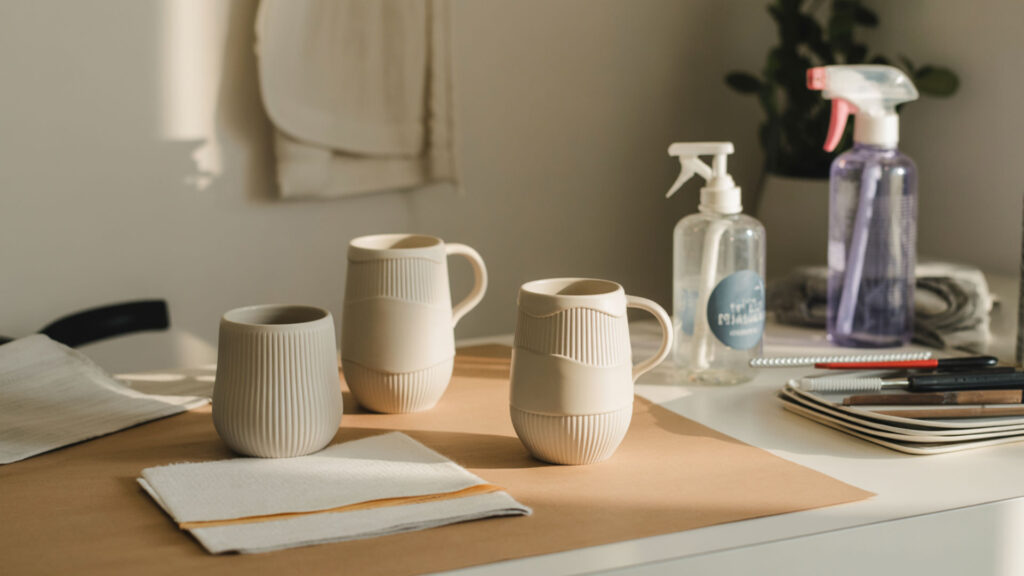
Sublimation cannot be completely removed because dye bonds within the polymer at molecular level. Removing dye usually involves thermal degradation or physical damage to the coating that holds it. Methods exist to lighten designs for re-sublimation with darker overlays, but perfect removal restoring original blank condition is not possible.
How Do You Remove Sublimation from a Tumbler?
Remove tumbler sublimation by applying heat in a convection oven at 385°F to lighten existing designs through thermal degradation. Strong heat or abrasion breaks down the coating to release dye but permanently harms the surface. The design fades but doesn’t disappear—covered with darker re-sublimation afterward.
Can You Resublimate an Old Sublimation Mug?
Old sublimation mugs can be re-sublimated if the polymer coating remains in good condition. Re-diffusion works only if the polymer hasn’t degraded too much from prior use and washing. Residual images typically show through since existing dye is permanently embedded within the coating structure.
Ready to Master Sublimation Layering Techniques?
Successful sublimation layering requires balancing heat transfer with polymer limits. Long-term success depends on understanding how repeated heating affects dye diffusion and coating integrity. Plan darker overlays, reduce press times on subsequent cycles, and protect substrates from cumulative thermal stress for best layering results.
Frequently Asked Questions
Can you reuse sublimation transfers?
Sublimation transfers cannot be reused because the heat transfer process depletes ink from paper during pressing. Sublimation ink fuses with the substrate, leaving little residue on transfer paper. Any remaining ink produces faint, incomplete prints unsuitable for quality results. Each design requires fresh printed transfer paper.
Are sublimation transfers reusable?
No, sublimation transfers are single-use. Although some ink may appear remaining on paper after pressing, it’s insufficient for quality prints. The diffusion process transfers virtually all usable dye into the polymer substrate. Thermal transfer paper of any type cannot be reused for subsequent quality transfers.
Can you sublimate a cup twice?
Cups can be sublimated twice with careful execution. The second layer adds to or covers the first depending on design darkness and placement. However, cumulative thermal degradation stresses the polymer coating with each cycle. Results may show original design through lighter areas. Darker overlays provide best coverage.
Can you sublimate on top of another sublimation layer?
Sublimating on top of another layer is possible but risks uneven results. Previous sublimation changes how heat and dye absorb into coating. The existing dye diffusion pattern affects new dye penetration. Use darker designs for coverage and reduce press time to minimize thermal degradation of underlying polymer.
Is sublimation permanent on tumblers?
Sublimation is permanent on tumblers because dye bonds within polymer coating at molecular level through diffusion. Unlike surface printing methods, sublimated designs don’t peel, chip, or crack under normal use. The permanence means existing designs cannot be fully removed—only lightened through thermal degradation for re-sublimation with darker overlays.
References
- Diffusion | Definition & examples | Britannica. (2025, September 18). Encyclopedia Britannica. https://www.britannica.com/science/diffusion
- Thermoregulation. (2025, March 10). Wikipedia, the free encyclopedia. Retrieved January 2, 2026, from https://en.wikipedia.org/wiki/Thermoregulation