
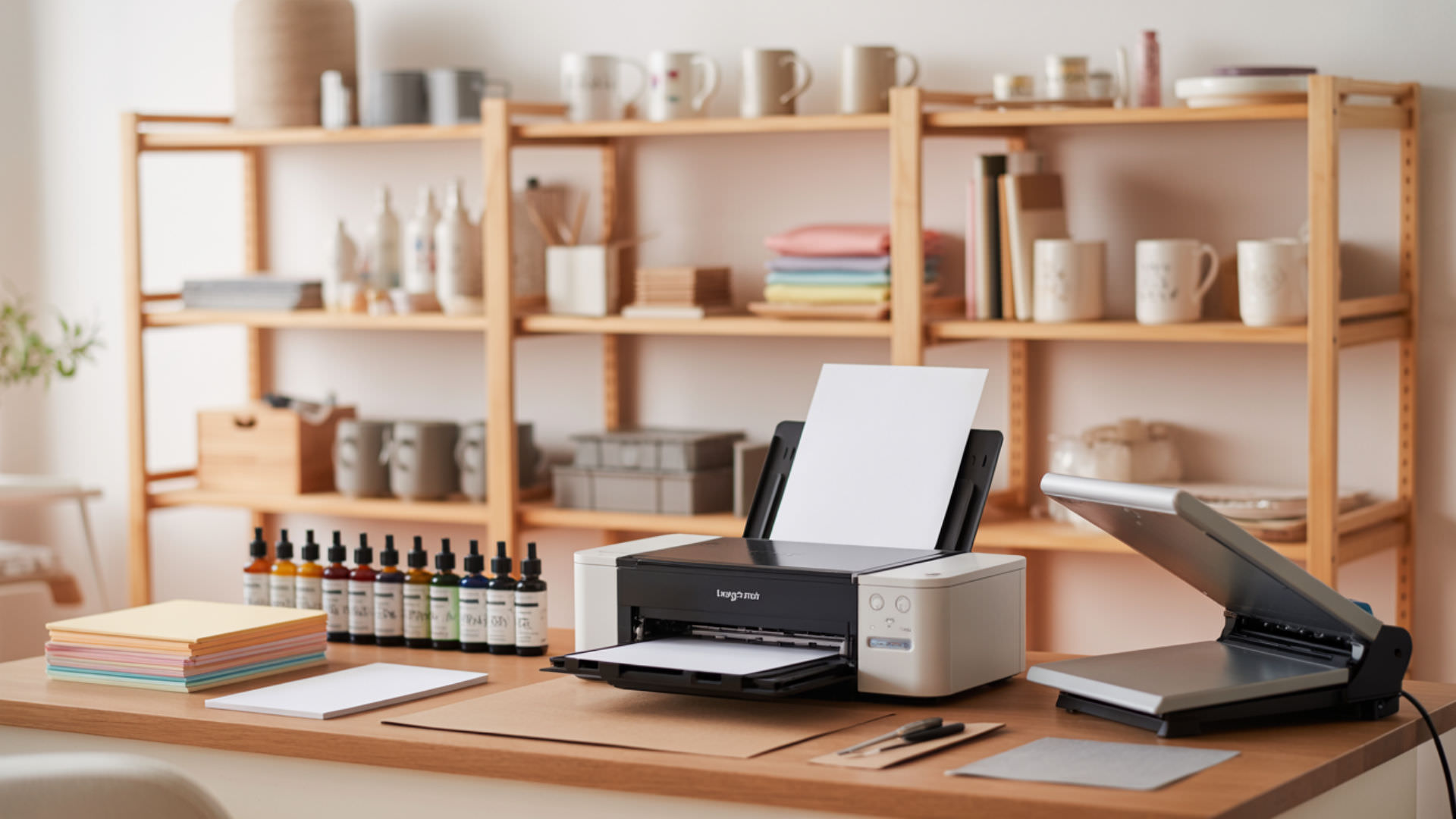
HP inkjet printers cannot be converted to sublimation because they use thermal inkjet printhead technology that superheats ink during ejection. This heat activates sublimation ink (CMYK) prematurely, causing clogs and printhead failure before ink reaches the paper. For universal conversion rules explaining why sublimation ink (CMYK) requires piezoelectric firing, see our complete printer conversion guide. HP inkjet printers cannot be converted to sublimation because they use thermal inkjet printhead technology that superheats ink during ejection. [1]
Key Takeaways
- Thermal inkjet printheads use heater resistors that superheat ink to 300°F+ during each droplet ejection cycle.
- Sublimation ink scorches on the heater resistor surface, causing rapid printhead burnout within hours of use.
- No consumer HP printer model supports sublimation conversion—only piezoelectric Epson and select Brother printers work.
Can an HP printer be converted to sublimation?
HP inkjet printers cannot be converted because they’re designed for OEM pigment and dye inks, not disperse dye sublimation formulations. HP’s manufacturer incompatibility warning specifically advises against non-approved inks in thermal systems. User risk assessment strongly favors switching to piezo-based brands. Our inkjet conversion guide explains why thermal inkjet printhead technology makes HP fundamentally incompatible.
Does HP make sublimation printers?
HP does not manufacture consumer sublimation printers. Their retail lineup focuses on OEM pigment/dye ink formulations optimized for thermal inkjet delivery—completely different chemistry from disperse dye sublimation. HP’s Stitch series (S500, S1000) offers industrial dye-sublimation for large-format textile production, but these professional machines cost $15,000+ and aren’t designed for craft or small-business use.
Do HP have a sublimation printer?
HP’s only sublimation-capable printers are the industrial Stitch series designed for commercial soft signage, sportswear, and fabric printing. Standard HP thermal inkjet printheads cannot reliably fire disperse dye inks without burning or clogging—the heat required for droplet ejection destroys sublimation ink chemistry before it reaches transfer paper.
Can I use sublimation ink in my HP Smart Tank printer?
HP Smart Tank printers still use thermal inkjet printheads despite their tank-style ink delivery system. The refillable tank design resembles Epson EcoTanks but operates on incompatible thermal technology. Sublimation ink (CMYK) formulations have specific ink viscosity requirements designed for piezoelectric firing, not rapid boiling in thermal chambers. Disperse dyes used in sublimation are sensitive to thermal conditions, and excessive localized heat can cause chemical breakdown before proper transfer occurs. [2]
Can the HP Smart Tank 5000 be used for sublimation?
The HP Smart Tank 5000 cannot be used for sublimation. Its thermal inkjet printhead superheats ink past the ink boiling point during each firing cycle. Sublimation formulations break down or foam under these conditions—the disperse dyes activate prematurely inside the printhead rather than on the transfer paper during heat pressing.
Can the HP Smart Tank 6001 be used for sublimation?
The HP Smart Tank 6001 shares the same thermal inkjet architecture as other Smart Tank models, making it incompatible with sublimation. The heater resistor scorches sublimation ink on contact, increasing risk of resistor damage and cartridge failure. Users report complete printhead burnout within days of attempting sublimation with these printers.
Can I use sublimation ink in an HP printer?
Sublimation ink (CMYK) cannot be used in HP printers because the ink viscosity and boiling behavior don’t match HP’s thermal operating range. The heater resistor superheats ink to create vapor bubbles for droplet ejection—temperatures that destroy disperse dye chemistry instantly. Printhead burnout occurs when sublimation ink repeatedly heats in thermal chambers, typically within 10–50 prints.
Can I use sublimation paper in my HP printer?
Using sublimation transfer paper alone doesn’t solve HP incompatibility—ink still passes through thermal nozzles designed for OEM formulations. The paper accepts whatever ink the printer deposits, but HP’s standard dye or pigment ink cannot sublimate into polyester. You need both sublimation ink and a compatible piezoelectric printer for successful transfers.
Is there a sublimation printer that uses HP ink?
No sublimation printer uses HP ink. HP’s OEM pigment/dye ink formulations are water-based and cannot behave like disperse dye under heat. Disperse dyes sublimate at 350–400°F to bond with polyester fibers—HP inks lack this chemistry entirely. Sublimation requires dedicated disperse dye inks designed specifically for the sublimation transfer process.
How do you convert an HP printer step-by-step?
HP printer conversion is not recommended and will fail. Even attempted ink flushing cannot overcome the fundamental thermal head incompatibility. HP’s integrated printhead cartridge design combines ink delivery and thermal firing in one sealed unit—there’s no way to modify the heating mechanism. Any conversion attempt immediately voids warranty voiding with HP support and results in permanent printer damage.
Which HP printers work for sublimation?
No consumer HP inkjet printers work for sublimation due to universal thermal technology across their lineup. HP’s manufacturer incompatibility warning applies to all DeskJet, OfficeJet, Envy, and Smart Tank models. User risk assessment strongly recommends choosing piezoelectric Epson printers instead. For commercially vetted conversion options with proper piezo heads, see our guide on the best Epson printers to convert—a safer path than forcing HP sublimation using user risk assessment principles.
Can you use an HP printer for heat transfer?
HP printers work for heat transfer using OEM pigment/dye ink with inkjet transfer paper—this is different from sublimation. Heat transfer deposits ink onto fabric surfaces using adhesive backing applied via heat press. The ink sits atop fibers rather than bonding molecularly like sublimation. Results wash less durably than sublimation but work on cotton and dark fabrics.
What kind of printer do you have to have for sublimation?
Sublimation requires printers with piezoelectric printheads that eject disperse dye without heat exposure. Epson EcoTank, WorkForce, and Sawgrass SG500/SG1000 models use piezo technology compatible with sublimation ink (CMYK). Canon and HP thermal heads destroy sublimation ink chemistry during firing, making these brands unsuitable regardless of model or price point.
What do you need for HP sublimation conversion?
Attempting HP conversion leads to near-certain cartridge failure with no manufacturer support and immediate warranty voiding. User risk assessment analysis shows buying a $180–$250 Epson EcoTank costs less than repeatedly replacing damaged HP printers. Our Epson Workforce conversion guide demonstrates what a viable piezo-based conversion looks like—proper user risk assessment favors abandoning HP entirely.
Does the HP Smart Tank use pigment ink?
HP Smart Tank models use pigment-based black ink and dye-based color inks—both OEM pigment/dye ink formulations optimized for thermal jetting. Neither ink type contains disperse dyes capable of sublimation. The tank design reduces cartridge costs but doesn’t change the fundamental thermal printhead technology that makes HP incompatible with sublimation workflows.
Is the HP Smart Tank a laser or inkjet?
The HP Smart Tank is an inkjet printer with integrated printhead cartridge design using thermal technology—not laser. The tank-style ink delivery resembles Epson’s EcoTank system visually, but HP Smart Tanks use heat-based droplet ejection while EcoTanks use piezoelectric crystal vibration. This internal difference makes EcoTanks sublimation-compatible and Smart Tanks incompatible.
Ready to Convert Your HP Printer?
HP’s manufacturer incompatibility warning and the certainty of printhead burnout make conversion attempts inadvisable. User risk assessment clearly favors purchasing a dedicated Epson EcoTank ($180–$250) over destroying HP hardware. If you own an HP printer, keep it for document printing and invest in a separate piezoelectric printer for sublimation projects.
Frequently Asked Questions
How do you mirror an image for sublimation?
Enable “Mirror Image” or “Flip Horizontal” in driver and print settings or flip the design in editing software before printing. Mirroring ensures correct orientation after heat transfer—the printed side faces down against the substrate. HP printers include mirror options for iron-on transfers, but remember: mirroring alone doesn’t make HP compatible with sublimation ink.
How do you apply iron-on transfers with an inkjet printer?
Print your mirrored design on inkjet transfer paper using HP’s standard OEM ink. Cut away excess paper around the design. Place transfer face-down on fabric and apply firm pressure with a household iron or heat press at 300–350°F for 15–30 seconds. Peel backing while warm. This works with HP printers but produces different results than sublimation transfer paper methods.
Why won’t my converted printer print in color?
If you attempted HP sublimation conversion, thermal nozzles have likely clogged with scorched ink residue. HP’s thermal printheads cannot be cleaned effectively once sublimation ink burns onto heater resistors. The printer requires complete printhead replacement or disposal. For Epson piezo printers experiencing color issues, run cleaning cycles and verify ink levels in all channels.
How do you troubleshoot paper feed issues when printing sublimation sheets?
Sublimation transfer paper’s polymer coating can cause feed problems in any printer. Fan sheets before loading to separate static-bonded pages. Load 10–15 sheets maximum to prevent jams. Adjust paper guides snugly without pinching. If HP printers misfeed sublimation paper, the issue is secondary—thermal heads will still destroy sublimation ink regardless of successful paper feeding.
What kind of printer is suitable for sublimation printing?
Sublimation requires piezoelectric inkjet printers—Epson EcoTank (ET-2800, ET-15000), Epson WorkForce, and Sawgrass SG500/SG1000 are proven options. These printers eject disperse dye ink using crystal vibration without heat exposure. Avoid all HP, Canon, and Lexmark models that use thermal printheads. Budget $180–$700 depending on print size requirements (8.5×14 to 13×19 inches).
References
- Principles of heating and cooling. (n.d.). Energy.gov. https://www.energy.gov/energysaver/principles-heating-and-cooling
- Department of chemistry research. (n.d.). College of Science and Engineering. https://cse.umn.edu/chem/department-chemistry-research












