
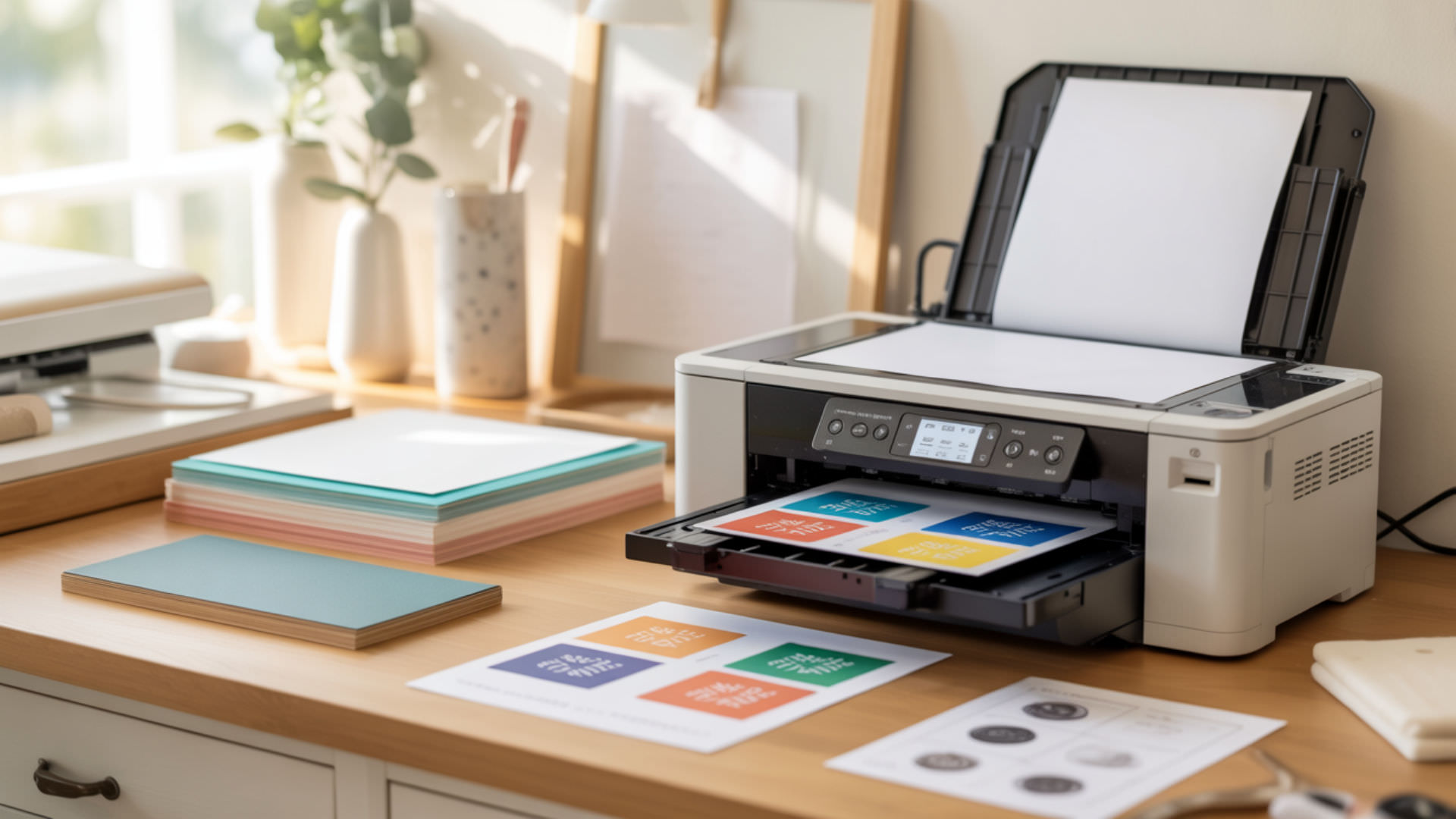
Sawgrass sublimation paper requires specific loading orientation and printer configuration to achieve accurate dye placement and vibrant transfers. The print side features a specialized coating designed to hold Sawgrass inks until heat pressing releases disperse dyes into polyester substrates. Loading paper incorrectly or using wrong settings causes failed transfers, wasted materials, and frustrating troubleshooting. Coating structure, porosity, and moisture behavior foundational to Sawgrass paper use appear in our complete sublimation paper guide. Stable relative humidity helps prevent paper from absorbing moisture and warping, which reduces curling and feed-related printing issues.[1]
Key Takeaways
- Print quality depends on loading paper with the coated side facing correctly for your specific Sawgrass printer model’s feed path.
- Color vibrancy requires selecting the correct Sawgrass paper preset in Print Manager to match ink density with coating absorption capacity.
- Moisture control prevents curling and ghosting—store paper sealed and allow prints to dry completely before pressing.
How do you load sublimation paper correctly in a printer?
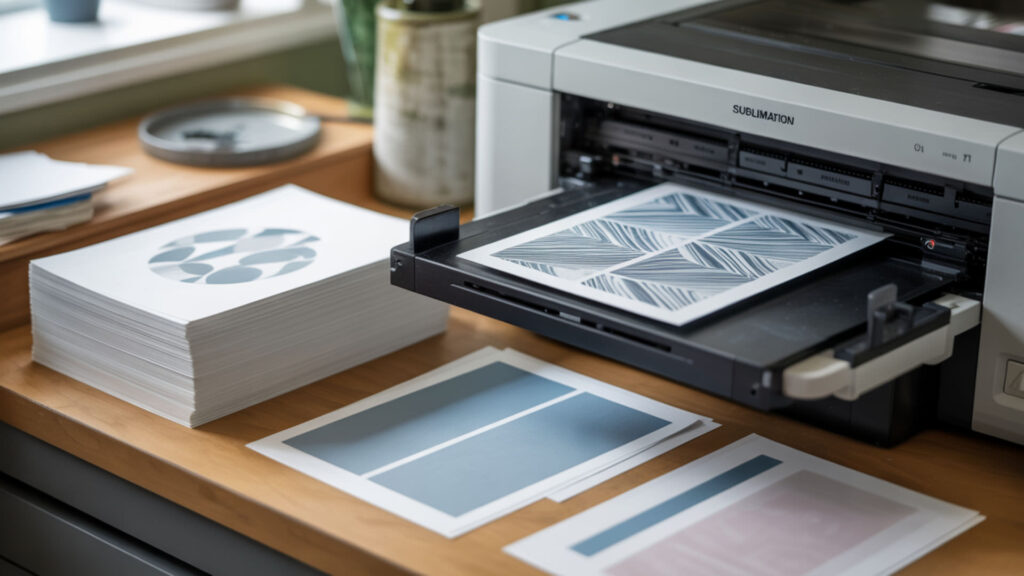
Load Sawgrass paper with the print side (coated side) facing up for rear-feed models or facing down for front-feed configurations. The coated side appears brighter white and feels slightly smoother than the uncoated back. Many Sawgrass papers include a cut corner positioned at bottom-right in portrait orientation to confirm correct loading. Moisture content causes curling that leads to head strikes and poor ink placement. Correct paper choice improves feed reliability and print side accuracy—see our best paper buying guide.
Why won’t sublimation transfers print successfully?
Failed Sawgrass transfers typically result from printing on the wrong side, using incompatible paper, or incorrect software settings. The coated side’s low porosity holds ink on the surface for clean transfer; printing on the uncoated side allows hydrophilicity to pull ink into paper fibers where it cannot release during pressing. Verify print-side orientation, confirm Sawgrass Print Manager is selected as the output destination, and ensure mirror image is enabled before printing.
What are the main printing failures caused by paper or ink issues?
Moisture content causes blotches, reduced density, and dull colors by interfering with ink absorption into the coating layer. Curled paper from humidity exposure creates misalignment and ghosting when sheets shift during feeding or pressing. Curl resistance degrades when paper absorbs ambient moisture—sheets become limp and unpredictable. Expired or settled ink produces inconsistent color output. Store paper sealed with desiccant and shake ink cartridges gently before extended print sessions.
What paper and printer settings influence sublimation results?
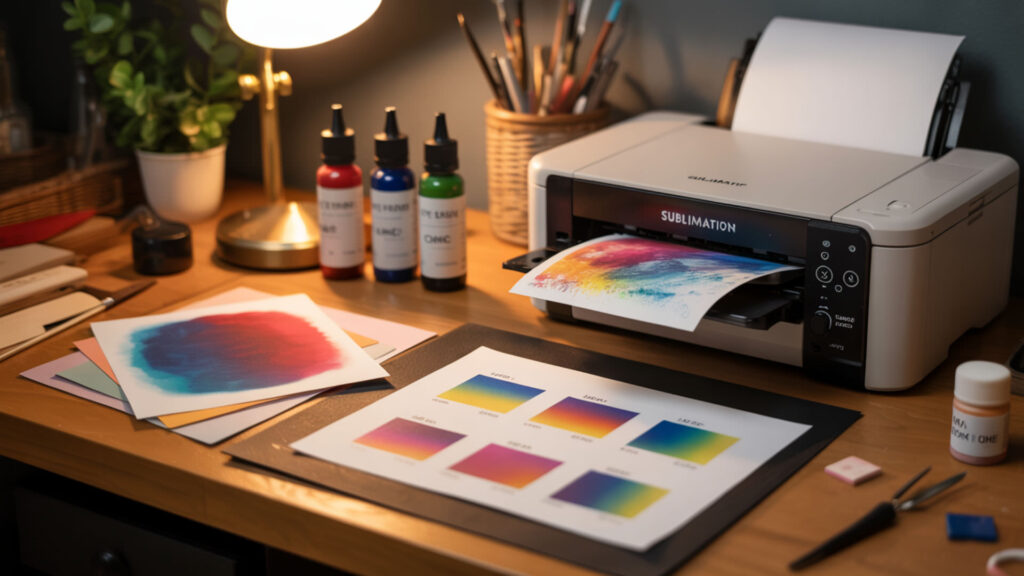
Sawgrass Print Manager controls ICC profile selection, paper type setting, and color management to optimize output for specific Sawgrass paper products. Select the exact paper type matching your loaded sheets—TruePix, ChromaBlast, or third-party compatible options each require different ink density curves. Print Manager’s substrate presets automatically configure temperature and time recommendations for pressing. Both loading and settings rely on correct paper type setting configuration—see our paper loading guide.
Can sublimation designs include white ink when printed?
Sawgrass inks and all standard sublimation systems lack white ink capability because disperse dyes are transparent by nature. White areas in designs remain unprinted, allowing the substrate color to show through. Sublimation requires white or light-colored polyester substrates to display design colors accurately. Dark substrates absorb light and muddy colors. Workarounds include sublimating onto white HTV first, then pressing the vinyl onto dark or cotton fabrics.
How do you identify the printable side of transfer paper (sublimation vs heat-transfer)?
Sawgrass sublimation paper’s print side exhibits coating texture—slight tack and uniform smoothness compared to the fibrous, matte back. The coated side appears brighter white and reflects light more evenly. Heat transfer paper differs: it typically shows color tinting or glossy finish on the printable surface with grid markings on the backing. Cut corners on sublimation paper indicate orientation; heat transfer paper often includes printed instructions on the non-print side.
What temperatures and timing influence sublimation transfers?

Standard Sawgrass sublimation requires 385–400°F (196–204°C) temperature for 45–60 seconds on polyester fabrics with medium-to-firm pressure (35–40 PSI). Ceramic mugs need 360–400°F for 180–240 seconds using mug press wraps. Temperature controls vapor pressure that activates dye sublimation; insufficient heat produces faded, incomplete transfers. Excessive temperature scorches fabric and distorts colors. Always verify settings in Sawgrass Print Manager’s substrate database before pressing.
Does sublimation occur at a fixed temperature during transfer?
Sublimation activation varies based on vapor pressure rather than a single fixed temperature threshold. Disperse dyes transition from solid to gas phase across a temperature range, with diffusion rate increasing as heat rises. Practical sublimation begins around 350°F but optimal transfer occurs at 385–400°F where vapor pressure drives efficient dye penetration into polyester molecular structure. Higher temperatures accelerate diffusion but risk substrate damage. As temperature rises above a polymer’s glass transition region, polymer chain mobility increases, which supports faster diffusion of small molecules like dyes into the material. [2]
How do you compare sublimation paper vs heat transfer paper step-by-step?
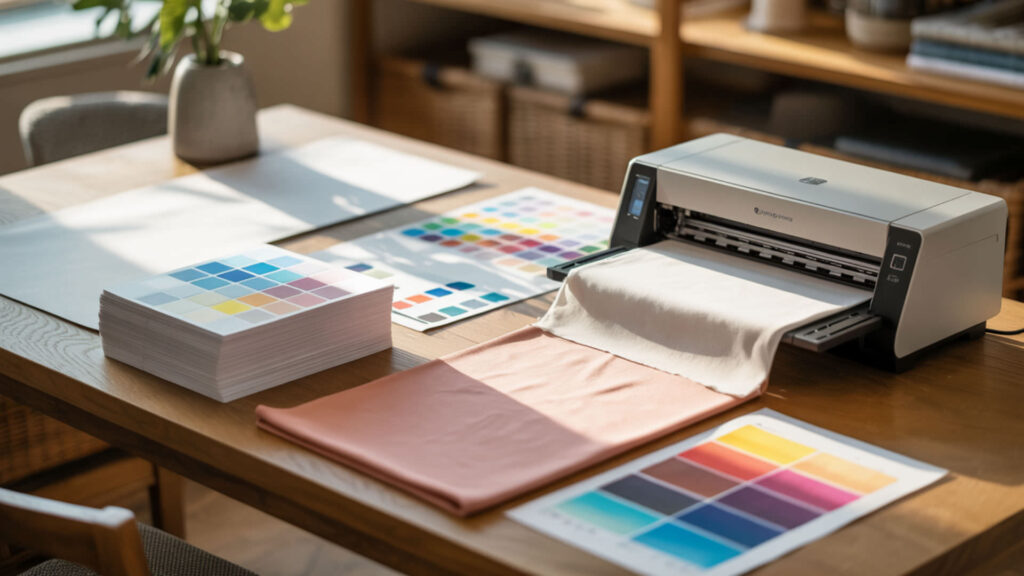
Sawgrass sublimation paper uses gas-phase dye transfer: heat converts solid ink to vapor that penetrates polyester fibers and solidifies within the material. Heat transfer paper deposits an adhesive film containing pigments onto fabric surfaces, creating a tactile layer that sits on top of fibers. Sublimation produces permanent, breathable results lasting 100+ washes; heat transfer creates 30–50 wash durability with potential cracking. Both paper types and their distinct mechanisms appear in our sublimation paper comparison guide.
What conditions affect sublimation paper during printing or pressing?

Humidity softens Sawgrass paper sheets, reducing curl resistance and increasing porosity that diminishes dye density during transfer. Moisture content above acceptable levels causes ink bleeding, blotchy coverage, and weakened color saturation. Store paper in original sealed packaging with desiccant packets in climate-controlled environments (40–50% relative humidity). Allow printed transfers to dry completely—residual moisture creates steam during pressing that causes ghosting and fuzzy edges.
Can paper or ink conditions impact color and print consistency?
Print quality depends heavily on paper dryness, correct Sawgrass preset selection, and proper coated print side orientation. Degraded paper from humidity exposure produces faded, inconsistent color vibrancy even with correct settings. Settled or expired ink causes color shifts and reduced saturation. Run nozzle checks before production runs to verify all channels flow properly. Shake ink cartridges gently if printer has been idle to redistribute pigment that may have settled.
Ready to load sublimation paper like a pro?
Mastering Sawgrass sublimation paper requires attention to three fundamentals: correct print side orientation, proper Print Manager settings, and moisture control throughout your workflow. The print side determines whether transfers succeed or fail—always verify coated surface faces the printhead. Select matching paper presets, allow adequate drying time, and store supplies properly. These habits eliminate common failures and produce consistently vibrant, professional results.
Frequently Asked Questions
Can sublimation transfers lose strength when stored too long?
Transfer strength degrades primarily from moisture absorption rather than time alone. Properly sealed Sawgrass prints in climate-controlled storage maintain full transfer capability for months. Humidity exposure weakens the coating’s dye-holding capacity, reducing ink release during pressing and producing faded results. Signs of weakened transfers include reduced vibrancy, incomplete coverage, and visible paper texture showing through pressed designs. Sealed storage with desiccant prevents degradation.
What are signs of paper-caused sublimation print failure?
Paper-related failures show distinct symptoms: curled sheets cause head strikes and misaligned prints; moisture-damaged paper produces blotchy, faded transfers with bleeding edges; wrong-side printing yields extremely faded results where ink absorbed into fibers instead of releasing. Visible paper texture showing through pressed designs indicates coating degradation. Consistent failures across multiple prints while ink and settings remain correct points toward paper storage or quality issues.
How long can sublimation ink sit unused before drying risks increase?
Sawgrass ink in installed cartridges begins drying within two weeks of printer inactivity as residual ink in nozzles evaporates. Weekly printing prevents accumulation that eventually clogs heads permanently. Sealed, unopened cartridges remain viable approximately 18–24 months in proper storage. Tank-system Sawgrass printers tolerate slightly longer inactivity than cartridge models. Extended storage requires maintenance printing before shutdown and cleaning cycles upon return to service.
Does humidity impact sublimation transfer sheets over time?
Humidity represents the primary threat to stored Sawgrass paper and printed transfers. Paper fibers absorb airborne moisture, causing dimensional changes that increase porosity and reduce coating effectiveness. High humidity produces limp sheets with degraded dye-holding capacity that yield faded, inconsistent transfers. Maintain 40–50% relative humidity using sealed containers and desiccant packets. Climate-controlled indoor storage outperforms garages, basements, and areas with fluctuating conditions.
Can a printer flushed after drying issues still support sublimation printing later?
Sawgrass printers recovered from drying-related clogs can return to sublimation service if cleaning successfully restores all nozzle function. Run multiple nozzle checks after cleaning to verify complete color channels; missing lines indicate remaining blockages requiring additional cleaning or professional service. Severe clogs may damage print heads permanently, requiring replacement. Prevention through weekly printing costs far less than head replacement—even a simple test print maintains ink flow.
References
- Environmental control. (2018, December 10). | Texas State Library. https://www.tsl.texas.gov/arc/preserve/environment.html?utm_
- (n.d.). NIST Center for Neutron Research | NIST. https://www.ncnr.nist.gov/summerschool/ss10/pdf/Handout_NG7Refl.pdf?utm_












