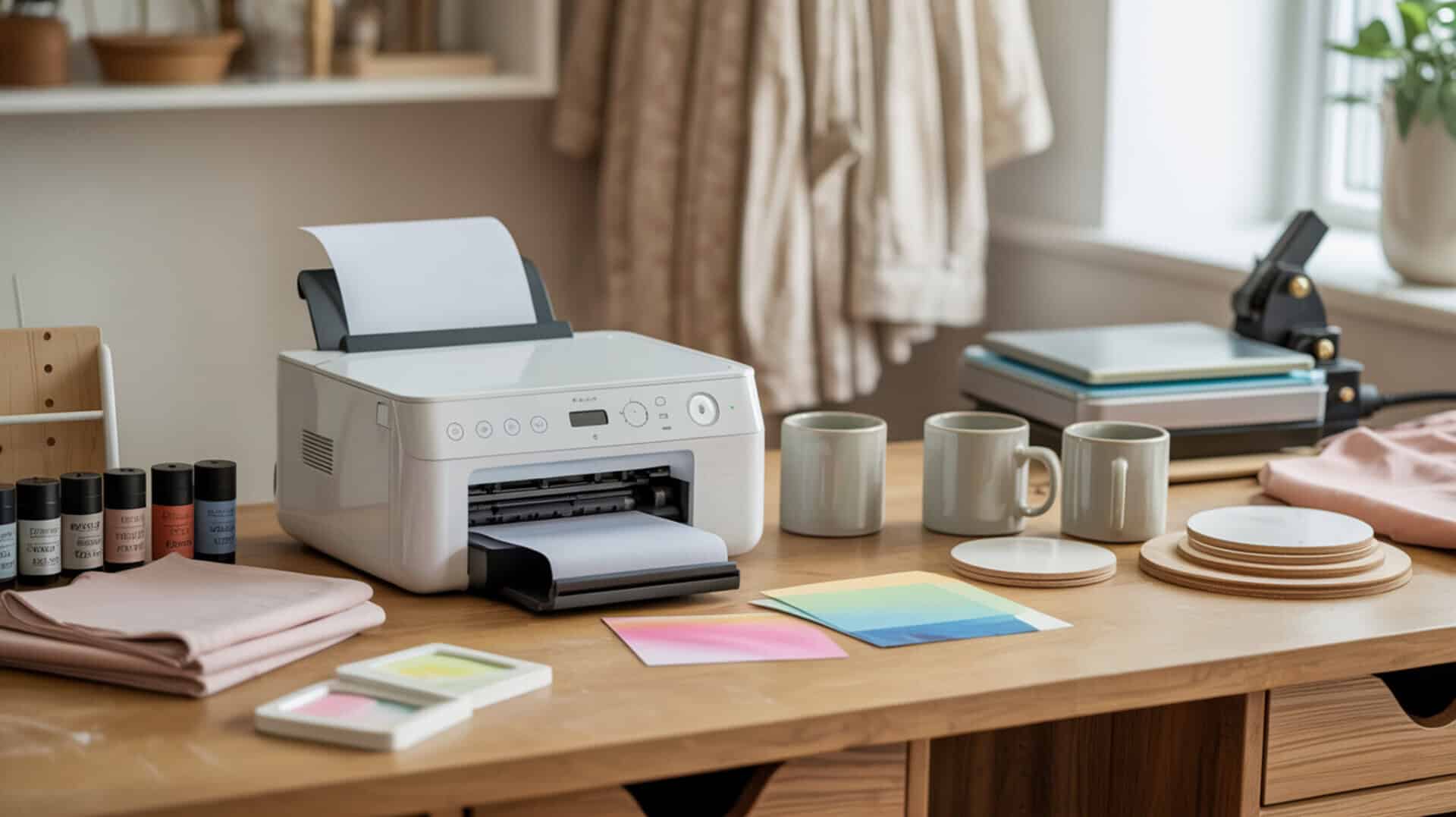
Comparing the Sawgrass SG1000 and Epson SureColor F570 requires understanding how maximum print size determines whether a sublimation printer fits desktop or production workflows. Both are dedicated sublimation printers, but the SG1000 is optimized for desktop sublimation with smaller products while the F570 supports roll media and wide-format production workflows up to 24 inches. Business use case determines which printer class is appropriate—hobby and small-item shops need different systems than wide-format studios producing banners, apparel panels, and garden flags. Since printer class and output scale map to different sublimation use cases, you may also want to read our hub article on best sublimation printers. For broader context on printing as an industry (including how work and output scale across different production setups), see the BLS overview of printing and related support activities. [1]
Key Takeaways
• The Sawgrass SG1000 prints up to A3/Tabloid size (approximately 11 × 17 or 11 × 19) and is optimized for desktop sublimation with small products, ease of use, and self-maintenance features.
• The Epson SureColor F570 prints up to 24 inches wide on roll media with automatic cutter, supporting large-format production workflows for banners, full-size apparel, and continuous printing.
• Both printers cost over $2,000, but running costs differ significantly: Sawgrass ink is repeatedly described as costly/expensive, while Epson ink is described as lasting a long time and being “very affordable.”
Is the Sawgrass SG1000 a Good Choice for Professional Sublimation Printing?
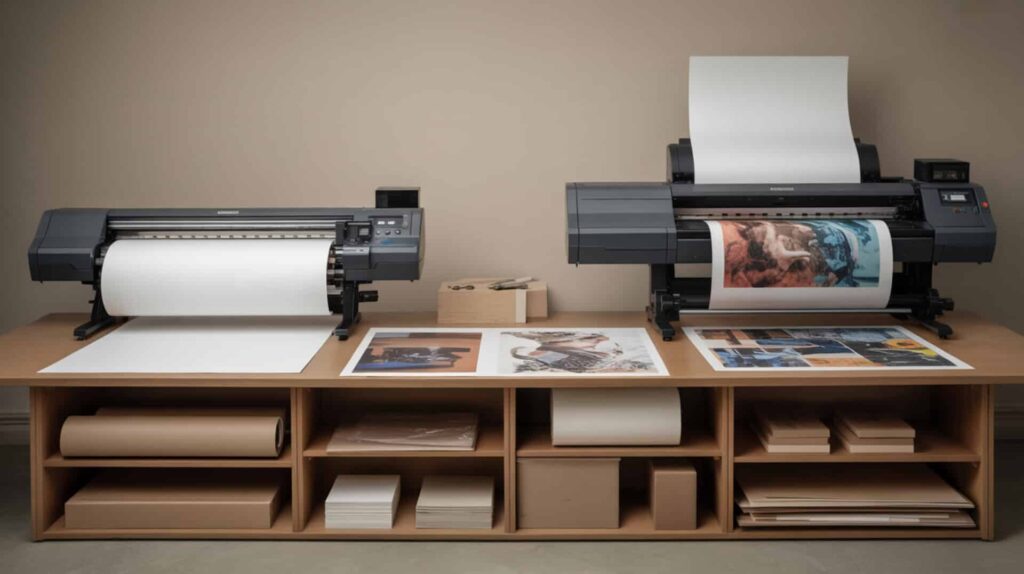
The Sawgrass SG1000 is a dedicated desktop sublimation printer using a cartridge ink system with SubliJet UHD ink, designed for users who want plug-and-play convenience with strong color management for small-to-medium products. According to several months of real-world use (January to June 2025), the reviewer has been “pumping out product” and says sublimation results have turned out “very well” with colors coming out “as seen on screen” and “to perfection” for custom designs. The cartridge ink system offers convenience but with higher running cost than bulk ink systems—a tradeoff for desktop users prioritizing ease of use over high-volume economics. Since readers evaluating SG1000 vs F570 may want a deeper single-product breakdown, you may also want to read our detailed best sublimation printer for small business.
What kind of sublimation print quality and performance can you expect from the Sawgrass SG1000?
Based on several months of real-world use, the SG1000 produces color output that users describe as matching the screen “to perfection” for custom designs—the reviewer says colors come out as seen on screen and they “absolutely love” how sublimation is turning out. SubliJet HD ink is optimized for saturated desktop sublimation prints with color vibrancy through the Sawgrass Utility software. Print resolution quality is maintained through blank presets that update saturation settings automatically. One issue noted: early on, if the printer wasn’t used for about a week and then printed, lines sometimes appeared across the paper—running a nozzle check fixes this. Initial ink initialization takes approximately 7 minutes and pulls ink into the lines, with starter cartridges showing lower ink levels afterward.
What are the pros and cons of using the Sawgrass SG1000 for sublimation?
The SG1000’s low maintenance level makes it beginner-friendly with self-cleaning/self-maintenance that keeps the printer ready even if not used for 2–3 weeks—a major advantage for desktop users. Main advantages include strong color management with saturation that reviewers “always revert to Sawgrass” for, presets by substrate/blank type (coaster, neoprene, acrylic, etc.) with vivid/photo modes, plug-and-play setup with straightforward cartridge installation, Wi-Fi capability with USB fallback, and Sawgrass Utility/Print Manager/My Sawgrass software ecosystem. Main drawbacks include running cost from cartridge ink (if any cartridge is empty you cannot print—keep spares on hand), starter cartridges being low-volume (20cc vs 30cc regular), waste tank that must be replaced when full (cannot empty/reuse), software install friction on Mac, Wi-Fi not reliable initially for some users (USB recommended first), setup not as effortless as some claim, and high upfront investment (bundle over $2,000 after upgrades like warranty and larger cartridges).
How does the Sawgrass SG1000 compare to other sublimation printers in its class?
In comparisons described in reviewed source material, the SG1000’s sheet-fed limitation constrains maximum print size compared to roll-fed printers like the F570, reducing scalability for users needing true wide-format output. The SG1000 can handle A3/Tabloid size (approximately 11 × 17 or 11 × 19) while the F570 prints up to 24 inches wide continuously on roll paper. One reviewer contrasts the SG1000 with converted inkjet printers, noting that with Sawgrass they don’t have to manage ink lines the way other printers require. Compared to other sublimation printers generally, bigger YouTubers with multiple printers tend to “revert to Sawgrass” specifically for color management and saturation. Cartridge sizes include standard 31ml and extended 70ml options. You can find the Sawgrass SG1000 here.[3][4]
How Well Does the Epson SureColor F570 Perform for Wide Format Sublimation?
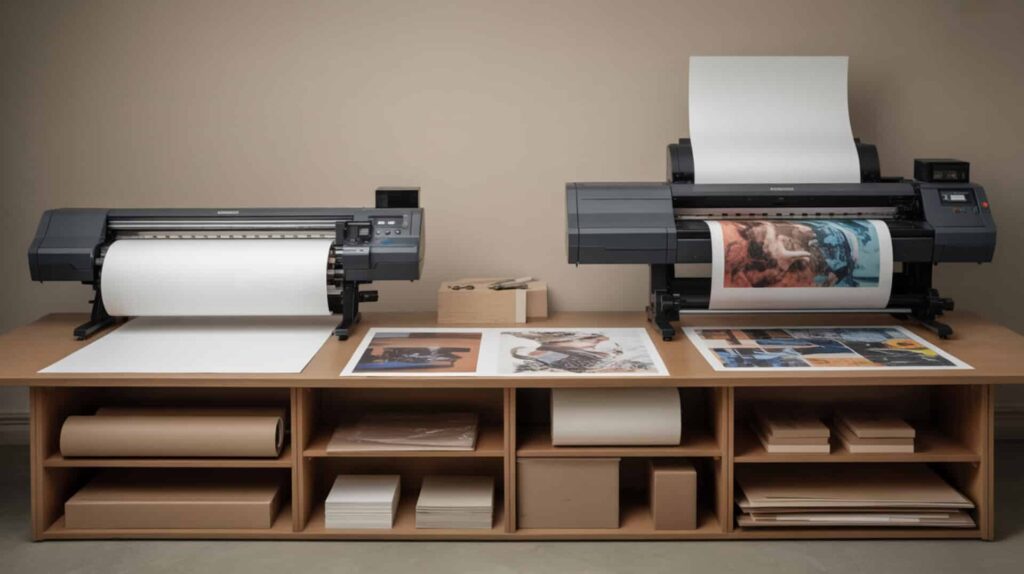
The Epson SureColor F570 is a professional-grade 24-inch wide-format dedicated sublimation printer using roll-fed media with PrecisionCore printhead technology for industrial reliability and continuous production capability. According to demonstrated printing and pressing tests, the F570 produces prints described as “amazing” and very vibrant even before pressing, with tumbler transfers that “took my breath away” and garden flag colors that “pop off the screen.” Roll-fed media enables continuous production capability without the sheet-by-sheet limitations of desktop printers. Since readers may want deeper evaluation of F570’s professional-grade workflow, you may also want to read our detailed Epson SureColor F570 review.
What sublimation print results can you achieve with the Epson SureColor F570?
Based on demonstrated printing and pressing tests, the F570’s dye-sublimation inks produce vibrant color consistency across large surfaces with no reported banding, lines, or roller marks. Tumbler results from 11 × 17 prints were described as “beautiful and vibrant” with transfers that “took my breath away.” Garden flag pressing at approximately 60 seconds at 400°F showed colors that “pop off the screen” and are “even brighter in person.” Sock printing using metal sock jigs produced results described as “amazing.” Hat/poly-thread testing at 49 seconds with top heat 385°F and bottom 320°F showed successful results. Wide media handling enables consistent output across large surfaces up to 24 inches wide on roll paper, with automatic cutter for seamless production workflow.
What are the pros and cons of the Epson SureColor F570 for sublimation printing?
The F570’s bulk ink system delivers lower cost per print than cartridge systems, with ink described as lasting a long time and being “very affordable” compared to alternatives—though maintenance routines require higher operational responsibility than self-maintaining printers. Main advantages include 24-inch wide-format capability for banners, full-size apparel, and large projects without taping sheets, vibrant color output, roll paper with automatic cutter, sheet feeding up to 11 × 17 without unloading roll (13 × 19 requires unloading), Edge Print Pro software for nesting and batch printing, easy touchscreen navigation, and Wi-Fi compatibility. Main drawbacks include high price point (approximately $2,200), sizable physical footprint (arrives on pallet, needs help to unbox, requires dedicated space/stand), more professional/advanced than some users need, initial ink charging taking approximately 50–75 minutes and consuming most of first ink set (Epson includes two sets), and careful ink filling required to avoid overfilling above approximately 75%.
How does the Epson SureColor F570 compare to other professional sublimation printers?
In comparisons described in reviewed source material, the F570’s production throughput enables better business scalability for growing businesses needing true wide-format capability. Brother SP sublimation printer was eliminated due to 8.5-inch maximum width. Sawgrass SG1000 was eliminated by one reviewer due to repeated mentions that ink is costly/expensive. Epson SureColor F170 is described as dedicated sublimation at approximately $399 with 8.5-inch maximum width (users tape pages for bigger projects). Epson EcoTank ET-15000 (converted) offers 13 × 19 capability at approximately $500—one reviewer chose ET-15000 as best balance (wide enough, cheaper, smaller footprint) over F570 because they didn’t need 24-inch width. The F570 is positioned for users who need true 24-inch scale for professional production. You can find the Epson SureColor F570 here.[4][5][6]
Sawgrass SG1000 or Epson F570 – Which Sublimation Printer Is Right for You?
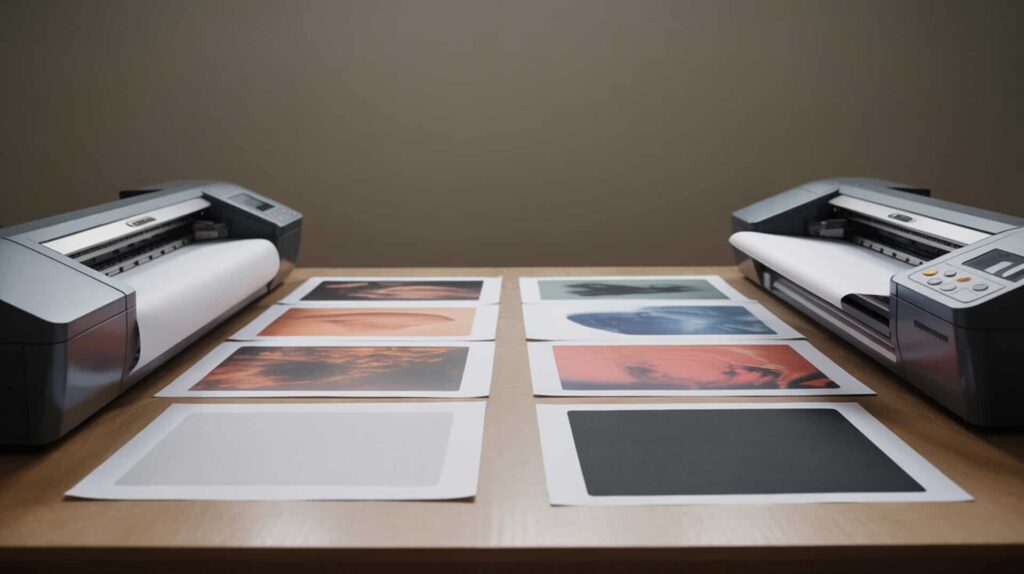
Business use case, maximum print size requirements, and running cost tolerance determine which printer fits your workflow. Product type drives printer selection: if you primarily produce small-to-medium items like mugs, coasters, mousepads, tumblers, and similar blanks, the Sawgrass SG1000’s desktop format with self-maintenance and strong color management serves those needs efficiently. If you produce large-format items like banners, garden flags, full-size apparel panels, or need continuous roll printing for high-volume production, the Epson F570’s 24-inch capability and affordable bulk ink make it the better fit. Output volume affects cost efficiency—the SG1000’s cartridge system has higher per-print cost but lower operational complexity, while the F570’s bulk ink reduces running costs for high-volume users who can manage maintenance routines. Overall, I recommend the Epson SureColor F570 for users with genuine wide-format production needs because it delivers 24-inch capability with significantly lower running costs than Sawgrass cartridge ink, making it more economical for growing sublimation businesses.Printing businesses are classified under NAICS 323 (Printing and Related Support Activities), which helps frame how desktop and production workflows sit within the same broader printing sector. [2]
Frequently Asked Questions
Which Sawgrass printer is best for sublimation printing projects?
The best Sawgrass printer depends on your print size needs. The SG1000 handles A3/Tabloid size (approximately 11 × 17 or 11 × 19) for larger desktop projects, while the SG500 supports A4/Legal size for smaller items. Both have the same components and operate identically—the main difference is paper size capability. For users producing tumblers, larger blanks, or apparel panels, the SG1000’s larger format provides more flexibility without taping sheets together.
What is the difference between the Sawgrass SG1000 and SG500?
The Sawgrass SG500 and SG1000 have the same components and operate the same way—the main difference is maximum paper size supported. The SG1000’s main tray handles up to A3/Tabloid size paper, while the SG500 supports up to A4/Legal size. Both use CMYK SubliJet UHD cartridges, have self-maintenance features, and work with the Sawgrass Print Manager and Creative Studio software ecosystem. Choose based on your typical print size requirements.
How long does Sawgrass ink last before it expires or needs replacing?
Sawgrass ink lasts approximately two years from manufacture date, but once loaded into the printer, it should be used within six months to prevent clogs and color issues. SubliJet UHD Extended ink has a shorter one-year shelf life. Using ink past expiration can cause clogged nozzles and poor color quality. Regular printing along with the printer’s auto self-cleaning feature is crucial for preventing clogs—if not used for about a week, lines may appear requiring nozzle checks.
What are the downsides of using an Epson EcoTank for sublimation?
Main EcoTank downsides include slow printing speeds, print head clogging if not used regularly (especially in dry environments), difficult unclogging compared to cartridge printers, and regular maintenance requirements like printing at least weekly. The “2 years of ink” promotion assumes 5% page coverage—bold colors and photos use ink much faster. Maintenance box replacement is required periodically, initial ink charging takes 20–25 minutes, and conversion for sublimation voids warranty.
What are the main disadvantages of sublimation printers in general?
Sublimation printing has inherent limitations: it can only print on polyester fabric, polyester blends (at least two-thirds polyester), or poly-coated materials. It’s not suited for dark fabrics because sublimation dyes are semi-transparent and require light substrates. Other drawbacks include UV sensitivity causing fading with sun exposure, susceptibility to white creasing on fabric, inability to print white ink, and requirement for heat press equipment to complete transfers.
References
- U.S. Bureau of Labor Statistics. (n.d.). Printing and Related Support Activities: NAICS 323. Office of Publications and Special Studies Suitland Federal Center. https://www.bls.gov/iag/tgs/iag323.htm
- Cloudflare. (n.d.). Census.gov | U.S. Census Bureau. https://www.census.gov/naics/?input=323&year=2022&utm_source=&details=323