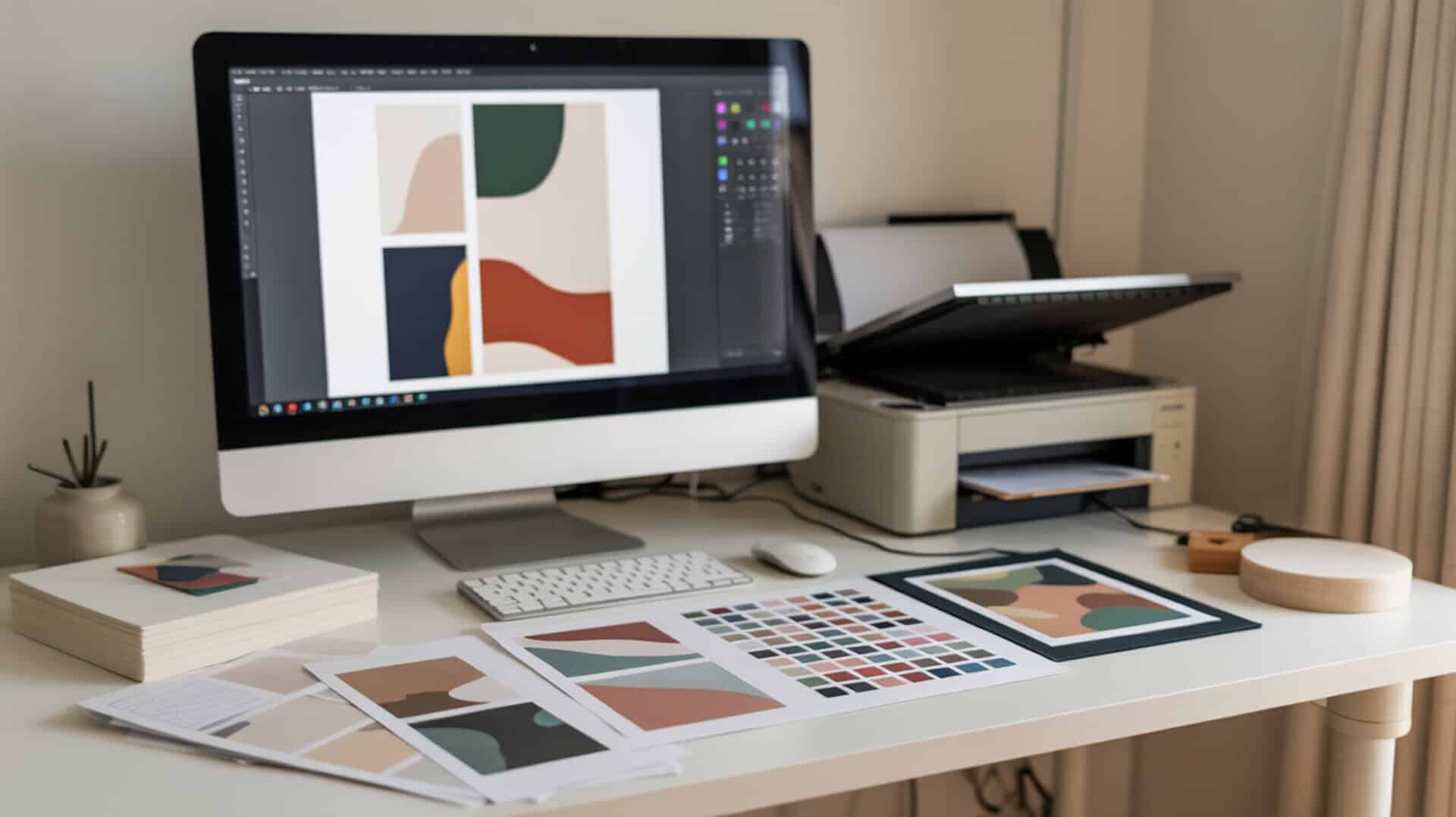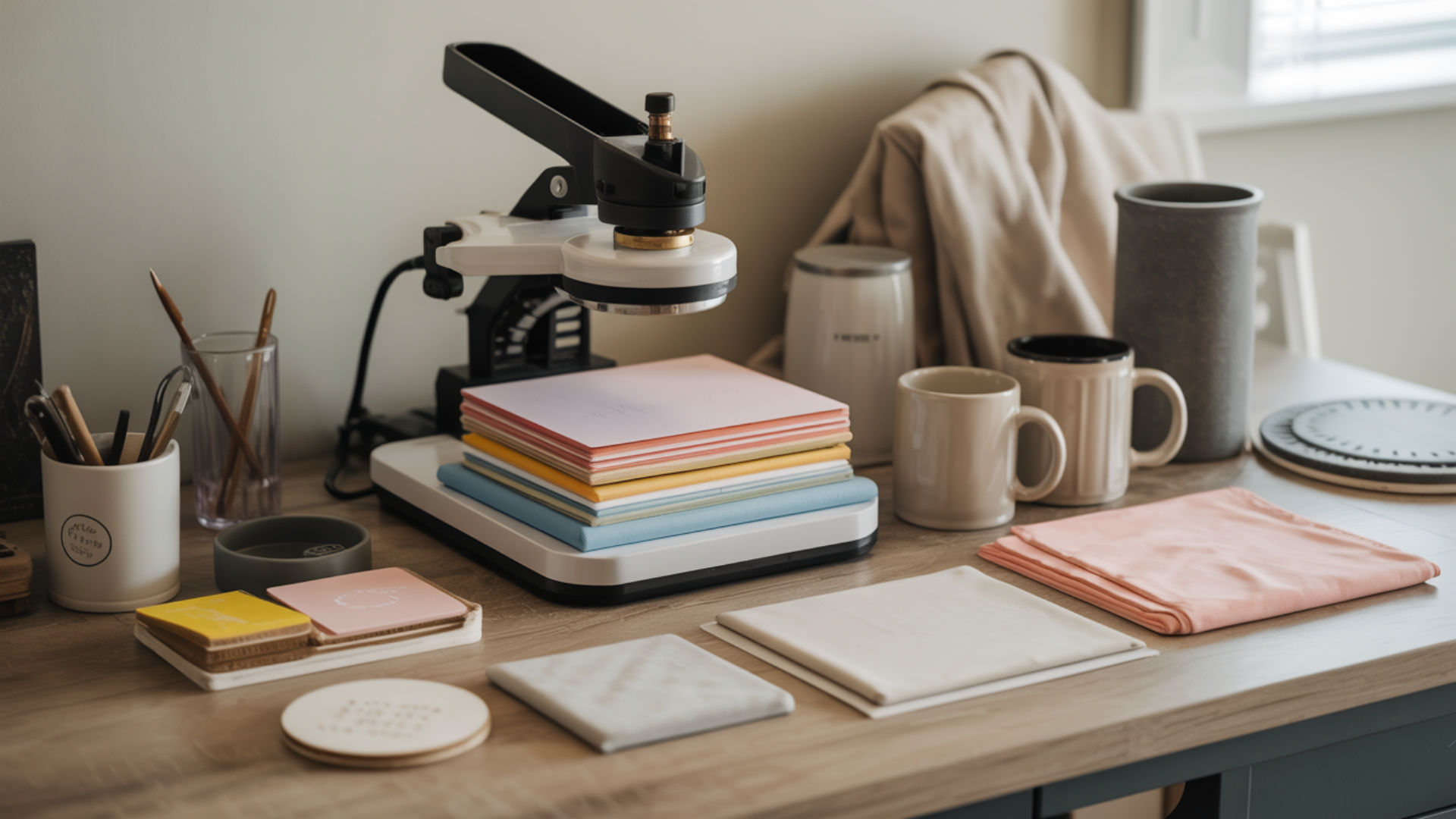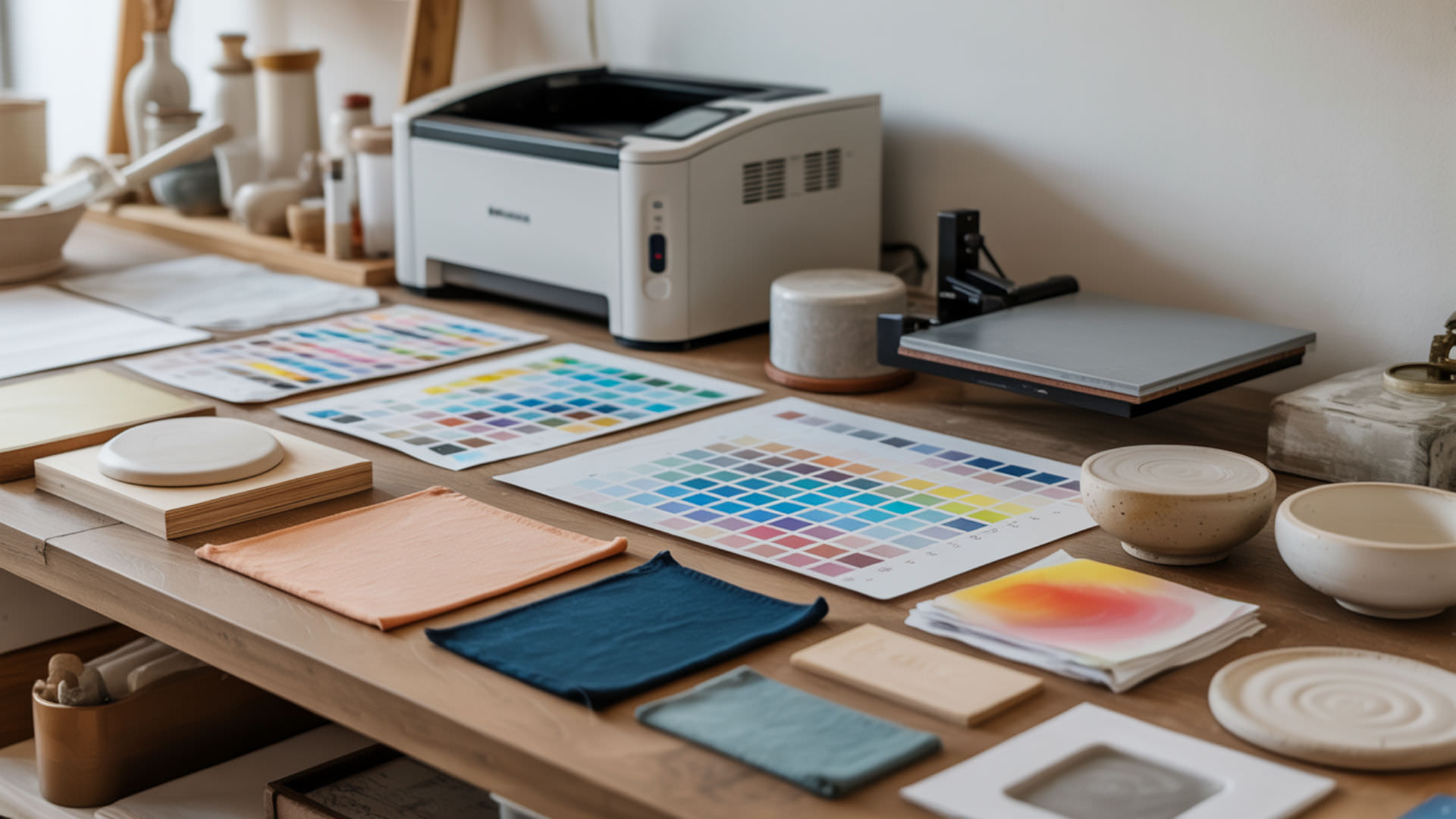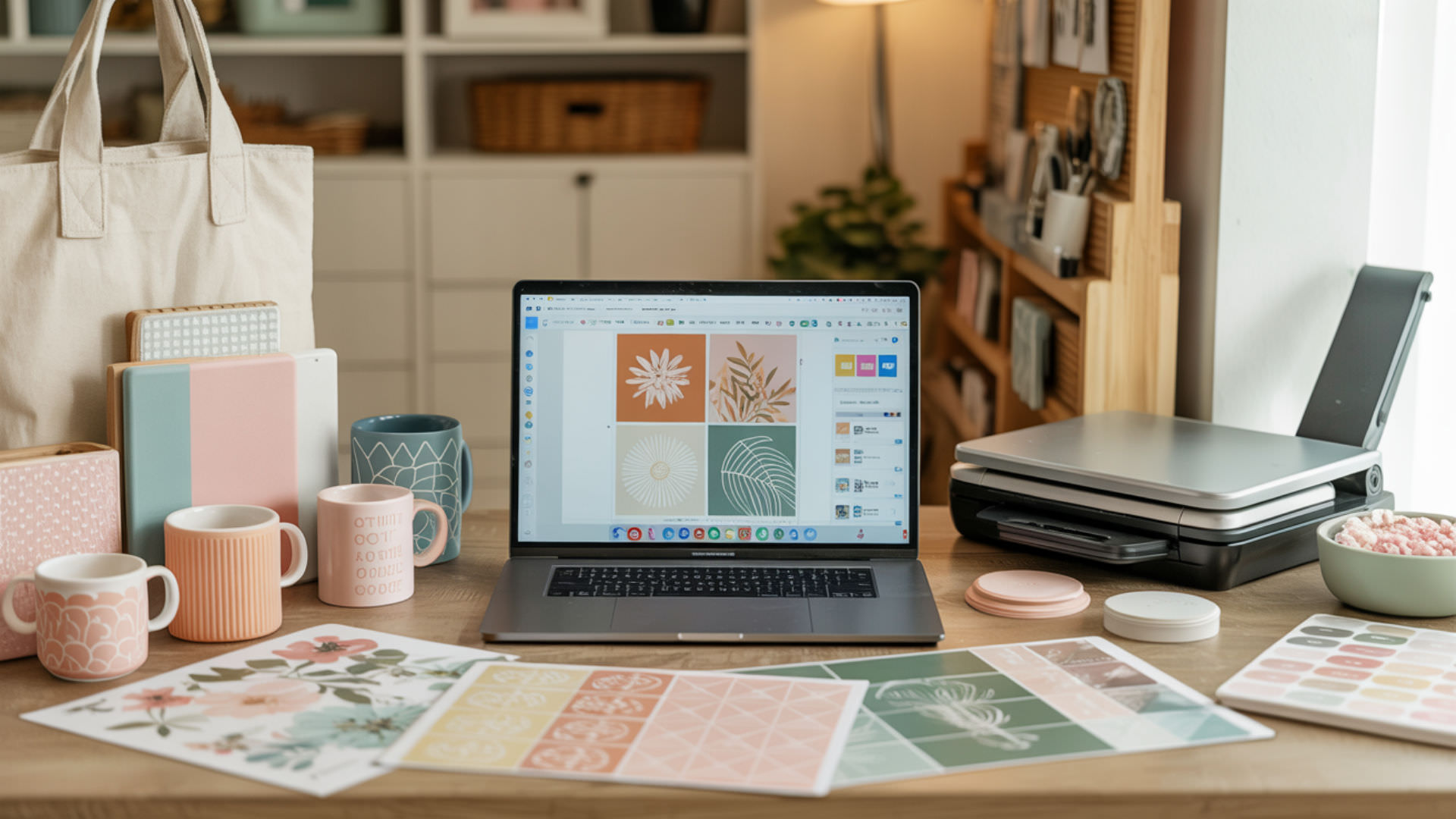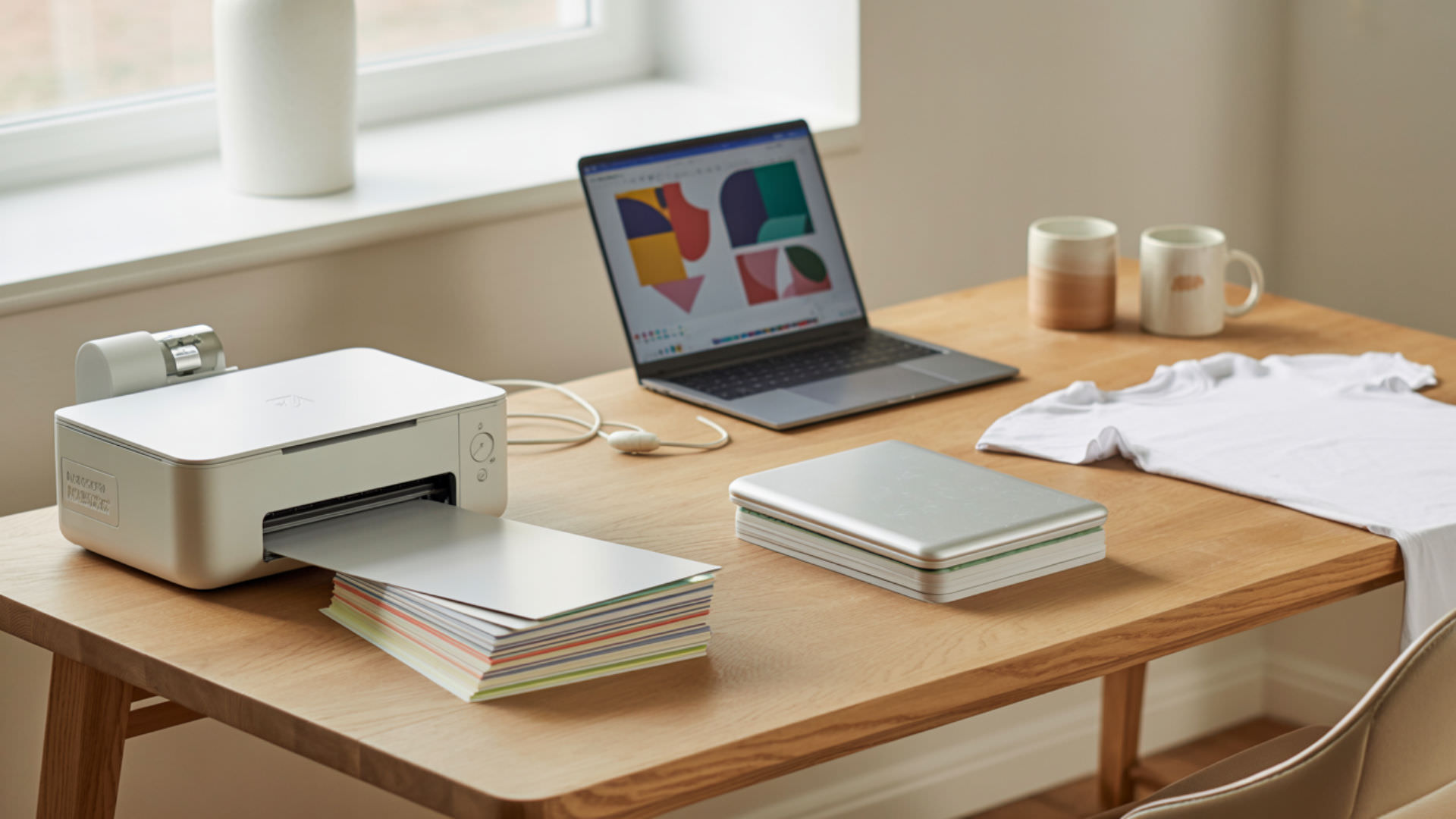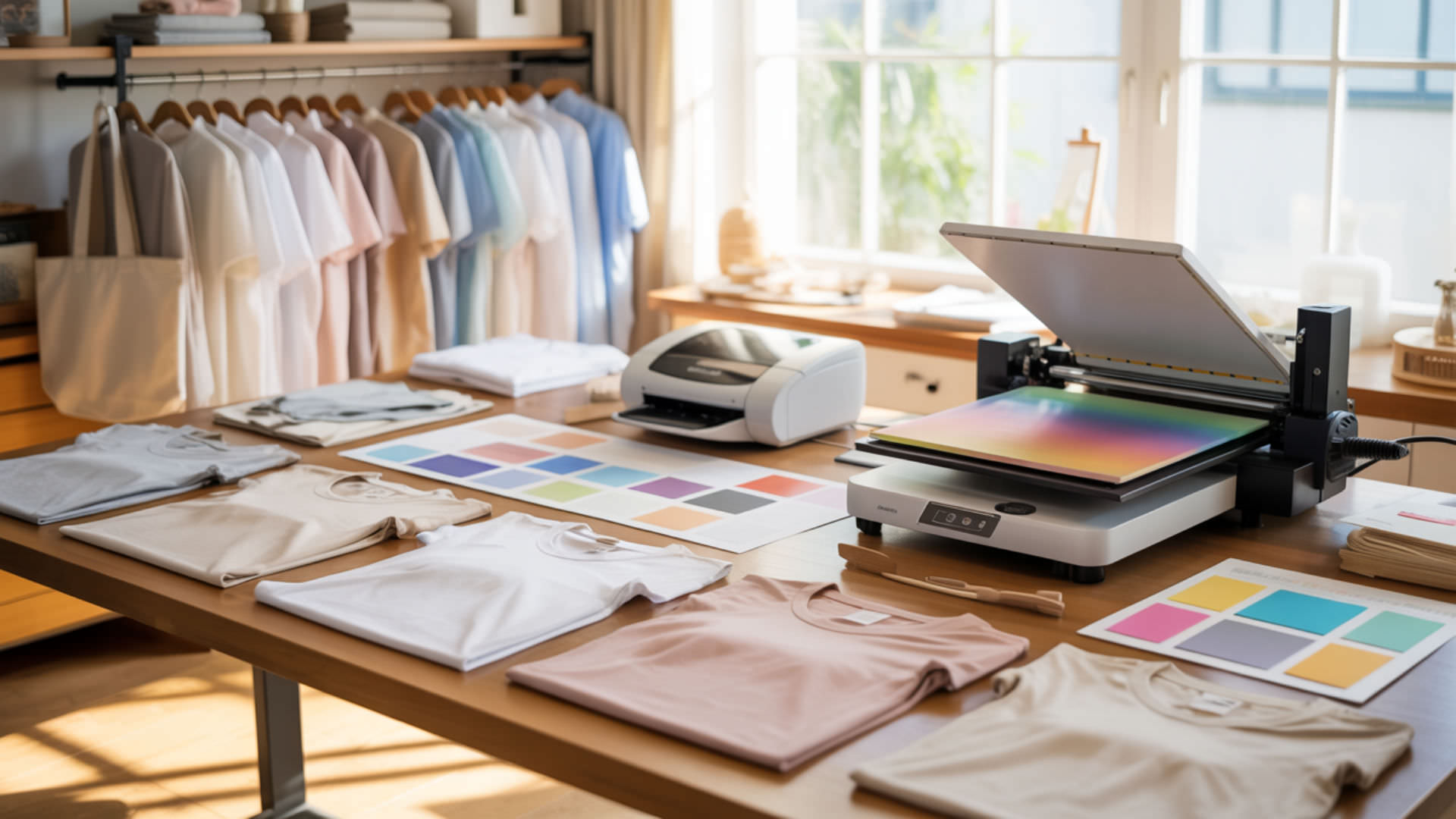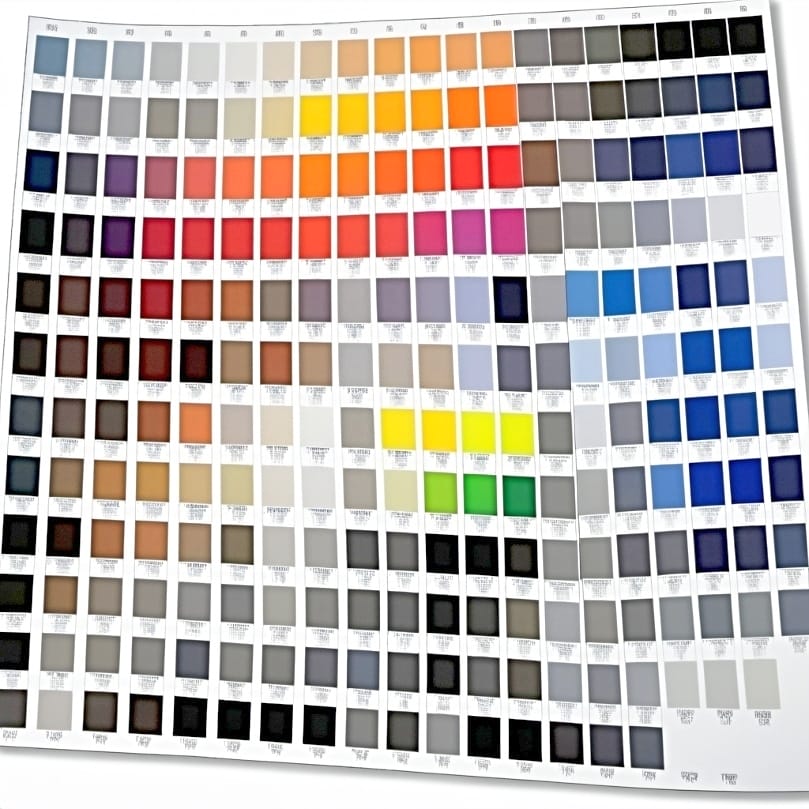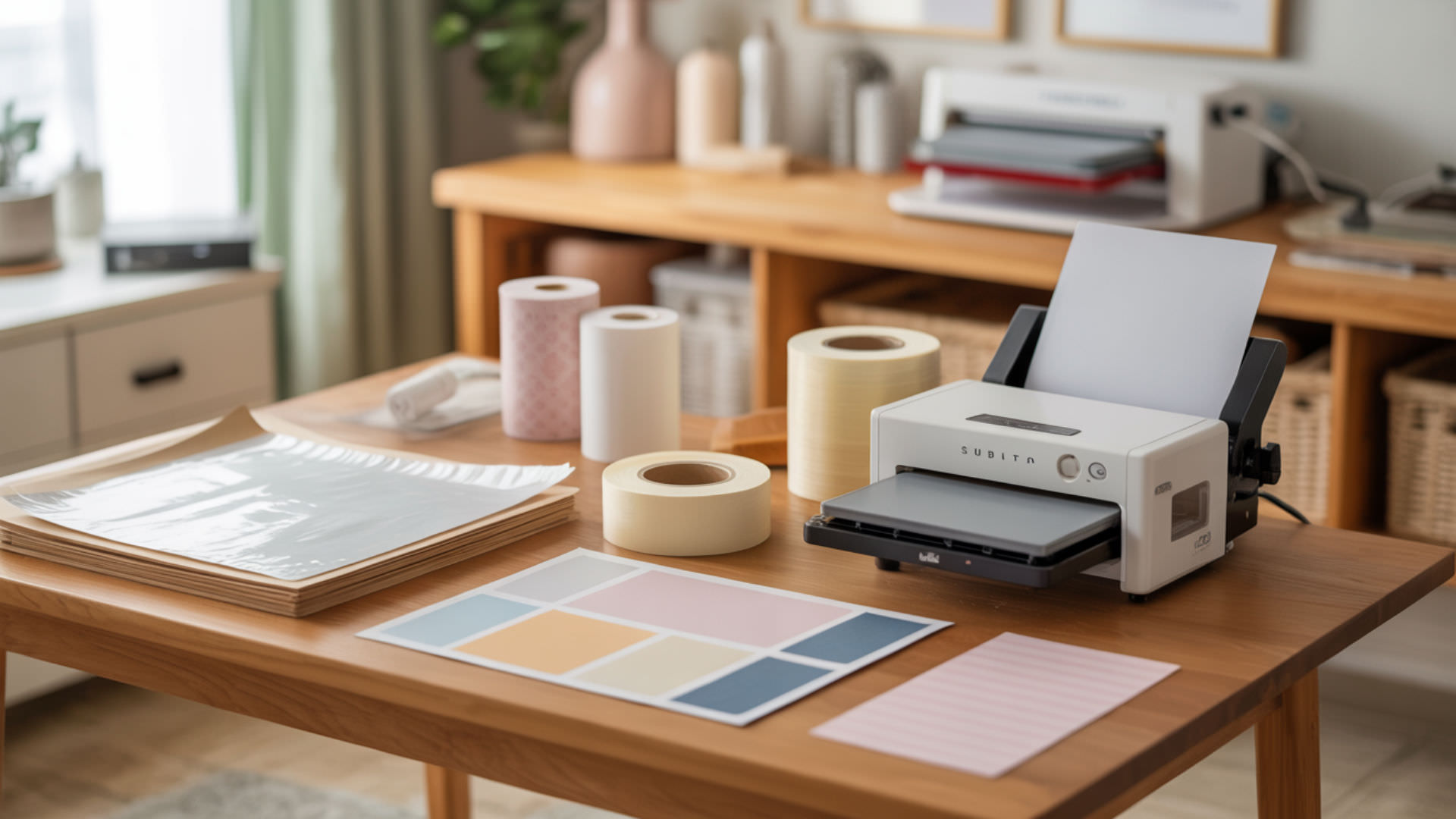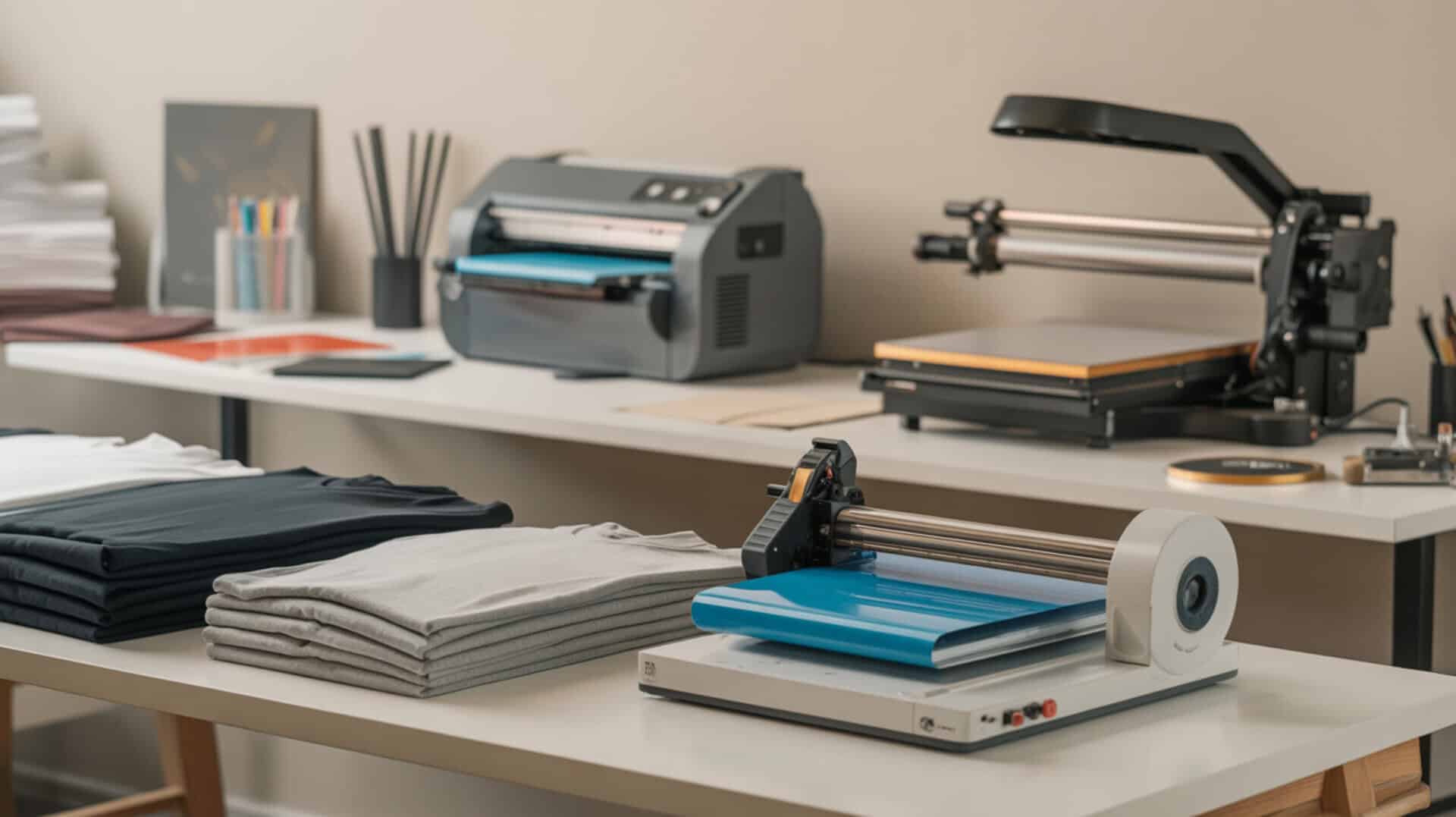
Finding the best printer for t-shirt printing depends on your garment fiber, order volume, and production workflow. Because fabric compatibility determines which printing technology will bond ink to your shirts, understanding the difference between sublimation printers, direct-to-garment (DTG) printers, and direct-to-film (DTF) printers is the first step toward choosing the right equipment. Sublimation only works on polyester polymers, while DTG prints on cotton and DTF transfers to almost any fabric type.
Key Takeaways
- Sublimation printers infuse dye permanently into polyester fibers, producing wash-resistant, vibrant prints that will not crack or peel over time.
- DTG printers deposit aqueous pigment ink onto cotton t-shirt surfaces, requiring heat curing for durability but enabling full-color, photo-quality prints on natural fabrics.
- DTF printers print onto PET film with hot melt adhesive powder, allowing transfers to cotton, polyester, blends, and other fabrics without substrate limitations.
Is the Epson SureColor F2100 the Right DTG Printer for Your Business?
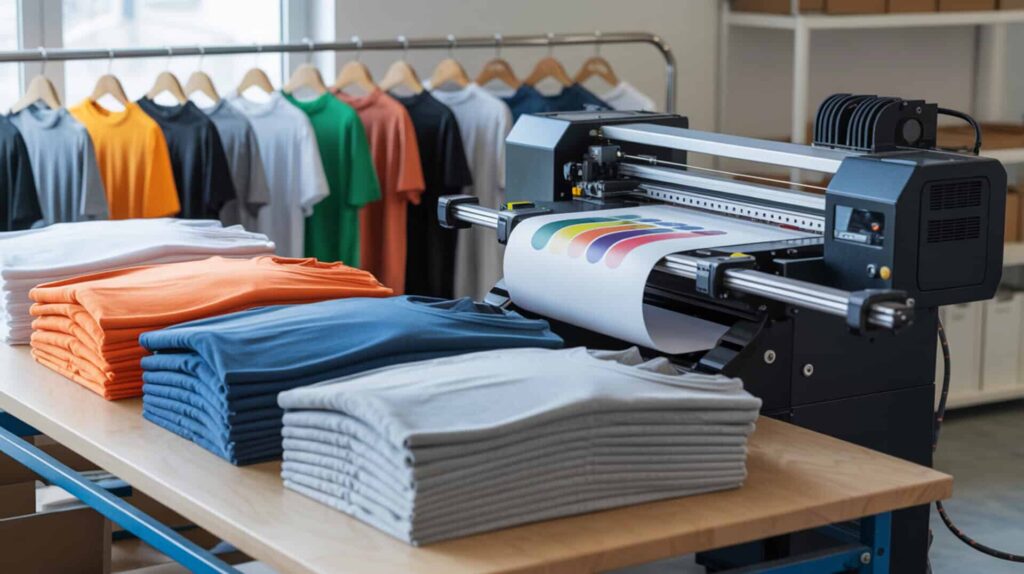
The Epson SureColor F2100 is a direct-to-garment (DTG) printer engineered for printing full-color, photo-quality designs onto cotton t-shirts using aqueous pigment ink. According to reviewed performance data, this machine delivers sharp, complex imagery that holds up after approximately 30 washes when pre-treatment is applied correctly. Because aqueous pigment ink sits on cotton fibers rather than infusing into them, the DTG curing process is mandatory for wash durability. Pigment inks remain on the surface of cotton fibers because cellulose lacks the polymer structure required for molecular dye diffusion.[1] Since DTG and sublimation differ primarily by fabric compatibility, you may also want to read our guide on sublimation vs DTG printing to understand which technology suits your garment types.
What kind of print quality and speed can you expect from the Epson F2100?
Based on reported test results, the Epson F2100 produces high-quality, complex full-color output with no color-count limitations. A typical print takes approximately 2.5 minutes per shirt, with the entire dark-shirt workflow (pre-treat, press, print, cure) delivering a finished garment in roughly 5–8 minutes for on-demand production. The aqueous pigment ink requires a DTG curing dryer to heat-set the pigment for wash durability. Shirts printed and cured correctly have been reported to maintain print integrity through approximately 30 wash cycles.
What are the biggest pros and cons of the Epson SureColor F2100?
The F2100 excels at one-off and short-run production, allowing operators to print a customer’s phone photo directly onto a shirt within minutes. Startup cost differences between DTG and screen printing favor DTG for small batches, since there are no screens to create. The main drawback involves maintenance requirements: the multi-step dark-shirt workflow (pre-treat, press, print, post-cure) is labor-intensive, and ink circulation runs even when idle, producing waste. The owner-reported cost per dark shirt lands around $7 when factoring ink, garment, and rejects. I recommend this printer for custom shops prioritizing design flexibility over high-volume wholesale runs.
How does the Epson F2100 stack up against other DTG printers?
In a comparison described in reviewed source material, the F2100 uses approximately 10% less ink than some competing DTG models due to a cleaning cartridge system that runs cleaning solution through the lines instead of ink. Print durability differences depend heavily on ink curing quality—properly cured shirts withstand repeated washing, while under-cured prints fade quickly. Compared to screen printing, DTG handles complex, unlimited-color designs without per-color upcharges, but screen printing remains faster for large wholesale orders once screens are prepared. You can find the Epson SureColor F2100 here. [3][4][5]
Does the Roland BN-20 D Deliver Professional-Quality DTF Prints?
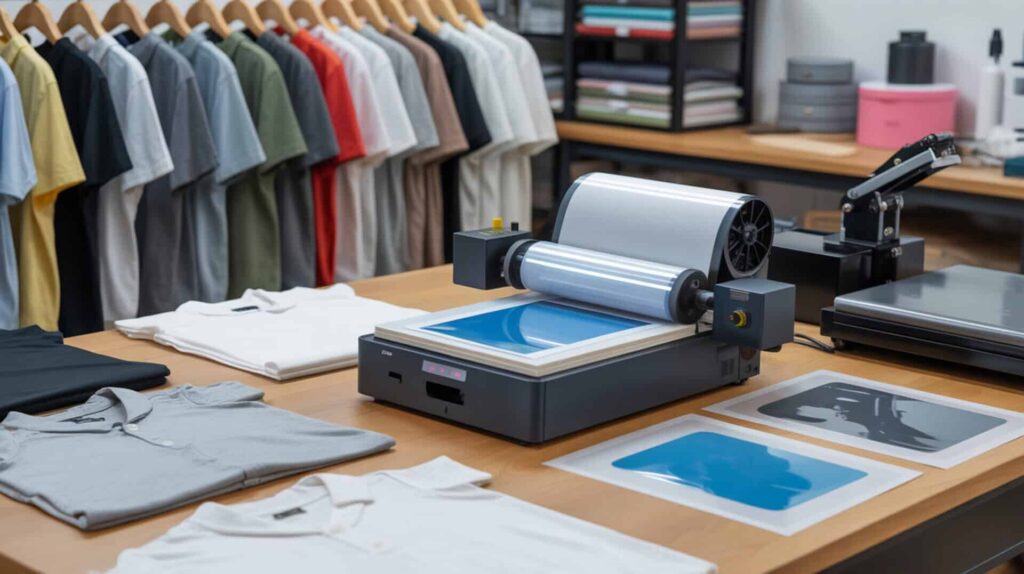
The Roland BN-20 D is a direct-to-film (DTF) printer that prints designs onto PET film, which is then coated with hot melt adhesive powder and heat-pressed onto garments. According to evaluation data, this roll-fed machine produces professional-quality transfers suitable for cotton, polyester, blends, and other fabrics that sublimation cannot handle. Because adhesive powder melts during pressing and bonds mechanically to fabric fibers, DTF bypasses the polymer-bonding limitation of sublimation. Since DTF supports broader fabric compatibility than sublimation, you may also want to read our guide on sublimation vs DTF printing for a detailed comparison.
⫸ Click Here For Best Selling Sublimation Printers And Products ⫷How well does the Roland BN-20 D perform for DTF printing projects?
Based on reported workflow demonstrations, the Roland BN-20 D prints the CMYK color layer first, then rewinds the PET film and applies the white ink layer in a second pass. This two-pass process using pigment ink (DTF) produces opaque, vibrant transfers but limits practical print length to approximately 20–30 inches before wet ink risks smearing during rewind. Print speed is approximately 5 square feet per hour. A DTF heat press activates the adhesive powder by melting it, bonding the design permanently to the garment surface.
What are the pros and cons of choosing the Roland BN-20 D?
The Roland BN-20 D uses a cartridge-based ink system that eliminates the mess of bottled ink and syringes, and VersaWorks RIP software handles charging, cleaning, and job sequencing automatically. Workflow complexity remains a factor: every design requires PDF conversion, two separate job files (CMYK and white), choke settings, and correct print grouping. The multi-step workflow results in slower production compared to single-pass systems. I recommend this printer for operators who value a guided software experience and reliable white ink handling over maximum output speed.
How does the Roland BN-20 D compare to other DTF printers on the market?
In a comparison test described in reviewed source material, the Roland BN-20 D outperformed the Prestige A3+ in setup ease and maintenance, since ink charging is automatic rather than manual. Production volume suitability differs: the Roland’s roll-rewind white-ink process prevents inline shaker/dryer operation, limiting scalability. Printer size affects output capacity—the BN-20 D’s 20-inch print width exceeds many desktop alternatives but its speed (approximately 5 sq ft/hour) positions it for low-volume, quality-focused production rather than batch efficiency. Ink cost per milliliter runs higher than bottled systems. You can find the Roland BN-20 D here. [6][7]
Can the Silhouette Cameo 5a Alpha Handle Serious Screen Printing Work?
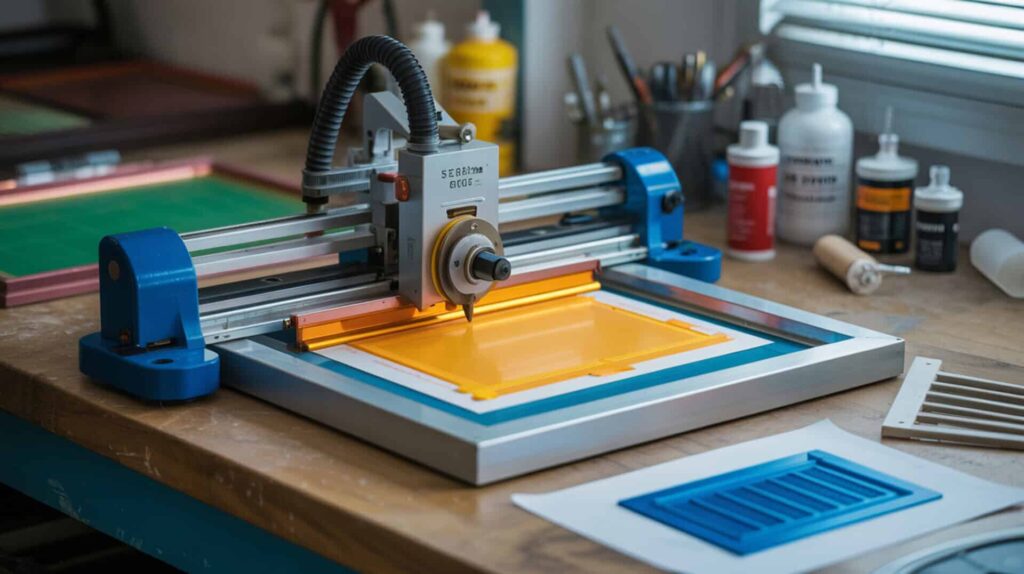
The Silhouette Cameo 5a Alpha is a vinyl cutter used to create stencils for screen printing by cutting adhesive vinyl (such as Oracal 651), weeding the negative space, and applying the stencil to a screen for ink application. According to demonstrated results, this machine produces accurate, clean-edged stencils that yield sharp prints with no paint bleed when applied correctly. Because plastisol ink requires layered heat curing for durability, screen printing with vinyl stencils involves manual steps but delivers excellent opacity on dark garments. Since screen printing and sublimation differ in print durability differences and production scale, you may also want to read our guide on sublimation printing vs screen printing.
What performance results should you expect from the Silhouette Cameo 5a Alpha?
Based on demonstrated cutting tests, the Silhouette Cameo 5a Alpha cuts vinyl stencils with precise edges suitable for screen printing applications. The machine uses an AutoBlade and supports up to 3 mm material thickness with up to 5 kg cutting force on carriage 2. Stencil preparation determines print consistency—a cleanly cut and properly weeded vinyl stencil produces crisp paint pulls with no bleed. Photoemulsion-based screen printing offers higher detail than vinyl stencils, but vinyl stencil cutting requires no darkroom or chemical exposure steps.
What are the pros and cons of using the Silhouette Cameo 5a Alpha?
The Cameo 5a Alpha offers a low learning curve for screen printing stencils—demonstrated success occurred on only the second attempt. It cuts 133% faster and runs quieter than the Cameo 4. Production volume suitability is limited because manual workflow steps (weeding, taping, painting, drying) reduce scalability for large orders. The machine is not purpose-built for screen printing and requires third-party screen printing kits and paints. I recommend this cutter for hobbyists or small-batch producers who want an affordable entry into screen printing without investing in photoemulsion equipment.
How does the Silhouette Cameo 5a Alpha compare to other screen printing tools?
Compared to the Cameo 4, the Cameo 5a Alpha adds a powered tool station, electrostatic mat compatibility, Intelligent Path Technology, automatic cross-cutter, and restored Repeat Job function. Startup cost differences favor the Cameo 4 by approximately $100, making the older model suitable for beginners or backup machines. Lower equipment cost positions the Cameo 5a Alpha for entry-level suitability in vinyl-stencil screen printing, but professional screen printers using photoemulsion and multi-station presses achieve higher throughput and finer detail. You can find the Silhouette Cameo 5a Alpha here. [8][9][10]
Is the Brother HL-L2405W a Reliable Laser Printer for Everyday Use?
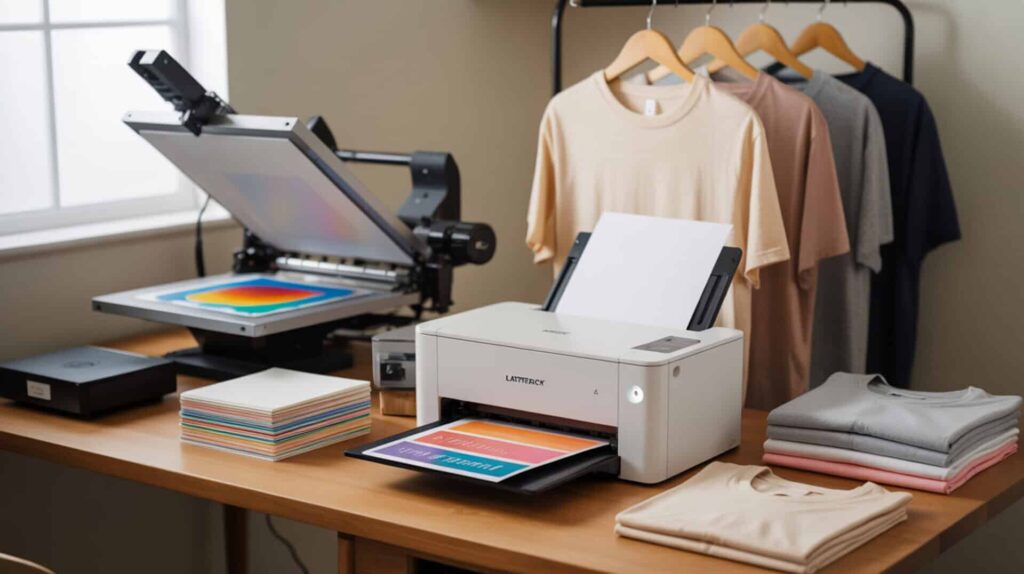
The Brother HL-L2405W is a monochrome laser printer designed for high-speed document printing, using toner that fuses onto paper via heat. According to performance testing, this compact unit prints up to approximately 30 pages per minute at 1200 × 1200 dpi resolution, producing sharp text output ideal for business documents. Because toner fusion creates a surface transfer rather than dye infusion, laser-printed transfers for garments sit on top of fabric and offer reduced wash durability compared to sublimation or DTG. Since laser transfer and HTV rely on surface bonding rather than dye infusion, you may also want to read our guide on sublimation vs heat transfer process vinyl for a deeper comparison.
How does the Brother HL-L2405W perform for regular printing tasks?
Based on demonstrated speed tests, the Brother HL-L2405W prints continuously at approximately 30 pages per minute with no pauses between pages. Toner fuses onto paper via heat, producing sharp, clean text and simple graphics without smearing or streaking. The printer is not designed for photo output—grayscale images are acceptable, but inkjet printers perform better for image detail. Setup involves Wi-Fi configuration through physical buttons and a small display, which slows password entry but completes without difficulty.
What are the main pros and cons of the Brother HL-L2405W laser printer?
The Brother HL-L2405W delivers strong text quality at 1200 × 1200 dpi, fast output speed, and low operating cost (less than a cent per page in many cases). Print durability differences matter for apparel applications: surface transfer via toner produces reduced wash durability compared to dye-based methods. The printer lacks automatic duplex printing, requires manual page flipping for double-sided documents, and has a small, non-touchscreen display. I recommend this laser printer for office document production, not for garment decoration.
How does the Brother HL-L2405W compare to similar laser printers?
In comparisons described in reviewed material, the Brother HL-L2405W offers a cleaner, more compact paper tray than HP models, whose trays protrude and occupy more desk space. Startup cost differences favor laser printers for high-volume text printing, with cost per page under one cent. Lower cost does mean limited apparel capability—laser printers cannot match the wash durability or color vibrancy of DTG, DTF, or sublimation for t-shirt printing. Aftermarket toner now requires chips, increasing consumable costs versus earlier Brother generations. You can find the Brother HL-L2405W here.[11][12]
Is the Epson SureColor F170 a Good Entry-Level Sublimation Printer?
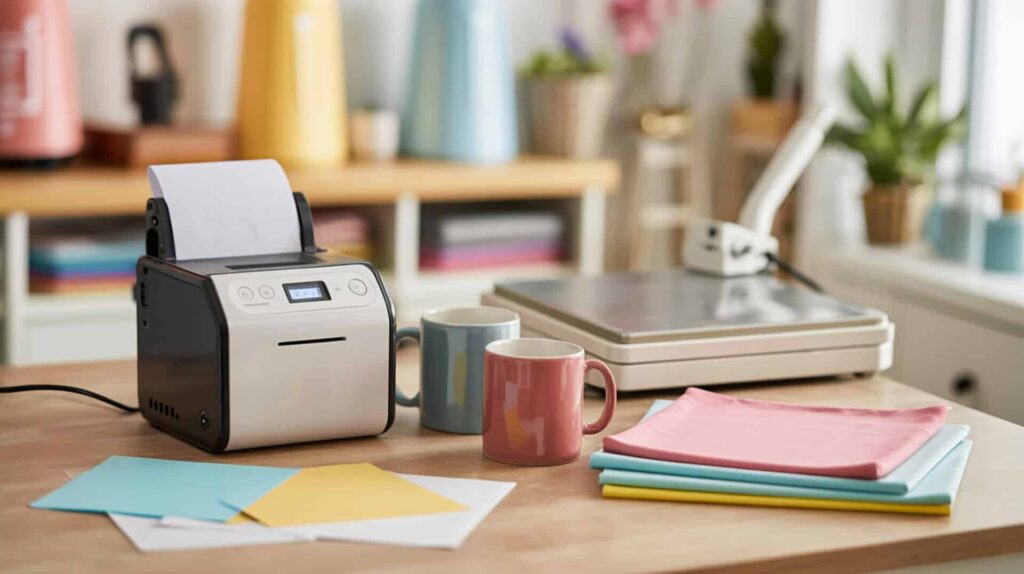
The Epson SureColor F170 is a dedicated sublimation printer engineered specifically for infusing sublimation dye into polyester t-shirts and other polymer-coated substrates. According to demonstrated results, this entry-level machine produces vibrant, wash-resistant prints once the design is heat-pressed—colors that appear muted on sublimation transfer paper activate into saturated hues when dye diffuses into polyester fibers. Because sublimation dye bonds permanently at the molecular level through polymer bonding, prints will not crack, peel, or fade like surface-applied inks. Polymer chains can permanently trap dye molecules when heat causes diffusion at the molecular level.[2] Since the article on inkjet vs dye-sublimation explains how sublimation dye differs from inkjet pigment printing, you may also want to read that guide for technical context.
What sublimation print results can you expect from the Epson F170?
Based on reported setup and printing tests, the Epson F170 completes ink charging in approximately 14 minutes and prints a full artwork page in roughly 1 minute. Prints appear muted on sublimation transfer paper—this is normal for sublimation. When pressed at 400°F for 60 seconds using a heat press, the sublimation dye converts to gas and diffuses into polyester fibers, producing vibrant, fully saturated colors. Test substrates included 100% polyester shirts, polyester bags, and ceramic mugs, all showing strong color activation with no visible defects.
What are the pros and cons of the Epson SureColor F170 for beginners?
The F170 is purpose-built for sublimation, eliminating the need to convert an inkjet printer or modify firmware. The color-keyed ink tank system prevents incorrect ink insertion, and mirror printing is built into the driver, reducing user error. Startup cost differences favor the F170 as an affordable, beginner-suitable option versus professional-grade sublimation equipment. The main drawback involves initial setup time—ink charging and alignment steps are time-consuming, and ink levels drop noticeably after initialization. I recommend this printer for beginners entering sublimation who want a factory-designed system.
How does the Epson F170 compare to other sublimation printers in its class?
The Epson F170 is positioned as a dedicated entry-level sublimation printer from a brand with long-term presence in the sublimation market. Unlike converted EcoTank printers, the F170 requires no hardware or firmware modification—print quality benefits from factory calibration for sublimation ink. Ink density affects color vibrancy: the F170’s refillable tank system delivers consistent dye concentration when topped up properly. You can find the Epson SureColor F170 here. [13][14]
Which Printer Will Work Best for Your Specific Printing Needs?
Fabric compatibility determines your viable printing method: sublimation requires polyester, DTG works best on cotton, and DTF transfers to almost any fabric type. Production volume suitability varies—DTG and sublimation handle short runs efficiently, while screen printing scales better for large orders. Workflow complexity also matters: the Epson F170 offers the simplest sublimation setup for beginners, the Roland BN-20 D provides guided DTF software, and the F2100 delivers DTG flexibility at the cost of multi-step dark-shirt processing. I recommend matching your primary garment fiber and order volume to the technology that handles those parameters without workarounds.
Frequently Asked Questions
What is the best printer for t-shirt printing at home?
The best printer for home t-shirt printing depends on your fabric type. For polyester t-shirts, a sublimation printer like the Epson SureColor F170 infuses dye permanently into fibers without cracking or peeling. For cotton shirts, a DTG printer deposits pigment that requires heat curing. DTF printers offer the broadest fabric compatibility but involve multi-step film transfers. Home users printing polyester blanks typically find sublimation the simplest workflow with the lowest ongoing maintenance.
Can you use a regular inkjet printer for sublimation?
Regular inkjet printers use pigment or dye-based inks that do not sublimate—they will not convert to gas and bond with polyester fibers under heat. Sublimation requires specific sublimation dye formulated to change from solid to gas at approximately 400°F. Some users convert certain Epson EcoTank models by replacing standard ink with sublimation ink, but this voids warranties and risks printhead damage. A dedicated sublimation printer like the Epson F170 avoids these conversion risks entirely.
Is DTG or sublimation better for t-shirt printing?
DTG printers work on cotton t-shirts by depositing aqueous pigment ink onto the fabric surface, while sublimation printers infuse dye into polyester fibers. Fabric type determines which method applies: 100% cotton requires DTG, 100% polyester requires sublimation. Sublimation produces more vibrant, permanent colors that will not crack, but only on polyester. DTG allows printing on natural fibers but requires pre-treatment for dark shirts and heat curing for wash durability. Neither method is universally better—the garment fiber dictates your choice.
How long do DTF prints last on shirts?
DTF prints bond to fabric via hot melt adhesive powder that melts during heat pressing, creating a durable, flexible transfer. When applied correctly at proper temperature and pressure, DTF transfers withstand repeated washing without cracking or peeling. Durability depends on adhesive quality, press temperature (typically 300–330°F), press time, and pressure. DTF works on cotton, polyester, blends, and other fabrics, making it more versatile than sublimation while offering comparable longevity when transfer parameters are followed.
What is the cheapest way to print t-shirts?
Vinyl heat transfer using a cutter like the Silhouette Cameo 5a Alpha offers the lowest startup cost for basic t-shirt printing. Screen printing becomes cheapest per shirt at high volumes once screens are created. For full-color, photo-quality prints, sublimation offers low ink cost per print on polyester garments. DTG carries higher per-shirt costs (approximately $3–7 depending on design and shirt color) due to ink usage and pre-treatment requirements. The cheapest method depends on your volume, design complexity, and fabric type.
References
- Textile protection and comfort center. (2024, January 23). Textile Protection And Comfort Center. https://textiles.ncsu.edu/tpacc/
- Free textbooks online with no catch. (n.d.). OpenStax. https://openstax.org/details/books/chemistry-2e