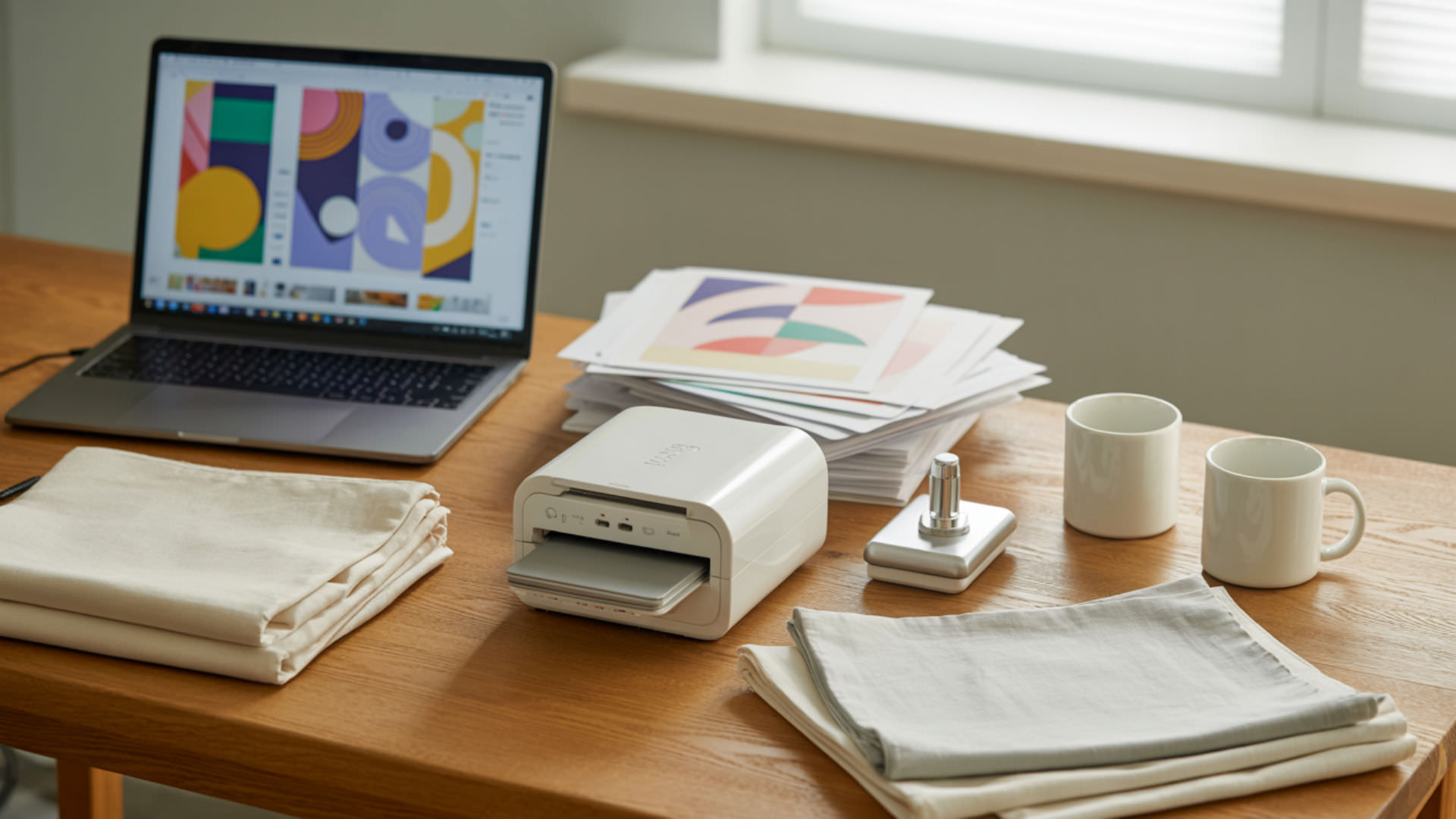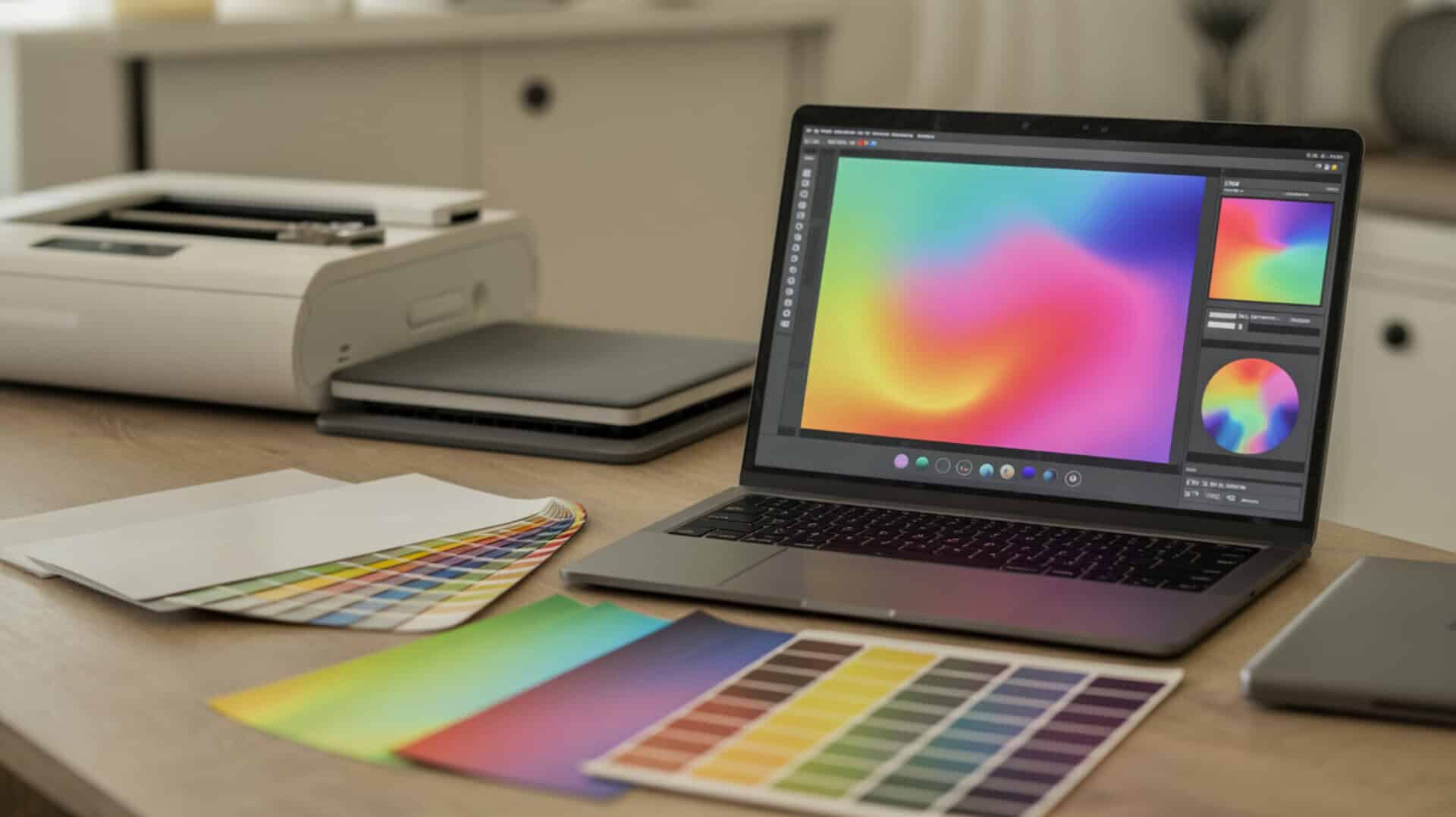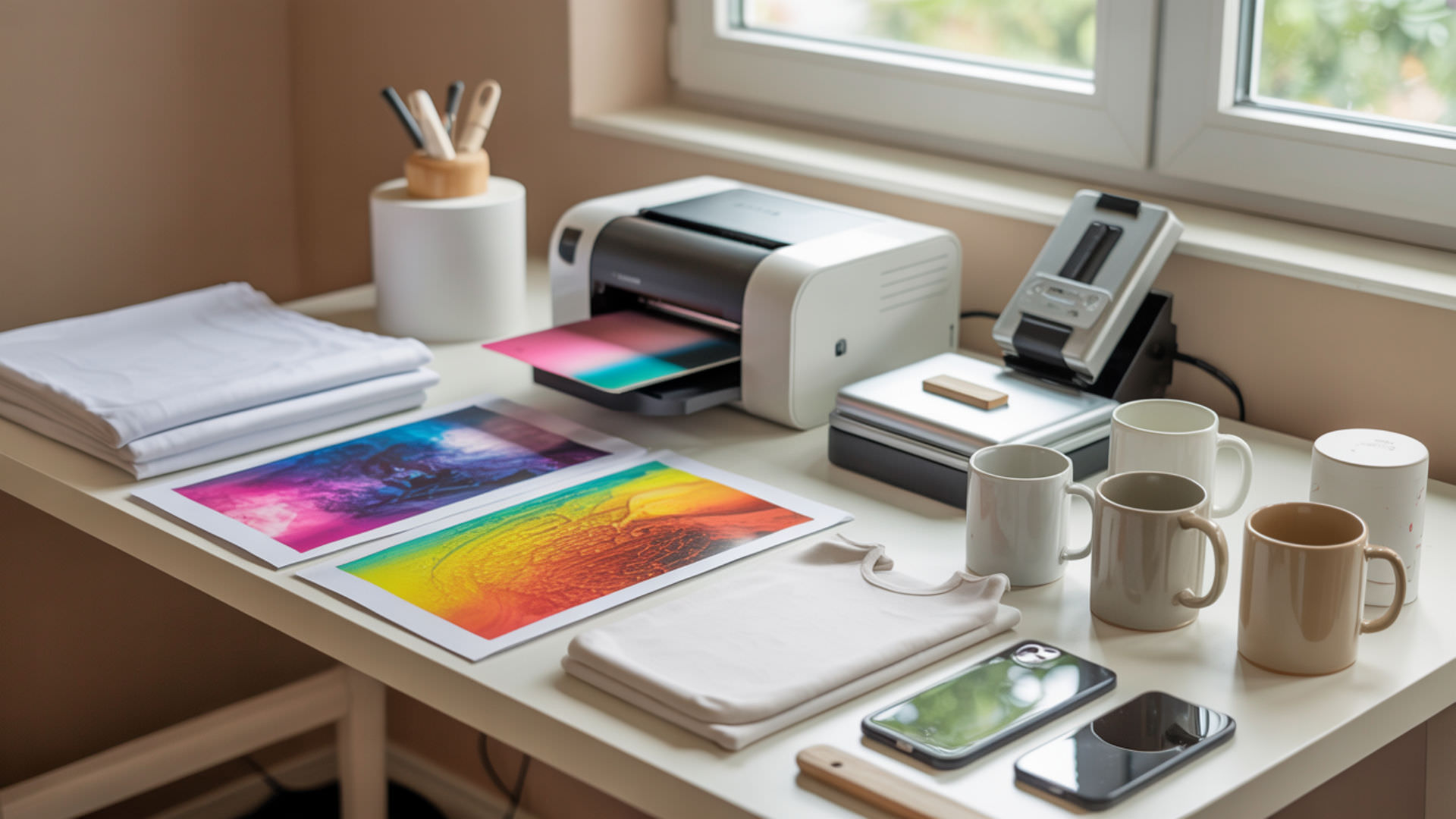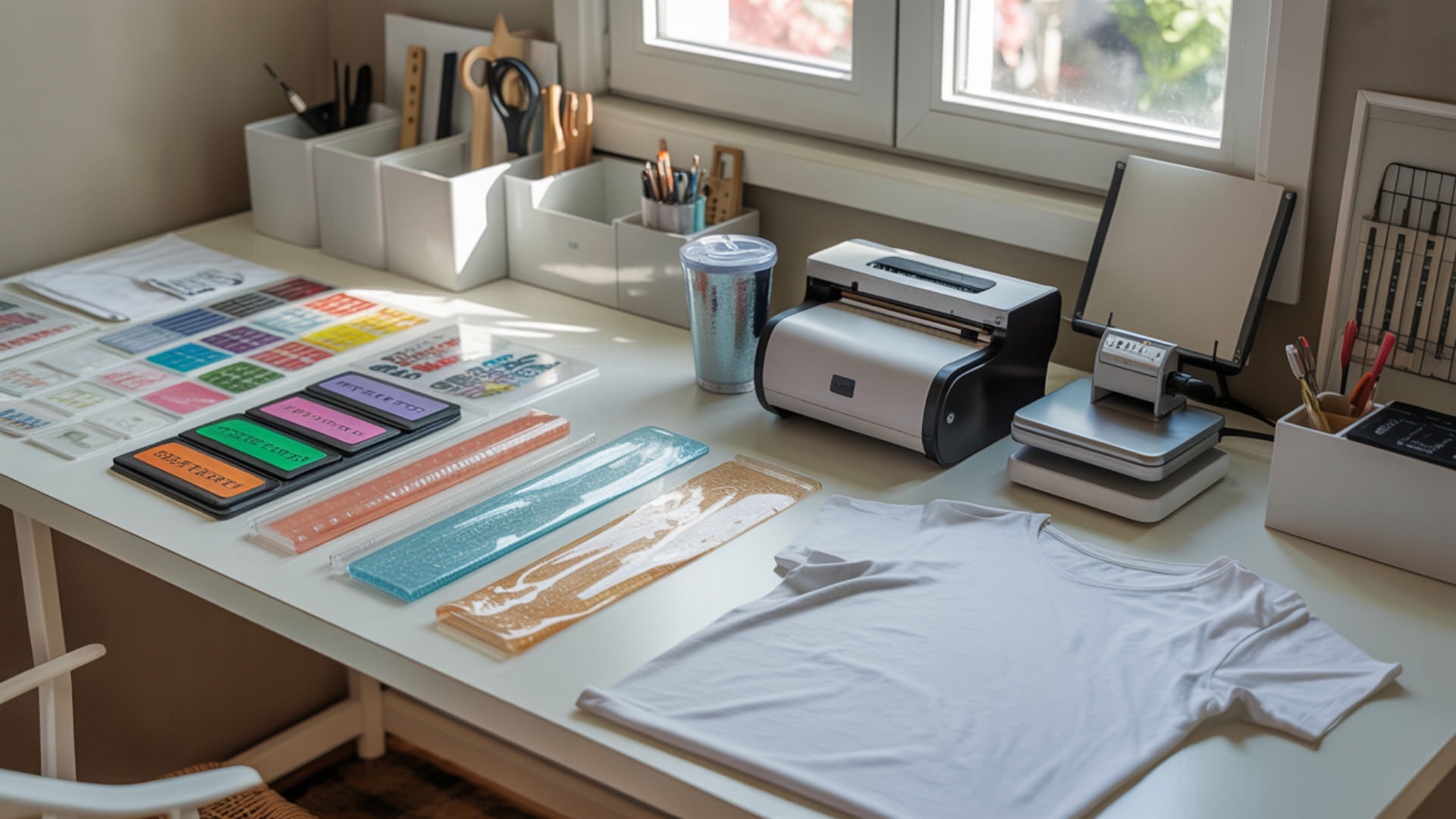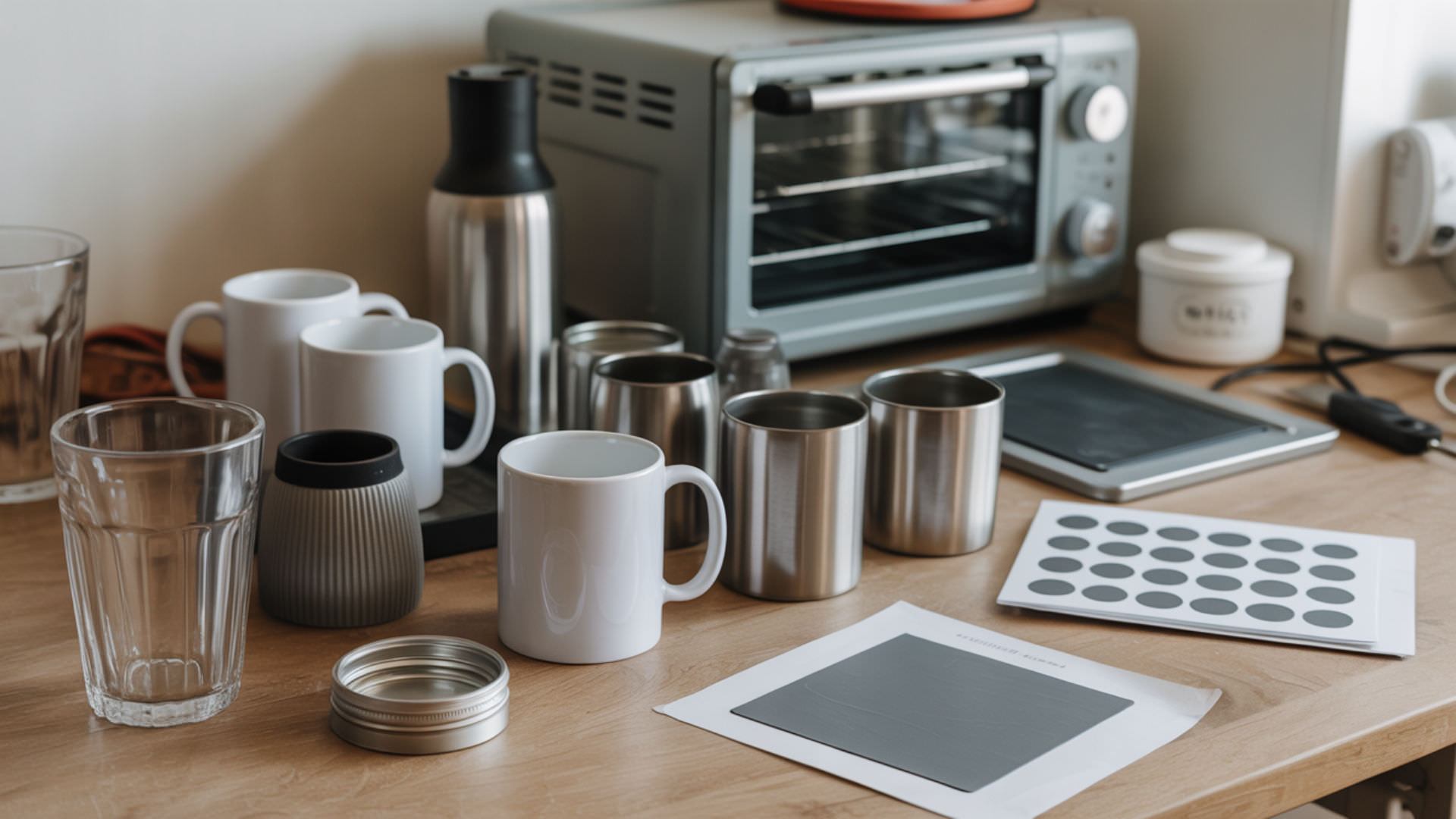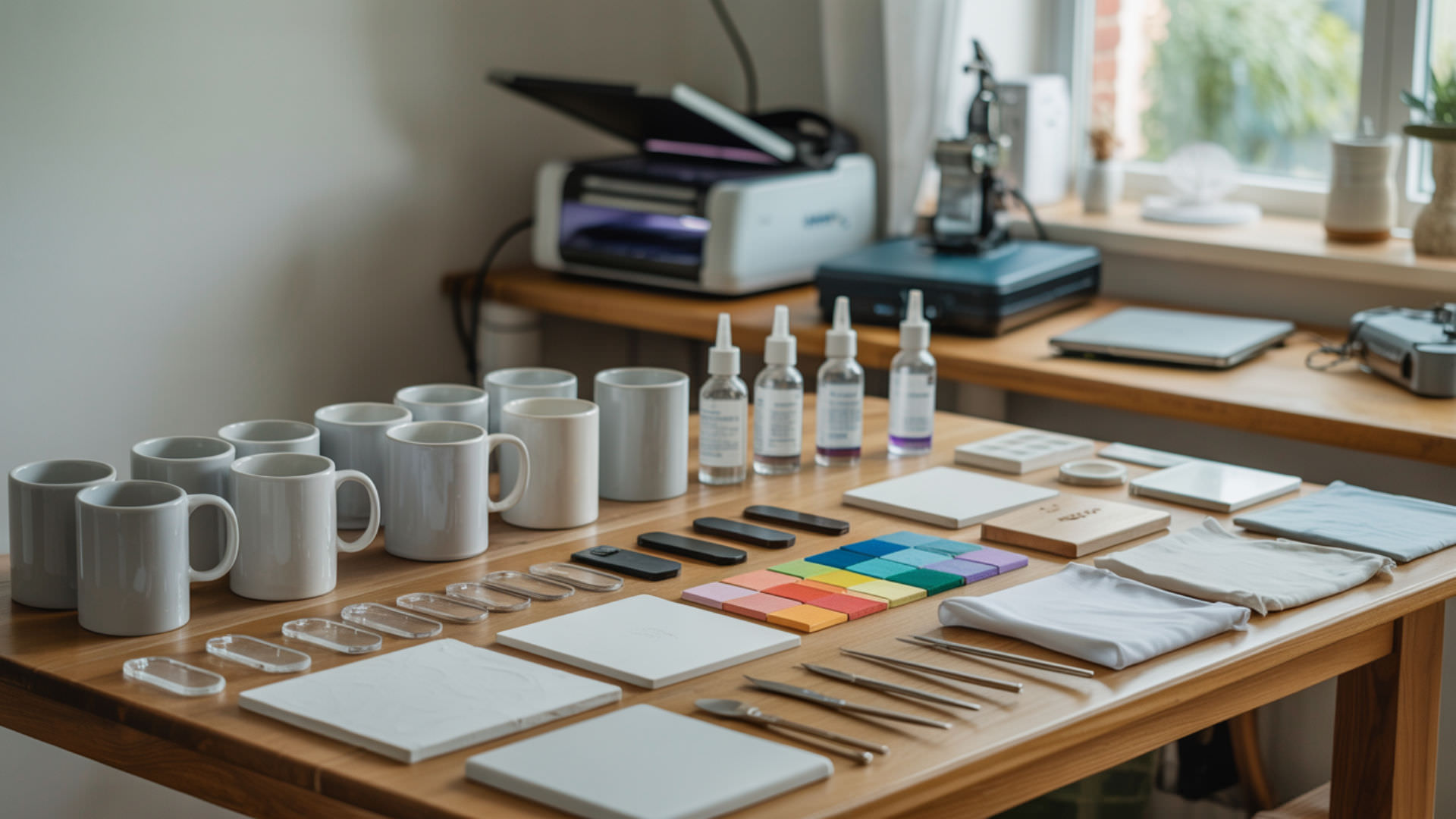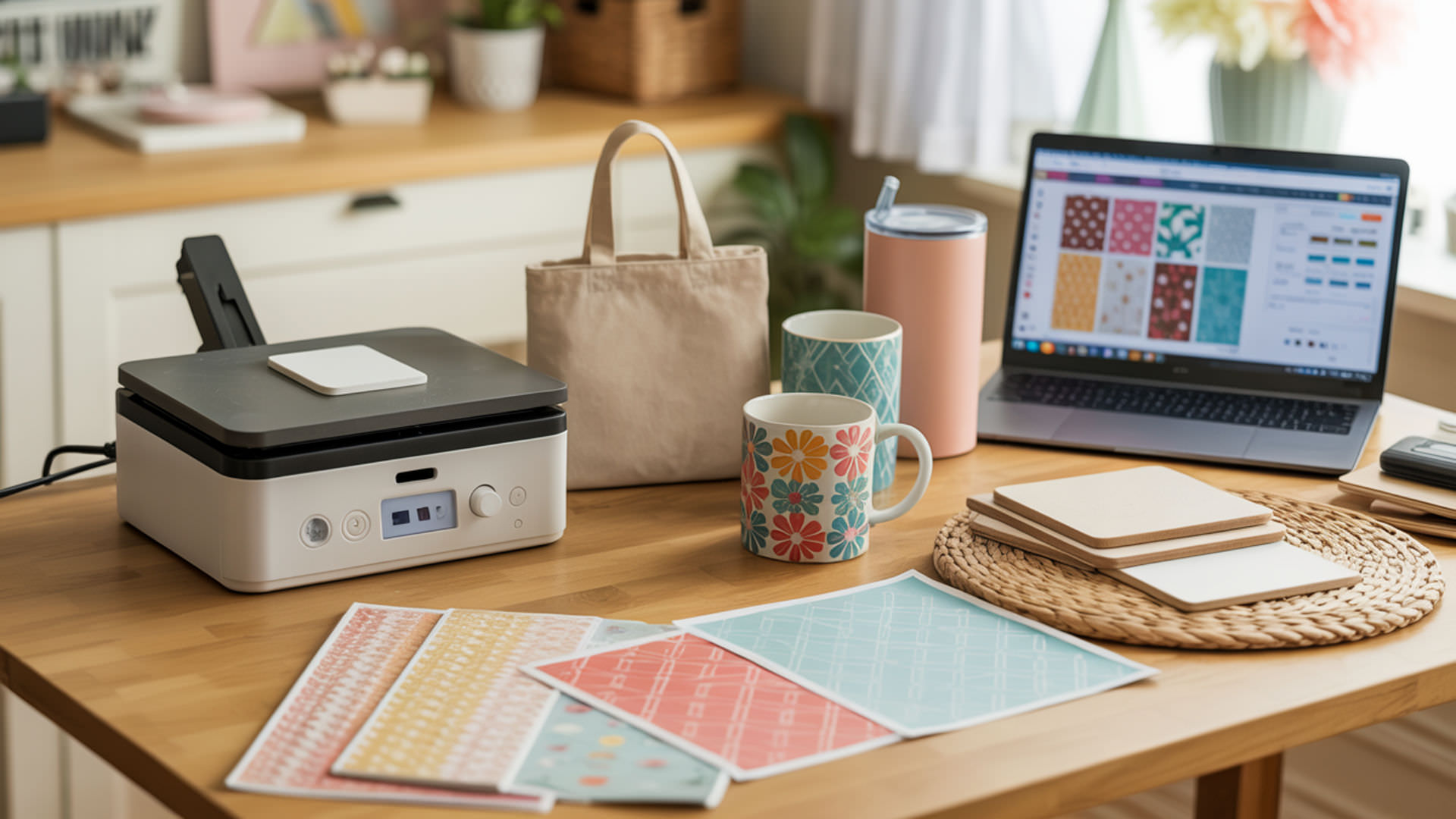
Printing sublimation designs requires precise settings to transform digital artwork into vibrant, transferable images. The process involves configuring printer properties, selecting appropriate paper, and ensuring proper color management for accurate output. Low image resolution causes blurry or pixelated transfers that waste materials and disappoint customers. Mastering image resolution fundamentals before printing ensures every design transfers with professional clarity and color accuracy.
Key Takeaways
- Print designs at 300 DPI minimum for sharp, detailed transfers—higher megapixel counts in source images provide more pixel data for cleaner sublimation output.
- Mirror all designs before printing unless sublimatig through transparent substrates like glass, where the image is viewed from the opposite side.
- Select ‘Premium Presentation Paper Matte’ as paper type and ‘High Quality’ print mode in printer settings for optimal ink saturation and color vibrancy.
How do you print sublimation designs?
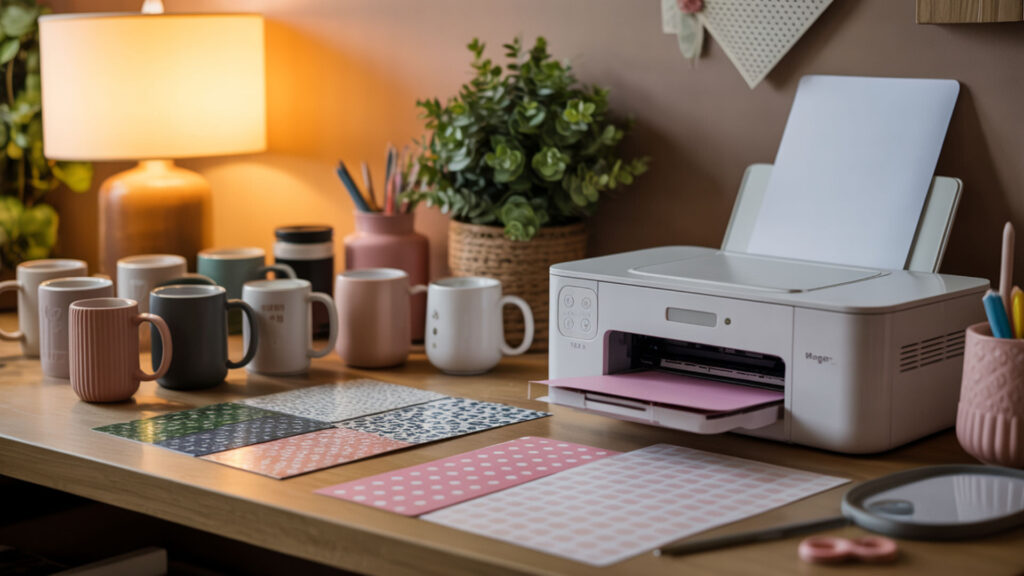
Printing sublimation designs requires a sublimation printer loaded with sublimation ink and specialized transfer paper. Set image resolution to 300 DPI at the final print size before sending to the printer. Anti-aliasing smooths edge transitions between colors, preventing jagged lines in printed designs. Configure printer settings for high-quality output and enable mirror mode to ensure correct transfer orientation. Raster images are composed of pixels, and print sharpness depends on having sufficient pixel density at the final output size.[1]
Can you print sublimation designs at home?
Home sublimation printing works effectively with proper equipment and settings. Image resolution must match your printer’s capability to prevent loss of fine detail—most home printers support 1440 x 1440 DPI or higher. Converted Epson EcoTank printers and dedicated Sawgrass systems both deliver professional results when paired with quality sublimation ink and transfer paper designed for heat pressing.
Do sublimation designs need to be mirrored before printing?
Sublimation designs require mirroring before printing because the transfer paper presses face-down onto the substrate. Incorrect mirroring does not change image resolution but reverses the final transferred orientation—text appears backward without proper flipping. Mirror images in design software or enable the mirror option in printer settings. Glass cutting boards and similar see-through items are exceptions.
Can you print sublimation with a regular printer?
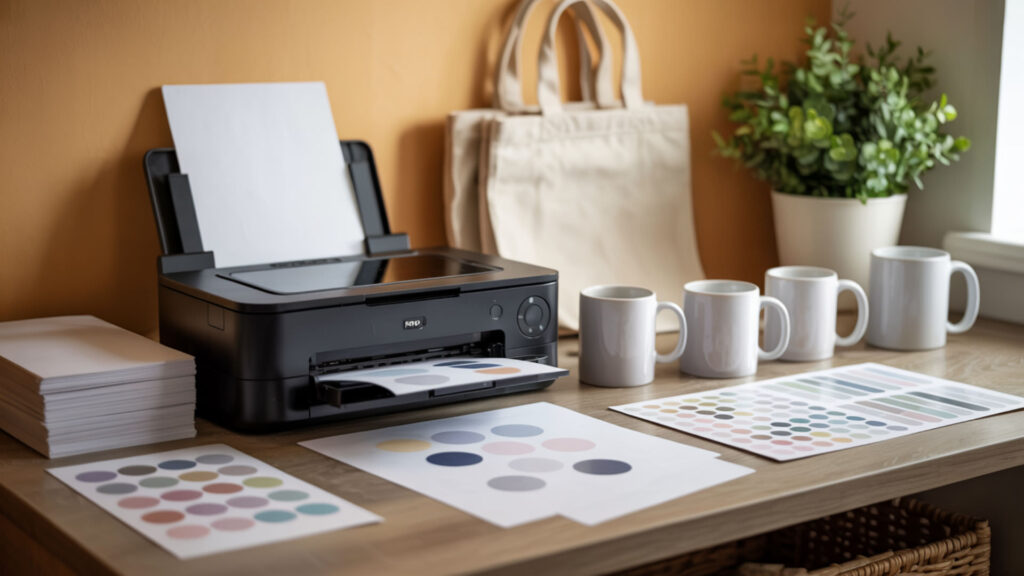
Regular inkjet printers cannot produce sublimation transfers because standard ink lacks the chemical properties needed for heat-activated dye conversion. Printer resolution limits cap effective image resolution, impacting final transfer sharpness regardless of design quality. Only printers filled with sublimation ink—whether converted EcoTanks or dedicated sublimation systems—produce transfers capable of bonding permanently with polymer-coated substrates. Sublimation relies on a phase change where a solid converts directly into gas under heat, a process standard inkjet inks cannot perform.[2]
What equipment is needed for sublimation printing?
Sublimation printing requires a sublimation printer with compatible ink, transfer paper, heat press, and polymer-coated blanks. Printer DPI capability must align with image resolution for accurate dot placement—1440 x 1440 DPI minimum ensures sharp output. Additional supplies include heat-resistant tape for securing transfers, protective butcher paper, and design software capable of mirroring images and managing color profiles.
What types of sublimation printers are best for home use?
Sawgrass SG500 and Epson EcoTank models rank among the best home sublimation printers. Higher DPI printers preserve image resolution and produce sharper sublimation output with greater color accuracy. The Sawgrass SG500 offers 4800 x 1200 DPI maximum resolution with user-friendly software, while converted Epson printers provide budget-friendly alternatives. Commercial designs optimized for high image resolution ensure professional results from home printing setups.
How do you print sublimation designs step-by-step?
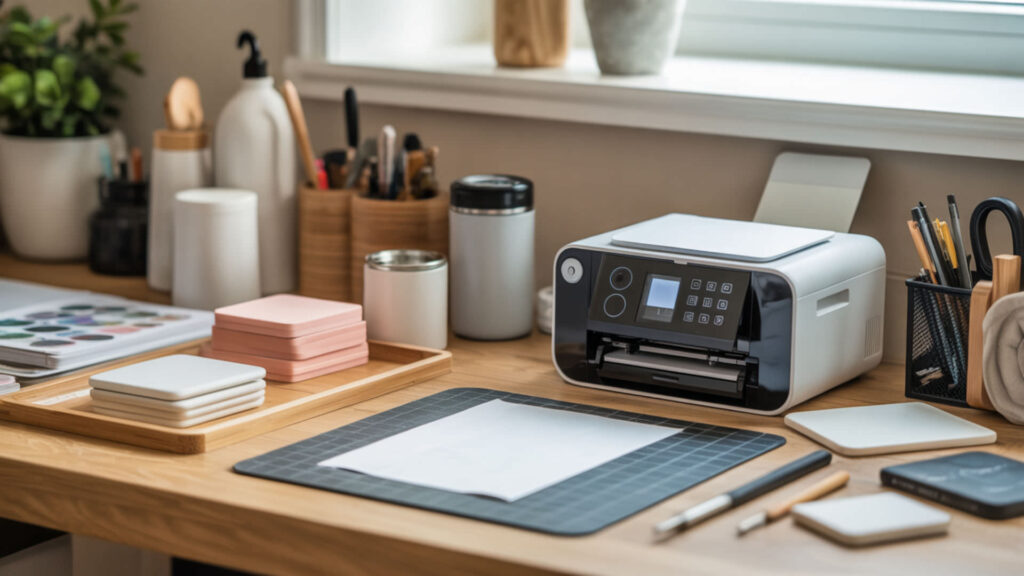
- Open your design in graphics software and verify image resolution is 300 DPI at the intended print size—resampling changes pixel count and affects sharpness if done incorrectly.
- Mirror the design horizontally using the flip function in your software, ensuring text and directional elements will transfer correctly onto the final substrate.
- Access printer properties and select ‘Premium Presentation Paper Matte’ as paper type with ‘High Quality’ print mode for optimal ink laydown.
- Load sublimation paper with the printable side facing the correct direction—typically bright white and smooth compared to the reverse side.
- Print the design and allow 1–2 minutes drying time before handling, though fast-dry papers may be ready immediately after printing.
- Trim excess paper around the design leaving minimal white border, then secure to your blank with heat-resistant tape before pressing
Scaling artwork for oversized products requires careful resampling and interpolation techniques to maintain print quality across larger dimensions.
What paper should be used to print sublimation designs?
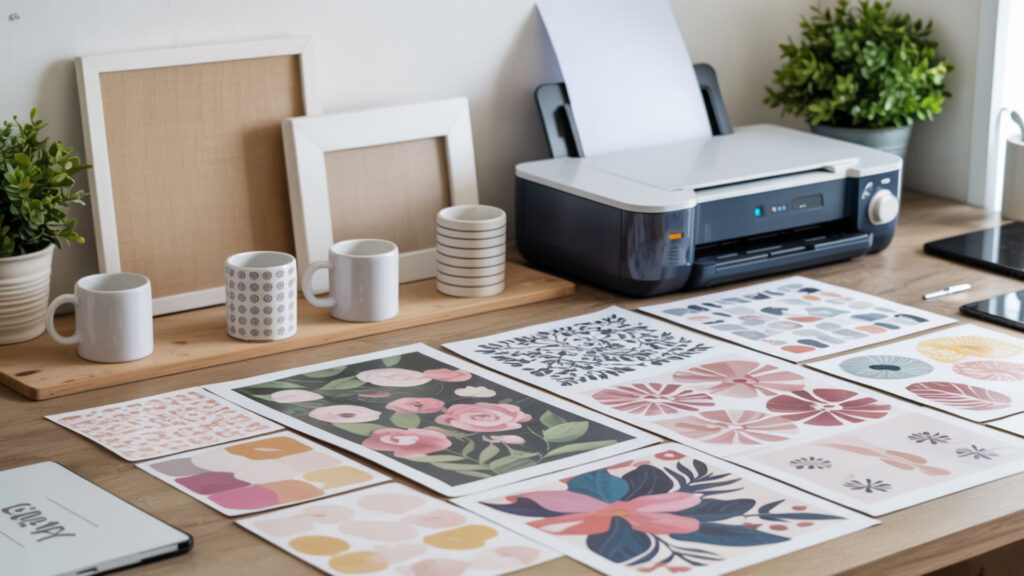
Sublimation transfer paper features a specialized coating that holds ink on the surface until heat releases it onto the substrate. Paper surface quality supports resolution transfer and prevents dot spread that blurs fine details. Multi-purpose sublimation papers work across most substrates, while tacky papers designed for fabric help prevent ghosting on textiles. Paper weight between 100–120 gsm suits most applications.
How do I print sublimation designs on polyester fabric?
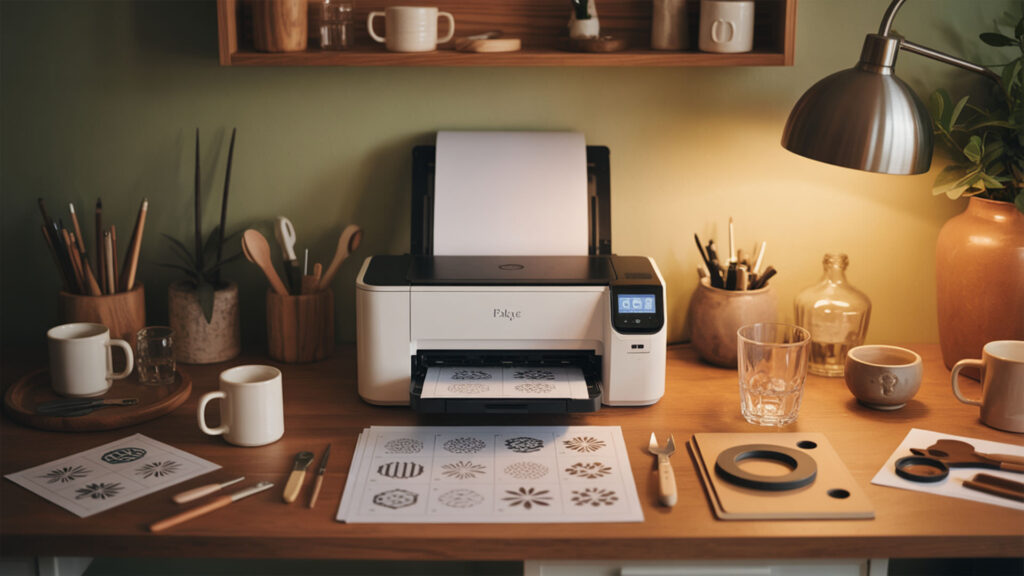
Printing for polyester fabric requires higher starting image quality because fabric texture limits effective resolution during transfer. Use tacky sublimation paper to prevent shifting during heat pressing, which causes ghosting and double images. Press at 380–400°F for 50–60 seconds at medium pressure. The fabric’s weave absorbs dye differently than smooth surfaces, making 300 DPI source files essential for sharp results.
Ready to Print Your Sublimation Designs?
Correct resolution setup ensures clean transfers and reduces reprints and material waste. Starting with properly prepared 300 DPI designs eliminates the most common cause of disappointing sublimation results. Configure your printer settings once, save them as a preset, and every future print maintains consistent quality. Master these fundamentals before exploring advanced techniques like color profiling and large-format printing.
Frequently Asked Questions
What file format works best for sublimation printing?
PNG format works best for sublimation because it supports transparent backgrounds and maintains lossless image quality. TIFF files preserve maximum detail for professional work. JPEG files compress data, potentially reducing quality—use high-quality JPEG settings if this format is necessary. Save all designs at 300 DPI regardless of format to ensure sharp, detailed sublimation transfers.
Why do my sublimation prints look faded or washed out?
Faded sublimation prints typically result from incorrect printer settings, low-quality ink, or insufficient heat press temperature. Verify print quality is set to ‘High’ rather than draft mode. Check that sublimation ink cartridges are genuine and not expired. Ensure heat press reaches 380–400°F and maintains temperature throughout the 45–60 second press time for complete dye transfer.
Can I use any inkjet paper for sublimation printing?
Standard inkjet paper cannot substitute for sublimation transfer paper. Regular paper absorbs ink into its fibers rather than holding it on the surface for heat release. Sublimation paper features a specialized coating that prevents ink penetration and releases dye completely when heated. Using incorrect paper wastes ink and produces transfers that appear faded or fail entirely.
How do I know if my image resolution is high enough?
Check image resolution in your design software under image properties or document settings. Resolution should read 300 DPI at the actual print size—a large pixel count alone does not guarantee sufficient resolution. Zoom to 100% view; if edges appear jagged or details look soft, the resolution is too low. Never enlarge small images for sublimation as this reduces effective DPI.
Should I use RGB or CMYK color mode for sublimation designs?
Design sublimation artwork in RGB color mode for the widest color gamut and most vibrant results. Sublimation printers use CMYK ink but convert from RGB during printing—starting in CMYK unnecessarily limits your color range. Install the ICC color profile provided by your ink manufacturer to ensure accurate color translation from screen to final transfer.
References
- PDF/A-1b, PDF for long-term preservation, use of PDF 1.4, level B conformance. (2019, January 5). Library of Congress. https://www.loc.gov/preservation/digital/formats/fdd/fdd000252.shtml
- Sublimation and the water cycle. (2019, June 8). USGS. https://www.usgs.gov/water-science-school/science/sublimation-and-water-cycle