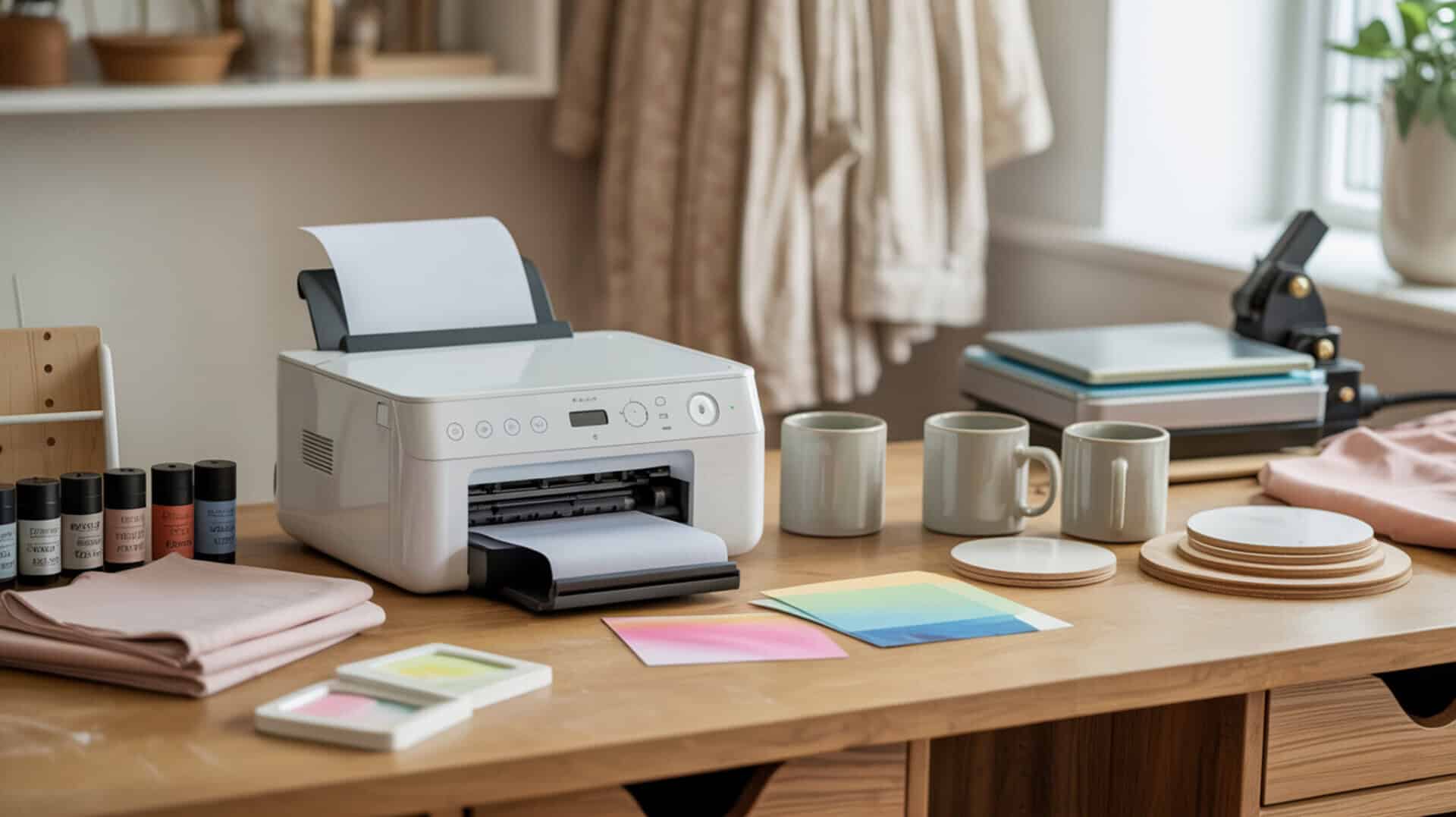
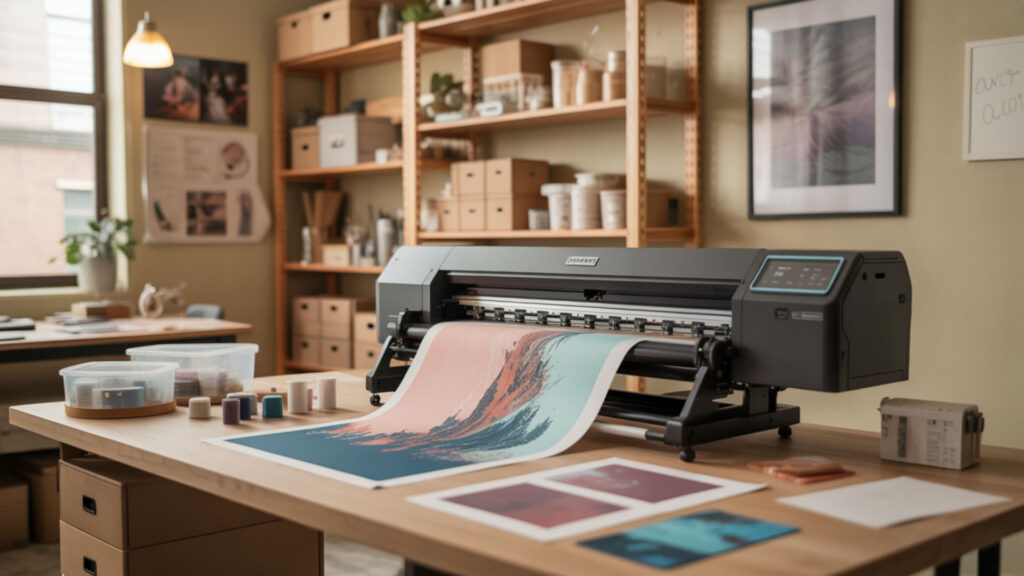
A large-format printer designed for dye-sublimation inks opens production capabilities beyond standard desktop models, enabling transfers on oversized apparel panels, banners, and signage substrates. These systems use inkjet printing mechanisms—specifically piezoelectric printheads—to deposit sublimation dye onto transfer media at widths ranging from 24 inches to 60+ inches. The investment scales with print width, speed, and software integration, making printer selection critical for matching production volume to operational budget.
Key Takeaways
- Large format sublimation starts at 24-inch print width, with printing resolution of 2400×1200 dpi or higher ensuring sharp output at typical viewing distances.
- Color management through ICC profiles and RIP software determines output consistency across different substrates and batch runs.
- Dedicated sublimation printers offer warranty coverage and integrated color profiles that converted inkjets cannot match for production reliability.
How Does the Epson EcoTank ET-15000 Handle Large Format Printing?
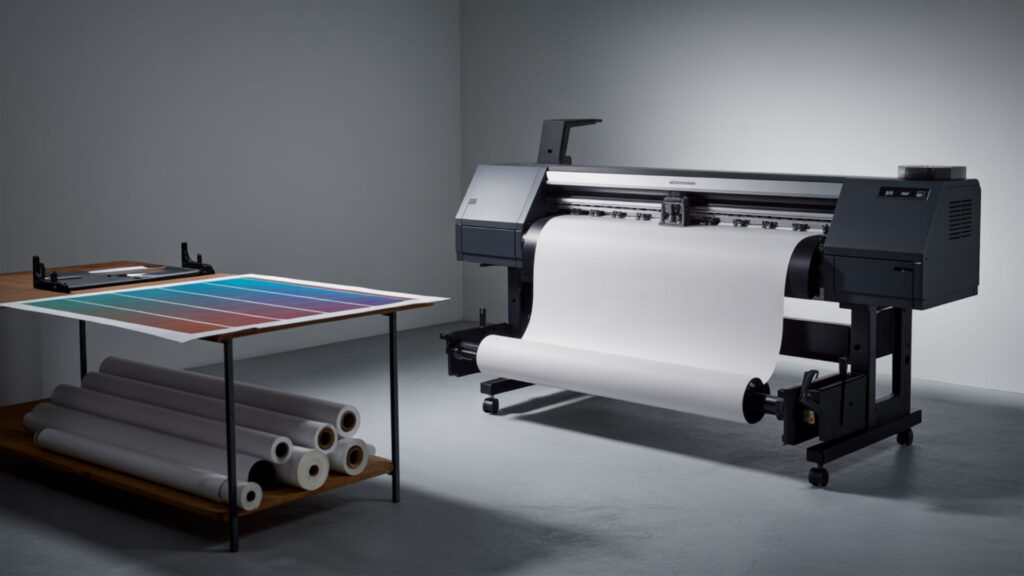
The ET-15000’s ink delivery system uses refillable supertanks holding 127ml black and 70ml color bottles, maintaining consistent flow during extended print runs up to 13×19 inches. Its piezoelectric actuator controls droplet ejection with drop-on-demand (DOD) precision, producing accurate oversized graphics without the head clogging issues common in thermal systems. For complete specifications on tank capacity, print speed benchmarks, and real-world sublimation performance, our ink delivery system analysis in the Epson EcoTank ET-15000 Printer Review details what this converted workhorse delivers.
Print Size Capabilities and Limitations
The ET-15000 qualifies as entry-level large-format printer territory with its 13×19-inch maximum through the rear specialty tray, while borderless printing reaches 11×17 inches. At 4800×1200 dots per inch (DPI), output remains sharp for transfers viewed at arm’s length or closer—adequate for apparel and drinkware but potentially insufficient for large signage requiring high-resolution detail at extended viewing distances.
Ink Efficiency for High-Volume Projects
The supertank design eliminates traditional ink cartridge replacement frequency—each bottle set produces approximately 6,000 color pages, delivering exceptional page yield for high-volume sublimation workflows. At roughly $0.01 per color page versus $0.20 with cartridge systems, the ET-15000’s consumable economics make it attractive for startups and growing businesses where ink costs directly impact profit margins.
Setup and Workspace Requirements
The ET-15000 occupies a compact desktop footprint suitable for home offices and small studios, though 13×19-inch media feeding requires adequate clearance behind and in front of the unit. Viewing distance considerations matter less for this printer’s typical output sizes, but workspace ventilation remains important since sublimation ink releases trace fumes during printing—maintaining 40-60% humidity prevents head clogging while ensuring optimal print quality.
What Makes a Sublimation Printer Truly “Large Format”?
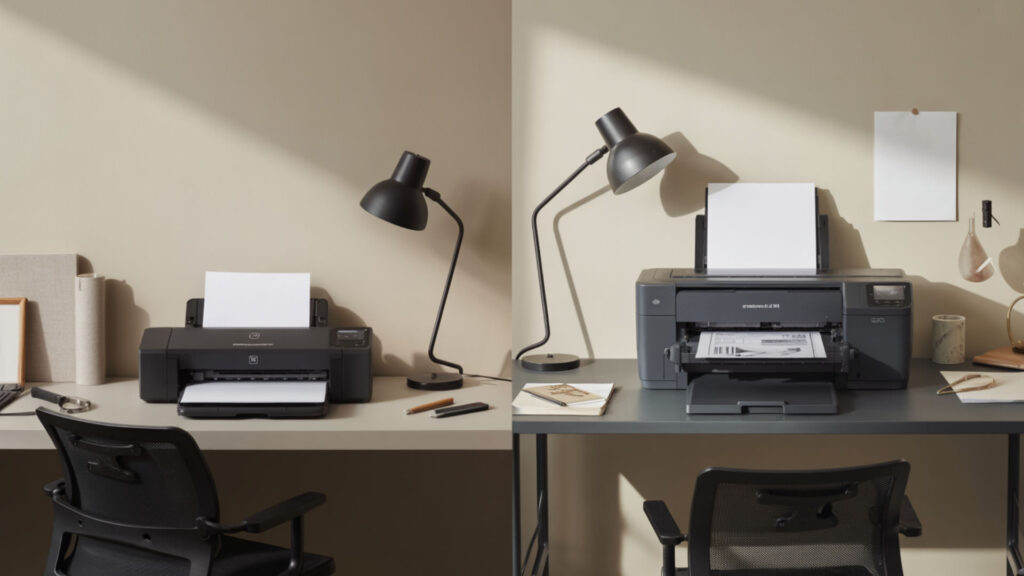
Wide-format printing classification begins at 18-inch media width, with industry standards placing true large-format printer territory at 24 inches and above. These machines handle roll media for continuous production, support extended print job queue management for batch processing, and deliver throughput measured in square feet per hour rather than pages per minute—fundamentally different workflow economics than desktop models. Our roundup of the best large-format printers for sublimation compares specifications and value across the current market. Large-format printers are defined by their ability to handle oversized media widths and roll-fed materials that go beyond standard desktop printer limits. [1]
Understanding Size Classifications and Standards
Wide-format printing standards categorize printers by maximum media width: 24-inch models handle standard apparel and signage, 36-inch units cover architectural applications, 44-inch machines serve commercial signage, and 60-inch+ systems address grand format needs. Source image pixels per inch (PPI) must scale appropriately—a 24-inch print at 300 PPI requires 7,200 horizontal pixels, while lower-resolution sources produce visible pixelation at these dimensions.
Production Capacity and Speed Considerations
Production speed depends on drop-on-demand printhead firing rates and nozzle density—the Epson F570’s 800-nozzle-per-channel print head achieves faster throughput than lower-nozzle-count alternatives. Speed specifications typically quote draft-quality rates; production-quality output at 1200+ DPI runs 40-60% slower. Evaluating printers by square feet per hour at your required quality level provides accurate capacity planning for order fulfillment timelines. Large-format printers are typically chosen for higher production demands, wider media handling, and professional workflows that go beyond standard desktop printing. [2]
Applications That Require Large Format Capabilities
Applications demanding large format capability include all-over-print apparel, yard signs, banners, fabric panels, and cut-and-sew garment production where pattern pieces exceed 13-inch widths. Viewing distance determines resolution requirements—signage viewed from 10+ feet tolerates 100-150 DPI, while apparel examined at arm’s length requires 200+ DPI. Accurate color space reproduction matters most for brand-matched merchandise and photographic transfers.
Is the Epson SureColor F570 Worth It for Large Projects?
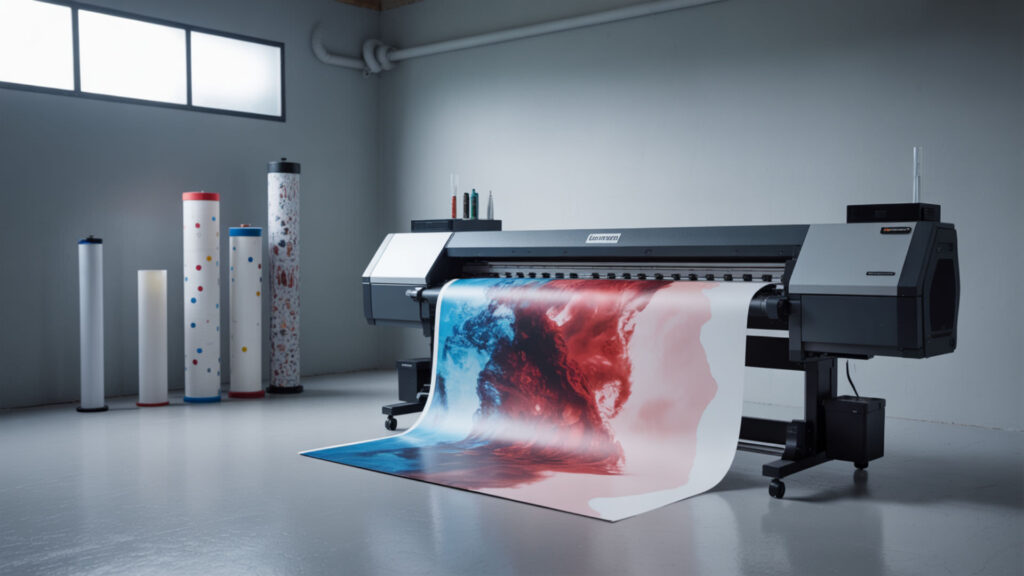
The F570 represents Epson’s dedicated 24-inch dye-sublimation inks solution, using piezoelectricity-driven PrecisionCore printheads paired with factory-calibrated color profiles. Its included raster image processor (RIP) software—Epson Edge Print Pro—handles complex print files, nesting layouts, and tile configurations that basic printer drivers cannot process efficiently. For comprehensive analysis of the F570’s production capabilities, ink economics, and software integration, our Epson SureColor F570 Review evaluates whether the dye-sublimation inks system justifies its premium positioning.
24-Inch Width Advantages and Use Cases
The 24-inch width enables full adult t-shirt fronts, XL+ apparel panels, and standard banner widths without tiling—a significant large-format printer advantage over 13-inch desktop alternatives. The expanded color gamut from Epson’s genuine sublimation inks produces richer saturation than third-party formulations, particularly in oranges, purples, and skin tones where commercial work demands accuracy.
Roll Feed vs Sheet Feed Operations
The F570’s dual-feed ink delivery system supports both roll media (8.3-24.4 inches wide on 2-inch cores) and cut sheets (8.5×11 to 11×17 via 50-sheet auto-feed tray). Roll feeding with the built-in cutter maximizes material efficiency for production runs, while sheet feeding suits smaller batches and rigid substrate transfers. The print job queue management in Edge Print Pro optimizes nesting across either media type.
Maintenance and Operating Costs
The F570 uses 140ml high-capacity ink cartridge bottles ($25-30 each) with auto-stop filling technology that minimizes waste during refills. Regular calibration through the 4.3-inch touchscreen interface maintains color accuracy over time. Annual maintenance costs run lower than cartridge-based competitors due to higher ink volumes and less frequent replacement cycles—critical economics for businesses projecting monthly print volumes.
How Do the Sawgrass SG1000 and Epson F570 Compare for Large Format Work?

Both printers target the growing sublimation business segment but approach color management differently—Sawgrass integrates proprietary ICC profile libraries through CreativeStudio software, while Epson provides Edge Print Pro with Adobe PDF Print Engine for advanced color conversion workflows. Our head-to-head color management comparison in Sawgrass SG1000 vs Epson F570 breaks down print quality, ink costs, and workflow efficiency for each system.
Maximum Print Sizes and Media Handling
The SG1000 maxes at 11×17 inches standard (13×19 with optional bypass tray), while the F570’s large-format printer classification delivers 24-inch continuous roll capability. The F570’s ink delivery system handles high-volume roll jobs where the SG1000 requires manual sheet feeding—a significant productivity difference for businesses processing 50+ transfers daily.
Color Accuracy and Print Quality Differences
Resolution specifications favor the SG1000 at 4880×1200 DPI versus the F570’s 2400×1200, though real-world color gamut coverage proves more impactful for sublimation quality. Both systems produce smooth halftone gradients suitable for photographic work, with Sawgrass excelling in out-of-box color accuracy and Epson offering more customization through third-party ICC profiling tools.
Software Integration and Workflow Efficiency
Sawgrass includes CreativeStudio (cloud-based design software) and Print Manager for integrated workflow, while Epson’s raster image processor Edge Print Pro provides professional-grade nesting, tiling, and job management. PDL (page description language) compatibility differs—Epson supports PostScript and PDF print engines, enabling direct output from professional design applications without intermediate conversions.
Which Large Format Printer Suits Small Business Needs?
Small business printer selection balances cost per print (CPP) against production requirements—the ET-15000 offers lowest entry cost, the SG1000 provides turnkey reliability with premium support, and the F570 delivers production-grade page yield for scaling operations. Our cost per print (CPP) analysis in Best Sublimation Printer for Small Business compares total ownership costs across volume tiers.
Balancing Initial Investment with Growth Potential
Entry costs range from approximately $500 (ET-15000) to $1,500+ (SG1000) to $3,000+ (F570 Pro), but cost per print economics shift at higher volumes. The ET-15000’s low CPP ($0.01-0.02/page) versus SG1000’s cartridge system ($0.05-0.10/page) compounds significantly across thousands of prints—evaluating page yield projections against growth targets determines optimal investment timing.
Space and Infrastructure Requirements
The F570’s 38×21-inch footprint requires dedicated workspace with clearance for roll loading and output stacking, while desktop units fit standard office environments. Large-format printer installations need electrical capacity for continuous operation plus climate control maintaining 65-75°F and 45-60% humidity. Viewing distance considerations affect workspace layout—proofing areas need appropriate lighting for accurate color evaluation.
Return on Investment Timeline
ROI calculations depend on cost per print differentials multiplied by monthly volume projections. At 500 prints monthly, the F570’s higher initial investment amortizes within 12-18 months against outsourcing costs; lower volumes favor the ET-15000’s minimal entry barrier. Printing resolution capabilities also affect pricing power—higher-quality output commands premium product pricing that accelerates investment recovery.
Final Thoughts
Wide-format printing capability transforms sublimation operations from hobby-scale production to commercial viability. Dye sublimation technology delivers its strongest advantages at larger sizes where vibrant, permanent, wash-resistant transfers create products impossible with standard printing methods. Whether starting with the ET-15000’s accessible entry point or investing directly in the F570’s production-grade capabilities, matching printer specifications to current volume and growth projections ensures equipment investment supports rather than constrains business development.
Frequently Asked Questions
1. What’s the minimum room size needed for a large format sublimation printer?
A 24-inch large-format printer like the F570 requires approximately 6×4 feet of dedicated floor space including clearance for roll loading, output collection, and operator access. Desktop models like the ET-15000 fit on standard 30-inch deep workbenches. All dye-sublimation inks systems benefit from climate-controlled environments maintaining 45-60% humidity to prevent printhead clogging during inkjet printing operations.
2. Can large format printers handle small projects efficiently, or is it wasteful?
Large-format printers accommodate small projects through nesting software that arranges multiple designs across media width, eliminating waste. The F570’s sheet-feed option handles individual 8.5×11 transfers without roll waste. However, maintaining a large-format printer solely for occasional small jobs proves economically inefficient—the equipment justifies investment only when regular large-format or high-volume production amortizes fixed operating costs.
3. How much more does large format sublimation ink cost compared to standard sizes?
Large-format dye-sublimation inks typically cost less per milliliter than desktop cartridges—the F570’s 140ml bottles run $25-30 versus Sawgrass’s 31ml cartridges at $35-60. Bulk economics favor production printers: converted ET-15000 systems using third-party sublimation ink achieve the lowest per-print costs at roughly $0.01-0.02 per color page, compared to $0.05-0.10 for cartridge-based inkjet printing systems.
4. What types of products require a large format printer that smaller printers can’t handle?
Products requiring large-format capability include all-over-print t-shirts (full front/back coverage), yard signs, banners over 13 inches wide, tablecloths, curtain panels, and cut-and-sew garment production where pattern pieces exceed desktop printer limits. Any single-piece transfer wider than 13 inches requires true large-format printer output—tiling across multiple sheets creates visible seam lines that degrade product quality.
5. Is it better to outsource large format jobs or invest in your own printer?
Outsourcing suits businesses with fewer than 100 large-format prints monthly or those testing market demand before capital investment. At 200+ monthly prints, owning equipment typically reduces per-unit costs below outsourcing rates while providing faster turnaround and quality control. The F570’s $3,000+ investment breaks even against typical $5-15/print outsourcing costs within 6-12 months at moderate production volumes.
References
- What is a wide format printer. (n.d.). Digital Business Services & Printing Solutions | Ricoh USA. https://www.ricoh-usa.com/en/glossary/wide-format-printer
- TAVCO. (n.d.). Complete guide to large format Canon plotters and printers. Large-Format Printers & 3D Scanning Technologies Dealer. https://www.tavco.net/definitive-guide-to-canon-large-format-plotter-printers