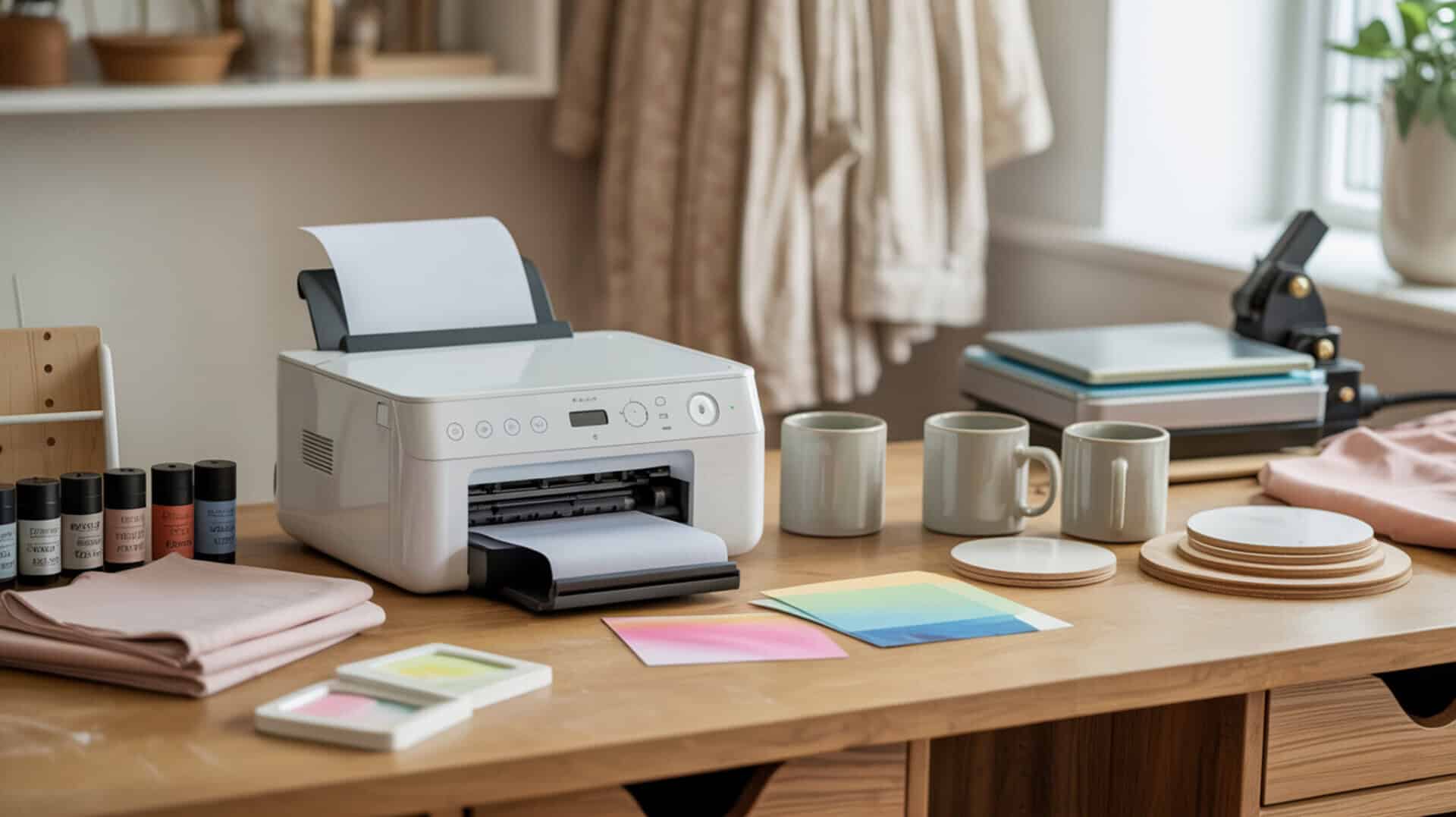
Choosing the best sublimation printer for small business requires balancing running cost against print speed to maintain profitability while meeting order fulfillment demands. Running cost directly affects profit margins—ink, paper, and maintenance expenses accumulate with every print, making ink system type a critical business decision. Print speed (pages per hour or square feet per hour) determines daily order capacity, which becomes essential as customer demand grows. Since small business sublimation success depends on understanding foundational printer differences before scaling, you may also want to read our hub article on dedicated sublimation printer for home use. Sublimation businesses operate within the broader printing and publishing industry, which the U.S. EPA outlines when describing how printing workflows scale from small shops to larger production operations.[1]
Key Takeaways
• Entry-level sublimation printers like the converted Epson ET-2850 (approximately $200) offer lower startup risk for new entrepreneurs testing the market with minimal financial commitment.
• Mid-range sublimation printers like the converted Epson ET-15000 (approximately $500) provide 13 × 19 inch capability for growing businesses needing larger format without professional-grade investment.
• Business scalability determines whether upgrades are needed as demand grows—printer lifespan and production capacity should match your growth trajectory to avoid premature replacement.
Is the Epson ET-2850 a Good Sublimation Printer for Small Businesses?
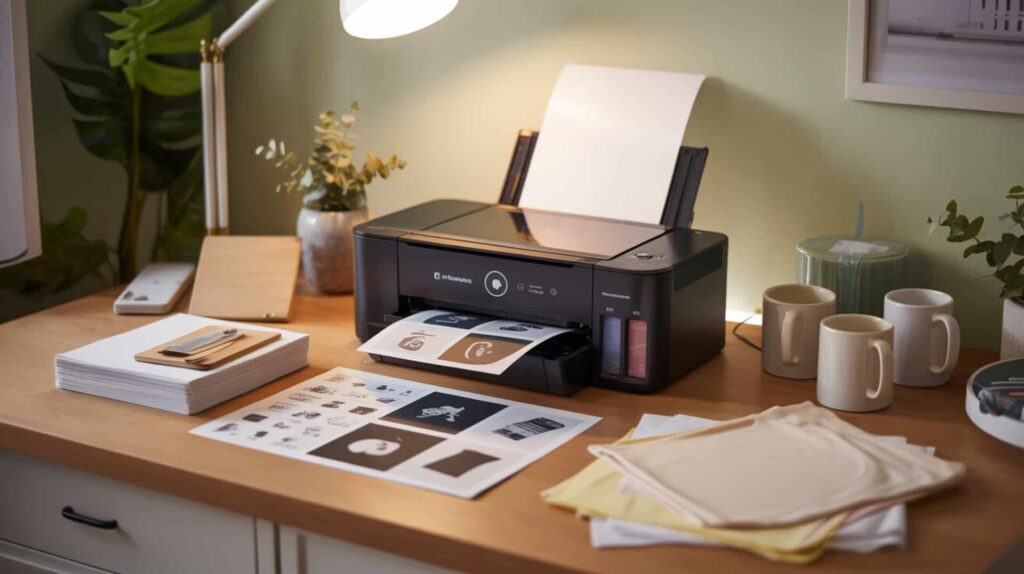
The Epson ET-2850 is an entry-level sublimation printer option when converted with sublimation ink, offering sheet-fed printing at approximately $200—significantly less than dedicated sublimation printers costing “thousands of dollars.” According to demonstrated conversion and press testing, the ET-2850 produces results described as “crisp and vibrant,” “nothing blurry or ghosted,” and “looks like something you’d buy in a store.” Sheet-fed printers are best for mugs, shirts, and small items, while beginner friendliness through guided Epson app setup reduces onboarding time to approximately 25–30 minutes. Since the roundup compares starter models commonly chosen by small businesses, you may also want to read our guide on entry-level sublimation printers in our best large sublimation printers article.
What kind of production output can entry-level sublimation printers handle?
Based on demonstrated printing and pressing tests, the ET-2850 handles standard letter-size output suitable for mugs, puzzles, small apparel, and similar items. Print speed determines daily order capacity—the ET-2850 suits low-to-moderate volume businesses producing individual custom orders rather than bulk production. Print resolution (DPI) affects product quality perception, and the ET-2850 delivers photo-quality results when using High quality setting and Premium Presentation Paper Matte media type. Press testing at 400°F for 60 seconds on shirts produced “crisp and vibrant” results with no blurring or ghosting. Puzzles pressed with an HTVRont Easy Press produced shiny/glossy finished results.
What are the pros and cons of using entry-level printers for business?
The ET-2850’s lower upfront cost (approximately $200) reduces financial risk for entrepreneurs testing the sublimation market before committing to larger investments. Main advantages include low cost entry saving money versus dedicated sublimation printers, photo-quality results demonstrated on shirts and puzzles, beginner-friendly guided setup via Epson app (approximately 25–30 minutes), ink bottle options (syringe-fill at approximately $19 or autofill at approximately $39), and running cost around $40 for complete ink refill versus “hundreds and hundreds of dollars” for Sawgrass. Main drawbacks include conversion being one-way (cannot switch back to regular ink), requiring frequent use to avoid clogs (weekly printing recommended), extra setup steps with mess potential from syringe filling, must ignore included Epson ink, and prior converted printer failure experience from infrequent printing leading to lines and eventual replacement.
How do entry-level printers compare to mid-range business options?
Entry-level printers have limited business scalability requiring earlier upgrade as demand grows—the ET-2850’s letter-size maximum constrains production scale for businesses needing larger prints. Compared to dedicated sublimation printers generally, the converted EcoTank approach is positioned as significantly cheaper. Compared to other inkjet brands (Canon/HP), many use thermal printheads unsuitable for sublimation because heat affects ink before reaching paper—EcoTank-style Epson conversion is preferred for piezoelectric technology. One reviewer’s prior converted WorkForce 7210 suffered clogging and quality issues from infrequent use, pushing them to replace it with the ET-2850. You can find the Epson ET-2850 here.[3][4]
How Well Does the Epson SureColor F570 Perform for Small Business Sublimation?
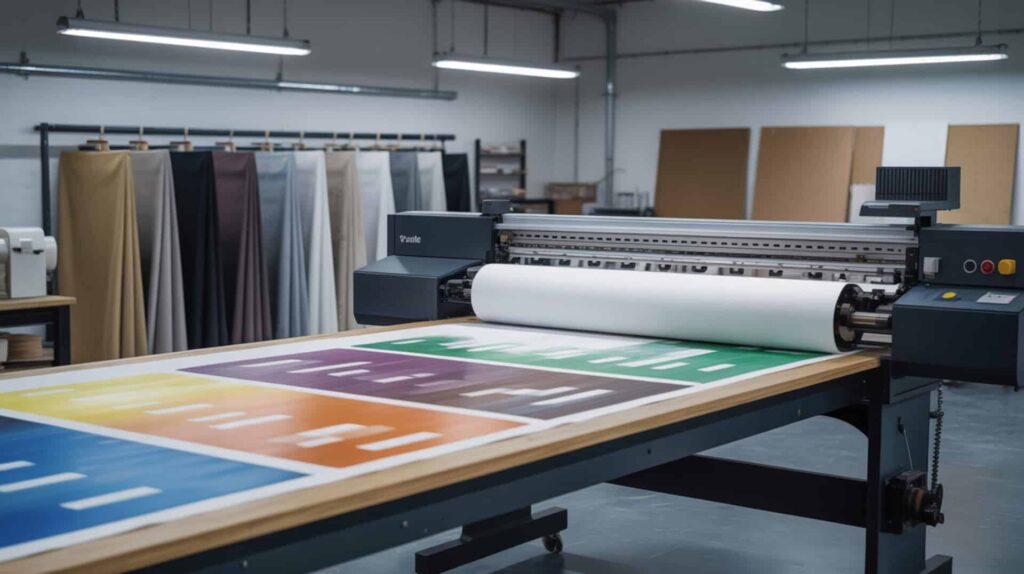
The Epson SureColor F570 is a high-volume sublimation printer with bulk ink system and roll-fed support delivering 24-inch wide-format capability for professional small business production at approximately $2,200. According to demonstrated printing and pressing tests, the F570 produces prints described as “amazing” and very vibrant even before pressing, with tumbler transfers that “took my breath away” and garden flag colors that “pop off the screen.” Bulk ink system delivers lower cost per print at scale, while roll-fed support enables continuous production capability without sheet-by-sheet limitations. Since large-format models are often the next step for scaling businesses, you may also want to read our guide on high-volume sublimation printers in our best large format sublimation printers article.
What sublimation results can you achieve with the Epson SureColor F570?
Based on demonstrated printing and pressing tests, the F570’s higher print speed (square feet per hour) enables faster order turnaround for growing businesses with consistent demand. Tumbler results from 11 × 17 prints were described as “beautiful and vibrant.” Garden flag pressing at approximately 60 seconds at 400°F showed colors that “pop off the screen” and are “even brighter in person.” Sock printing using metal sock jigs produced “amazing” results. Hat/poly-thread testing at 49 seconds with top heat 385°F and bottom 320°F showed successful results. Edge Print Pro software enables project nesting to batch prints and reduce paper waste by rearranging layouts to maximize space—a critical feature for business efficiency. At higher production levels, consistent color output depends on calibrated measurement standards, which NIST documents through its work on display colorimeter calibration. [2]
What are the pros and cons of the Epson SureColor F570 for small businesses?
Moving to high-volume sublimation too early creates higher running cost and increased financial pressure if order volume doesn’t justify the investment. Main advantages include 24-inch wide-format capability for banners, full-size apparel, and large projects, vibrant color output, ink described as lasting a long time and being “very affordable” compared to alternatives, Edge Print Pro software for batching and waste reduction, roll paper with automatic cutter, sheet feeding up to 11 × 17 without unloading roll, easy touchscreen navigation, and Wi-Fi compatibility. Main drawbacks include high price point (approximately $2,200), sizable physical footprint (arrives on pallet, needs dedicated space/stand), more professional/advanced than some users need, initial ink charging taking approximately 50–75 minutes, and one reviewer avoided buying due to limited craft-room space and not needing 24-inch width.
How does the Epson SureColor F570 compare to other professional sublimation printers?
The F570 offers higher business scalability for long-term growth support compared to entry-level and mid-range options. Brother SP sublimation printer was eliminated due to 8.5-inch maximum width—dedicated and beginner-friendly but not wide enough for production needs. Sawgrass SG1000 was eliminated due to repeated mentions that ink is costly/expensive. Epson SureColor F170 is dedicated sublimation at approximately $399 with 8.5-inch maximum (users tape pages for bigger projects). Epson EcoTank ET-15000 (converted) at approximately $500 offers 13 × 19 capability—one reviewer chose ET-15000 as best balance (wide enough, cheaper, smaller footprint) over F570 because they didn’t need 24-inch width. The F570 is positioned for professional 24-inch scale with high-volume potential. You can find the Epson SureColor F570 here.[5][6][7]
Is the Epson EcoTank ET-15000 Worth It for a Growing Sublimation Business?
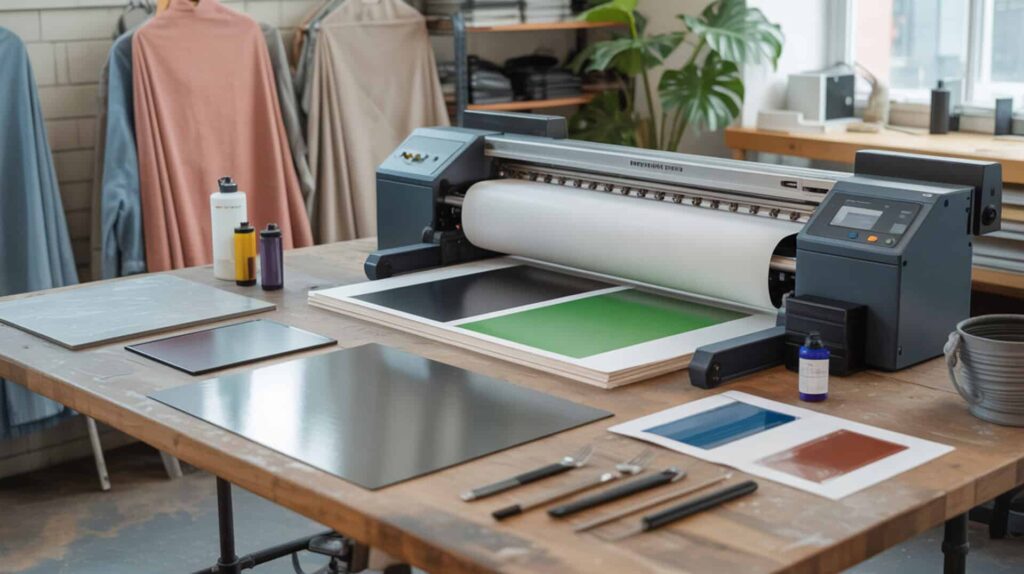
The Epson EcoTank ET-15000 is a mid-range sublimation printer option when converted, offering 13 × 19 inch wide-format capability at approximately $500—positioned between entry-level converted printers and professional dedicated systems. According to demonstrated printing and pressing tests, the ET-15000 produces color transfer described as “really good,” “vibrant and true,” with the first test being “absolutely a success” on a polyester shimmer tote. The EcoTank ink system delivers lower running cost through refillable tanks (approximately $40 for complete refill versus “hundreds and hundreds of dollars” for Sawgrass). Since tank-based systems are cost-effective for businesses, you may also want to read our detailed EcoTank ink system analysis in our Epson SureColor F170 review.
What large format sublimation results can you expect from the Epson ET-15000?
Based on demonstrated printing and pressing tests, the ET-15000 delivers improved print speed (pages per hour) and color management workflow compared to entry-level options, supporting product consistency across orders. The reviewer specifically chose 13 × 19 printing capability for bigger prints. Press testing on a polyester shimmer tote (13 × 14 size) at 360°F for 113 seconds with heavy pressure produced color transfer described as “really good” and “vibrant and true.” Nozzle/test pattern printing showed missing lines are normal on very first print, requiring multiple tries to get all lines correct before production printing. Preset workflow saves 13 × 19 settings (Premium Presentation Matte, High quality, Mirror enabled) for repeatable consistent output.
What are the pros and cons of the Epson ET-15000 for small business owners?
The ET-15000’s durability and maintenance requirements affect long-term reliability—regular maintenance through consistent use prevents clogs that plagued other converted printers. Main advantages include strong first-test output with vibrant and true color, large-format advantage (13 × 19) used immediately for bigger prints, preset workflow for repeatable printing, “workhorse” positioning with multifunction capability, and ink refill at approximately $40 versus “hundreds and hundreds of dollars” for Sawgrass alternatives. Main drawbacks include startup testing taking multiple attempts (missing lines on initial nozzle prints), setup effort with tape removal taking time, press results affected by taping/placement technique (user error noted), conversion voids warranty, and requires regular use to prevent clogging like all converted printers.
How does the Epson ET-15000 compare to other wide format sublimation printers?
Compared to high-volume sublimation printers like the F570, the ET-15000 offers business scalability at significantly lower investment (approximately $500 versus $2,200) but with 13 × 19 maximum versus 24-inch roll capability. The ET-15000 is described as a “workhorse” and “wide format” device with fax/scan/copy/print functions (though only printing is used for sublimation). Versus Sawgrass: the reviewer originally considered Sawgrass but decided against it because ink refill costs were “hundreds and hundreds of dollars” compared to approximately $40 for EcoTank conversion refill. One reviewer chose ET-15000 as best balance for their needs over F570—wide enough, cheaper, smaller footprint. The ET-15000 is middle ground: large format but more affordable, though requiring conversion rather than purpose-built. You can find the Epson EcoTank ET-15000 here.[8][9]
Which Sublimation Printer Is the Best Investment for Your Small Business?
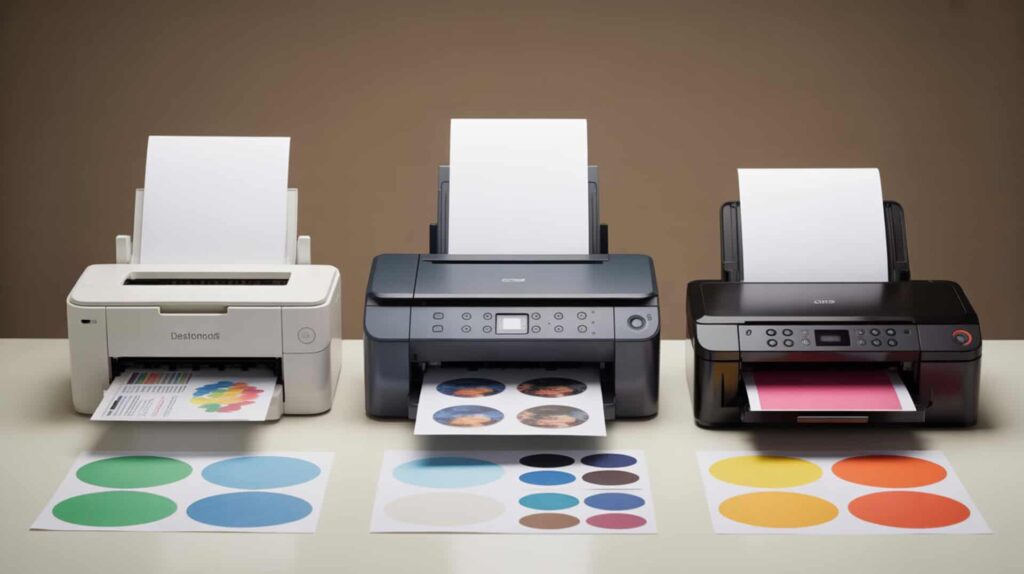
Product types supported, maximum print size, and heat press compatibility determine which printer matches your business model. Product type drives printer size selection: businesses producing primarily mugs, tumblers, and small items can succeed with entry-level sheet-fed printers, while businesses producing apparel panels, garden flags, or banners need larger format capability. Print size must match heat press capacity—there’s no benefit to 24-inch printing if your heat press only handles 15 × 15 inches. For entrepreneurs starting out small with limited budget seeking an affordable entry point, the Epson ET-2850 (approximately $200) provides proven results with minimal financial risk. For growing businesses needing large-format capability at moderate investment, the Epson ET-15000 (approximately $500) offers the best middle ground—13 × 19 inch prints with dramatically lower running costs than Sawgrass alternatives. For established businesses seeking professional-grade production with 24-inch capability and high-volume potential, the Epson SureColor F570 (approximately $2,200) delivers premium results with affordable ongoing ink costs. Overall, I recommend the Epson EcoTank ET-15000 for most small businesses because it balances large-format capability, affordable entry cost, and low running costs—making it the most versatile option for businesses expecting to grow.
Frequently Asked Questions
Is the sublimation printing business profitable for small business owners?
Yes, dye-sublimation printing has empowered many creators, makers, and entrepreneurs to build lucrative businesses producing and selling high-quality custom products. With a few pieces of equipment and some effort, you can have your own personalization shop running quickly. Profitability depends on managing running costs (ink at approximately $40 per refill for EcoTank versus “hundreds” for Sawgrass), pricing products appropriately, and maintaining consistent order volume to justify equipment investment.
What sublimation products sell the most for small businesses?
Sublimation tumblers have been popular best-sellers for years—they’re easy to make and easy to sell. Other high-demand products include mugs, t-shirts, puzzles, mousepads, and personalized gifts. The ET-2850 handles mugs and small items well, while the ET-15000 and F570 enable larger apparel panels and garden flags. Choose products that match your printer’s maximum size and your heat press capability for efficient production.
What are the main downsides of sublimation printing to consider?
The main disadvantages of sublimation printing include material restrictions (only polyester fabric, polyester blends, or poly-coated materials work), light color requirements (sublimation dyes are semi-transparent and don’t show on dark fabrics), size and shape constraints based on heat press capability, sensitivity to heat and pressure settings, possible color shift, fading with long sun exposure, and inability to print white ink. Converted printers add clogging risk if not used regularly and require weekly printing to maintain ink flow.
What is the best printer for a small sublimation business?
The best printer for a small sublimation business depends on your budget, volume, and size requirements. For budget-conscious startups, the converted Epson ET-2850 (approximately $200) offers proven results with minimal investment. For growing businesses needing larger prints, the converted Epson ET-15000 (approximately $500) provides 13 × 19 inch capability with low running costs. For professional production with 24-inch capability, the Epson SureColor F570 (approximately $2,200) delivers premium quality with affordable ink.
How much should you charge for a sublimation print to make profit?
To determine sublimation pricing, calculate total costs (materials, labor, overhead) and add a profit margin using cost-plus pricing. Include blank item cost, sublimation paper, ink, heat-resistant tape, time for image preparation, and equipment depreciation. A common approach: if total cost is approximately $5.56, a 300% markup results in approximately $15.95–$16.95 selling price. A single A4 print can range from $3 to $5 or more depending on complexity, with discounts for bulk orders. Research competitor pricing to ensure competitiveness.
References
- Monitoring information by industry – Printing and publishing | US EPA. (2025, March 7). US EPA. https://www.epa.gov/air-emissions-monitoring-knowledge-base/monitoring-information-industry-printing-and-publishing#:~:text=Related%20Industry%20Regulations-,The%20Printing%20Industry,%2C%20and%20post%2Dpress%20operations
- NIST display colorimeter calibration facility. (2017, February 17). NIST. https://www.nist.gov/publications/nist-display-colorimeter-calibration-facility