
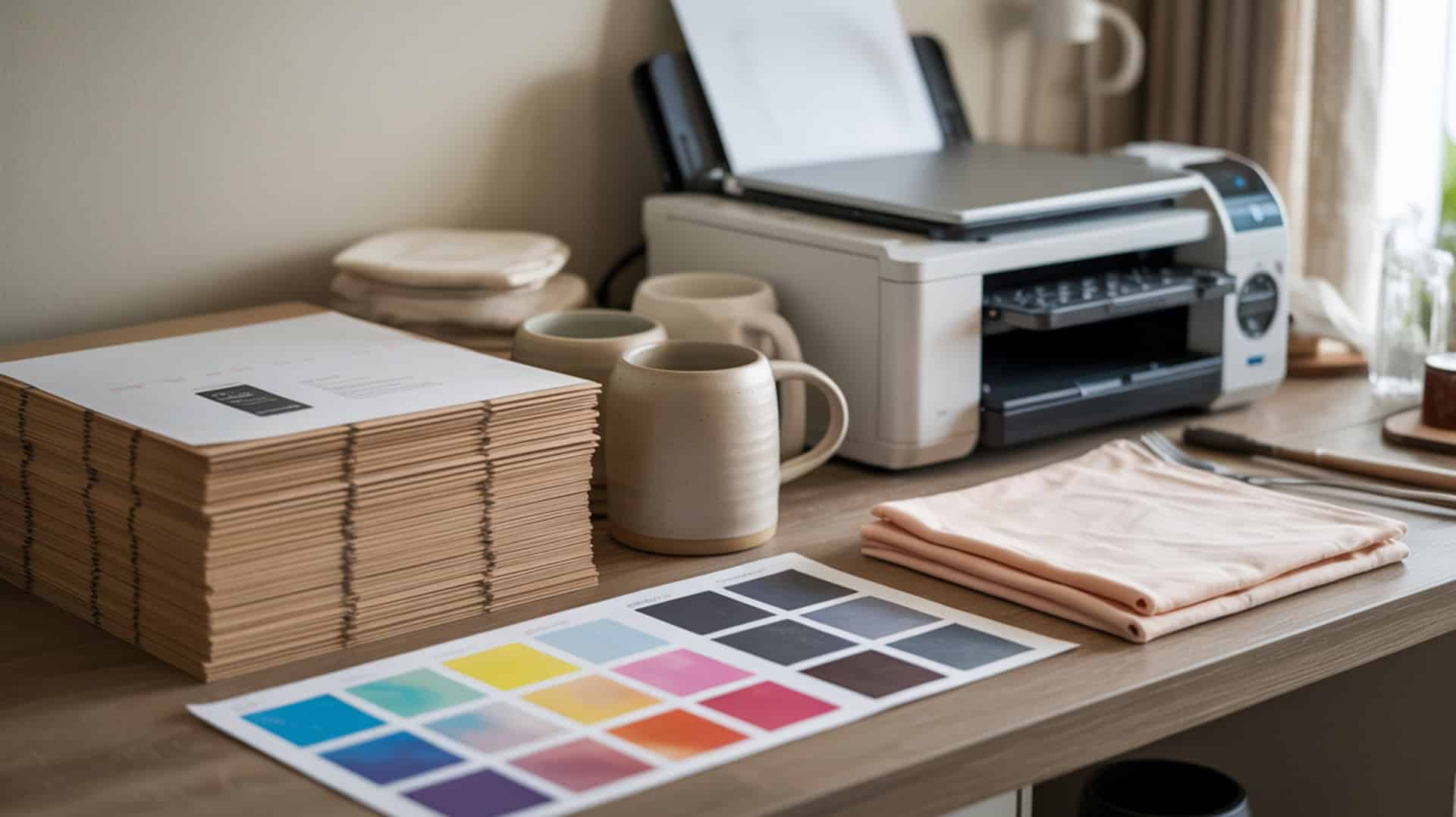
Sublimation paper serves as the transfer medium that holds disperse dyes temporarily before releasing them onto polymer substrates during heat pressing. The sublimation process requires paper with specialized coating that controls dye release—holding ink on the surface before pressing, then releasing it cleanly during the solid-to-gas phase transition under heat. Paper quality directly affects transfer sharpness, color vibrancy, and consistency across different printer systems. Because sublimation paper coating must hold dye temporarily then release it cleanly during the phase transition, understanding how coatings work helps you select the right paper for your projects. Sublimation printing is a heat-based transfer method that differs from traditional document printing processes used in the printing and publishing industry.[1]
Key Takeaways
- Paper coating provides dye holdout that prevents ink absorption into cellulose fibers, keeping disperse dyes on the surface for clean transfer.
- Moisture content causes transfer defects—excess moisture creates ghosting and color dulling during heat pressing.
- Controlled diffusion improves transfer sharpness through proper gas flow management, with ProSub offering the best overall value at $0.09 per sheet.
Is ProSub Sublimation Paper a Reliable Choice for Your Printing Projects?

ProSub sublimation paper is a coated paper with barrier coating that keeps disperse dyes on the surface before pressing for consistent release and improved color accuracy during transfer. According to test evaluations across seven paper brands using Sawgrass SG-1000, Epson SureColor F170, and Epson SureColor F570 printers, ProSub consistently ranked at or near the top when combining price, ease of use, and visual output. The barrier coating provides low absorption that maintains dye holdout until heat activation. Because barrier coating behavior differs from heat transfer paper and affects ProSub’s performance, users comparing transfer methods should review our guide on heat transfer paper vs sublimation paper.
What kind of print quality and transfer results can you expect from ProSub paper?
ProSub delivers sharp detail and reduced dye bleed through high smoothness and low porosity according to test documentation. On the Epson F170, ProSub received the final winning vote when testers selected the single best overall print among prior winners. Color differences between papers were often subtle, but ProSub was judged closer to the intended design when other variables were equal. Testing on license plate substrates with identical settings per printer confirmed consistent color accuracy and vibrancy across the ProSub samples.
What are the main pros and cons of using ProSub sublimation paper?
ProSub offers the lowest cost per sheet at $0.09 compared to competitors ranging from $0.20-$0.52, clearly marked backing for easy print-side identification, and time/temperature recommendations printed directly on packaging (ceramic mug: 360°F for 180 seconds) according to test data. Higher density provides more consistent dye release, while increased thickness may cause slightly slower drying. ProSub did not always win purely on visual output across every printer—A-Sub performed best on Sawgrass SG-1000, and HTVRONT won on Epson F570. Visual differences between papers were often subtle, and performance depends on the complete sublimation system. Sublimation paper relies on engineered coating layers that control dye diffusion and release under heat, a principle rooted in advanced materials science and polymer behavior. [2]
How does ProSub sublimation paper compare to A-Sub and other brands?
ProSub provides higher brightness for better pre-press image visibility and superior opacity reducing show-through on sheets according to PDI analysis. A-Sub won on Sawgrass SG-1000 for best-looking pressed results, but ProSub was preferred on Epson F170 and costs significantly less per sheet. HTVRONT performed best on Epson F570, though both include backing identification and guidance while ProSub wins on price. Several competing papers including TexPrint (up to $0.52/sheet) lack back-side markings and detailed pressing instructions. No other paper matched ProSub’s combination of cost, usability, and consistently strong results across multiple systems. You can find the ProSub Sublimation Paper here. [3]
Does A-Sub Sublimation Paper Live Up to the Hype for Budget Printing?
A-Sub sublimation paper offers cost efficiency for entry-level sublimation with coating that provides temporary dye hold through adsorption before release during heat pressing. According to test evaluations, A-Sub was voted best-performing paper on the Sawgrass SG-1000 among seven brands tested, demonstrating strong compatibility with that printer system. Budget coating may show higher variability but remains acceptable for entry-level use. Because absorption behavior determines why uncoated or poorly coated paper fails in sublimation, users should understand coating differences explained in our guide on sublimation paper vs copy paper.
What sublimation print quality can you realistically get from A-Sub paper?
A-Sub delivers competitive print results with the paper landing among top choices depending on printer model according to test documentation. Excess pore volume may produce softer edges compared to premium papers, and irregular gas flow can cause slight color inconsistency. On the Sawgrass SG-1000, testers voted A-Sub as the best-looking output among all papers tested. On the Epson F170, results were split with votes going to both A-Sub and ProSub, indicating A-Sub remained competitive though not the clear winner on that printer.
What are the biggest pros and cons of A-Sub sublimation paper?
A-Sub provides top-rated performance on Sawgrass SG-1000, marked backing for easy print-side identification, and feeds/dries well with no specific issues reported according to test data. Lower paper weight (GSM) enables faster drying. However, moisture sensitivity increases ghosting risk during pressing. A-Sub does not include printed time/temperature guidance like ProSub or HTVRONT, was not the cheapest per-sheet option (ProSub won at $0.09), and was not the top performer across all printers—winning on Sawgrass but not selected as “best of the best” overall.
How does A-Sub sublimation paper compare to ProSub and Epson options?
A-Sub demonstrates lower coating density than premium options, which may reduce transfer consistency according to PDI analysis. A-Sub won on Sawgrass SG-1000 for best-looking pressed results while ProSub won on price-per-sheet and ranked highest combining multiple ease-of-use factors. A-Sub was included among papers with marked backing (ease-of-use advantage over Epson paper), but unlike ProSub did not provide detailed time/temp instructions. HTVRONT won the Epson F570 group while A-Sub was not top-voted on that printer. You can find the A-Sub sublimation paper here. [4]
Is HTVRONT Sublimation Paper Worth Trying for Your Sublimation Projects?
HTVRONT sublimation paper features hydrophobicity coating that reduces ink spread and provides controlled release for cleaner transfers on polymer substrates. According to test evaluations, HTVRONT was voted best-performing paper on the Epson SureColor F570, with both testers selecting it as the top result in that printer group. The hydrophobic coating reduces ink spread during printing while controlled release improves transfer clarity during heat pressing.
What kind of transfer quality and results does HTVRONT sublimation paper deliver?
HTVRONT delivers controlled droplet spread through balanced surface tension that improves print definition before transfer according to test documentation. On the Epson F570, HTVRONT received 2/2 tester votes as best-performing paper, demonstrating strong compatibility with wide-format Epson systems. HTVRONT was not the top pick on Sawgrass SG-1000 (A-Sub won) or Epson F170 (votes leaned ProSub/A-Sub), indicating performance varies by printer model and workflow requirements.
What are the pros and cons of using HTVRONT sublimation paper?
HTVRONT offers best-in-group performance on Epson F570, marked backing for easy print-side identification, and included time/temperature guidance via separate printed sheet according to test data. Thickness provides better handling though slower heat response during pressing. HTVRONT was not the cheapest per sheet—ProSub won price at $0.09. Results depend heavily on printer choice: HTVRONT dominated Epson F570 but was not top-voted on the other two printers tested. The creator noted preference for instructions printed directly on packaging rather than separate sheets that can get lost.
How does HTVRONT sublimation paper compare to A-Sub and other competitors?
HTVRONT provides improved consistency for more predictable transfers compared to budget alternatives according to PDI analysis. HTVRONT won Epson F570 with both votes while A-Sub won Sawgrass SG-1000. ProSub had the strongest overall combination with lowest cost per sheet, marked backing, instructions printed on packaging, plus strong results on multiple printers. HTVRONT stood out among papers lacking markings/instructions by providing both marked backing and press recommendations, though ProSub matched these features at lower cost. You can find the HTVRONT sublimation paper here. [5]
Should You Pay More for Epson Sublimation Paper Over Third-Party Brands?
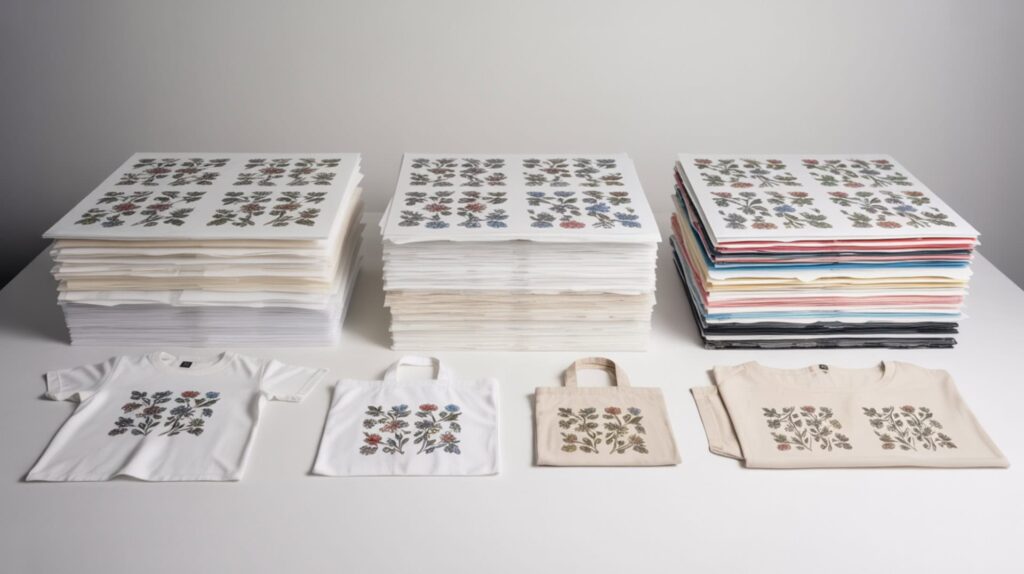
Epson sublimation paper offers manufacturer-matched coating designed for use with Epson printer systems and ICC profile calibration that can improve color accuracy through predictable results. According to test evaluations across seven paper brands, Epson paper was included in controlled side-by-side testing but was not named as a top-voted winner for any of the three printers tested. Matched ICC profiles and manufacturer tuning provide theoretically predictable results. Because OEM papers rely on calibrated color workflows similar to Sawgrass systems, users seeking ICC profile guidance should review our Sawgrass sublimation paper instructions.
What sublimation print quality can you expect from official Epson paper?
Epson paper provides stable color output through optimized coating matched to Epson printer systems, though testing showed no feeding or drying problems according to test documentation. Color accuracy depends on the complete workflow including printer settings and ICC profiles. In the seven-brand comparison using identical designs, substrates, and settings per printer, Epson paper was not selected as the best-performing option in tester voting for any printer—winners were A-Sub (Sawgrass SG-1000), ProSub/A-Sub (Epson F170), and HTVRONT (Epson F570).
What are the main pros and cons of using Epson sublimation paper?
Epson paper fed and dried without problems in testing and was evaluated under controlled side-by-side methodology. Higher cost compared to third-party options may reduce trial-and-error for users committed to manufacturer ecosystems. However, Epson paper lacks marked backing—testers noted you can have “no idea which side” unless looking very closely. No press time/temperature guidance was included per test review. Epson was not highlighted as “best” in final votes for any printer, losing usability points compared to papers with marking and instructions.
How does Epson sublimation paper compare to A-Sub and ProSub options?
Epson paper offers higher consistency for commercial workflows seeking manufacturer support, though testing did not confirm superior results according to PDI analysis. ProSub won on price per sheet and scored high on usability with marked backing plus instructions on packaging—Epson received neither usability advantage. A-Sub was selected best on Sawgrass SG-1000 and received votes on Epson F170, while Epson paper was not mentioned as best on any printer. Since printers/settings/substrates were held constant, differences came down to paper performance and ease-of-use features where Epson lost points. You can find the Epson sublimation paper here. [6]
Which Sublimation Paper Brand Is the Best Fit for Your Needs and Budget?
Selecting sublimation paper requires balancing transfer quality requirements against budget constraints while considering your specific printer system. Budget determines paper selection, with ProSub offering the strongest value at $0.09 per sheet with marked backing and printed instructions. Quality requirements influence coating choice—A-Sub excels on Sawgrass systems, HTVRONT performs best on wide-format Epson F570, and ProSub delivers consistent results across multiple printers. For users prioritizing cost-effectiveness with reliable results, ProSub provides the best overall combination of price, usability, and performance.
Ready to Choose Your Sublimation Paper?
Based on comprehensive testing across seven paper brands and three printer systems, ProSub sublimation paper delivers the best overall value combining lowest cost ($0.09/sheet), clearly marked backing, printed time/temperature guidance, and consistently strong results. A-Sub performs best on Sawgrass SG-1000 and offers budget-friendly entry with marked backing. HTVRONT excels on Epson F570 wide-format systems with both marking and press recommendations included. Epson paper, while manufacturer-matched, lacked backing identification and press guidance while not winning visual preference on any tested printer. I recommend ProSub as the best overall choice for most sublimation users seeking reliable results at the lowest cost, with A-Sub or HTVRONT as alternatives for specific printer systems where they demonstrated superior performance.
Frequently Asked Questions
What GSM paper weight is best for sublimation printing projects?
GSM paper weight affects sublimation performance, with incorrect GSM causing curling or uneven transfer during heat pressing. Most sublimation papers range from 100-125 GSM, providing sufficient body to feed through printers while allowing proper heat penetration during pressing. Lower GSM papers dry faster but may curl under heat, while higher GSM provides stability but requires longer press times. The tested papers including ProSub, A-Sub, and HTVRONT all performed within standard GSM ranges without feeding or curling issues reported.
Can you use regular copy paper instead of sublimation paper for printing?
Uncoated paper like regular copy paper causes dye absorption failure because disperse dyes soak into cellulose fibers rather than staying on the surface for transfer. Sublimation paper coating prevents this absorption, holding dye temporarily before releasing it during heat pressing. Without proper coating, ink absorbs into the paper permanently, producing faded or non-existent transfers. Ghosting and color dulling result from moisture and movement when using inappropriate paper—always use paper specifically designed for sublimation.
What is the difference between fast-dry and sticky sublimation paper?
Fast-dry sublimation paper features coating that allows ink to set quickly, minimizing smearing during handling—all tested papers including ProSub, A-Sub, and HTVRONT demonstrated fast drying according to test documentation. Sticky (tacky) sublimation paper includes adhesive coating that holds the paper against substrates during pressing, reducing ghosting from movement. Standard papers require heat-resistant tape to prevent shifting. Fast-dry suits most applications while sticky paper benefits curved or difficult-to-tape substrates where movement risk is higher.
Which side of the sublimation paper do you actually print on?
Print on the coated side of sublimation paper—typically the brighter, smoother surface. Papers with marked backing like ProSub, A-Sub, and HTVRONT include labels or watermarks identifying the non-print side, making orientation easy. Uncoated paper backing absorbs ink rather than holding it for transfer. Test documentation noted Epson paper lacks clear marking, requiring close inspection to identify the correct side. Printing on the wrong side causes ink absorption into paper fibers resulting in failed or severely faded transfers.
How do you prevent ghosting when using sublimation paper for transfers?
Ghosting occurs when moisture and movement during pressing create shadow images or blurred edges. Prevent ghosting by taping all edges of sublimation paper to substrates with heat-resistant tape, pre-pressing substrates to remove moisture, and avoiding movement when opening the heat press. Test documentation emphasized proper taping technique and noted that differences in paper coating affect moisture content handling. Allow pressed items to cool before moving them, and never re-press areas that have already been transferred.
References:
- Monitoring information by industry – Printing and publishing | US EPA. (2025, March 7). US EPA. https://www.epa.gov/air-emissions-monitoring-knowledge-base/monitoring-information-industry-printing-and-publishing
- Materials genome initiative. (2025, March 28). NIST. https://www.nist.gov/mgi












