
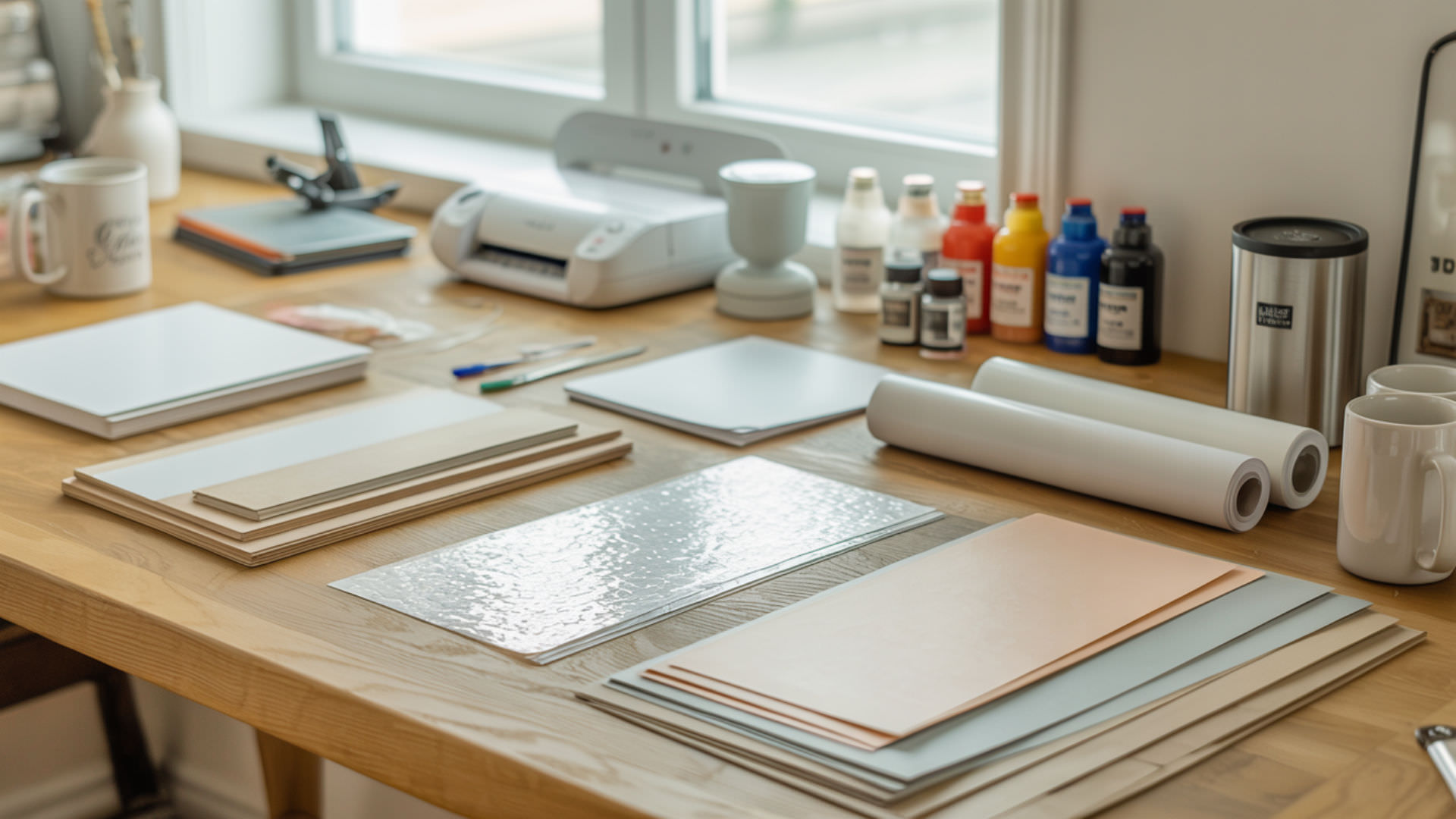
Waterslide decal paper and sublimation paper serve fundamentally different transfer mechanisms that make them incompatible. Waterslide transfers rely on water activation to release a thin film onto surfaces, while disperse dyes in sublimation ink require heat activation at 180–205°C to vaporize and bond with polyester. Sublimation paper includes polymer coatings engineered for dye release that waterslide paper completely lacks. Understanding disperse dye chemistry explains why these papers cannot substitute for each other, which our sublimation ink guide covers in detail. Sublimation refers to a physical process where a solid transitions directly into a gas under heat, bypassing the liquid phase. [1]
Key Takeaways
- Sublimation dyes activate only under high heat (180–205°C), not through water exposure used in waterslide transfer applications.
- Waterslide coatings cannot support true dye diffusion because they lack the polymer structure required for disperse dye bonding.
- Printing sublimation ink on waterslide paper produces dull, non-permanent results that smear when exposed to water.
Can Waterslide Paper Accept Sublimation Ink for Printing?
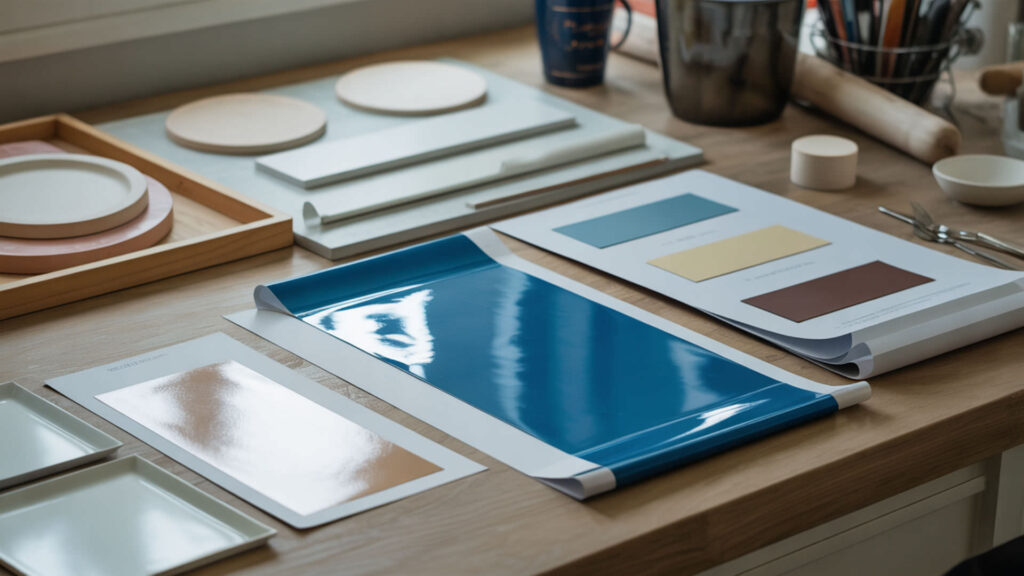
Waterslide paper can physically accept sublimation ink from a printer, but the coating mismatch prevents proper dye bonding or transfer. Waterslide paper is not heat-rated for sublimation temperatures and may warp, bubble, or scorch at 180–205°C. The lacquer-like waterslide coating cannot accept disperse dye the way sublimation paper’s polymer coating does—ink sits on the surface rather than releasing toward a substrate. Because heating non-sublimation papers increases fume production, our guide on sublimation ink safety covers inhalation considerations when working with incompatible materials.
What Happens If You Print with Sublimation Ink on Waterslide Paper?
Sublimation ink printed on waterslide paper produces dull colors that smear or dissolve when water activates the decal for transfer. The dye cannot gasify and bond during heat pressing because waterslide coatings lack polymer receptors. When exposed to water during the slide-off process, sublimation ink re-liquifies and runs because it never bonded with the paper surface. Results appear washed-out and non-permanent.
Can Sublimation Ink Print on Clear Waterslide Paper Without a White Layer?
Clear waterslide paper lacks any polyester layer for dye diffusion, so sublimation ink appears weak, transparent, and washed-out. Without a white backing, transparent dyes show no vibrancy against clear film. The ink cannot diffuse into the material because no polymer structure exists to accept disperse dyes. Clear waterslide applications require pigment-based inkjet inks designed for surface adhesion rather than heat-activated dye transfer.
Is Waterslide Paper Actually the Same as Sublimation Paper?
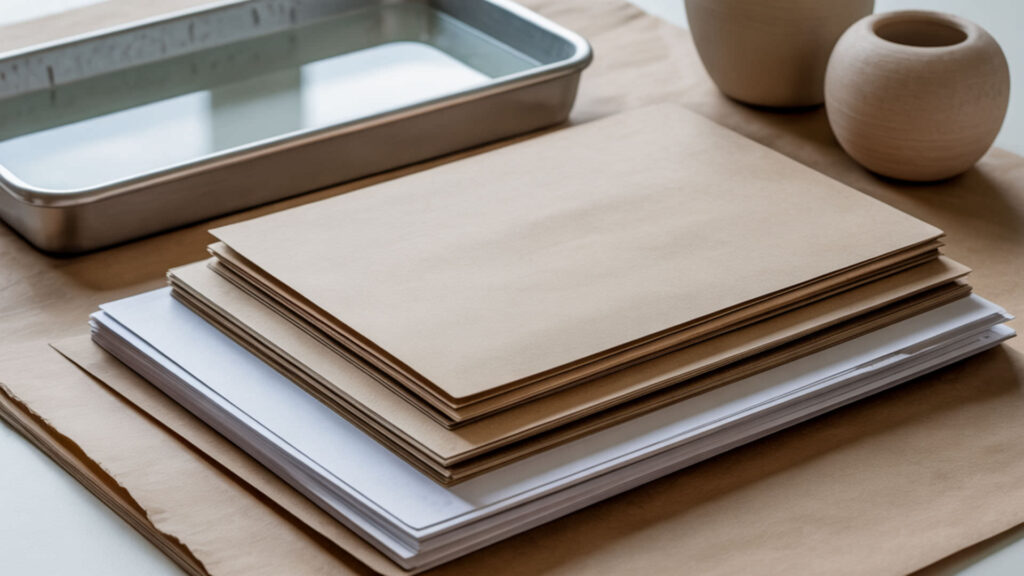
Waterslide paper and sublimation paper are completely different products engineered for incompatible transfer processes. Sublimation paper features a polyester-ready coating that temporarily holds disperse dyes until heat releases them toward polymer substrates. Waterslide coatings use lacquer-like films designed to slide off with water activation—they cannot bond with or release sublimation dyes properly. Because coating chemistry determines ink compatibility across specialty media, our eco-solvent vs sublimation comparison explores how different coatings interact with various ink types. Engineered polymer materials exhibit very different molecular structures and heat response characteristics than cellulose paper, which explains why sublimation transfers require polymer-based coating. [2]
Can a Sublimation Printer Be Used for Waterslide Decals?
A sublimation printer can technically print on waterslide paper, but the result functions as a basic inkjet print rather than true sublimation. Waterslide paper may warp, bubble, or scorch if exposed to full sublimation temperatures during any heat-sealing attempt. The printed design requires separate sealing with acrylic spray or epoxy to achieve water resistance. This workaround produces acceptable craft results but lacks sublimation’s permanence and vibrancy.
Can Sublimation Ink Transfer Stick to Regular or Prepared Paper Surfaces?
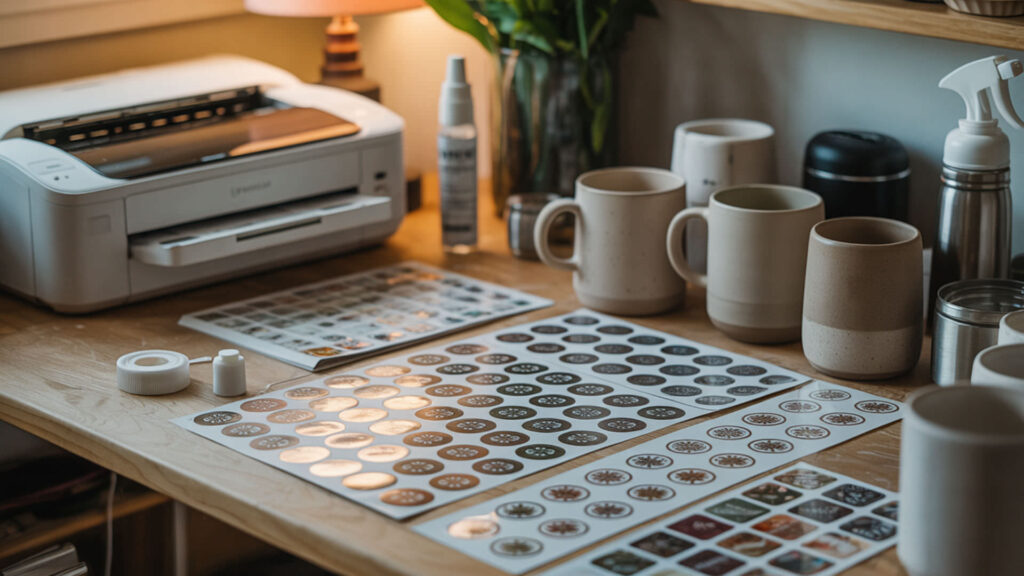
Sublimation ink cannot permanently bond with regular paper because dye diffusion requires polyester polymer networks that cellulose-based papers lack. Paper serves only as a temporary carrier during sublimation—dyes pass through toward polyester substrates rather than bonding with the paper itself. Without polymer chains to penetrate, disperse dyes sit on paper surfaces where they remain vulnerable to smearing, fading, and moisture damage.
Can Sublimation Ink Be Used on Paper at All?
Sublimation ink prints onto paper but cannot create permanent bonds because disperse dyes require polymer substrates for molecular embedding. Uncoated paper acts only as a temporary carrier—ink soaks into cellulose fibers rather than sitting on a release coating. The dyes never achieve the vibrant, permanent results possible on polyester because paper lacks the polymer structure needed for heat-activated dye diffusion and bonding.
Does Sublimation Ink Sometimes Look Dull When Used on Paper?
Sublimation ink appears dull on paper because uncoated surfaces lack the dye-release and color-boosting coatings found on proper sublimation transfer paper. Colors only achieve full vibrancy after heat activation transfers dyes into polyester—prints look muted until this sublimation process occurs. Dullness on paper indicates the coating mismatch rather than ink quality issues. Proper sublimation paper maintains fastness and color accuracy throughout the transfer workflow.
Can Sublimation Ink Be Used on Printable Sticker Paper Safely?

Sublimation ink works on sticker paper only when the product includes a polyester film or polymer coating designed for dye bonding. Standard sticker papers lack polymer surfaces and produce poor results with sublimation inks. Specialized sublimation sticker paper exists with polyester coatings that accept and hold disperse dyes permanently, maintaining proper fastness for durable, waterproof sticker applications. Because fastness determines sticker durability on compatible media, our Epson sublimation ink guide covers high-quality ink options that maximize color permanence.
Is Sublimation Sticker Paper a Real Product Type?
Sublimation sticker paper exists as a specialty product featuring transparent polyester film with adhesive backing. The polyester coating accepts disperse dyes during heat pressing, creating waterproof, durable stickers without requiring ink changes or printer modifications. These products differ from standard sticker paper because the polymer layer provides the substrate surface required for true sublimation dye bonding rather than surface adhesion.
What Is Sublimation Sticker Paper Designed to Do?
Sublimation sticker paper provides a diffusion pathway through its polyester coating that allows disperse dyes to embed permanently during heat activation. The coating accepts sublimation ink from transfer paper, bonds the dye molecules into the polymer structure, and produces glossy, waterproof stickers. This differs from inkjet sticker paper where pigments sit on surfaces—sublimation sticker paper creates embedded color that resists scratching and moisture.
How Do You Print on Waterslide Paper Using Sublimation Ink Step-by-Step?
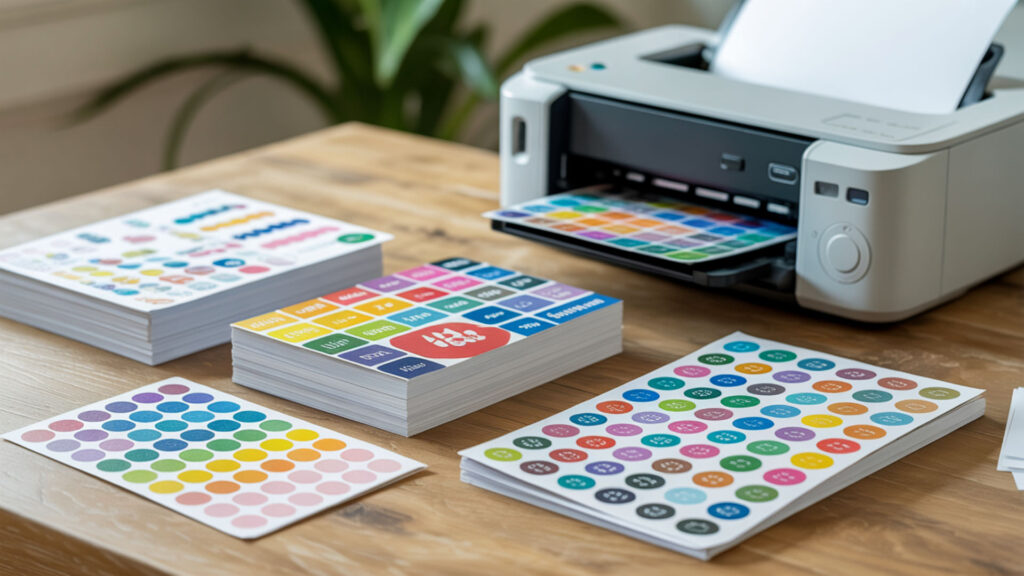
Note: This process produces inkjet-style prints, not true sublimation transfers. Results require sealing for durability.
- Load waterslide paper into your sublimation printer glossy-side up. The glossy coating receives ink; matte backing feeds through the printer mechanism.
- Print your design using standard quality settings without mirror mode. Waterslide transfers apply face-up unlike sublimation transfers that require mirroring.
- Allow print to dry completely for 10–15 minutes. Sublimation ink dries slower on waterslide paper than on proper sublimation paper surfaces.
- Apply clear acrylic sealant spray in thin, even coats. Sealing protects ink from water exposure during the slide-off transfer process.
- Let sealant cure fully (2–4 hours or per manufacturer instructions). Incomplete curing causes sealant to cloud or peel during water application.
- Cut around your design leaving minimal border. Tight cuts reduce visible film edges on finished decal applications.
- Submerge in room-temperature water for 30–60 seconds. Paper backing absorbs water and releases the film carrying your sealed design.
- Slide decal onto surface, position, and squeegee out water bubbles. Heat is not used—this is a water-release transfer, not sublimation bonding.
Ready to Print with Sublimation Ink on Different Specialty Papers?
Successful sublimation printing requires matching ink chemistry to paper coating capabilities. Only polyester-based coatings allow true dye diffusion and permanent bonding through heat activation. Waterslide paper lacks these polymer structures and produces inferior results requiring additional sealing steps. For best outcomes, use proper sublimation transfer paper for heat-press applications and dedicated waterslide paper with pigment inks for water-release decals.
Frequently Asked Questions
Can sublimation ink behave differently on thin decal papers?
Thin decal papers absorb sublimation ink differently than standard sublimation transfer paper because their coatings aren’t optimized for disperse dye handling. Ink may bleed through thin substrates, spread unevenly, or dry with inconsistent saturation. Paper thickness affects heat tolerance during any pressing attempts—thinner papers warp or scorch more easily at sublimation temperatures between 180–205°C.
Does drying time change if sublimation ink is used on paper?
Sublimation ink dries slower on non-sublimation papers because standard coatings don’t absorb and hold dye the same way as sublimation paper’s engineered surface. Expect 10–15 minutes drying time on waterslide paper versus 2–3 minutes on proper sublimation paper. Touching prints before complete drying causes smearing since ink remains mobile longer without optimal coating interaction.
Can paper surface texture impact perceived sharpness or dullness?
Paper surface texture directly affects edge sharpness and color vibrancy with sublimation ink. Rough or porous surfaces cause ink absorption that softens edges and dulls colors. Glossy coatings produce sharper results but still lack the dye-release properties needed for true sublimation transfer. Textured waterslide papers may show visible surface patterns through the final decal film.
Is slight ink dullness the same as fading or bleeding?
Initial dullness on paper differs from fading or bleeding—dullness occurs because sublimation ink hasn’t undergone heat activation to achieve full vibrancy. Fading happens over time from UV exposure or washing. Bleeding indicates ink spreading beyond intended boundaries due to incompatible coating absorption. Dull sublimation prints on paper represent the ink’s pre-activation state, not degradation or application errors.
Can humidity affect how decal paper holds sublimation ink?
High humidity causes decal papers to absorb moisture that interferes with proper ink adhesion and drying. Waterslide paper becomes tacky or curls in humid conditions, affecting print quality and handling. Moisture in paper can cause sublimation ink to spread unevenly or dry with blotchy appearance. Store specialty papers in climate-controlled environments and allow prints extra drying time during humid weather.
References
- https://www.usgs.gov/water-science-school/science/sublimation-and-water-cycle#:~:text=Sublimation%20is%20the%20conversion%20between,such%20a%20snowflakes%20and%20frost.
- Modeling polymers for next-generation manufacturing and sustainability. (n.d.). Energy.gov. https://www.energy.gov/science/bes/articles/modeling-polymers-next-generation-manufacturing-and-sustainability












