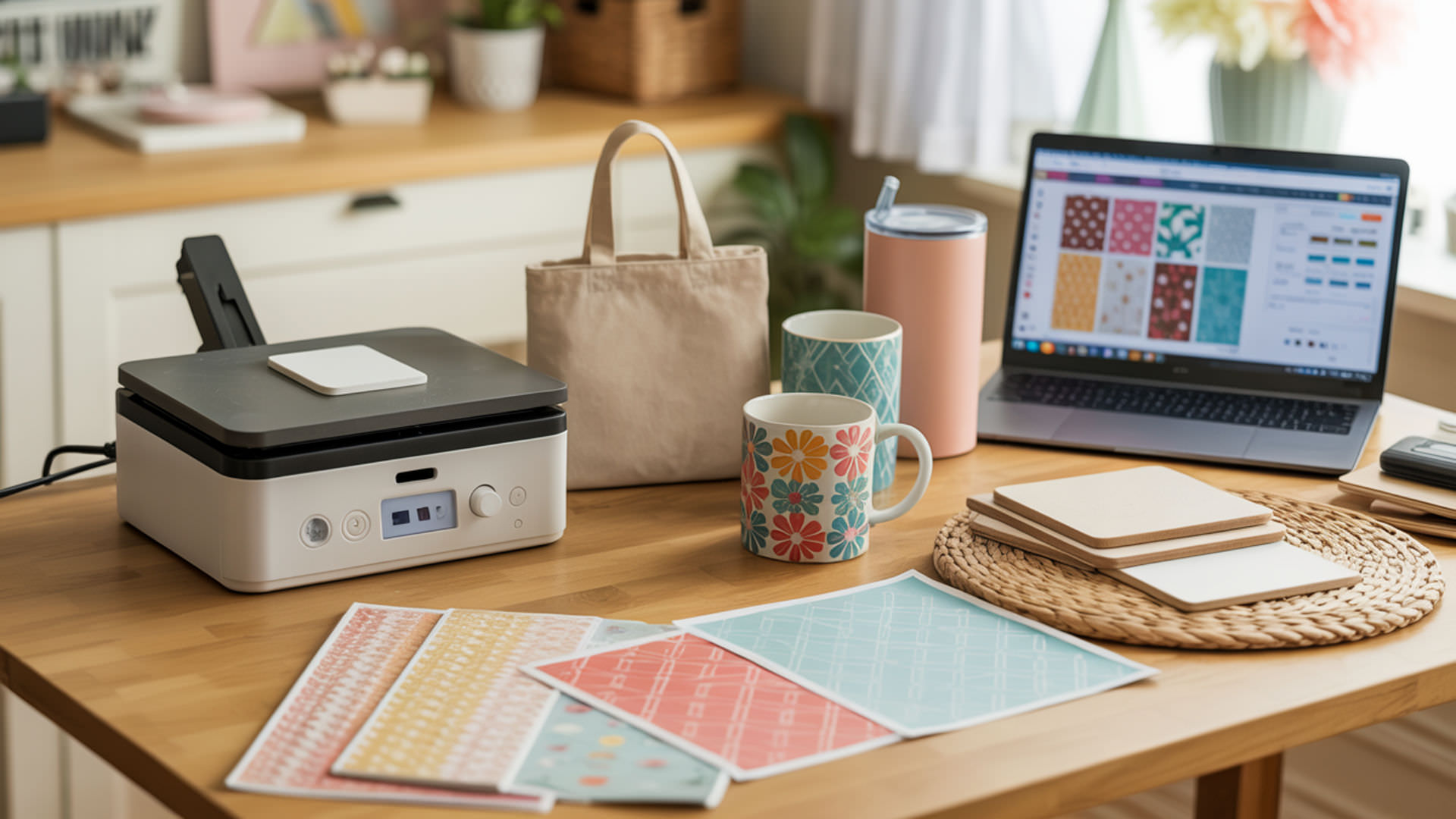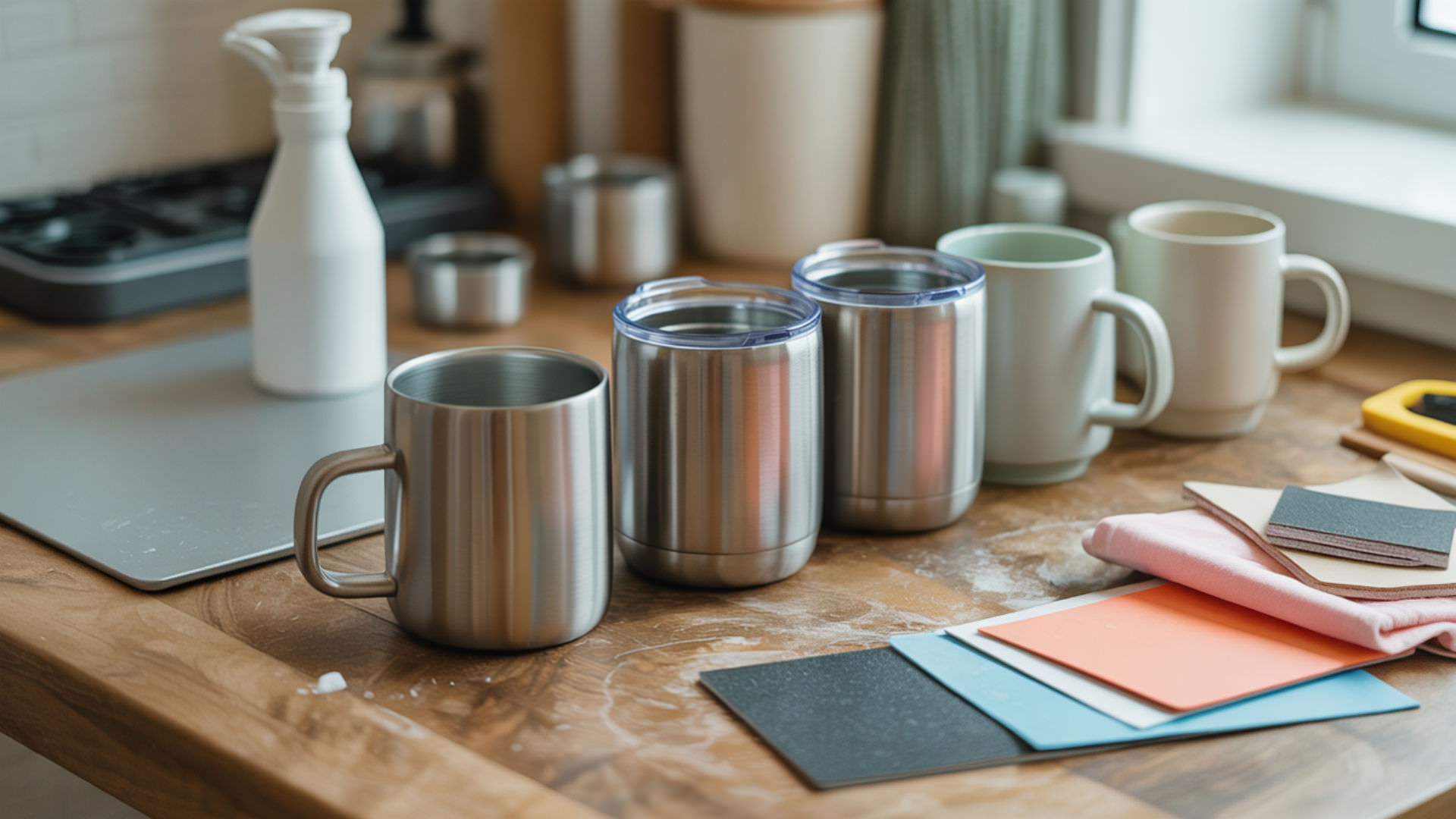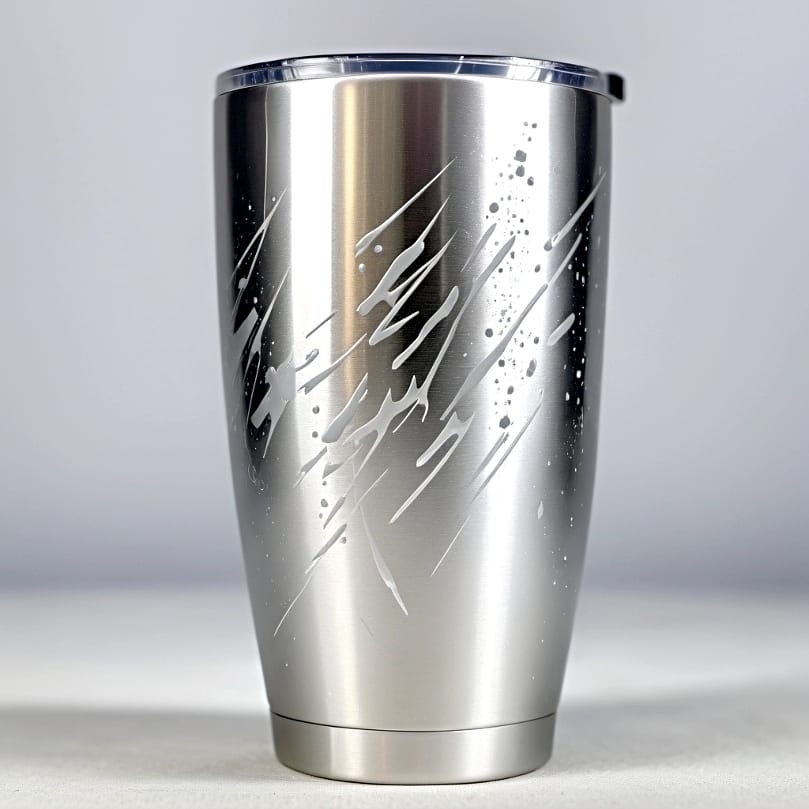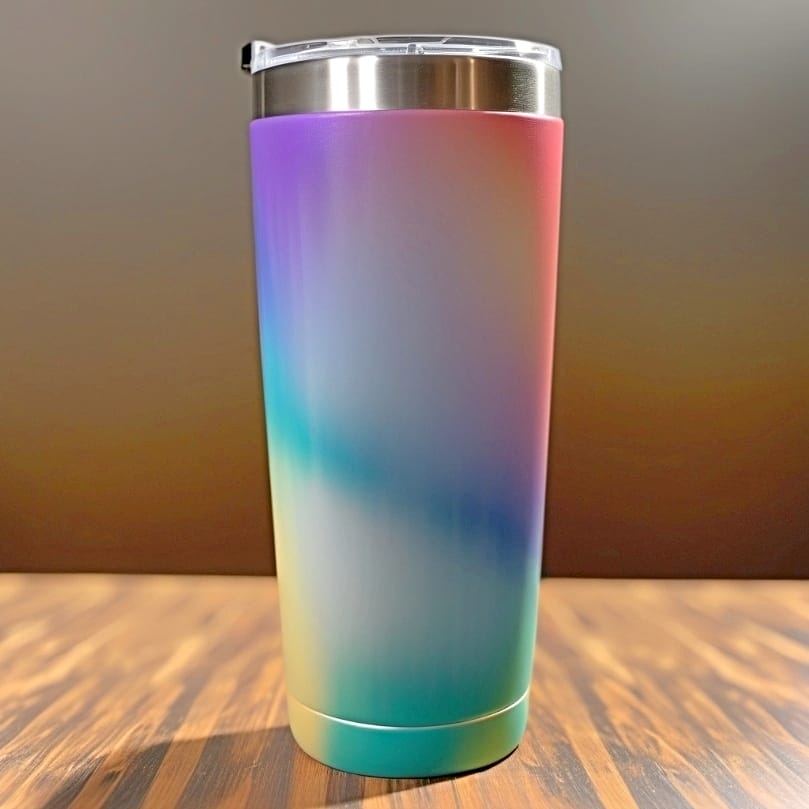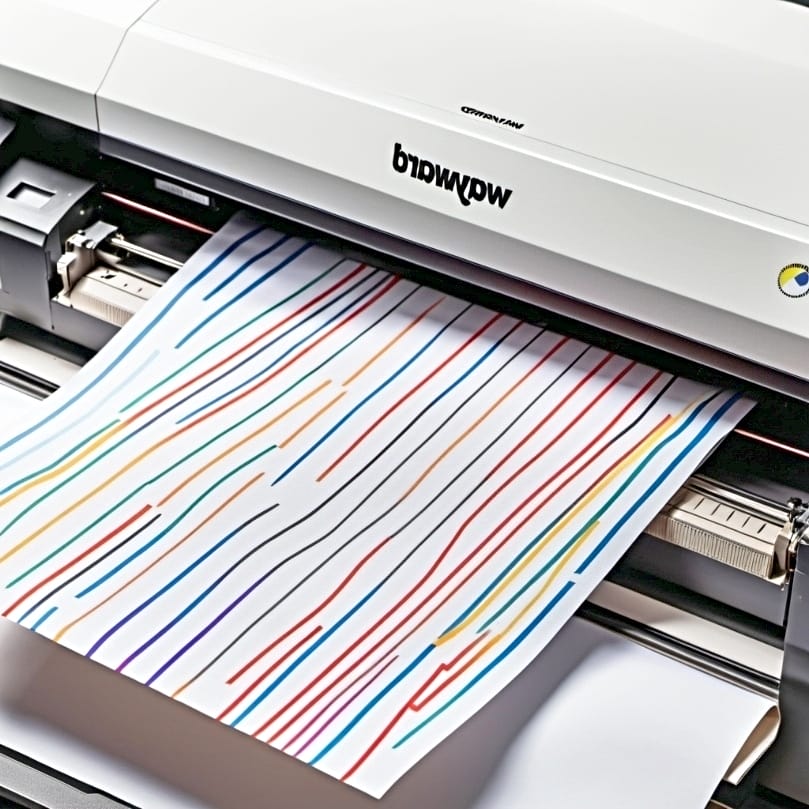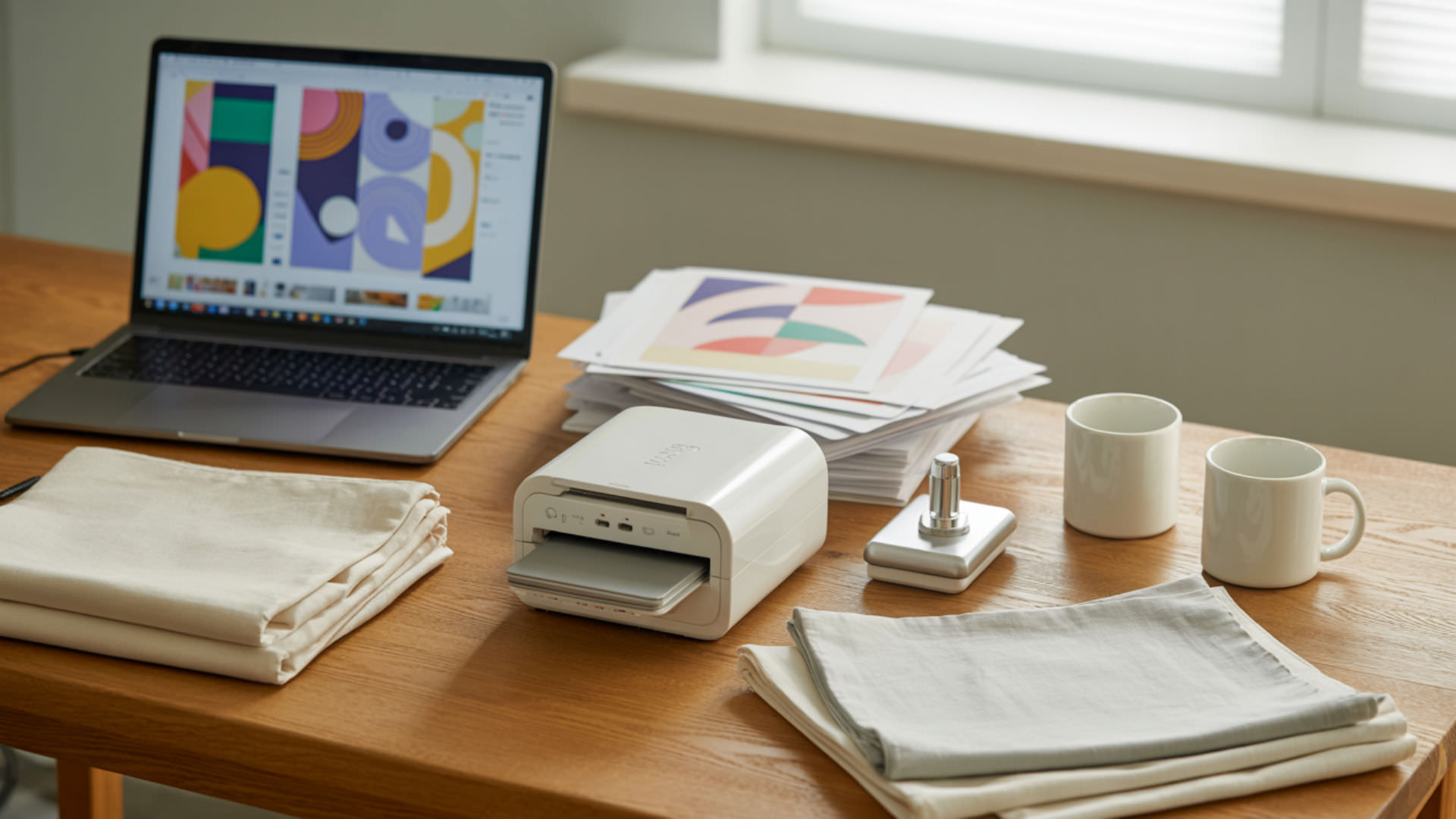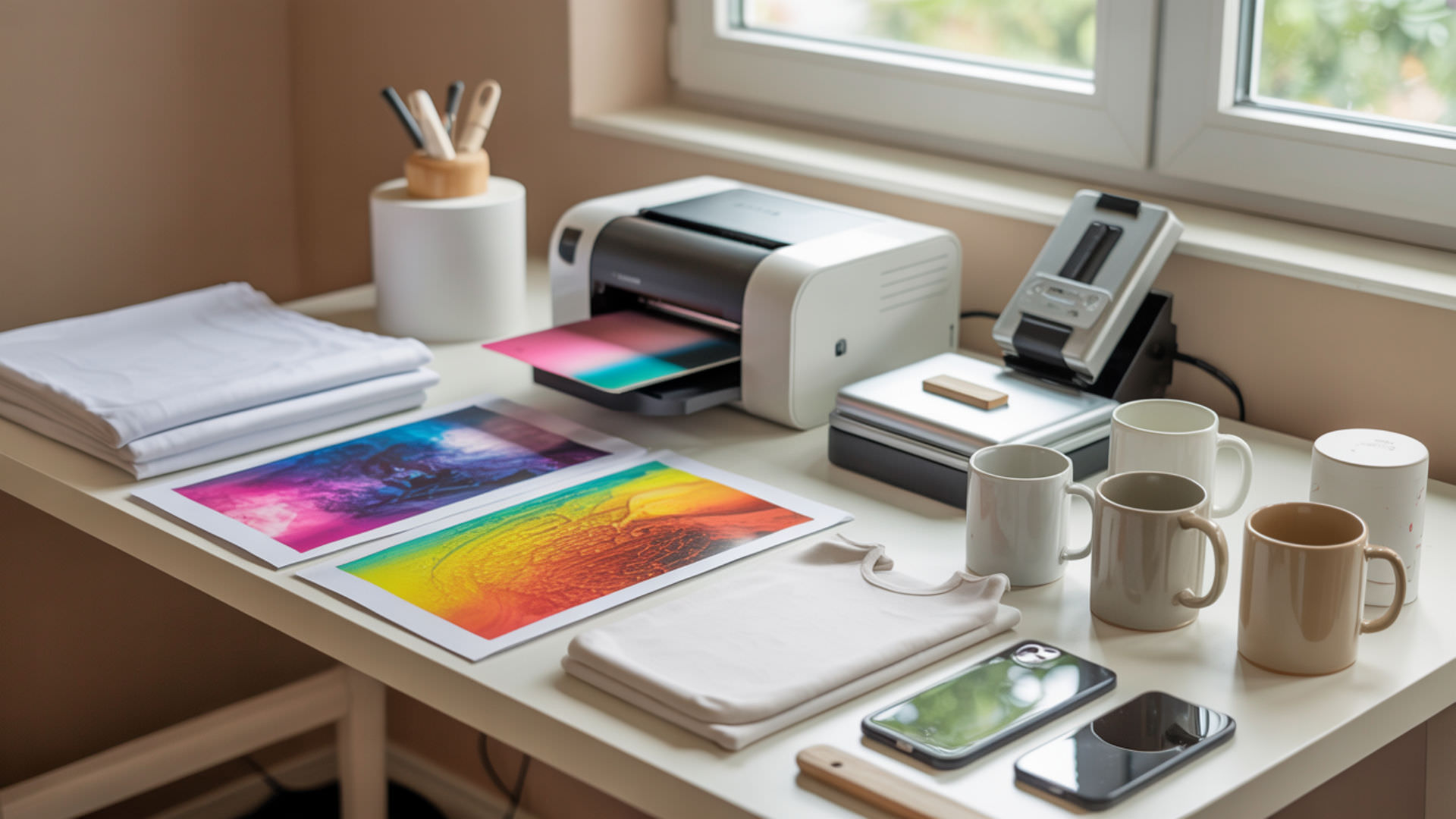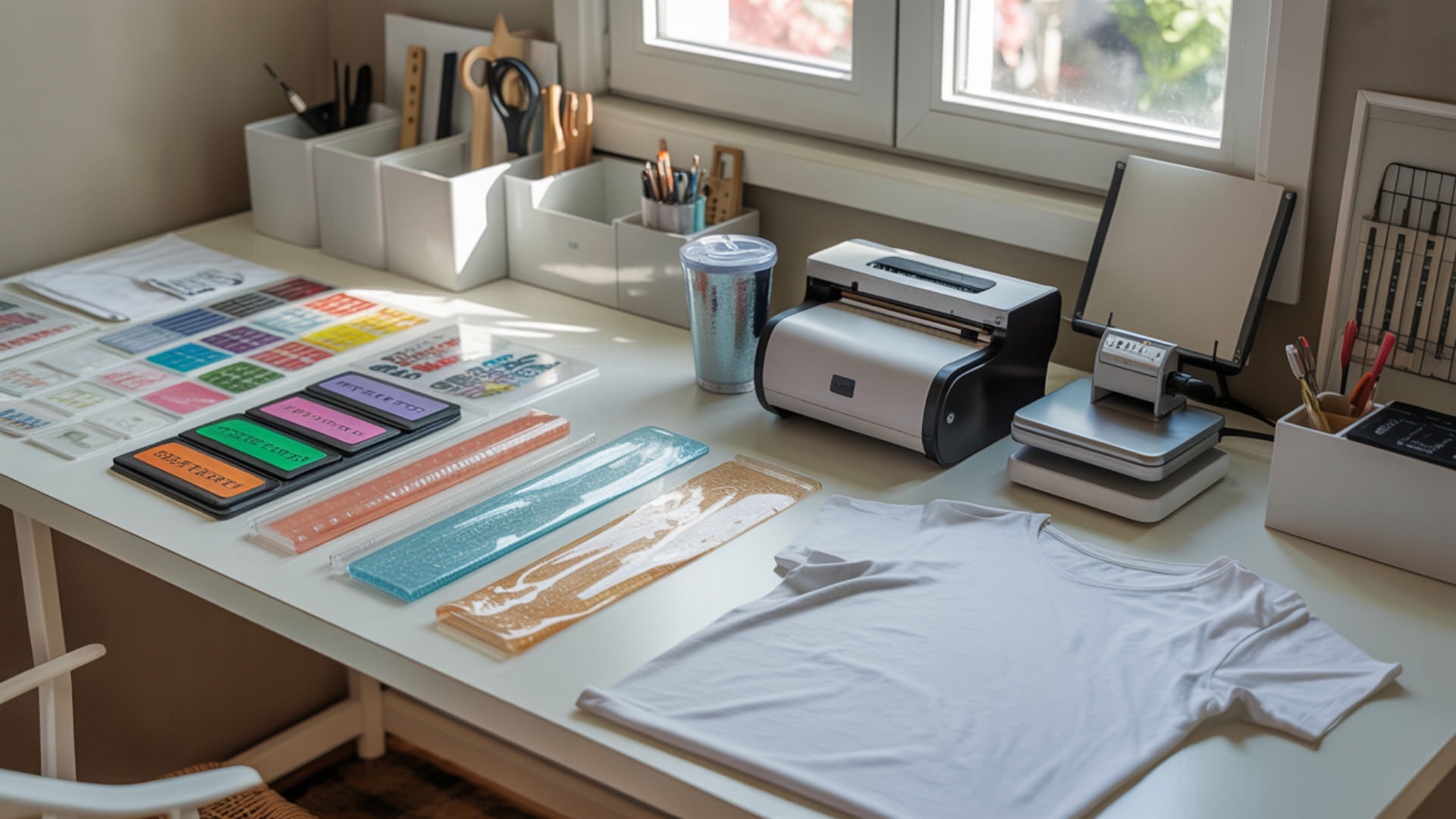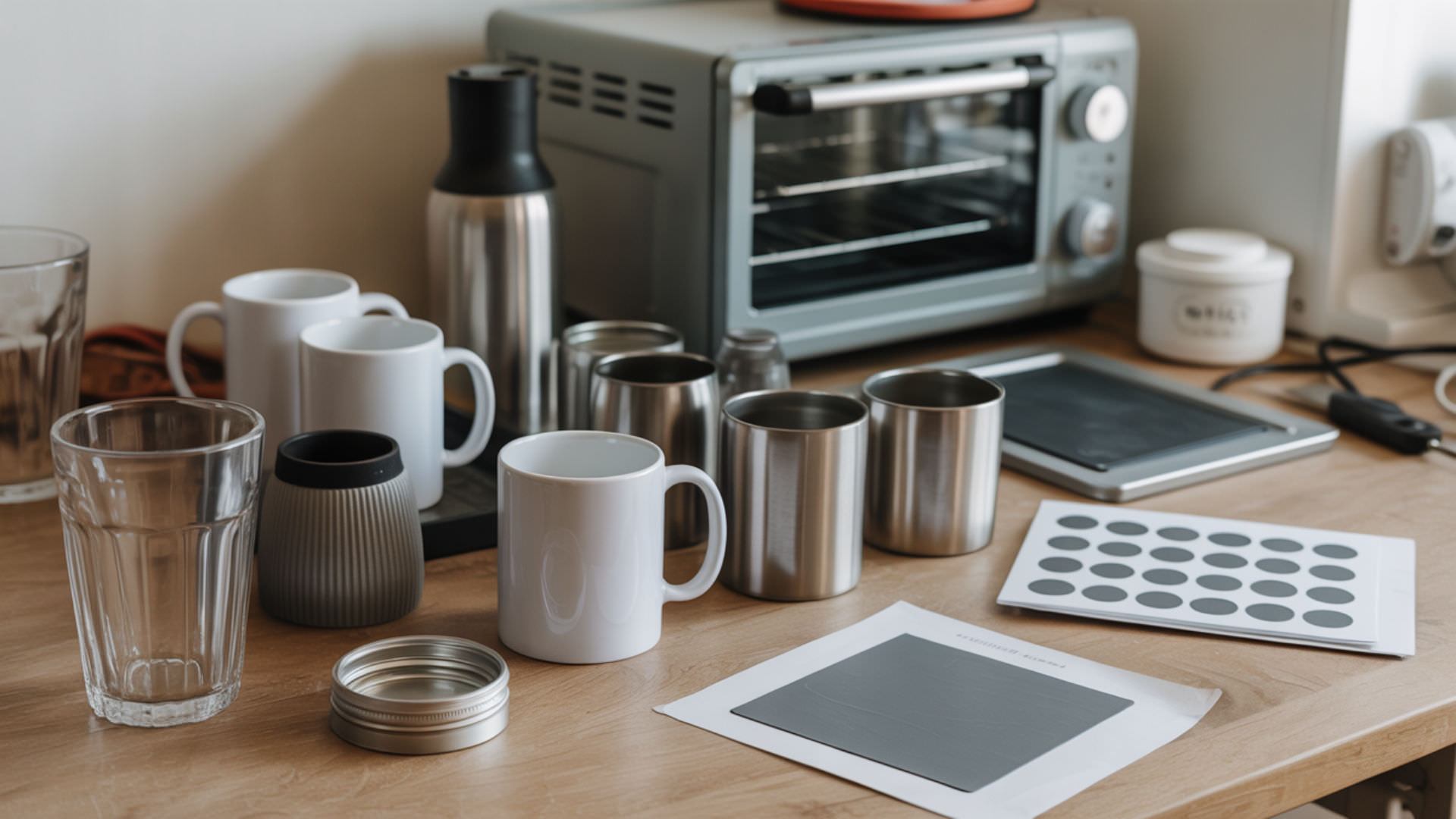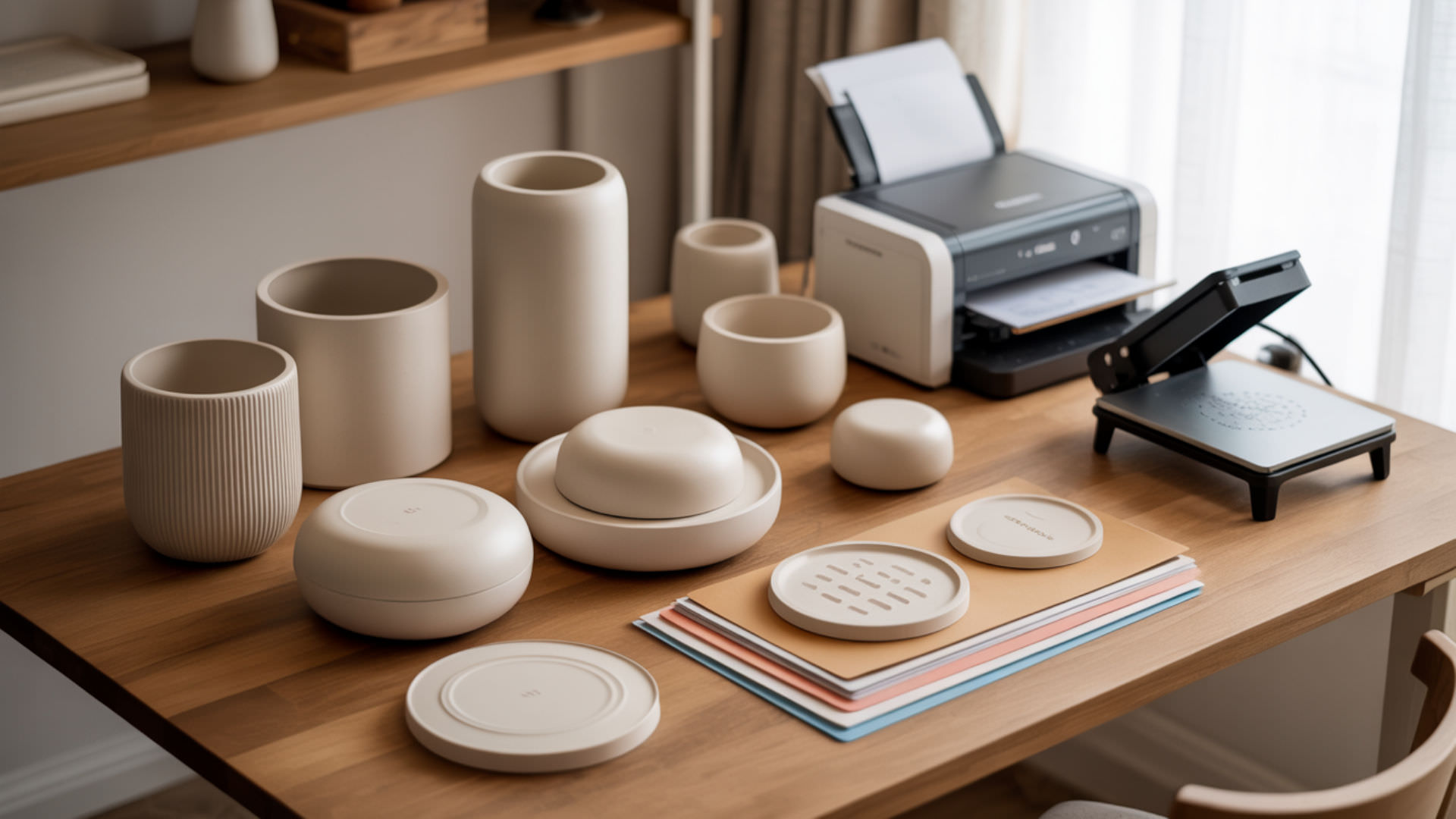
3D sublimation designs allow you to create full-wrap prints on curved objects like mugs, tumblers, phone cases, and ornaments. 3D computer graphics provide the foundation for creating dimensional sublimation designs, where 3D models serve as the foundational structures representing product shapes. A 3D model connects directly to the mesh, which defines the form and structure that will eventually receive your sublimation texture. Our guide on how to make sublimation designs explains how 3D computer graphics integrate into modern design workflows.
Key Takeaways
- 3D sublimation uses vacuum heat presses to transfer full-wrap designs onto curved objects at 180–200°C.
- UV mapping determines how your 2D sublimation artwork wraps onto the 3D object surface accurately.
- 3D models allow you to preview exactly how designs will appear on mugs, tumblers, and curved substrates.
What exactly is 3D sublimation printing?
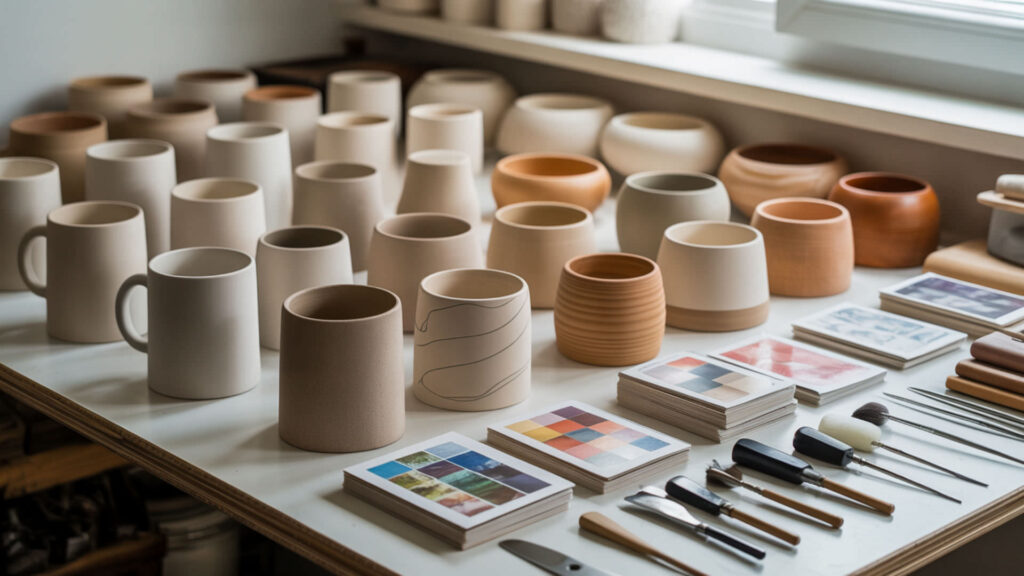
3D sublimation printing transfers full-wrap or curved-surface prints onto three-dimensional objects using heat and vacuum technology. 3D computer graphics explain how modern design workflows generate the printable structure by creating accurate product templates. The 3D model represents your substrate’s exact shape, allowing you to visualize how artwork will wrap around mugs, phone cases, plates, and bottles before printing. Our guide on printing sublimation designs covers the rendering process that produces print-ready files from your 3D previews.
What is a 3D sublimation heat press?
A 3D sublimation heat press is a vacuum machine that evenly distributes heat and pressure around curved or irregular items, allowing complete image transfer over all sides of the object. The 3D model you create in design software corresponds to the physical product shape that will fit inside the press chamber. The mesh structure of your digital model helps explain how fully wrapped items must physically conform to the press chamber—complex geometries with tight curves require precise template alignment.
What materials can be used for 3D sublimation?
You can use materials such as coated ceramics, metals, plastics, glass, and polymer-coated substrates for 3D sublimation printing—all must be heat-resistant and have a sublimation-friendly coating. UV mapping shows how designs distort on curved materials by flattening the 3D surface into a 2D template that accounts for stretching around curves. Rendering helps preview which materials handle designs cleanly, simulating how colors and details will appear on glossy ceramic versus matte plastic surfaces. Sublimation works only on polymer-based or polymer-coated surfaces because heat activates dye bonding at the molecular level, which is why plastics and coated substrates perform differently under high temperatures. [1]
Is 3D sublimation better than flat sublimation?
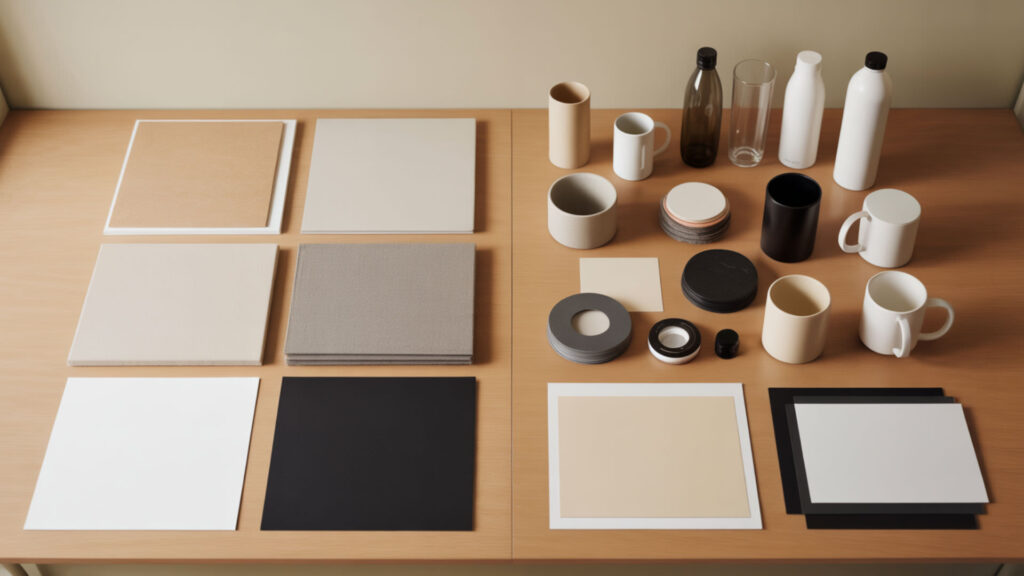
3D sublimation offers full-surface coverage and more creative design potential compared to flat sublimation, which only transfers images on flat surfaces like t-shirts or plaques. 3D computer graphics enable more sophisticated product visualization than flat artwork allows. Rendering shows how 3D designs visualize depth better than flat artwork, creating photorealistic previews that help customers understand exactly what they are purchasing. Our collection of best sublimation designs showcases how quality rendering creates visually appealing products.
What can you make with 3D sublimation?
3D sublimation can produce customized products such as mugs, plates, phone cases, tumblers, ornaments, and other items with curved or irregular shapes. Different 3D models help create previews for different object shapes—a mug template differs significantly from a tumbler or phone case template. The variety of products you can create expands significantly with 3D sublimation compared to flat pressing, opening revenue opportunities for personalized gifts and promotional items.
Can you sublimate on 3D objects?
Yes, 3D sublimation is specifically designed for printing on 3D objects like mugs, bottles, and cases—the vacuum press ensures the design wraps evenly around the object’s surface. UV mapping controls how your flat artwork conforms to curved surfaces without excessive stretching or distortion. The mesh structure determines how difficult a 3D shape is to wrap with sublimation film—simple cylinders are easier than complex geometries with multiple curves and angles.
Can you do sublimation on 3D printed items?
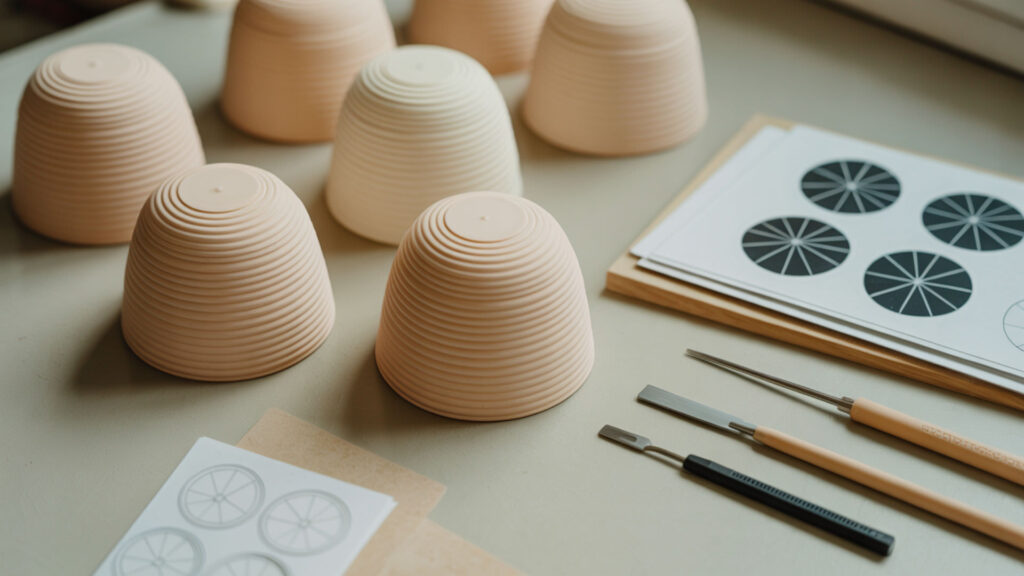
Yes, you can sublimate on 3D printed items, but it requires a heat-resistant filament like PETG or nylon and careful application of heat and pressure to avoid melting or deforming the print. Rough or low-poly meshes can distort sublimation coverage because surface imperfections prevent even ink transfer. Our guide on printing sublimation designs explains how UV mapping controls distortion in both 3D and flat printing workflows.
Can you sublimate on a 3D printer filament?
Sublimation requires heat between 350°F and 400°F along with pressure, which means you need filaments that can withstand these temperatures without melting or warping. Common PLA filament melts at sublimation temperatures, so use PETG, nylon, or other heat-resistant materials instead. The 3D model you create helps preview whether specific filament types will hold sublimation color—test small samples before committing to full production runs.
Can I use regular sublimation paper for 3D printing?
Yes, you can use regular sublimation paper, but it must be cut and positioned carefully to wrap around the 3D object completely. Heat-resistant tape and a vacuum seal help ensure complete image transfer without shifting during the press cycle. Rendering helps simulate how coverage appears with different paper types and positioning, allowing you to identify potential gaps or overlaps before wasting materials on a physical test.
What temperature and settings do you use for 3D sublimation?
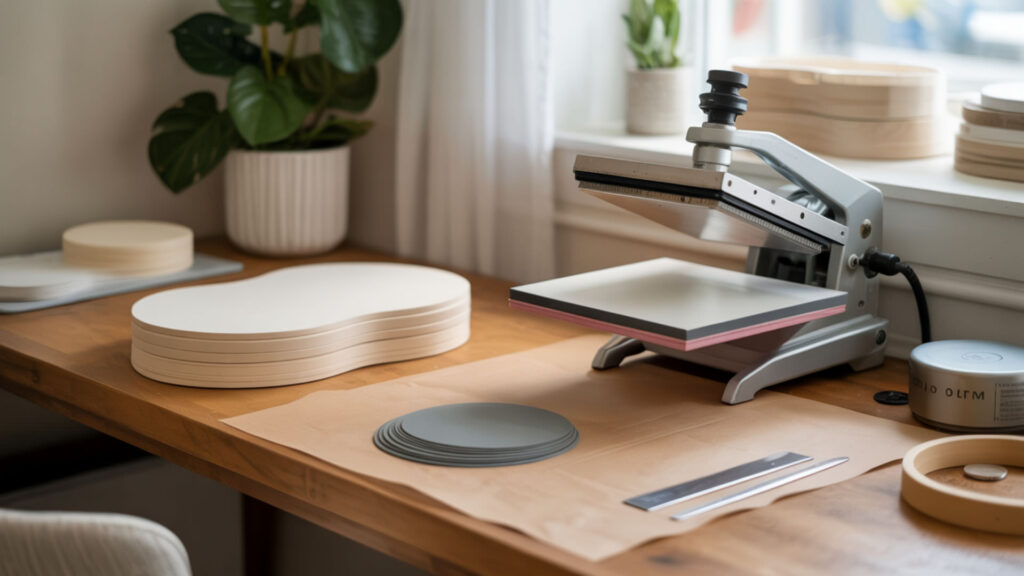
The standard temperature for 3D sublimation ranges between 180°C and 200°C (356°F–392°F), depending on the material and required press time. Different substrates require different settings—fiberglass and glass items need 350–400°F for 60–240 seconds, while plastic items typically need 60–70 seconds. Incorrect temperature settings can cause UV-mapped artwork to stretch or distort because thermal expansion affects how the substrate receives the transferred dye unevenly. Heat transfer plays a major role in how evenly sublimation dye bonds to curved surfaces, since different materials absorb, retain, and release heat at different rates during pressing. [2]
How long do you heat press sublimation canvas?
To heat press sublimation on canvas, typically press for 60 to 90 seconds at 375°F–400°F with medium to firm pressure. Pre-press the canvas for about 20 seconds to remove moisture and wrinkles before applying the design. Press time directly affects how the rendered 2D print appears on the 3D canvas surface—shorter times produce lighter colors while longer times increase density and saturation up to the point of oversaturation.
How long do you press sublimation on canvas?
For canvas sublimation, press at 380°F for 45–60 seconds depending on your specific canvas type and heat press. Use a pressing pillow for framed canvas to ensure even pressure across the entire surface. Saturation level is directly tied to sublimation dwell time—the rendering preview helps you anticipate final color intensity, but test presses on sample material confirm the exact timing needed for optimal results.
Is 3D sublimation expensive and worth starting?
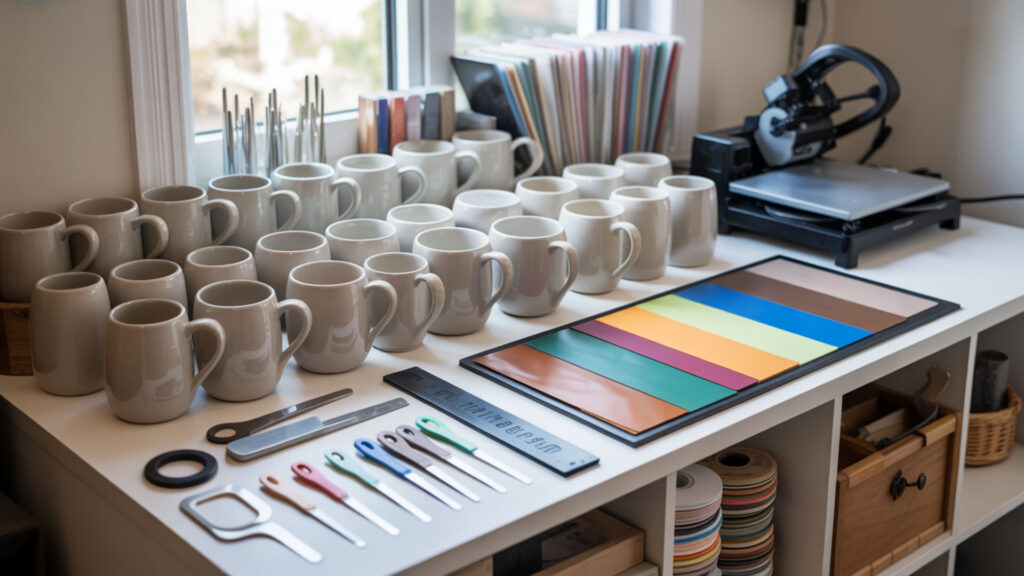
3D sublimation can be more expensive initially due to the cost of vacuum presses and special blanks, but it offers a premium finish that adds value to products. Initial investment ranges from $6,000 to $15,000 for professional setups, or approximately $300 per month for financing options. 3D computer graphics and quality rendering help justify premium pricing because photorealistic previews demonstrate value perception to customers before they purchase.
How much should I charge for sublimation prints?
To determine pricing, calculate your total costs including materials (ink, paper, blank item), labor (design, printing, pressing), and overhead (equipment, electricity, maintenance), then add a markup for profit. A common strategy prices finished products at three times your total production cost—if your cost is $5.56 per item, price between $15.95 and $16.95. High-quality rendered previews allow premium pricing by demonstrating professional quality and helping customers visualize exactly what they will receive.
How to calculate sublimation cost?
Calculate sublimation print cost by determining the cost of consumables (ink, paper, blank substrate) per item, then adding labor, overhead, and profit margin. For example: ink cost $0.50 plus paper cost $0.30 plus substrate cost $5.00 equals $5.80 in consumables per print. The 3D model geometry determines material usage—larger surface areas require more ink and larger paper sheets, so tumbler prints cost more than standard mug prints.
How do you create designs for 3D sublimation?
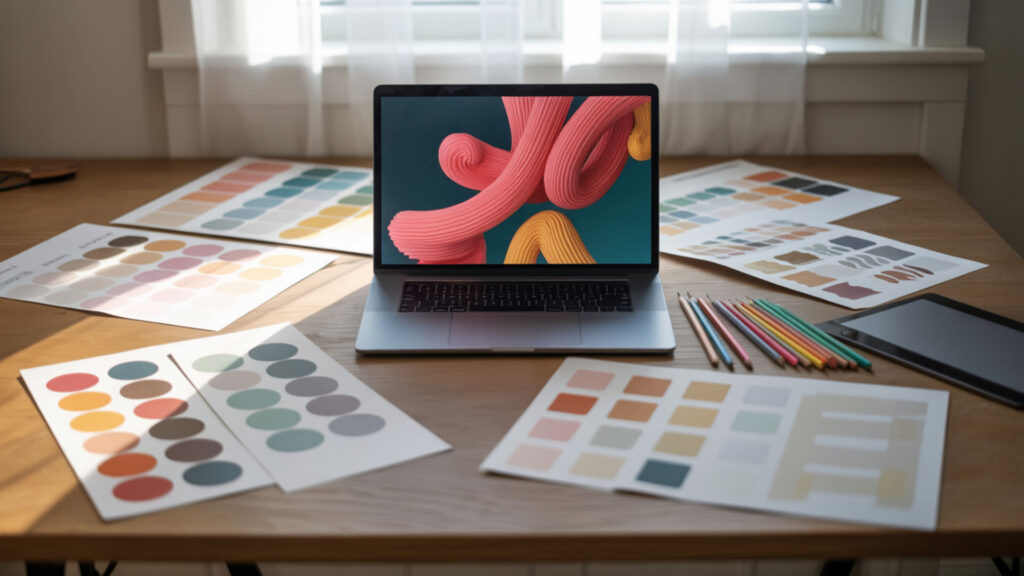
You can create sublimation designs using preferred design software like Canva, Photoshop, Illustrator, or Silhouette Studio. 3D computer graphics tools help visualize how flat artwork will appear on curved products before printing. UV mapping ensures layout accuracy by aligning your 2D artwork precisely to the 3D surface shape, preventing misalignment on seams and edges.
What is the best image format for sublimation?
The best file type for sublimation printing is PNG due to its ability to preserve transparency and high-quality raster image data at 300 DPI resolution. Use sRGB color profile for the most accurate and vibrant results—this profile matches most sublimation printer expectations. Rendered designs must be exported in formats that preserve quality without compression artifacts, so avoid heavily compressed JPG files for detailed artwork.
How do you do 3D sublimation step-by-step?
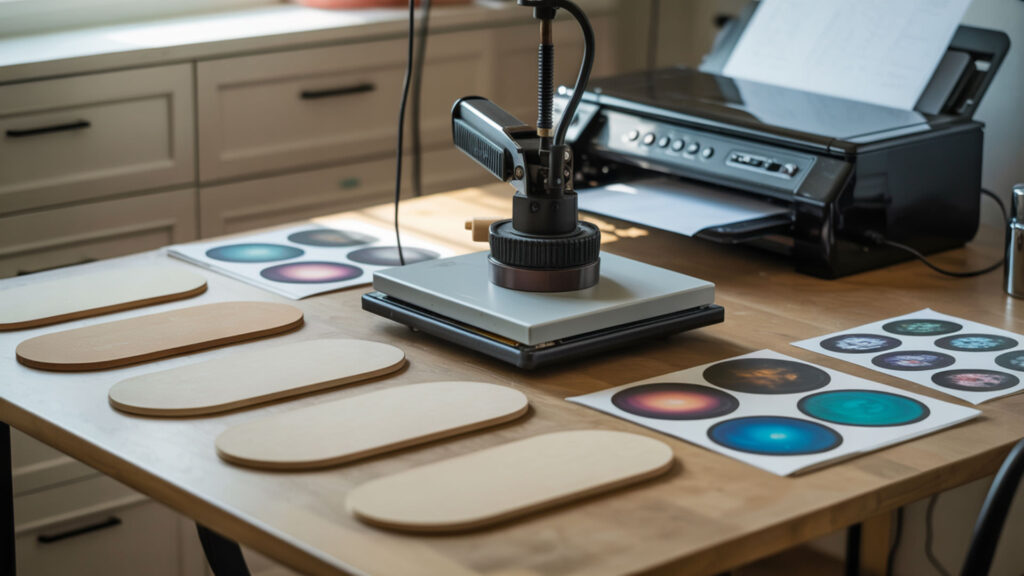
Follow this workflow to complete a 3D sublimation project from design to finished product:
- Create or obtain a 3D model template matching your substrate’s exact dimensions and shape.
- Apply UV mapping to flatten the 3D surface into a 2D template for accurate placement.
- Design your artwork on the UV-mapped template at 300 DPI in RGB color mode.
- Render and export the final design as PNG, mirroring the image horizontally.
- Print onto sublimation paper and wrap around the substrate, securing with heat-resistant tape.
- Place in vacuum heat press at 180–200°C for the recommended time based on your material type.
Ready to Start Creating 3D Sublimation Designs?
3D sublimation opens creative possibilities beyond flat pressing, allowing you to produce full-wrap designs on mugs, tumblers, phone cases, and dozens of other curved products. Master 3D computer graphics concepts to create accurate mockups that show customers exactly what they will receive. The rendering stage provides final polish to your design previews, helping you present professional-quality products that command premium prices in the personalization market.
Frequently Asked Questions
Can you use SVG for 3D printing?
Yes, you can import SVG files and transform them into shapes that can be printed or fused into a 3D model using software like Inkscape or Blender. SVG provides vector data that scales without pixelation, making it ideal for creating clean designs that wrap onto 3D surfaces. The 3D model file types like STL and OBJ differ from SVG, but vector artwork converts easily for use in sublimation template creation.
What all do I need to get started with sublimation?
Essential supplies include sublimation paper (A-Sub is popular), a heat press or EasyPress, sublimation mat, protective paper, and heat-resistant tape. For 3D sublimation specifically, you also need a vacuum heat press capable of handling curved substrates. UV mapping knowledge helps with print alignment on curved products, ensuring your designs transfer without distortion or misalignment.
Are sublimation fumes toxic?
Yes, sublimation fumes can be harmful with prolonged exposure or poor ventilation—the heat-pressing process creates fumes containing chemicals that cause respiratory irritation. Always work in a well-ventilated area with an open window and position a fan to blow fumes away from you. Wear a VOC-rated respirator mask and avoid breathing directly over the press when opening it to minimize health risks.
Does Hobby Lobby have sublimation supplies?
Yes, Hobby Lobby carries Infusible Ink and sublimation supplies for designing and displaying handmade crafts. Their selection includes sublimation-ready blanks and transfer materials suitable for beginners. For professional 3D sublimation equipment like vacuum presses and specialized substrates, you may need to purchase from dedicated sublimation suppliers online.
Do I flip the image for sublimation?
Yes, you must mirror sublimation prints because the image flips during heat transfer—a mirrored print appears correctly on the final product. The exception is transparent items like glass cutting boards where you sublimate on the back and view through the front. UV mapping templates for 3D products account for print alignment, and most include mirroring instructions specific to each product type.
References
- https://che.engin.umich.edu/research/research-areas/polymers-and-complex-fluids/
- Principles of heating and cooling. (n.d.). Energy.gov. https://www.energy.gov/energysaver/principles-heating-and-cooling
tinlizzyscantina.com/catering-events
⫸ Click Here For Best Selling Sublimation Printers And Products ⫷