Sawgrass Creative Studio was cloud-based design software discontinued on February 1, 2025, replaced by MySawgrass Designer and Sawgrass Print Utility. Although Creative Studio is no longer available, understanding color management workflows and RGB color model principles remains critical for anyone using Sawgrass sublimation systems or transitioning to newer software platforms.
Key Takeaways
Sawgrass Creative Studio combined image editing and color management in one cloud platform before its February 2025 discontinuation • RGB color model input ensures predictable color handling across Sawgrass printers through proper ICC profile integration • PNG format at 300 DPI preserves image resolution and detail during sublimation transfer better than compressed formats
Can I still use Sawgrass Creative Studio?

Sawgrass Creative Studio officially ended support on February 1, 2025, transitioning all users to MySawgrass Designer and Sawgrass Print Utility. Users who stored designs in the Creative Studio cloud lost access after January 31, 2025 unless they exported files beforehand. While built-in image editing and color management features made Creative Studio popular among sublimation beginners, the software’s cloud-only architecture and discontinued infrastructure make it completely unavailable today.
What is Creative Studio used for?
Creative Studio provided image scaling and cropping tools within a browser-based interface that simplified sublimation design preparation. The software allowed users to resize artwork to match specific blank dimensions, preventing distortion when printing mugs, shirts, or other sublimation products. This integrated approach eliminated the need for separate design software, making it particularly useful for hobbyists and small businesses entering sublimation printing without extensive graphic design experience.
What exactly does a creative studio do?
Creative Studio handled image orientation and mirroring functions essential for correct sublimation transfer application. Mirroring reversed artwork horizontally so designs transferred correctly when pressed face-down onto substrates. Because mirroring determines whether text and images appear correctly after heat transfer, you may want to read our guide on when to mirror sublimation designs, which explains the specific scenarios requiring artwork reversal.
Which Sawgrass printer is best for sublimation?
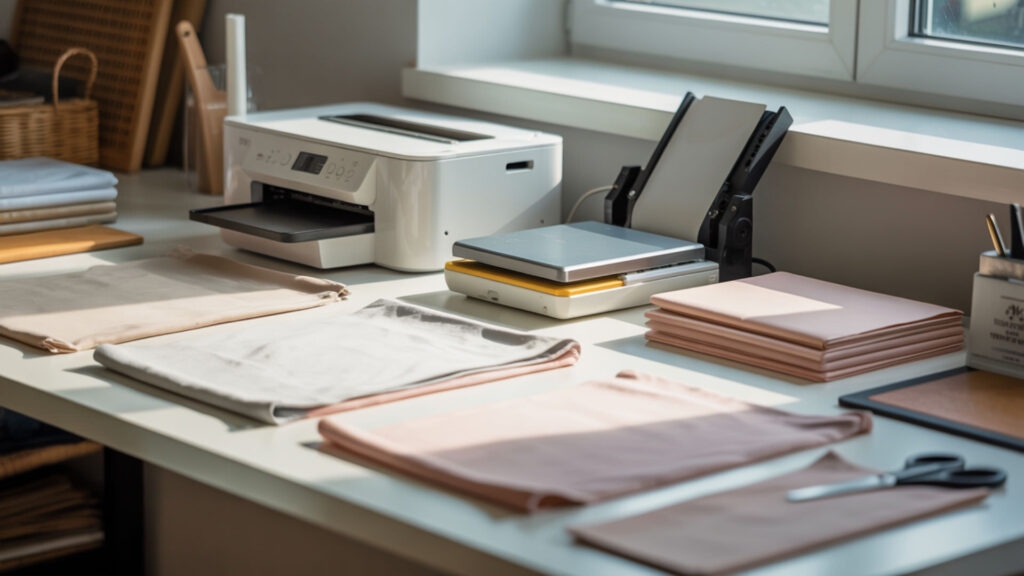
Sawgrass SG500 and SG1000 printers both use ICC profiles matched to Sublijet-UHD ink formulations, ensuring consistent color management across print sizes. The SG500 handles media up to 8.5×14 inches (legal size), while the SG1000 prints up to 11×17 inches standard or 13×19 inches with an optional bypass tray. Both models feature automatic self-maintenance cycles, WiFi connectivity, and 4880×1200 DPI resolution in Ultra Fine Photo mode, but your choice depends primarily on the maximum print dimensions your sublimation projects require.
⫸ Click Here For Best Selling Sublimation Printers And Products ⫷Do I need a separate printer for sublimation?
Dedicated sublimation printers eliminate ink cross-contamination and profile conflicts that occur when switching between pigment and sublimation inks in converted consumer printers. Sawgrass printers use controlled color management pipelines with built-in ICC profiles calibrated specifically for sublimation dye chemistry. Converting standard inkjet printers requires manual ICC profile installation and risks print head damage from incompatible ink formulations, making purpose-built sublimation printers more reliable for consistent commercial production.
Can I do sublimation without a sublimation printer?
Converting consumer Epson EcoTank models to sublimation ink eliminates factory warranties and creates unpredictable color output without proper ICC profiles. Missing or incorrect ICC profiles result in unmanaged color translation between RGB design files and CMYK printer output, causing dull prints, color shifts, and inconsistent results across different substrate types. While conversion saves initial equipment costs, the absence of automated maintenance cycles and profile support makes dedicated Sawgrass printers more reliable for production environments.
What file type do I need for sublimation?
PNG files with transparent backgrounds and 300 DPI resolution provide lossless image storage that preserves edge detail during the sublimation print-and-press workflow. Unlike JPEG/JPG compression, PNG format maintains color data without introducing artifacts around text edges or high-contrast boundaries. When comparing file format options, PNG offers superior quality for sublimation, but you might also review our guide on using SVG files for sublimation, which explores how vector formats differ from raster images in scaling and print clarity. Lossless image formats preserve full pixel data and avoid compression artifacts that can reduce print sharpness. [2]
Can PNG files be used for sublimation?
PNG files at 300 DPI or higher maintain sufficient image resolution for sharp transfers on substrates ranging from polyester fabric to ceramic-coated hard goods. High-resolution PNG images preserve fine detail in photographs, text, and complex graphics that would pixelate at lower resolutions. Sublimation requires minimum 150 DPI for acceptable quality, but 300 DPI ensures professional results without visible raster grain after heat pressing onto final products.
Can you use JPEG for sublimation?
JPEG/JPG compression reduces file sizes by discarding image data, introducing visible artifacts as blocky patterns around edges and color transitions. The compression algorithm prioritizes smaller file sizes over visual fidelity, making JPEG unsuitable for text-heavy designs or graphics requiring crisp boundaries. Repeated saving of JPEG files compounds quality loss, creating progressively worse sublimation prints compared to lossless formats like PNG that maintain original image data without degradation.
How do you use Sawgrass Creative Studio step-by-step?
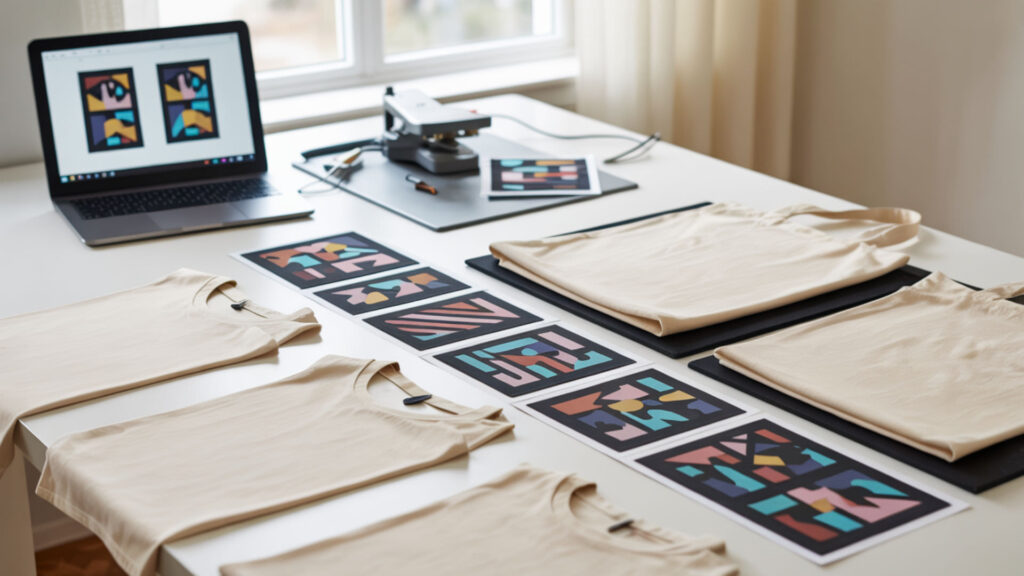
Creative Studio’s integrated workflow combined image editing operations with automatic color management through a browser interface, allowing users to upload designs, apply scaling or mirroring adjustments, and send print jobs directly to Sawgrass printers without external software. The platform streamlined sublimation preparation by consolidating design modifications, color profile application, and print queue management in one cloud-based system. For users seeking similar integrated image editing capabilities, our comparison of the best software for sublimation printing reviews how alternatives like Canva and Photoshop handle design workflows compared to Sawgrass’s built-in tools.
How do I upload images to Creative Studio?
Creative Studio accepted raster graphics in standard formats including PNG, JPEG, and proprietary Sawgrass SGZ print files that contained embedded project data. Raster graphics require sufficient image resolution—typically 300 DPI at final print size—to prevent pixelation when transferred onto sublimation blanks. Lower-resolution images appear smooth on screen but reveal individual pixels after printing and heat pressing, emphasizing the importance of starting with high-quality source files rather than attempting resolution enhancement in editing software.
How do I add fonts to Sawgrass creative Studio?
Creative Studio’s font library included licensed typefaces for commercial use, though premium memberships allowed uploading custom fonts as vector graphics converted to raster format at print time. Vector text maintained clean edges if rendered at adequate resolution during the rasterization process before sublimation printing. The conversion from scalable vector outlines to fixed-resolution raster images happened automatically when sending designs to the print queue, requiring no manual intervention from users.
How do you save a PSD file?
Exporting Adobe Photoshop PSD layered files required flattening all layers and converting them to PNG format before importing into Creative Studio. The conversion process merged text layers, adjustment layers, and graphic elements into a single raster graphic that Creative Studio could process. Maintaining PNG format during export preserved transparency data and avoided the compression artifacts introduced by saving as JPEG, ensuring maximum quality for sublimation printing workflows.
What printer setting should I use for sublimation?
Sawgrass printers expect RGB color model input files combined with device-specific ICC profiles that handle the conversion to CMYK ink output during the printing process. Using RGB workflows matches Sawgrass driver expectations and prevents double color conversion that occurs when design software converts to CMYK before the printer driver reconverts back to RGB. Understanding ICC profile application is critical across sublimation platforms—our guide on Epson printer settings for sublimation explains similar color-handling principles and profile usage for converted desktop printers.
Should I use RGB or CMYK for sublimation?
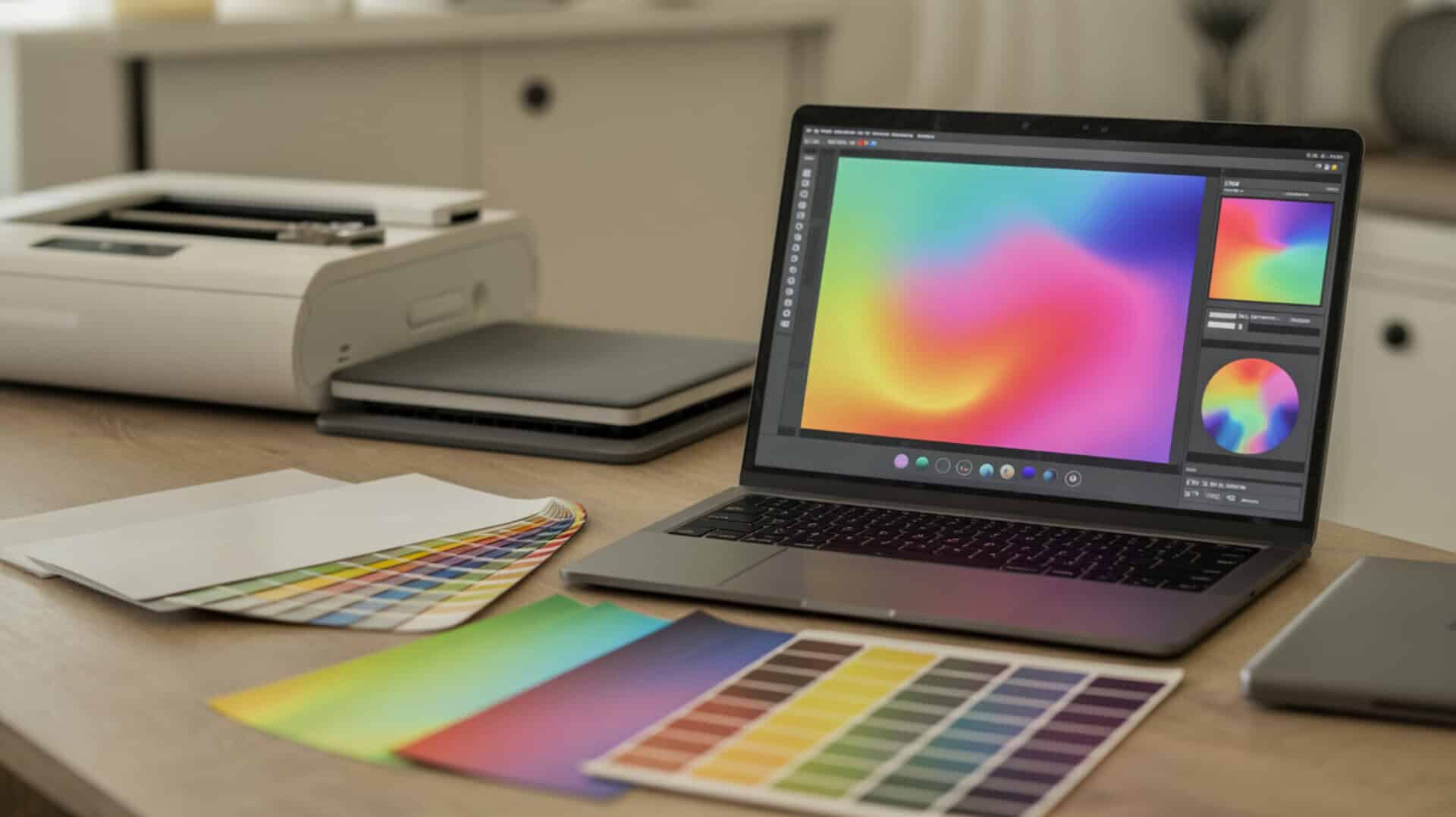
RGB color model files provide expanded color information that Sawgrass gamut mapping algorithms compress into printable CMYK ink combinations on transfer paper. RGB input allows the ICC profile to access the full range of color data for more accurate translation to sublimation dye output, producing smoother gradients and more vibrant prints. Designing in CMYK mode limits available color information and forces unnecessary conversions that reduce print quality when using Sawgrass sublimation systems calibrated for RGB workflows. RGB and CMYK are different color spaces, and converting between them requires color management systems to preserve visual accuracy. [1]
Why is my Sawgrass printer not printing the colors correctly?
Incorrect ICC profile selection or disabled color management in print driver settings causes severe color shifts, resulting in dull or inaccurate sublimation prints compared to on-screen designs. When the driver’s color correction conflicts with software-level profile application, colors undergo multiple conversions that compound errors. Verifying that print settings specify “no color adjustment” in the driver while the ICC profile operates in design software—or vice versa—eliminates double-conversion problems that produce muddy colors, unexpected hue shifts, and reduced vibrancy after heat transfer.
Ready to Master Sawgrass Creative Studio?
Although Sawgrass Creative Studio is no longer available, mastering color management principles and maintaining proper image resolution standards improves reliability across any sublimation software platform. Understanding how RGB color input, ICC profile application, and file format choices impact final print quality reduces wasted transfers and material costs. These foundational concepts apply whether using MySawgrass Designer, third-party design software, or future Sawgrass platforms that emerge in the sublimation printing industry.
Frequently Asked Questions
Q1: Is PNG or SVG better for sublimation?
PNG raster format works universally across sublimation workflows at 300 DPI, while SVG vector files require rasterization before printing and aren’t directly supported by most sublimation printer drivers. PNG files maintain predictable output quality when designed at correct dimensions, whereas SVG scaling introduces variables in how different software handles vector-to-raster conversion. For sublimation projects involving photographs or complex gradients, PNG provides superior color management and consistent results compared to vector formats that printers must interpret.
Q2: Why is my sublimation not vibrant?
Dull sublimation results typically stem from insufficient ink coverage, low image resolution below 150 DPI, incorrect ICC profile application, or inadequate heat press temperature and dwell time. When RGB designs lack proper color management during printing, the conversion to CMYK ink produces muted colors that don’t fully gasify and penetrate polyester coating. Using low-quality sublimation paper or printing in draft mode reduces ink density, while pressing below 385°F prevents complete dye sublimation into the substrate.
Q3: How do I make my sublimation colors more vibrant?
Increase color vibrancy by designing in RGB color model with saturation adjustments, selecting the correct substrate-specific ICC profile, and ensuring 300 DPI image resolution maintains detail clarity. Print at highest quality settings to maximize ink density on transfer paper, then press at 385-400°F for 45-60 seconds with firm pressure on polyester-coated substrates. Verify that artwork uses full-color RGB values rather than muted CMYK equivalents, and confirm printer driver color management settings match your workflow to prevent double conversion that dulls output.
Q4: Which is better for sublimation, ET 8550 or ET 15000?
Epson ET-15000 provides 13×19-inch maximum print size with five-color ink system including separate photo black and matte black channels, while ET-8550 prints up to 13×19 inches with standard four-color CMYK configuration. The ET-15000’s additional ink channel produces slightly better tonal range in photographs after conversion to sublimation ink, but both require manual ICC profile installation and lack the automated color management built into dedicated Sawgrass SG1000 systems. Neither Epson model includes factory sublimation support or self-maintenance cycles for dye-based inks.
Q5: What materials can you not sublimate on?
Sublimation fails on 100% cotton, leather, PVC vinyl, uncoated wood, and natural fibers lacking polymer coating because dye molecules cannot bond with non-polyester surfaces. The sublimation process requires polyester content above 65% or specialized polymer coatings applied to ceramic, metal, or hard substrates that accept gasified dye. Materials like nylon, acrylic, and rayon produce unpredictable results due to variable polymer structures, while dark-colored substrates show no color transfer since sublimation dyes remain transparent and cannot cover underlying pigmentation.
⫸ Click Here For Best Selling Sublimation Printers And Products ⫷