
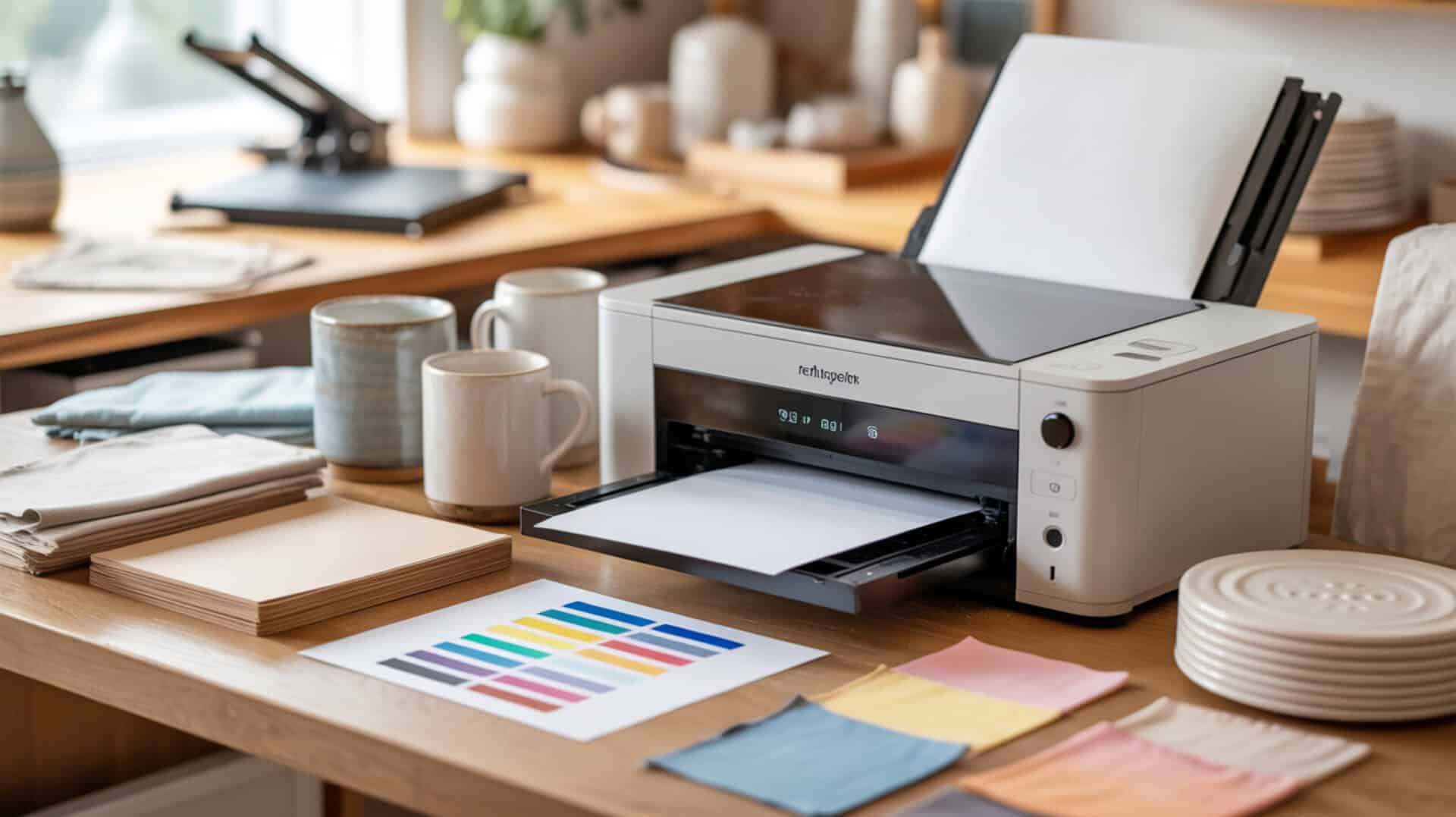
The Epson EcoTank ET-15000 is a wide-format inkjet printer that can be converted for dye-sublimation printing by replacing standard ink with sublimation ink in its continuous ink supply system. Because the ET-15000 uses piezoelectric inkjet technology, it ejects disperse dye without heat, preserving sublimation ink chemistry during printing. Disperse dye vaporizes under heat press temperatures and bonds inside polyester fibers or polymer coatings through polymer diffusion, creating permanent wash-resistant color. Since large format sublimation printing capability and printer architecture determine system suitability, you may also want to read our hub article on large format sublimation printers.
Key Takeaways
• The ET-15000 supports wide-format printing up to 13 × 19 inches (A3+) through the rear specialty paper feed, making it suitable for large sublimation projects like apparel and oversized blanks.
• Conversion requires filling the EcoTank reservoirs with sublimation ink before first power-on—using standard Epson ink first will contaminate the system and cannot be easily fixed.
• Ink cost per print is significantly lower than cartridge-based dedicated sublimation printers, but converted printers require regular use (at least twice monthly) to prevent printhead clogging.
Is the Epson EcoTank ET-15000 a Good Printer for Sublimation?
The Epson EcoTank ET-15000 is a popular choice for sublimation conversion due to its wide-format capability (up to 13 × 19 inches) and affordability compared to dedicated large-format sublimation printers like the Sawgrass SG1000 or Epson SureColor F570. According to demonstrated conversion and printing tests using Hiipoo sublimation ink, the ET-15000 produces vibrant prints with dark blacks and no banding when properly configured. The continuous ink supply system uses refillable reservoirs that accept auto-fill bottles without squeezing or syringe filling. Setup requires ensuring the transportation lever is in the down position before filling, then loading sublimation ink before powering on for the first time. Since wide-format sublimation printing options and pricing vary significantly, you may also want to read our guide on best large format sublimation printers.
What kind of sublimation print results can you expect from the Epson ET-15000?
Based on demonstrated printing and pressing tests, the ET-15000 produces vibrant sublimation output with strong black density and no visible banding or lines in final prints. Press testing at 400°F for 60 seconds with heavy pressure on a mouse pad showed vibrant color transfer with ink described as “permanent” and “not going anywhere.” Recommended print settings include Paper Type: Premium Presentation Paper Matte, Quality: High, Mirror: ON, and Bidirectional/Fast Printing: OFF. Color correction settings of Adobe RGB with Gamma 2.2 produced accurate results. One reviewer noted prints look slightly grainy on copy paper but appear better on proper sublimation paper (ASub brand tested). Nozzle checks showed slightly broken red initially, and potential roller marks may appear requiring maintenance monitoring.Since “color accuracy” depends on calibration and measurable standards, NIST documents calibration methods used for display color measurement, which helps frame why consistent color workflows matter. [2]
What are the pros and cons of using the Epson ET-15000 for sublimation printing?
The ET-15000’s EcoTank system delivers dramatically lower ink cost per print than cartridge-based systems, with bottles lasting thousands of pages and years before refilling. Main advantages include simple setup when sublimation ink is filled before first power-on, clean auto-fill bottle system requiring no squeezing or syringes, strong print quality with vibrant colors and dark blacks, straightforward driver installation via Epson support site, and preset saving in printer preferences for consistent repeat printing. Wide-format capability supports both 8.5 × 11 and 11 × 17 presets. Main drawbacks include no solution if wrong ink/color is placed in wrong tank, converted printers can clog if not maintained regularly (one reviewer’s prior ET-8550 clogged badly after approximately 2 years), potential roller marks requiring adjustment, using non-Epson ink voids warranty, and initial printer cost is higher than small-format EcoTank models.For broader context on how the printing and publishing industry is categorized and discussed from an environmental monitoring perspective, the U.S. EPA provides an overview of the printing industry and related considerations.[1]
How does the Epson ET-15000 compare to other sublimation printer options?
In comparisons mentioned in reviewed source material, the ET-15000 offers wide-format capability at lower cost than dedicated sublimation printers like the Sawgrass SG1000 or Epson SureColor F570, which both have significant ink costs. One reviewer previously used EcoTank models 8550, 8500, and 7720—the 8550 lasted approximately 2 years before clogging badly enough that printhead replacement was needed, prompting the switch to ET-15000. The ET-15000 does not include gray or photo black tanks like the ET-8550 (only CMYK). For beginners or hobbyists with small format needs (mugs, tumblers, keychains), small-format EcoTank options like ET-2800, ET-2400, or ET-2850 offer lower entry cost. For users wanting to avoid conversion entirely, the Sawgrass SG1000 is a genuine sublimation printer, and the SG500 with optional bypass tray supports print sizes up to 8.5 × 51 inches. You can find the Epson EcoTank ET-15000 here.[3][4]
Is the Epson EcoTank ET-15000 the Right Sublimation Printer for You?
The Epson EcoTank ET-15000 is the right choice for users with large format print needs who want a more affordable option than dedicated sublimation printers and are willing to go through the conversion process. If you are a beginner or hobbyist with only small format needs (mugs, tumblers, keychains), I recommend small-format EcoTank options like the ET-2800, ET-2400, or ET-2850 for lower entry cost. If you have large format needs but want to avoid converting a regular printer, the Sawgrass SG1000 is a genuine sublimation printer discussed in our Sawgrass printer articles, or consider the SG500 with optional bypass tray depending on print size requirements. For users willing to convert, the ET-15000 has numerous success stories and is renowned for beautiful, high-quality results at significantly lower ink cost than cartridge-based dedicated systems. Refurbished/Certified Renew units from Epson’s website offer additional savings.
Frequently Asked Questions
Is the Epson ET-15000 a sublimation printer or does it need conversion?
The Epson ET-15000 is not a sublimation printer out of the box—it requires conversion by replacing the standard CMYK pigment ink with sublimation ink. The printer must be filled with sublimation ink before first power-on; using standard ink first contaminates the system. Conversion tutorials and kits are widely available, but the process voids Epson’s warranty. Many users purchase pre-converted units from specialized suppliers to avoid conversion complexity.
Which is better for sublimation printing, the ET-8550 or ET-15000?
Both printers can be converted for sublimation, but the ET-8550 includes additional ink tanks (gray and photo black) that the ET-15000 lacks (CMYK only). The ET-15000 offers wider format capability at up to 13 × 19 inches. One reviewer’s ET-8550 lasted approximately 2 years before clogging badly enough to require printhead replacement, prompting their switch to the ET-15000. Both require regular use to prevent printhead clogging from dried sublimation ink.
What is the maximum paper size the Epson ET-15000 can print?
The Epson ET-15000’s maximum paper size is 13 × 19 inches (A3+/supertabloid) through the rear specialty paper feed. The main input tray has a smaller maximum of 8.5 × 14 inches (legal), but the rear feed accommodates larger formats. The printer can also handle custom sizes up to 12.95 × 47.24 inches for specialty media, making it suitable for large sublimation projects like apparel panels and oversized blanks.
What are the cons of using an EcoTank printer for sublimation?
Main drawbacks include higher initial printer cost (you pay for ink capacity upfront), conversion voids warranty, converted printers can clog if not used regularly (print at least twice monthly), no compatible third-party ink alternatives for the EcoTank system, and slower print speeds than dedicated sublimation printers. If wrong ink color is placed in wrong tank during setup, there is no easy fix. Printhead clogging from dried sublimation ink is a common issue requiring maintenance or eventual printhead replacement.
How long do EcoTank ink bottles last when used for sublimation?
EcoTank ink bottles last a long time, printing thousands of pages and lasting years before refilling is needed. Unopened bottles have a shelf life of 24–36 months or longer. Once opened, ink should ideally be used within 6 months for optimal performance, though it may work longer if properly sealed. A single set of replacement bottles can print up to 7,500 black pages and 6,000 color pages. Print regularly, use draft mode for tests, and avoid unplugging the printer (it performs maintenance cleanings when turned on) to maximize ink longevity.
References
- Monitoring information by industry – Printing and publishing | US EPA. (2025, March 7). US EPA. https://www.epa.gov/air-emissions-monitoring-knowledge-base/monitoring-information-industry-printing-and-publishing
- NIST display colorimeter calibration facility. (2017, February 17). NIST. https://www.nist.gov/publications/nist-display-colorimeter-calibration-facility












