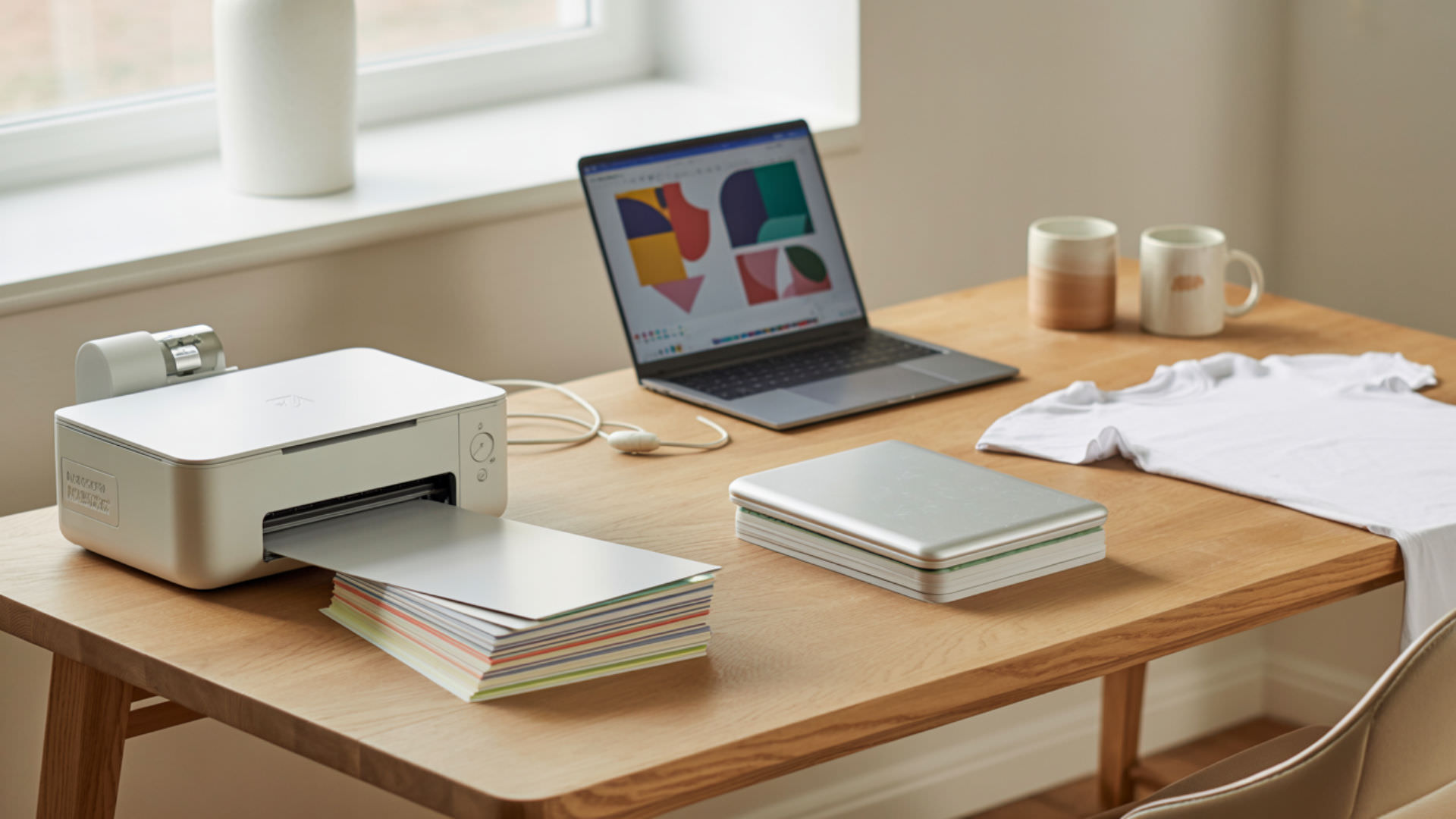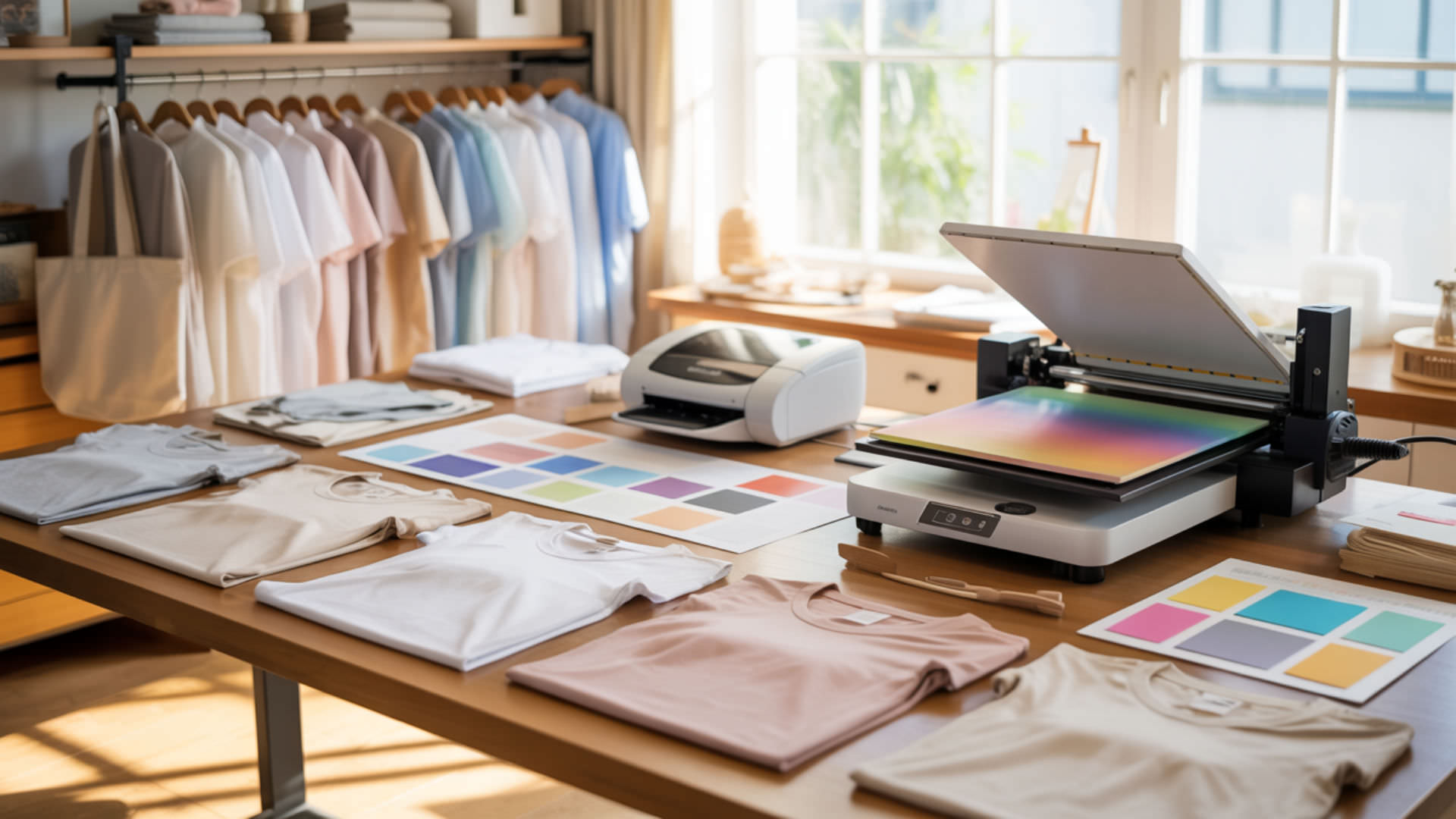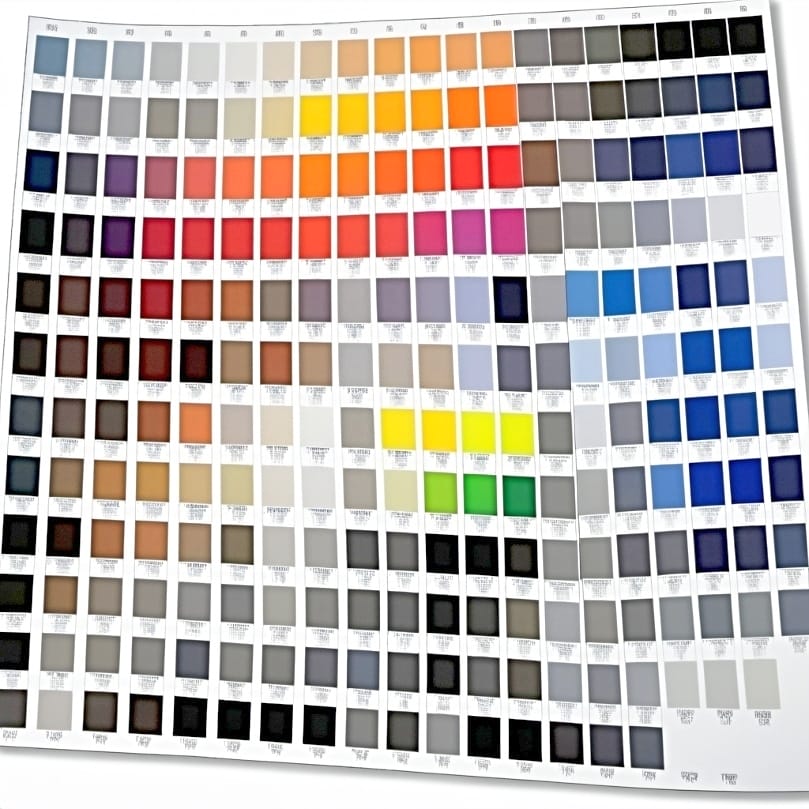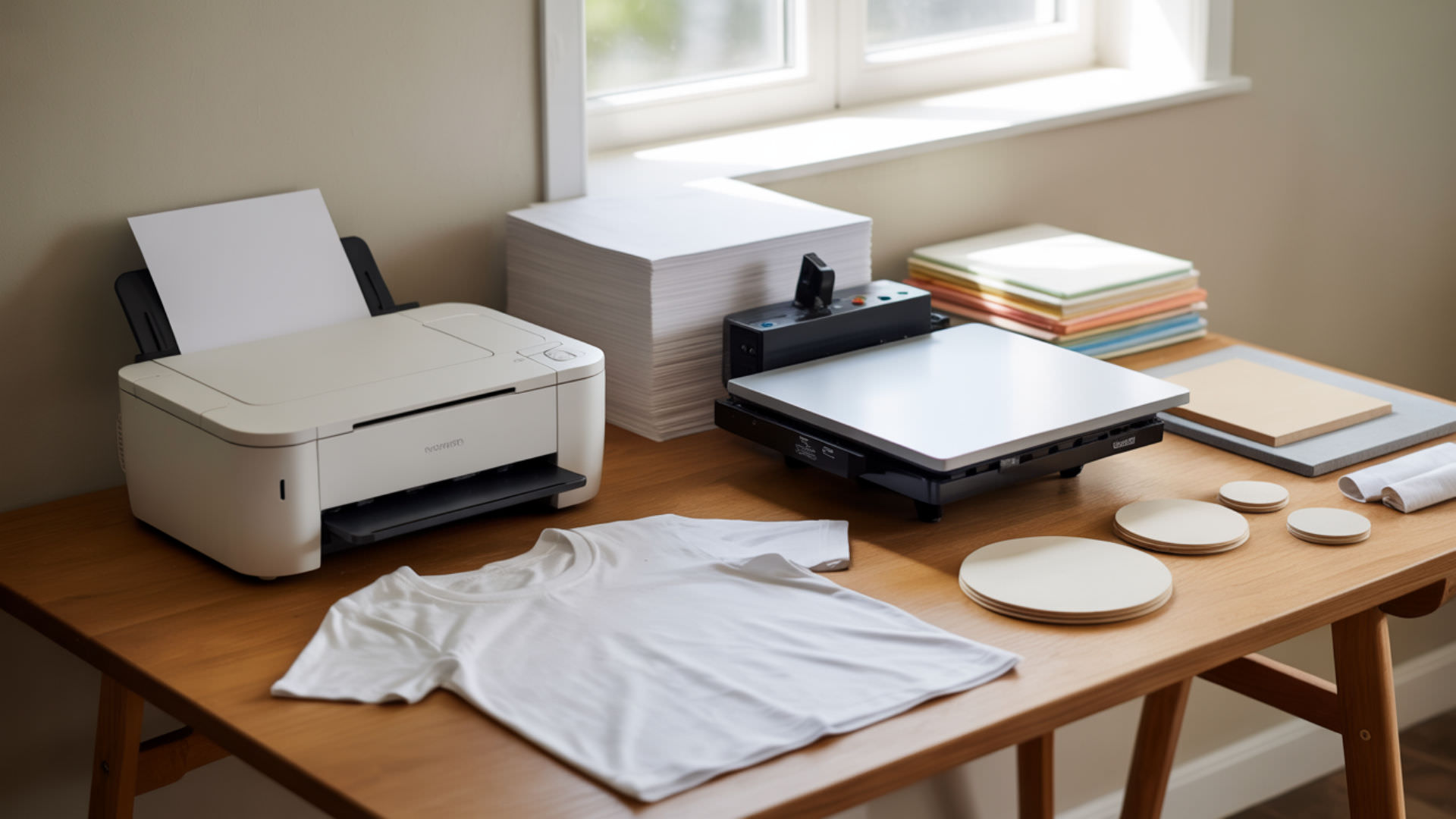
So you printing enthusiasts are pondering over a sublimation printer vs laser printer? It’s all about matching the right tool to the right job. If you’re looking to create lasting visual impressions on products, sublimation printing shines. On the flip side, for crisp documents at high speed, laser printing is unparalleled. This article cuts through the complexity, helping you navigate cost, quality, and practicality – equipping you with the essentials to make an informed choice that fits your printing ambitions. Look no further as we explore the beauty of laser and sublimation printing together!
Key Takeaways
- Sublimation’s phase change converts solid dye to gas at 380–400°F, bonding color permanently within polyester fibers with photographic quality.
- Laser printing fuses toner powder onto paper surfaces using heat—fast and sharp for documents but incompatible with fabric decoration.
- Sublimation produces fade-resistant, permanent prints on polyester; laser toner sits on surfaces and can scratch or wear over time. Sublimation produces fade-resistant, permanent prints on polyester; laser toner sits on surfaces and can scratch or wear over time.
What exactly is the difference between a laser printer and a sublimation printer?
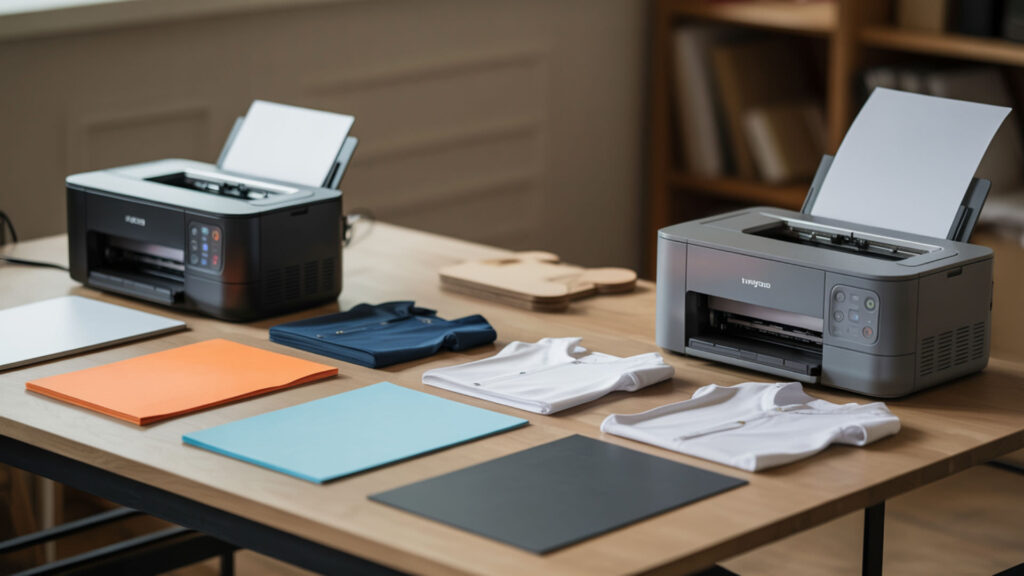
Laser printers use a laser beam to write electrostatic images onto a photosensitive drum, attracting toner powder that fuses onto paper at 400°F+. Sublimation printers output dye ink onto sublimation transfer paper, which releases color as gas during heat pressing. Toner creates surface-bonded images; sublimation dye penetrates substrate fibers. Both differ from inkjet approaches—see our inkjet vs dye-sublimation comparison for workflow differences between digital print mechanisms. Laser printers operate by creating electrostatic images on a photosensitive drum and fusing toner powder to paper using heat, a process characteristic of laser printing technology. [1]
Is a laser printer or sublimation printer better?
Neither is universally better—each excels in different applications. Surface bonding vs fiber infusion defines the core distinction: laser toner sits on paper for sharp text and fast document output. Sublimation infuses dye into polyester for photographic merchandise. Color capability differences favor sublimation for vibrant gradients; laser excels at crisp text and line graphics on paper substrates.
Which printer gives better color quality, laser or sublimation?
Sublimation delivers superior color quality for photographs and gradients because it produces continuous-tone output without visible dot patterns. Color capability differences emerge from fundamental technology: sublimation dye blends smoothly within fibers, while CMYK toner behavior creates halftone dot patterns visible under magnification. Laser offers sharper edges for text; sublimation wins for photographic reproduction.
Can you actually use a laser printer for sublimation printing?
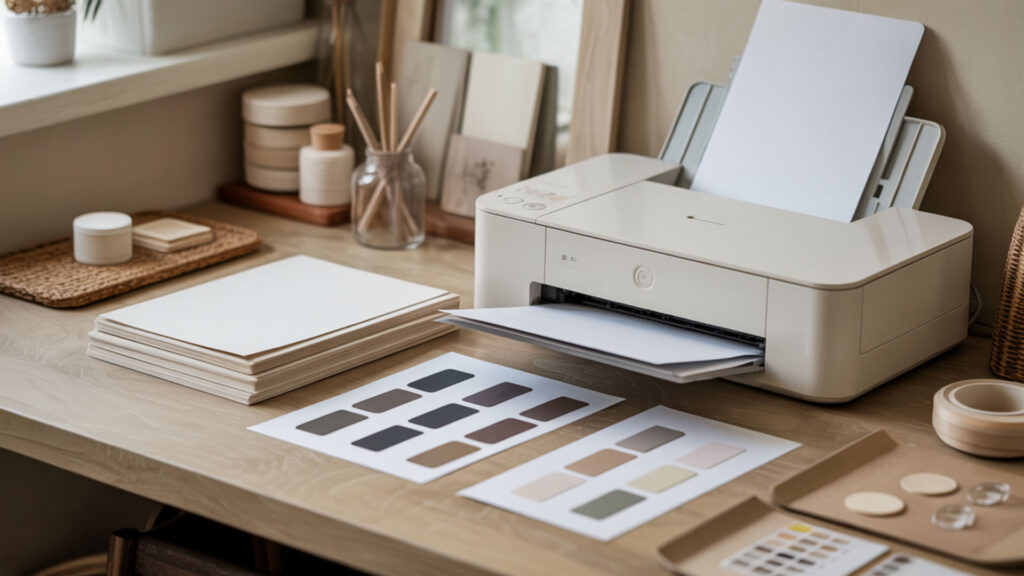
Standard laser printers cannot perform sublimation because toner powder lacks the chemistry for heat-activated gas conversion. Sublimation requires specialized dye on sublimation transfer paper that converts to gas when heat, pressure, and time trigger the phase change at 380–400°F. Similar substrate compatibility differences apply when comparing sublimation to DTF printing—each method requires specific chemistry and materials.
Can a laser printer print on sublimation paper?
A laser printer can physically print toner onto some sublimation papers, but the result won’t sublimate. The polymer coating on sublimation paper is designed specifically for gas dye bonding, not powder adhesion. Toner fuses to the surface rather than converting to gas during pressing. You’ll get a toner print on paper—not a sublimation transfer capable of infusing into polyester substrates.
⫸ Click Here For Best Selling Sublimation Printers And Products ⫷Can you convert a laser printer to sublimation?
You cannot convert a standard laser printer to sublimation because the technologies are fundamentally incompatible. Sublimation requires liquid dye ink that undergoes a phase change from solid to gas. Toner cartridge systems deliver dry powder particles that melt and fuse—completely different chemistry. Specialty sublimation toner systems exist for specific laser models, but standard printers cannot be converted. Sublimation requires a true phase change in which solid dye converts directly into gas under heat, which is why toner-based laser printers—designed to melt and fuse powder—cannot be converted for sublimation use. [2]
Which printing method is cheaper for your business needs?
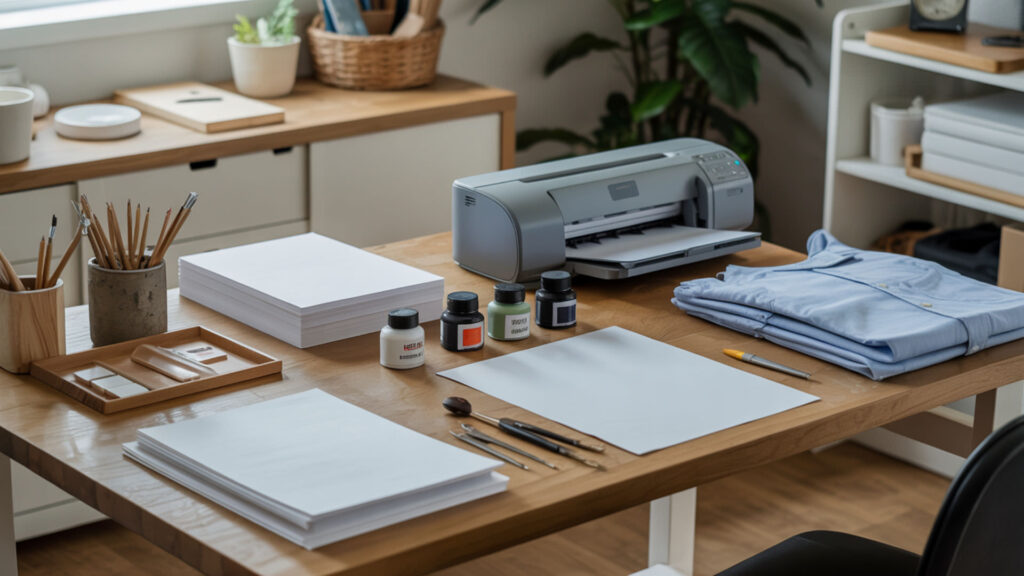
Laser printing offers lower cost-per-page for documents because toner cartridge yields exceed inkjet significantly—thousands of pages versus hundreds. However, laser cannot decorate merchandise. Sublimation requires heat press equipment and polyester substrates but produces permanent, sellable products. Our guide on the best printer for T-shirt printing compares toner cartridge costs against sublimation ink expenses for business planning.
Are laser printers expensive to maintain?
Laser printers have higher upfront costs but lower long-term maintenance than inkjet alternatives. Toner cartridge replacement occurs less frequently because yields reach 2,000–10,000+ pages. The fuser assembly—which melts toner onto paper—requires eventual replacement after 50,000–200,000 pages depending on model. Toner doesn’t dry out like liquid ink, eliminating waste from printhead clogging.
Can you use sublimation ink in a laser printer?
Sublimation ink cannot be used in laser printers—the technologies are completely incompatible. Sublimation requires liquid dye ink that undergoes a phase change when heated. Toner systems use dry polymer powder that melts and fuses. Attempting to use liquid sublimation ink in a laser printer’s toner delivery system would cause immediate damage and produce no usable output.
What printers work best for sublimation t-shirts?
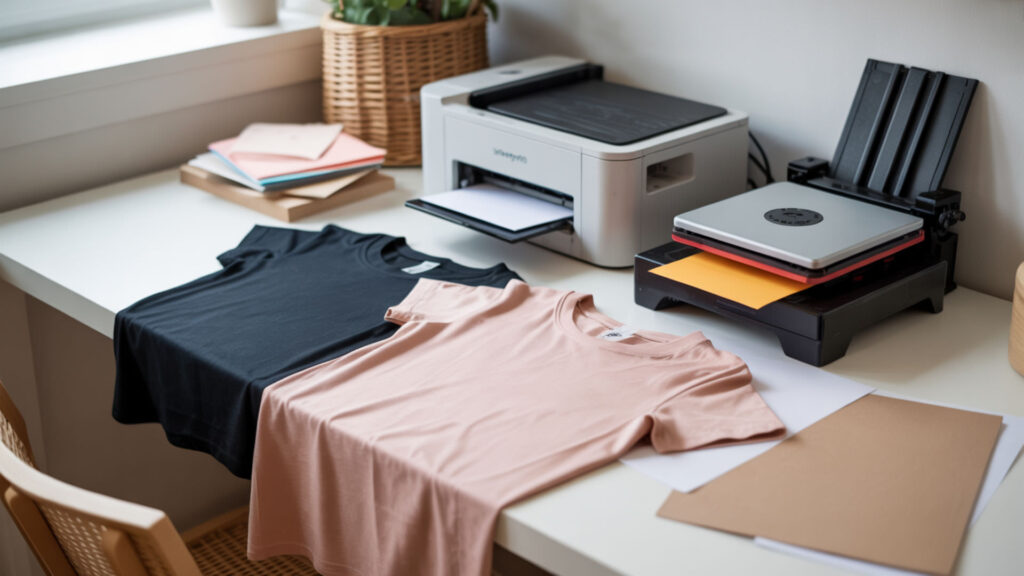
Sublimation t-shirts require printers designed for sublimation ink output onto sublimation transfer paper. Popular options include converted Epson EcoTank models ($300–$500) and purpose-built Sawgrass printers ($500–$1,500+). All require polyester content of 65%+ in garments for proper dye infusion.
Can all Epson printers be used for sublimation?
Not all Epson printers work for sublimation—only models with PrecisionCore or Micro Piezo printheads and refillable ink tanks are suitable. Epson EcoTank models (ET-2800, ET-2850, ET-15000) are popular conversion choices. Thermal printhead models from other brands cannot be converted. The printer outputs onto sublimation transfer paper; heat, pressure, and time during pressing complete the transfer.
Can an Epson printer be used for sublimation?
Specific Epson printers can be converted for sublimation by replacing standard ink with sublimation dye ink. The printer must be new and never used with regular ink to prevent contamination. The sublimation phase change occurs during heat pressing—the printer simply outputs dye onto transfer paper. Final prints require polyester substrates with 65%+ synthetic content for proper dye bonding.
Why do sublimation prints sometimes look blurry and how can you fix it?
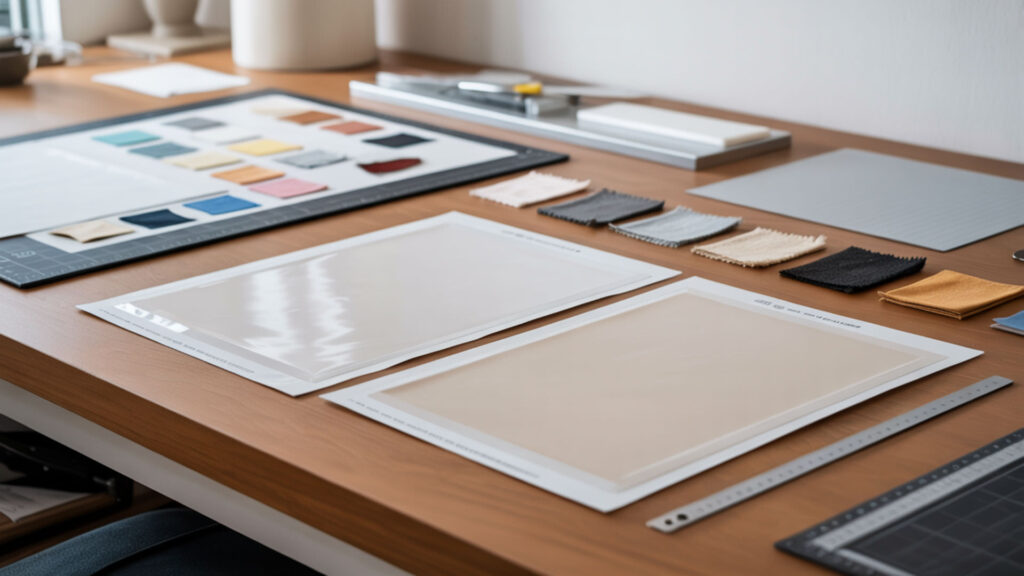
Blurry sublimation typically results from ghosting—movement during heat pressing that creates shadow or doubled images. Incorrect heat, pressure, and time settings also cause blurriness: too much heat causes ink bleeding; insufficient pressure prevents proper contact; wrong timing affects dye conversion.
How to prevent ghosting sublimation?
Prevent ghosting by securing sublimation transfer paper tightly to substrates using heat-resistant tape on all edges. Pre-press items for 3–5 seconds to remove moisture that causes paper movement. Maintain proper heat, pressure, and time throughout pressing—don’t lift or shift until complete. Use butcher paper to absorb excess moisture and prevent blowout. Cool slightly before removing transfer paper.
How long is a sublimation print good for?
Sublimation prints last the lifetime of the substrate because dye becomes part of the fiber structure permanently. Durability differences versus surface-printed methods are dramatic—sublimation doesn’t crack, peel, or fade through normal washing. Printed sublimation transfers (before pressing) remain usable for 6–12+ months when stored in cool, dry conditions away from humidity and direct sunlight.
Which method is better for professional printing quality?
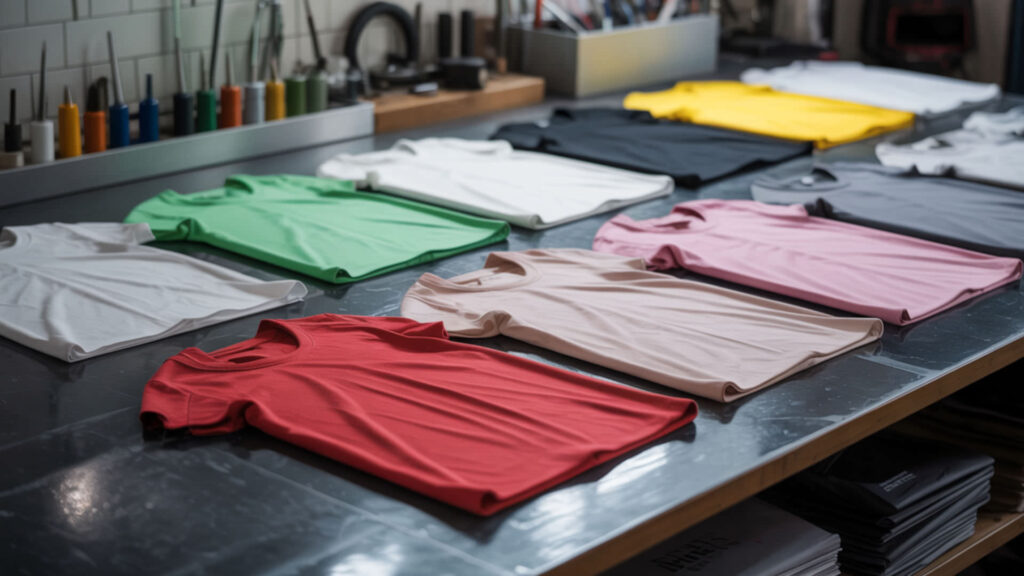
Professional quality depends on your output requirements. Color capability differences favor sublimation for photographic merchandise—continuous-tone gradients without visible dot patterns. Laser offers higher resolution for crisp text and line graphics on paper documents. Sublimation produces 300 DPI output that looks photographic; laser reaches 1200+ DPI but shows halftone patterns in gradients.
Can you use a sublimation printer like a regular printer?
You can print on regular paper with a sublimation printer, but the output differs from standard inkjet results. Sublimation transfer paper has coatings optimized for dye release; regular paper absorbs ink differently. Workflow differences matter more—sublimation requires heat pressing to complete transfers, while standard printing produces final output immediately. Using sublimation ink on regular paper wastes expensive consumables.
Is sublimation more durable than laser printing?
Sublimation dramatically outlasts laser printing on compatible substrates. Durability differences stem from surface bonding vs fiber infusion: toner sits on paper surfaces where it can scratch, smear, or wear away over time. Sublimation dye becomes part of the polyester fiber structure permanently—impossible to scratch off, fade, or remove through washing. Different applications, but sublimation wins for longevity.
How do you print sublimation images step-by-step?
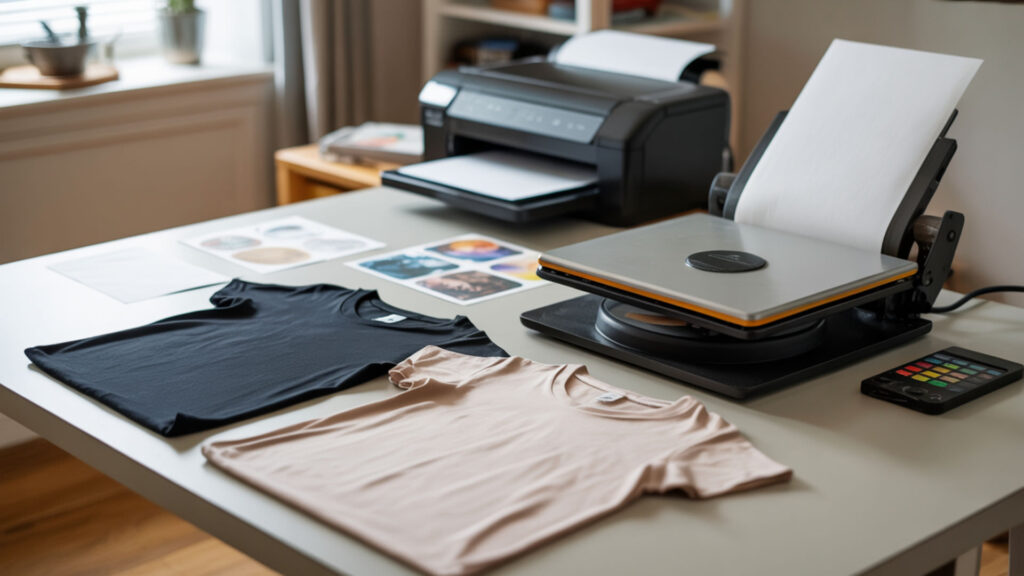
- Create your design at 300 DPI resolution and mirror the image horizontally before printing. Mirroring ensures correct orientation after transfer; text and asymmetrical designs appear backwards until heat-pressed.
- Load sublimation transfer paper into your printer with the coated (bright white) side facing the print direction. The coating holds dye until heat releases it; printing on the wrong side produces faded, unusable transfers.
- Print the design using high-quality settings and allow 2–3 minutes for ink to dry completely. Wet ink causes smearing during handling and can produce blurry transfers if pressed too soon.
- Pre-press your polyester substrate for 3–5 seconds to remove moisture and wrinkles. Moisture causes ghosting and uneven transfers; pre-pressing ensures a smooth, dry surface for optimal results.
- Position transfer paper face-down on substrate and secure with heat-resistant tape on all edges. Tape prevents movement during pressing—any shift creates ghosting or doubled images in the final print.
- Press at 380–400°F with medium pressure for 35–60 seconds, applying proper heat, pressure, and time. These parameters trigger the phase change that converts solid dye to gas for permanent fiber infusion.
Ready to choose your printing method?
Your choice depends on output requirements and intended applications. Sublimation’s phase change process delivers permanent, photographic-quality prints on polyester merchandise—ideal for apparel, promotional items, and hard goods. Laser printing excels at fast, sharp document output on paper with lower per-page costs. These technologies serve different purposes with minimal overlap in practical applications.
Frequently Asked Questions
Can I do sublimation without a heat press?
Sublimation requires a heat press because the process demands consistent heat and pressure across the entire design area. Household irons cannot maintain even temperature (380–400°F) or apply uniform pressure needed for proper dye conversion. The heat and pressure combination triggers the phase change that converts solid dye to gas for permanent fiber bonding. A heat press is essential equipment.
Can I use freezer paper for sublimation?
Freezer paper and wax paper cannot be used for sublimation printing. These materials cannot withstand sublimation temperatures (380–400°F) and will melt, smoke, or catch fire. Additionally, they lack the polymer coating required to hold sublimation dye for transfer. Use only paper specifically manufactured as sublimation transfer paper with proper heat-resistant coatings.
Is there any sublimation point?
The sublimation point is the temperature at which a substance converts directly from solid to gas without passing through a liquid phase. For sublimation printing, dye ink reaches its sublimation point at approximately 380–400°F, converting to gas that penetrates polyester fibers. This phase change occurs only under specific heat and pressure conditions provided by a heat press.
How to ventilate a room for sublimation?
Proper ventilation removes fumes generated during heat pressing. Position your heat press near a window with exhaust fan or use a dedicated fume extraction system. Open windows create cross-ventilation that moves contaminated air outside. For commercial operations, install hood ventilation above heat presses similar to kitchen exhaust systems. Avoid enclosed spaces without airflow.
Is sublimation coating toxic?
Sublimation inks and polymer coatings are generally non-toxic and safe for crafting when used properly. The dye becomes chemically inert once bonded to substrates. However, fumes released during pressing can irritate respiratory systems—always work in ventilated areas. Follow manufacturer safety guidelines, avoid inhaling press fumes directly, and wash hands after handling uncured transfers.
References
- Printer | Definition, types, & facts | Britannica. (2009, March 13). Encyclopedia Britannica. https://www.britannica.com/technology/computer-printer
- https://en.wikipedia.org/wiki/Sublimation_(phase_transition)?utm_