
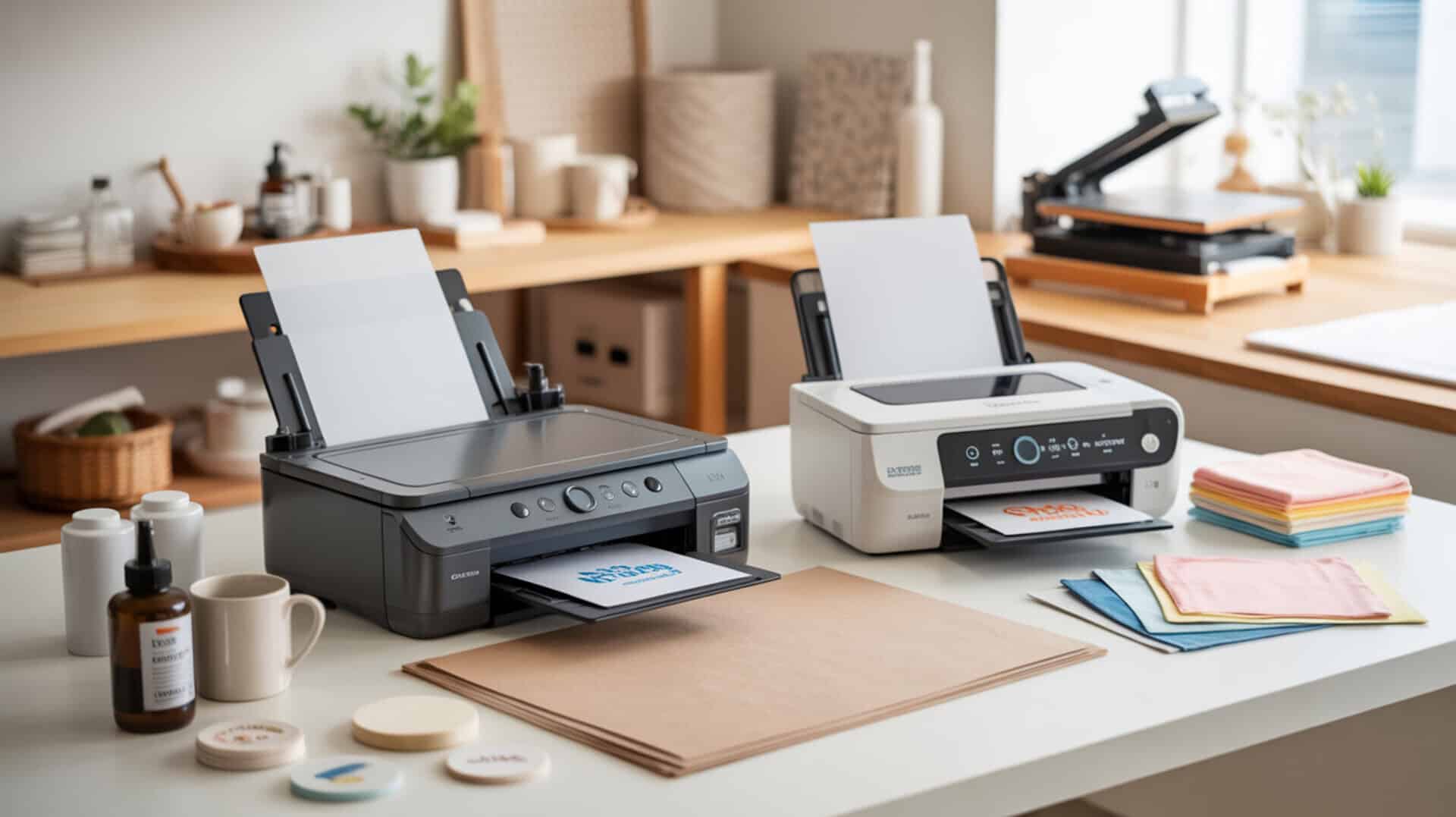
Comparing Epson and Sawgrass sublimation printers requires understanding how dye-sublimation printing works and why piezoelectric inkjet technology matters for ink formulation compatibility. Because piezoelectric actuators eject dye without heat, they prevent thermal degradation that would damage sublimation ink chemistry. Dye-sublimation printing produces permanent color through polymer bonding—disperse dyes vaporize under heat and diffuse into polymer coatings or polyester fibers. Dye-sublimation printers use heat to transfer dye from a printed medium onto materials such as polyester or polymer-coated substrates by causing the dye to diffuse under controlled temperature and pressure. [1] Since dye-sublimation printing technology and home-use system architecture determine which printer suits your workflow, you may also want to read our hub article on dedicated sublimation printer for home use.
Key Takeaways
- Piezoelectric inkjet technology enables sublimation compatibility by ejecting disperse dye droplets mechanically without the heat that would degrade sublimation ink chemistry.
- Disperse dye diffusion into polymer substrates produces permanent, wash-resistant color with fastness that outlasts surface-applied inks or pigments.
- Cost per print (CPP) varies dramatically between ink delivery systems: Epson’s tank-based continuous ink system offers lower CPP, while Sawgrass cartridges cost more but provide consistent, pre-tuned performance.
Is the Epson EcoTank or Workforce Series Right for Your Sublimation Projects?
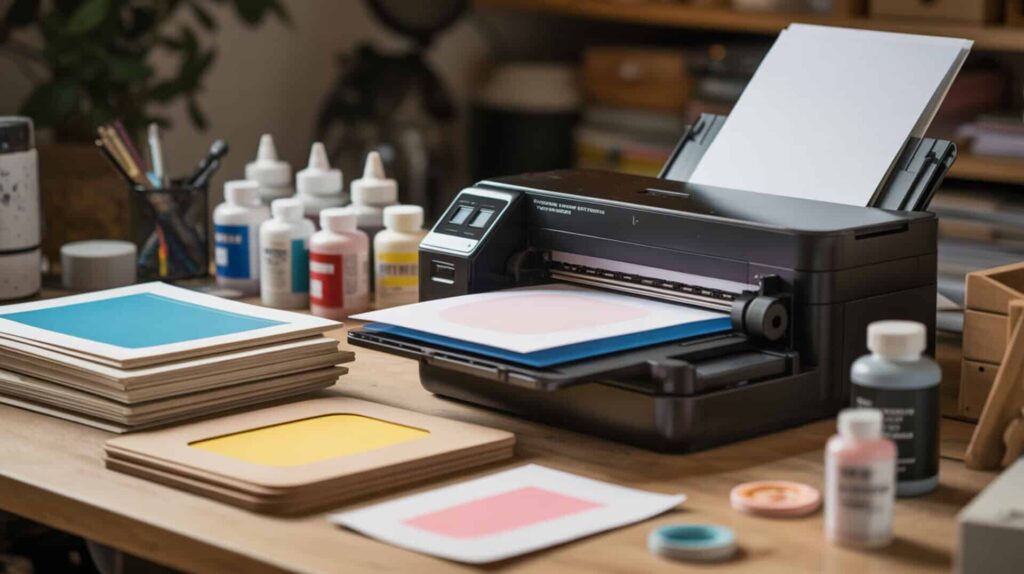
Epson EcoTank and Workforce printers use Micro Piezo inkjet technology that enables sublimation conversion by replacing standard ink with sublimation ink in the continuous ink system (CIS). According to side-by-side testing, the EcoTank printed the standardized test image in 2 minutes 12 seconds at 5760 × 1440 DPI, while the Workforce completed the same print in 1 minute 21 seconds. Ink viscosity affects nozzle stability in converted systems—correct flow prevents clogging when third-party sublimation inks are used. Piezoelectric inkjet printheads mechanically deform piezo elements to eject precise ink droplets without thermal heating, enabling broader ink compatibility and high print accuracy.[2] Since conversion feasibility depends on piezoelectric inkjet vs thermal ejection physics, you may also want to read our guide on can you use a regular printer for sublimation.
What kind of sublimation print quality can you expect from Epson printers?
Based on demonstrated side-by-side comparison tests, Epson printers produced accurate sublimation output after installing the correct ICC color profile for the ink being used. Disperse dye chromophores determine color vibrancy—molecular absorption characteristics control gradient smoothness and saturation in the final transfer. The EcoTank achieved color accuracy described as “very close to the reference design” after profile tuning, and transfers adhered well to 100% polyester satin, sublimation-ready garden flags, and painted laminated MDF. Some loss of sharpness after heat transfer was noted across all printers due to fabric texture, not printer failure. The Epson F170 purpose-built sublimation printer completed the test print in 60 seconds at 1200 × 600 DPI.
What are the pros and cons of using Epson printers for sublimation?
Epson’s continuous ink supply system (CISS) delivers dramatically lower cost per print than cartridge-based systems—ink bottles cost far less per milliliter than Sawgrass cartridges. The open ink system enables lower CPP but requires higher inkjet printer maintenance frequency to prevent head drying in converted systems. The EcoTank offers the lowest total startup cost among tested options and is widely available from major retailers. Main drawbacks include the slowest print speed (2 min 12 sec vs 45 sec for Sawgrass), required ICC profile setup and color management tuning, and no sublimation-specific warranty when converted. The Workforce requires the most difficult setup: syringe filling, cartridge priming, and sourcing refillable cartridges. I recommend Epson EcoTank for high-volume users who prioritize low ink cost over setup convenience.
How do Epson sublimation printers stack up against other brands?
In the comparison test described in reviewed source material, Epson printers required more setup effort than Sawgrass but delivered comparable color accuracy after profile tuning. Printhead nozzle geometry affects resolution and clog resistance—the EcoTank’s 5760 × 1440 DPI resolution exceeds the F170’s 1200 × 600 DPI, though real-world transfer quality was similar across models. The Workforce showed visible streaking on a sublimated garden flag that required troubleshooting (linked to paper compatibility). Sawgrass produced accurate colors immediately without manual profile adjustment, while Epson printers (especially EcoTank) required ICC profiles and testing. Both the purpose-built Epson F170 and Sawgrass offer warranties and support; converted Epson printers have no sublimation support coverage. You can find Epson Sublimation Printers here.[3][4][5]
Does the Sawgrass SG500 Live Up to the Hype for Sublimation Printing?
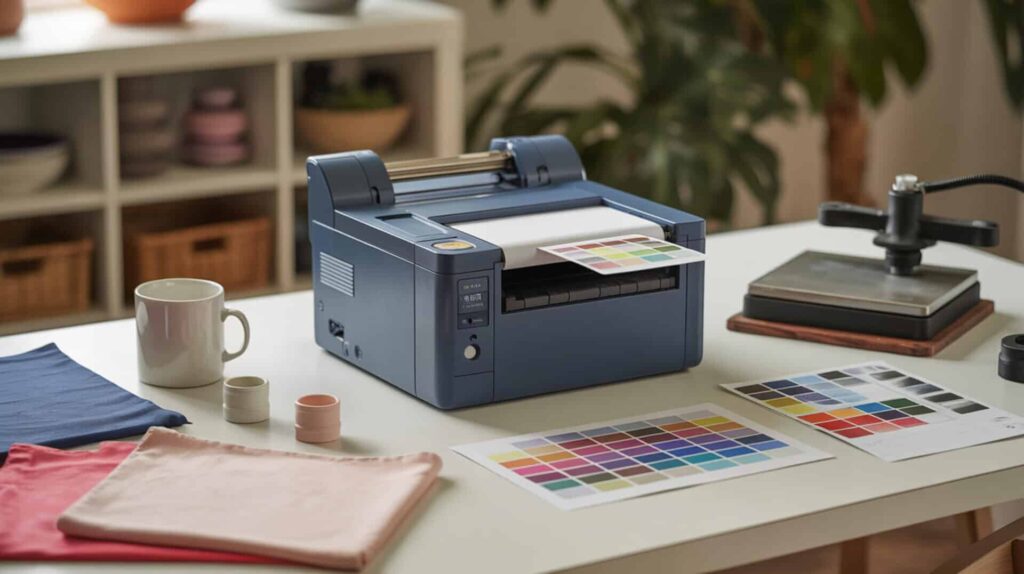
The Sawgrass SG500 is a purpose-built dye-sublimation printer with closed-system ink formulation delivered through microchip-controlled cartridges that maintain controlled viscosity and droplet stability. According to side-by-side testing, the SG500 printed the standardized test image in 45 seconds—fastest among all compared printers—and produced very true, vibrant colors right out of the box without needing profile adjustments. The closed ink system ensures consistent ink chemistry tuned specifically for sublimation output. Since the SG500 positions within the wider performance and CPP landscape of dye-sublimation printers, you may also want to read our guide on best sublimation printers.
What sublimation print results can you realistically get from the Sawgrass SG500?
Based on demonstrated comparison testing, the Sawgrass SG500 delivered sharp, vibrant transfers on 100% polyester satin, sublimation-ready garden flags, and painted laminated MDF without requiring color profile adjustments. Continuous-tone printing produces smooth gradients through precise dye diffusion, and fastness (wash durability) results from complete dye penetration into polymer substrates. Color hues, gradients, alignment, text sharpness, ink consistency, and black density were all evaluated in the test, with the SG500 described as producing “very true” colors immediately. One creator reported long-term use since 2018 with continued proper operation, indicating reliable longevity when maintained correctly.
What are the biggest pros and cons of the Sawgrass SG500?
The SG500 offers plug-and-play setup rated easiest among compared models—ink cartridges install without syringe filling, and guided software walks users through configuration. Sawgrass Creative Studio and Print Manager software handle color management automatically without manual ICC profile tuning. Built-in self-maintenance mode prevents printhead drying when not used frequently, and one-on-one onboarding assistance is included. Ink cartridge page yield directly affects operating cost per square inch—the main drawback is very expensive ink compared to Epson bottles, with all four colors often needing replacement together. Maximum print width of 8.5 × 14 inches limits applications: users cannot fully wrap 30-oz tumblers or large water bottles without upgrading to the significantly more expensive SG1000. I recommend the SG500 for beginners and hobbyists who prioritize ease of use over ink cost.
How does the Sawgrass SG500 compare to Epson and other sublimation printers?
In direct comparison testing described in reviewed source material, the SG500 outperformed all Epson models in speed (45 seconds vs 60 seconds for F170, 1 min 21 sec for Workforce, 2 min 12 sec for EcoTank). Tuned ink formulation viscosity produces lower clog risk than converted Epson systems using third-party sublimation inks. The piezoelectric printhead technology is shared across both brands, but Sawgrass’s closed system ensures consistent droplet formation without user calibration. Setup comparison: SG500 is plug-and-play with cartridge installation; EcoTank requires tank filling and ICC profile setup; Workforce requires syringe filling, cartridge priming, and troubleshooting. Ink cost comparison: EcoTank ink is far cheaper per milliliter, but SG500 offers warranty coverage, manufacturer support, and onboarding that converted Epson printers lack. You can find the Sawgrass SG500 here.[6][7][8]
Ready to Pick the Best Sublimation Printer for Your Business or Hobby?
Cost per print (CPP) and inkjet printer maintenance requirements determine which system suits your production volume and technical comfort level. Volume demand drives system choice: tank-based Epson systems favor high output where low ink cost offsets setup complexity, while Sawgrass cartridges favor consistency and ease for users who print less frequently. Production volume suitability varies—the SG500’s self-maintenance mode prevents head drying during idle periods, while converted Epson printers require regular use to avoid clogging. For high-volume production prioritizing low CPP, I recommend the Epson EcoTank despite its slower speed and setup requirements. For beginners, hobbyists, or users who value plug-and-play operation with manufacturer support, I recommend the Sawgrass SG500 despite its higher ink cost. The Epson F170 purpose-built printer offers a middle ground with warranty support and easier setup than converted models, though availability may be limited.
Frequently Asked Questions
Can you convert a regular Epson EcoTank printer into a sublimation printer?
Yes, you can convert an Epson EcoTank printer to sublimation by filling the ink tanks with sublimation ink instead of the standard ink provided. The process works best with a new, unused printer to avoid flushing old ink from the system. Thermal inkjet printers (like HP and Canon) cannot be converted because boiling damages sublimation dye chemistry—only piezoelectric printers like Epson work. Conversion voids any sublimation-specific warranty, and you must install ICC color profiles matched to your ink brand for accurate color output.
Do Sawgrass printers clog easily and how do you prevent it?
Sawgrass printers include a built-in self-maintenance mode that prevents printhead drying during periods of non-use, reducing clog risk compared to converted Epson systems without automated maintenance. If your Sawgrass prints show lines or missing colors, run a nozzle check through the Sawgrass Print Utility—broken or missing lines indicate clogged nozzles requiring head cleaning. Disperse dye inks can dry in nozzles if the printer sits idle too long without the maintenance cycle running. Regular use (at least weekly) and enabling self-maintenance mode prevent most clogging issues.
How long does sublimation ink typically last in Epson EcoTank printers?
Unopened sublimation ink bottles typically last 1–2 years when stored properly away from heat and light. Once installed in an Epson EcoTank printer, ink can begin degrading in 3–6 months depending on environmental conditions like temperature and humidity. Pigment-based inks use binder for surface fixation rather than polymer diffusion, so they are not interchangeable with disperse dye sublimation inks. Using degraded ink produces faded colors and inconsistent transfers. Print regularly (at least weekly) to cycle fresh ink through the system and prevent settling.
Can you use Sawgrass sublimation paper with an Epson printer instead?
Yes, Sawgrass sublimation paper works with all sublimation printers including Epson models. The paper is designed to work with Sawgrass inks for optimal color transfer, but it accepts disperse dye sublimation ink from any compatible printer. Paper quality affects transfer sharpness and color vibrancy—using high-quality sublimation paper matched to your ink system produces cleaner results than mismatched combinations. Test prints on small pieces before committing to full production runs when switching paper brands.
What is the difference between the Sawgrass SG500 and SG1000 models?
The main difference between the Sawgrass SG500 and SG1000 is maximum paper size: the SG500 prints up to 8.5 × 14 inches, while the SG1000 prints up to 11 × 17 inches (or 13 × 19 inches with an optional bypass tray). Both printers share the same core technology including high-resolution printing, self-maintenance features, and SubliJet-UHD ink compatibility. The SG500 suits smaller items like mugs, coasters, and phone cases, while the SG1000 handles larger items like apparel, medium-sized photo panels, and soft goods requiring wider print coverage.
References
- (n.d.). U.S. Customs and Border Protection | U.S. Customs and Border Protection. https://www.cbp.gov/bulletins/Vol_47_No_52_Title.pdf
- Squeeze-type piezoelectric inkjet printhead actuating waveform design method based on numerical simulation and experiment. (n.d.). PMC Home. https://pmc.ncbi.nlm.nih.gov/articles/PMC9608898/












